
App Introduction
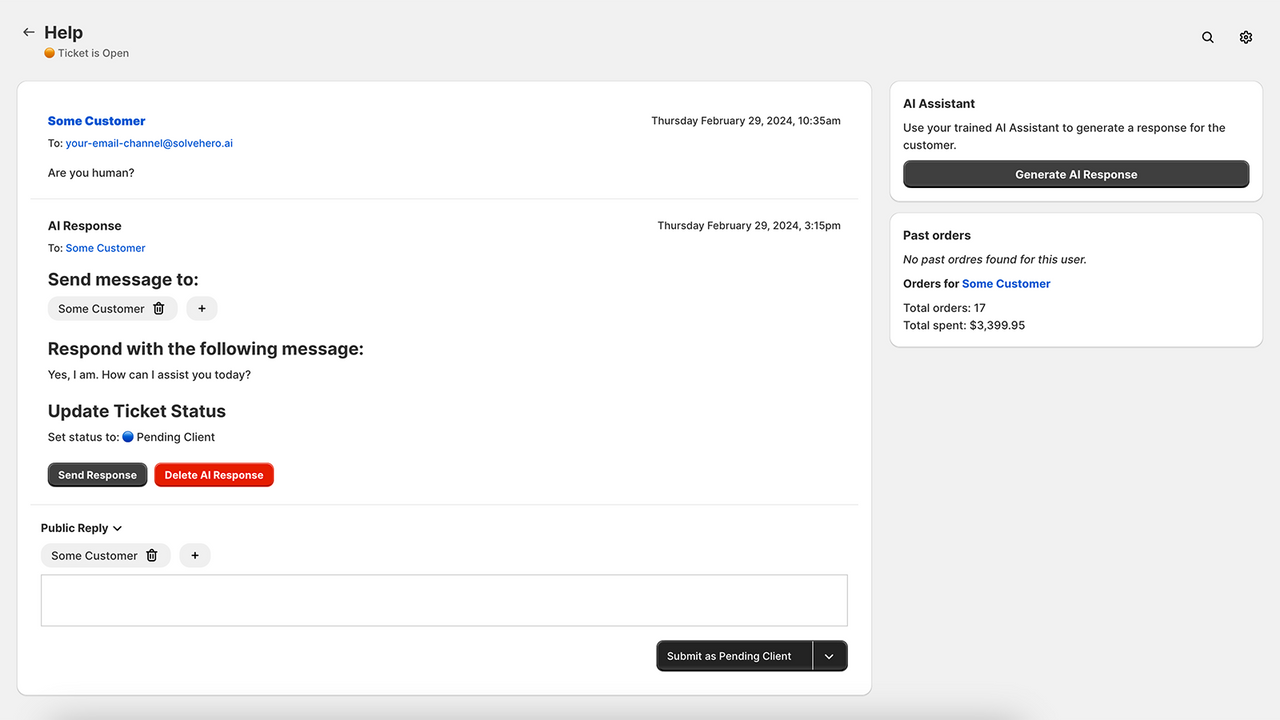
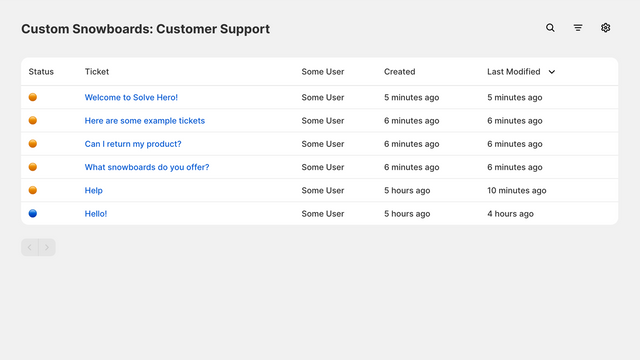
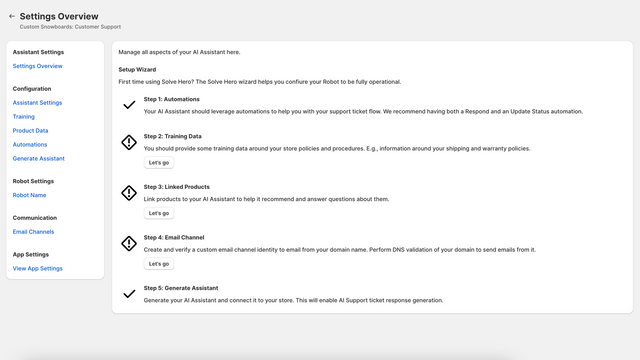
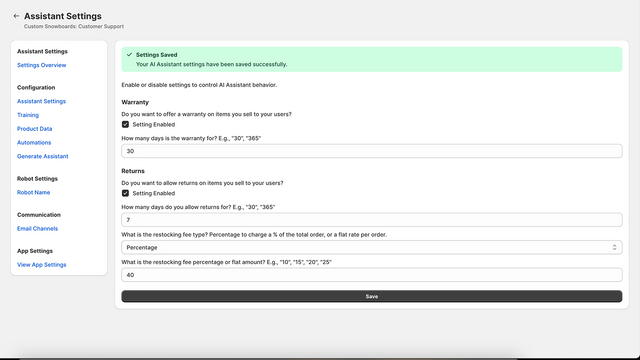
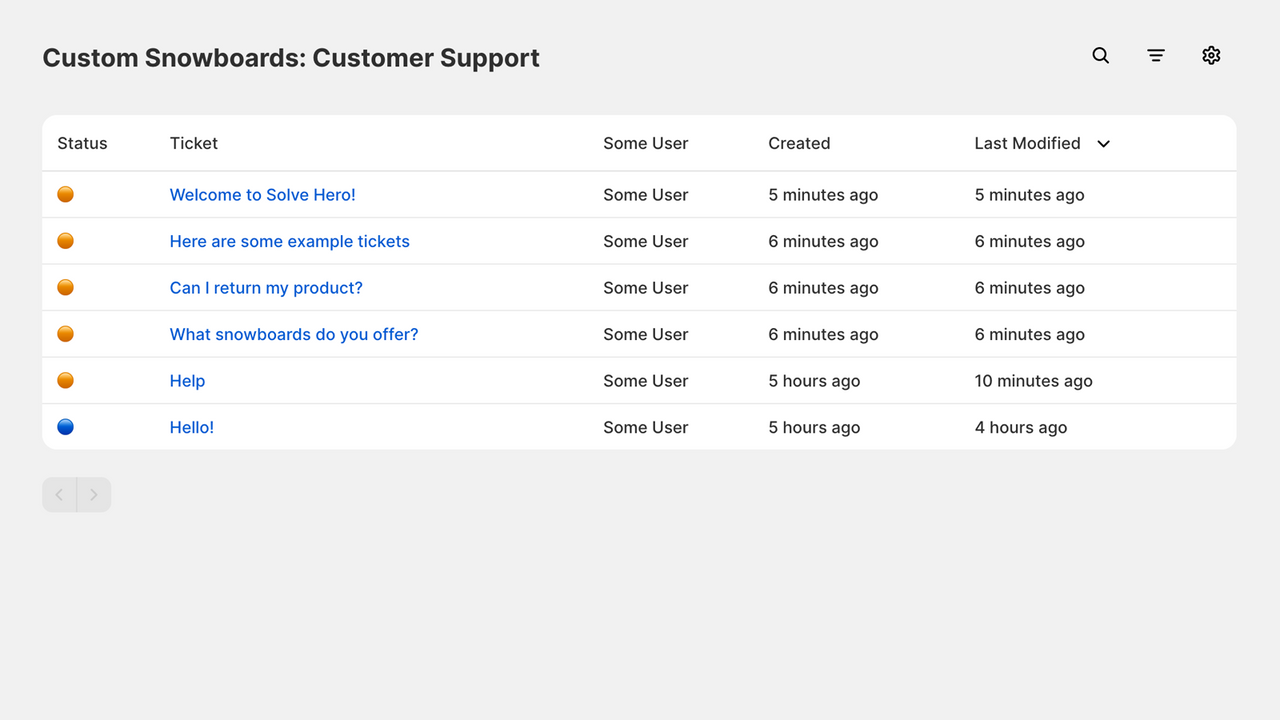
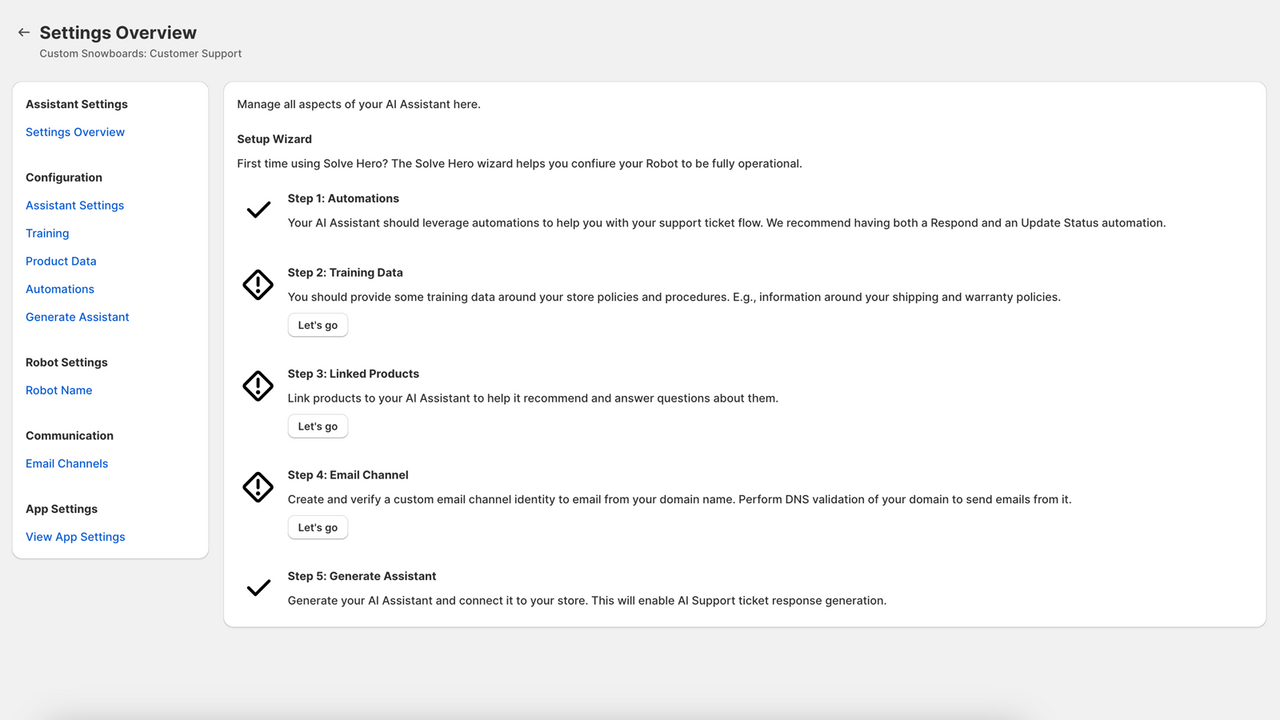
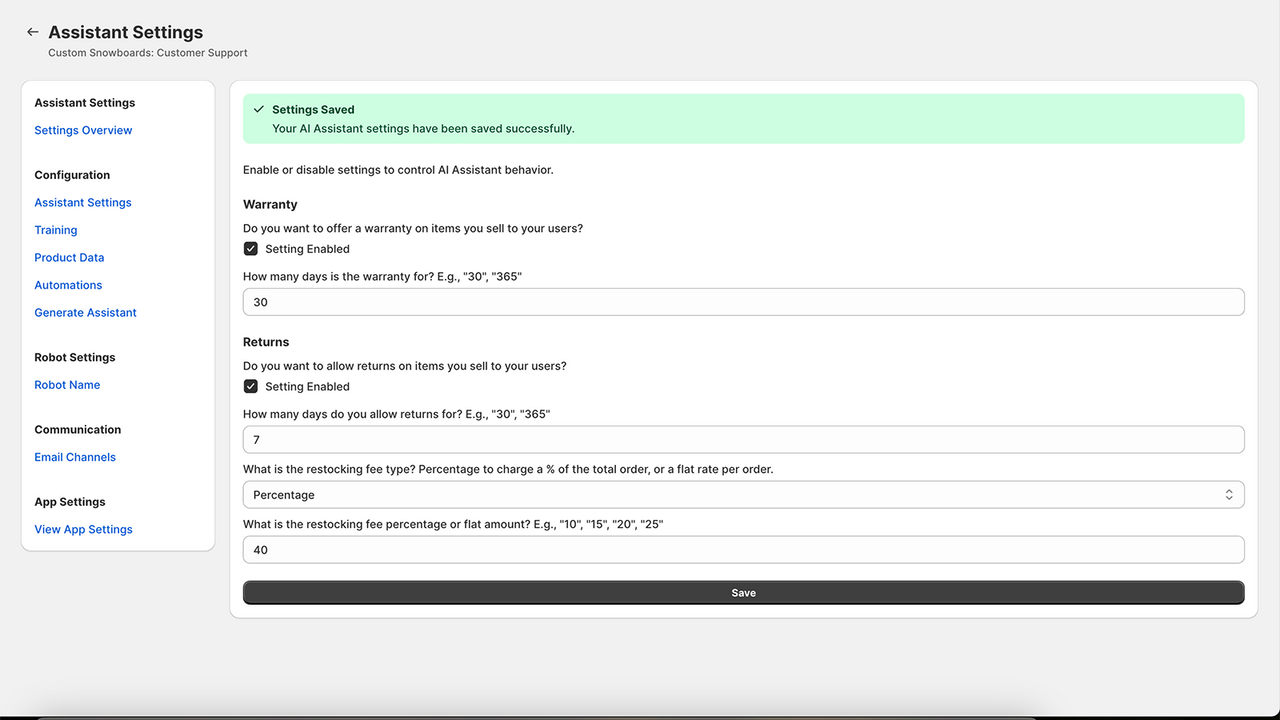
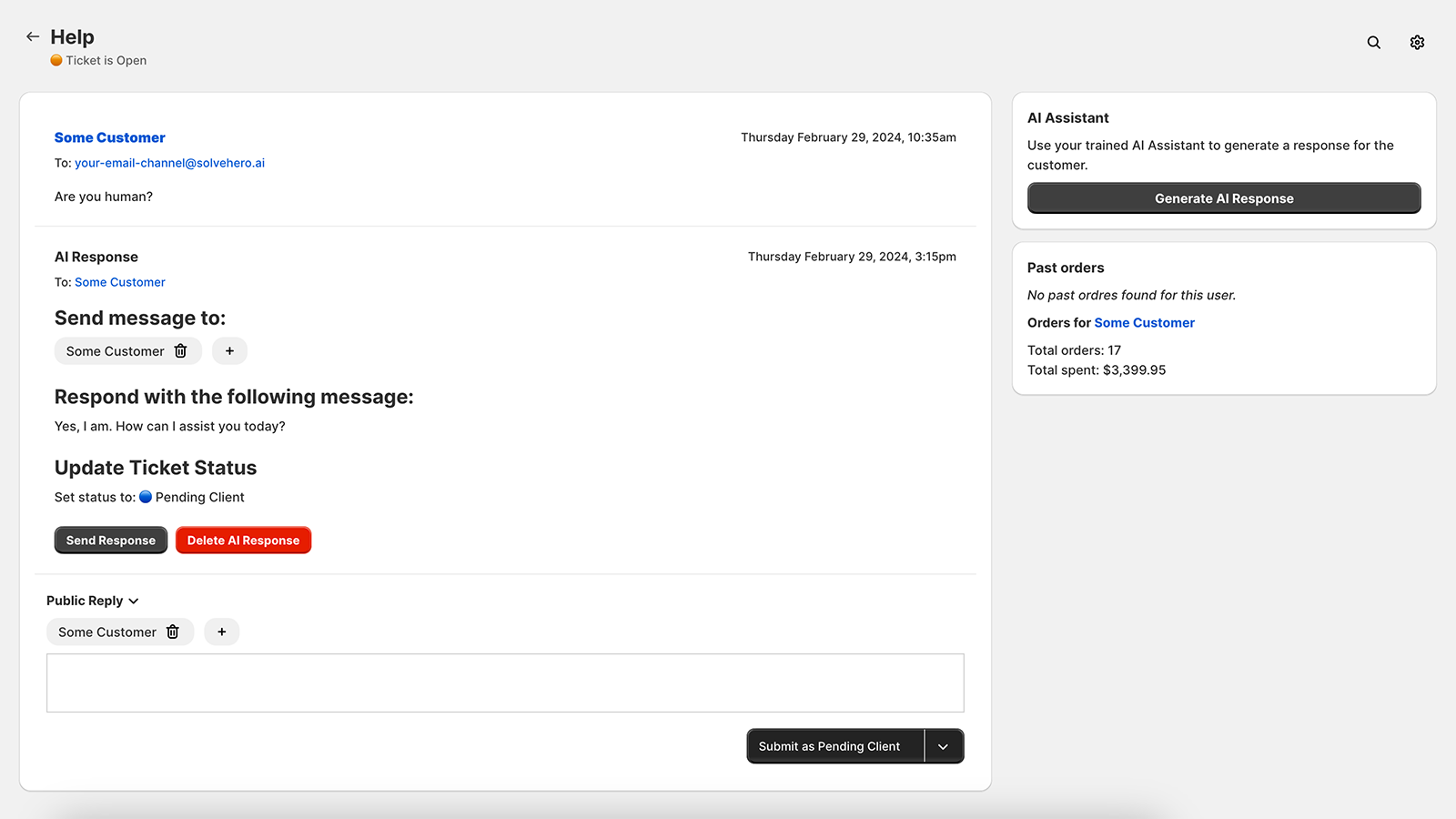
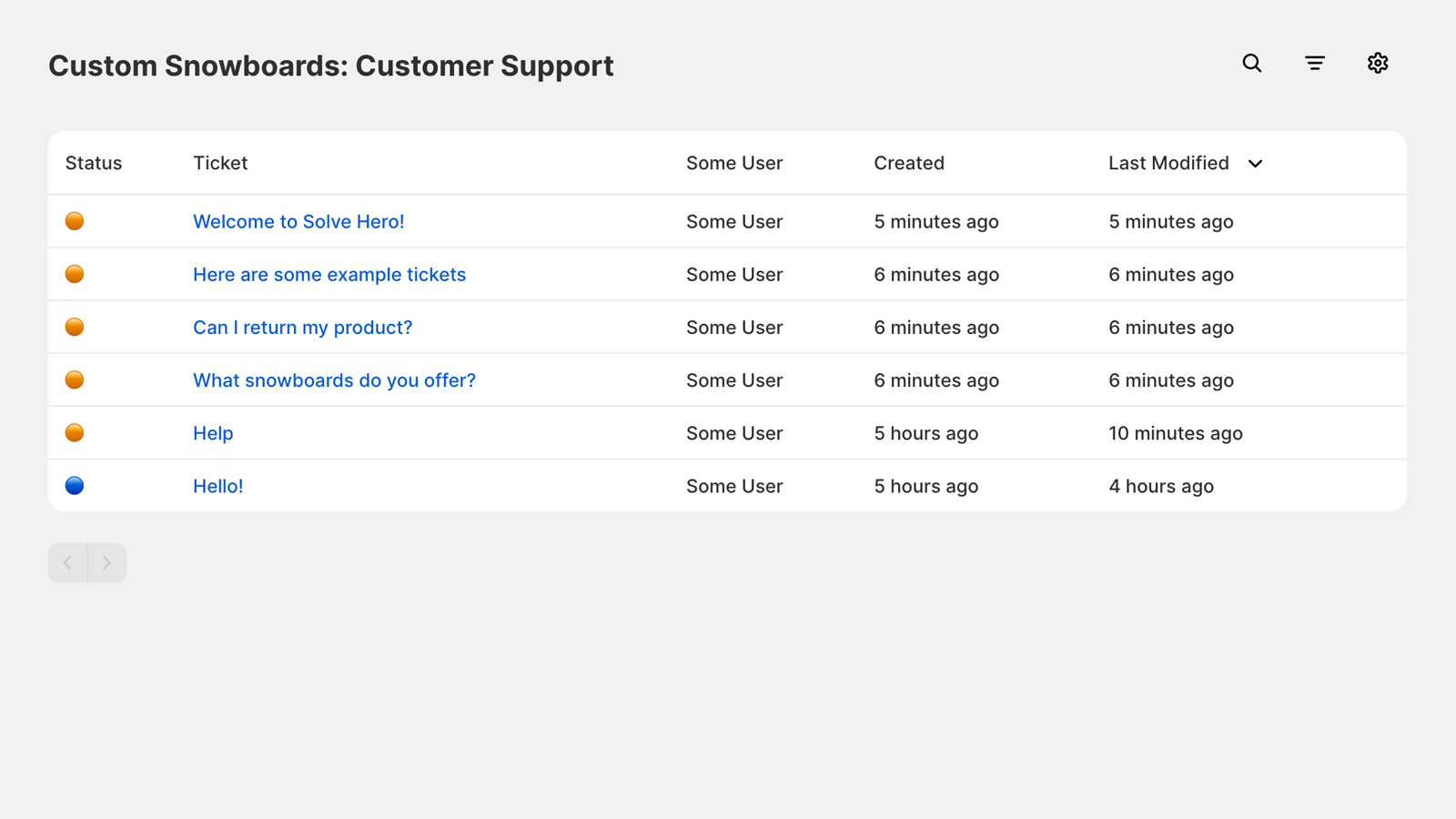
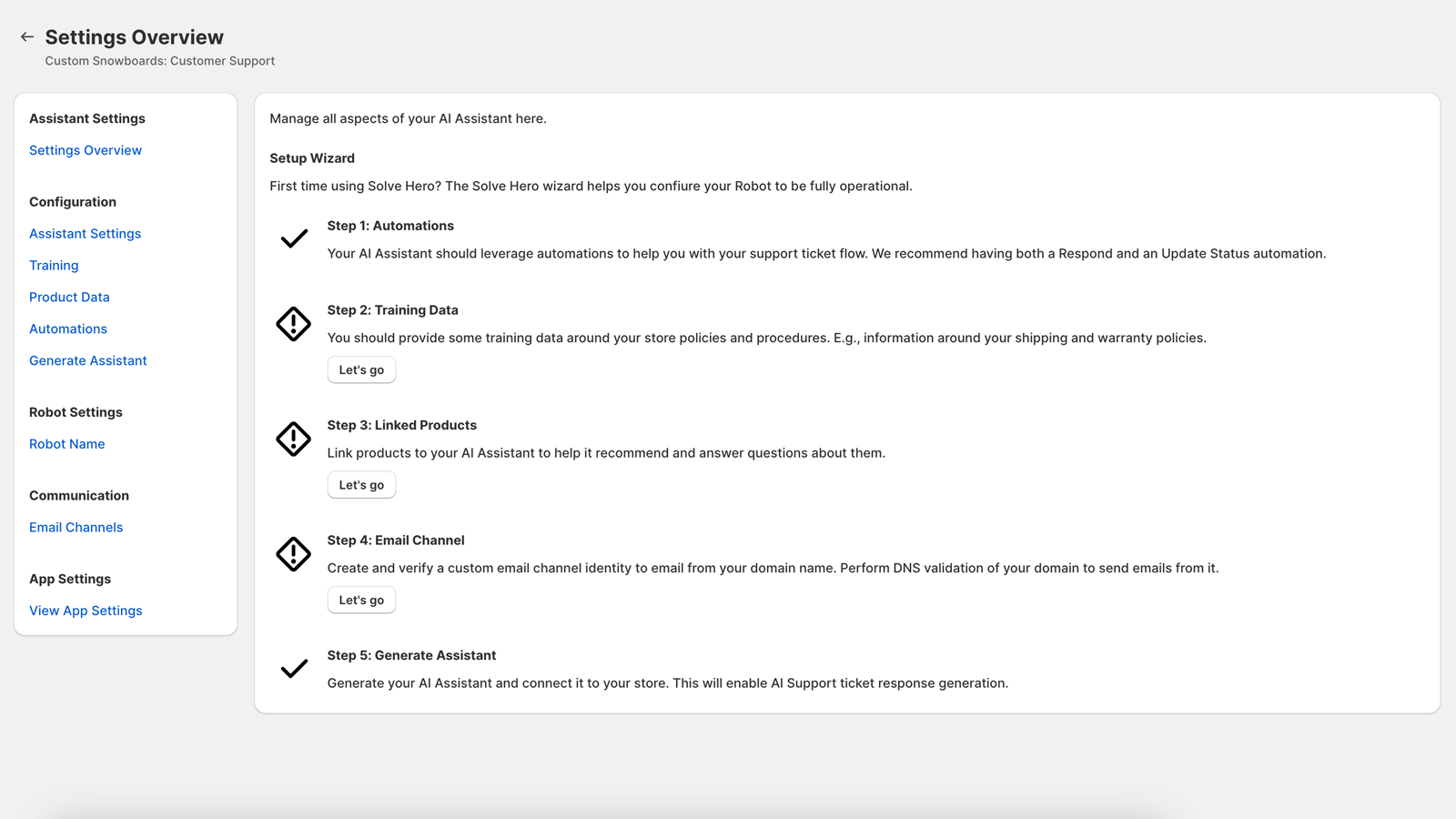
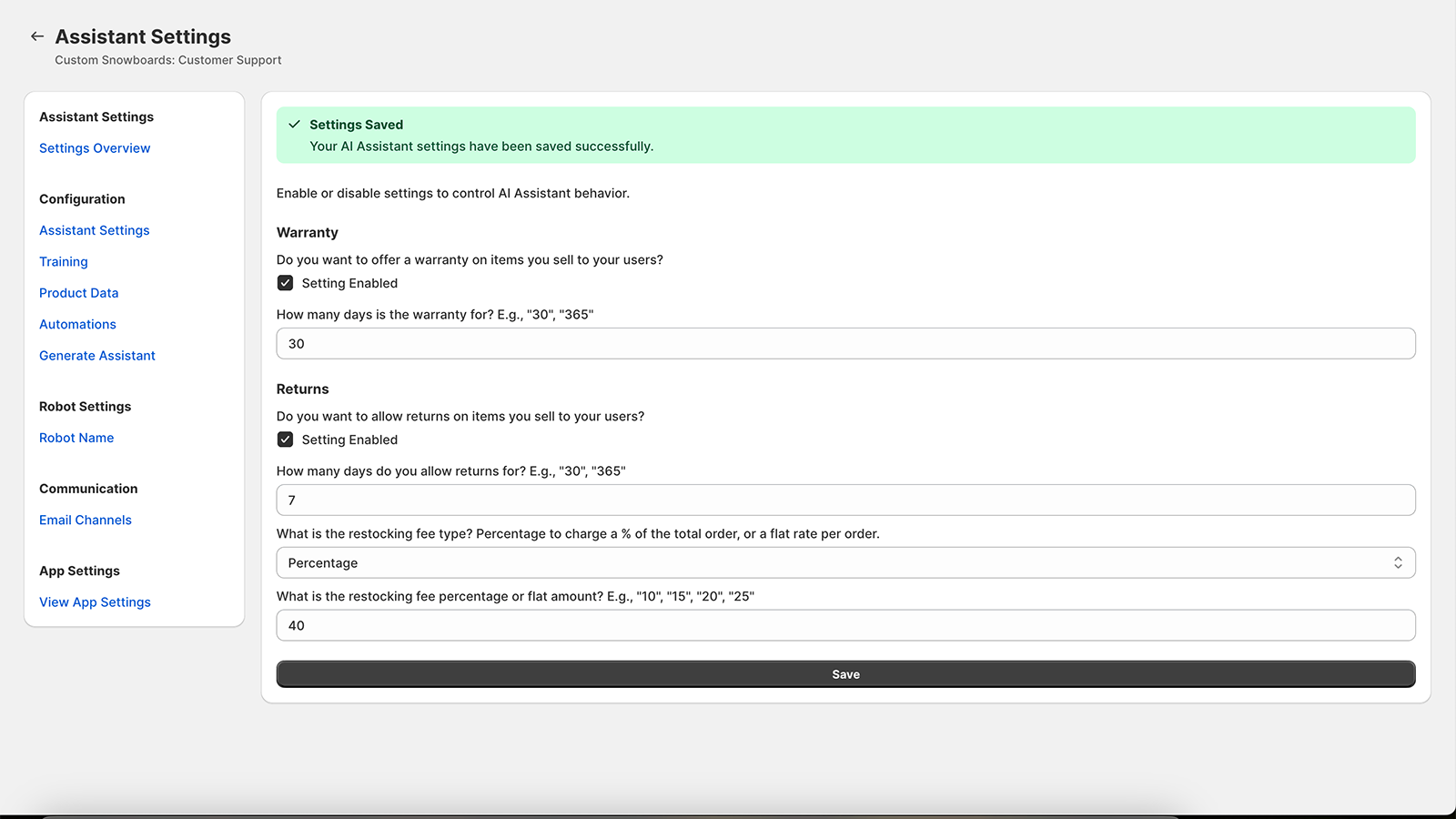
Empower your team with SolveBot, which uses AI to quickly resolve customer support tickets. SolveBot is a comprehensive customer support app embedded in your Shopify admin dashboard. When customers send questions and support requests to your email address, these messages are routed to SolveBot. Ticket responses are generated via our AI backend and then sent to your customers via email. You can manage your AI training manual by adding store policies and product details to it—your AI assistant will leverage this information to provide accurate responses.
Core Functionality
- Customer support ticket management with email-based response sending and receiving
- Manage your AI assistant and create support documentation using Shopify products
- Use artificial intelligence to respond to tickets quickly
Merchant-Friendly
- E-commerce Independent Station Merchants
- DTC Brand Merchants
- Small & Medium E-commerce Sellers
- Cross-border E-commerce Merchants
Basic Information
- Developer:ToolsForShops
- Address:2256 Palou Ave, San Francisco, CA, 94124, US
- Price: Free / Free plan
- Rating:0 / 5
- Comment Count:0 comment
- Release Date:2024-3-13
- Supported languages:English
- Compatible products:Shopify
Application Screenshot
Price Plan
Essentials
- Access SolveBot.
- Manage user tickets via email channel.
- AI training and message generation.
User Location & Comments
User Location
Comments
Shopify API Used
- POST /admin/api/support_tickets/{ticket_id}/emails.json
- GET /admin/api/support_tickets/{ticket_id}/emails.json
- PUT /admin/api/support_tickets/{ticket_id}/emails/{email_id}.json
Permission:write_support_tickets,read_support_tickets,manage_email
- POST /admin/api/ai_assistants.json
- PUT /admin/api/ai_assistants/{assistant_id}.json
- GET /admin/api/ai_assistants.json
Permission:write_ai_assistants,read_ai_assistants,manage_products
- POST /admin/api/support_tickets/{ticket_id}/ai_responses.json
- GET /admin/api/support_tickets/{ticket_id}/ai_responses.json
- PUT /admin/api/support_tickets/{ticket_id}/ai_responses/{response_id}.json
Permission:write_support_tickets,read_support_tickets,use_ai