
App Introduction
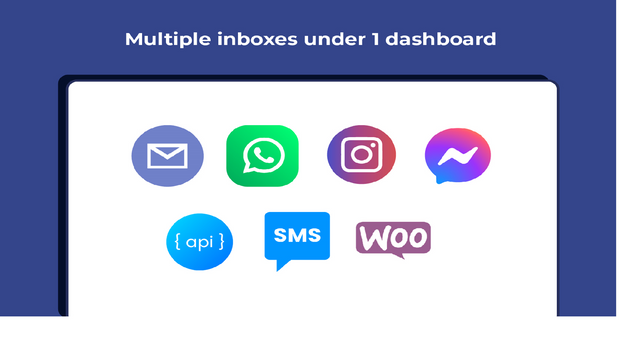
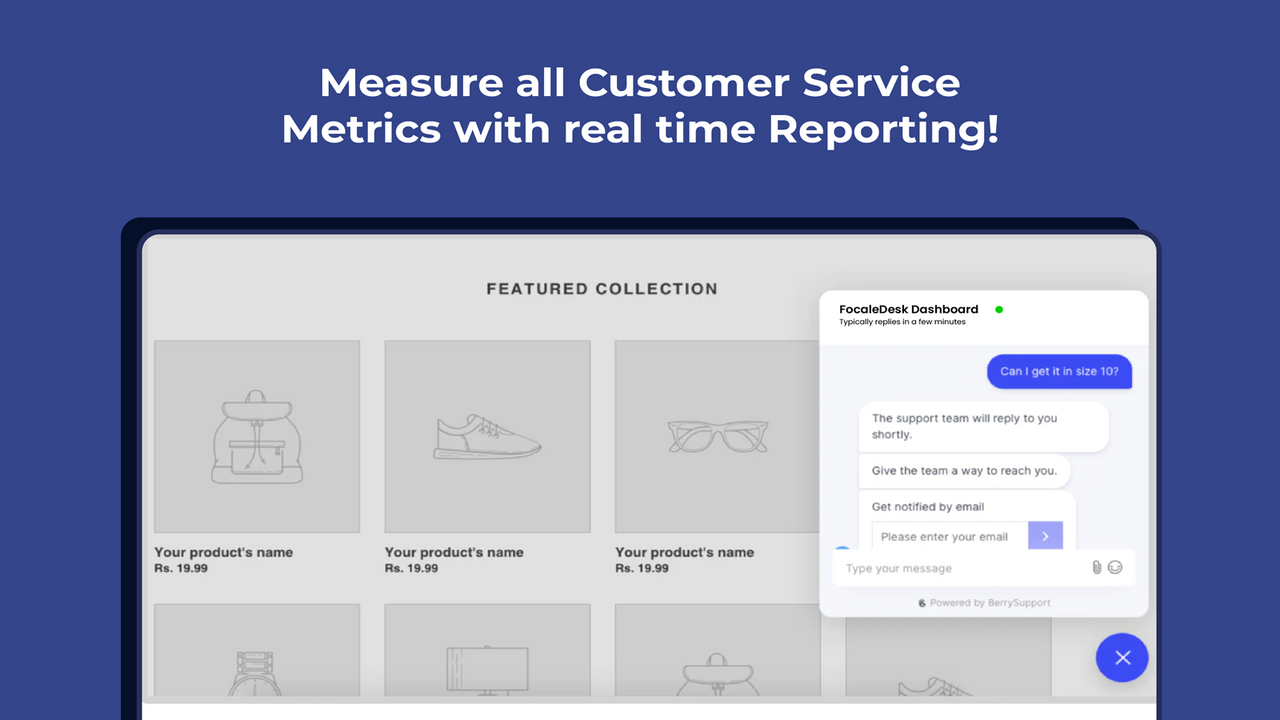
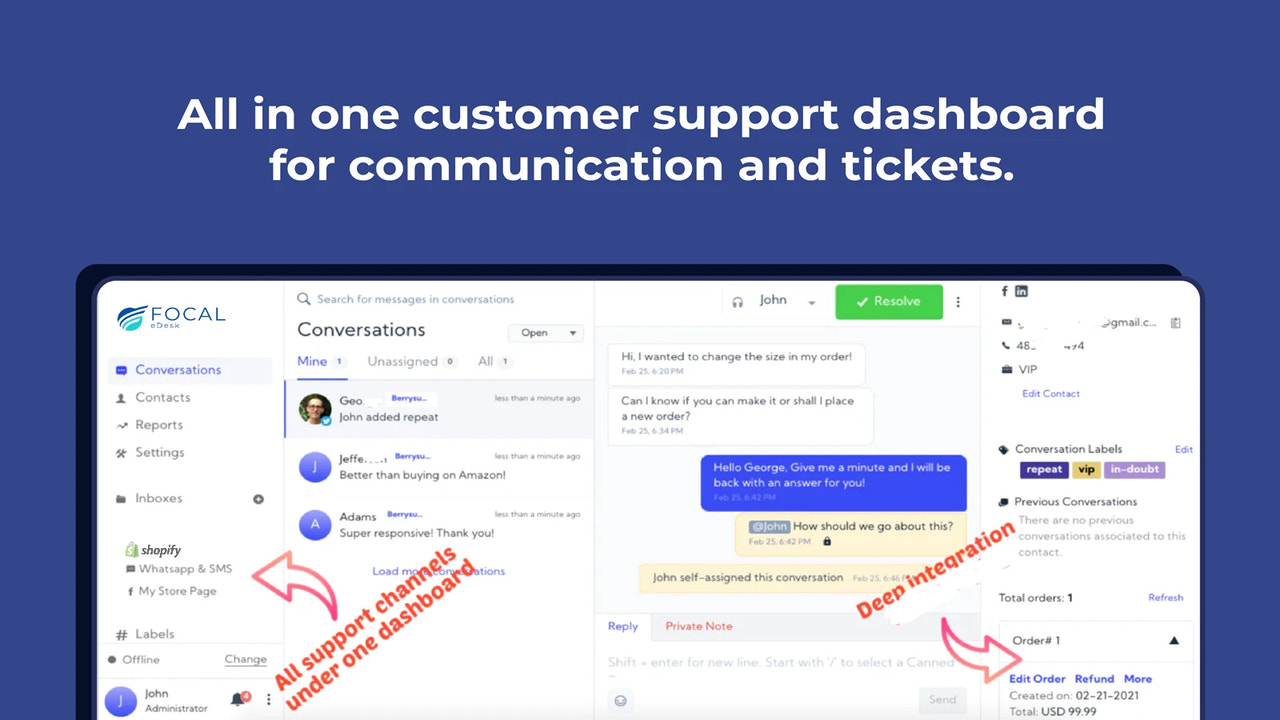
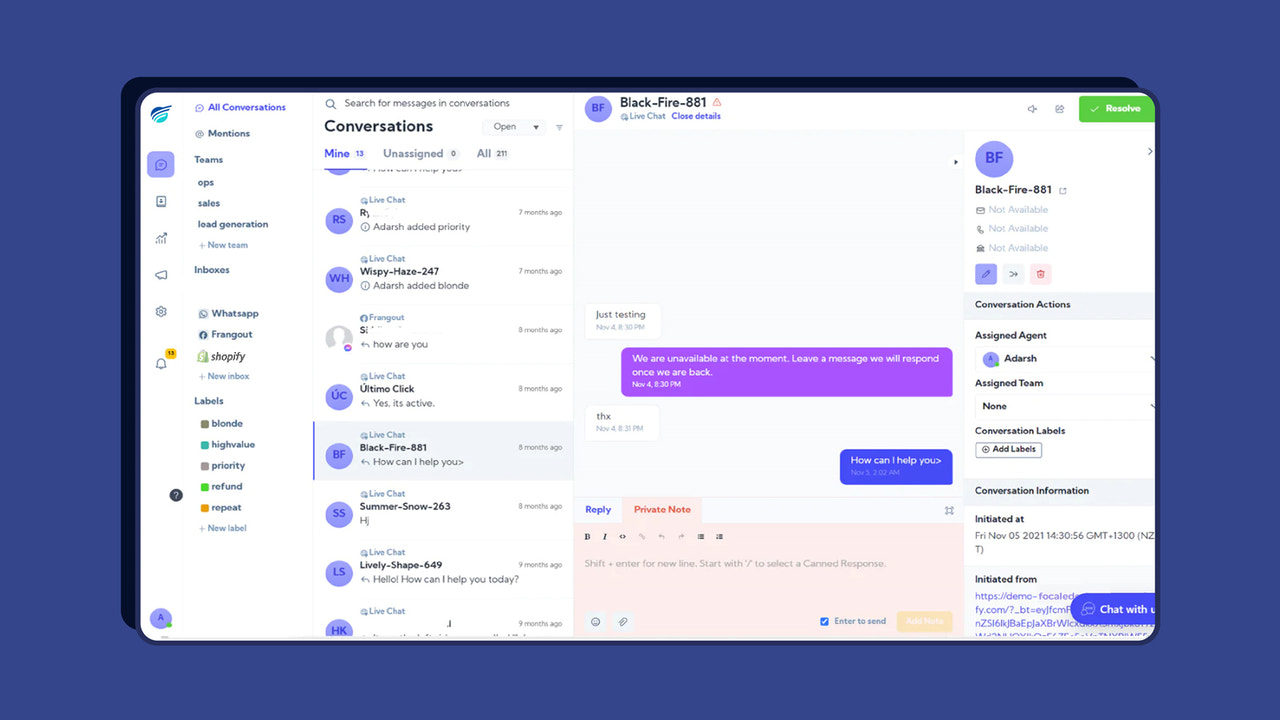
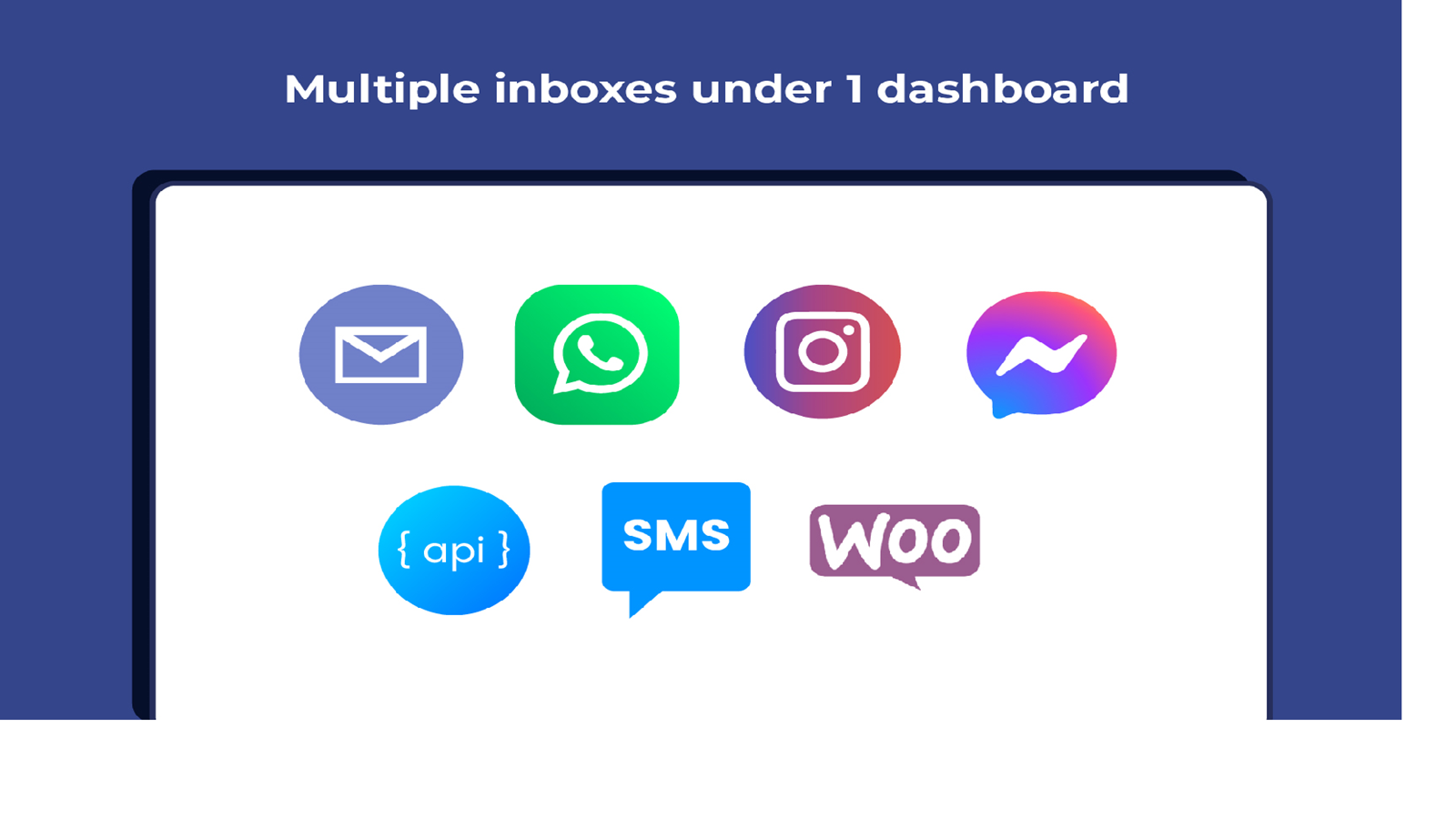
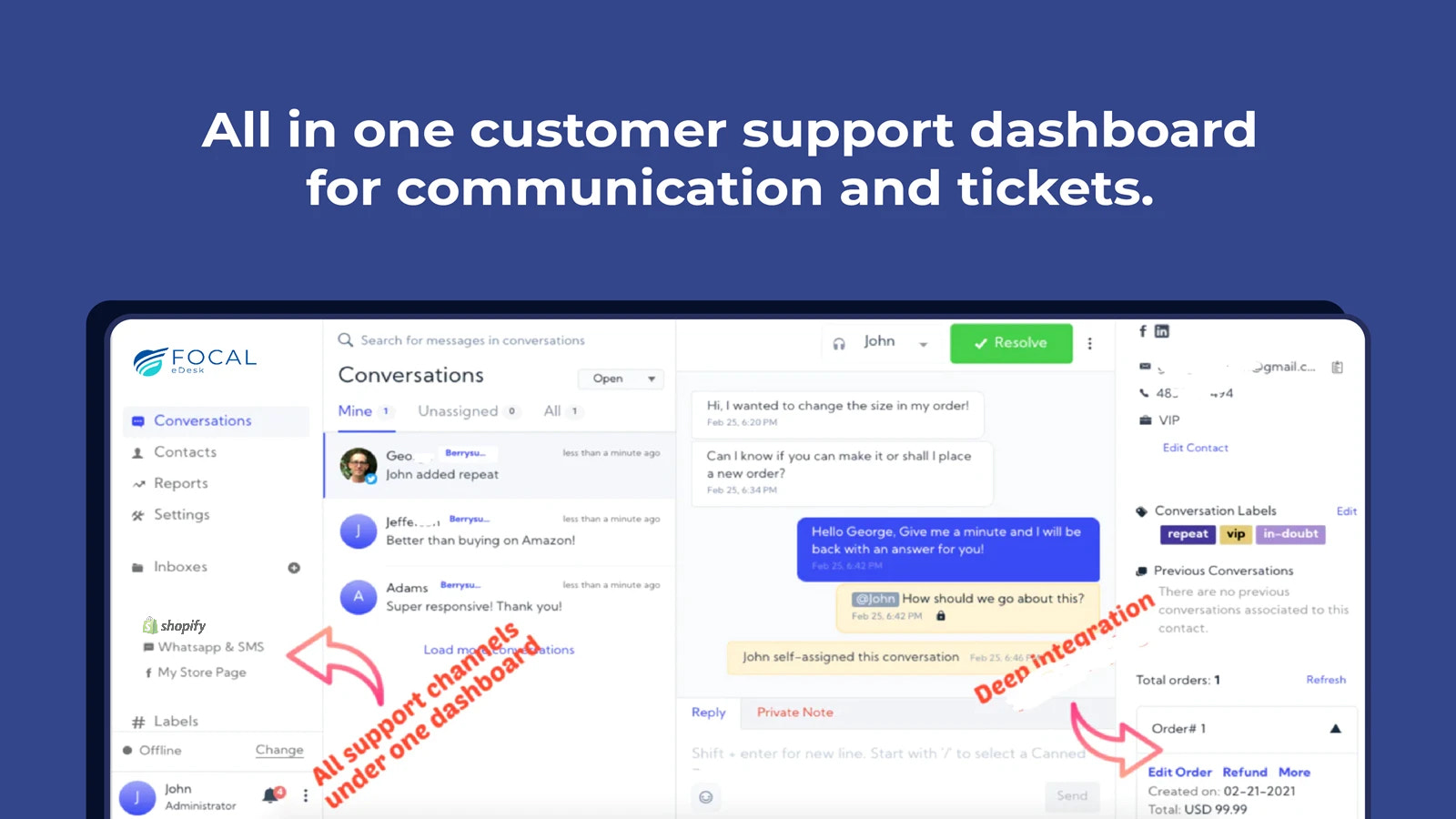
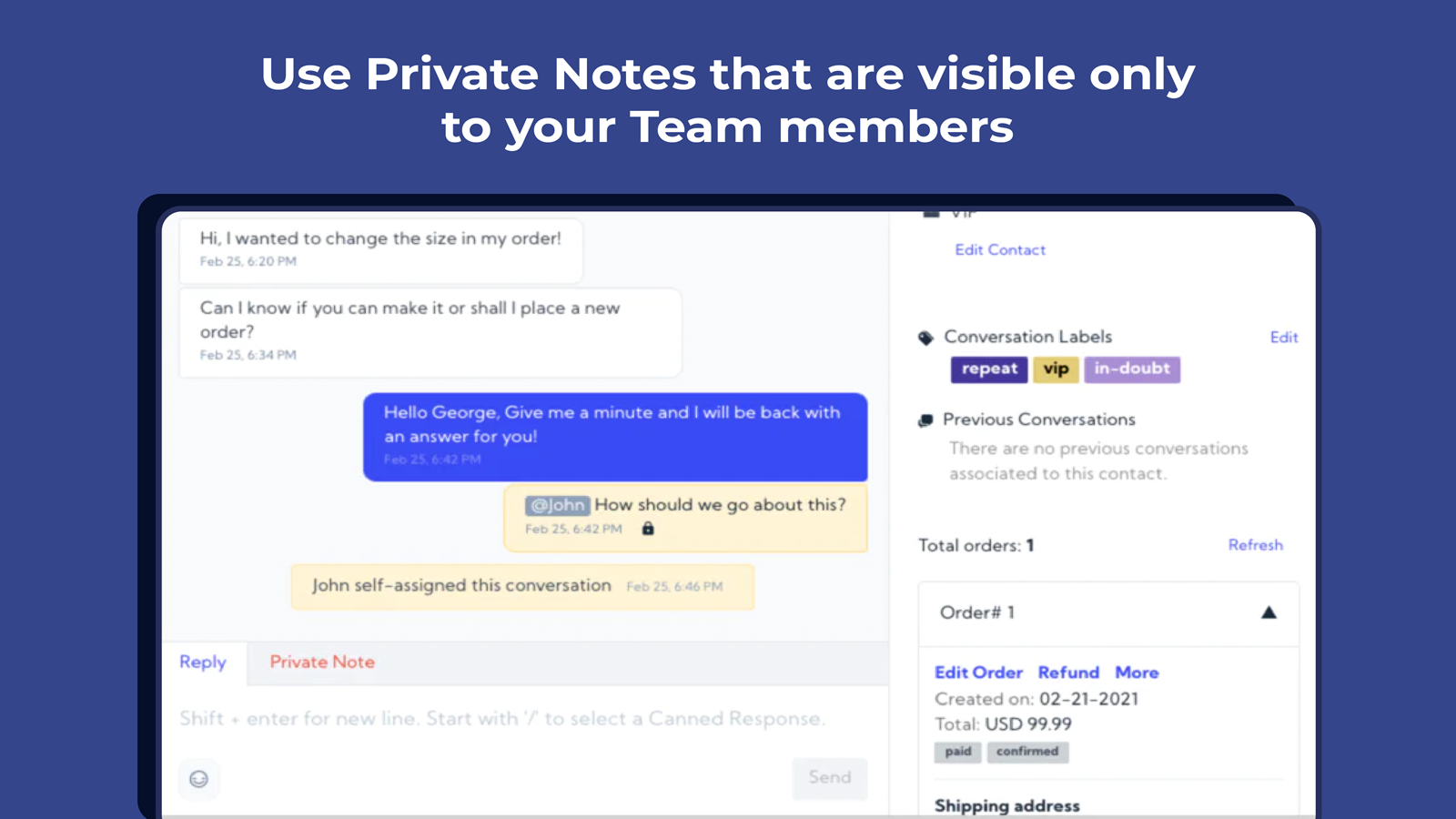
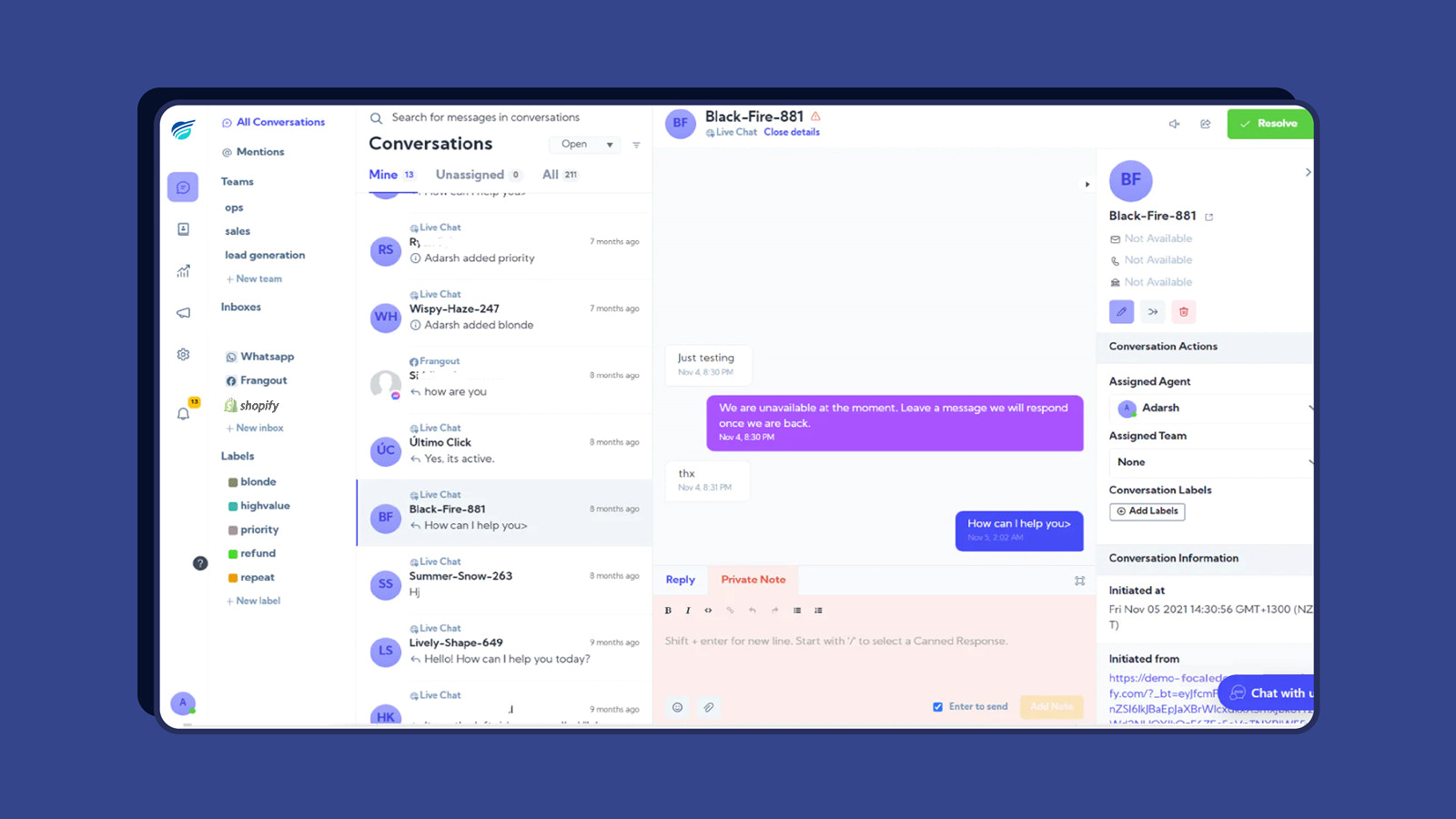
Automate real-time chat customer support in one place with Focal Helpdesk and Chat Widget Provide a live chat support dashboard for all your stores and social media channels (e.g., WhatsApp, Facebook, Line, SMS, Telegram, email, etc.). Streamline communication and resolve customer inquiries in real time within one Shopify store helpdesk and live chat widget app. Automate repetitive tasks and save time with real-time reporting and conversation status updates. Manage all interactions from a single dashboard. Empower your team, engage customers, and enhance the shopping experience.
Core Functionality
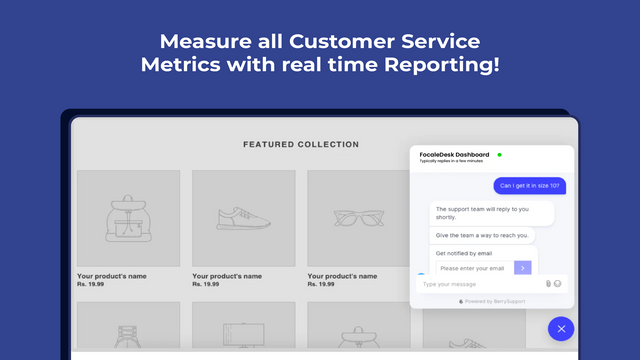
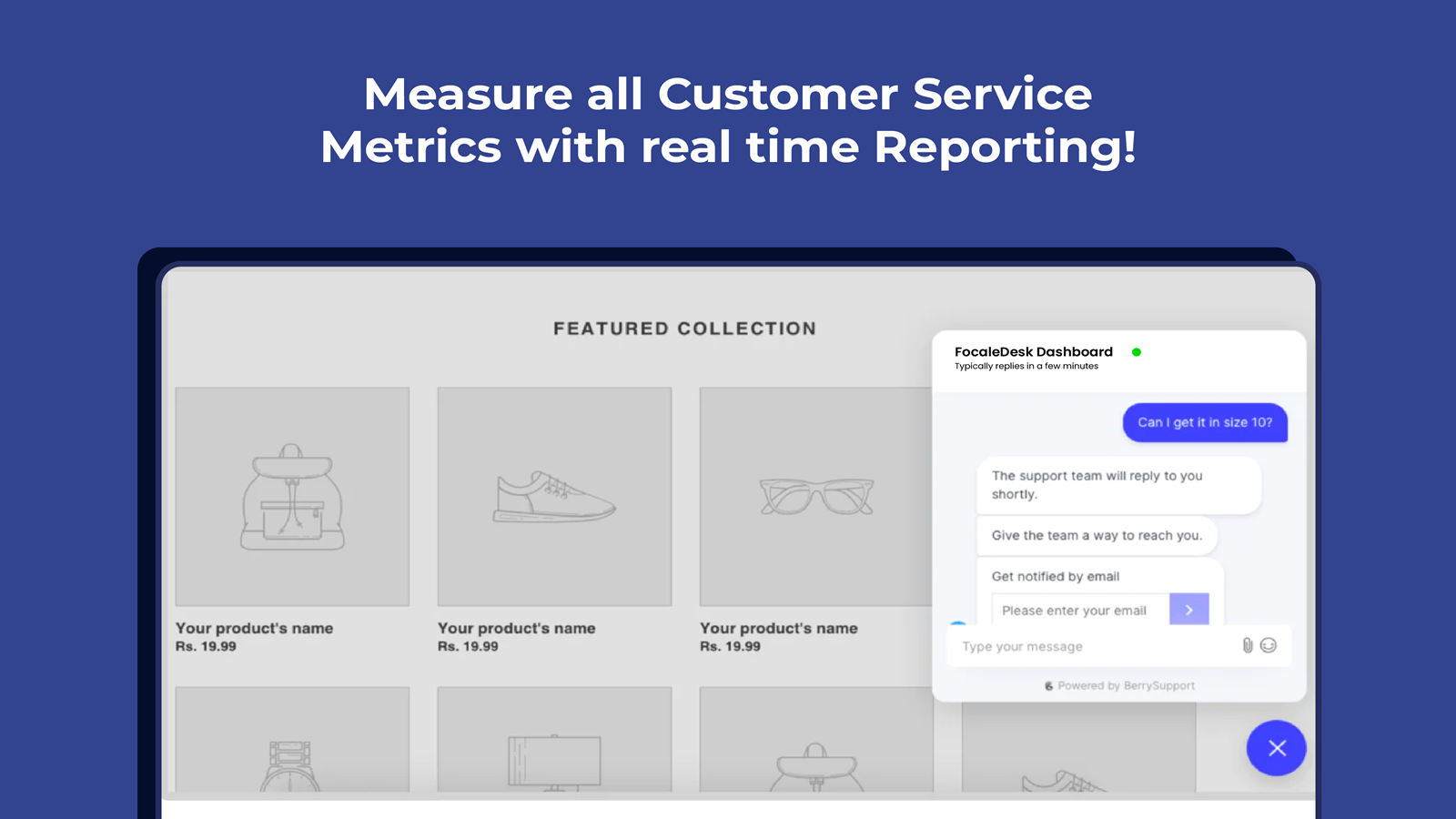
- Enable omnichannel widgets for live chat and social apps
- Engage customers instantly with live chat support
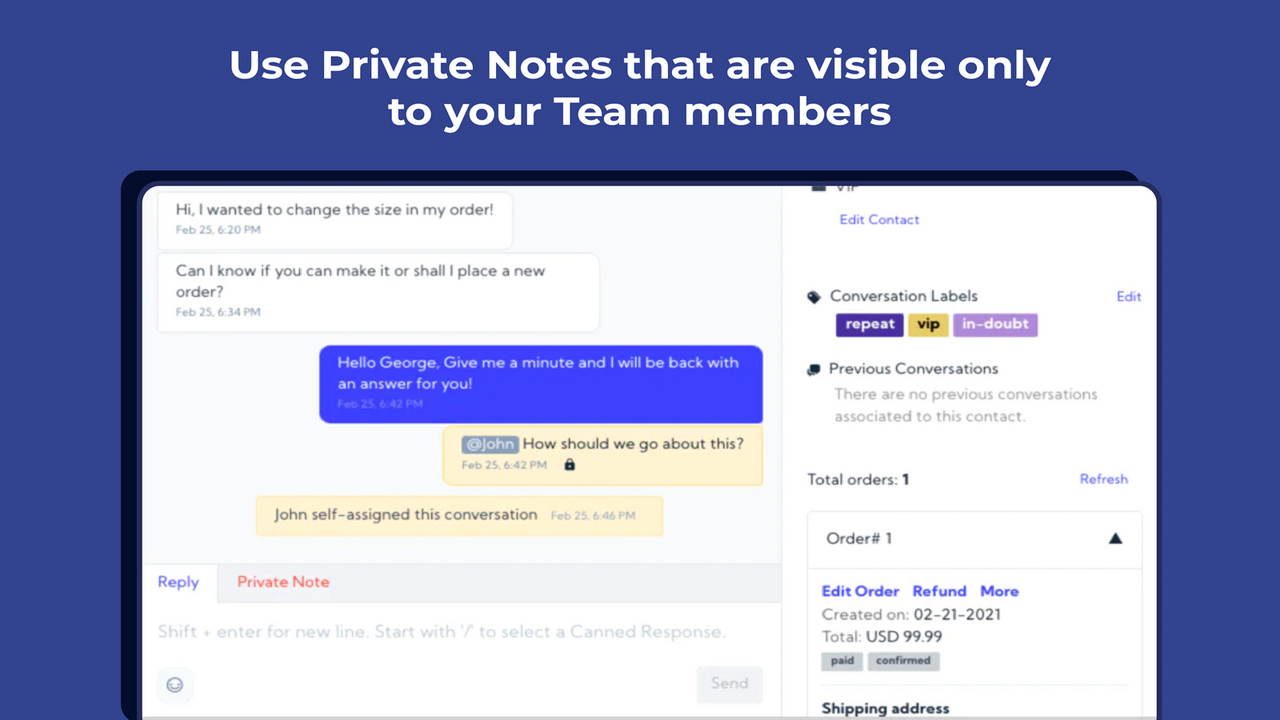
- Unified customer support dashboard. Manage all inquiries from one platform
- Automate repetitive tasks to deliver fast, seamless experiences for customers
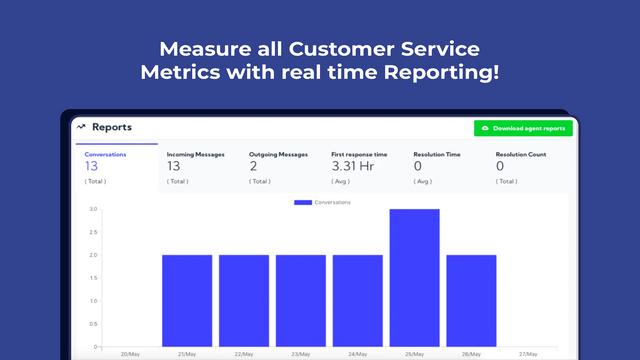
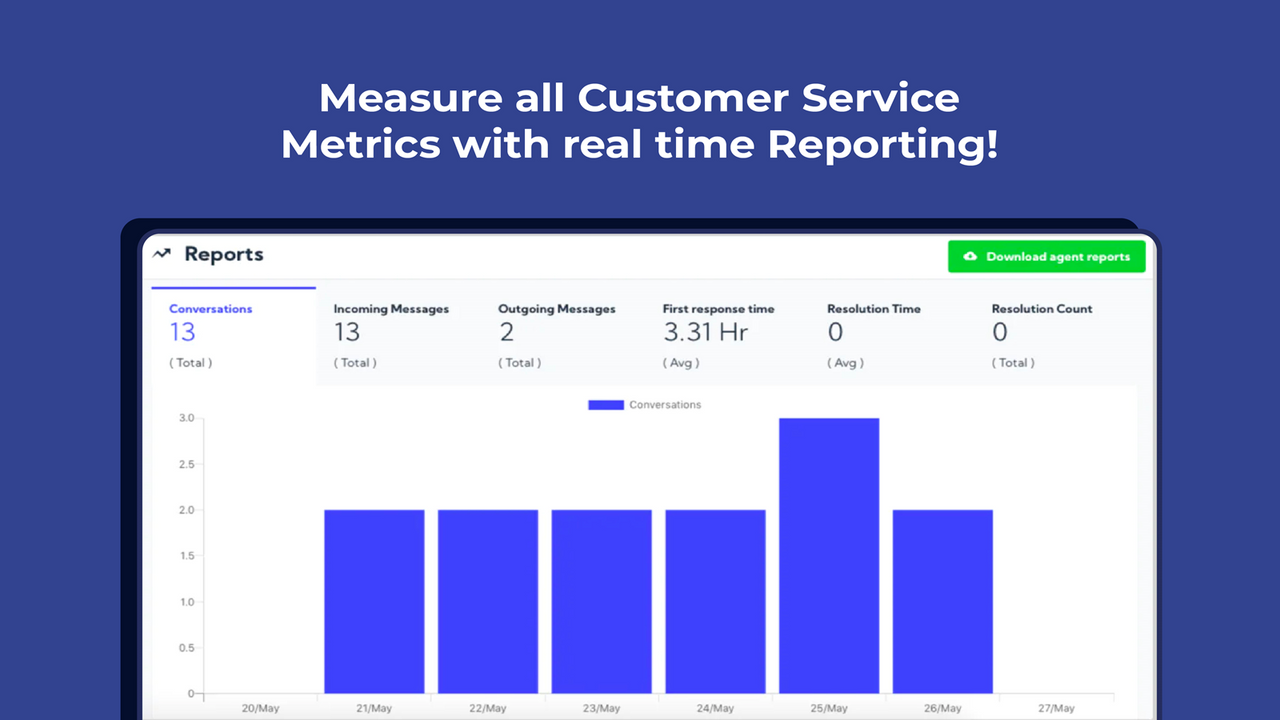
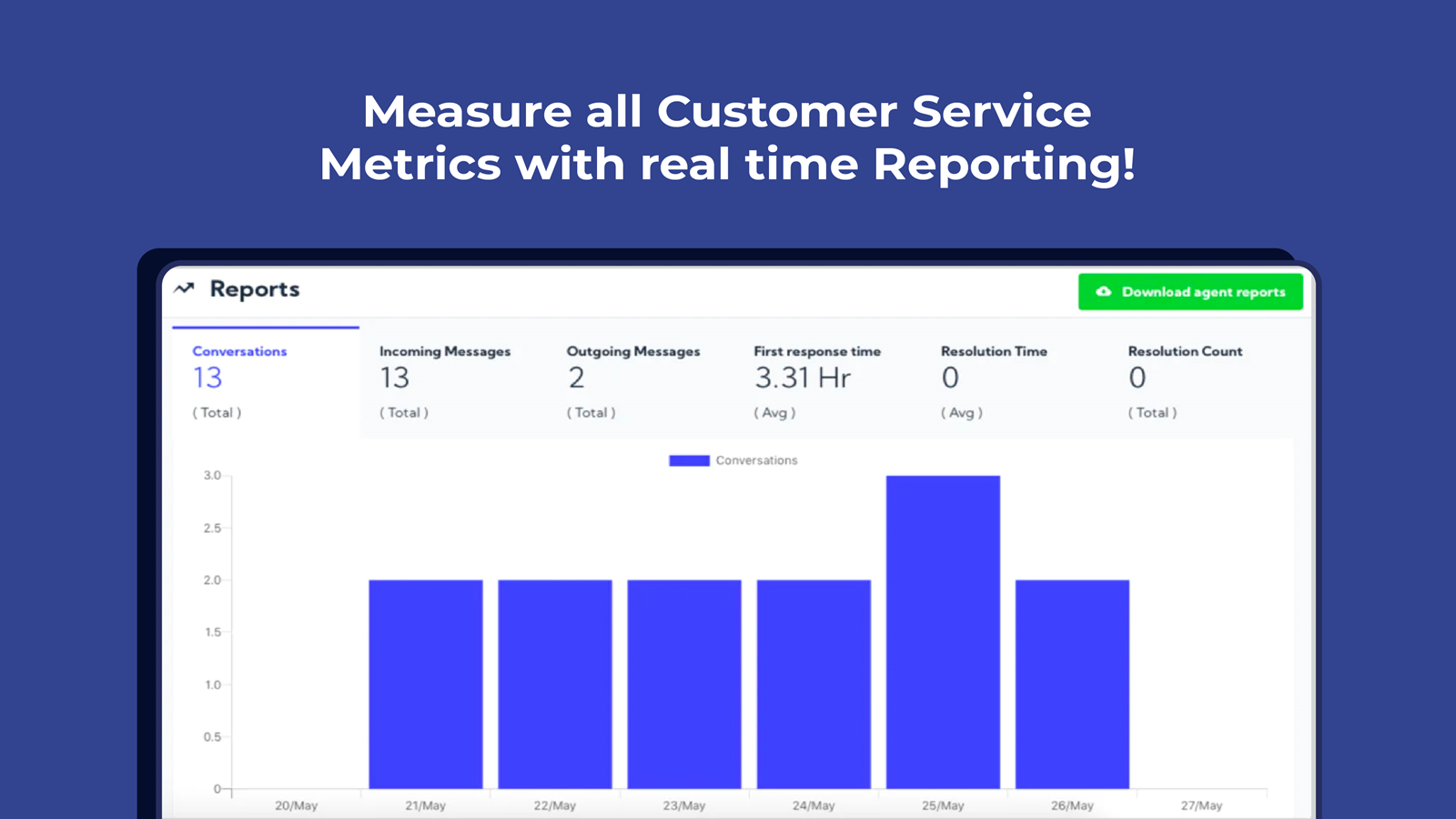
- Reports and analytics on the status of each conversation
Merchant-Friendly
- Online Retail Merchants
- Cross-border E-commerce Sellers
- Independent Store Operators
- Social E-commerce Merchants
Basic Information
- Developer:Focal Software, Inc
- Address:812 NW 43rd St, Oklahoma City, OK, 73118, US
- Price: Free / Free plan
- Rating:5 / 5
- Comment Count:2 comment
- Release Date:2021-3-11
- Supported languages:English
- Compatible products:Shopify
Application Screenshot
Price Plan
Free
User Location & Comments
User Location
Comments
Shopify API Used
- POST /admin/api/chat_widgets.json
- PUT /admin/api/chat_widgets/{id}/settings.json
- GET /admin/api/chat_widgets.json
Permission:write_chat_widgets,read_chat_widgets,manage_online_store
- POST /admin/api/chat_sessions.json
- PUT /admin/api/chat_sessions/{id}/status.json
- GET /admin/api/chat_sessions/active.json
Permission:write_chat_sessions,read_chat_sessions,manage_customers
- GET /admin/api/support_queries.json
- PUT /admin/api/support_queries/{id}/assign.json
- POST /admin/api/support_queries/bulk_update.json
Permission:read_support_queries,write_support_queries,manage_orders
- POST /admin/api/chat_automations.json
- PUT /admin/api/chat_automations/{id}/rules.json
- GET /admin/api/chat_automations/active.json
Permission:write_chat_automations,read_chat_automations,manage_shop
- GET /admin/api/chat_reports.json
- GET /admin/api/chat_reports/{id}/metrics.json
- POST /admin/api/chat_reports/export.json
Permission:read_chat_reports,read_analytics,manage_shop



