
应用简介
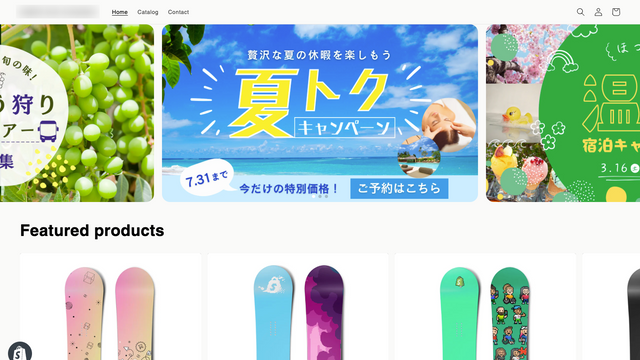
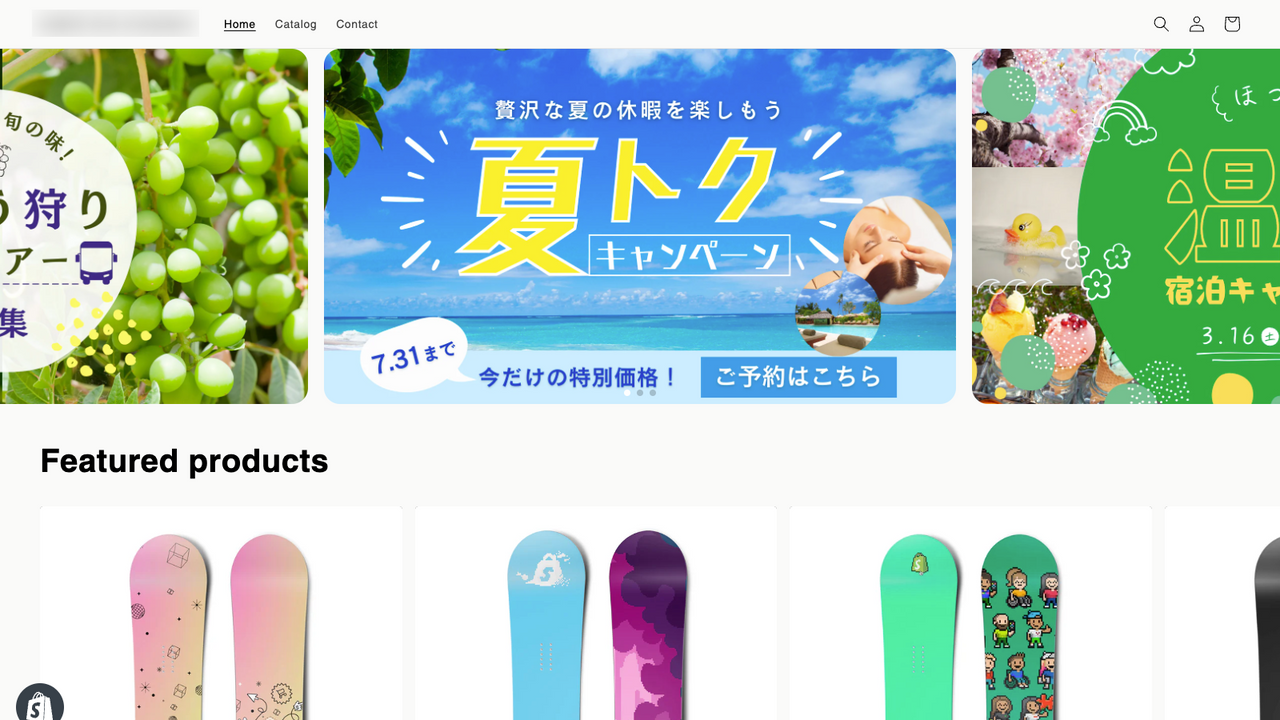
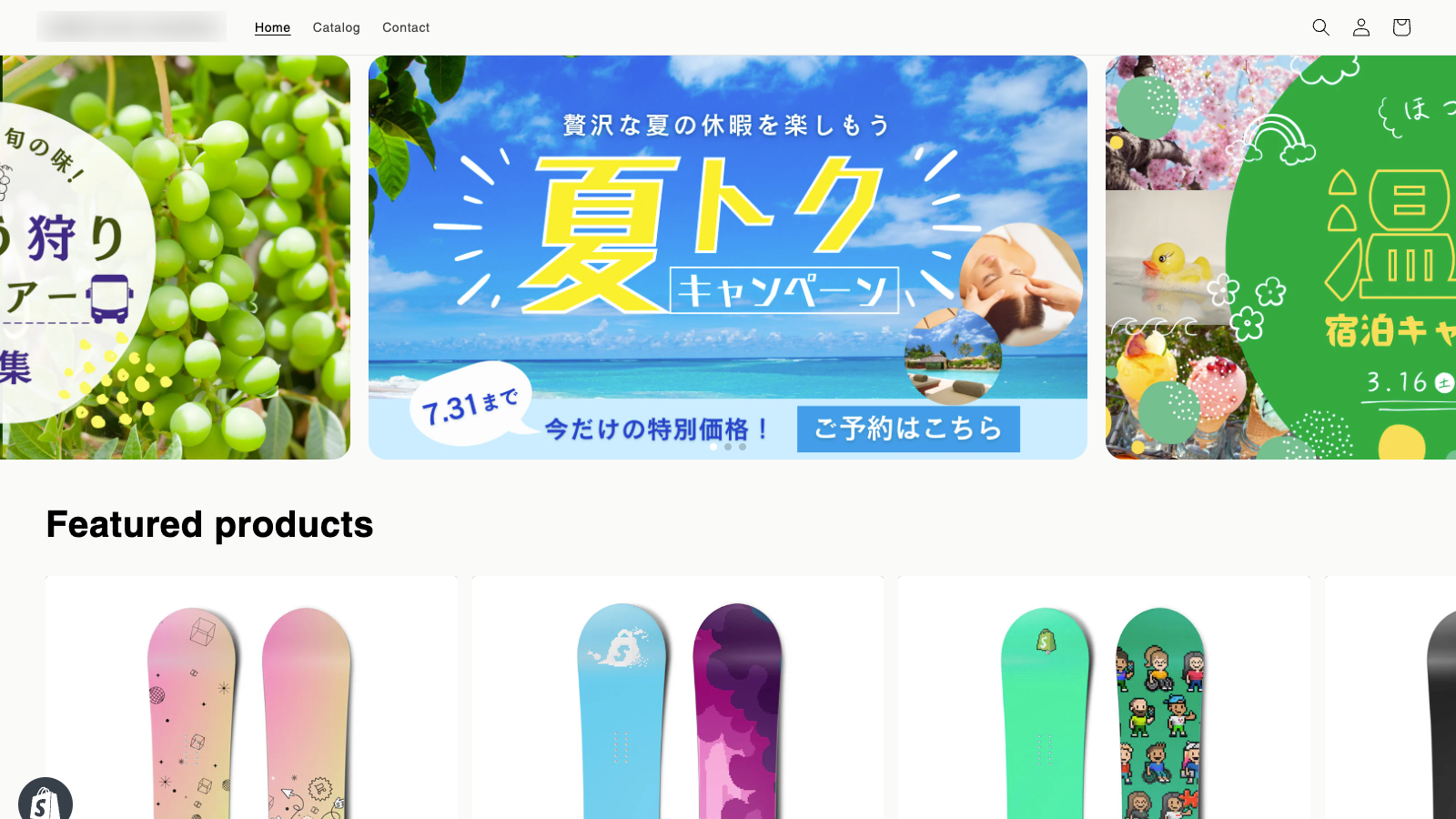
With 3-image display, you can display the left and right images. I have a banner that I want to appeal to, but I want to think of a better way to display it. Do you have any troubles such as wanting someone to notice and take a look at the next banner? With the simple slider, by changing the settings, you can easily change the settings such as displaying 3 images so that you can see the next image completely.
核心功能
- You can display 3 images so that you can see the next image completely!
- Even first-time users can easily change the settings!
- You can also customize the shape and color of the arrow!
适合商家
- 服装电商商家
- 家居用品商家
- 数码产品商家
基本信息
- 开发者:Playbit Inc.(プレイビット)
- 地址:下谷1丁目11番15号, ソレイユ入谷4F B5, 台東区, JP-13, 110-0004, JP
- 价格: 免费 / 付费计划
- 评分:5 / 5
- 评论数:1
- 上架日期:2023年12月5日
- 支持语言:日语
- 适配产品:Shopify
应用截图






价格计划
LIGHT PLAN
$3.55
- ・Display of 3 slides
- ・Navigation settings
- ・Pager settings
- ・Layout settings
PROFESSIONAL PLAN
$9.99
- ・All Light Plan features
- ・Add up to 10 images
- ・Drag & drop to change order
- ・Real-time preview
- ・Settings for smartphone-only images
- ・ Campaign settings
用户地域与评论趋势分析
客户地域分布
评论时间分布
Shopify 接口映射
- POST /admin/api/products/{product_id}/images.json
- GET /admin/api/products/{product_id}/images.json
- PUT /admin/api/products/{product_id}/images/{image_id}.json
权限:write_products,read_products,manage_products
- GET /admin/api/settings.json
- PUT /admin/api/settings.json
- GET /admin/api/shop.json
权限:read_shop,write_shop,manage_settings
- POST /admin/api/themes/{theme_id}/assets.json
- PUT /admin/api/themes/{theme_id}/assets.json
- GET /admin/api/themes/{theme_id}/assets.json
权限:write_themes,read_themes,manage_themes



