
App Introduction
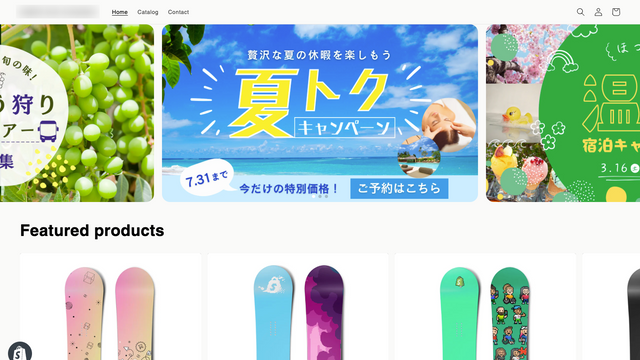
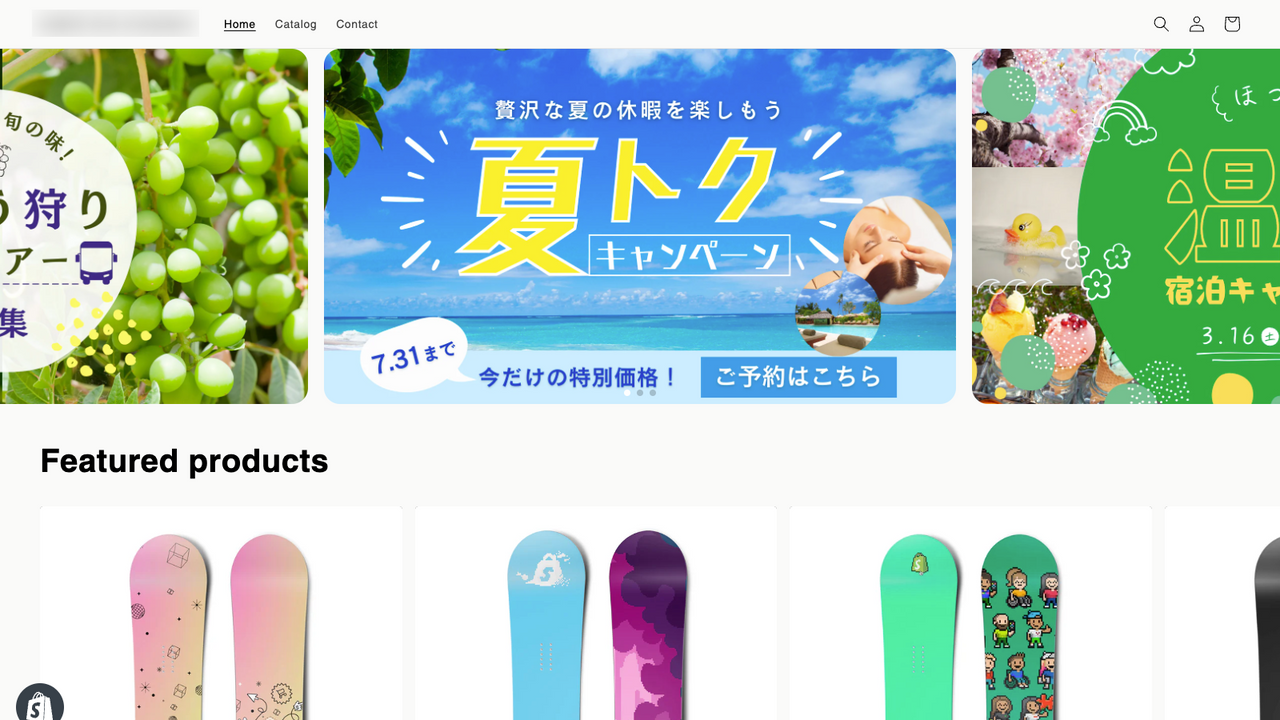
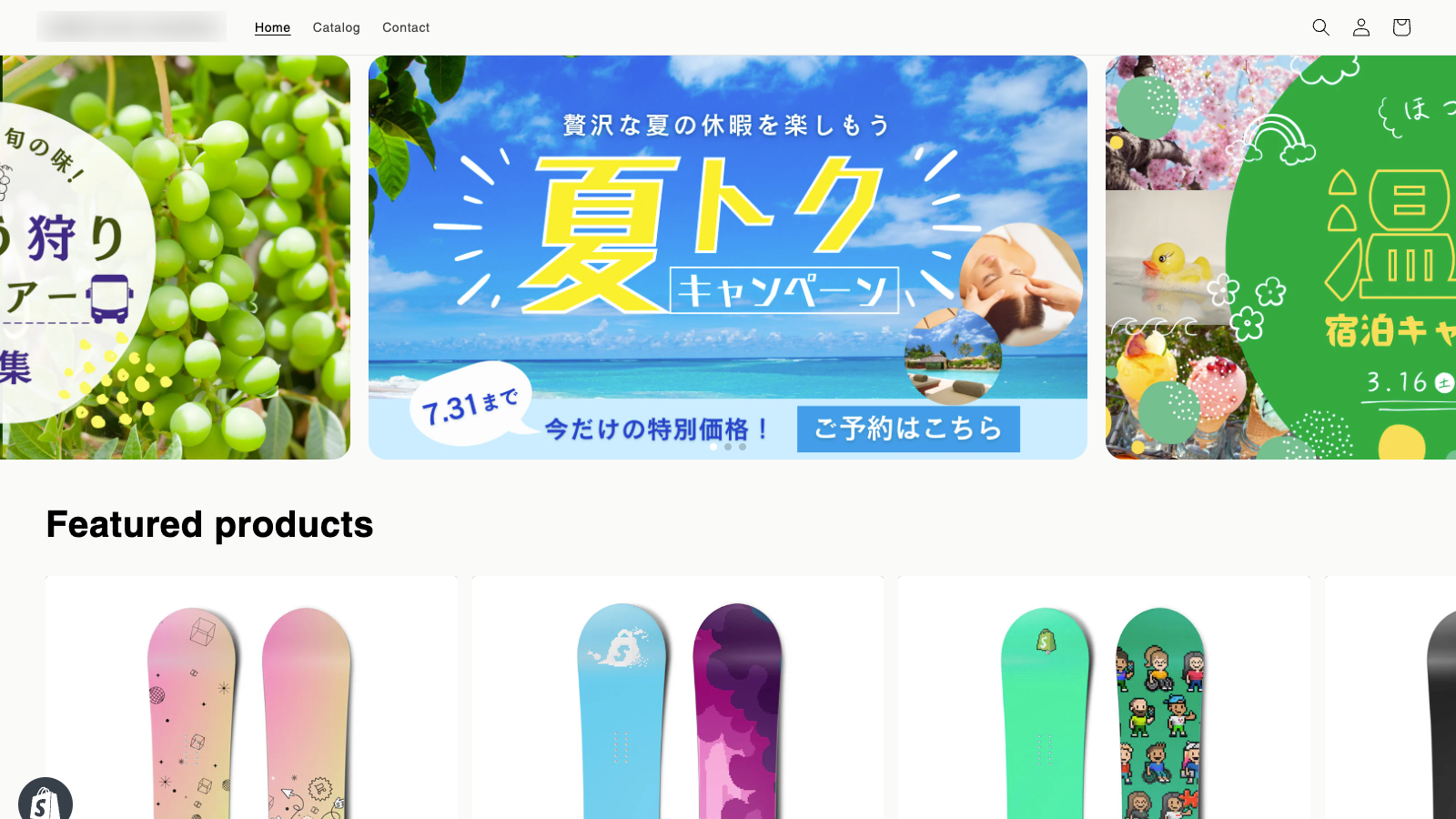
With 3-image display, you can showcase the left and right images. I have a banner I want to highlight, but I’m looking for a better way to display it. Do you ever face a challenge like wanting visitors to notice and check out the next banner? With the simple slider, you can easily adjust settings—such as enabling 3-image display to ensure the next image is fully visible—by tweaking the configurations.
Core Functionality
- Display up to 3 images for full visibility of the next image!
- Effortlessly adjust settings, even for first-time users!
- Customize the arrow’s shape and color to your preferences!
Merchant-Friendly
- Clothing E-commerce Merchants
- Home Goods Merchants
- Digital Product Merchants
Basic Information
- Developer:Playbit Inc.(プレイビット)
- Address:下谷1丁目11番15号, ソレイユ入谷4F B5, 台東区, JP-13, 110-0004, JP
- Price: Free / Free plan
- Rating:5 / 5
- Comment Count:1 comment
- Release Date:2023-12-5
- Supported languages:Japanese
- Compatible products:Shopify
Application Screenshot






Price Plan
LIGHT PLAN
$3.55
- Display of 3 slides
- Navigation settings
- Pager settings
- Layout settings
PROFESSIONAL PLAN
$9.99
- ・All Light Plan features
- ・Add up to 10 images
- ・Drag & drop to change order
- ・Real-time preview
- ・Settings for smartphone-only images
- ・Campaign settings
User Location & Comments
User Location
Comments
Shopify API Used
- POST /admin/api/products/{product_id}/images.json
- GET /admin/api/products/{product_id}/images.json
- PUT /admin/api/products/{product_id}/images/{image_id}.json
Permission:write_products,read_products,manage_products
- GET /admin/api/settings.json
- PUT /admin/api/settings.json
- GET /admin/api/shop.json
Permission:read_shop,write_shop,manage_settings
- POST /admin/api/themes/{theme_id}/assets.json
- PUT /admin/api/themes/{theme_id}/assets.json
- GET /admin/api/themes/{theme_id}/assets.json
Permission:write_themes,read_themes,manage_themes



