
App Introduction
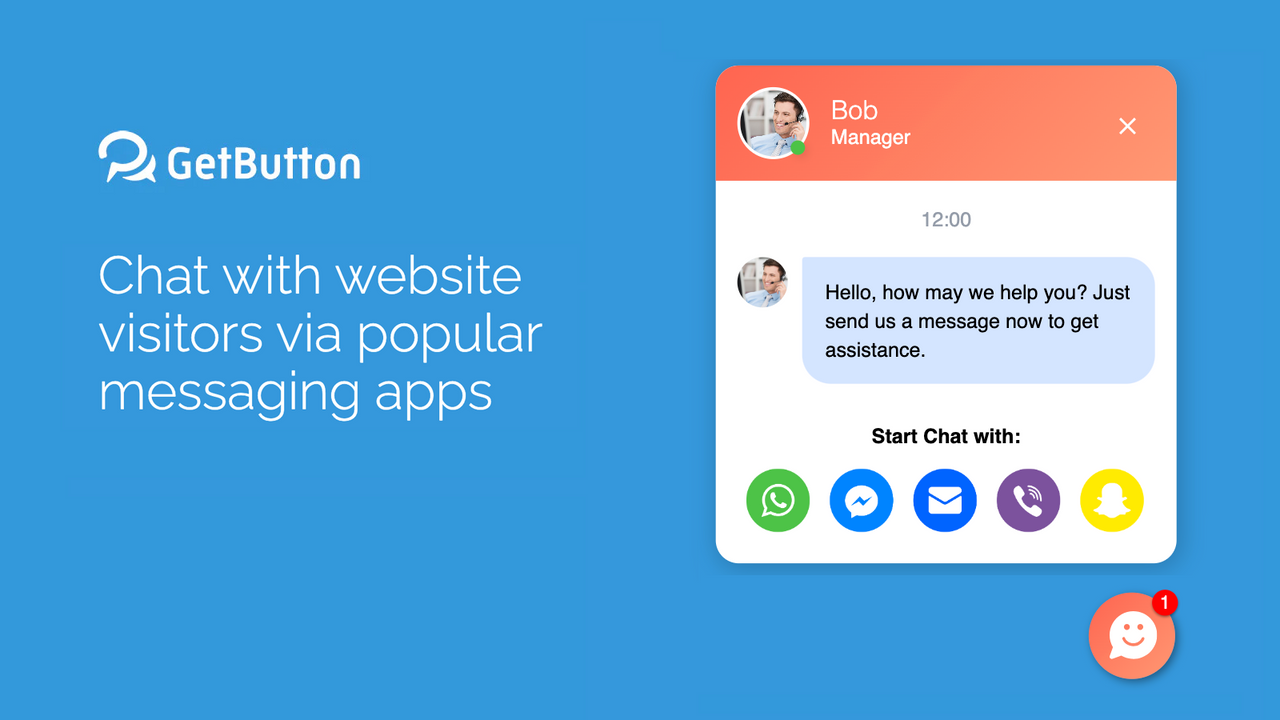
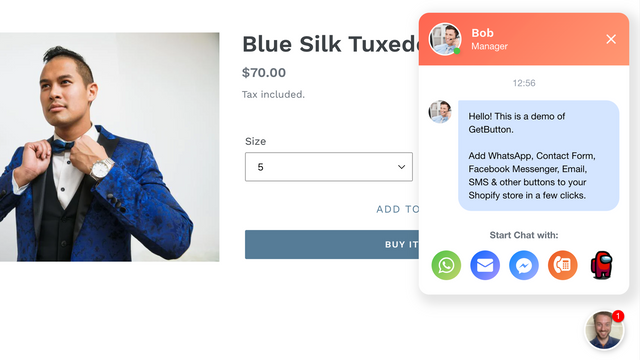
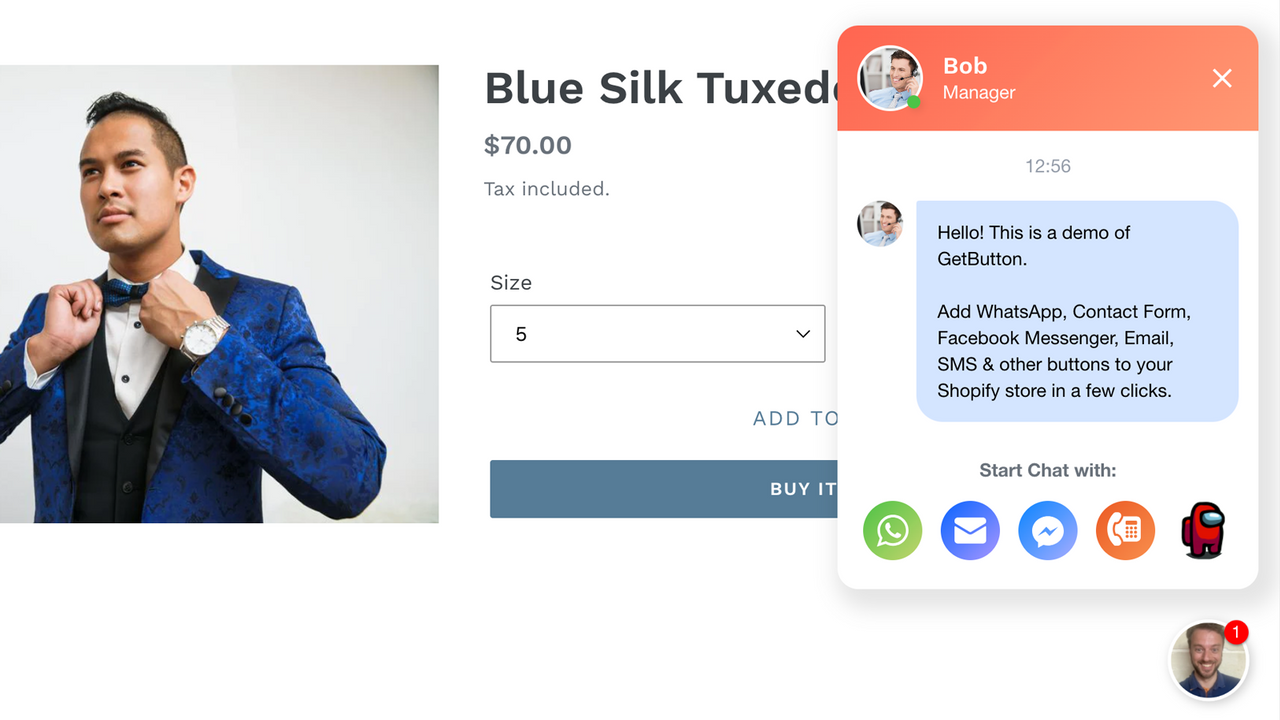
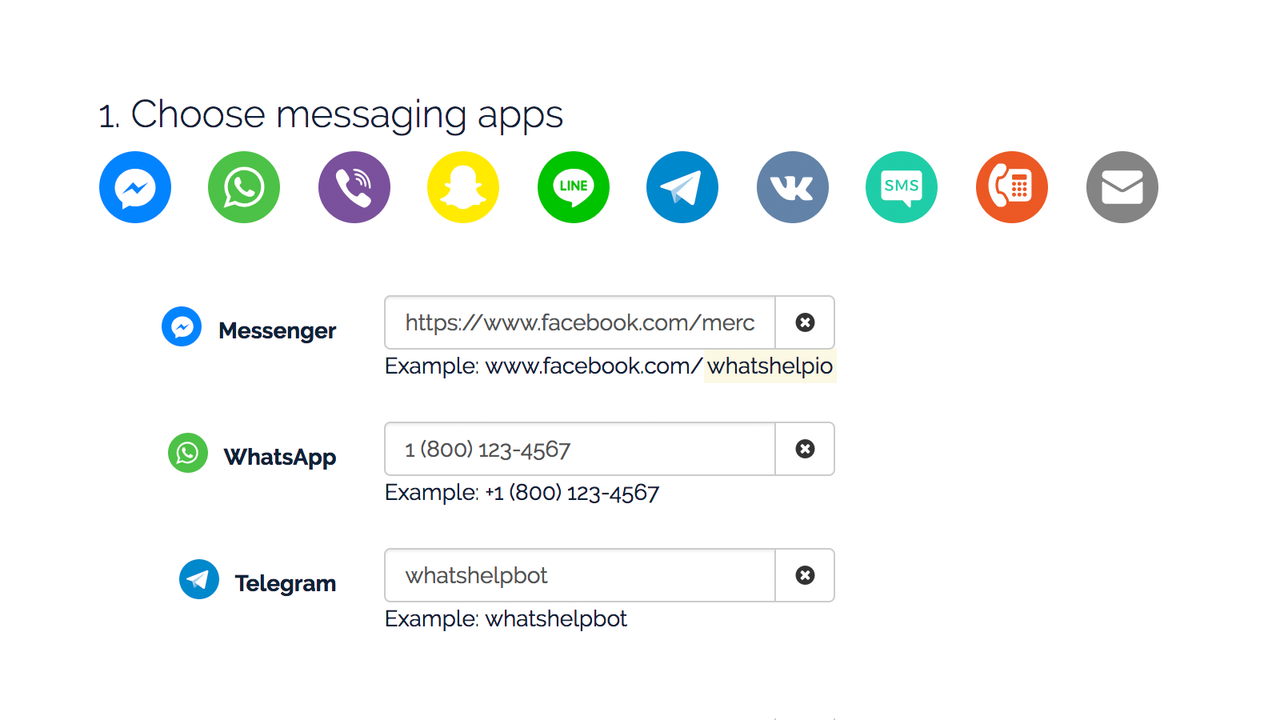
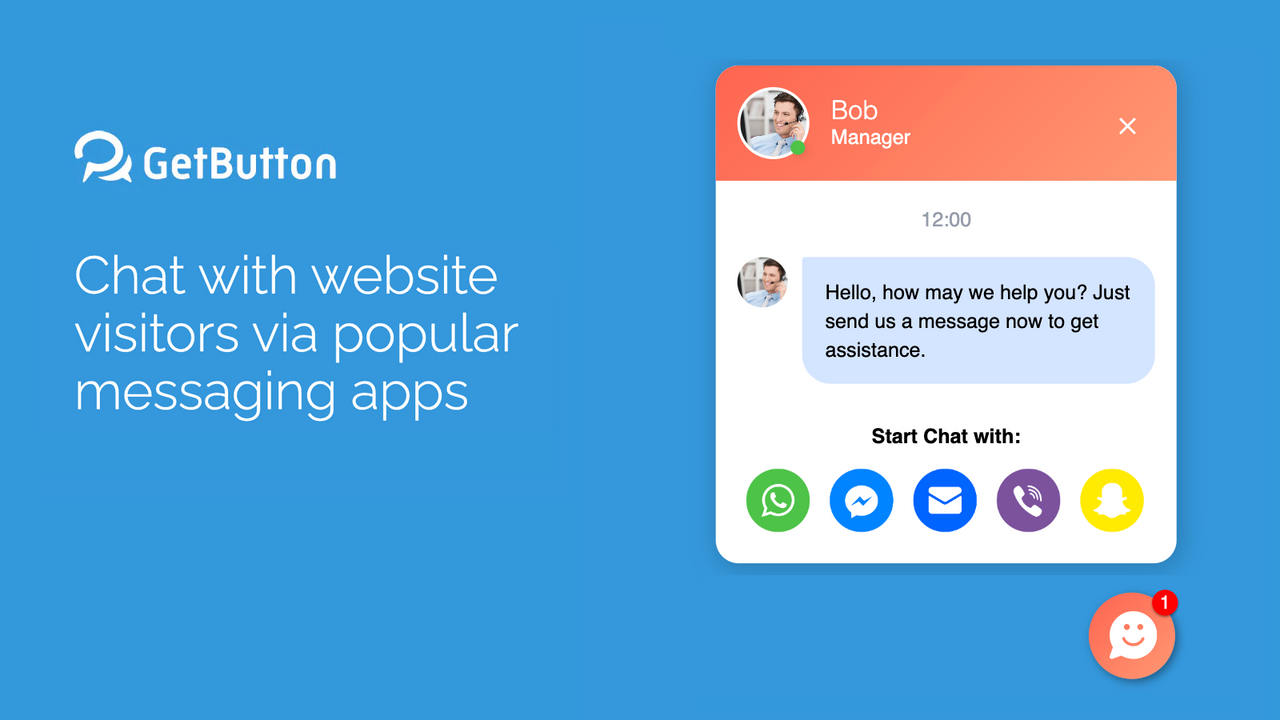
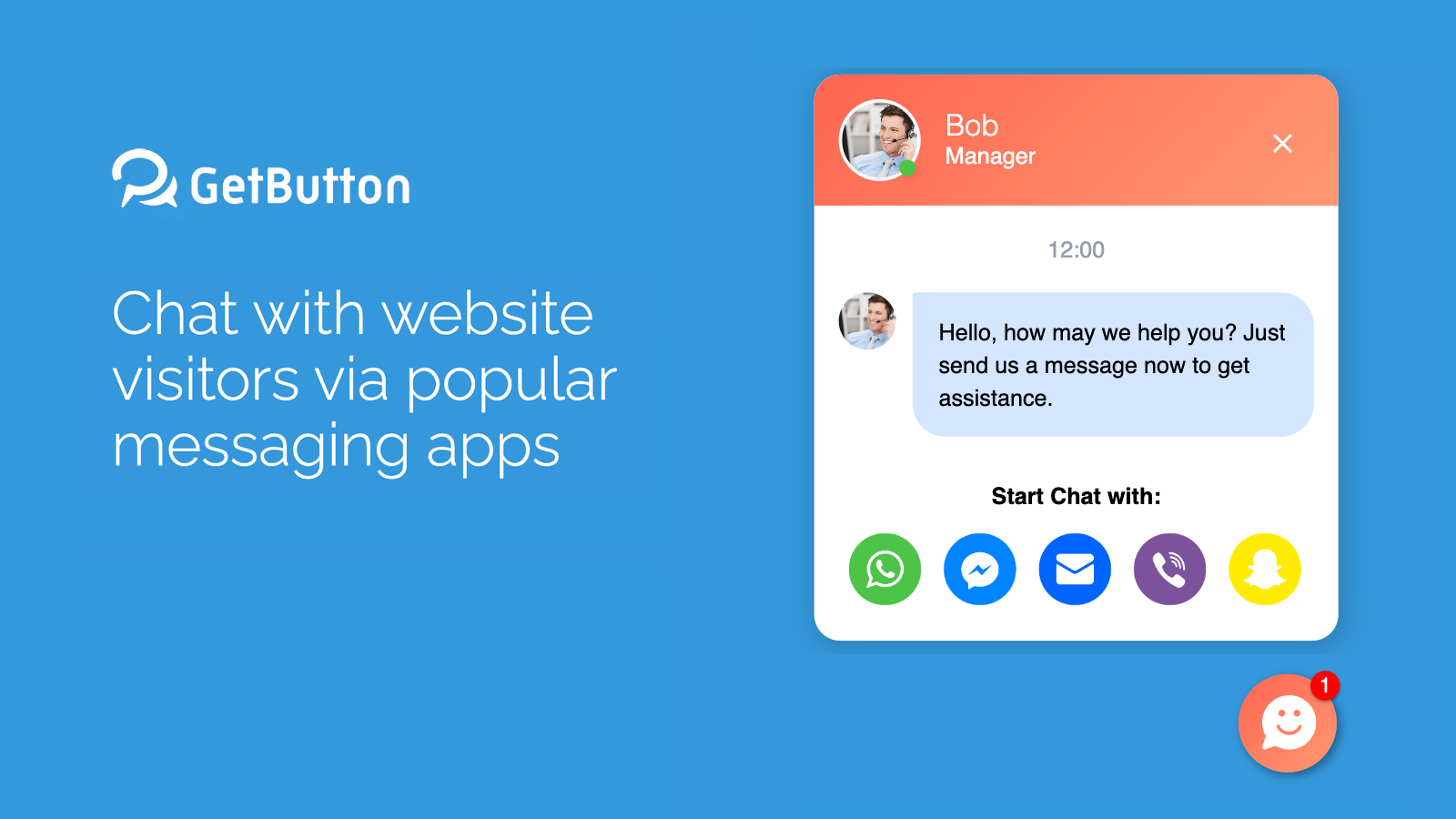
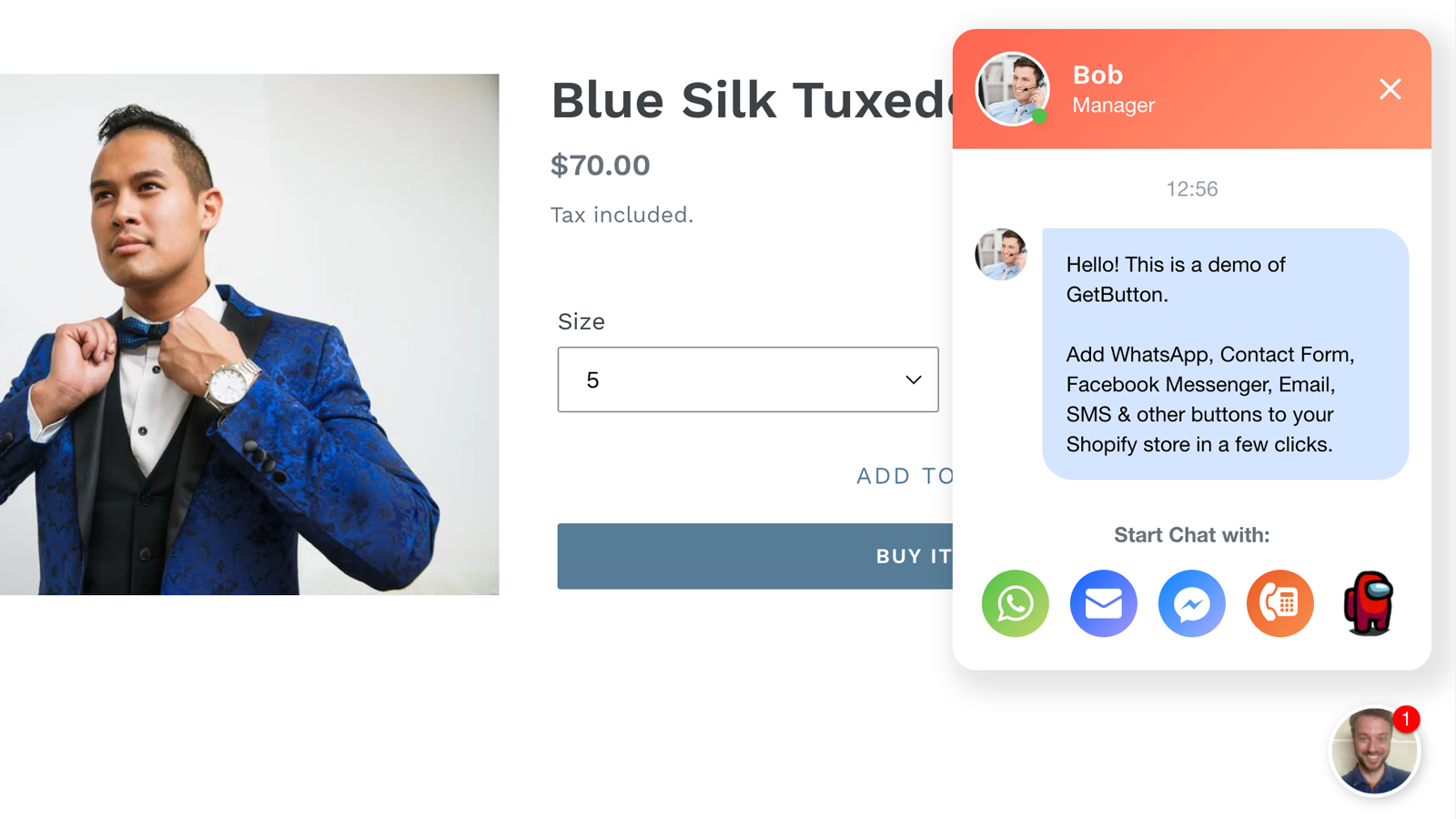
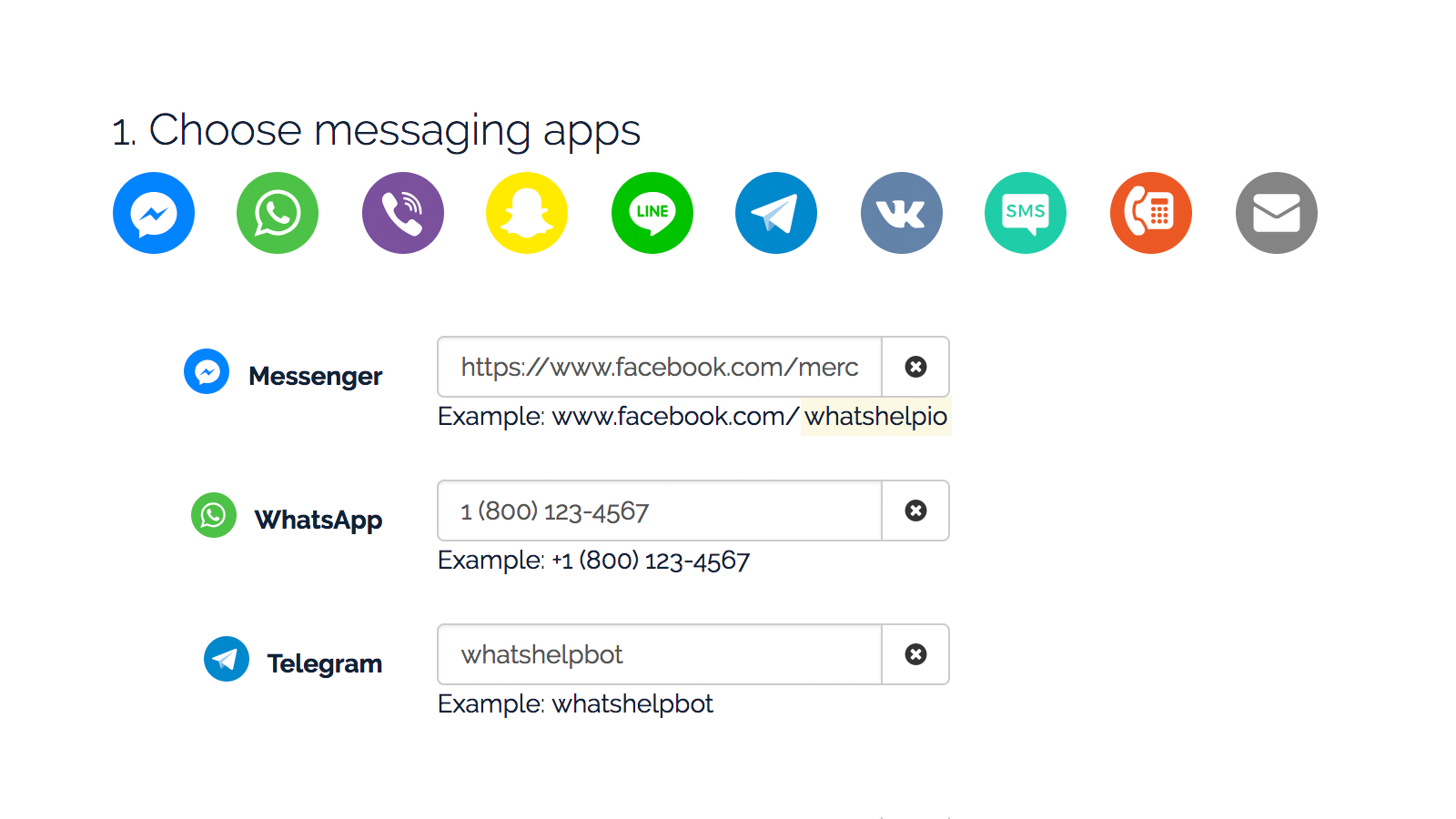
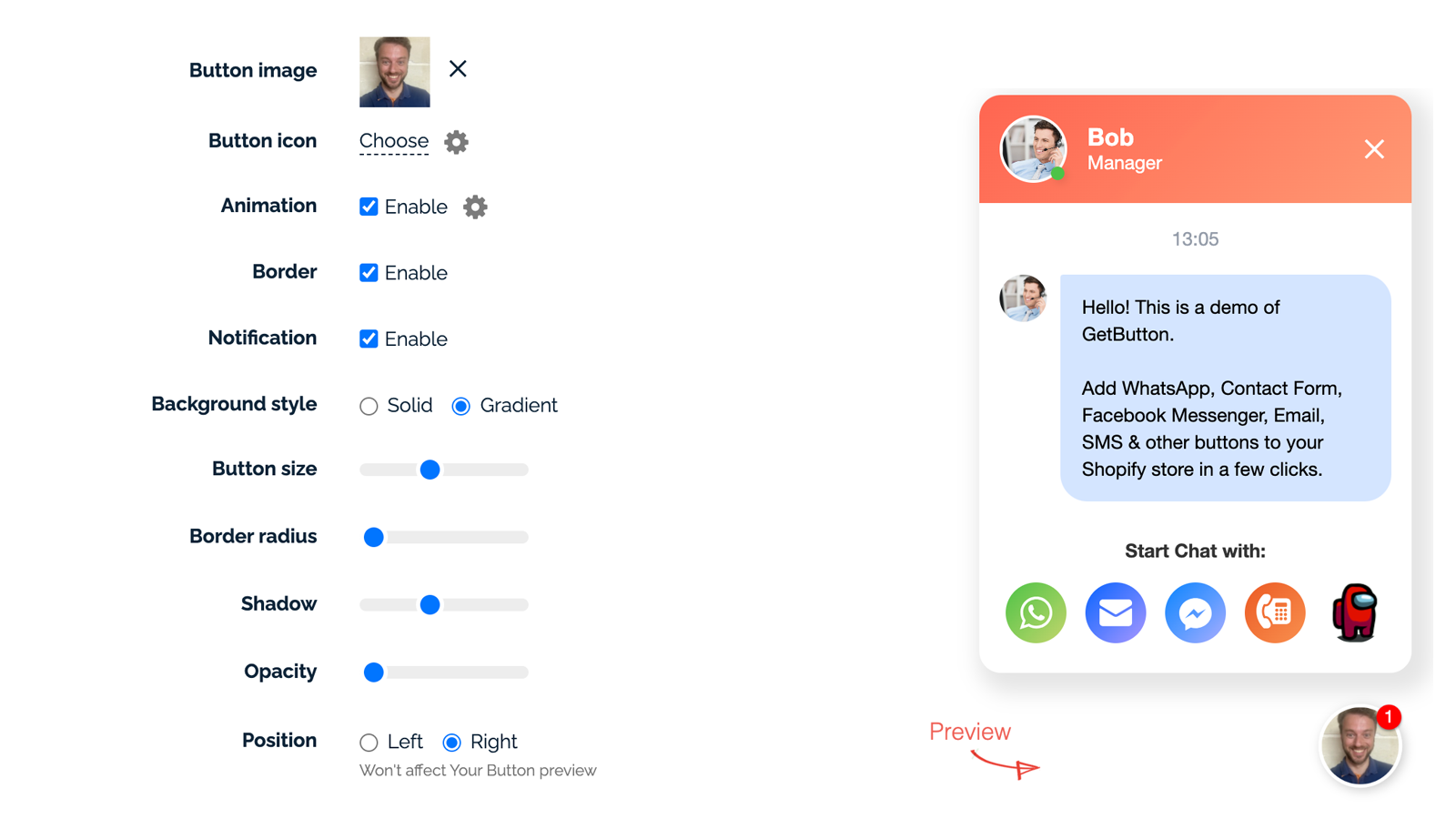
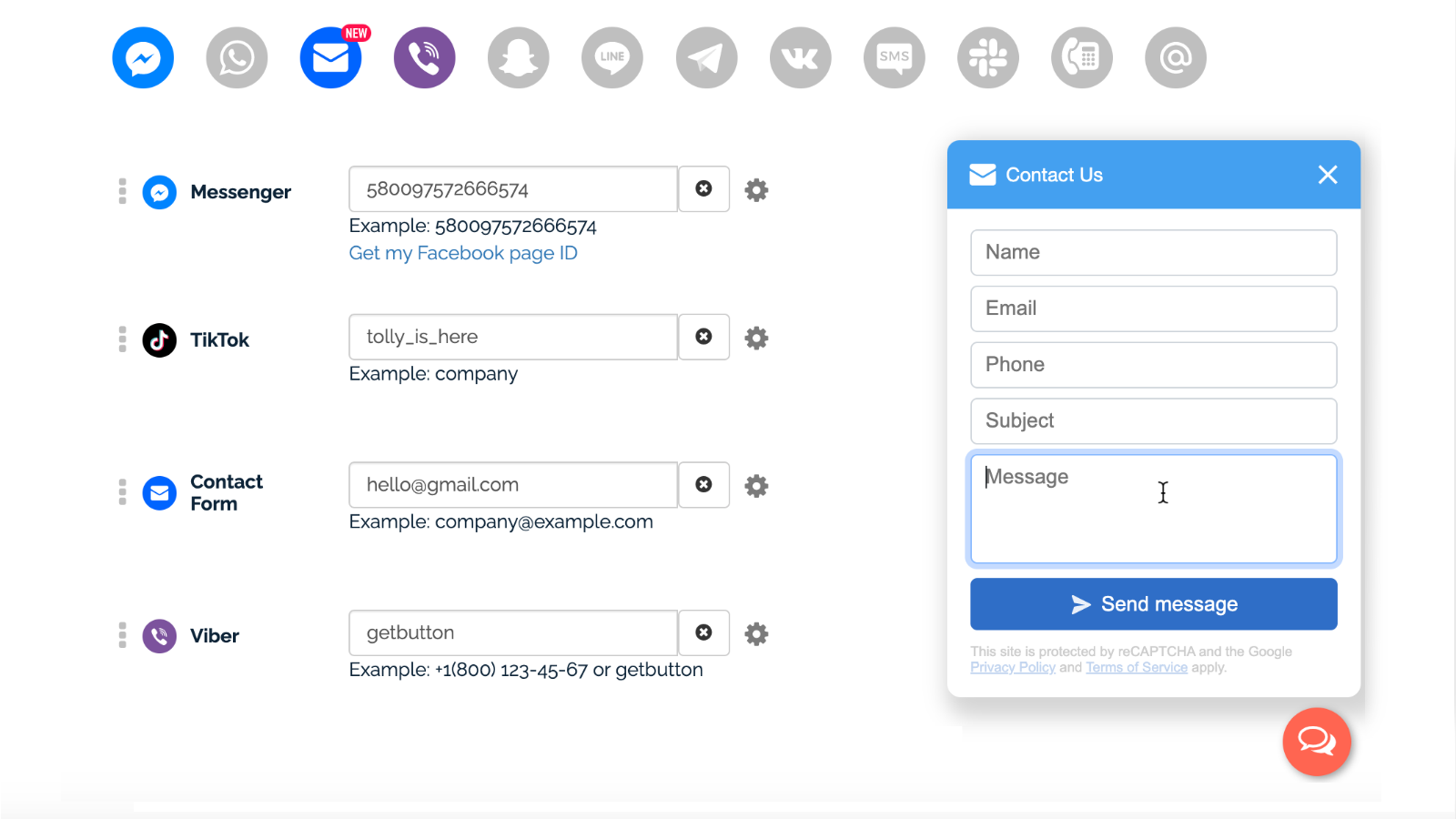
Connect with your store visitors via popular messaging apps or contact forms. Get your button now. The GetButton widget directs website visitors straight to messaging apps like Facebook Messenger, WhatsApp, Viber, Line, or even a contact form, allowing them to initiate a conversation with you. GetButton lets you select and combine 20+ button options into a single floating button, customize its appearance (e.g., size, color, image, position), and add greeting messages to boost visibility and engagement. Plug-and-play: Installs in under 60 seconds and works with all themes.
Core Functionality
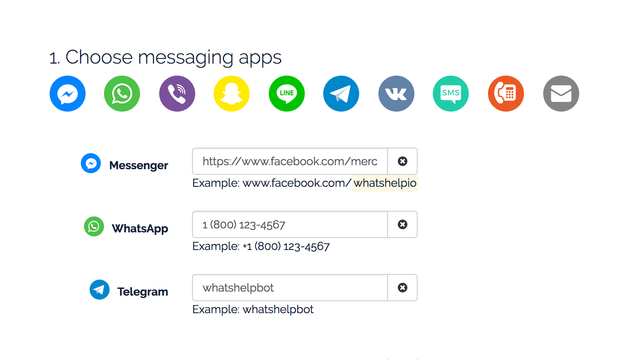
- Over 20 messaging apps, email, phone, contact forms, custom links, etc.
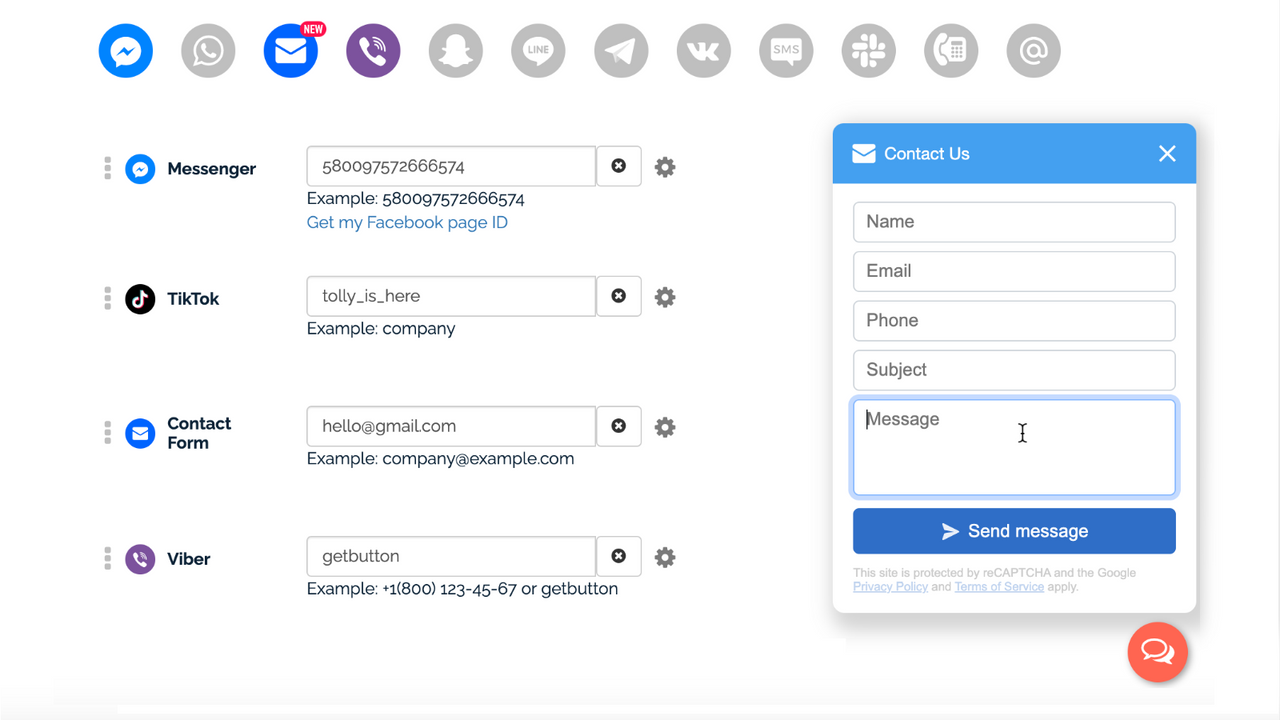
- Add a floating contact form to drive more leads and sales.
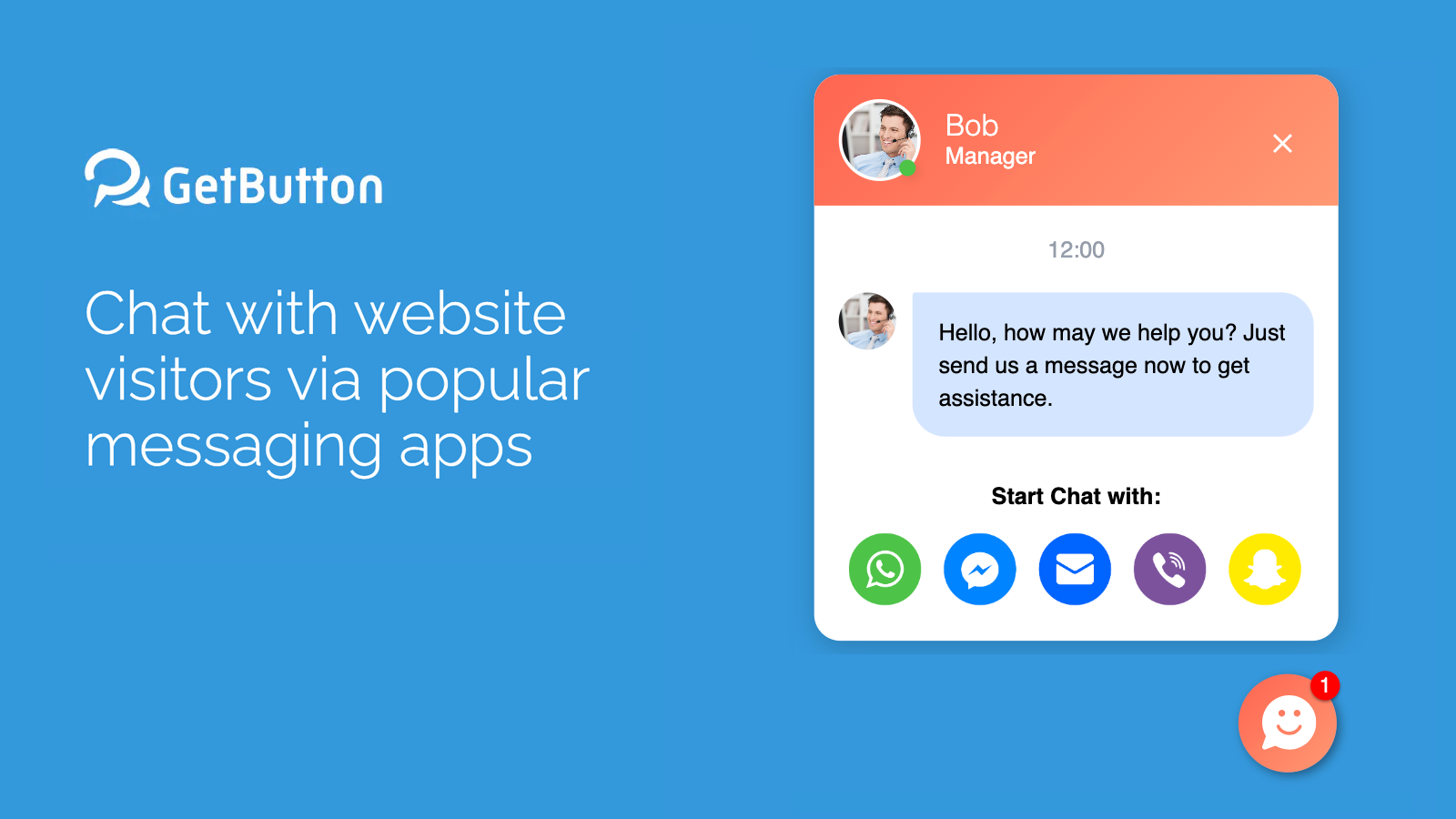
- Add a greeting message to increase visibility and engagement.
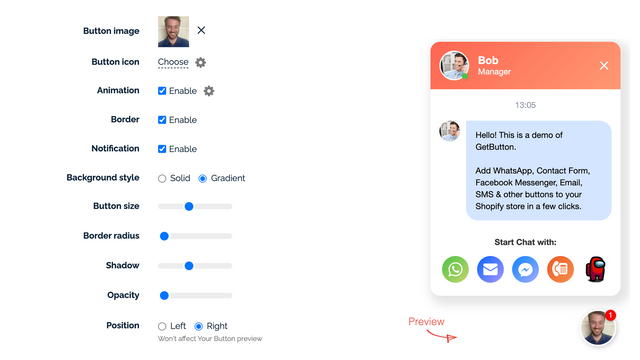
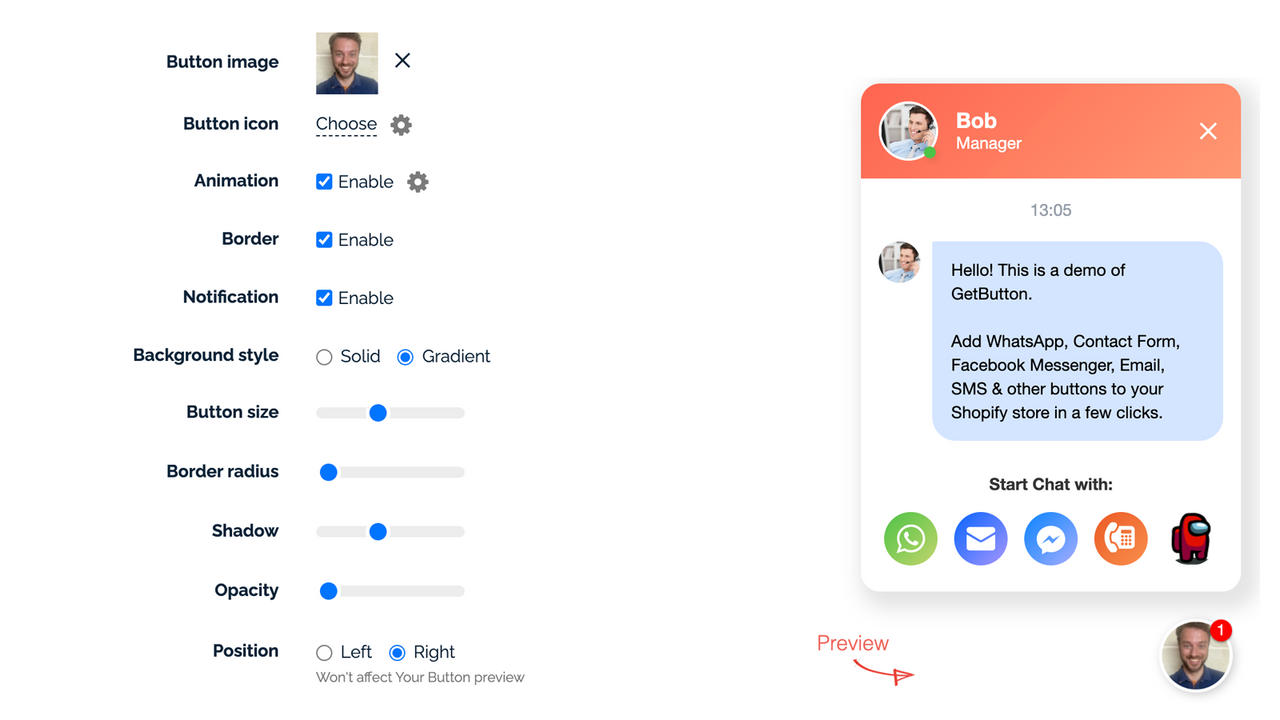
- Customize button image size, color, and position to better fit your theme.
Merchant-Friendly
- Independent Station Merchants
- Online Retail Merchants
- Cross-border E-commerce Merchants
- Multi-channel Sellers
Basic Information
- Developer:GetButton Apps Oy
- Address:Helsinki, FI
- Price: Free / Free plan
- Rating:4.4 / 5
- Comment Count:45 comment
- Release Date:2016-11-23
- Supported languages:English
- Compatible products:Shopify
Application Screenshot
Price Plan
PRO
- Unlimited Buttons
- Contact Form
- Greeting Message
- Button Animation
- Customize Images, Positions, Sizes, and Colors
PRO LIFETIME
- Always Unlimited Features
User Location & Comments
User Location
Comments
Shopify API Used
- POST /admin/api/contact_channels.json
- PUT /admin/api/contact_channels/{id}.json
- GET /admin/api/contact_channels.json
Permission:write_contact_channels,read_contact_channels,manage_shop
- POST /admin/api/contact_forms.json
- PUT /admin/api/contact_forms/{id}.json
- GET /admin/api/contact_forms.json
Permission:write_contact_forms,read_contact_forms,manage_themes
- POST /admin/api/greeting_messages.json
- PUT /admin/api/greeting_messages/{id}.json
- GET /admin/api/greeting_messages.json
Permission:write_greeting_messages,read_greeting_messages,manage_themes
- POST /admin/api/contact_buttons.json
- PUT /admin/api/contact_buttons/{id}.json
- GET /admin/api/contact_buttons.json
Permission:write_contact_buttons,read_contact_buttons,manage_themes



