
App Introduction
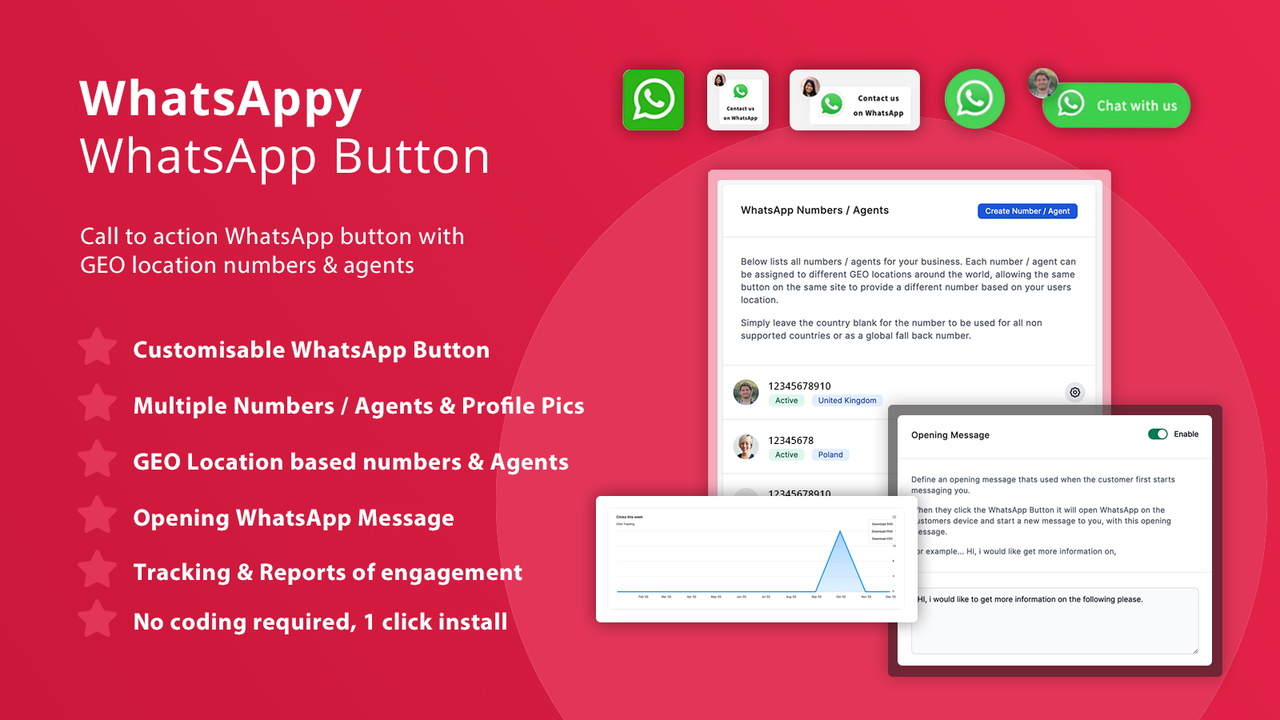
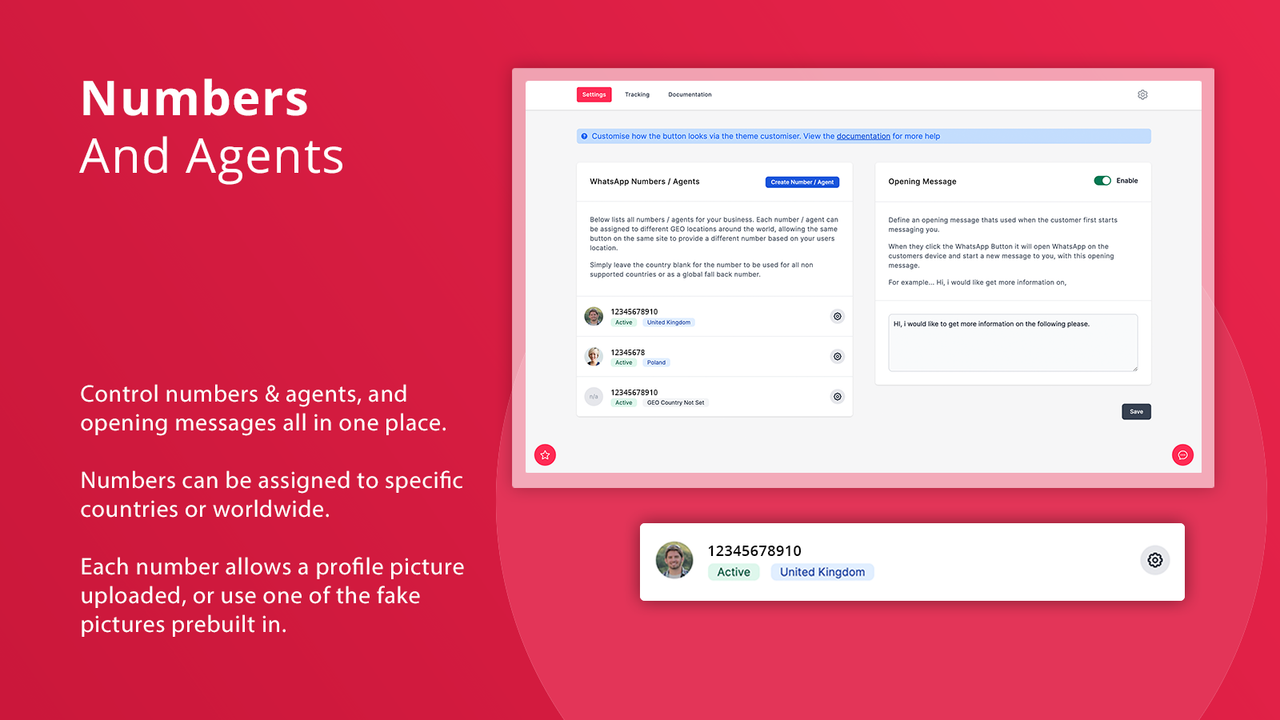
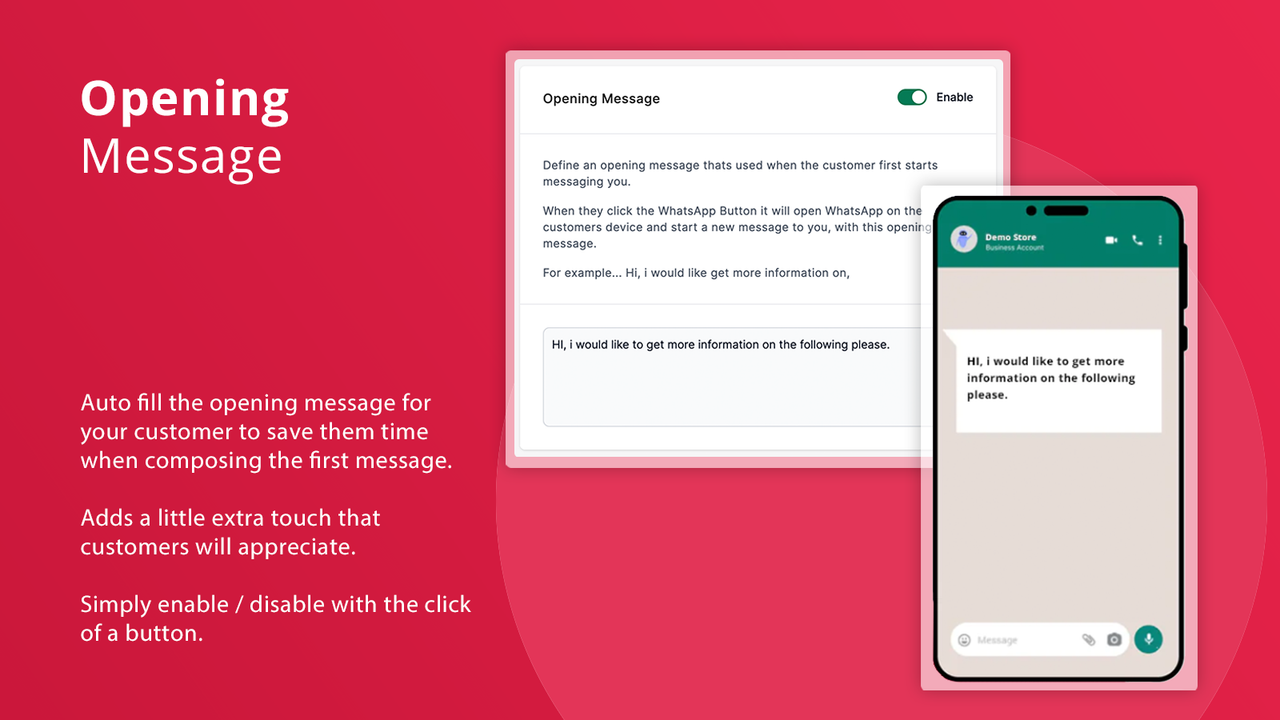
The WhatsApp button helps customers engage and get support, featuring geolocation-based numbers and tracking capabilities WhatsAppy makes it extremely easy to display a highly customizable call-to-action button on your store’s frontend, along with a pre-filled opening message. You can add multiple numbers/agents and assign them to specific countries, enabling more tailored responses to customer inquiries and support requests. Tracking button clicks helps merchants identify where problems originate, the devices customers use, and how many customers go on to send a message after clicking.
Core Functionality
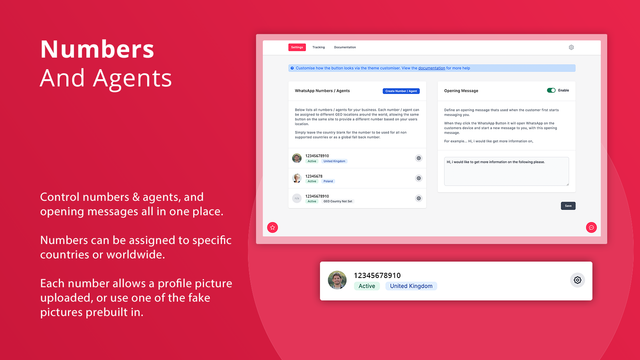
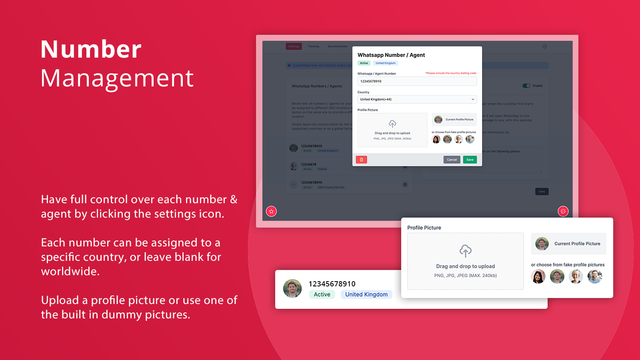
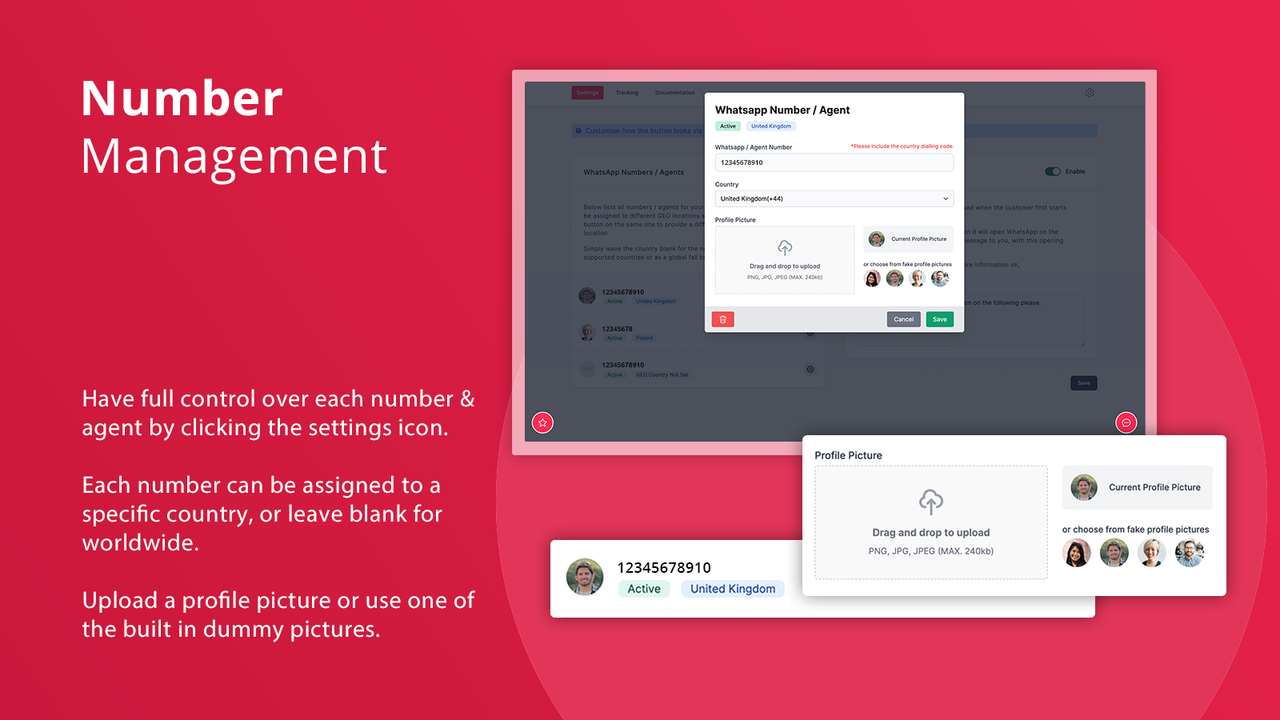
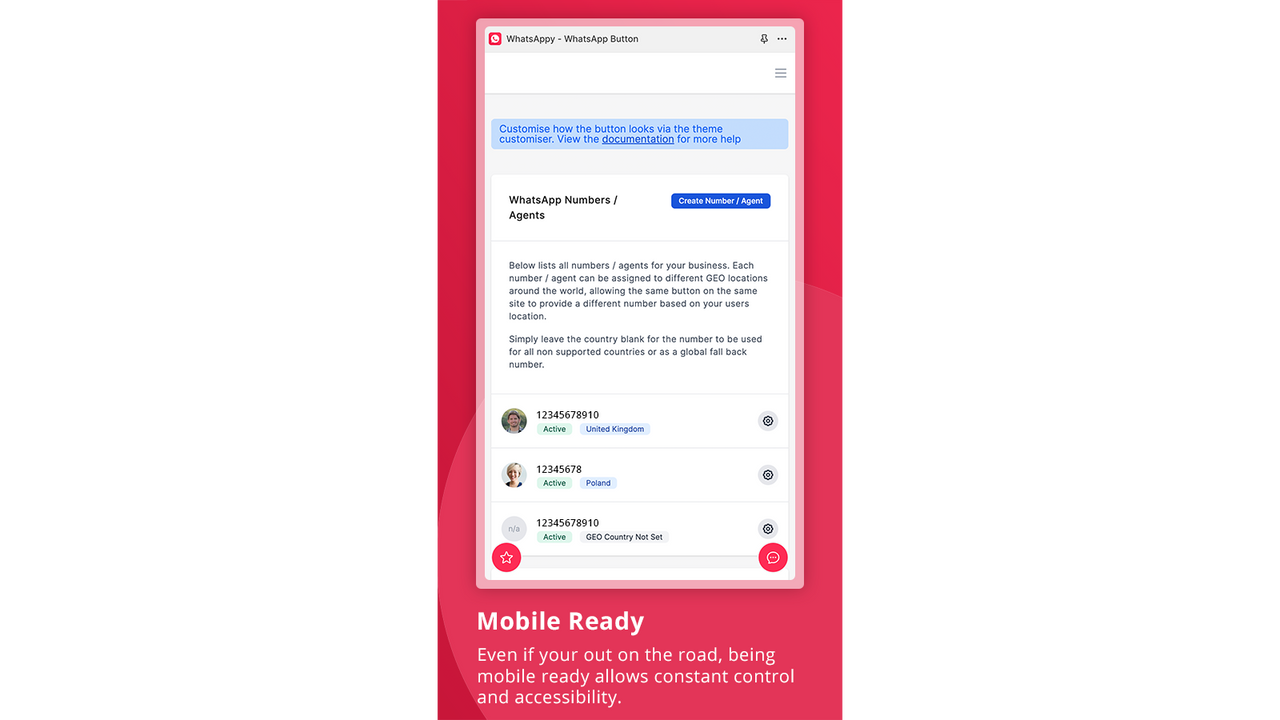
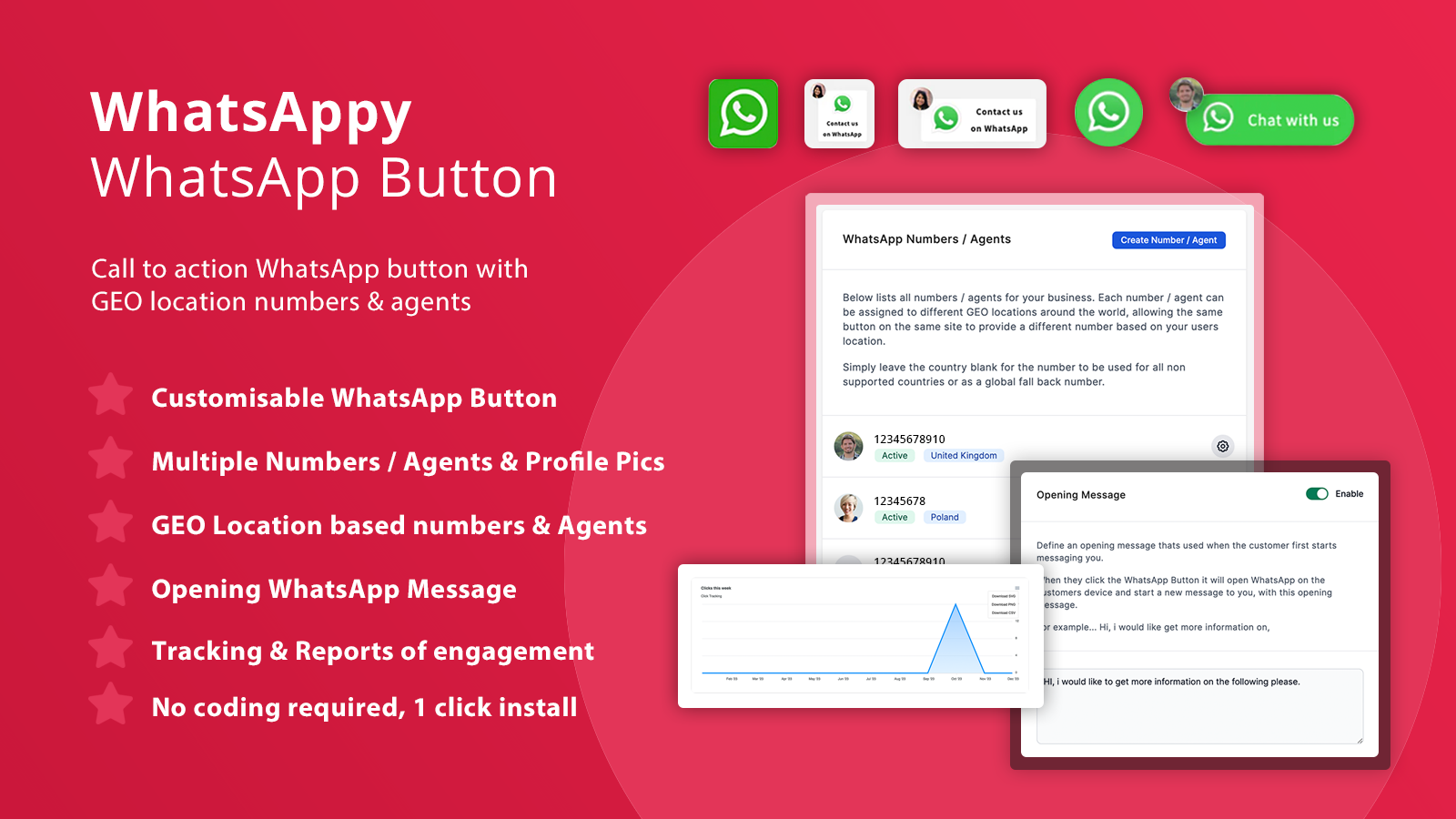
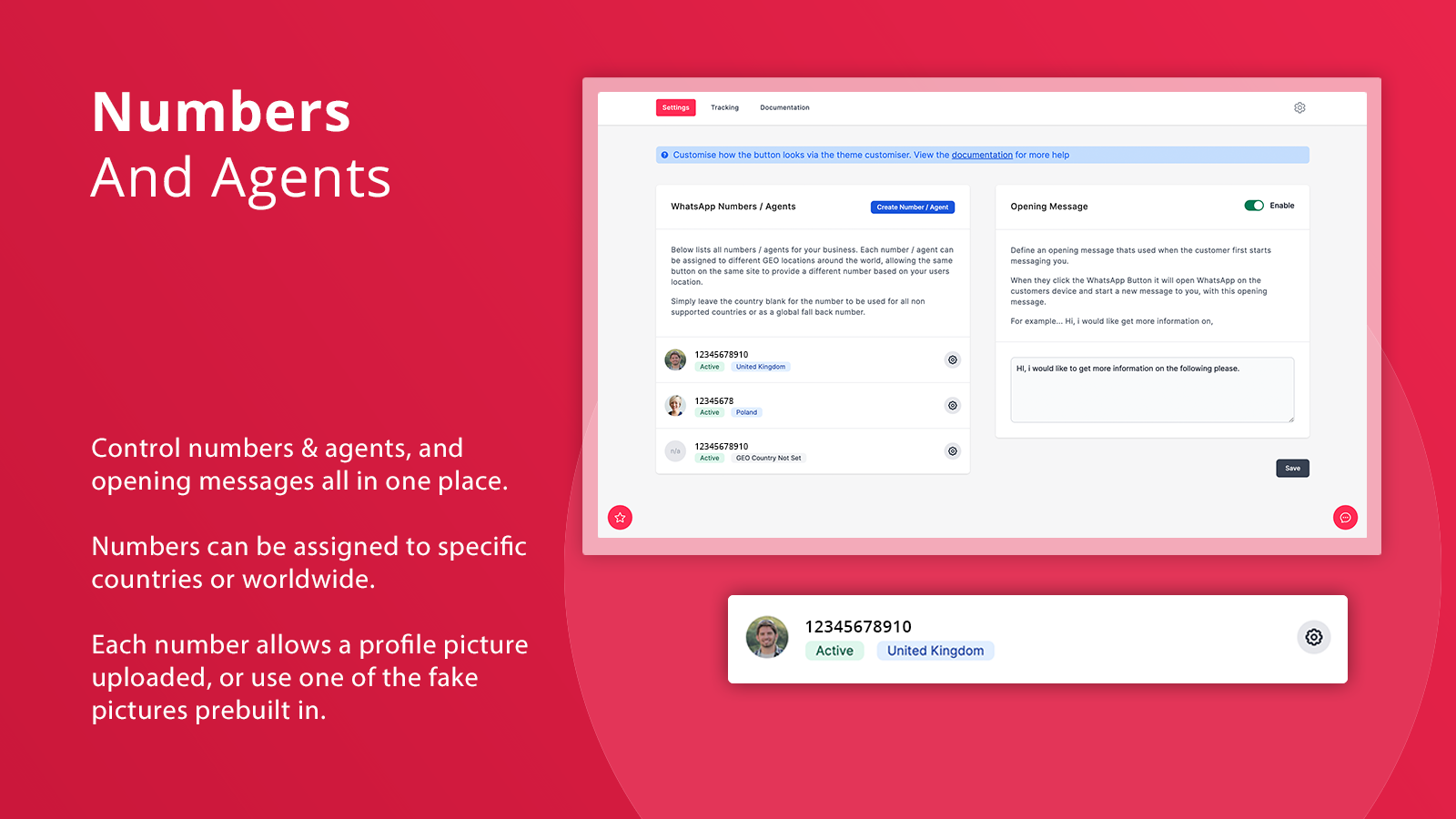
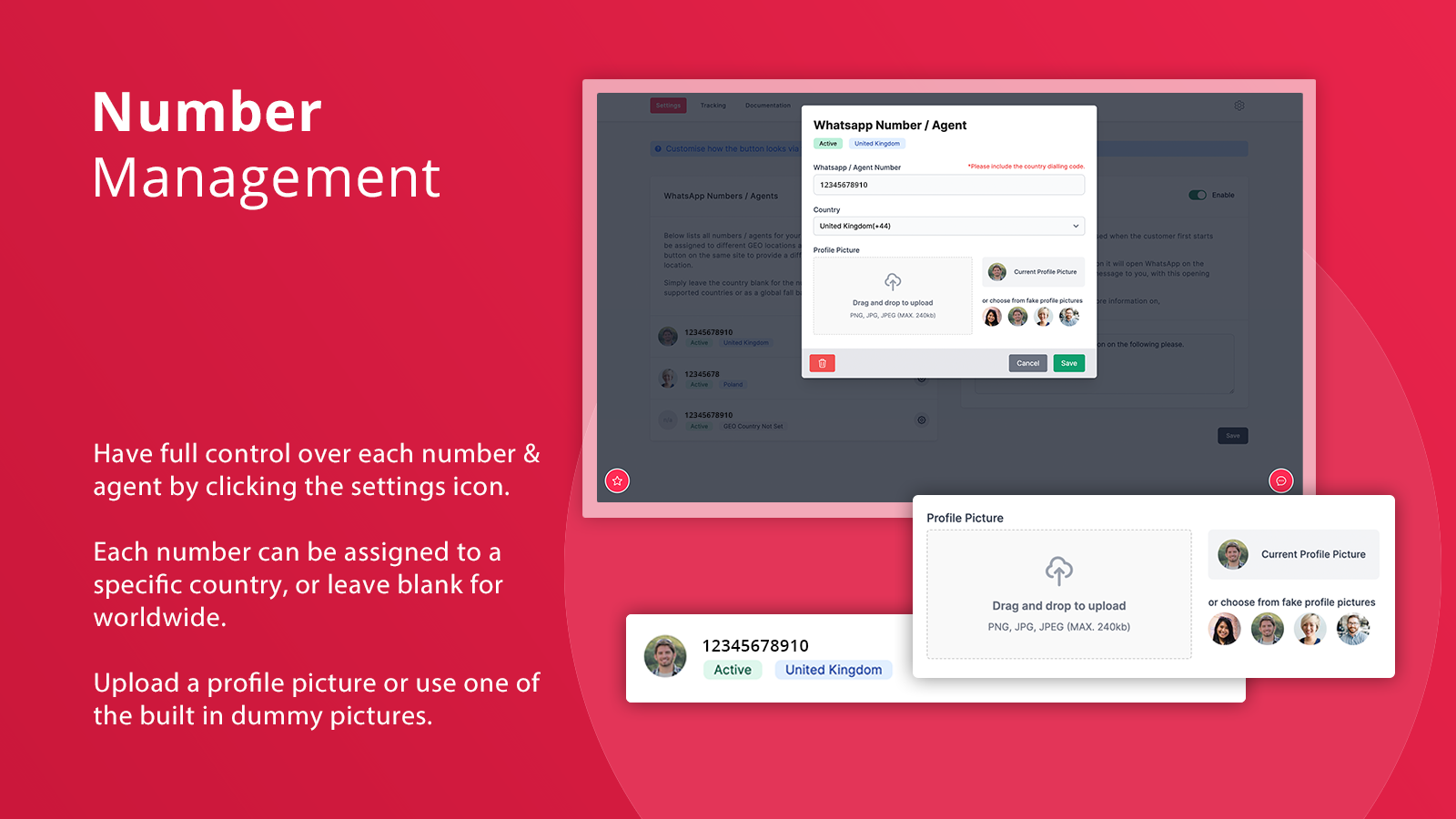
- Multiple Numbers/Agents with Personal Photos
- Country-Specific Geolocation Numbers/Agents
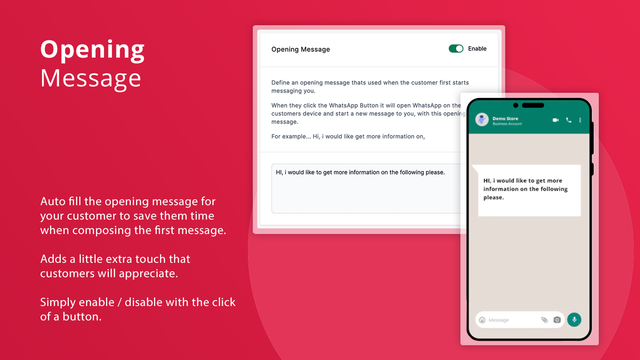
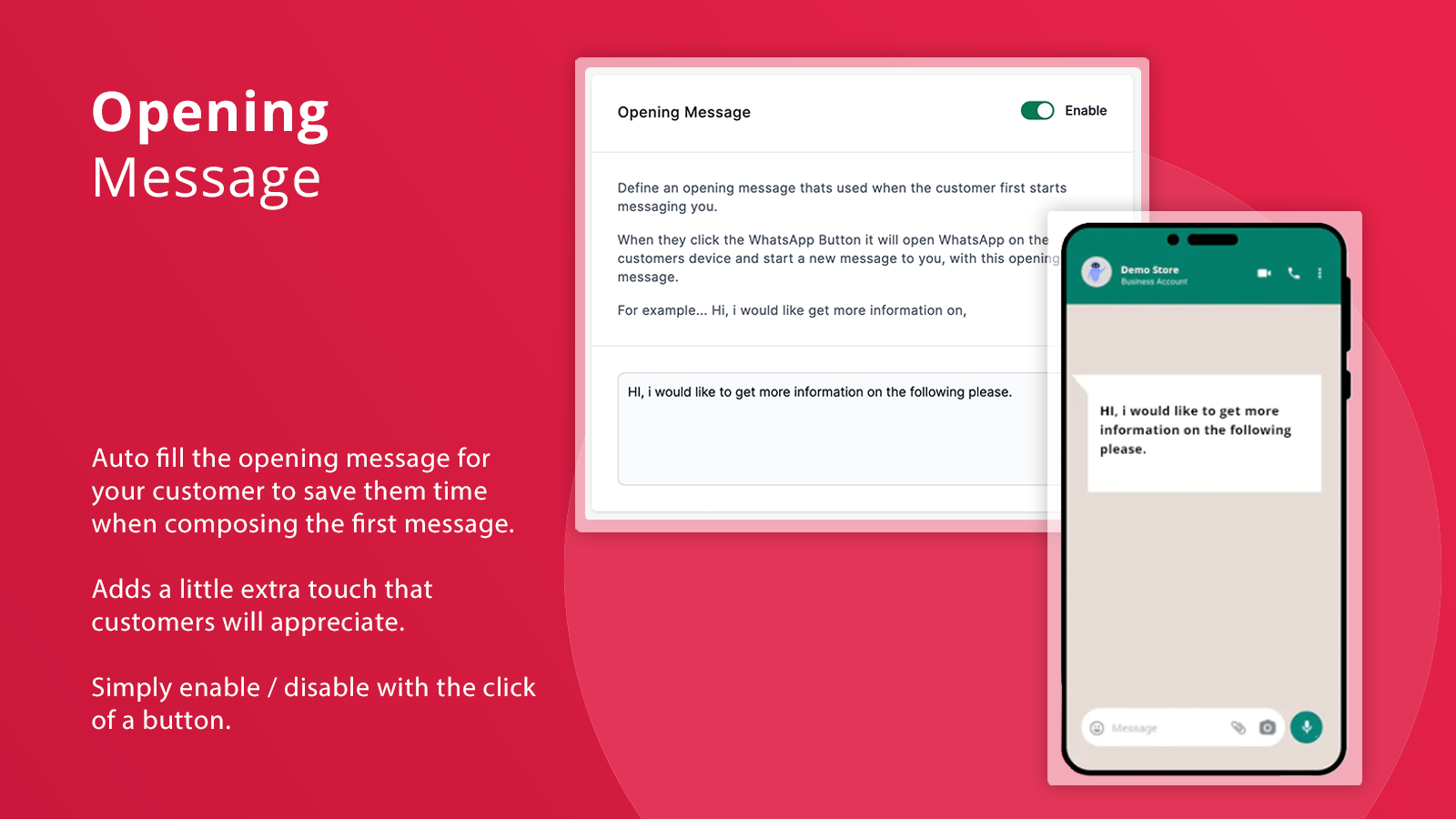
- Opening Messages to Enhance Customer Experience
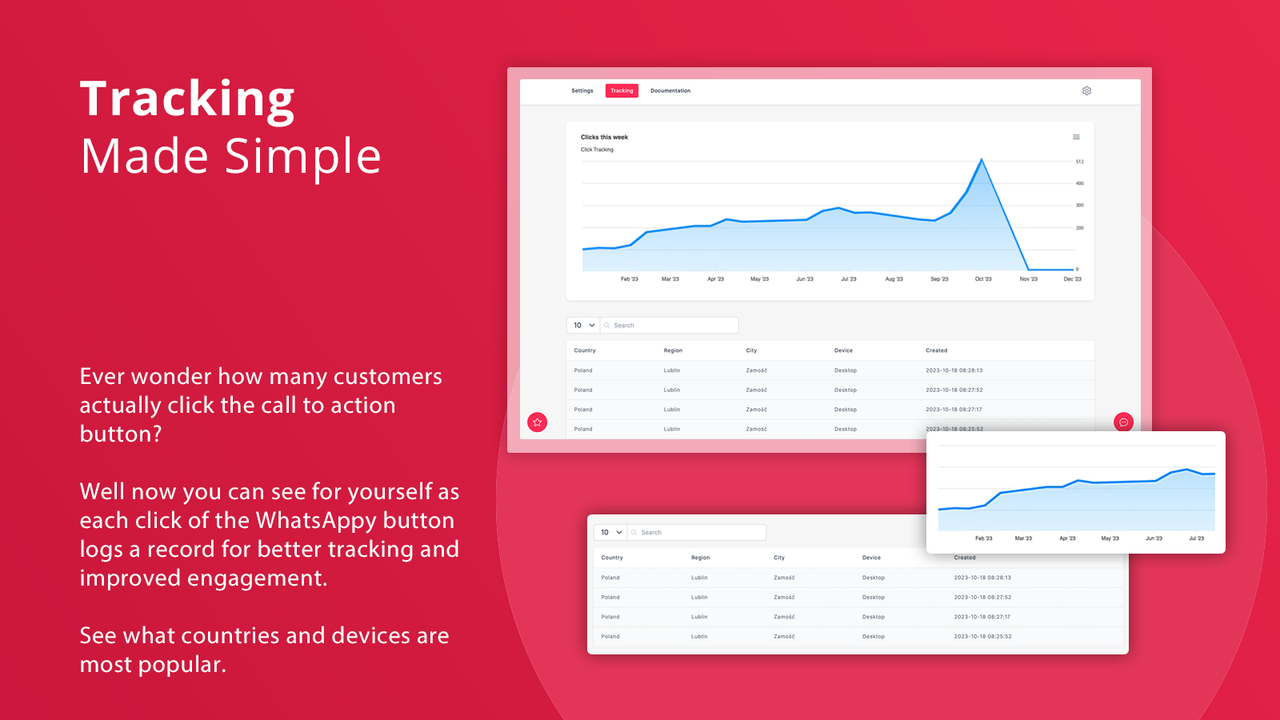
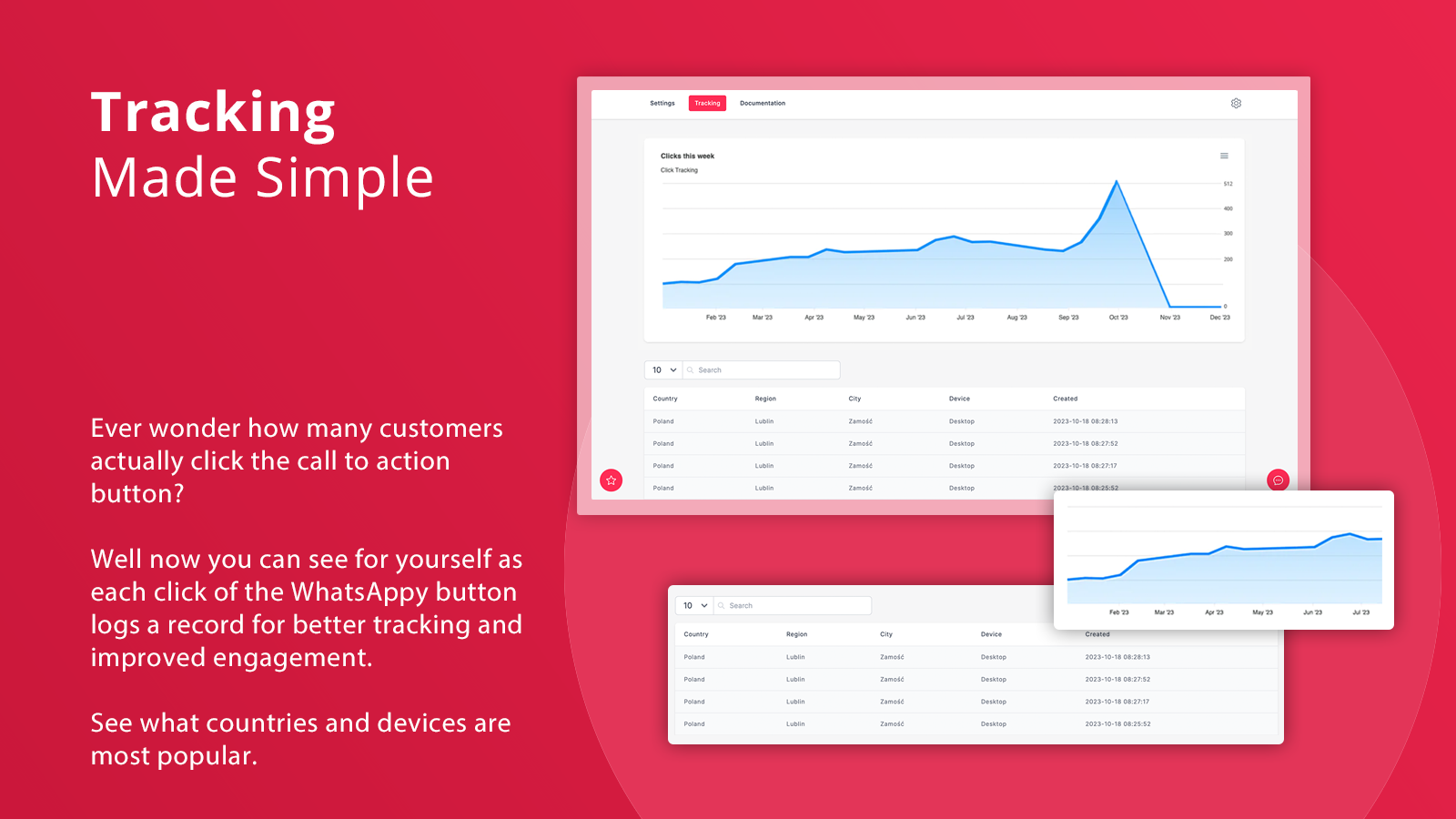
- Track WhatsApp Button Clicks to Monitor Engagement by Country and Device
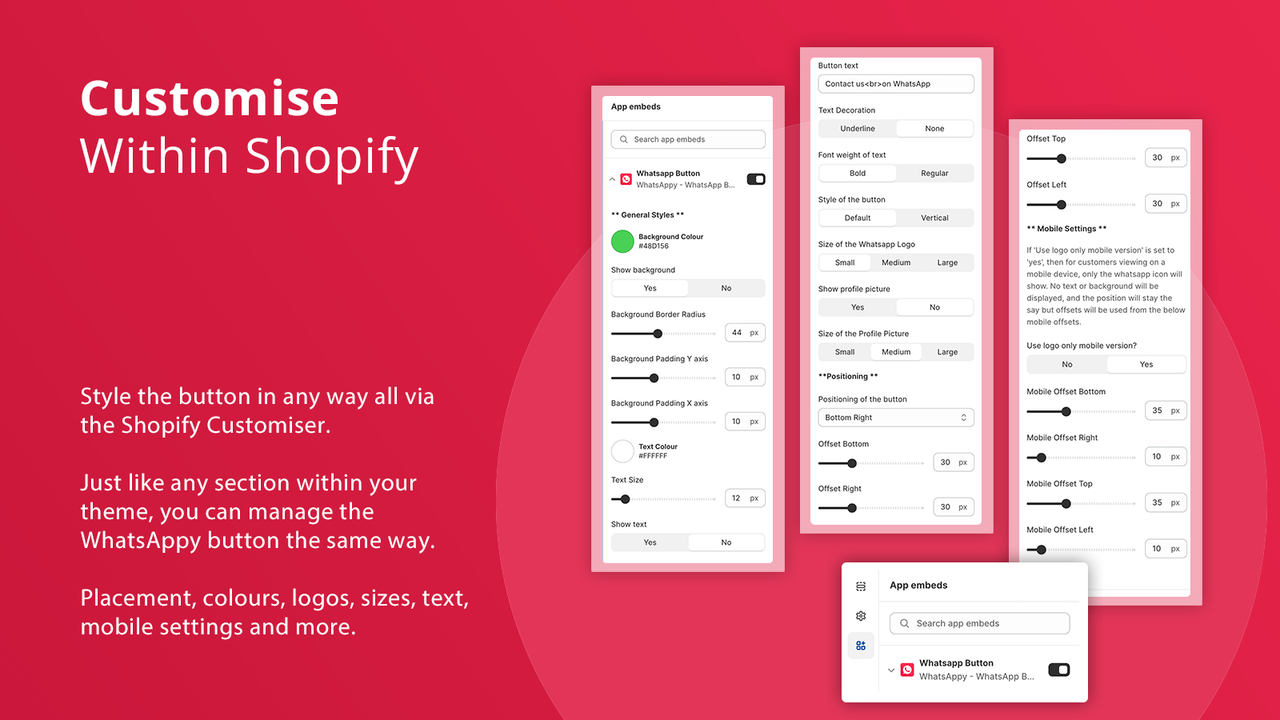
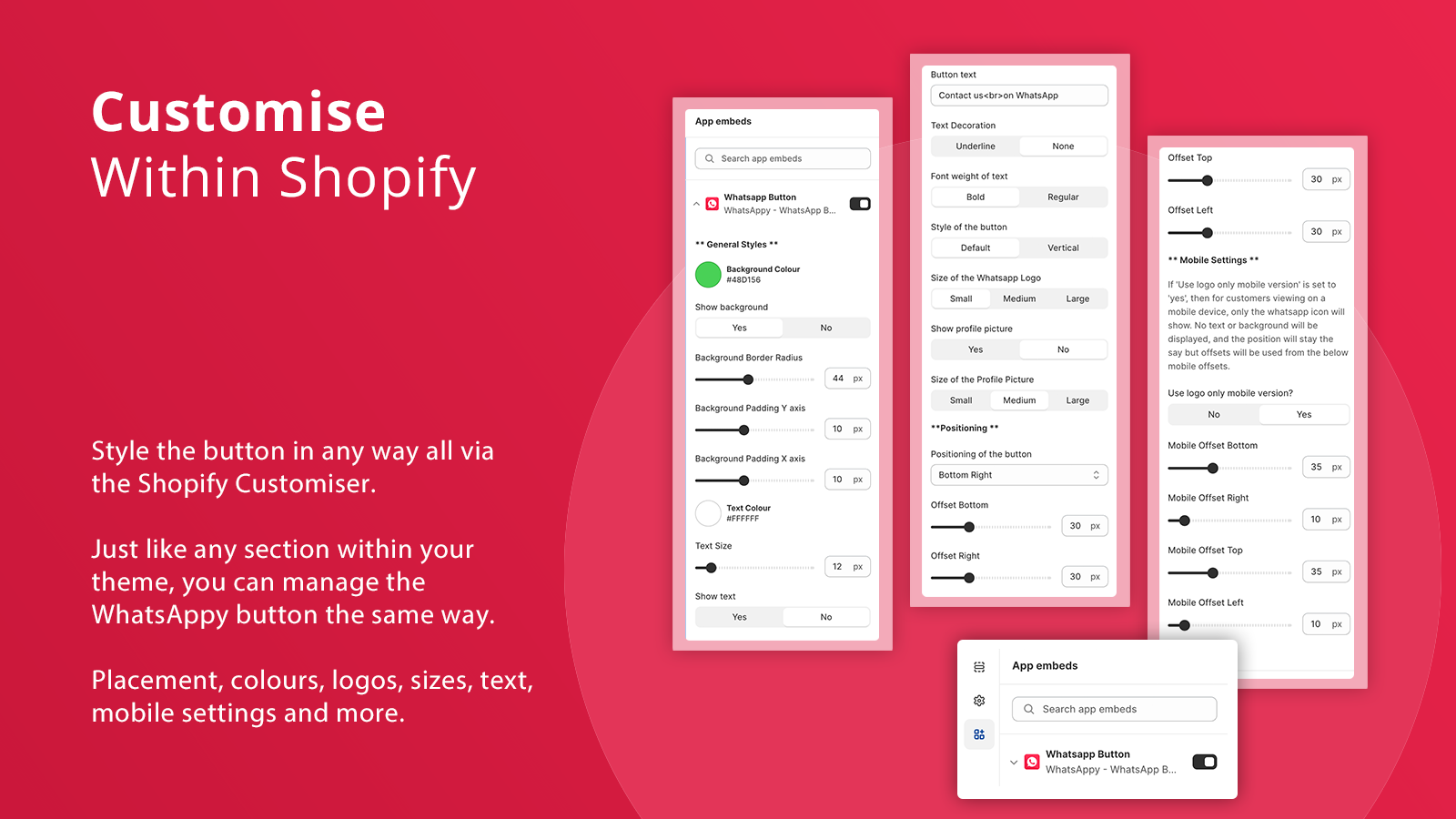
- Customize Buttons by Placement, Icon Size, Color, Mobile Devices, etc.
Merchant-Friendly
- Cross-border E-commerce Merchants
- Multi-country Stores
- Customer Service-oriented Merchants
- Mobile-first Stores
- WhatsApp Marketing Merchants
Basic Information
- Developer:Wehateonions
- Address:53 Frith Street, Soho, London, ENG, W1D 4SH, GB
- Price: Free / Free plan
- Rating:0 / 5
- Comment Count:0 comment
- Release Date:2023-10-24
- Supported languages:English
- Compatible products:Shopify
Application Screenshot
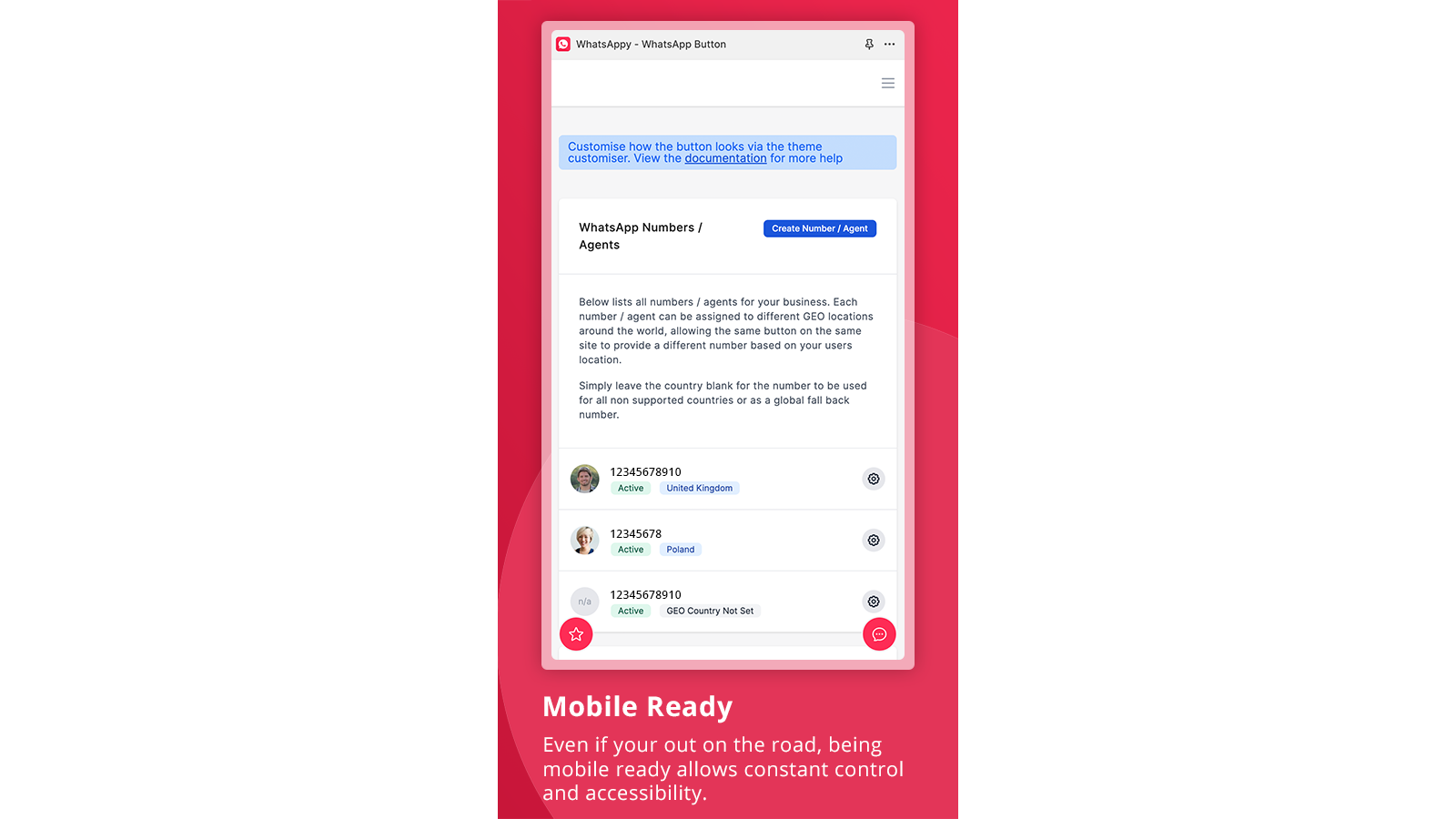
Price Plan
免费
- 1 WhatsApp Number/Proxy
- Comprehensive Button Customization
- Opening Message
专业版
- Unlimited WhatsApp Numbers/Agents
- Agent Geolocation
- Click Tracking (Country, City, Device)
- Comprehensive Button Customization
- Opening Message
User Location & Comments
User Location
Comments
Shopify API Used
- POST /admin/api/contact_agents.json
- PUT /admin/api/contact_agents/{id}.json
- GET /admin/api/contact_agents.json
Permission:write_contact_agents,read_contact_agents,manage_online_store
- POST /admin/api/geo_numbers.json
- PUT /admin/api/geo_numbers/{id}.json
- GET /admin/api/geo_numbers.json
Permission:write_geo_numbers,read_geo_numbers,manage_countries
- POST /admin/api/opening_messages.json
- PUT /admin/api/opening_messages/{id}.json
- GET /admin/api/opening_messages.json
Permission:write_opening_messages,read_opening_messages,manage_customer_support
- POST /admin/api/button_clicks.json
- GET /admin/api/button_clicks.json
- GET /admin/api/button_clicks/stats.json
Permission:read_button_clicks,manage_analytics,read_customers
- POST /admin/api/whatsapp_buttons.json
- PUT /admin/api/whatsapp_buttons/{id}.json
- GET /admin/api/whatsapp_buttons.json
Permission:write_whatsapp_buttons,read_whatsapp_buttons,manage_online_store



