
App Introduction
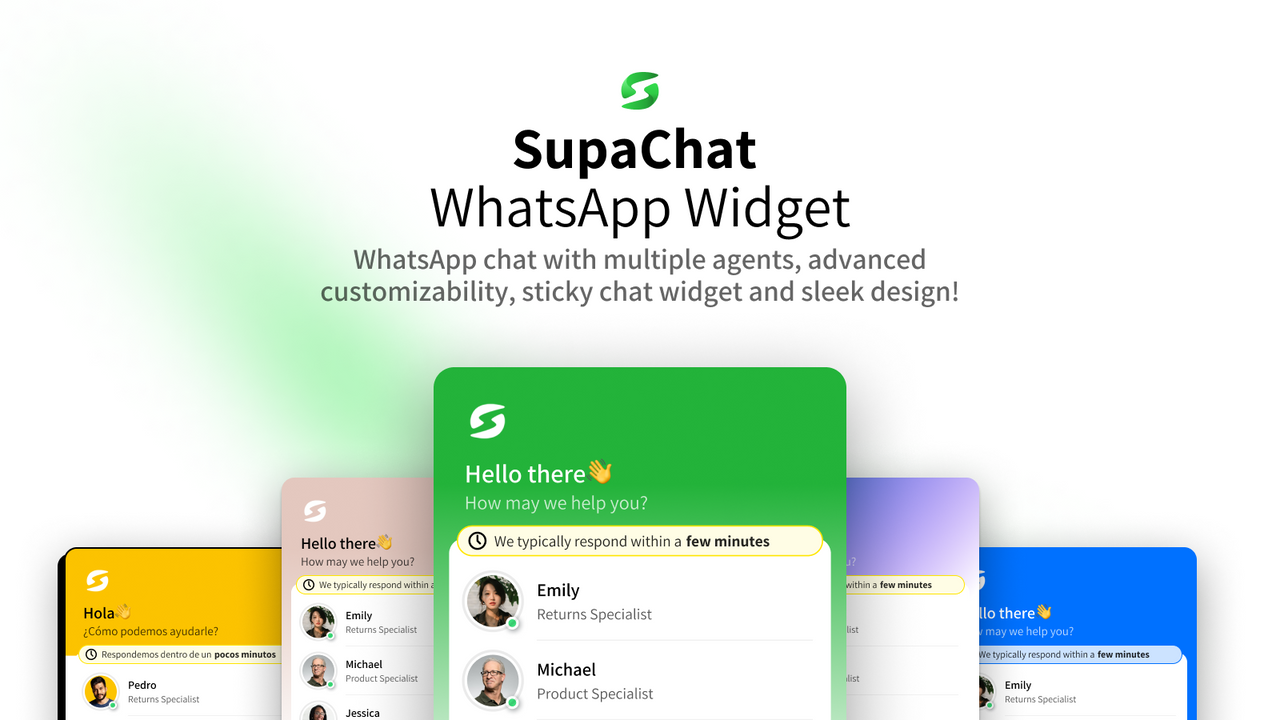
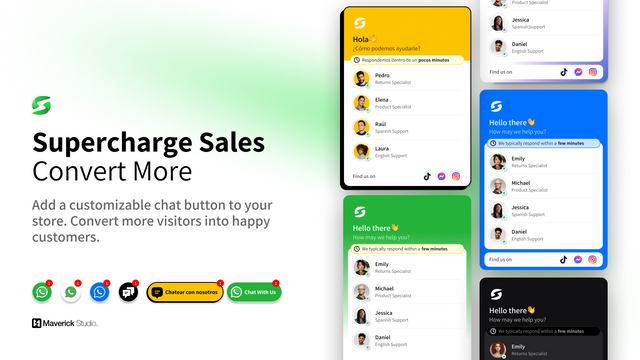
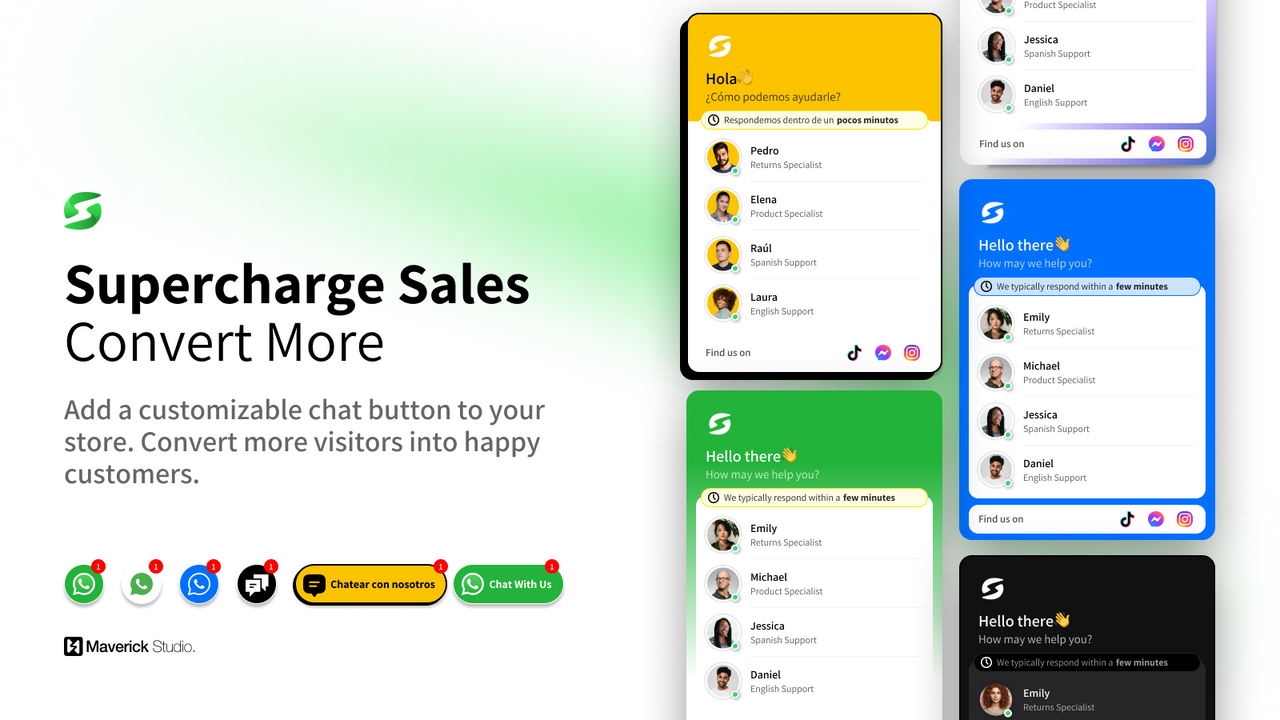
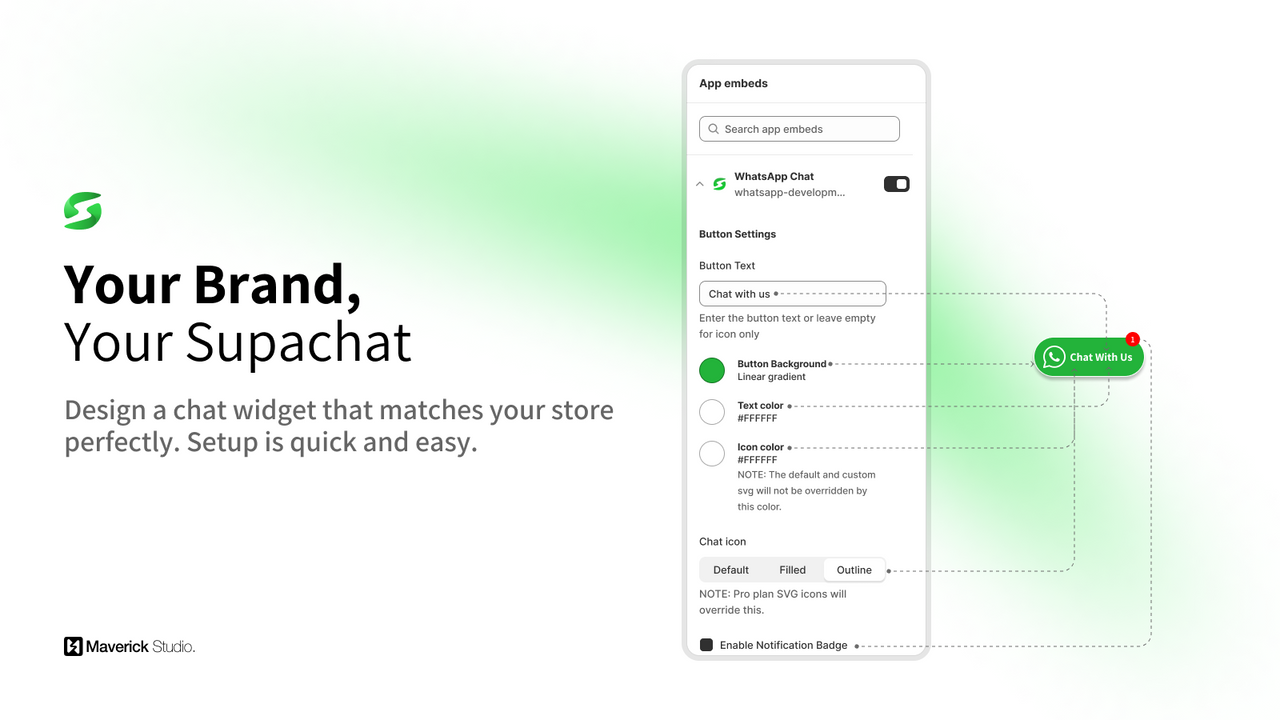
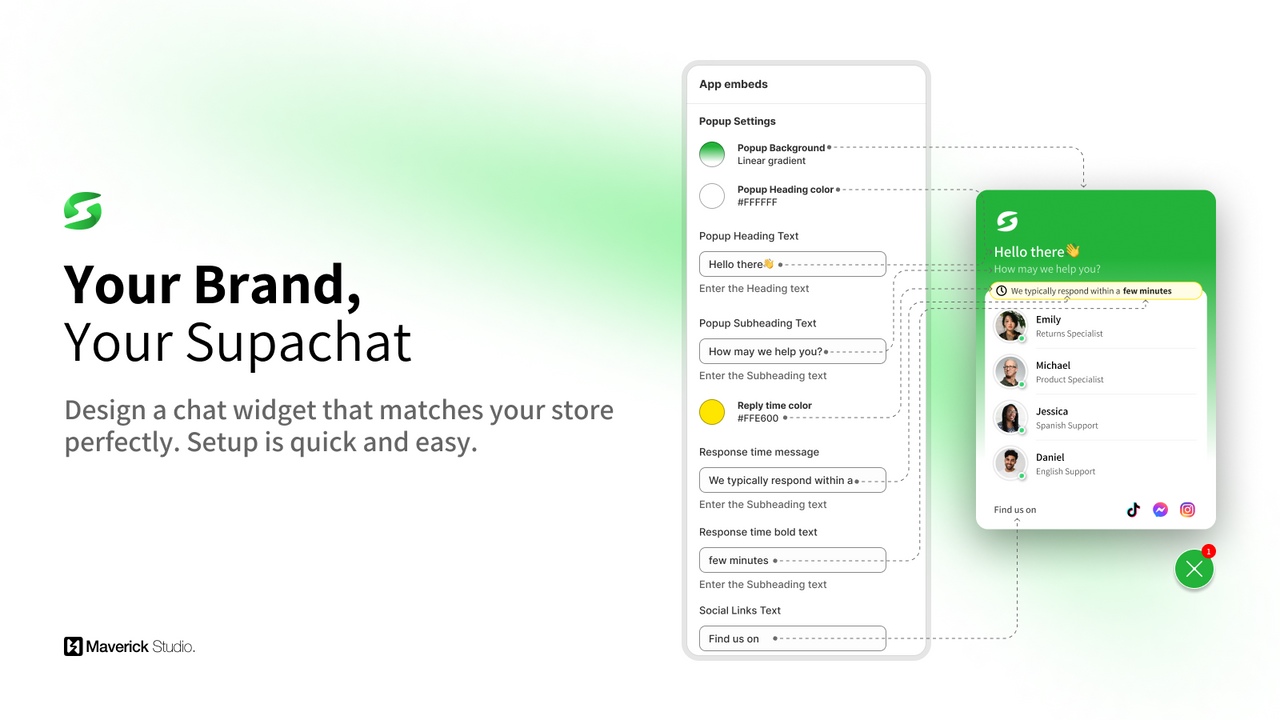
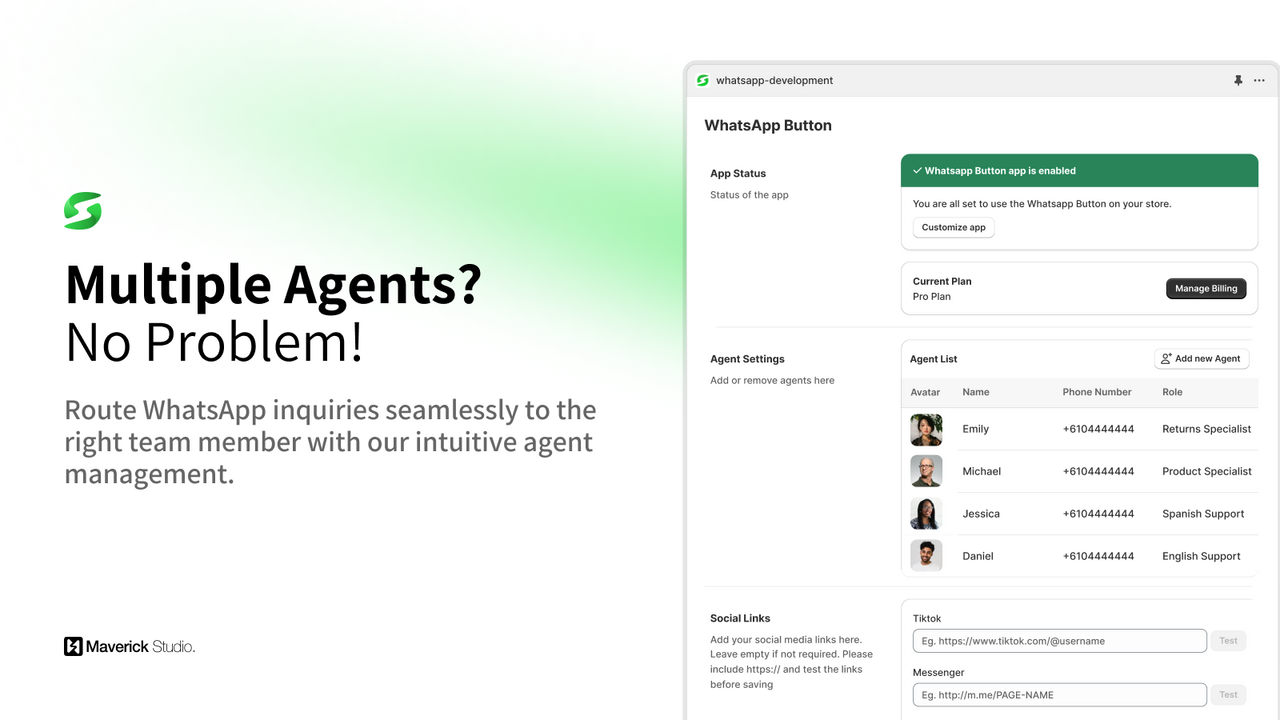
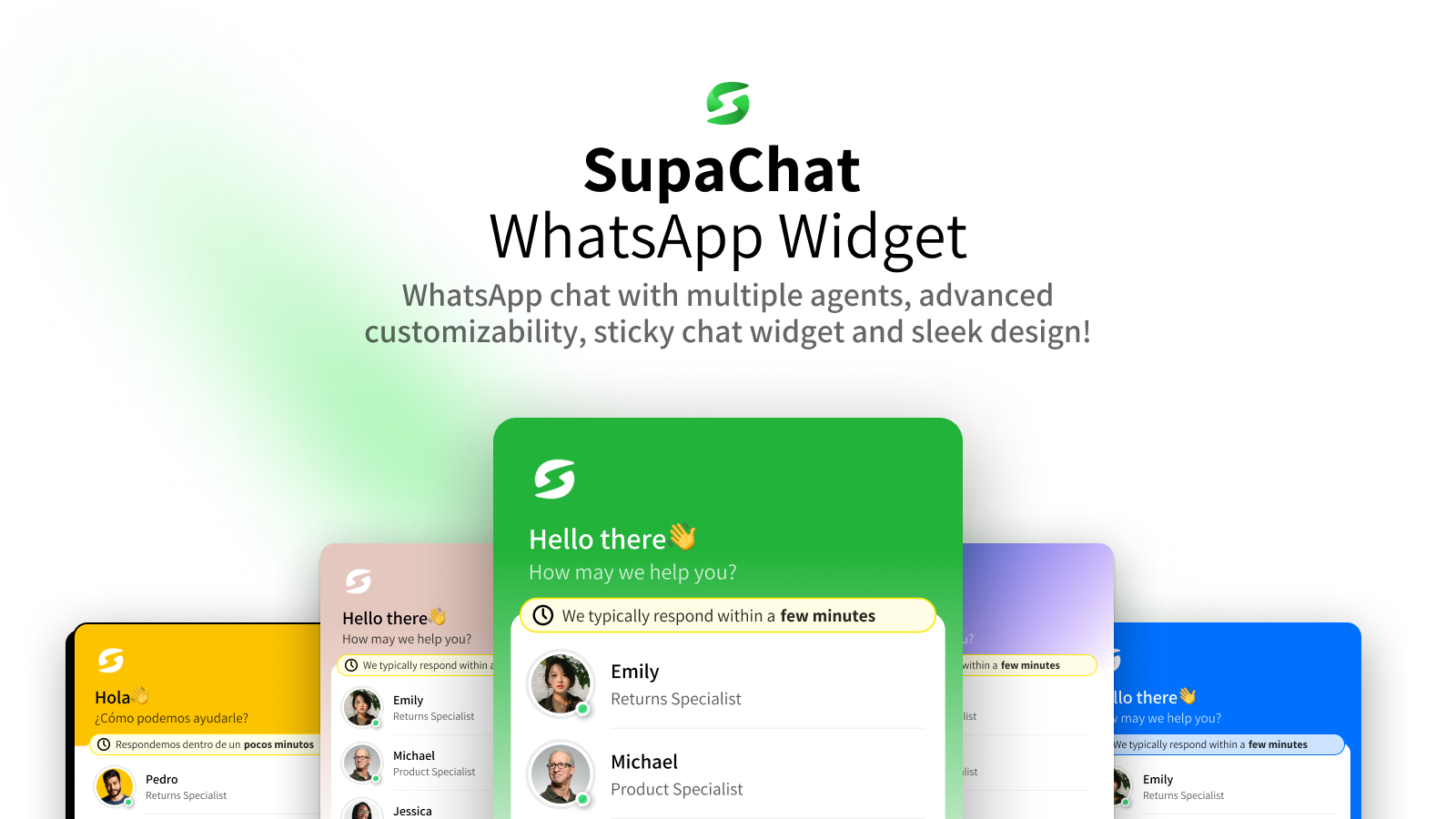
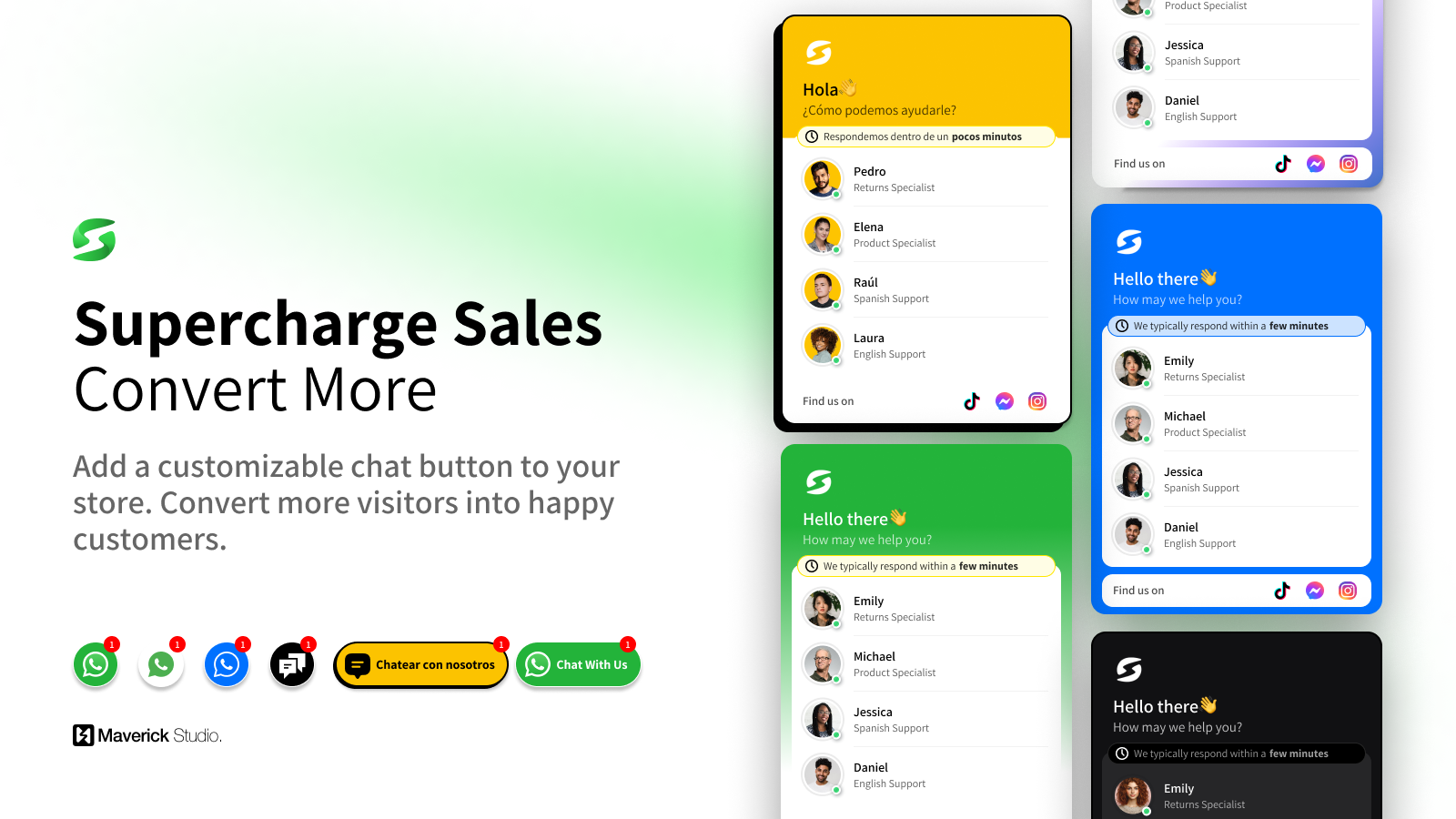
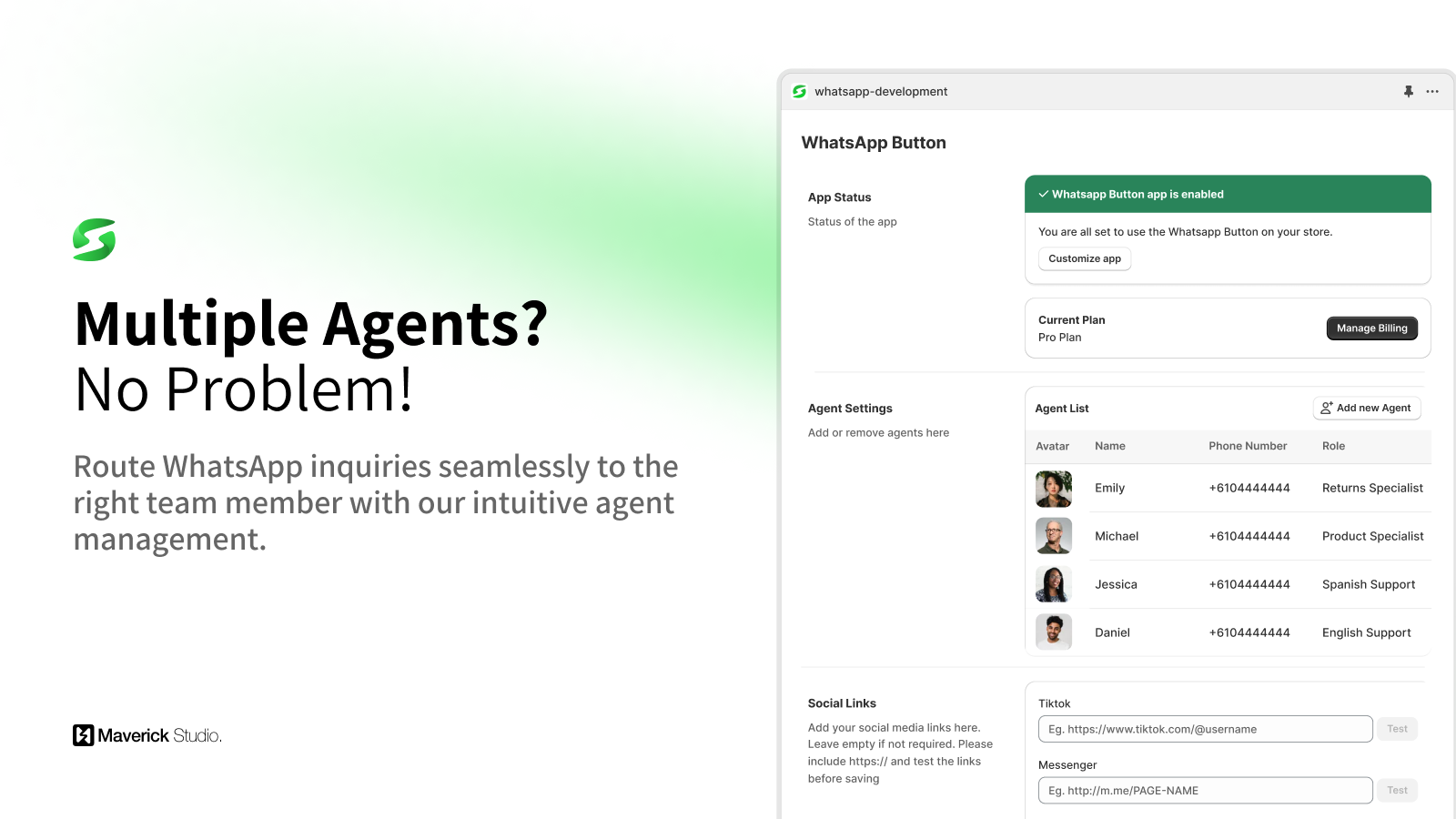
WhatsApp Chat Button with Click-to-Chat Widget – Supports Multiple Agents, Advanced Styling, and More! This app integrates a WhatsApp chat button widget into your store, making it easy for customers to reach you. When they click the button, they’re redirected to WhatsApp with a pre-filled message, ensuring fast and convenient communication. It supports multiple agents, each with their own phone number and role, so you can direct customers to the right team member. Customize the button’s style with custom CSS, and enjoy responsive design that delivers optimal performance on both mobile devices and desktops.
Core Functionality
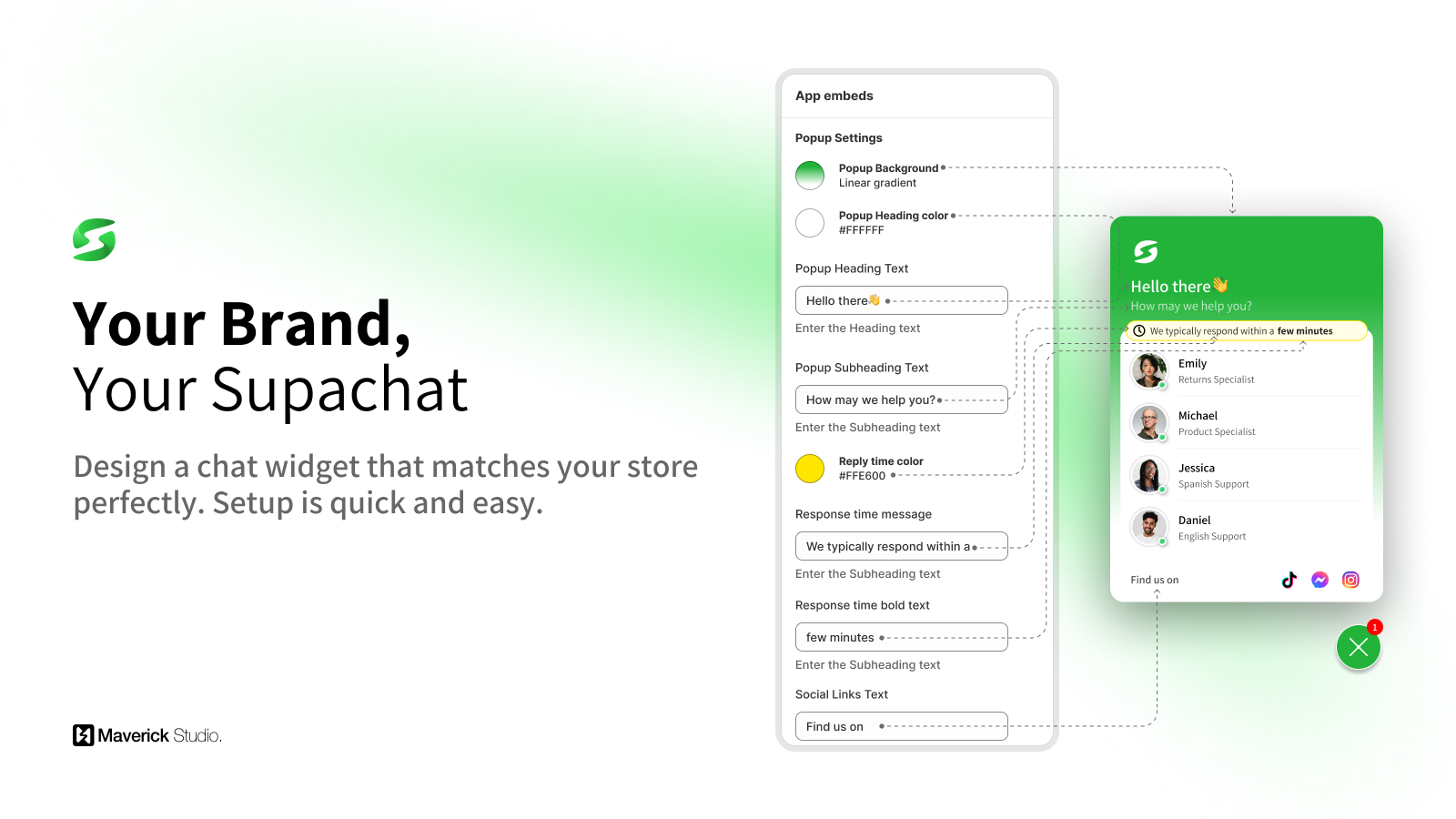
- Multiple agents: Route chats to the appropriate team members.
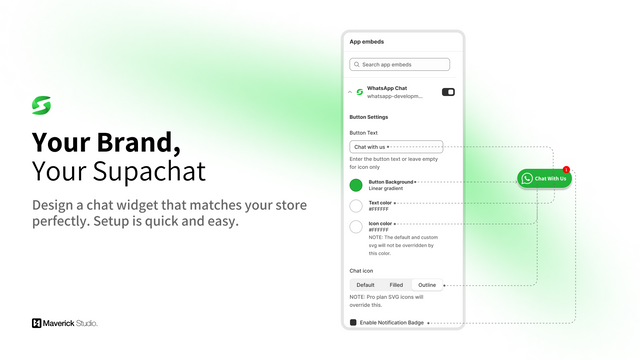
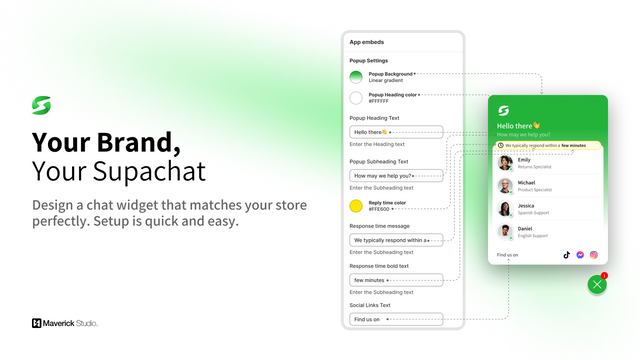
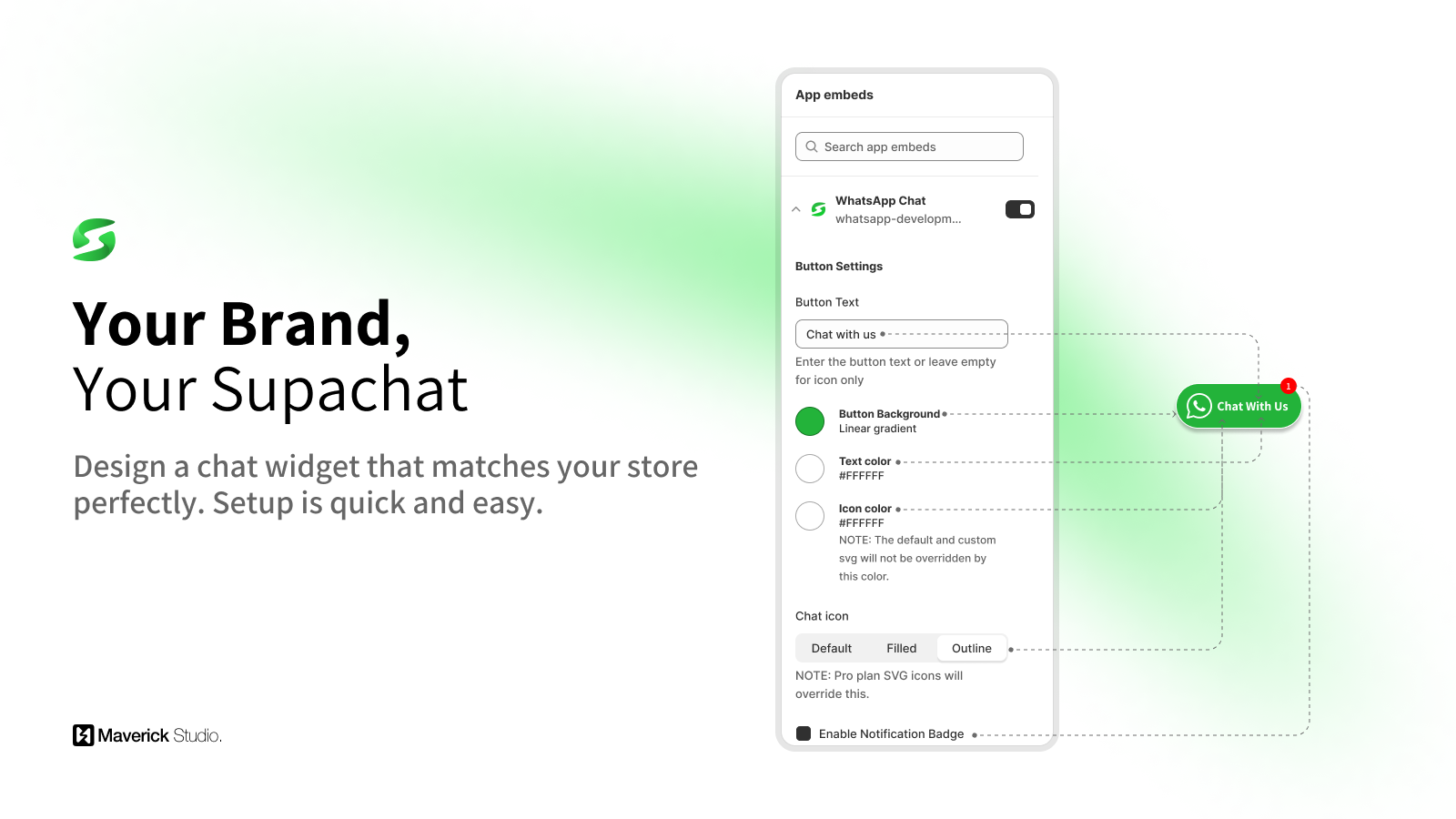
- Customizable design: Match the widget to your brand.
- Quick setup: Easily integrate with your online store.
- Sticky widget: Stay visible as users browse.
- Click-to-chat: Only one agent? No problem! Start a conversation with one click.
Merchant-Friendly
- Online Service Merchants
- Independent E-commerce
- Brand Retail Merchants
- Single-Store Operators
Basic Information
- Developer:Better Convert
- Address:Greenvale, VIC, AU
- Price: Free / Free plan
- Rating:5 / 5
- Comment Count:4 comment
- Release Date:2024-7-12
- Supported languages:English、Spanish、Traditional Chinese、Simplified Chinese、Czech、Danish、Dutch、Finnish、French、German、Italian、Japanese、Korean、Norwegian、Polish、Portuguese (Brazil)、Portuguese (Portugal)、Swedish、Turkish、Thai、Vietnamese
- Compatible products:Shopify
Application Screenshot
Price Plan
免费
- WhatsApp Floating Widget
- Single Agent
- Social Links
- Pre-filled Message
- Well-designed Widget
专业计划
- All features in the Free Plan
- Remove Supachat branding
- Add multiple agents
- Custom CSS styling
- Add custom icons
- VIP support
User Location & Comments
User Location
Comments
Shopify API Used
- POST /admin/api/chat_routes.json
- PUT /admin/api/chat_routes/{id}.json
- GET /admin/api/chat_routes.json
Permission:write_chat_routes,read_chat_routes,manage_chat
- POST /admin/api/chat_widgets/settings.json
- PUT /admin/api/chat_widgets/settings/{id}.json
- GET /admin/api/chat_widgets/settings.json
Permission:write_chat_widgets,read_chat_widgets,manage_themes
- POST /admin/api/chat_integrations.json
- PUT /admin/api/chat_integrations/{id}.json
- GET /admin/api/chat_integrations.json
Permission:write_chat_integrations,read_chat_integrations,manage_online_store
- POST /admin/api/chat_widgets/sticky.json
- PUT /admin/api/chat_widgets/sticky/{id}.json
- GET /admin/api/chat_widgets/sticky.json
Permission:write_chat_widgets,read_chat_widgets,manage_themes
- POST /admin/api/chat_sessions/start.json
- PUT /admin/api/chat_sessions/start/{id}.json
- GET /admin/api/chat_sessions/active.json
Permission:write_chat_sessions,read_chat_sessions,manage_chat



