
App Introduction
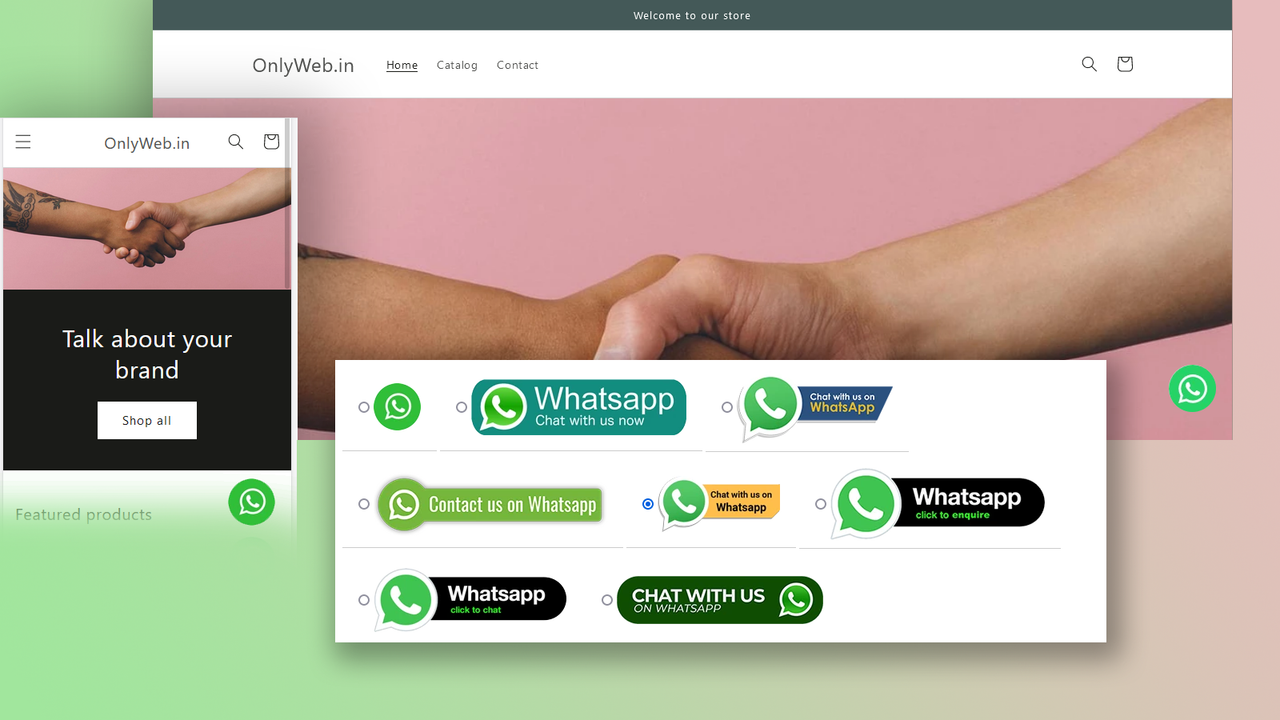
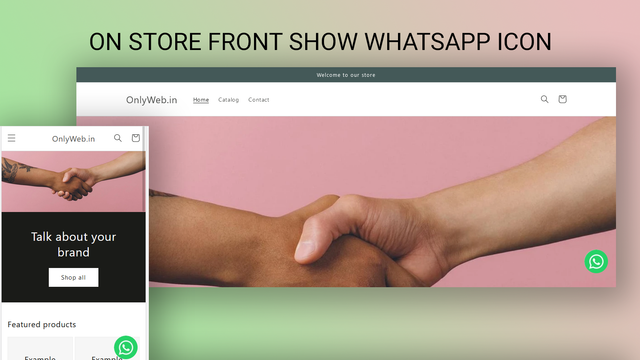
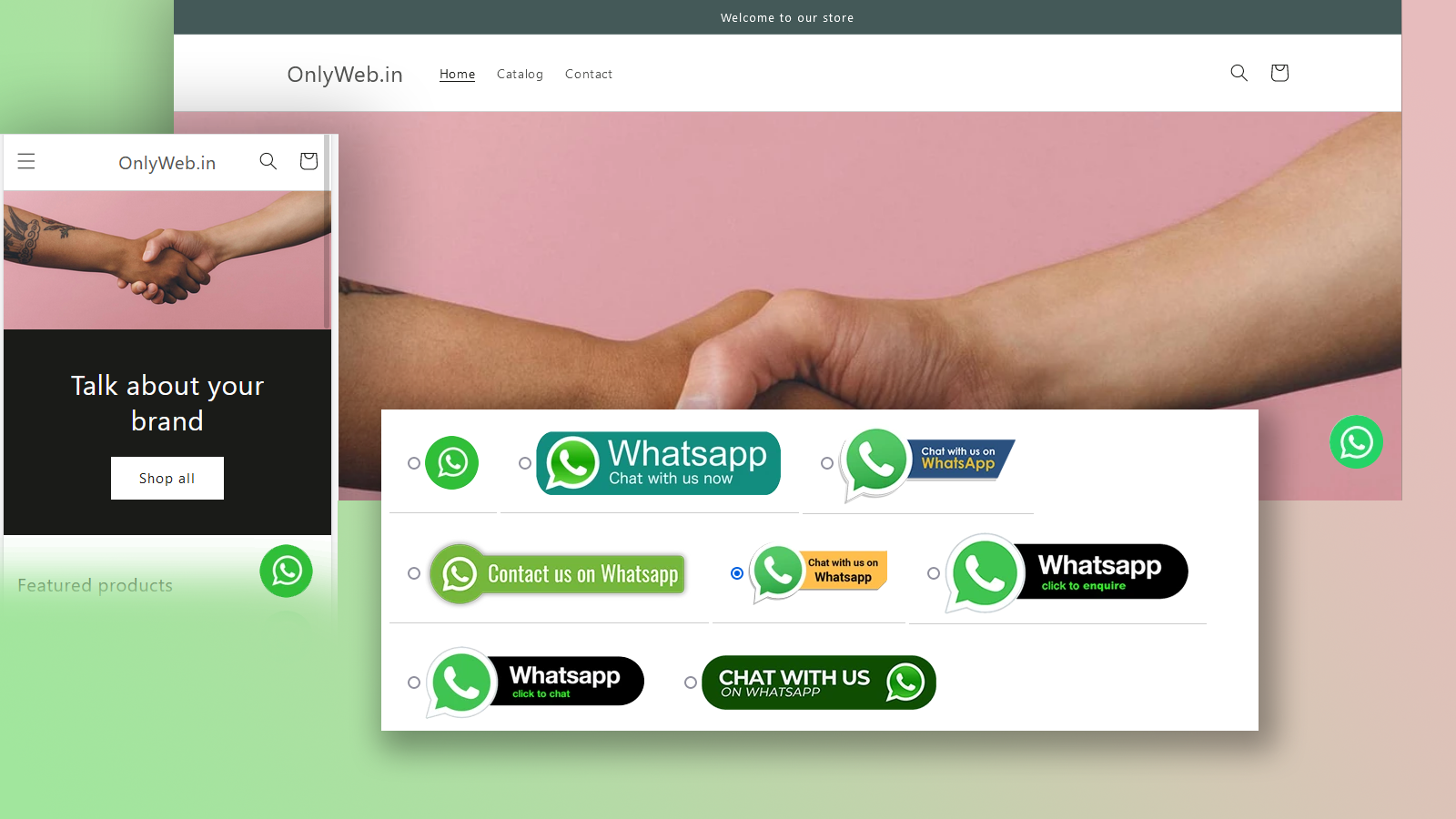
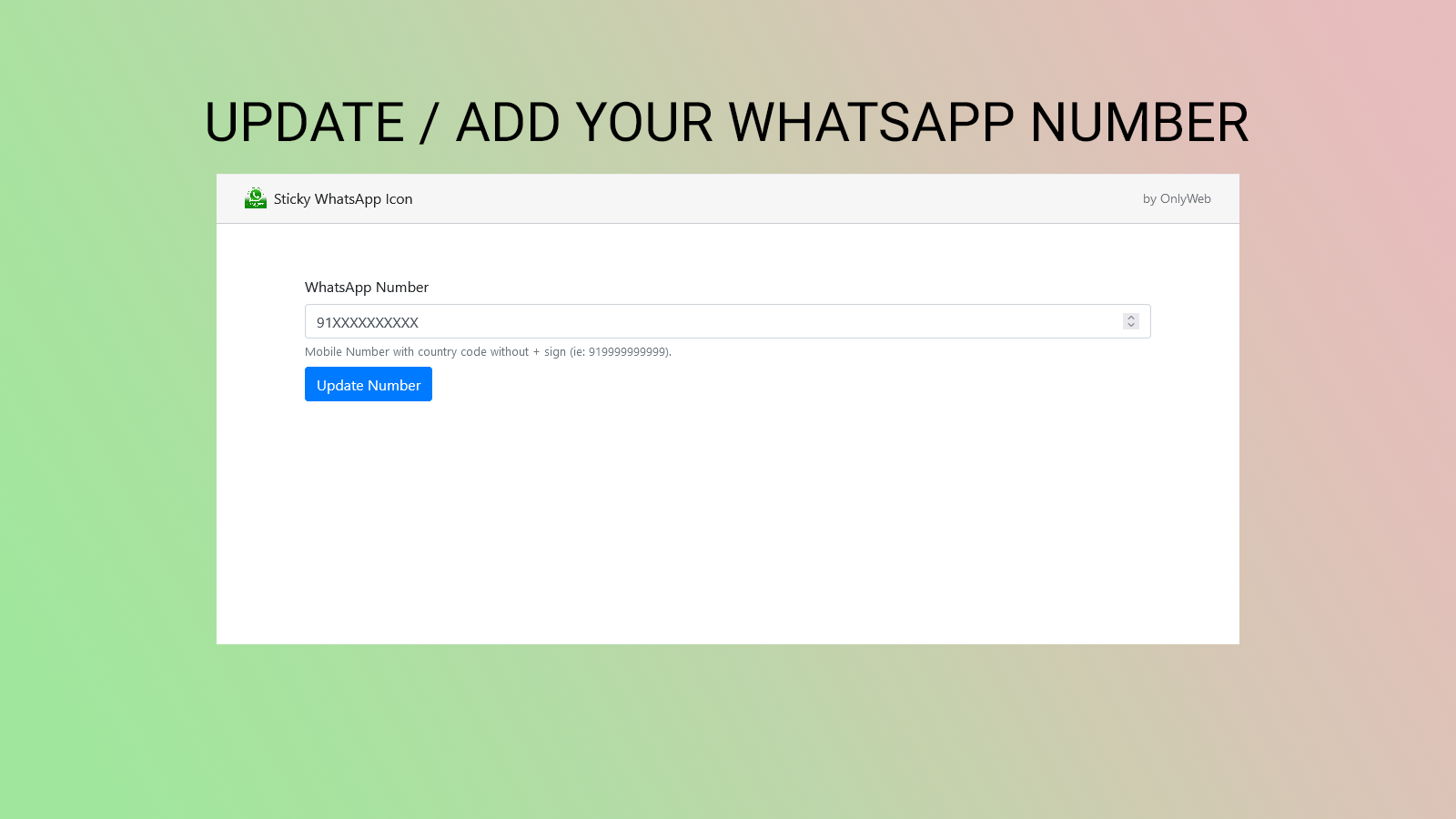
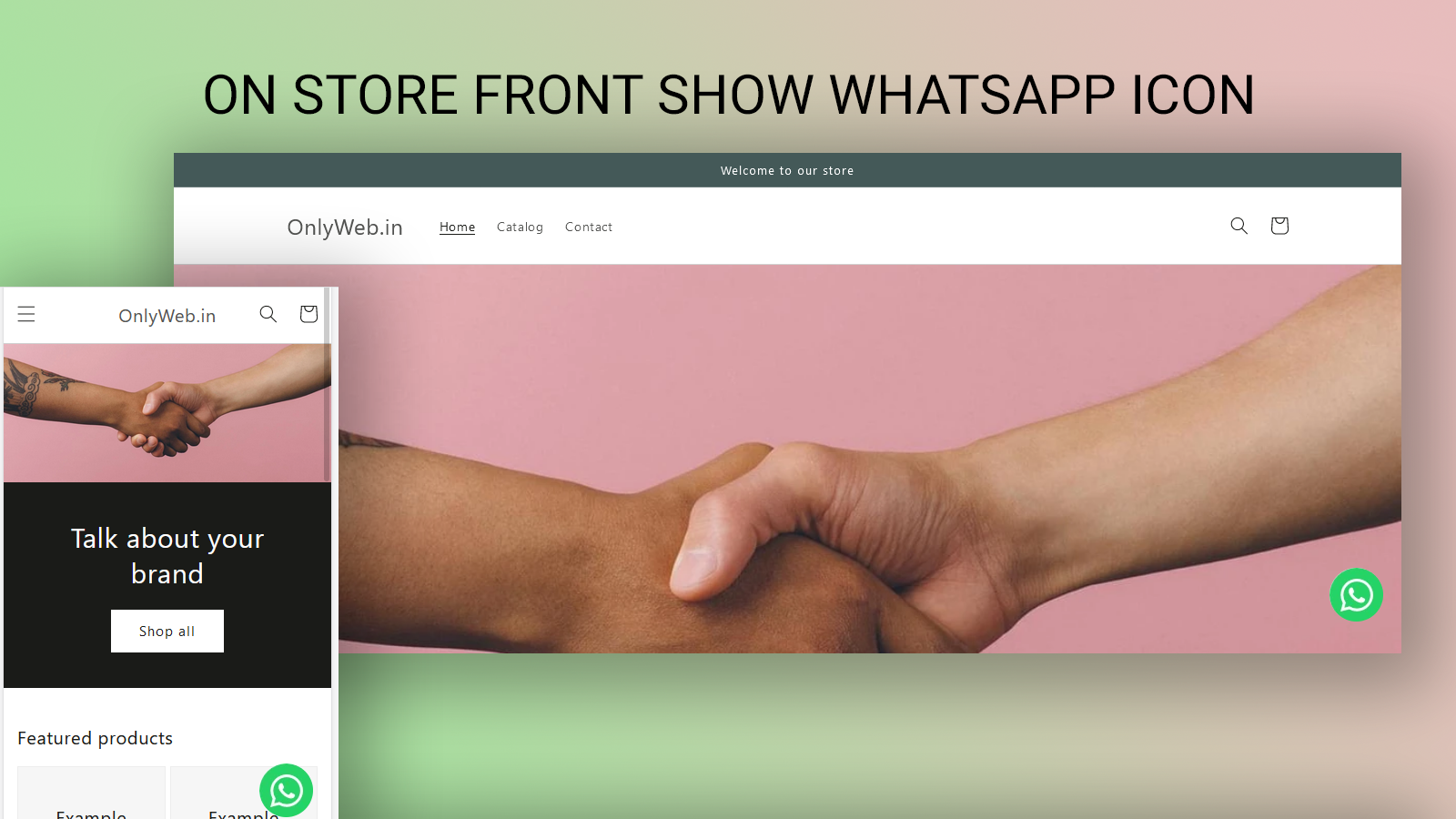
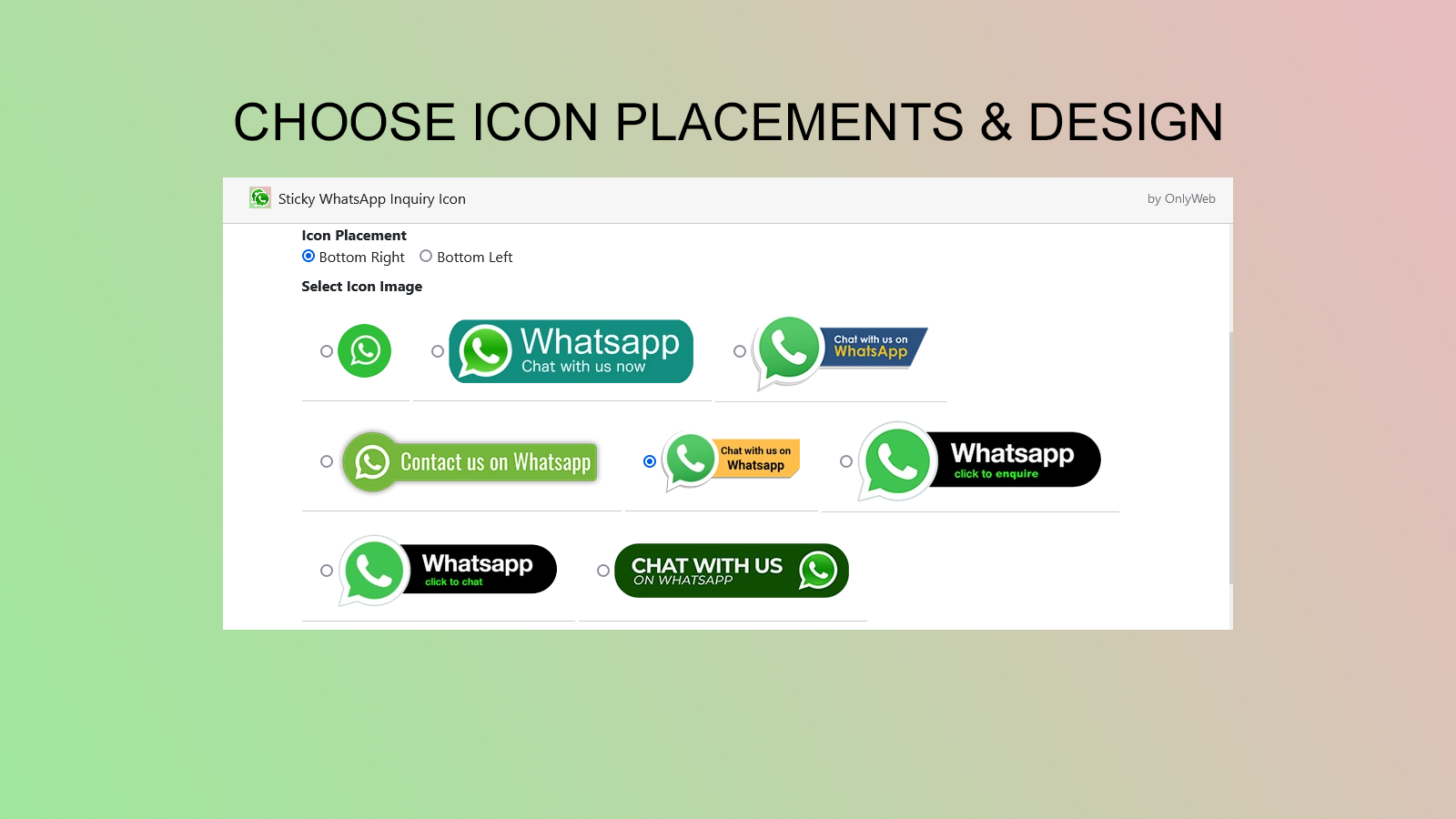
Our app is designed to help you easily integrate a WhatsApp chat button into your store. Sticky WhatsApp Icon is a powerful app that enables store owners to effortlessly add a WhatsApp chat button to their website. Packed with features, our app makes communicating with your customers simple and efficient. With this app, you can customize the position, size, and color of the WhatsApp icon to ensure it perfectly matches your brand’s aesthetics. Plus, our app is mobile-friendly, so your customers can easily reach out to you via their smartphones. Our app also lets you control its look and feel.
Core Functionality
- You can fully customize the appearance of the WhatsApp chat button
- Customers shop on smartphones, so our app is mobile-friendly
- Your customers can easily contact you via WhatsApp
Merchant-Friendly
- Mobile E-commerce Merchants
- Independent Store Sellers
- Social E-commerce Merchants
Basic Information
- Developer:OnlyWeb
- Address:Surat, GJ, IN
- Price: Free / Free plan
- Rating:0 / 5
- Comment Count:0 comment
- Release Date:2021-8-17
- Supported languages:English
- Compatible products:Shopify
Application Screenshot
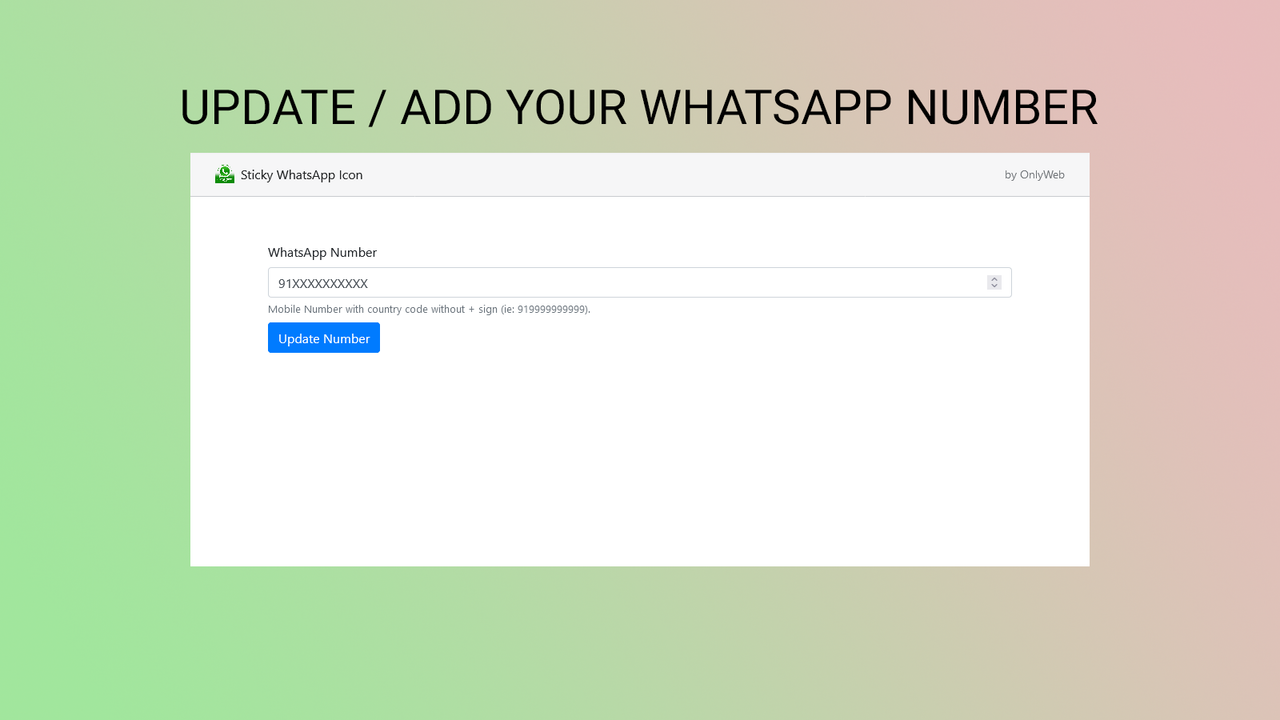
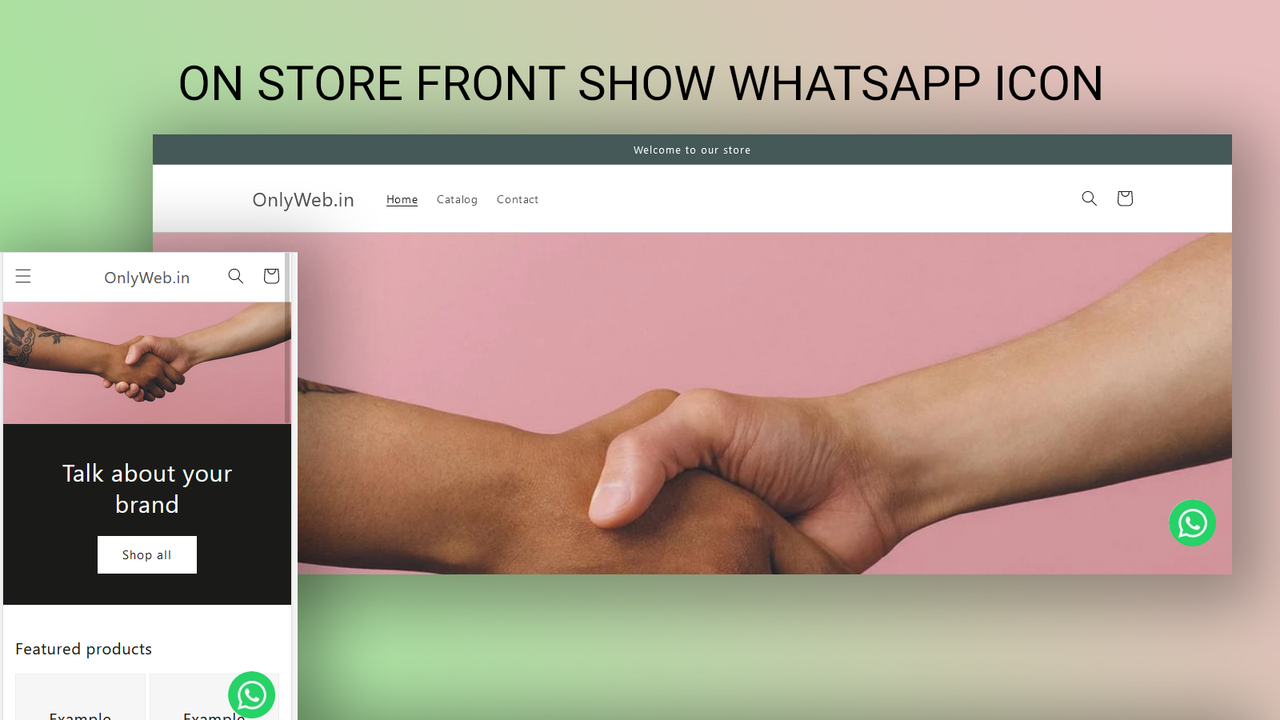
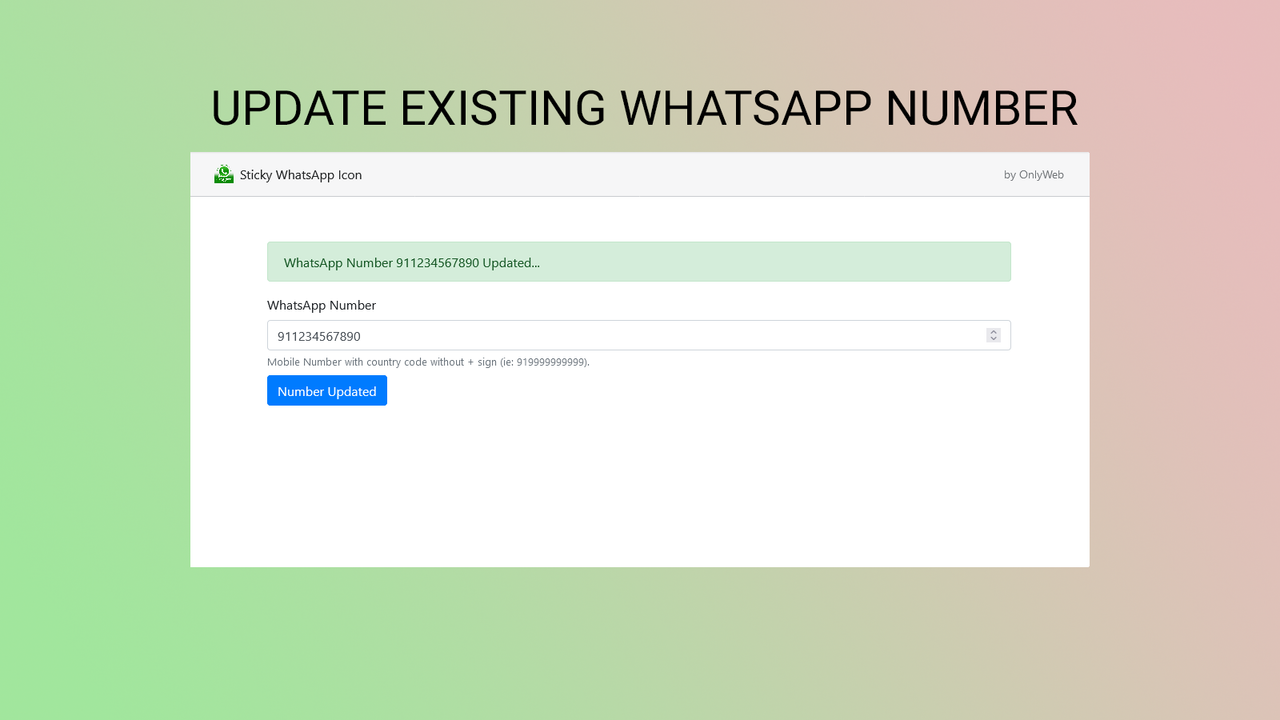
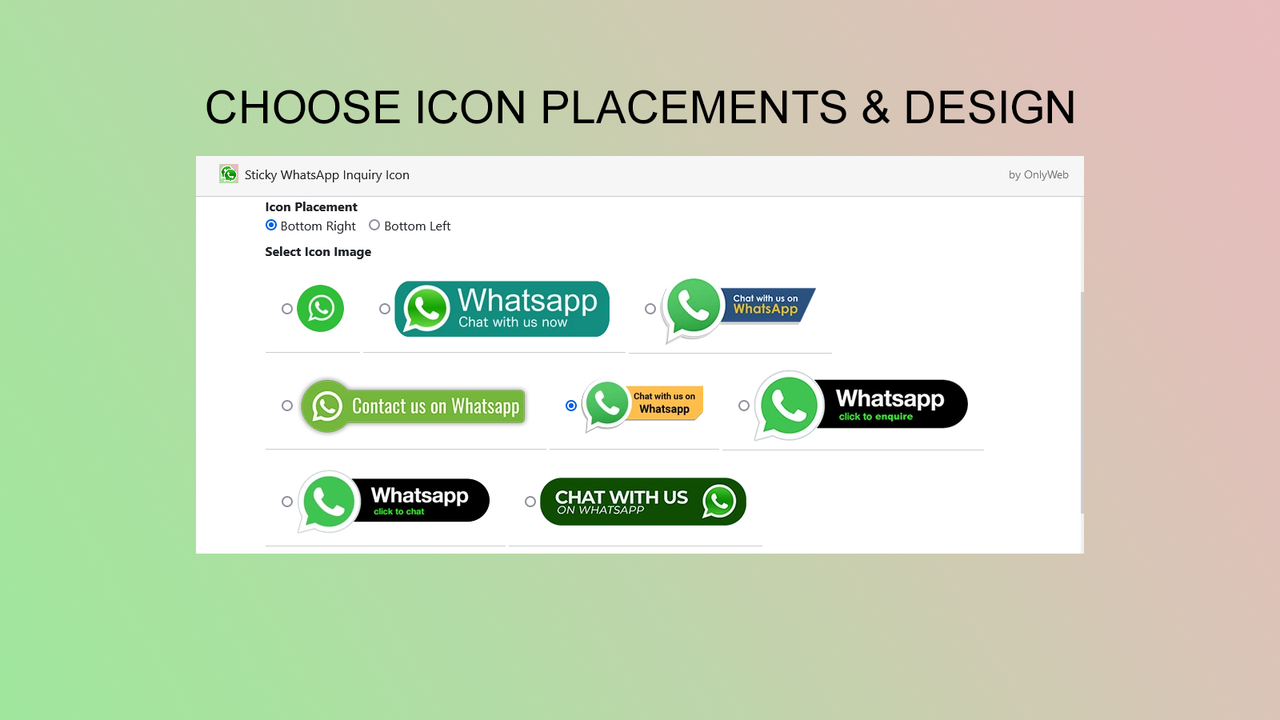
Price Plan
一次性收费
User Location & Comments
User Location
Comments
Shopify API Used
- POST /admin/api/apps/{app_id}/settings/whatsapp_button.json
- PUT /admin/api/apps/{app_id}/settings/whatsapp_button.json
- GET /admin/api/apps/{app_id}/settings/whatsapp_button.json
Permission:write_app_settings,read_app_settings,manage_online_store
- POST /admin/api/apps/{app_id}/settings/whatsapp_mobile.json
- PUT /admin/api/apps/{app_id}/settings/whatsapp_mobile.json
- GET /admin/api/apps/{app_id}/settings/whatsapp_mobile.json
Permission:write_app_settings,read_app_settings,manage_themes
- POST /admin/api/apps/{app_id}/settings/whatsapp_contact.json
- PUT /admin/api/apps/{app_id}/settings/whatsapp_contact.json
- GET /admin/api/apps/{app_id}/settings/whatsapp_contact.json
Permission:write_app_settings,read_app_settings,manage_customer_service



