
App Introduction
Add a chat widget and share it via messaging apps and social channels to enhance your support experience. Connect with customers through their favorite messaging apps — a relaxed, native way to communicate. By embedding this popular messaging app directly into your website, visitors can send questions instantly. Stay connected with your audience anytime, anywhere, and respond from any device. Customers receive real-time new message notifications on the web, enabling seamless conversations.
Core Functionality
- Connect with customers via their favorite messaging apps
- Boost sales by enhancing the customer chat service experience
- Works with all themes. Compatible with any custom theme too
Merchant-Friendly
- Independent Station Merchants
- Social E-commerce Sellers
- High-margin E-commerce
- Omnichannel Retailers
Basic Information
- Developer:RoarTheme
- Address:District 2, Ho Chi Minh, 700000, VN
- Price: Free / Free plan
- Rating:4.7 / 5
- Comment Count:248 comment
- Release Date:2019-8-12
- Supported languages:English
- Compatible products:Shopify
Application Screenshot


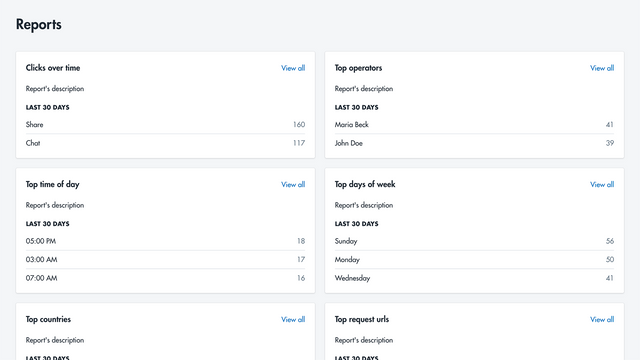


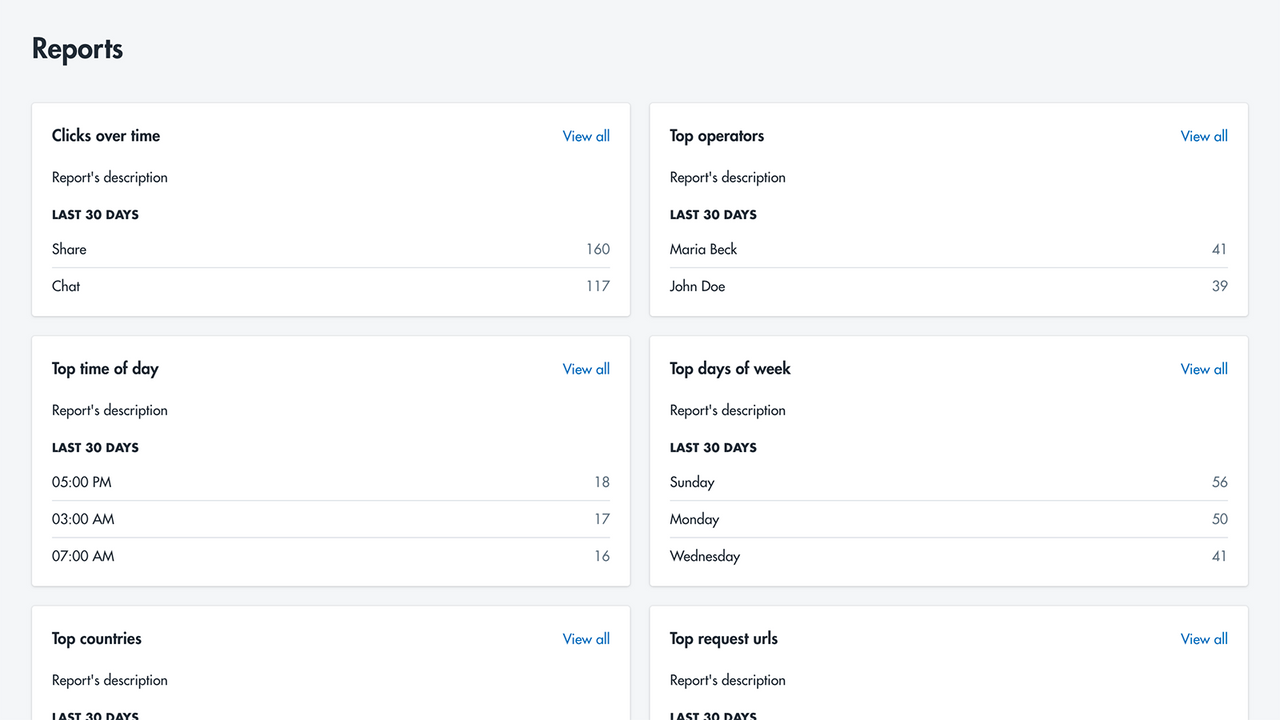
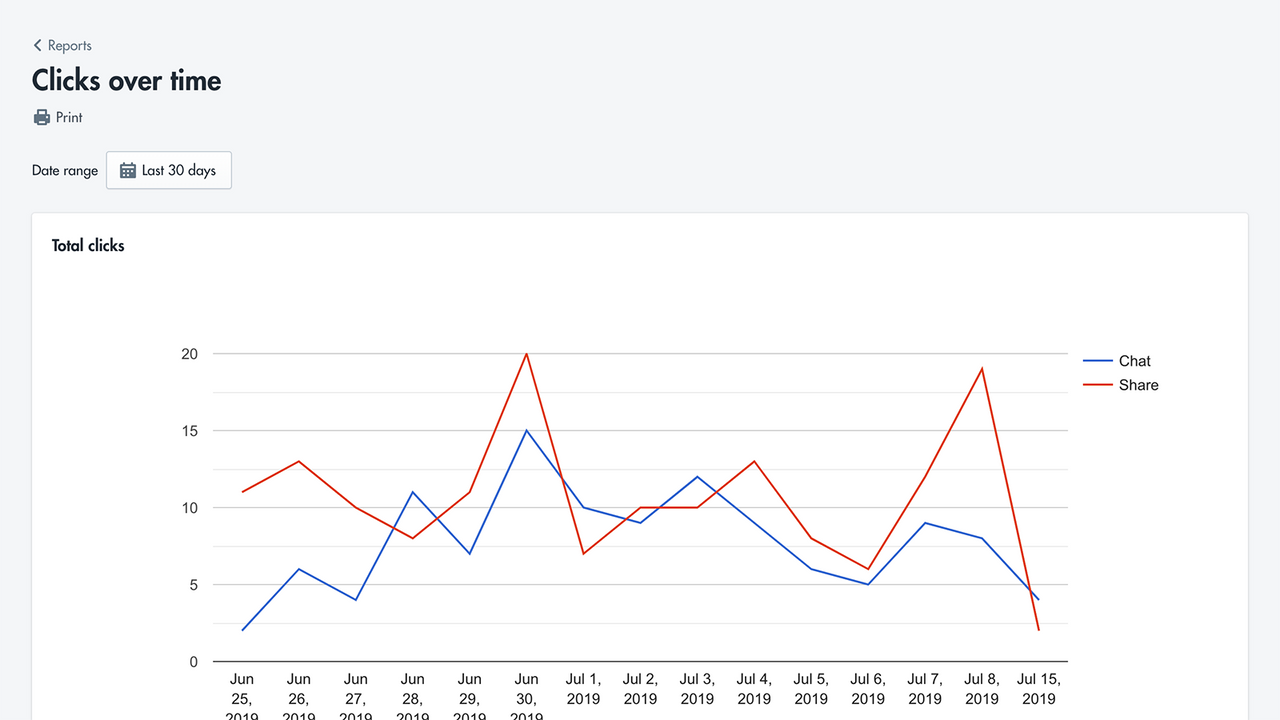


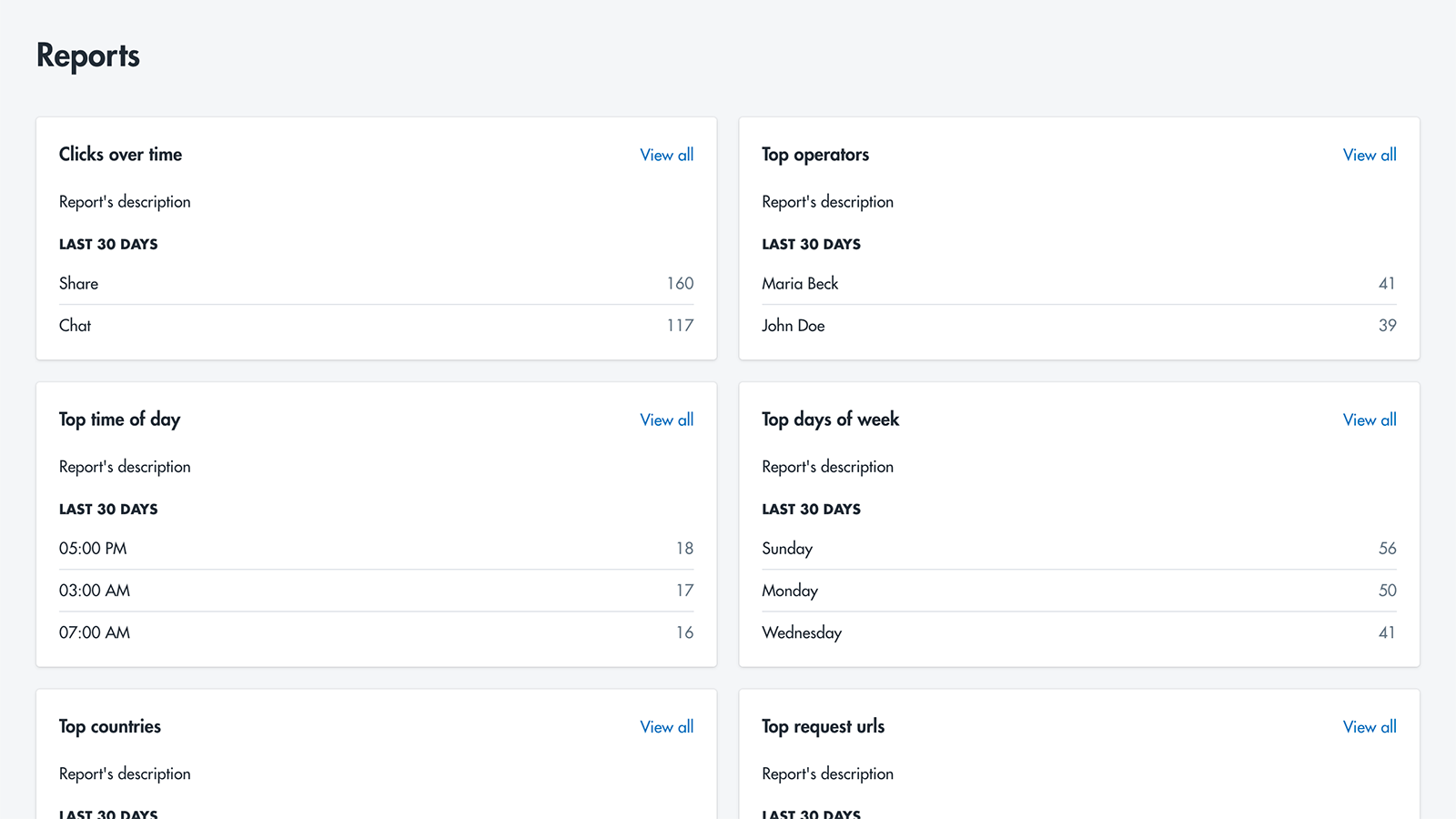
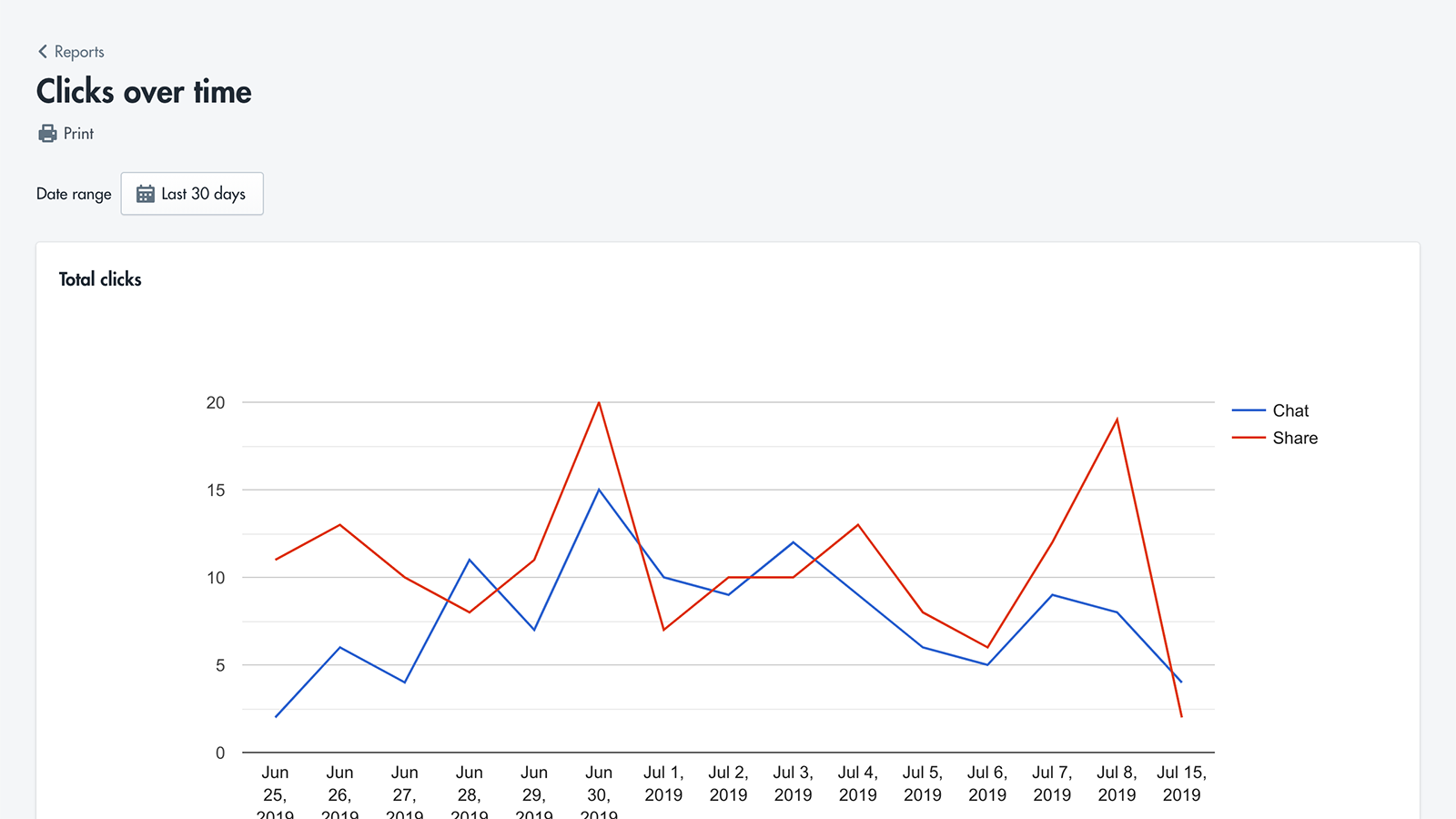
Price Plan
Basic
免费安装
- Unlimited Operators
- Display Trademark
Premium
$6.99
- Performance Tracking
- Custom Style Support
User Location & Comments
User Location
Comments
Shopify API Used
- POST /admin/api/customers/{customer_id}/messages.json
- GET /admin/api/customers/{customer_id}/messages.json
- PUT /admin/api/messages/{message_id}.json
Permission:write_customers,read_customers,manage_messages
- POST /admin/api/chat_sessions.json
- GET /admin/api/chat_sessions/{session_id}.json
- PUT /admin/api/chat_sessions/{session_id}/status.json
Permission:write_chat_sessions,read_chat_sessions,manage_shop
- POST /admin/api/themes/{theme_id}/apps.json
- GET /admin/api/themes/{theme_id}/assets.json
- PUT /admin/api/themes/{theme_id}/assets.json
Permission:write_themes,read_themes,manage_apps



