
App Introduction
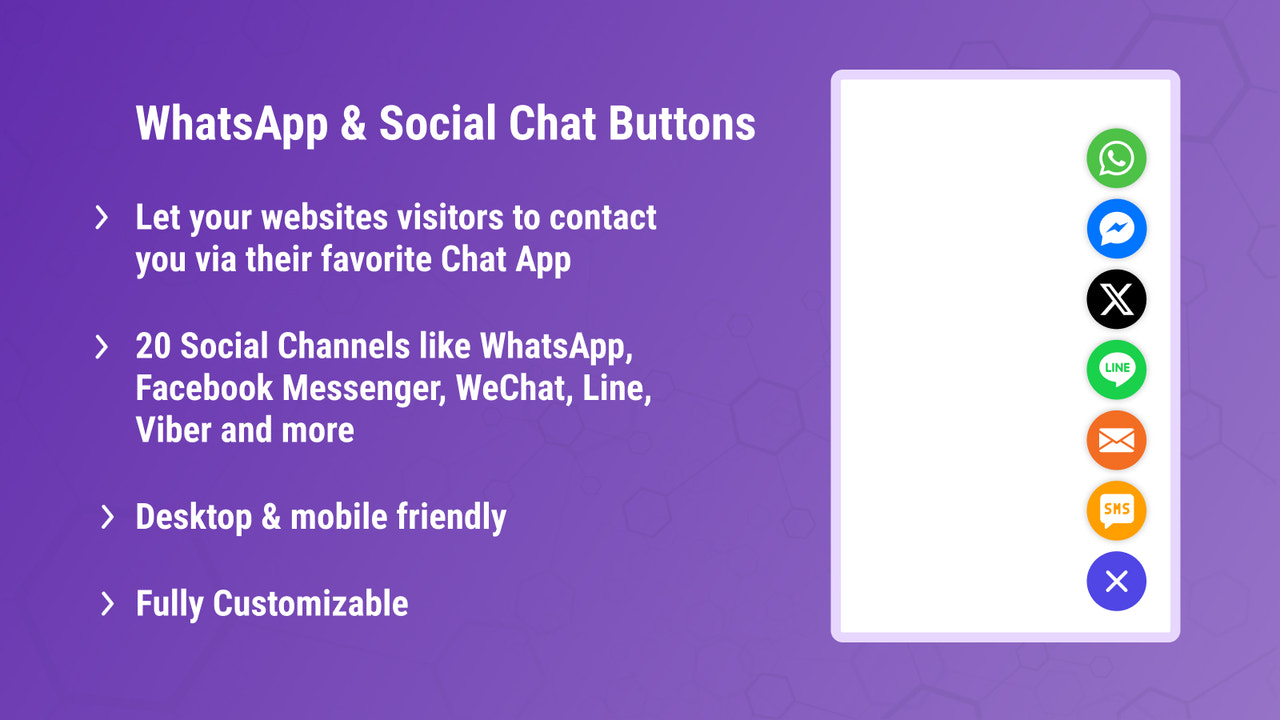
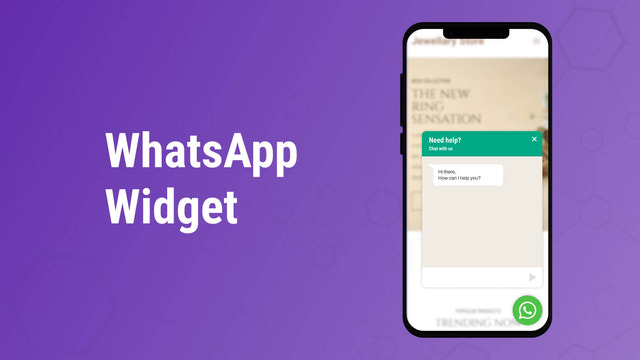
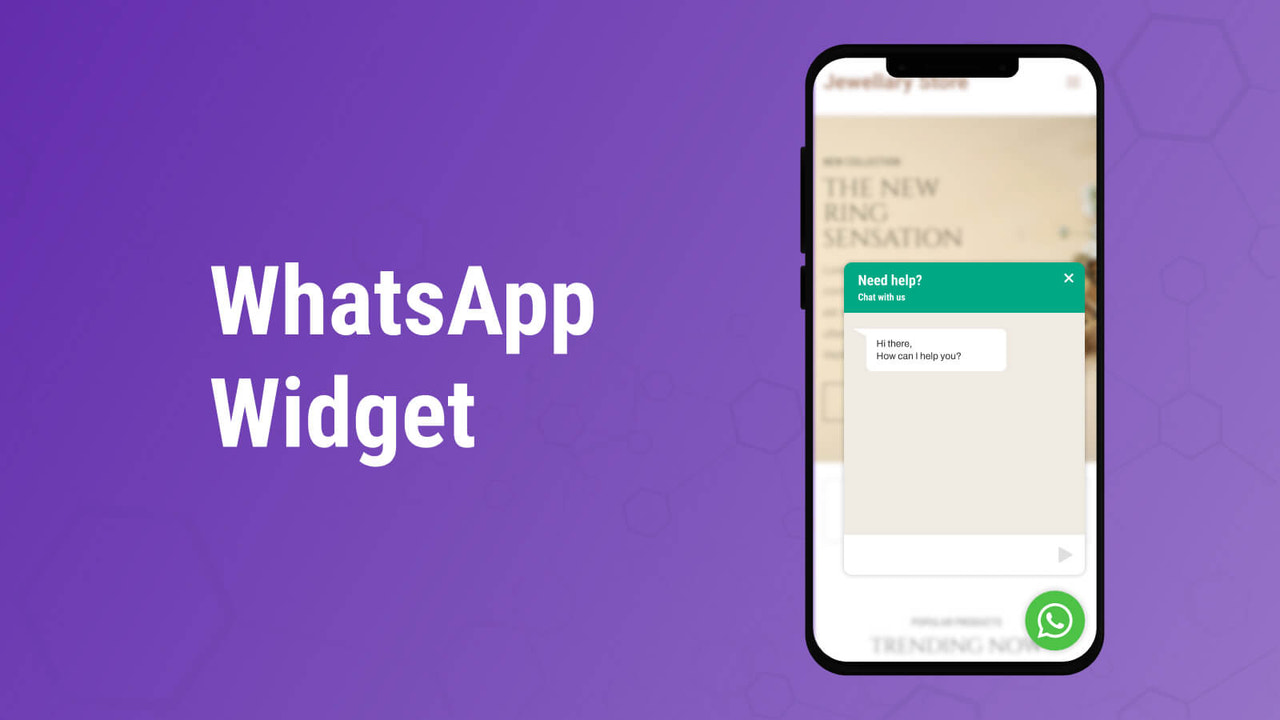
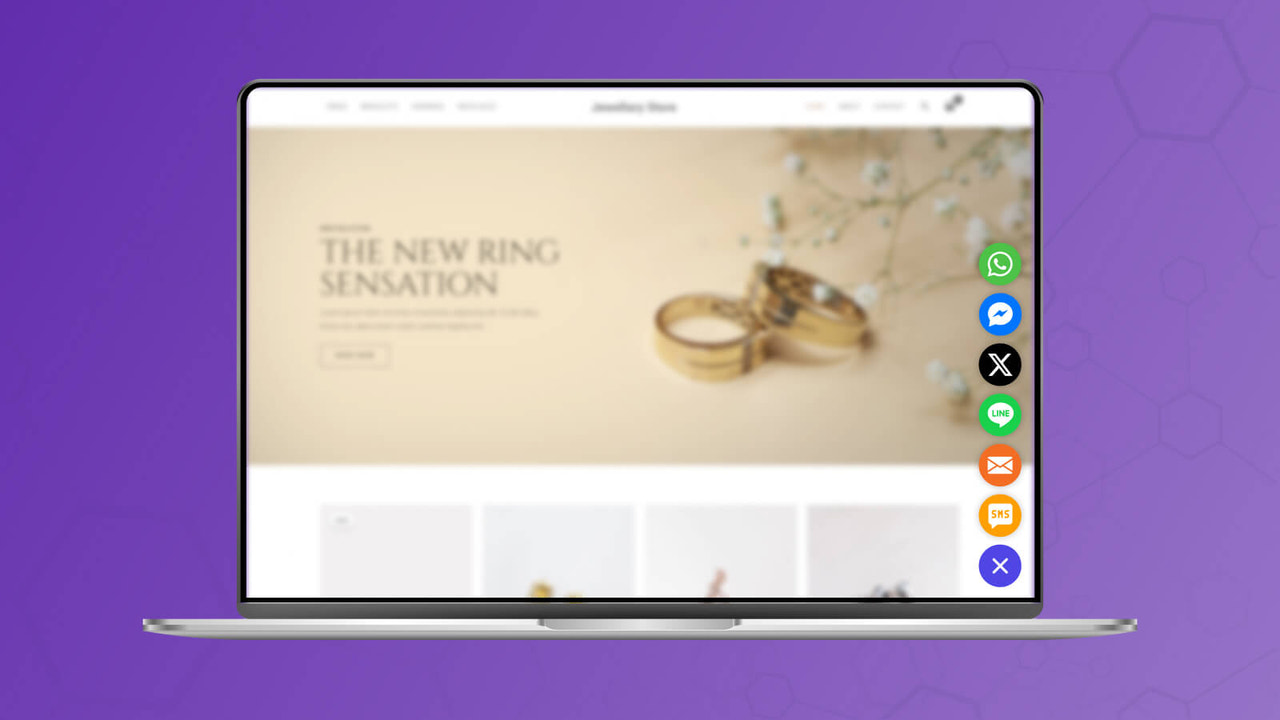
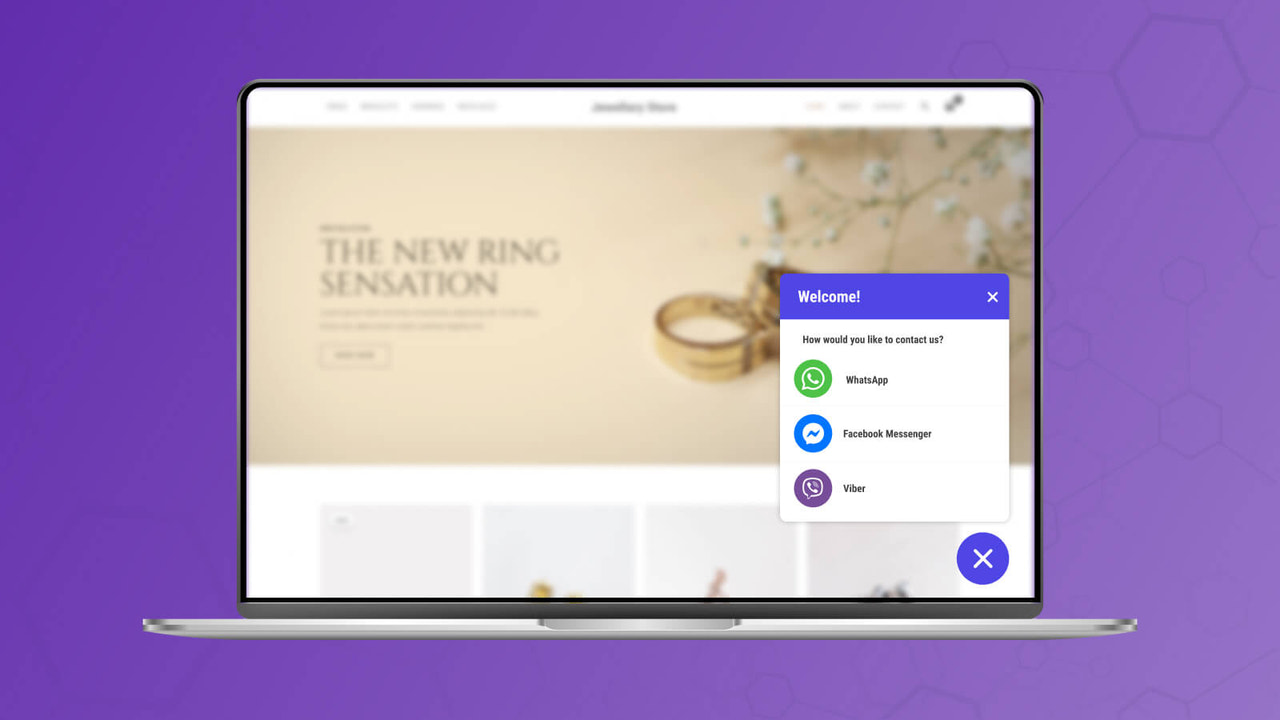
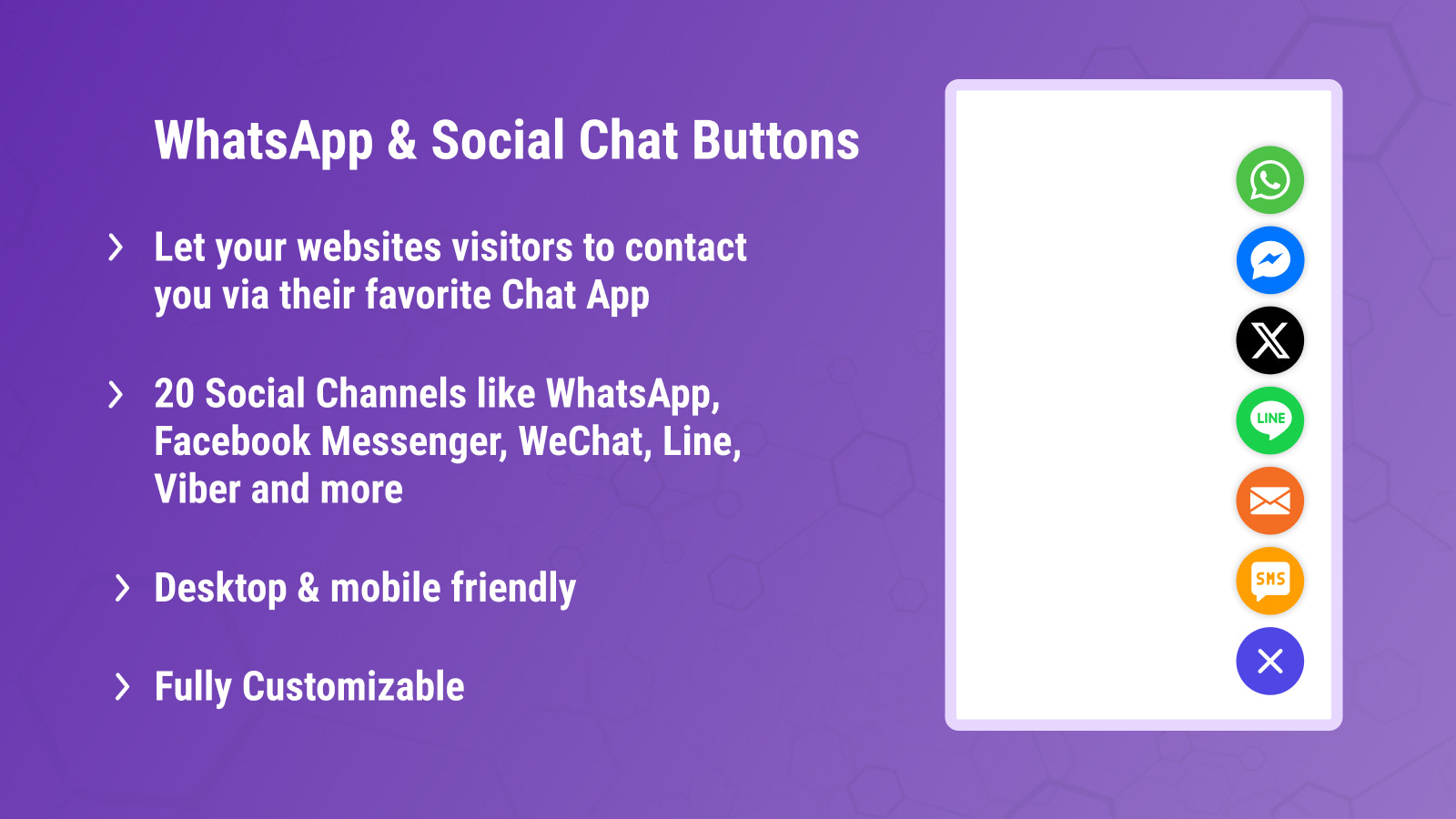
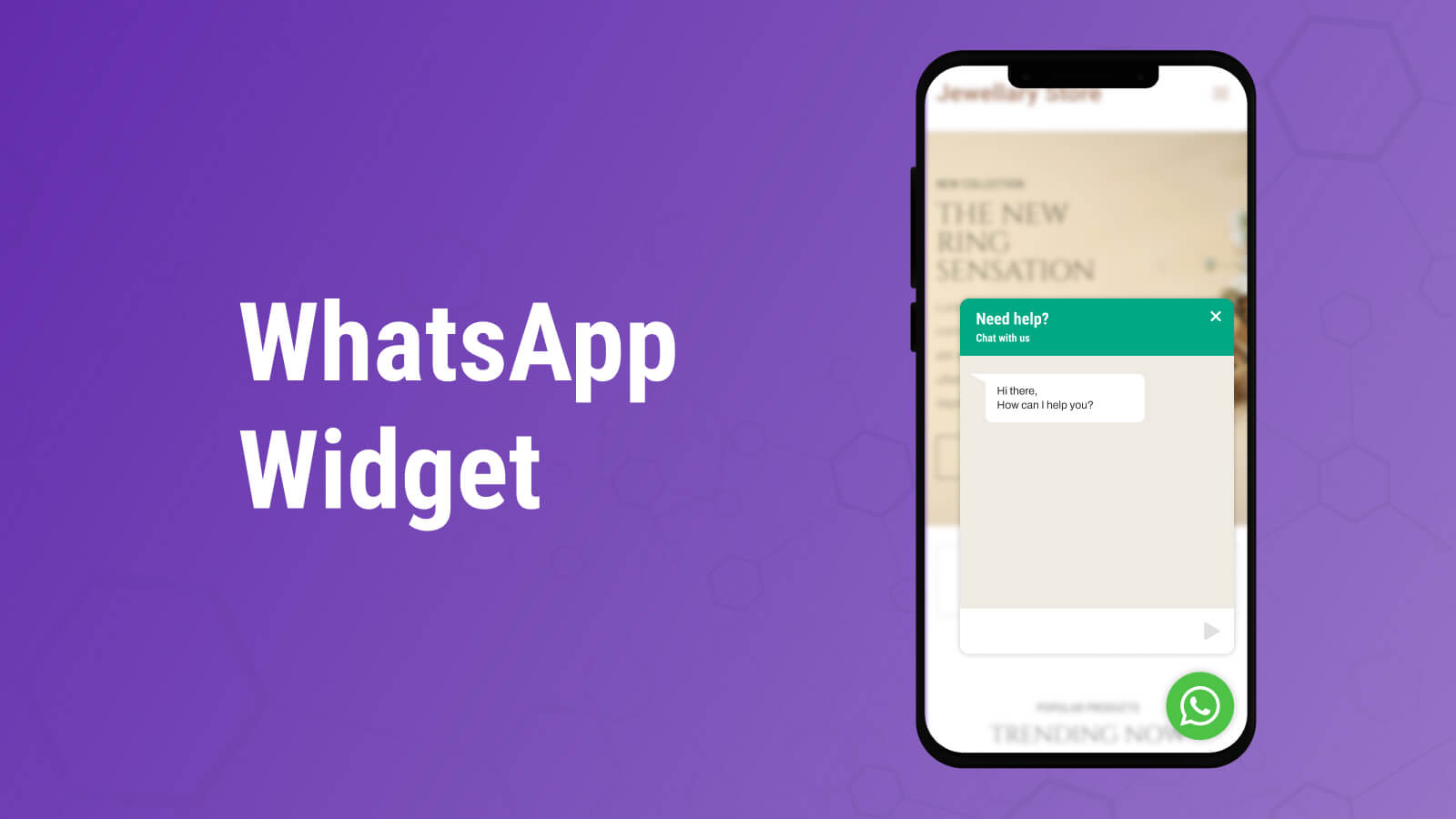
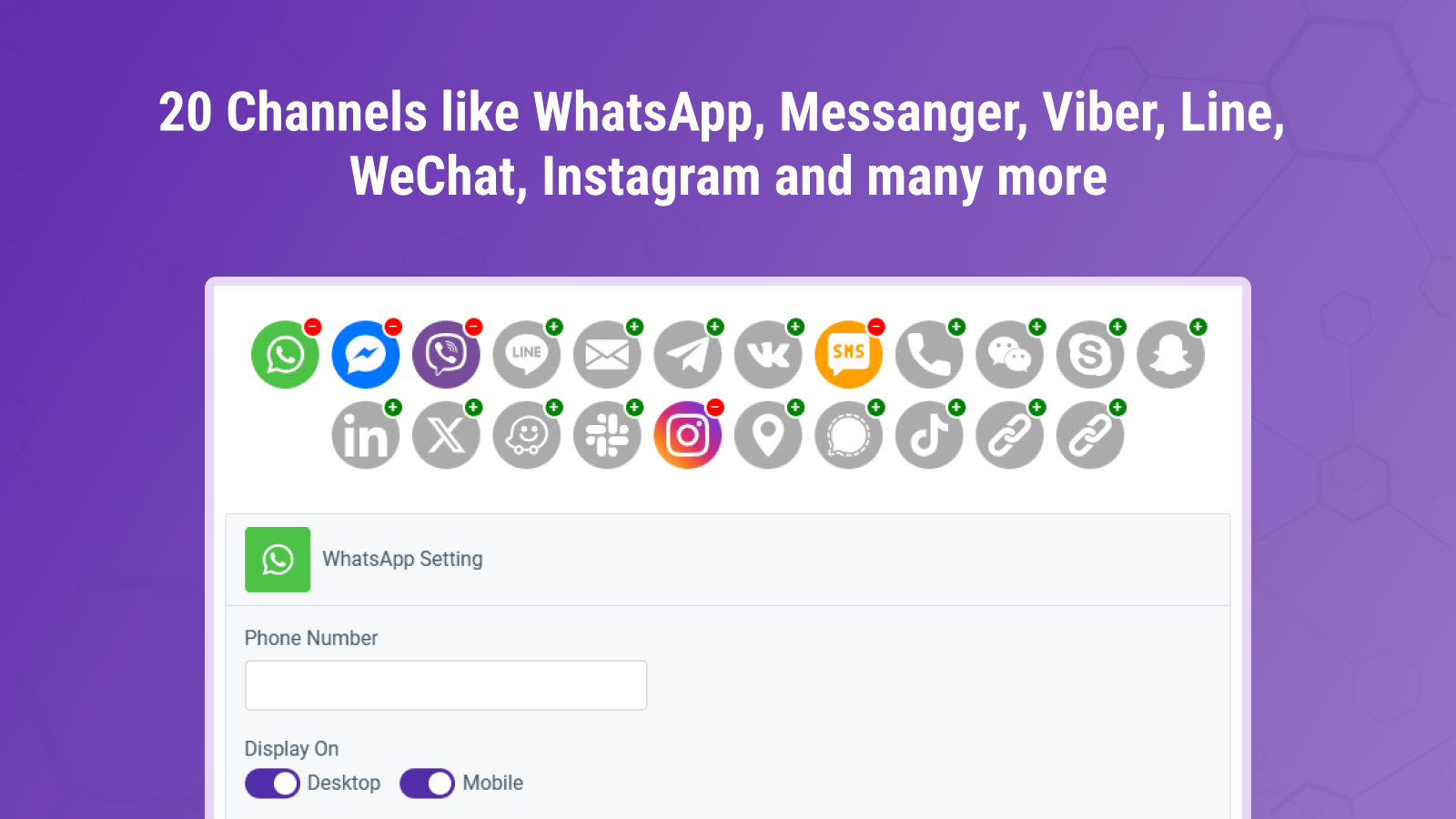
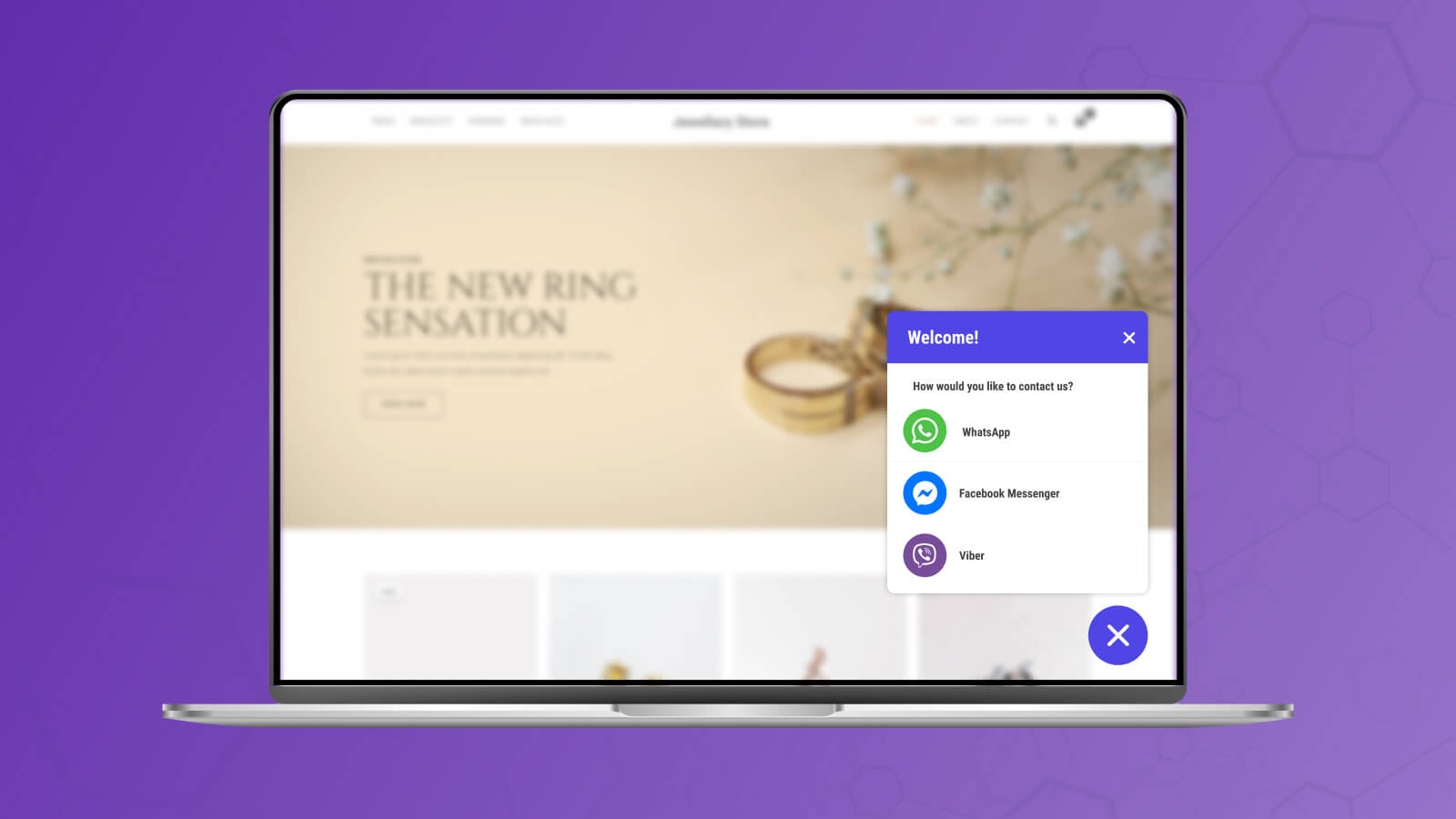
Engage with Customers Anytime, Anywhere – WhatsApp, Messenger, 20+ Chat Channels & Contact Forms QChat lets your customers connect instantly via WhatsApp, Messenger, Instagram, Telegram, Line, and 20+ chat apps – all from one floating chat widget. Add contact forms, call buttons, or click-to-call widgets to fully equip your store for customer conversations. Whether it’s pre-sales questions or post-sales support, QChat helps you stay connected and close more leads in real time.
Core Functionality
- Let customers reach you via their preferred messaging apps
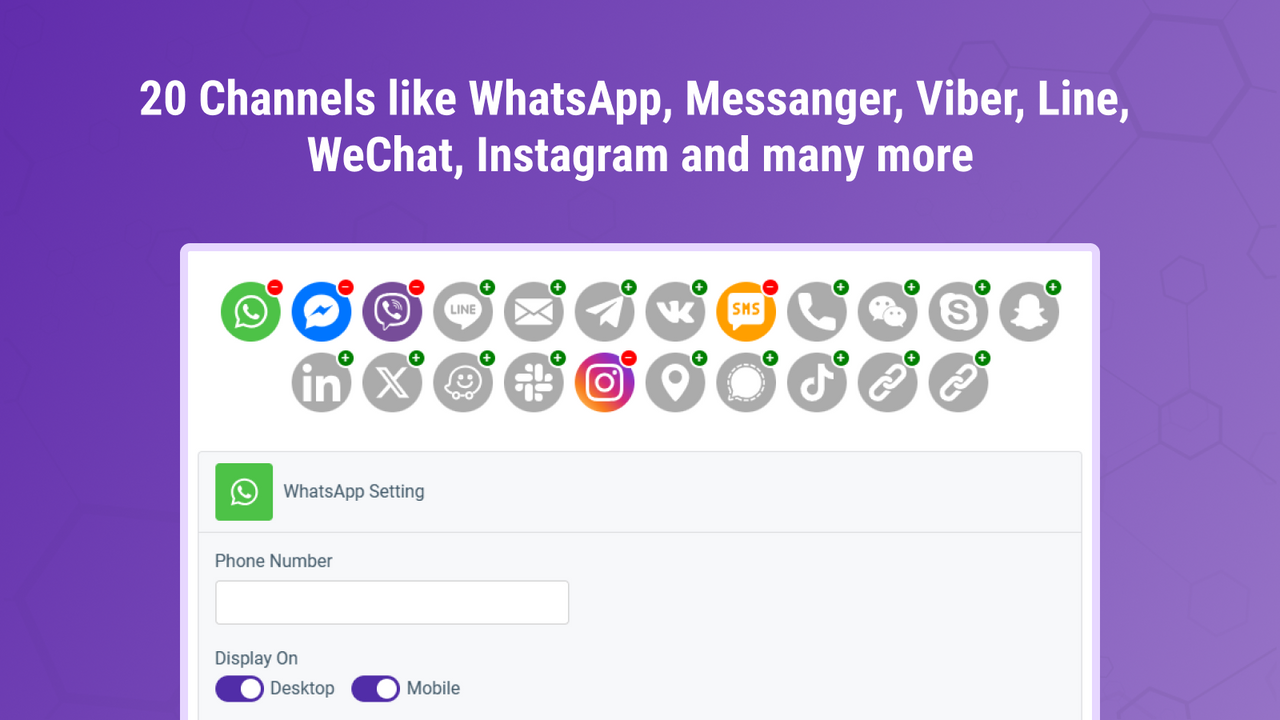
- Connect via WhatsApp, Messenger, Telegram, Instagram, Line, and 20+ other platforms
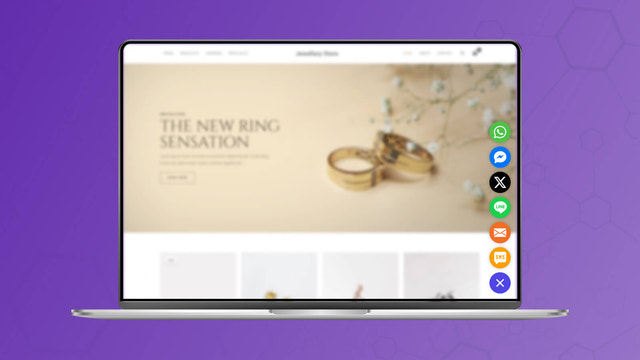
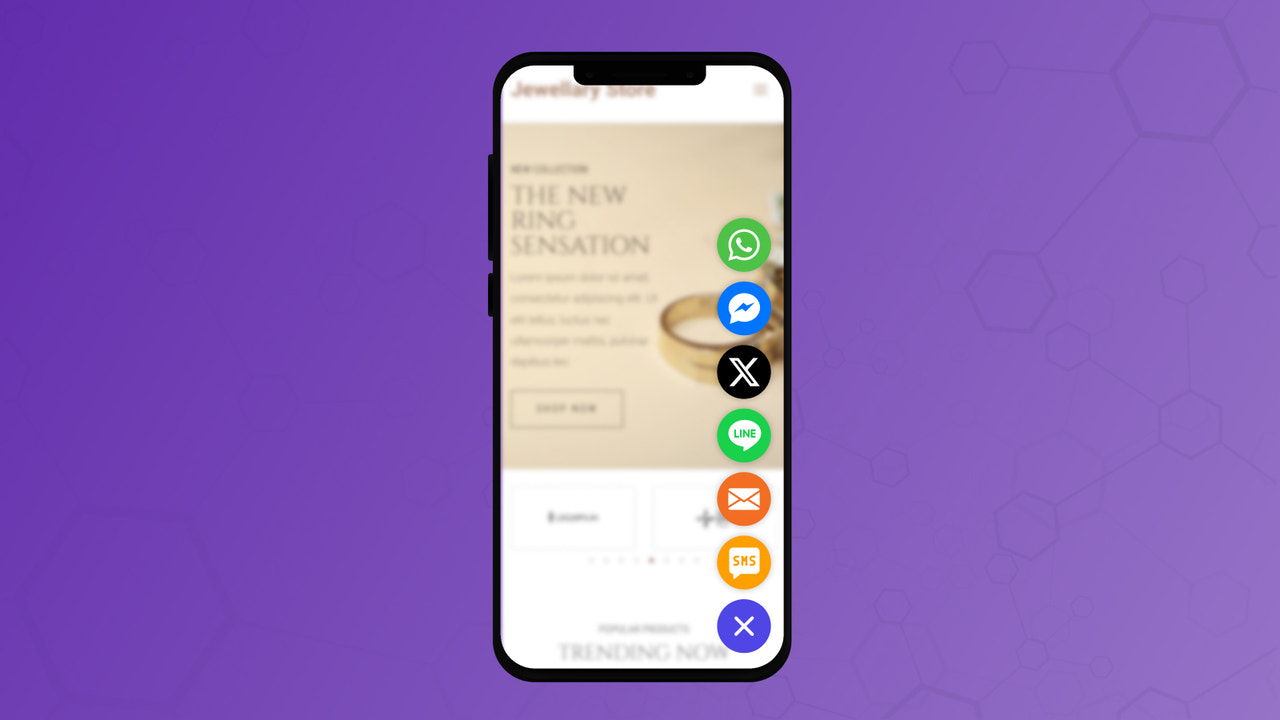
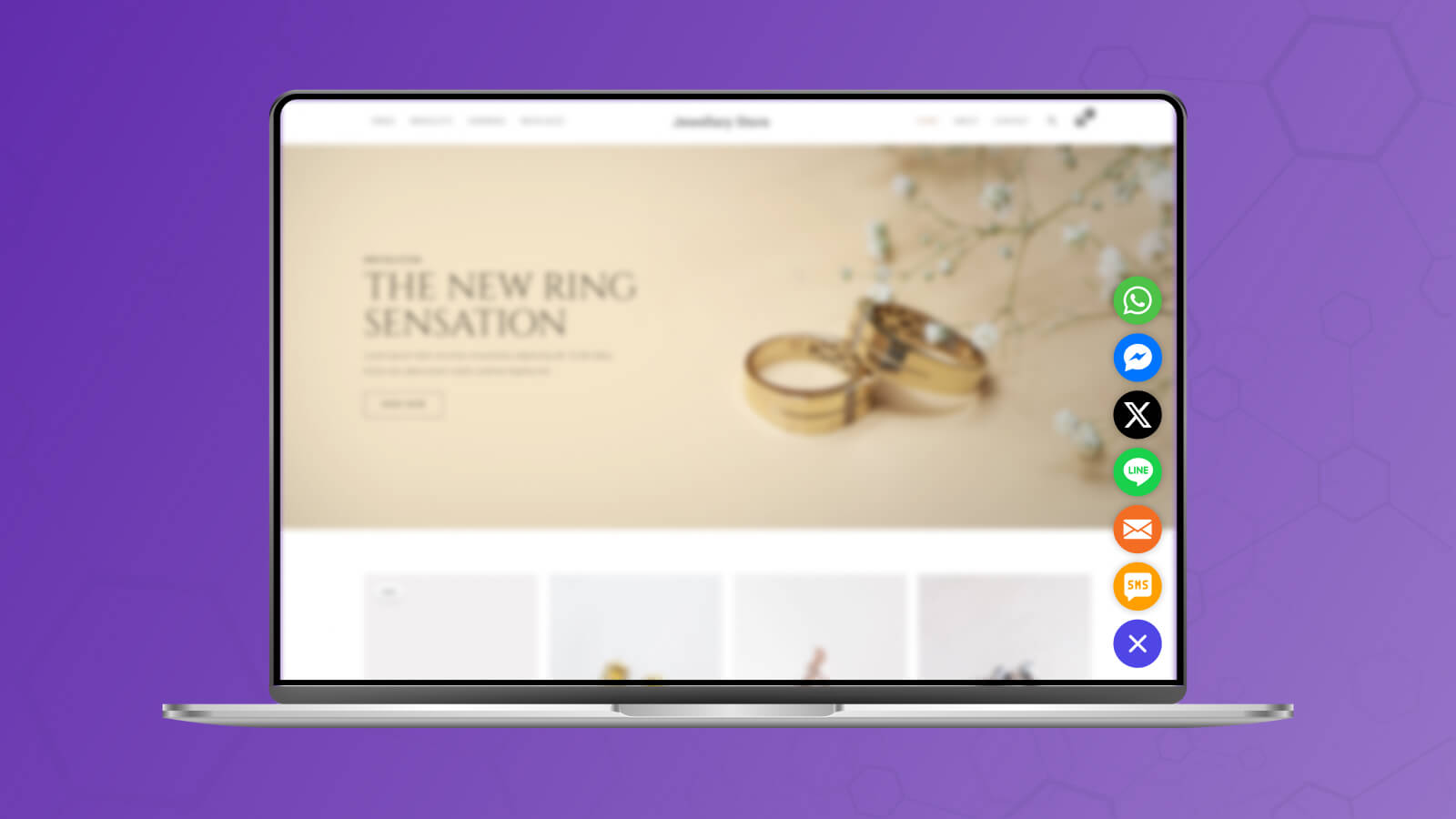
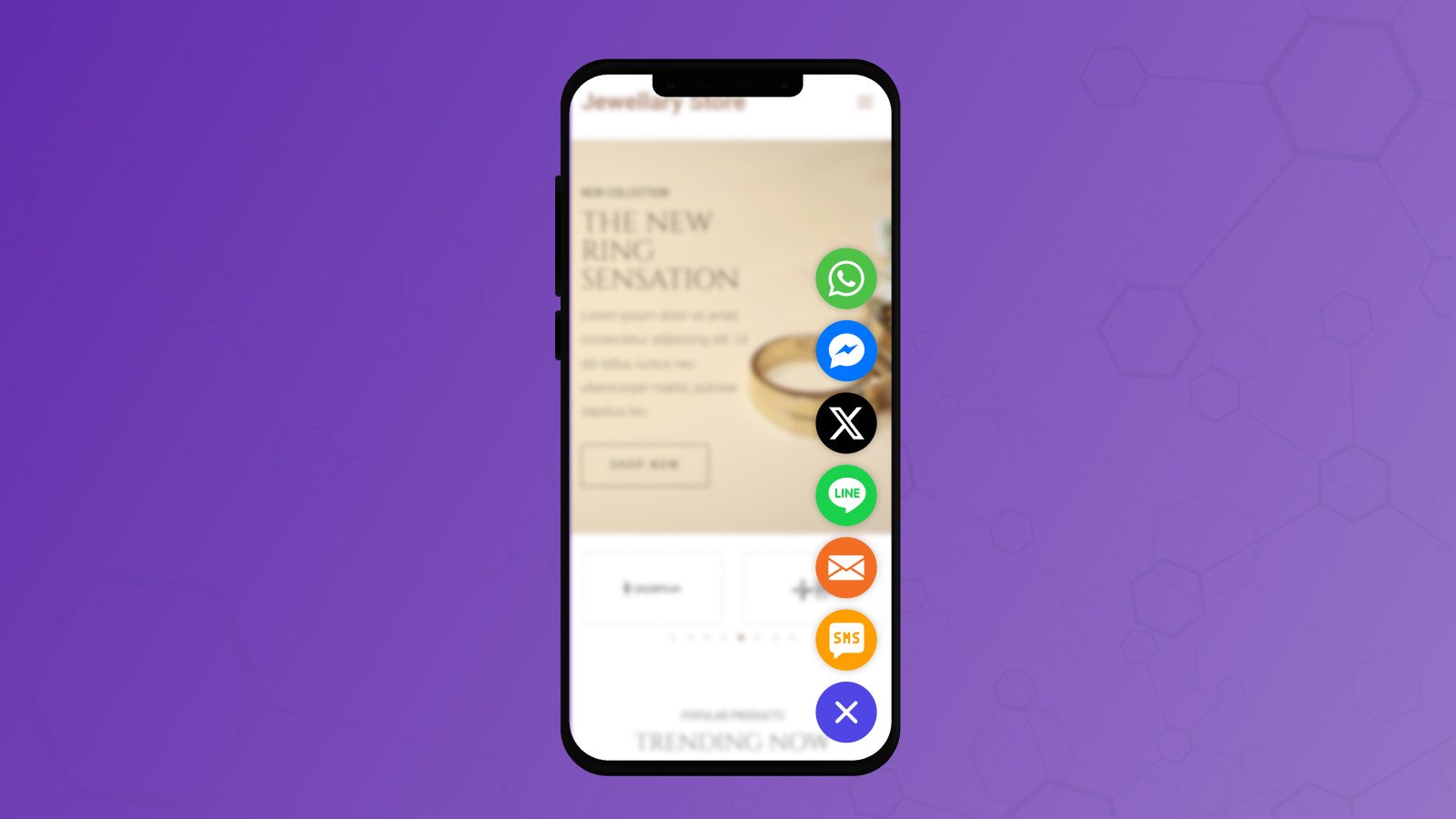
- Show or hide the chat button on desktop, mobile, or both – full device control
- Analyze chat channel effectiveness with Google Analytics
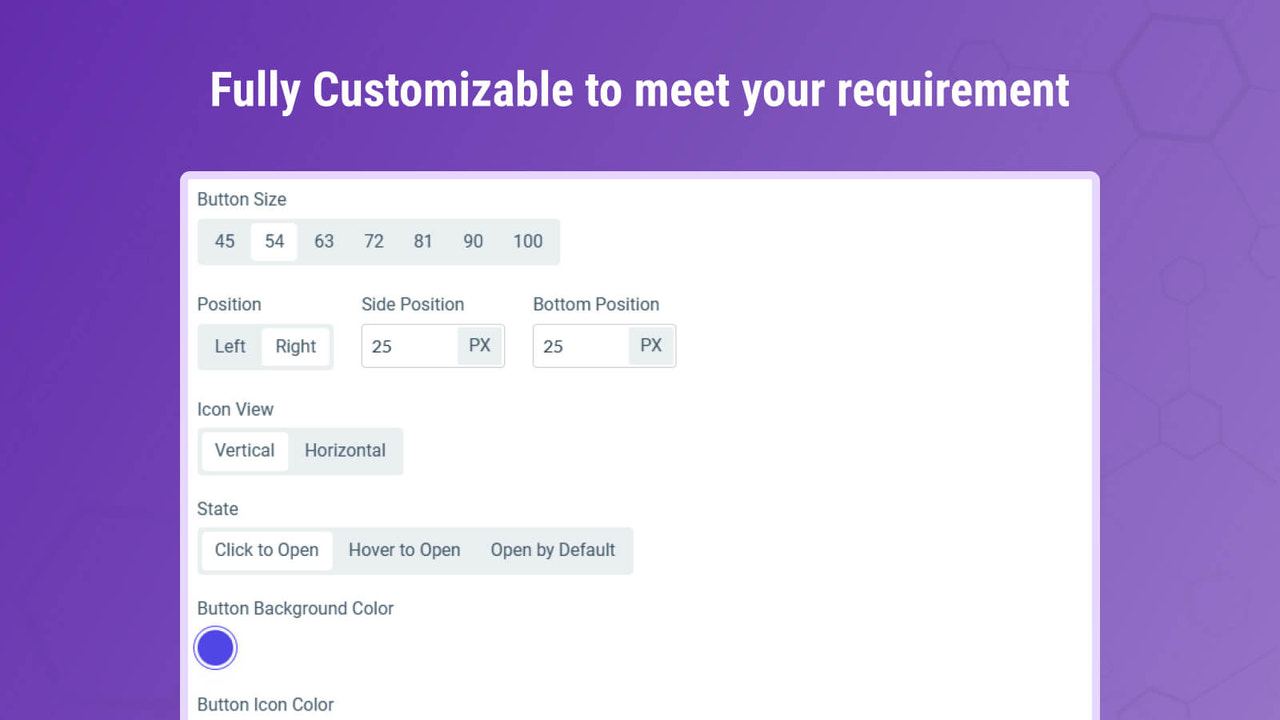
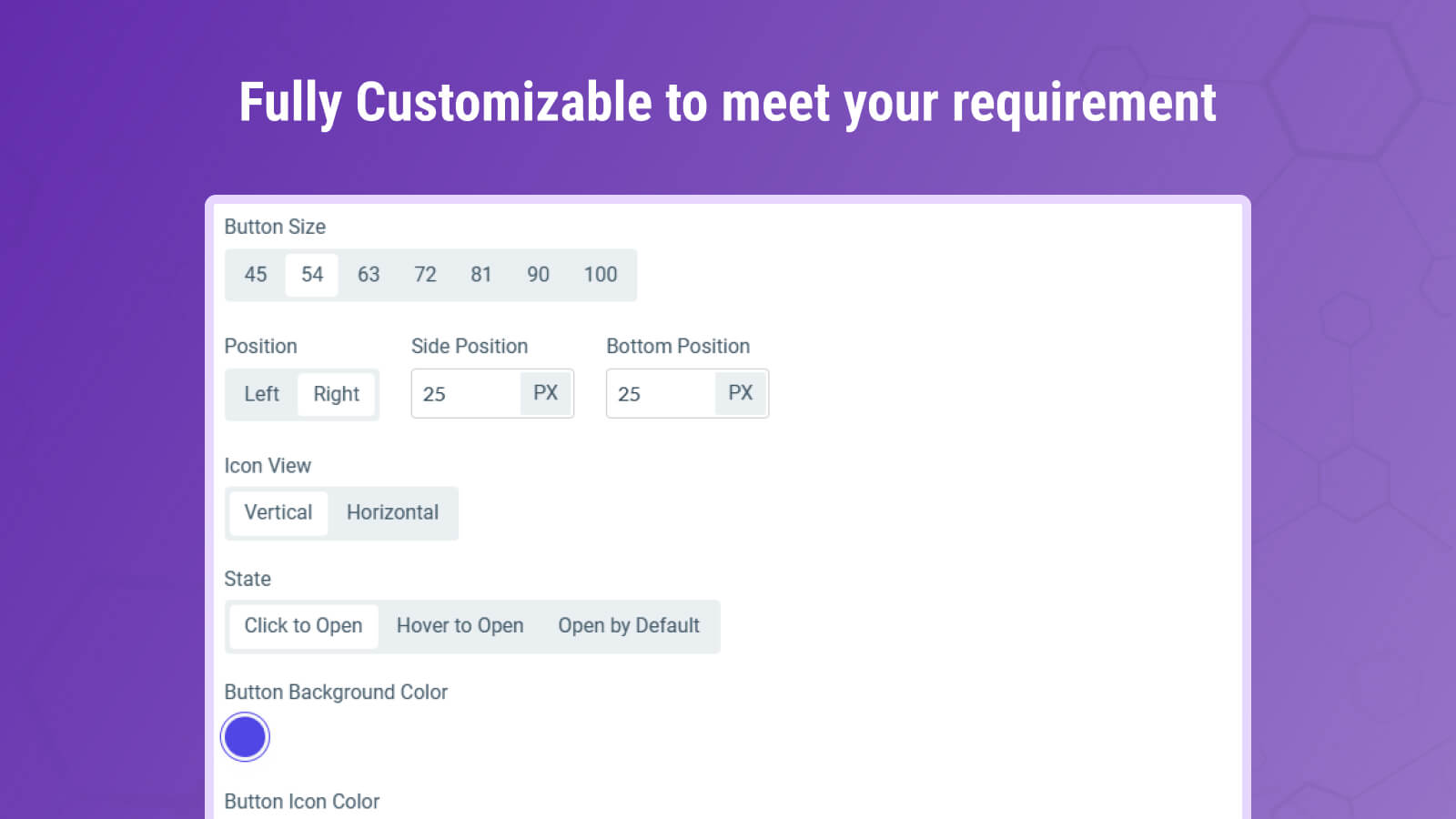
- Customize chat widget style, device targeting, page rules, and welcome messages
Merchant-Friendly
- Independent Station Merchants
- Social E-commerce
- Cross-border E-commerce
- Multi-channel Retail
Basic Information
- Developer:Klaxon
- Address:Ahmedabad, GJ, IN
- Price: Free / Free plan
- Rating:5 / 5
- Comment Count:2 comment
- Release Date:2023-11-2
- Supported languages:English
- Compatible products:Shopify
Application Screenshot
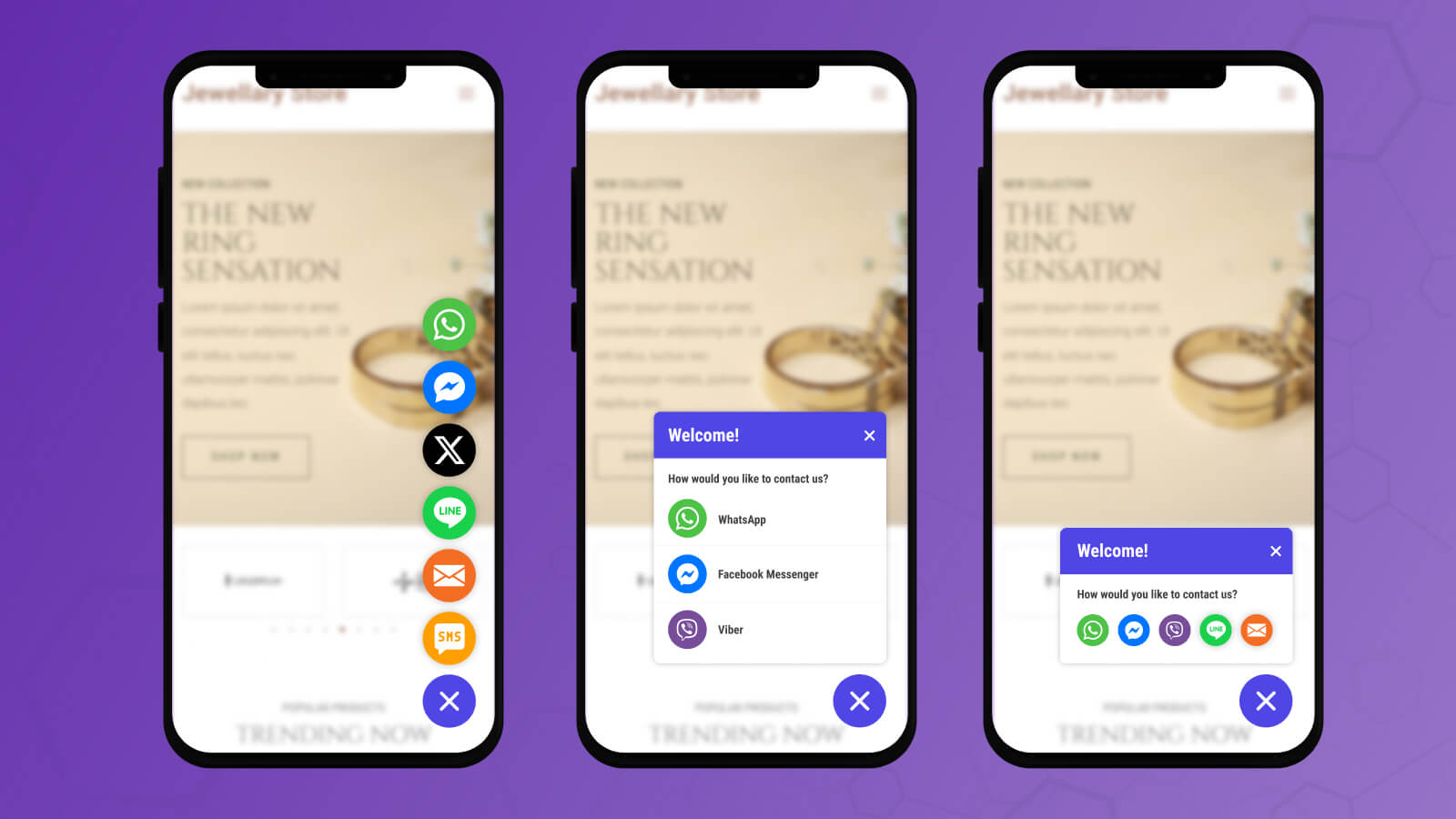
Price Plan
Free
- 500 Monthly Visitors
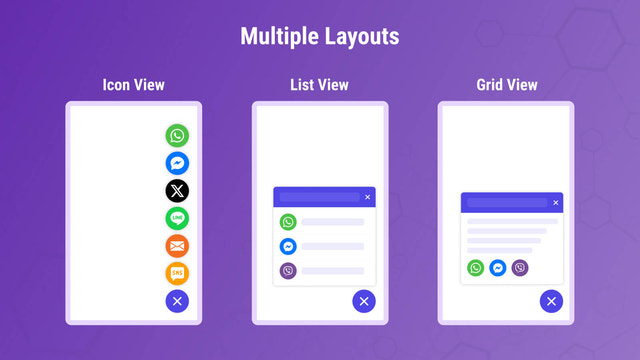
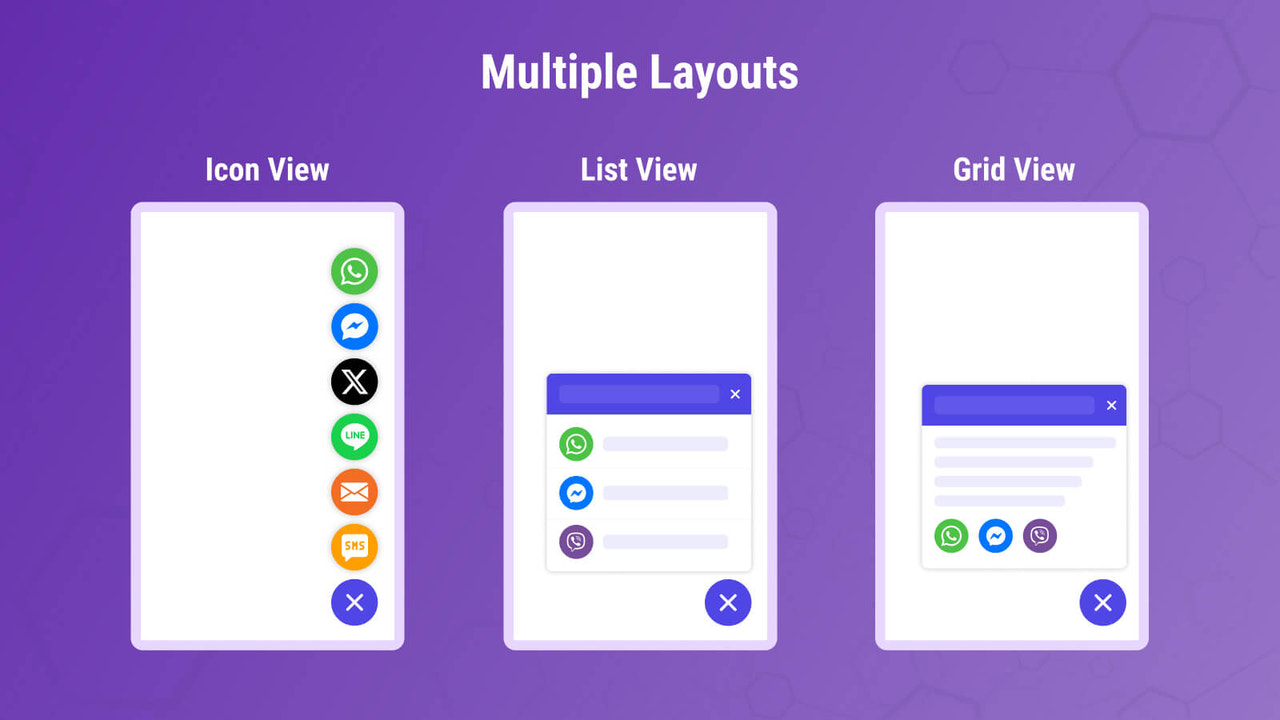
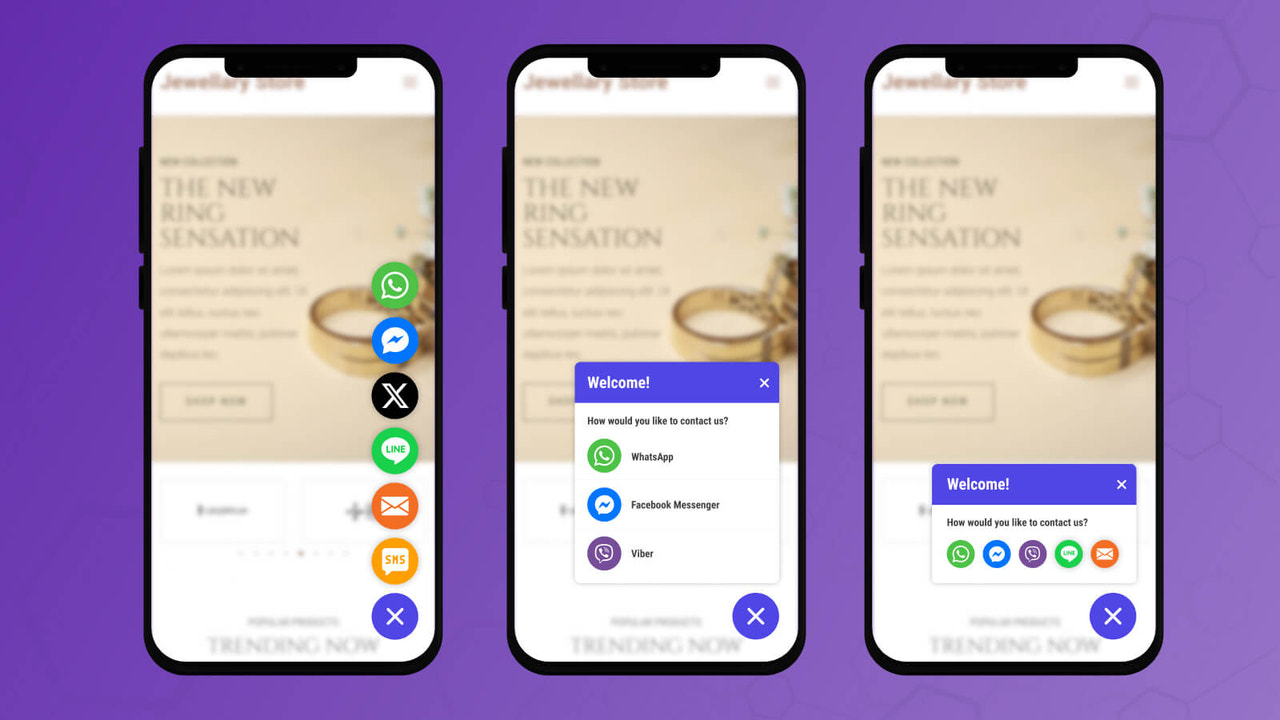
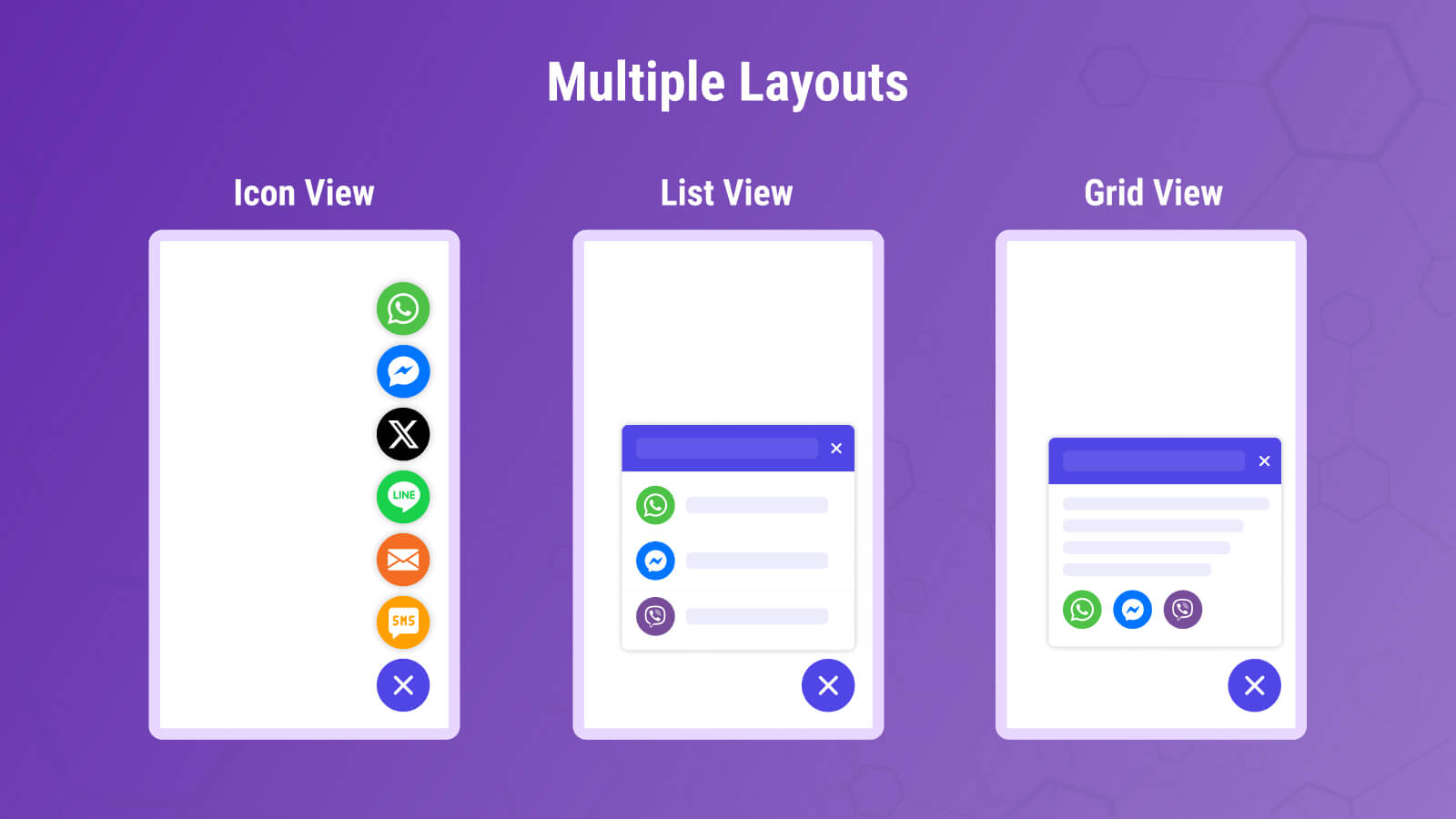
- Multiple Display Modes: Icon, List, and Grid
- Unlimited Chat Channels
- Widget Customization
- Behavior Triggers
- Attention Effects
Premium
- Monthly Unlimited Visitors
- Page Targeting
- Date and Time Scheduling
- Day and Hour Scheduling
- Country Targeting
- Google Analytics Integration
- Custom ID and Class Support
User Location & Comments
User Location
Comments
Shopify API Used
- POST /admin/api/chat_channels.json
- PUT /admin/api/chat_channels/{id}.json
- GET /admin/api/chat_channels.json
Permission:write_chat_channels,read_chat_channels,manage_online_store
- POST /admin/api/chat_platforms.json
- PUT /admin/api/chat_platforms/{platform}.json
- GET /admin/api/chat_platforms.json
Permission:write_chat_platforms,read_chat_platforms,manage_channels
- POST /admin/api/chat_buttons.json
- PUT /admin/api/chat_buttons/{id}/device_settings.json
- GET /admin/api/chat_buttons.json
Permission:write_chat_buttons,read_chat_buttons,manage_themes
- POST /admin/api/chat_analytics.json
- PUT /admin/api/chat_analytics/ga_config.json
- GET /admin/api/chat_analytics/reports.json
Permission:read_chat_analytics,manage_analytics,read_reports
- POST /admin/api/chat_widgets.json
- PUT /admin/api/chat_widgets/{id}/style.json
- GET /admin/api/chat_widgets.json
Permission:write_chat_widgets,read_chat_widgets,manage_online_store



