
App Introduction
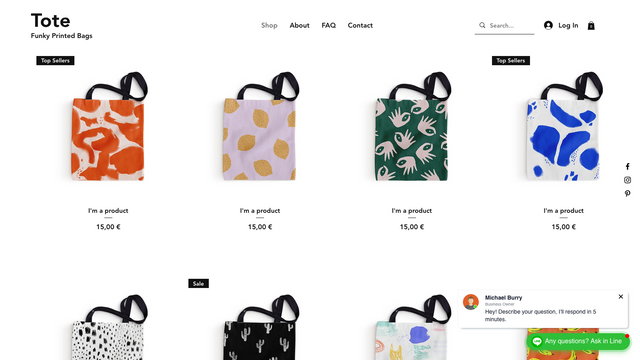
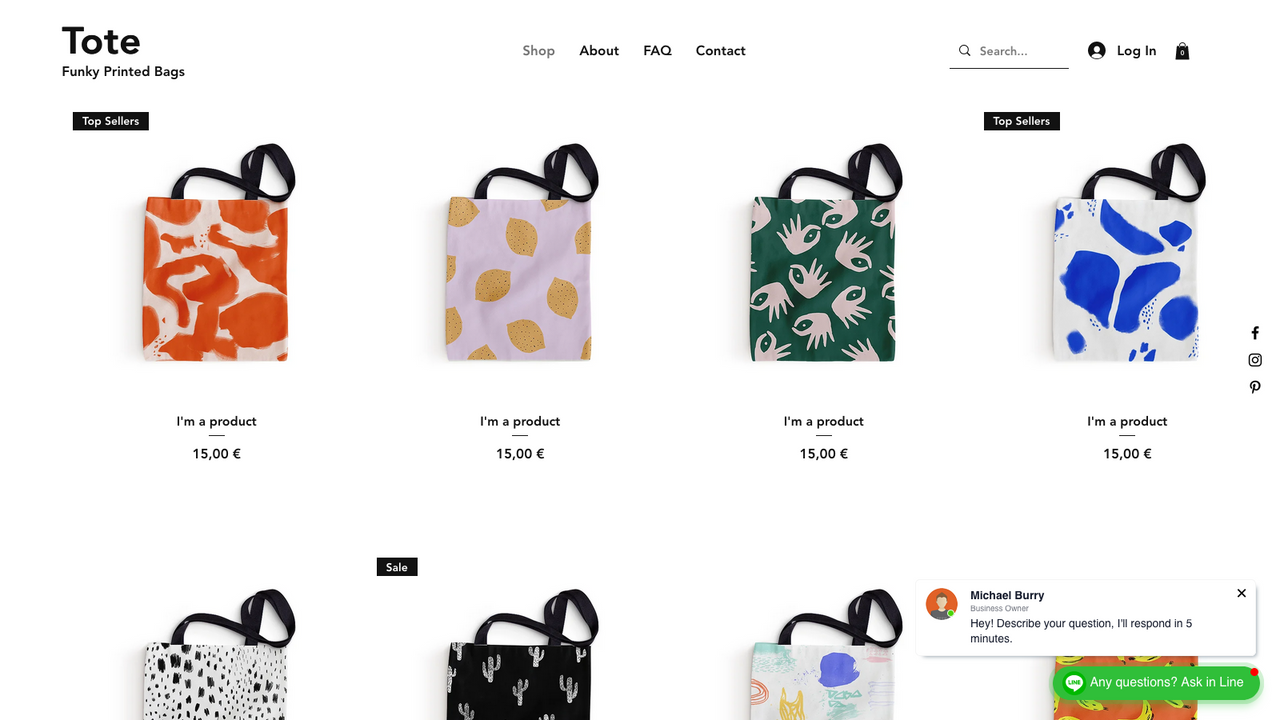
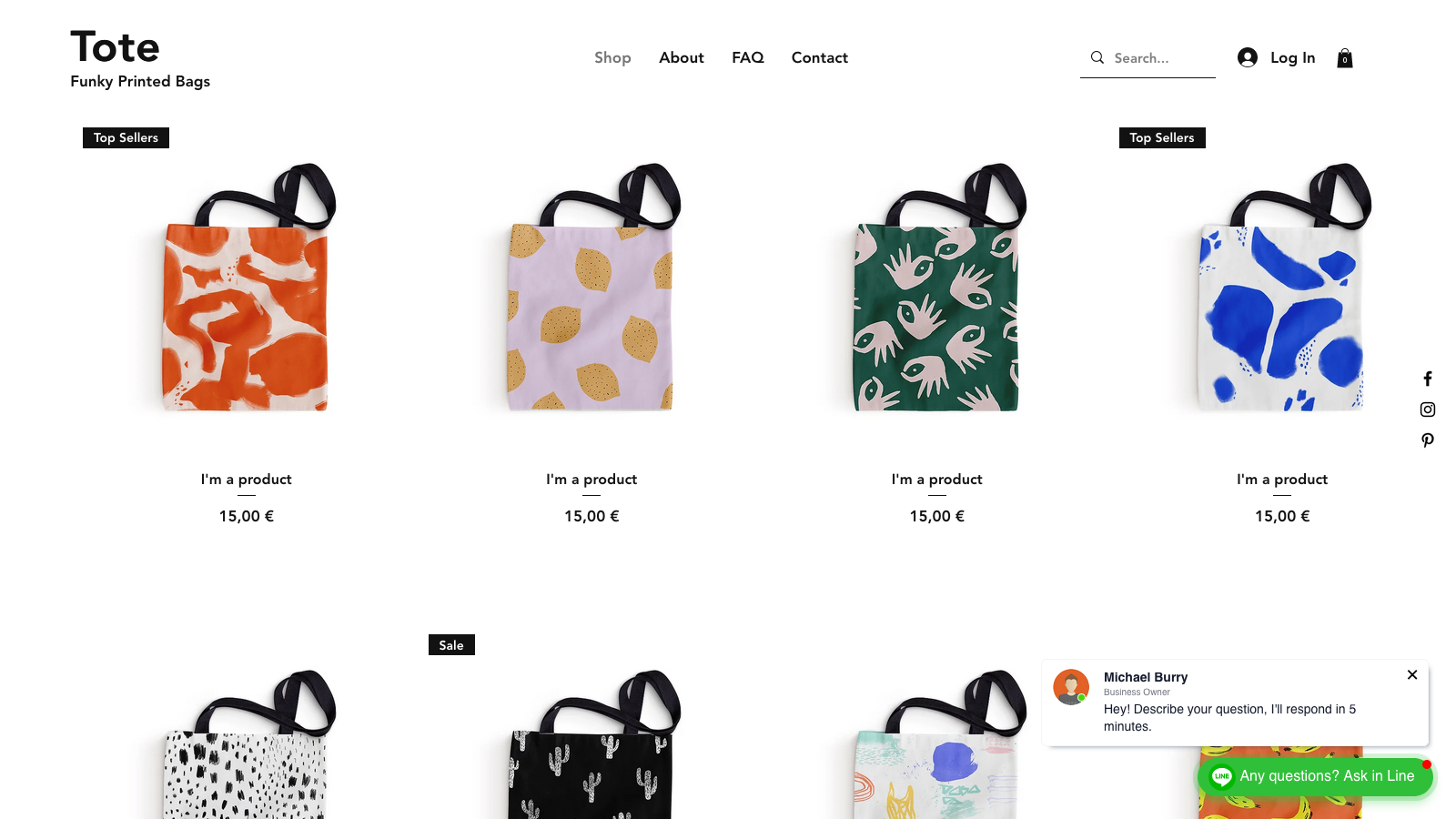
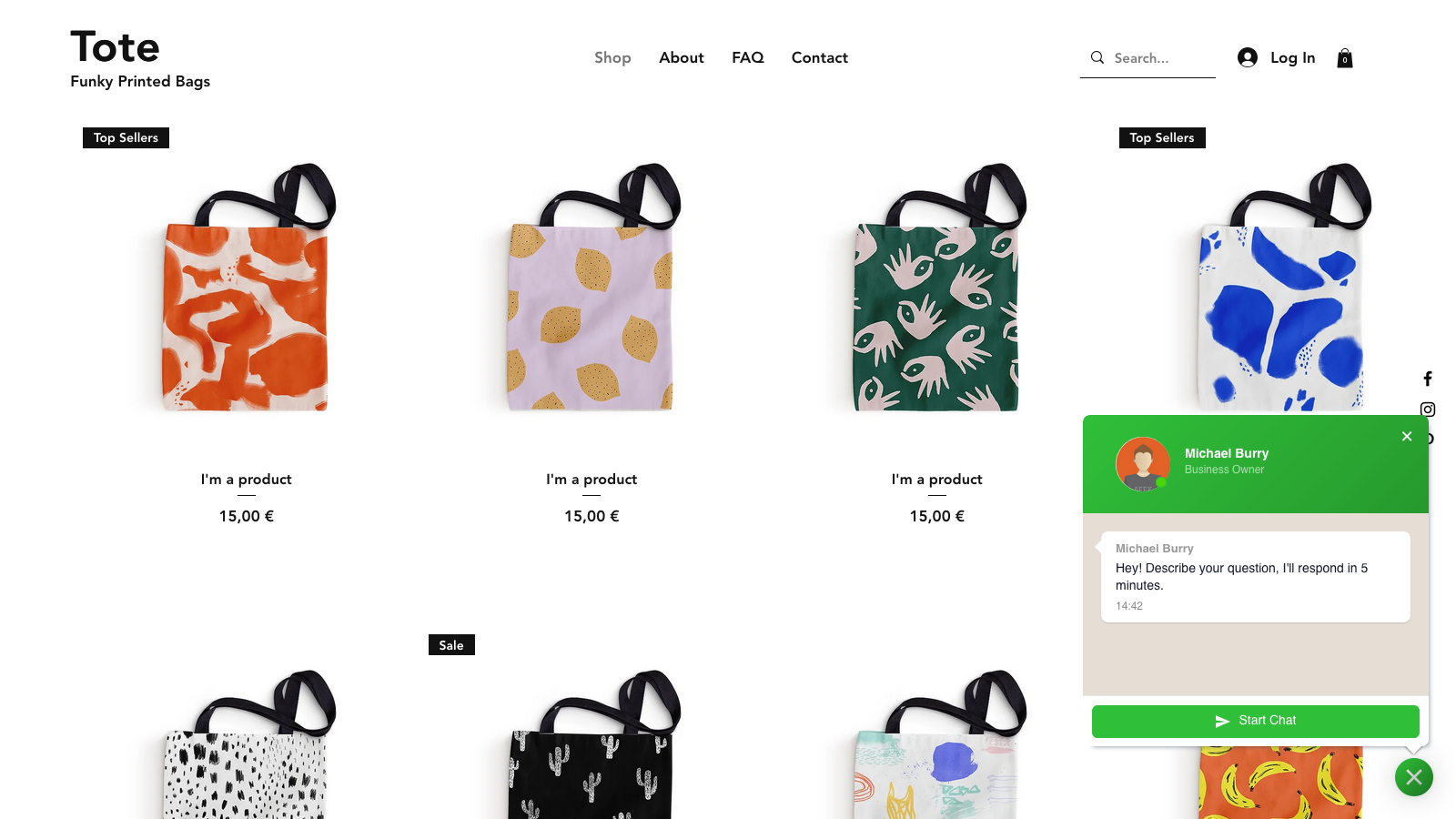
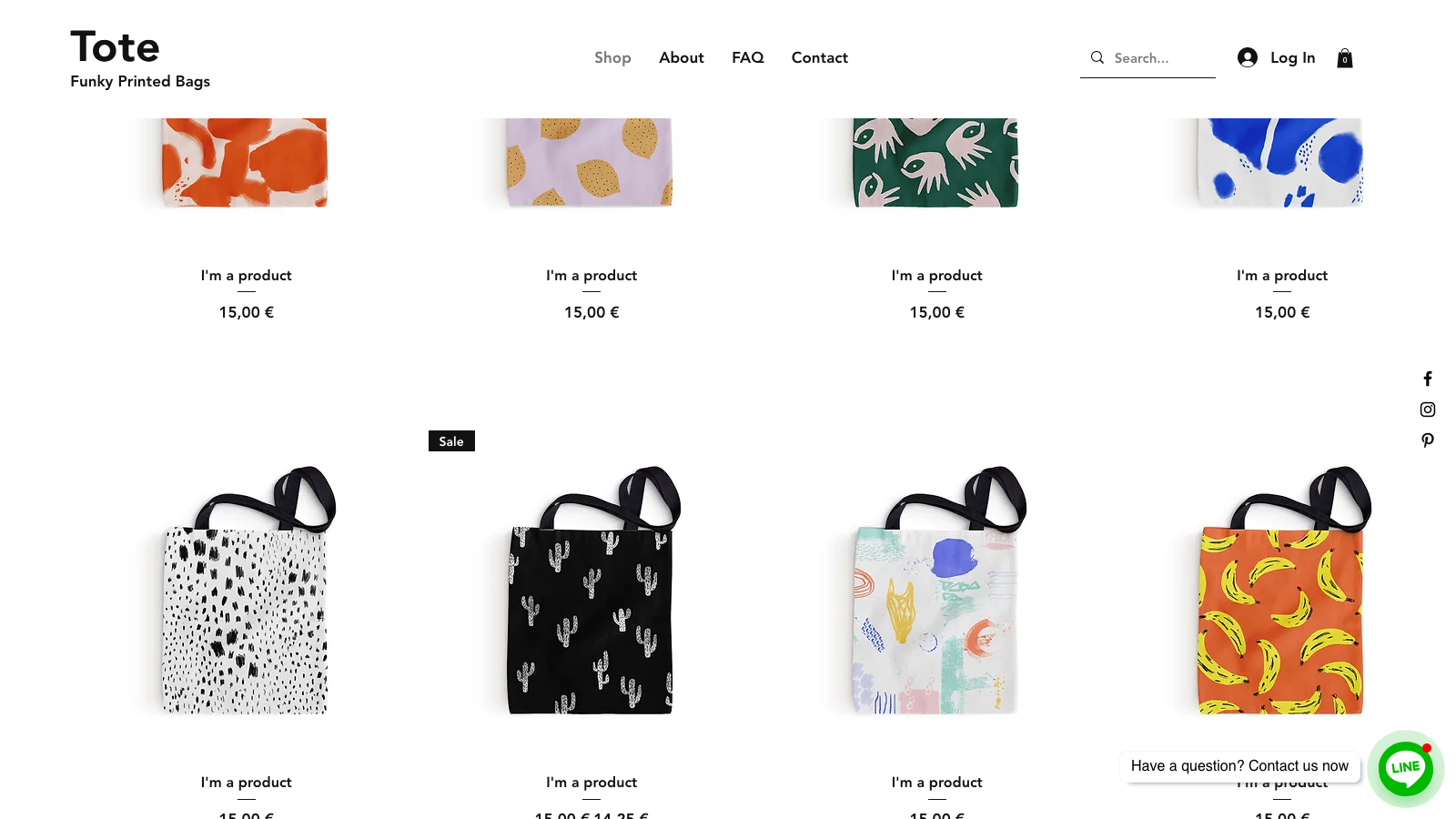
Smartarget Line ‑ Contact Us makes it easy for your customers to get in touch with you. Make it simpler for customers to reach you via Line chat! Most of your potential customers already use Line. Now’s the time to give them a familiar, trustworthy way to contact you. The Line icon will appear on all pages so customers can reach you effortlessly. You can respond to customers after a few hours, and they’ll receive your reply directly on their mobile devices—this way, you’ll never miss out on any potential customers.
Core Functionality
- Allow customers to easily contact you from every page of your website
- Customize Line - Contact Us style to match your website
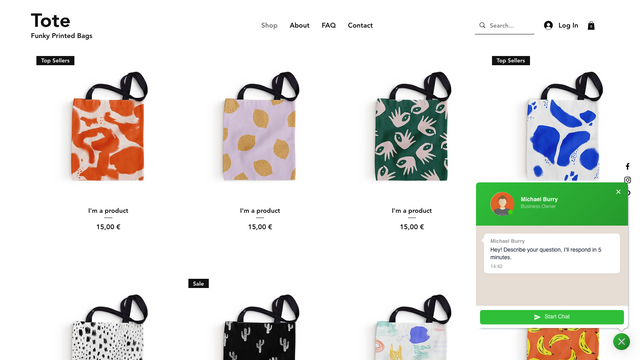
- Reply to your customers via Line chat
- Works on both desktop and mobile devices
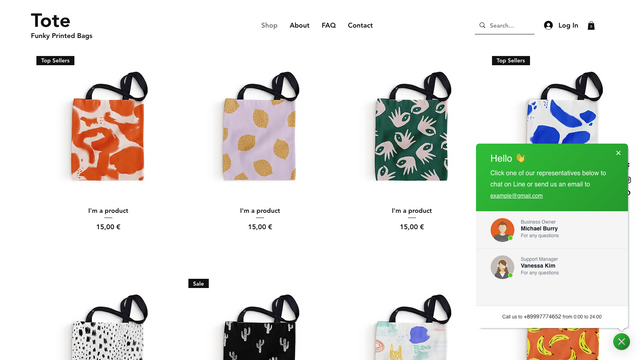
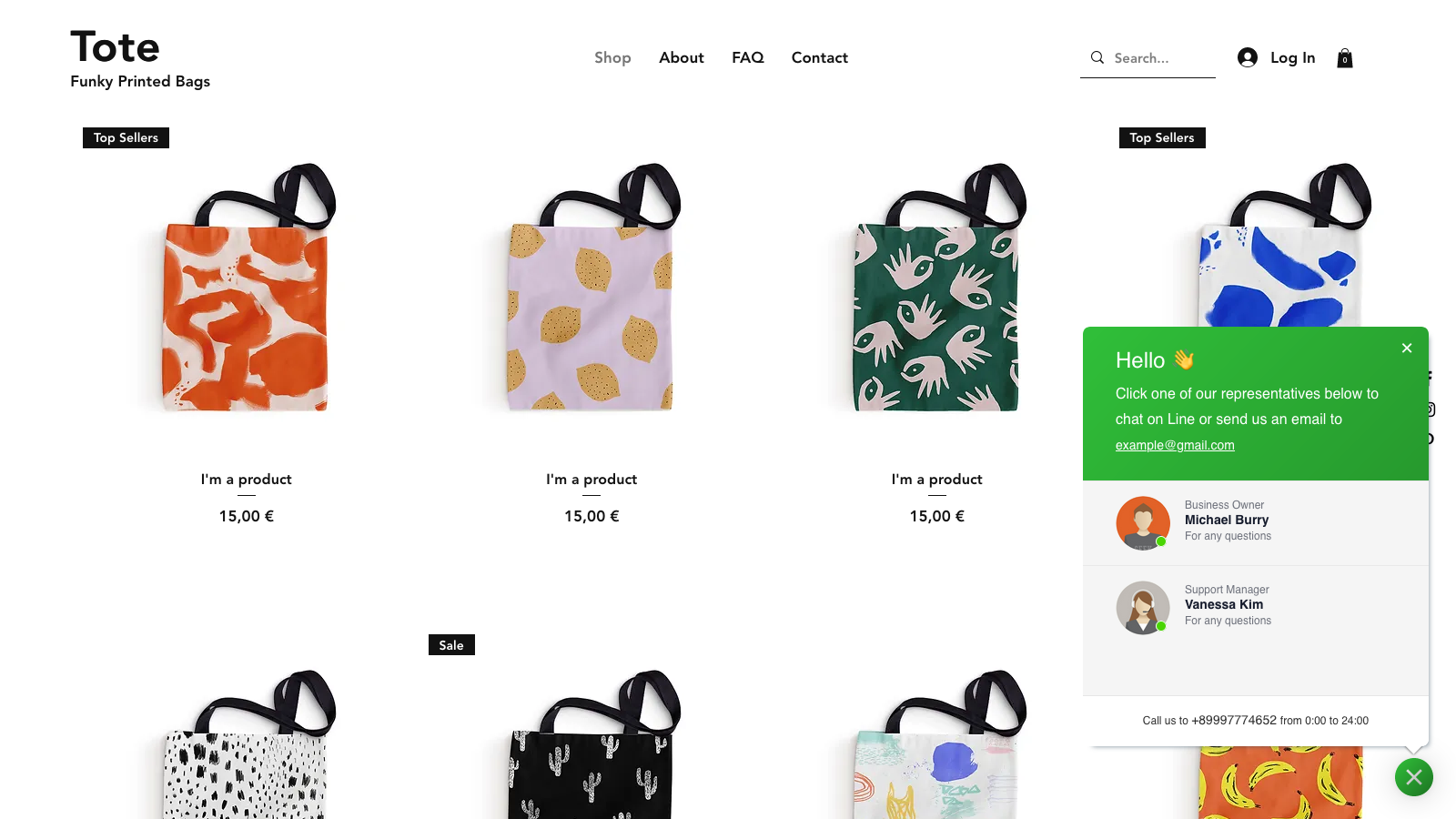
- Display one or multiple agents
Merchant-Friendly
- Independent Station Merchants
- Cross-border E-commerce
- Service-oriented E-commerce
- Small and Medium E-commerce Sellers
Basic Information
- Developer:Smartarget
- Address:Johann-Landefeldt, Berlin, 14089, DE
- Price: Free / Free plan
- Rating:4 / 5
- Comment Count:3 comment
- Release Date:2024-6-20
- Supported languages:English、Spanish、German、French、Arabic、Russian、Portuguese (Brazil)
- Compatible products:Shopify
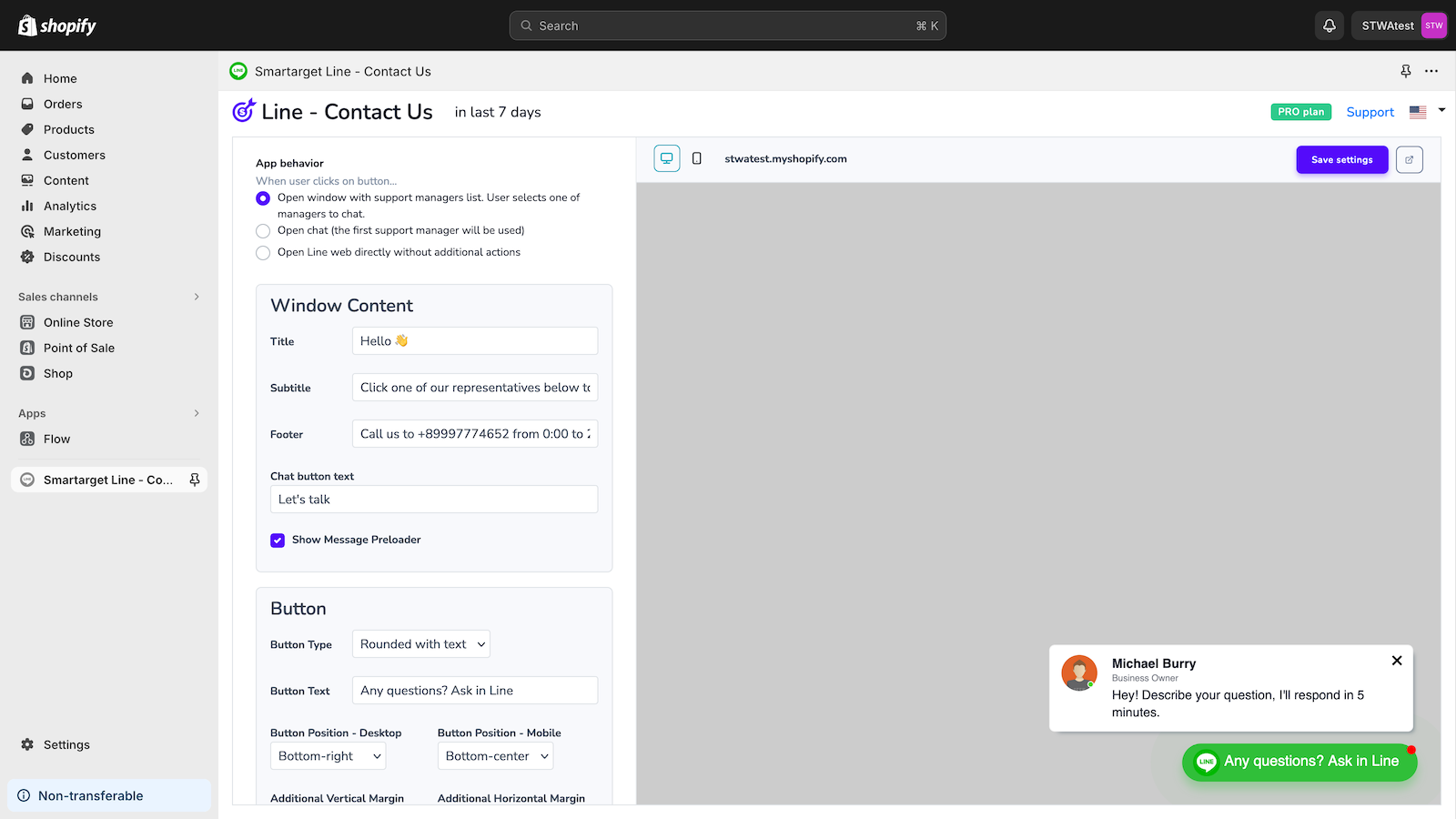
Application Screenshot

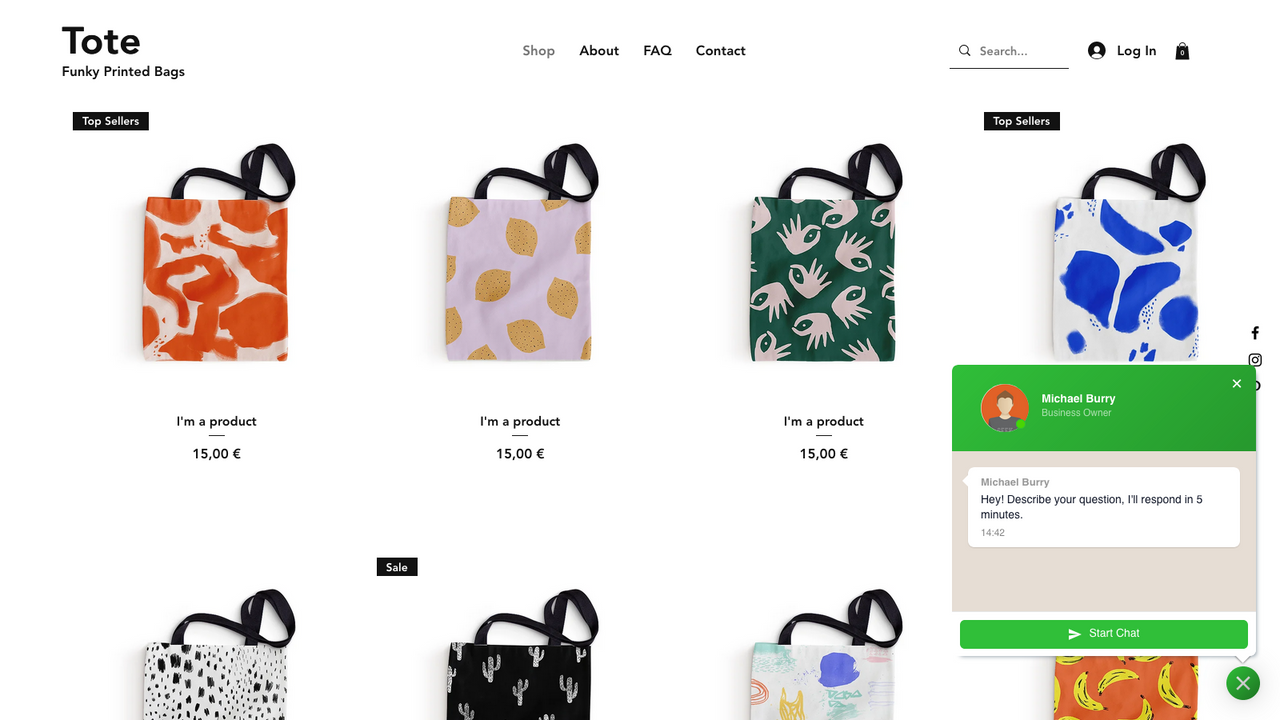
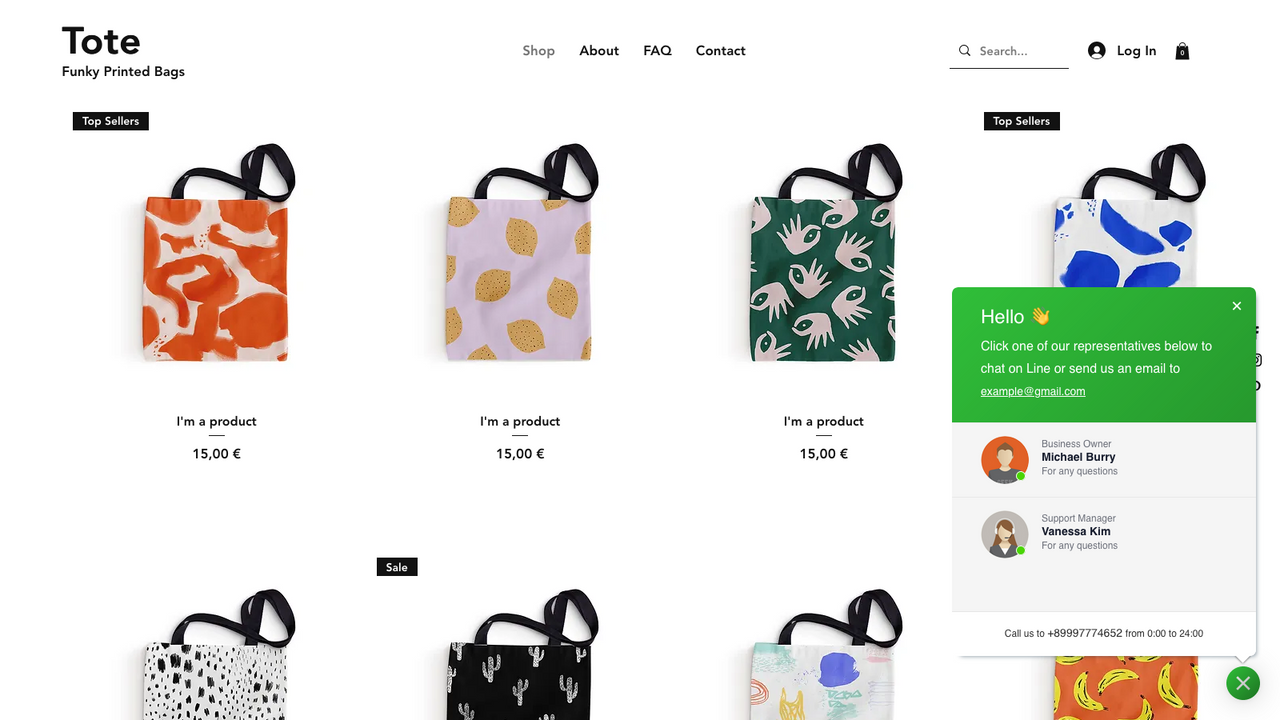
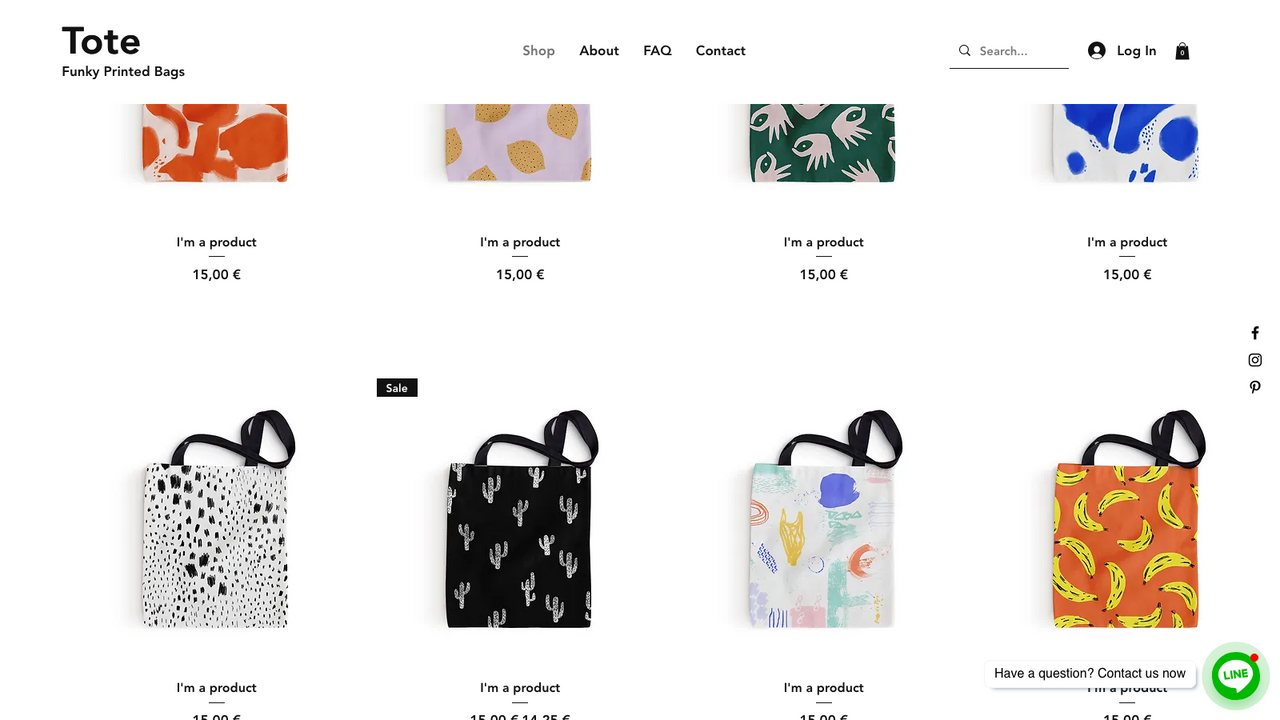
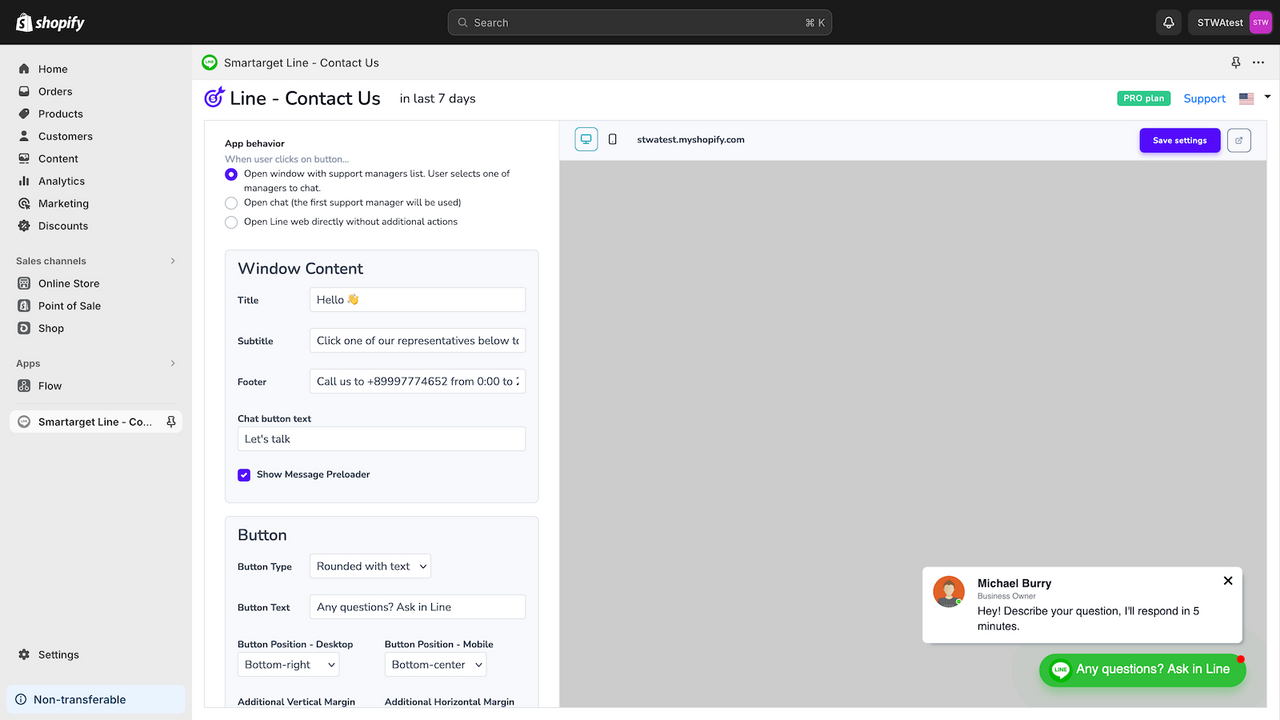

Price Plan
Line Chat Free
- Unlimited Traffic
- Show App Only on Homepage
- "Powered by Smartarget" Message
Line Chat Pro
- Unlimited Traffic/Visitors
- Unlimited Features
- Display App on All Pages
- Real-time Reports
User Location & Comments
User Location
Comments
Shopify API Used
- POST /admin/api/contact_button.json
- PUT /admin/api/contact_button/{id}.json
- GET /admin/api/contact_button.json
Permission:write_contact_button,read_contact_button,manage_online_store
- POST /admin/api/contact_style.json
- PUT /admin/api/contact_style/{id}.json
- GET /admin/api/contact_style.json
Permission:write_contact_style,read_contact_style,manage_themes
- POST /admin/api/line_chat/message.json
- GET /admin/api/line_chat/message.json
- PUT /admin/api/line_chat/message/{id}.json
Permission:write_line_chat,read_line_chat,manage_customers
- POST /admin/api/contact_agent.json
- PUT /admin/api/contact_agent/{id}.json
- GET /admin/api/contact_agent.json
Permission:write_contact_agent,read_contact_agent,manage_staff



