
App Introduction
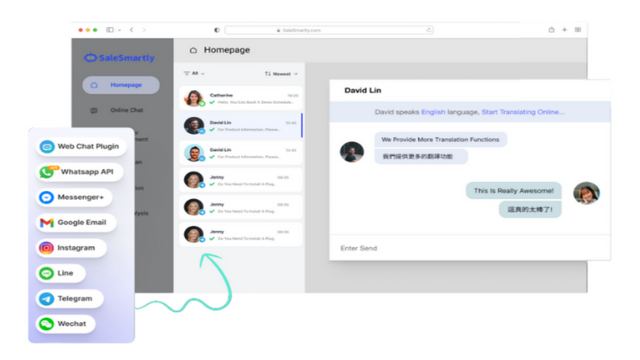
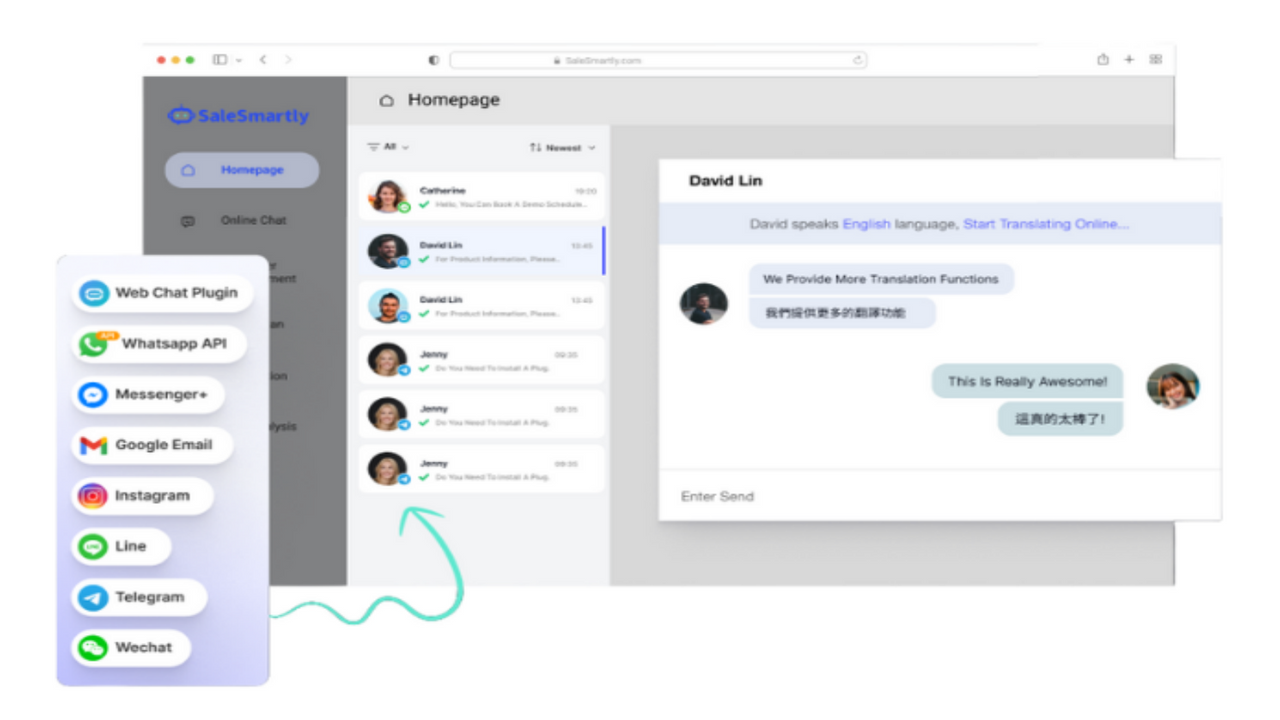
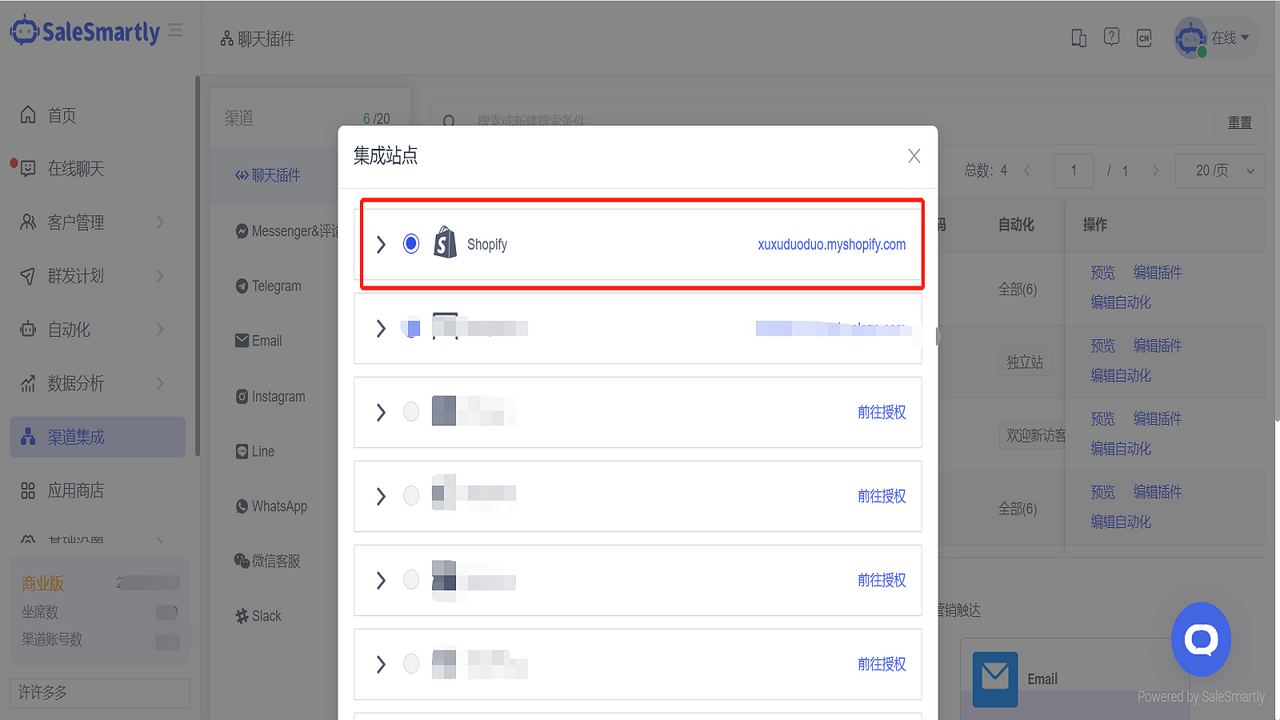
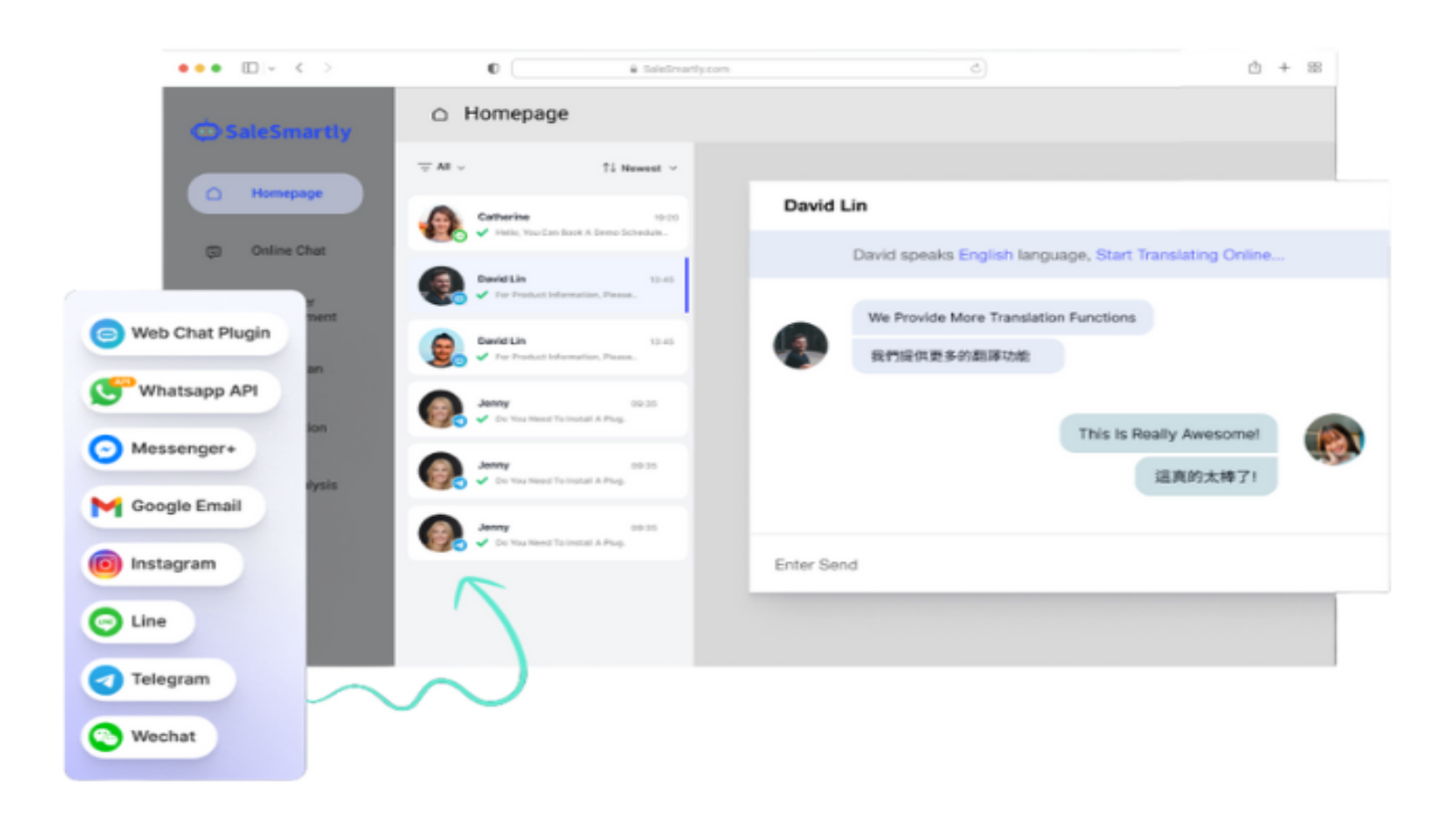
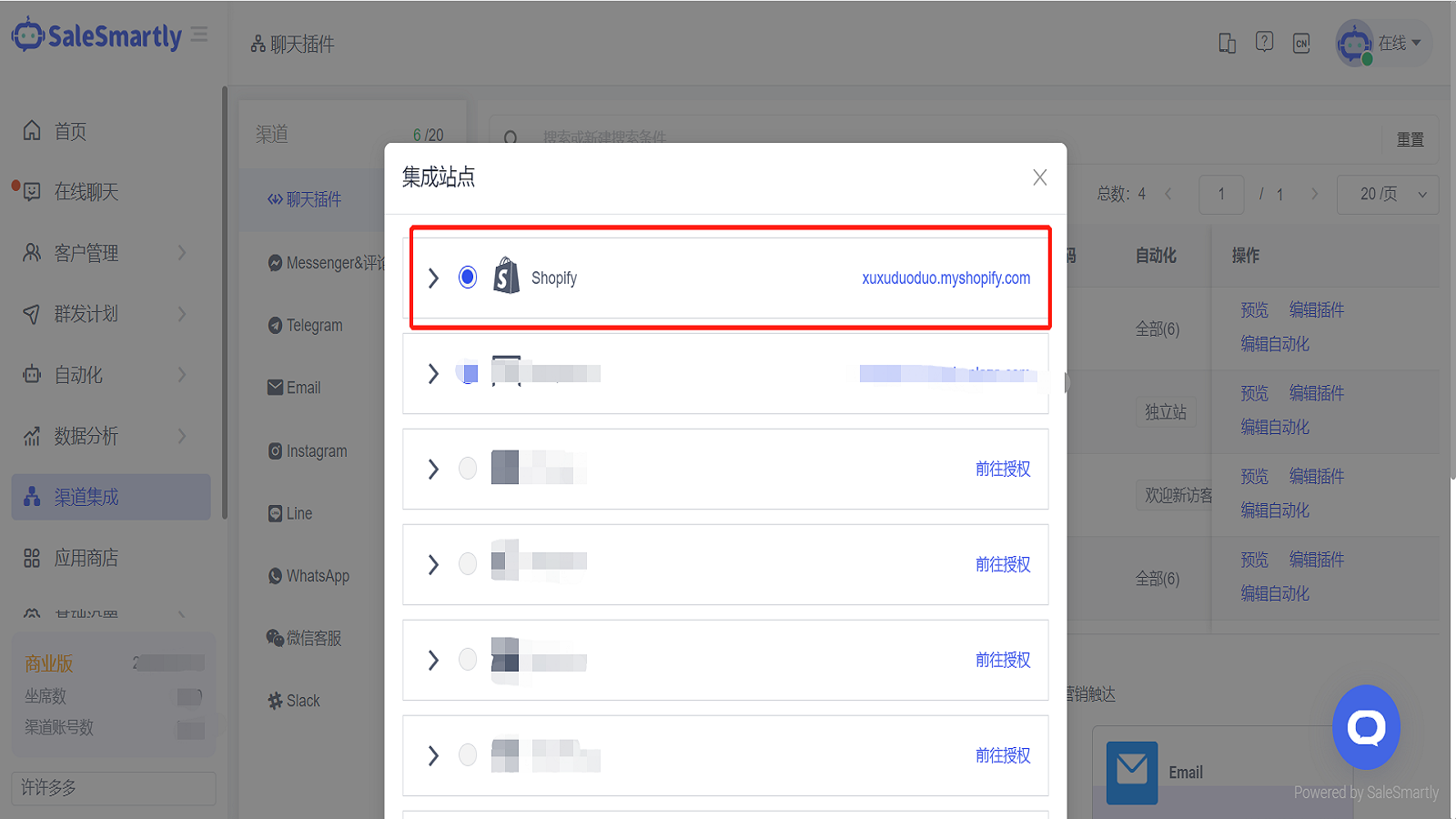
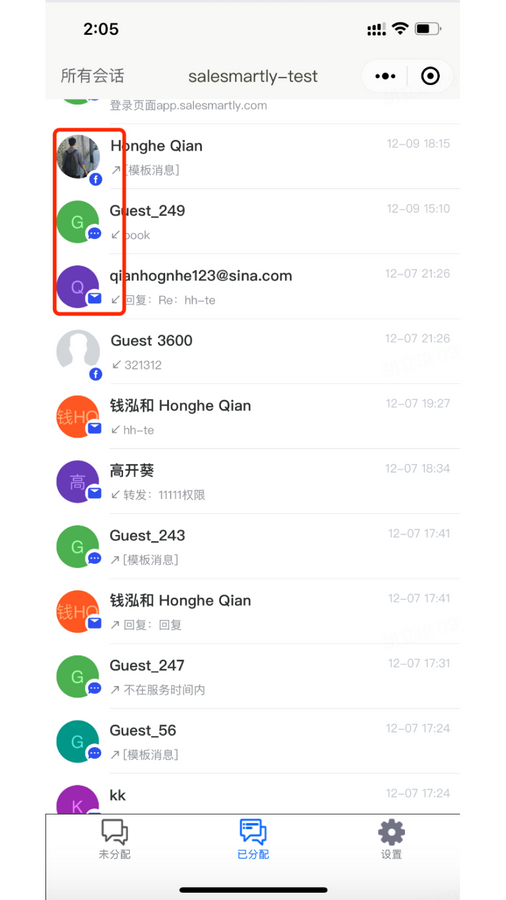
Aggregate all your omnichannel chat conversations—one interface to serve your customers quickly SaleSmartly is a customer chat tool designed exclusively for Shopify store owners, built to help you efficiently manage customer service chats and drive business productivity. It integrates with global mainstream social media channels including Facebook, Instagram, WhatsApp, Line, Telegram, and Email, enabling chat automation and intelligence to boost team efficiency and customer satisfaction. SaleSmartly also offers a web chat plugin that supports cross-media and multi-account aggregation, making it easy for your website visitors to connect with you. Additionally, it empowers you to run automated marketing campaigns via smart bots and personalized messages, elevating your sales conversion rates. Tailored for businesses across all industries—from e-commerce, education, travel, and finance to other sectors—SaleSmartly helps enhance your operational performance.
Core Functionality
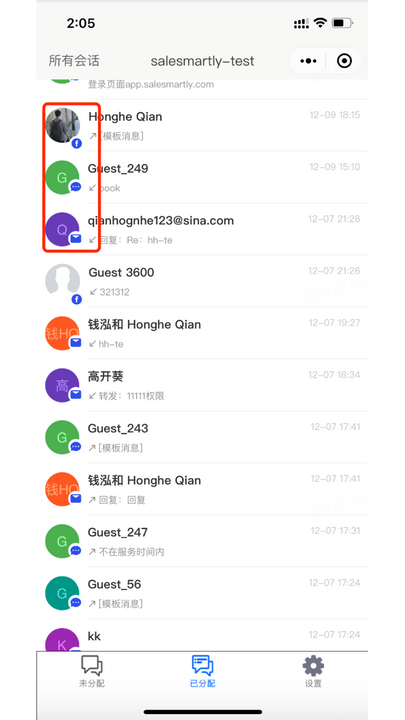
- Unified Omnichannel Communication: All your multi-channel messages in one place. Integrate WhatsApp, Telegram, Instagram, Line, Email, and WeChat in a single interface.
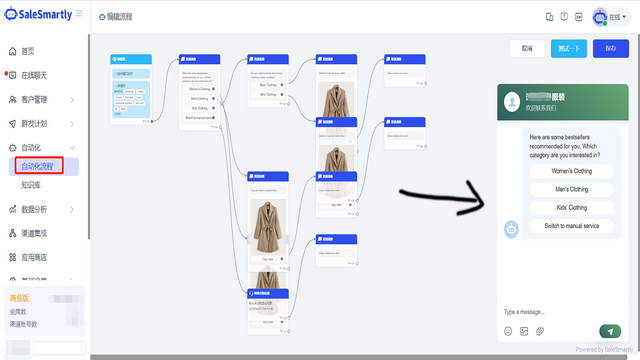
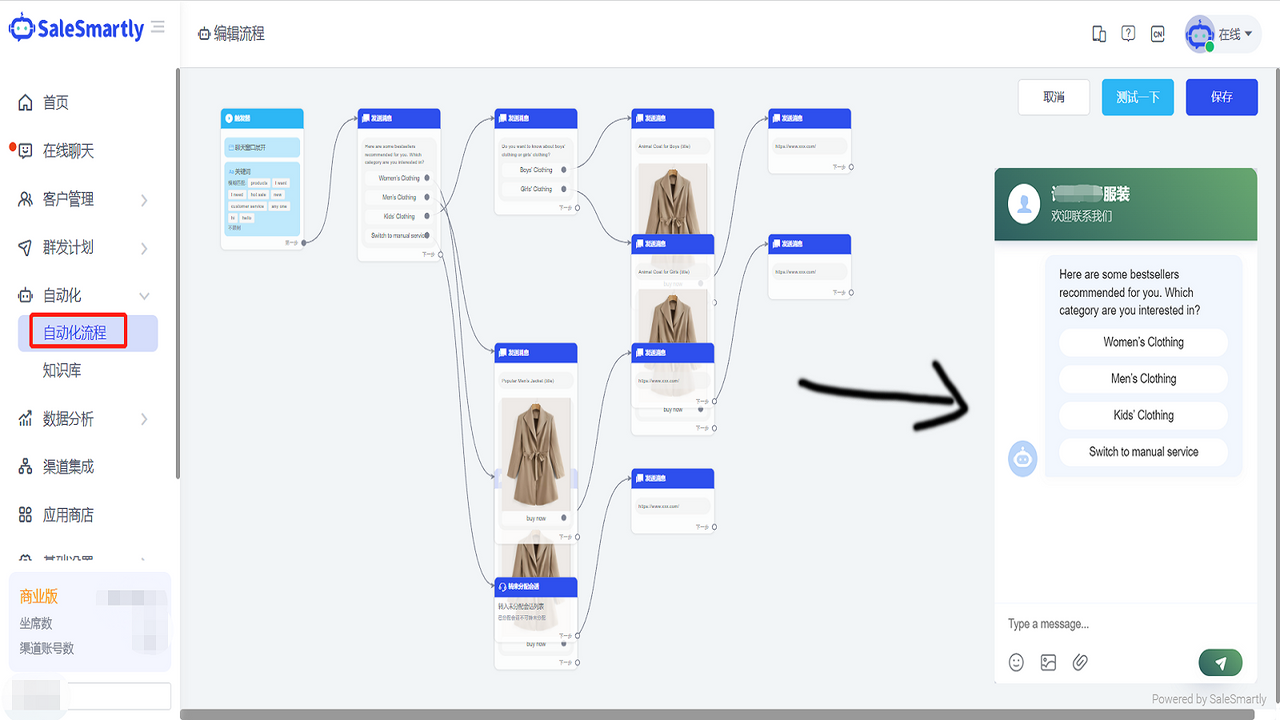
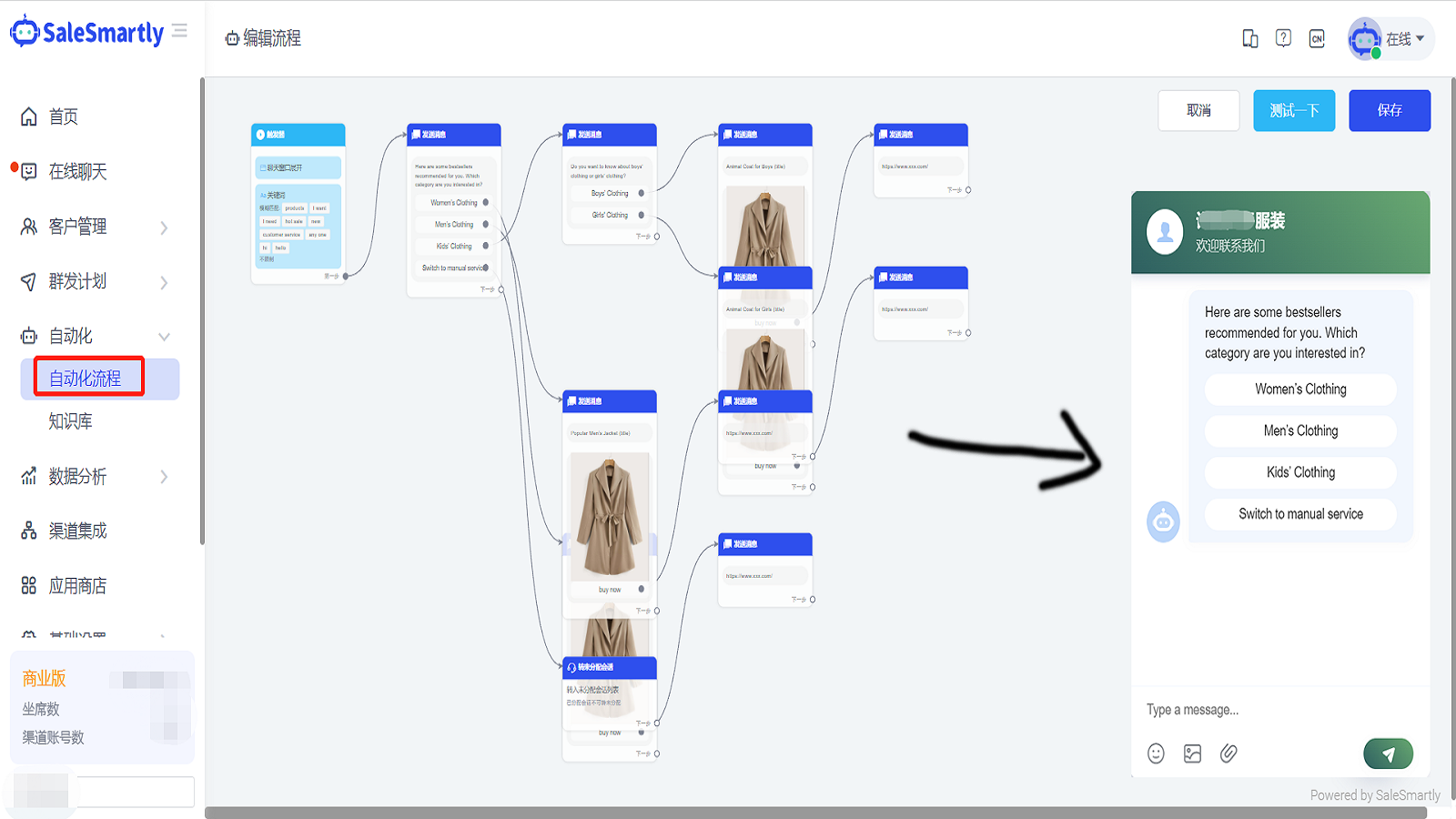
- Automation: Resolve customer support in seconds, not hours. Eliminate repetitive tasks with our automation to reduce response times and boost efficiency. Work smarter, not harder, so you can focus on growing your business.
- Team Collaboration: Shared chats enable structured, efficient teamwork. Assign different chats to sales and support teams, set priorities for your team, and compare metrics across groups to identify your team’s strengths and weaknesses.
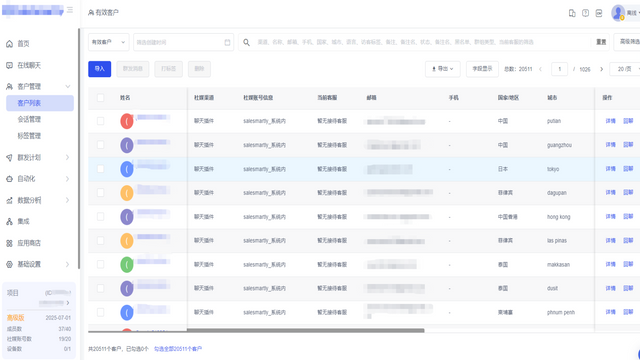
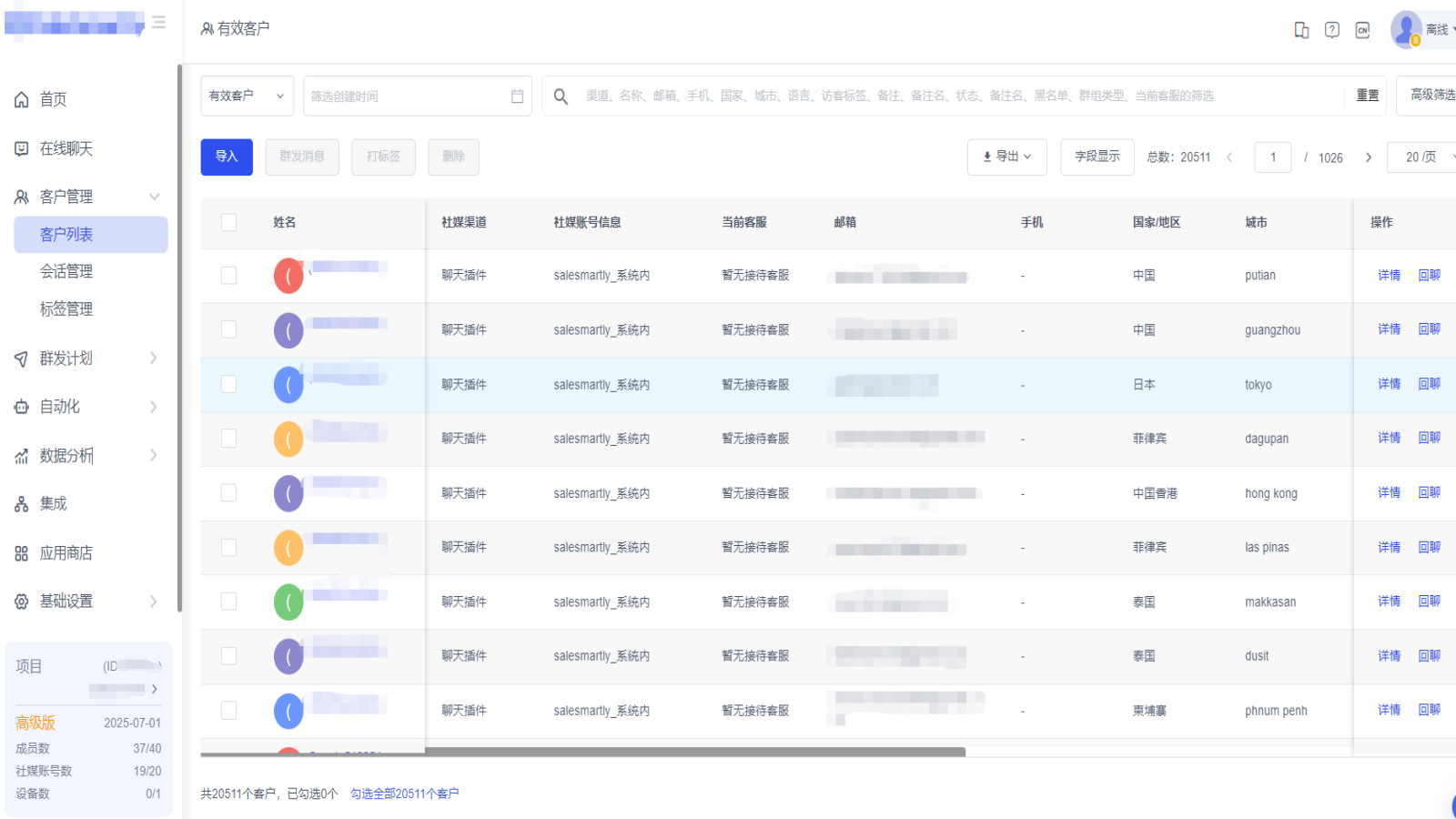
- Customer Relationship Management: Segment, track, and analyze your customers efficiently and conveniently in one place. Create a contact database, review complete contact activity history and browsing history, and sync your data with your information systems.
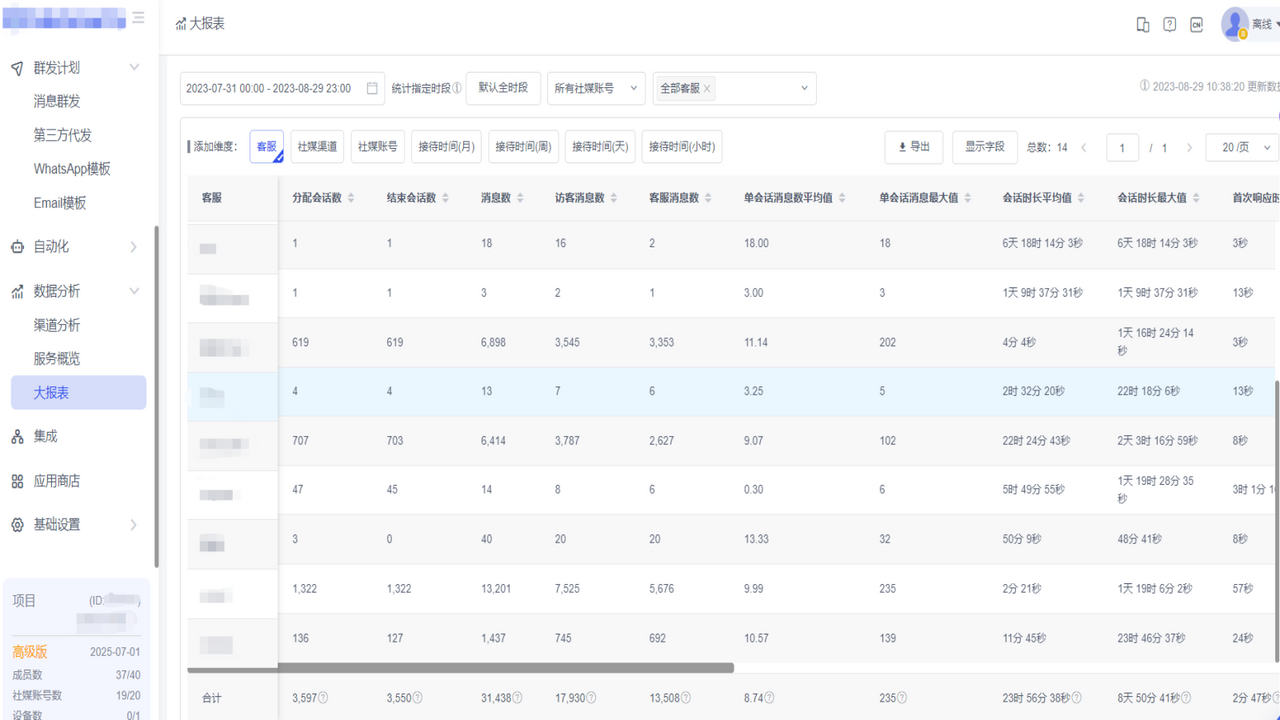
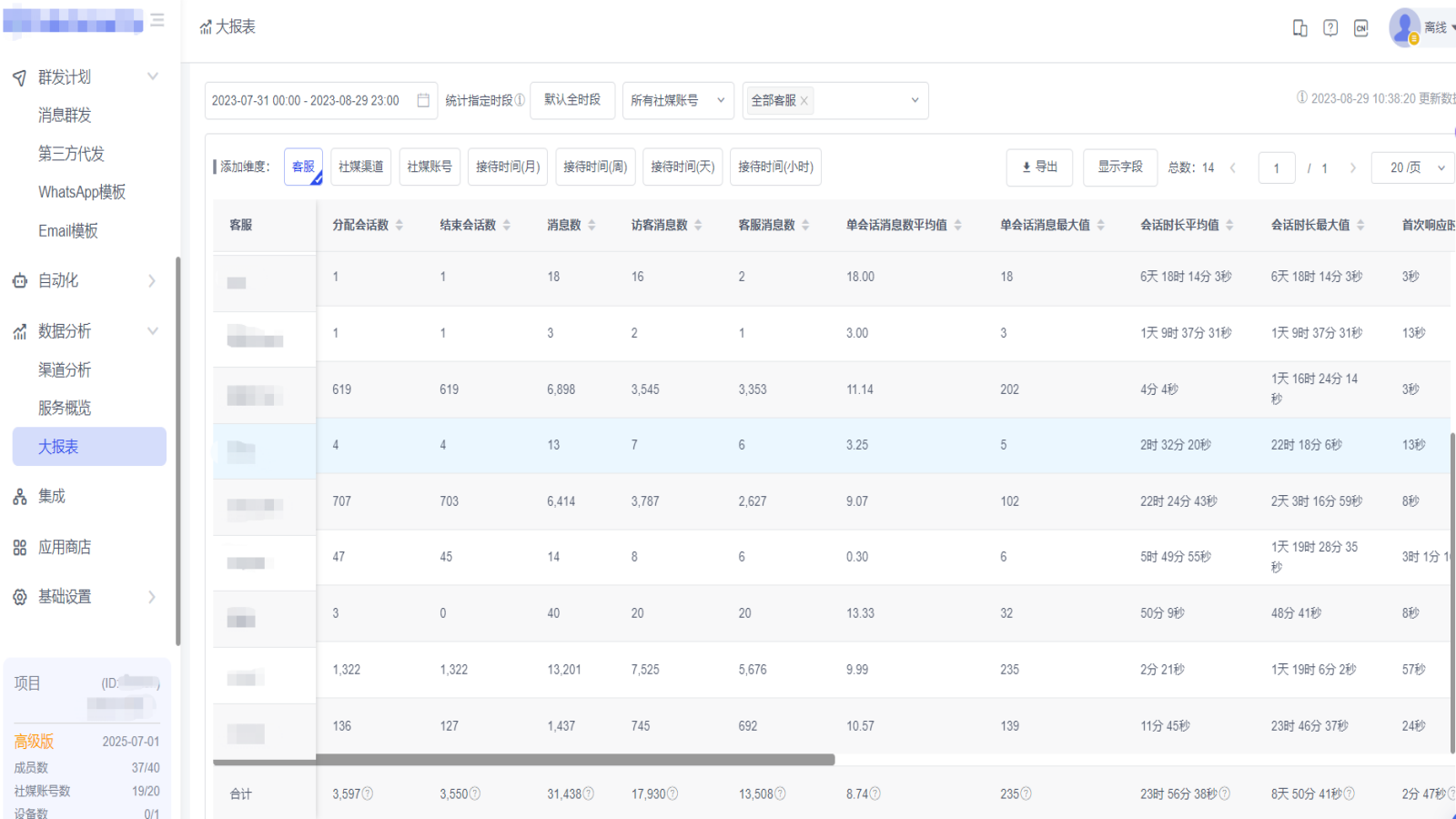
- Data Analytics: Gain insights into key support metrics and trends. Multi-dimensional visualized metrics clearly show connections between query types, channels, customers, products, sales, and more. Make data easy to measure and share to help you develop business plans.
Merchant-Friendly
- Cross-border E-commerce Merchants
- Social E-commerce Merchants
- Multi-channel Retail Merchants
- Independent Station Merchants
Basic Information
- Developer:SaleSmartly
- Address:广州市天河区高德置地春A座2901, 广州, GD, 510000, CN
- Price: Free / Free plan
- Rating:5 / 5
- Comment Count:12 comment
- Release Date:2022-4-13
- Supported languages:Vietnamese、English、Simplified Chinese
- Compatible products:Shopify
Application Screenshot



Price Plan
免费版
VIP版
- Suitable for growing/professional customer service teams
- More members (scalable)
- 10 social media accounts (scalable)
- 1 device (scalable)
- Unlimited conversation quota
- Unlimited automation triggers
- Permanently save chat records
- All functional rights
User Location & Comments
User Location
Comments
Shopify API Used
- POST /admin/api/omnichannel/messages/aggregate.json
- GET /admin/api/omnichannel/messages/{channel}.json
- PUT /admin/api/omnichannel/messages/settings.json
Permission:read_omnichannel_messages,write_omnichannel_settings,manage_channels
- POST /admin/api/support/automations.json
- PUT /admin/api/support/automations/{id}.json
- GET /admin/api/support/automations/stats.json
Permission:write_support_automations,read_support_stats,manage_shop
- POST /admin/api/team/chats/assign.json
- GET /admin/api/team/chats/metrics.json
- PUT /admin/api/team/chats/priorities.json
Permission:manage_team_chats,read_team_metrics,write_chat_priorities
- POST /admin/api/customers/segments.json
- GET /admin/api/customers/activity/{id}.json
- PUT /admin/api/customers/sync.json
Permission:read_customers,write_customer_segments,manage_customer_data
- GET /admin/api/analytics/support/metrics.json
- POST /admin/api/analytics/reports/generate.json
- PUT /admin/api/analytics/visualizations.json
Permission:read_analytics,write_report_settings,manage_shop_stats



