
App Introduction
Provide your customers with a convenient and reliable real-time chat communication channel. Provide Support Live Chat enables you to instantly respond to customer requests, view their navigation on your store in real time, guide them, and offer proactive assistance. Adding a live chat widget to your online store is an ideal way to boost customer satisfaction and loyalty—ultimately driving higher sales. The dynamic chat widget seamlessly integrates with your store’s design, giving customers confidence that a real person will be there to assist them at every step if needed.
Core Functionality
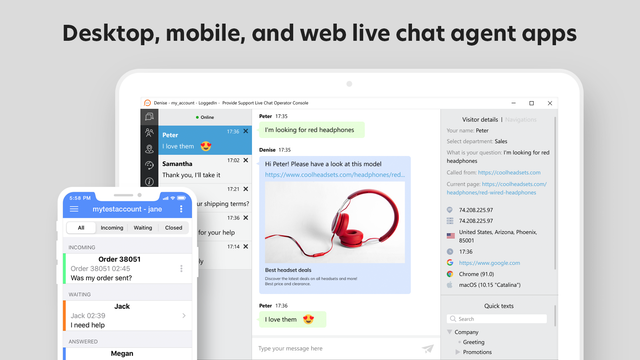
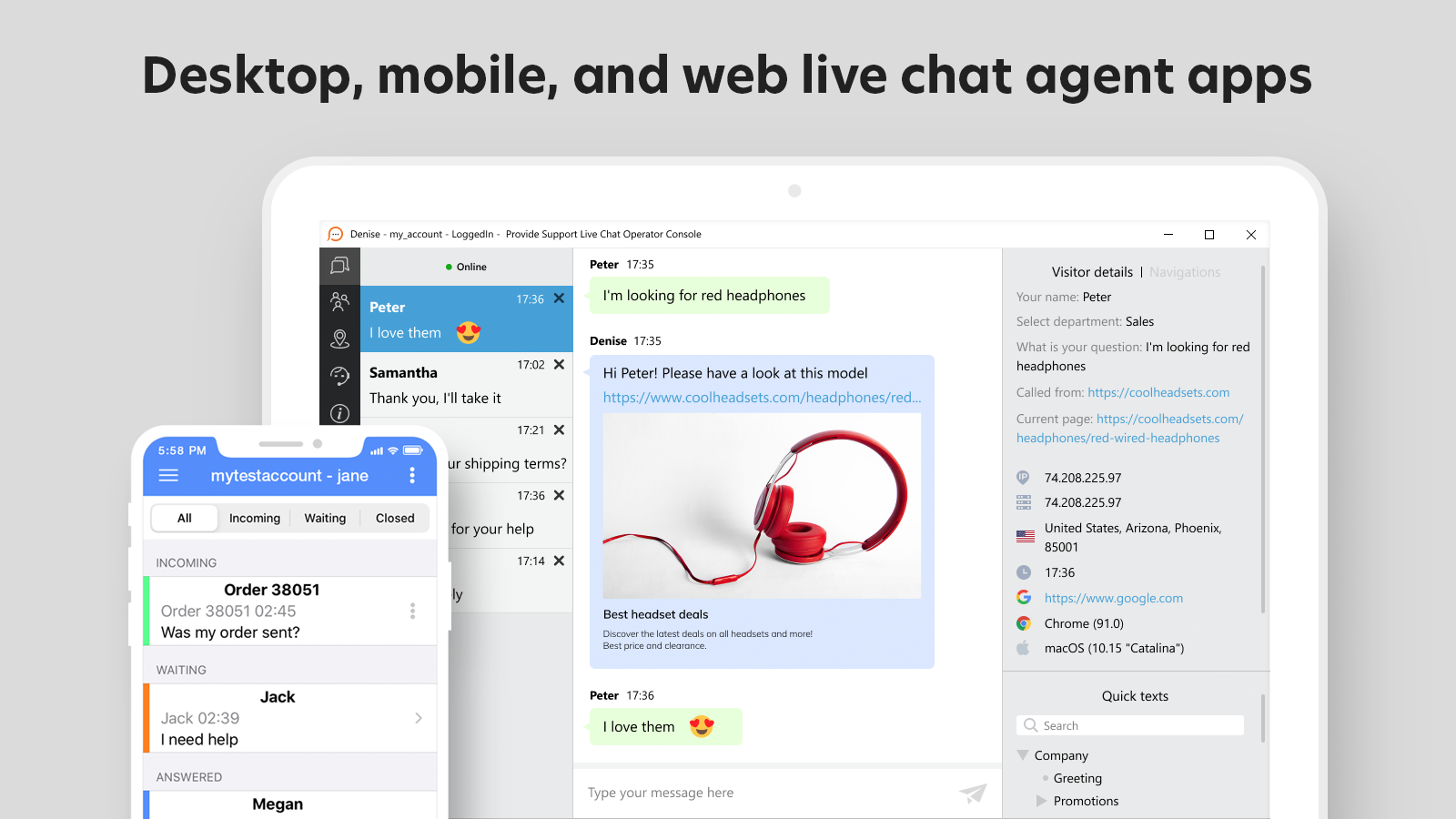
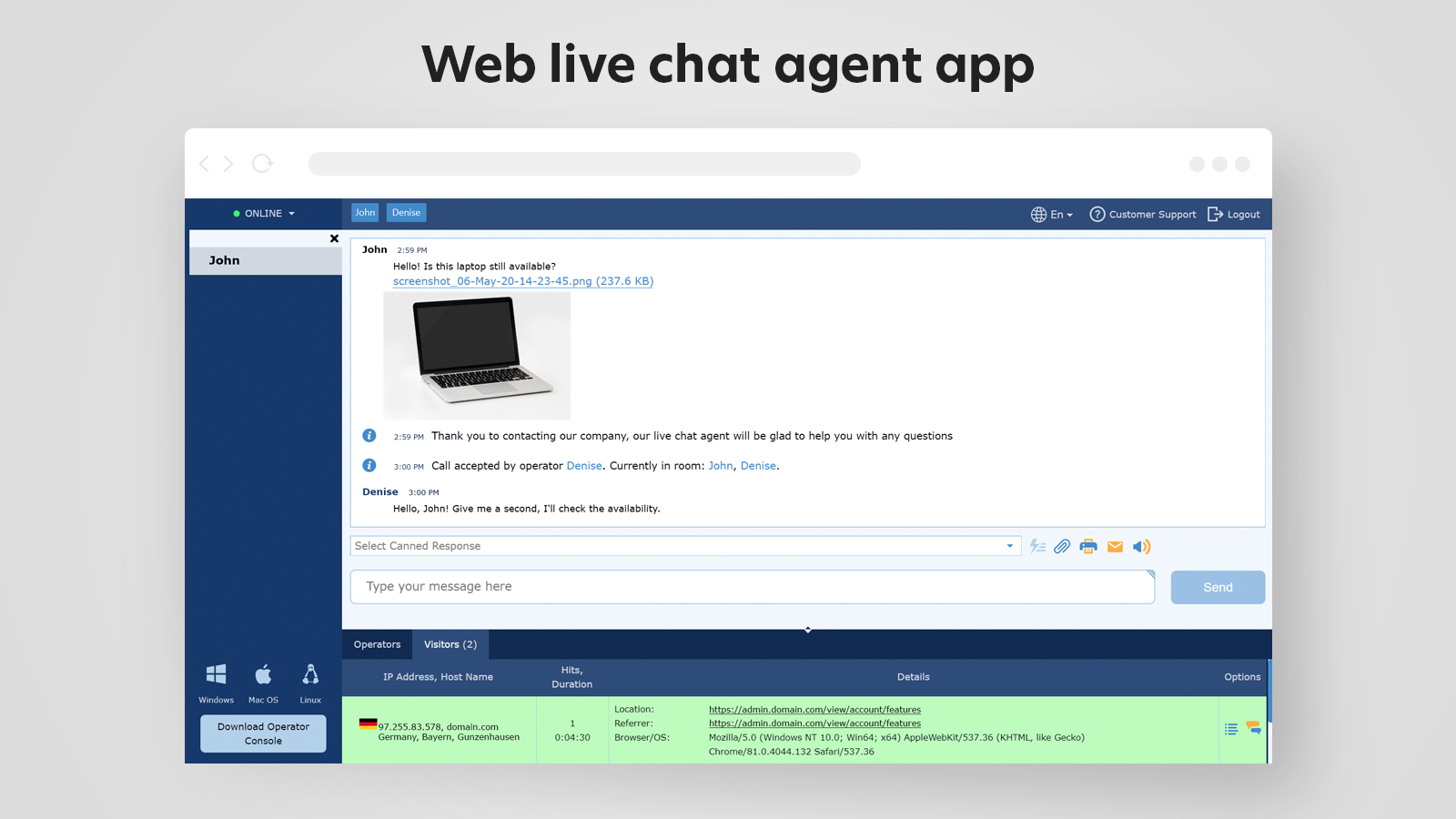
- Stay connected always. Handle requests from any platform - desktop or mobile
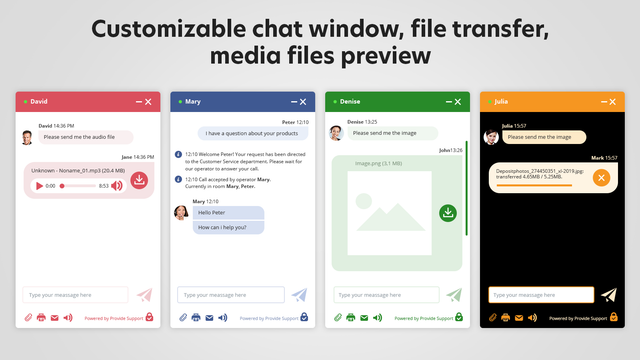
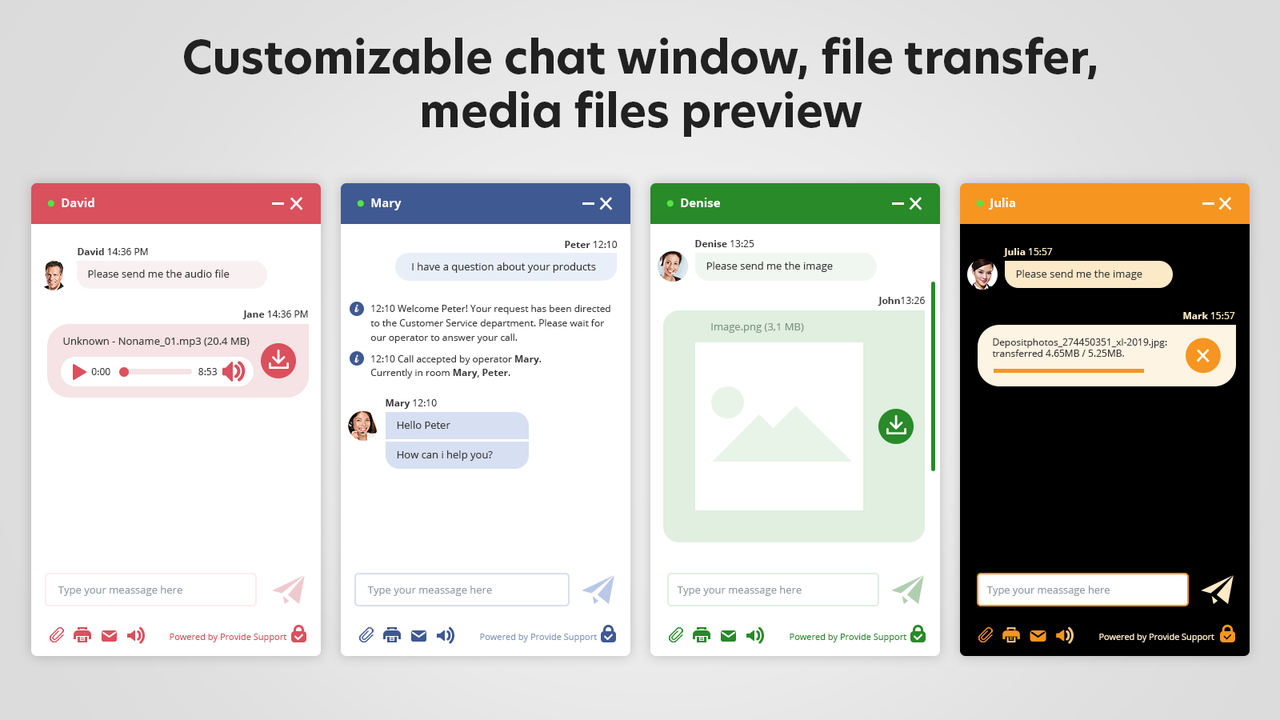
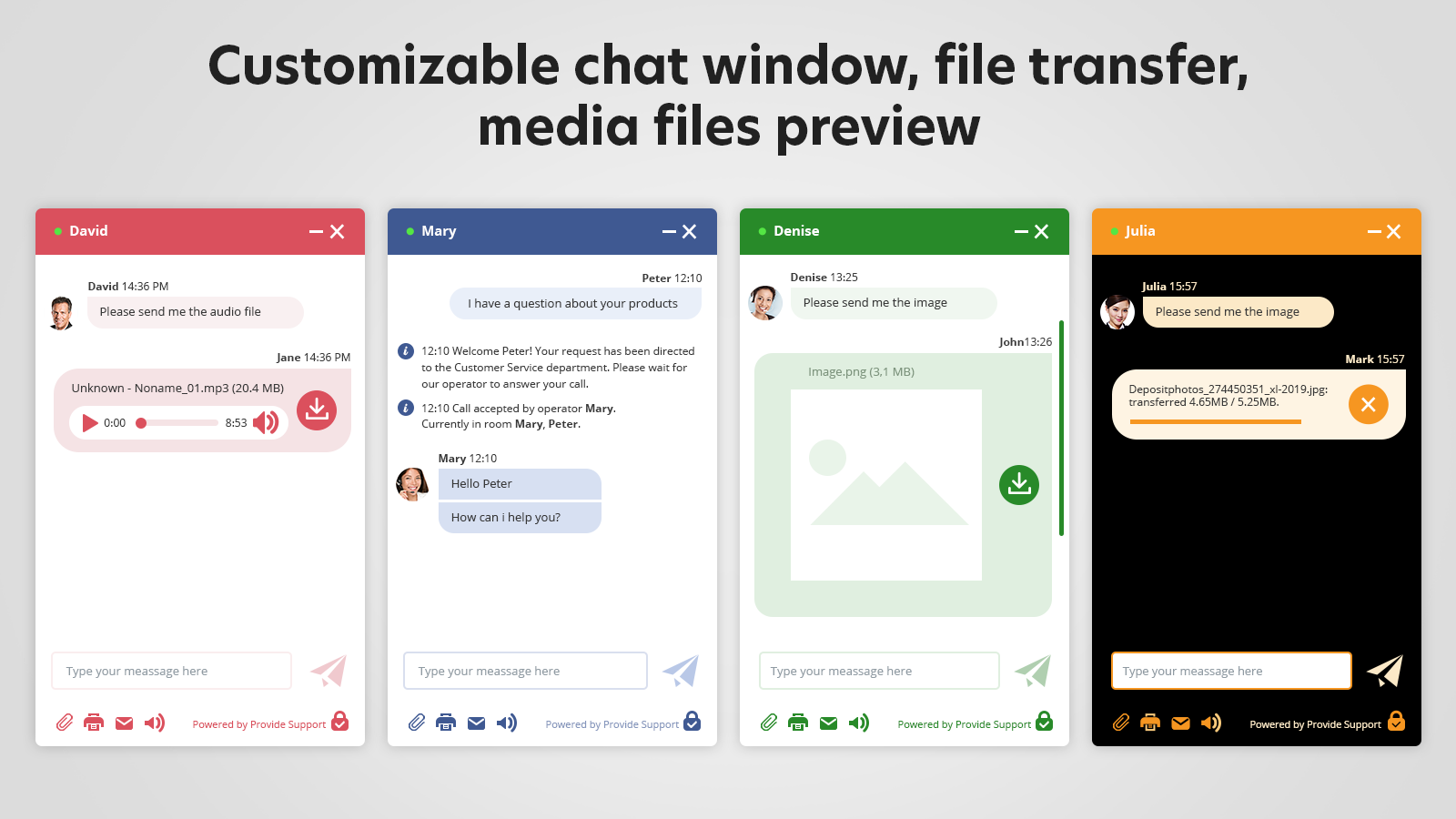
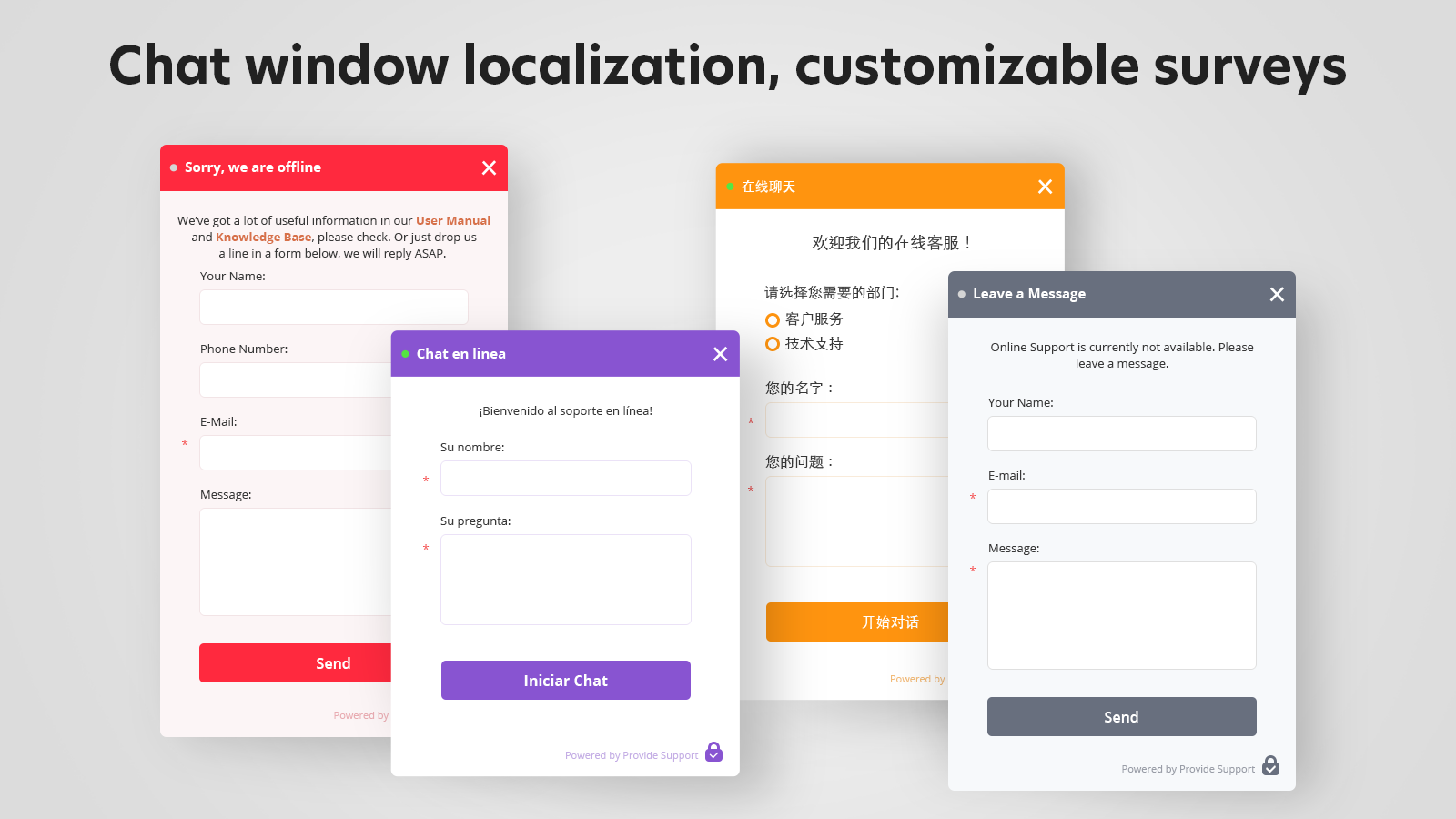
- Customize the chat widget to match your store’s design - use your company logo, colors, and text
- Send various files, share links, and push pages via live chat
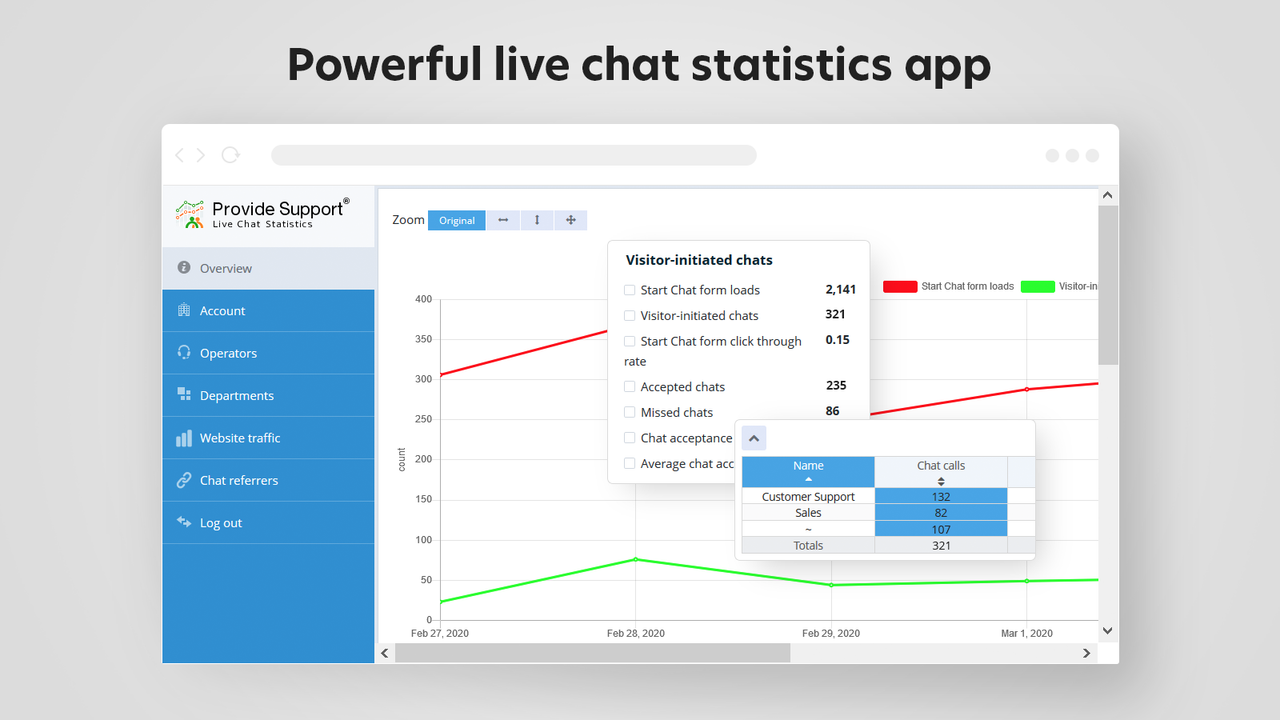
- Monitor customers’ navigation in your store and proactively invite them to chat
- Connect the same live chat window to as many different stores as you need
Merchant-Friendly
- Independent Station Merchants
- Multi-category E-commerce
- Cross-border E-commerce
- B2C E-commerce
Basic Information
- Developer:Provide Support, LLC
- Address:65 Broadway 3rd Floor, New York, NY, 10006, US
- Price: Free / Free plan
- Rating:0 / 5
- Comment Count:0 comment
- Release Date:2020-6-12
- Supported languages:English
- Compatible products:Shopify
Application Screenshot







Price Plan
小型企业
- 1 Operator Profile
- Includes All Features
企业
- 3 Operator Profiles
- Includes All Features
企业级
- 10 Operator Profiles
- Includes All Features
User Location & Comments
User Location
Comments
Shopify API Used
- POST /admin/api/chat/connection.json
- GET /admin/api/chat/connection/status.json
- PUT /admin/api/chat/connection/platform.json
Permission:write_chat,read_chat,manage_online_store
- POST /admin/api/chat/widget.json
- PUT /admin/api/chat/widget/{id}.json
- GET /admin/api/chat/widget.json
Permission:write_chat,read_chat,manage_themes
- POST /admin/api/chat/message/file.json
- GET /admin/api/chat/message/file/{id}.json
- PUT /admin/api/chat/message/file/{id}.json
Permission:write_chat,read_chat,manage_files
- POST /admin/api/chat/invitation.json
- GET /admin/api/chat/visitor/navigation.json
- PUT /admin/api/chat/invitation/trigger.json
Permission:write_chat,read_chat,view_analytics
- POST /admin/api/chat/connection/multi.json
- GET /admin/api/chat/connection/multi/list.json
- PUT /admin/api/chat/connection/multi/{id}.json
Permission:write_chat,read_chat,manage_stores



