
App Introduction
Build customer relationships and grow your business on the AI-powered WhatsApp CRM Kommo is a messaging-based CRM equipped with powerful AI agents, designed to boost sales for small businesses. Integrated with Shopify, WhatsApp, Instagram, and more, it features a unified inbox, chatbot builder, WhatsApp widget, and sales pipeline. Kommo’s AI agents handle customer inquiries, manage inventory, deliver personalized recommendations, and provide 24/7 support — automating sales and service effortlessly.
Core Functionality
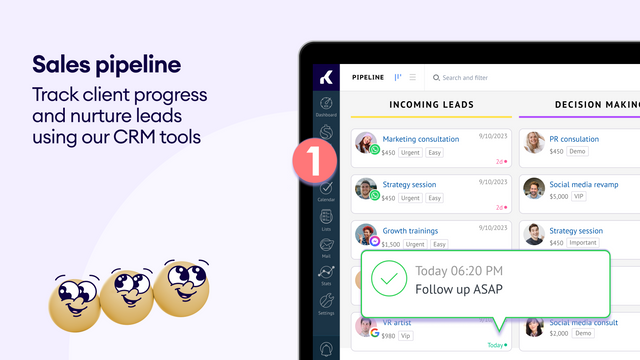
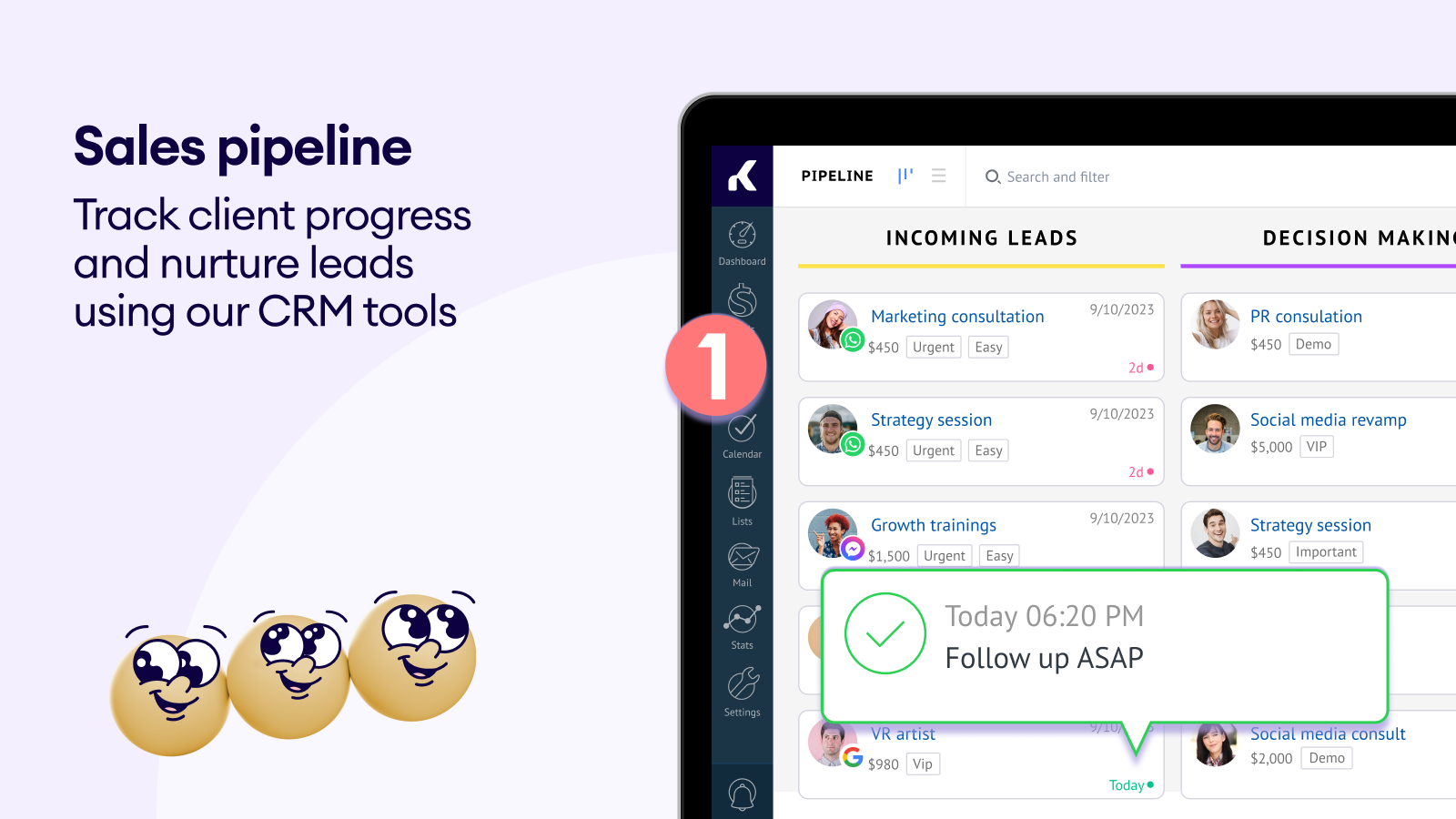
- Leverage Kommo’s sales pipeline to effectively nurture and manage your Shopify orders.
- Comprehensively record customer information in lead profiles: contacts, tasks, notes, chats, and calls.
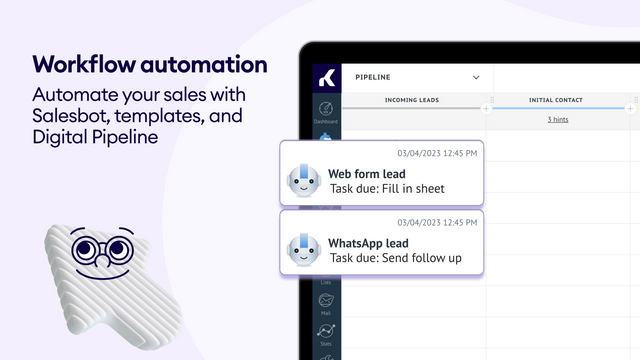
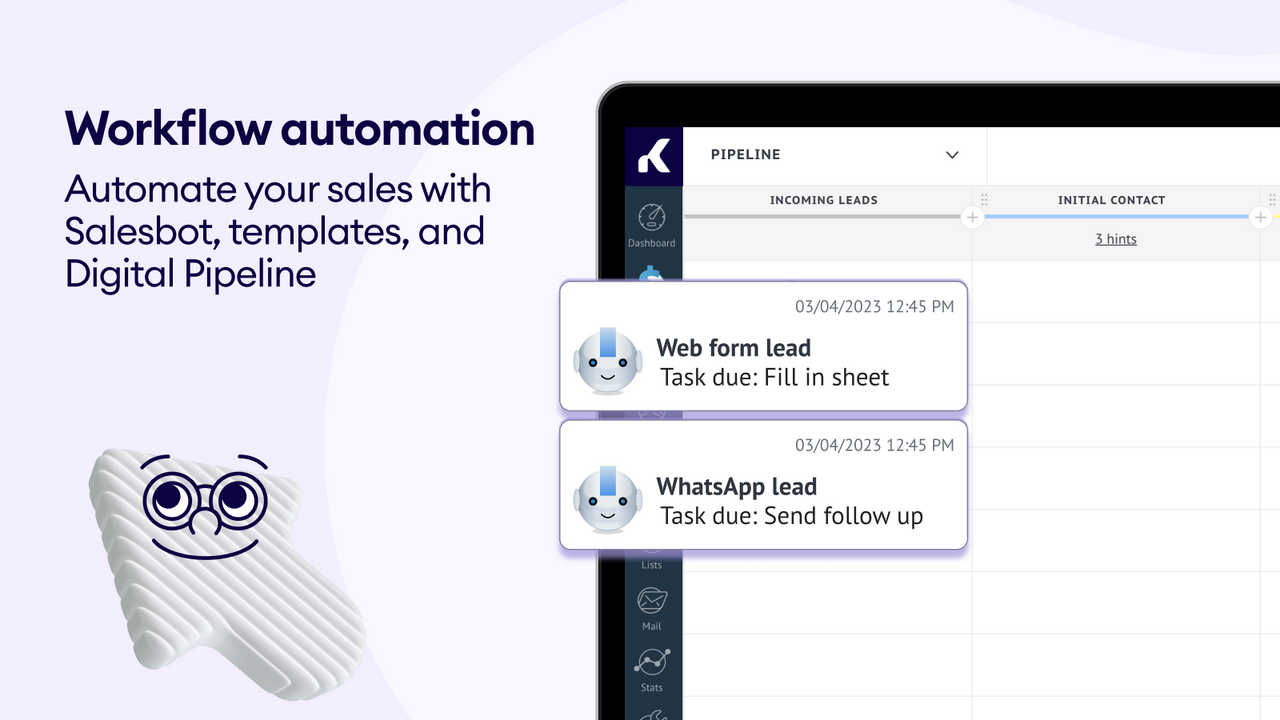
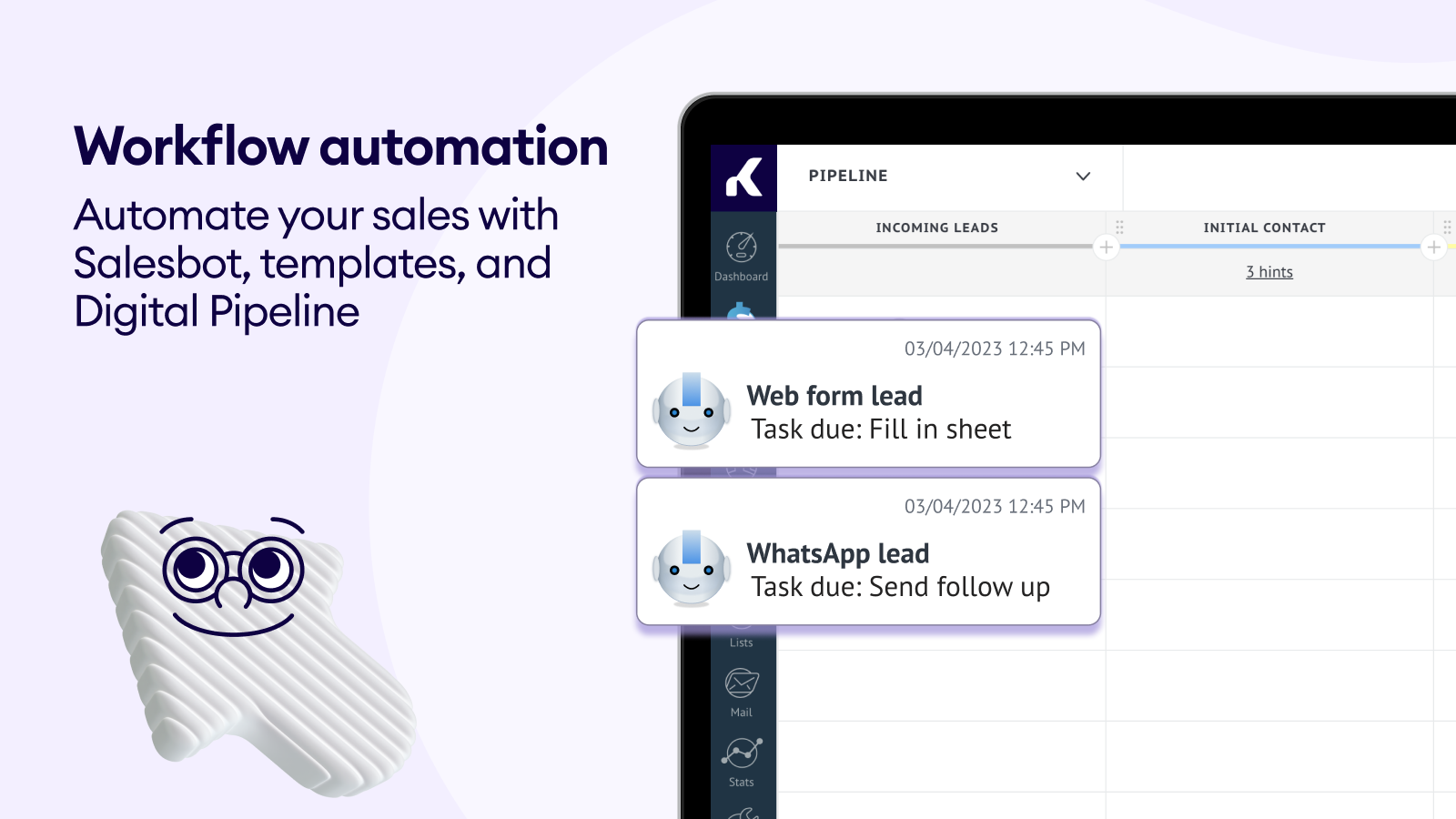
- Automate sales and communication using tools like Salesbot and AI agents.
- Add a website chat button to your Shopify store.
- Activate AI agents to handle inquiries about shipping, products, payments, and policies.
Merchant-Friendly
- Foreign Trade Independent Station Merchants
- DTC Brand E-commerce
- Small/Medium Cross-border E-commerce
- Online Retail Merchants
Basic Information
- Developer:Kommo
- Address:2104 Executive Park Dr, Opelika, AL, 36801, US
- Price: Free / Free plan
- Rating:2.8 / 5
- Comment Count:6 comment
- Release Date:2023-9-15
- Supported languages:English、Spanish、Portuguese (Brazil)
- Compatible products:Shopify
Application Screenshot
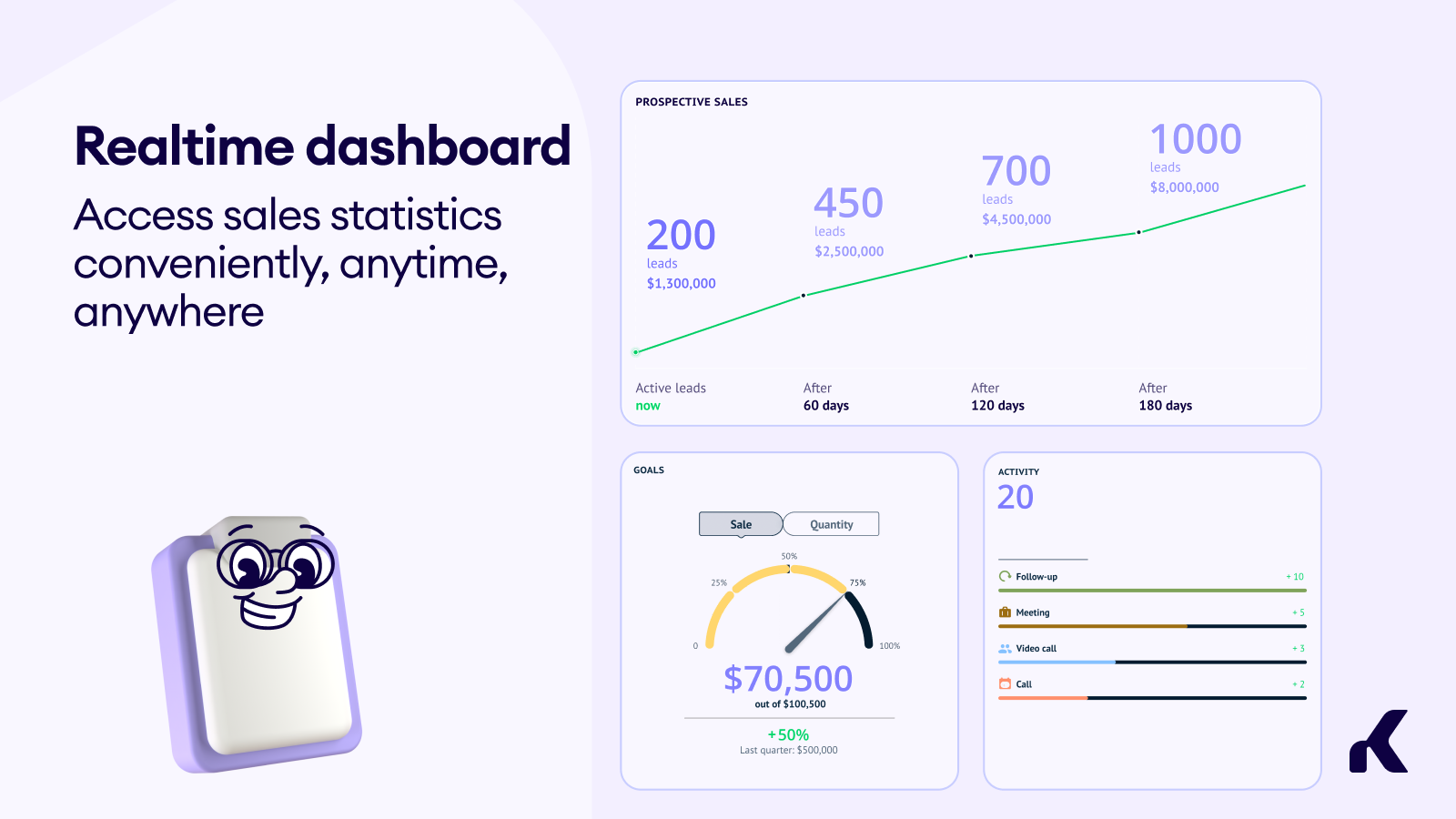
Price Plan
Shopify Plan
- Lead and Contact Management
- Customizable Sales Stages and Pipeline
- Connect WhatsApp and Other Messaging Apps
User Location & Comments
User Location
Comments
Shopify API Used
- POST /admin/api/orders/{order_id}/pipeline.json
- PUT /admin/api/orders/{order_id}/pipeline/{stage}.json
- GET /admin/api/orders/pipeline.json
Permission:write_orders,read_orders,manage_fulfillment
- POST /admin/api/customers/{id}/profile.json
- PUT /admin/api/customers/{id}/profile/notes.json
- GET /admin/api/customers/{id}/profile.json
Permission:write_customers,read_customers,manage_accounts
- POST /admin/api/salesbot/integration.json
- PUT /admin/api/salesbot/trigger.json
- GET /admin/api/salesbot/status.json
Permission:write_communication,read_communication,manage_automation
- POST /admin/api/chat_button.json
- PUT /admin/api/chat_button/{id}.json
- GET /admin/api/chat_button.json
Permission:write_themes,read_themes,manage_channels
- POST /admin/api/ai_agent/activation.json
- PUT /admin/api/ai_agent/topic.json
- GET /admin/api/ai_agent/status.json
Permission:write_ai,read_ai,manage_support



