
App Introduction
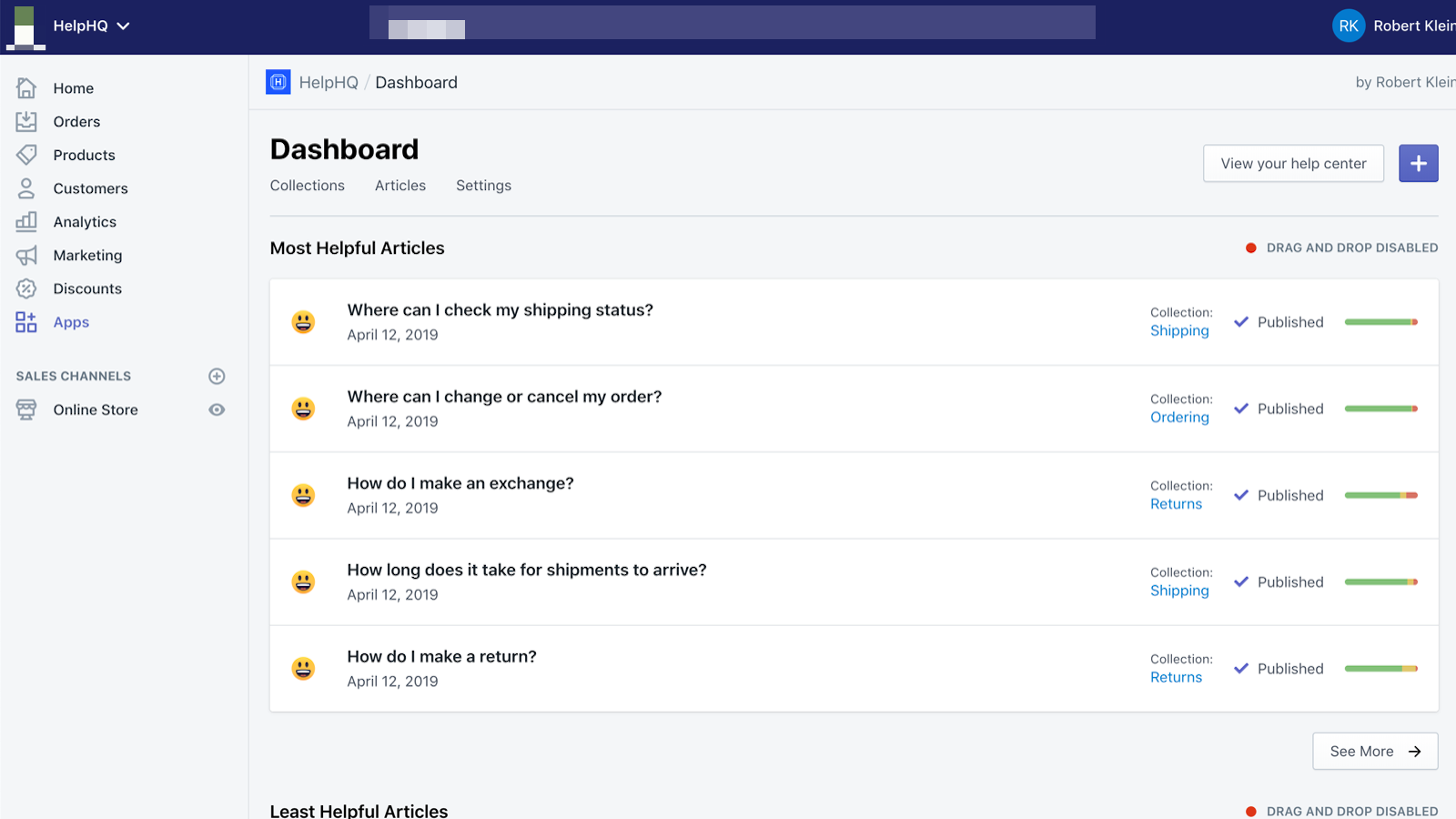
Help Center HQ lets you add a help center or FAQ page to your store in minutes. HelpHQ enables customers to get answers instantly from your own FAQ/Q&A page. An effective help center addresses a large number of questions before customers even have the chance to email you. HelpHQ collects valuable satisfaction data from your help center articles. You’ll gain insights into which questions can be answered better, what frustrates customers, what’s working well, and more.
Core Functionality
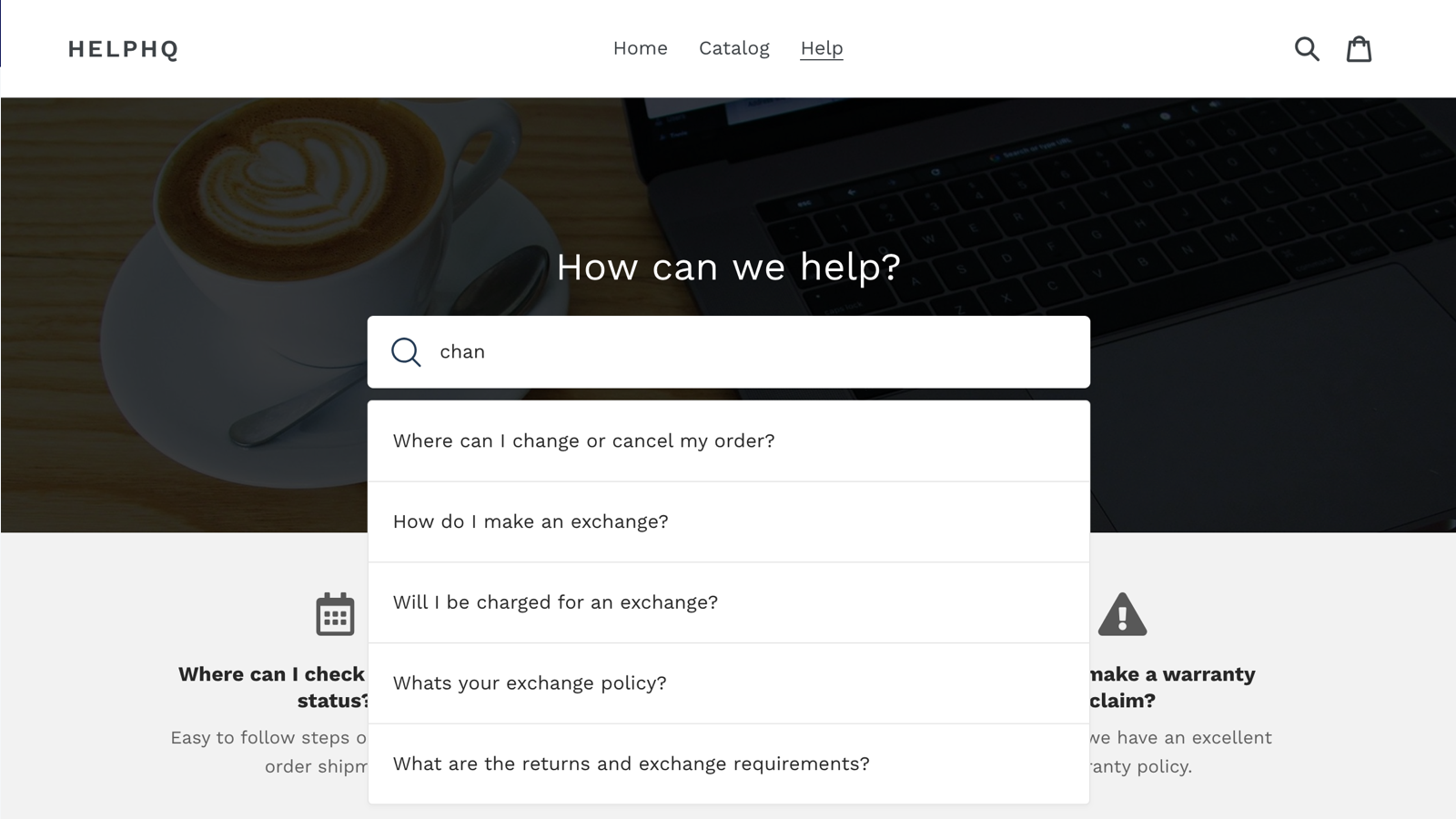
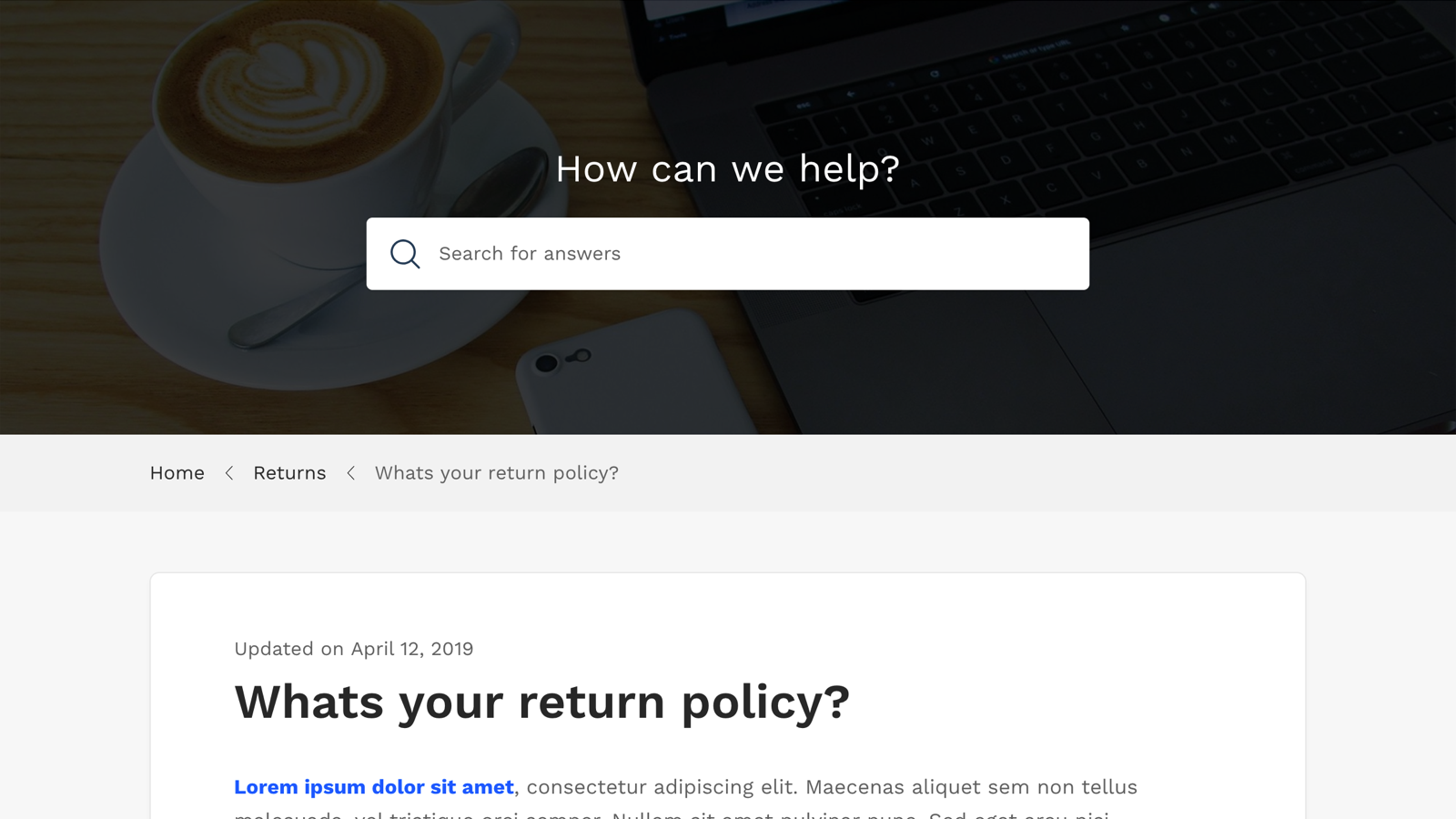
- Instant Search: Finds answers immediately as users type their questions.
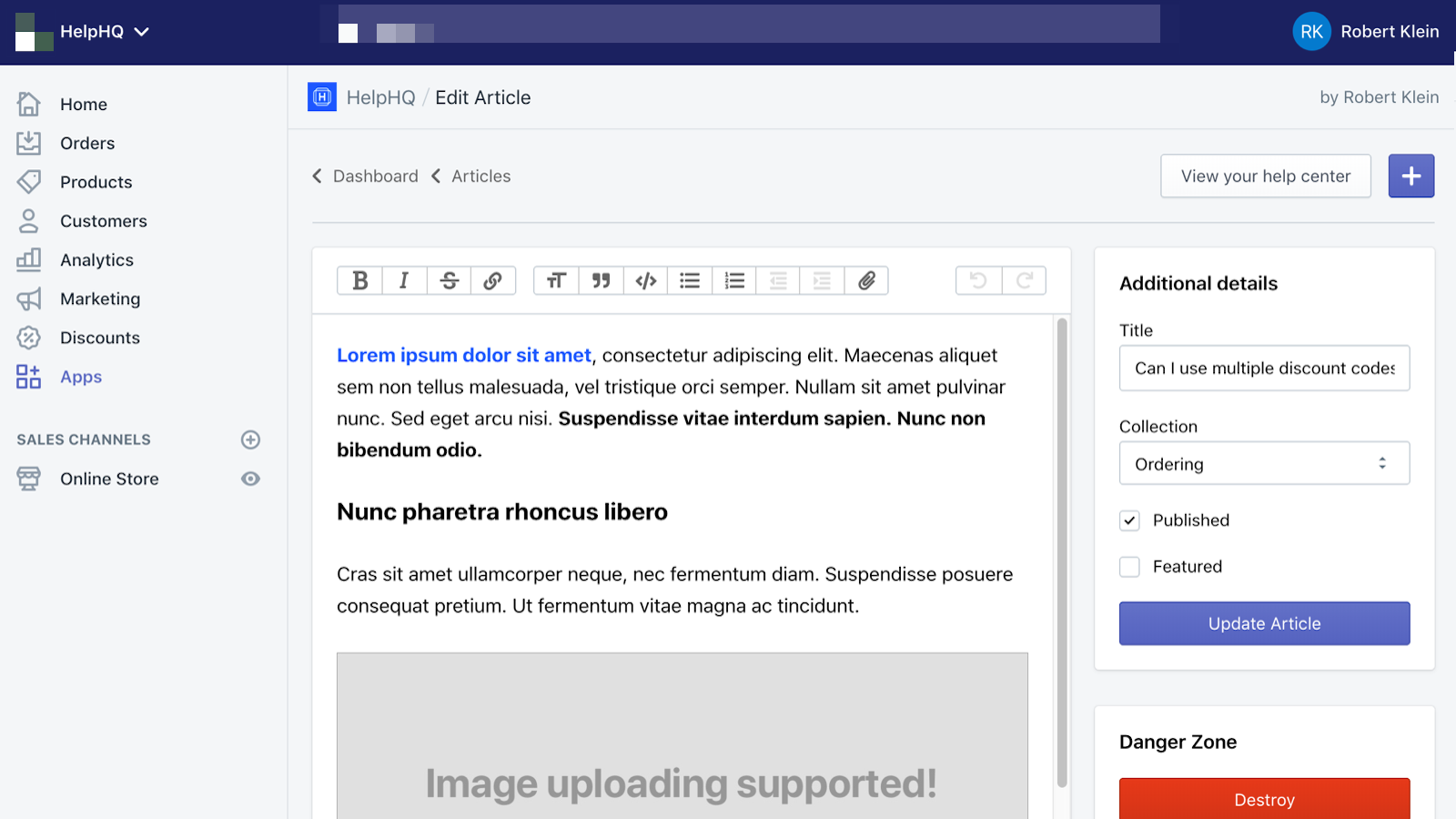
- Powerful Editor: Makes writing help articles and FAQ pages a breeze.
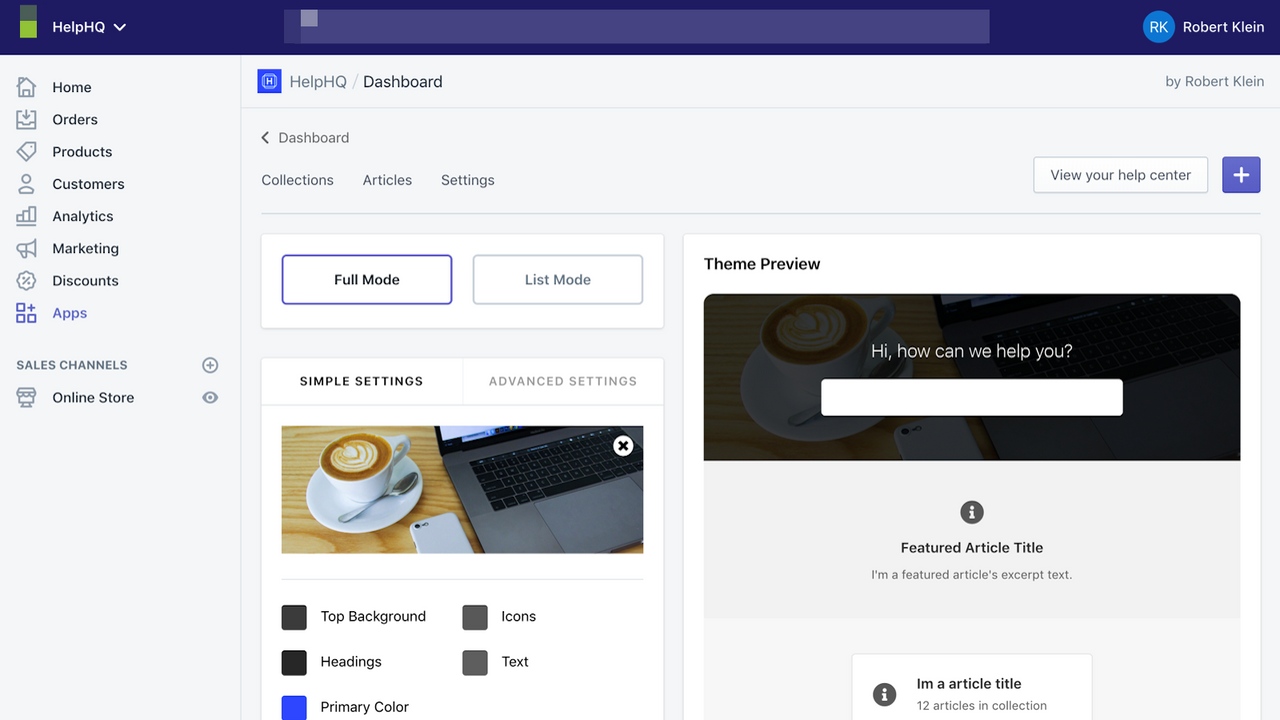
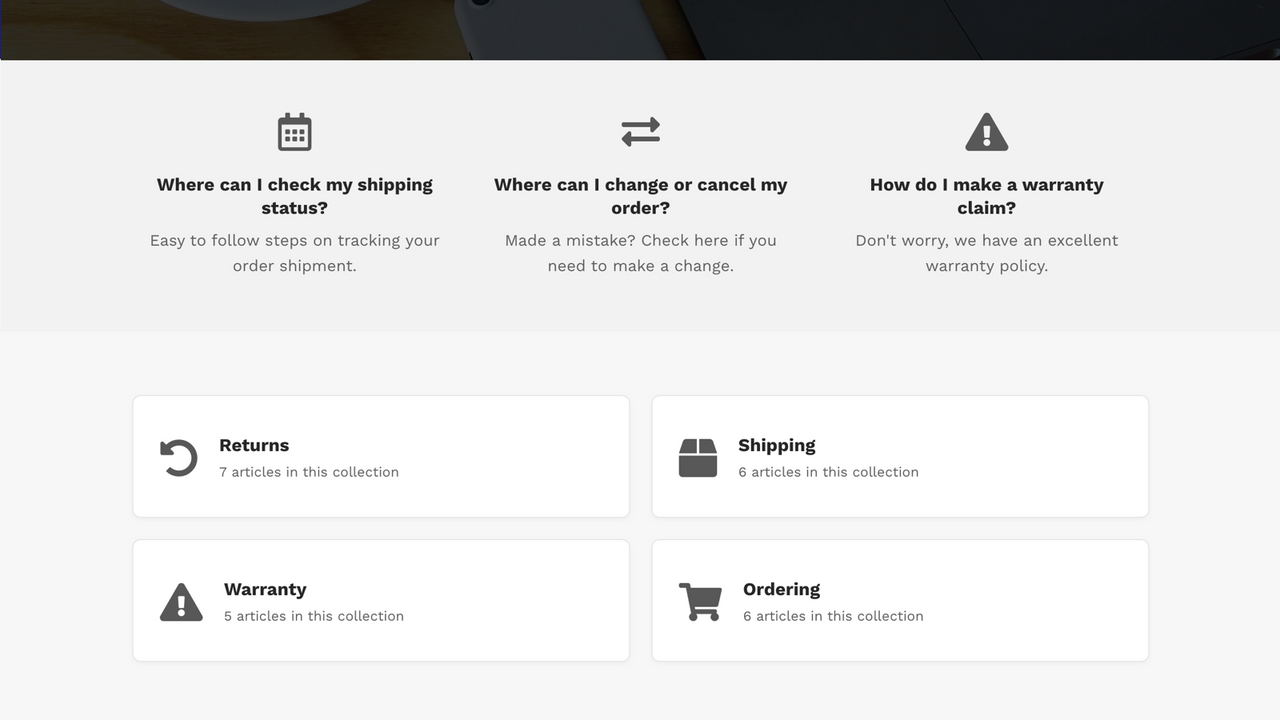
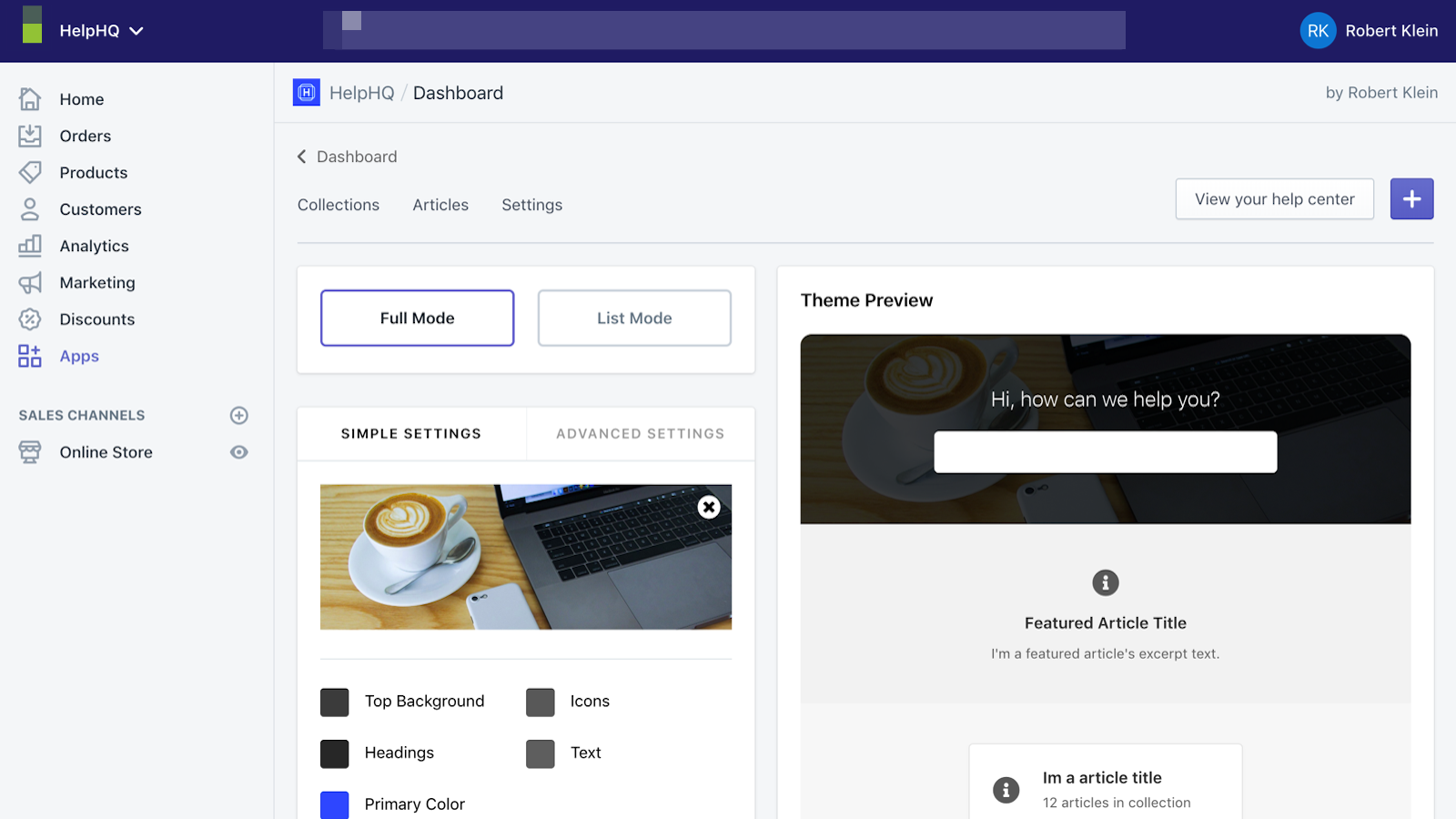
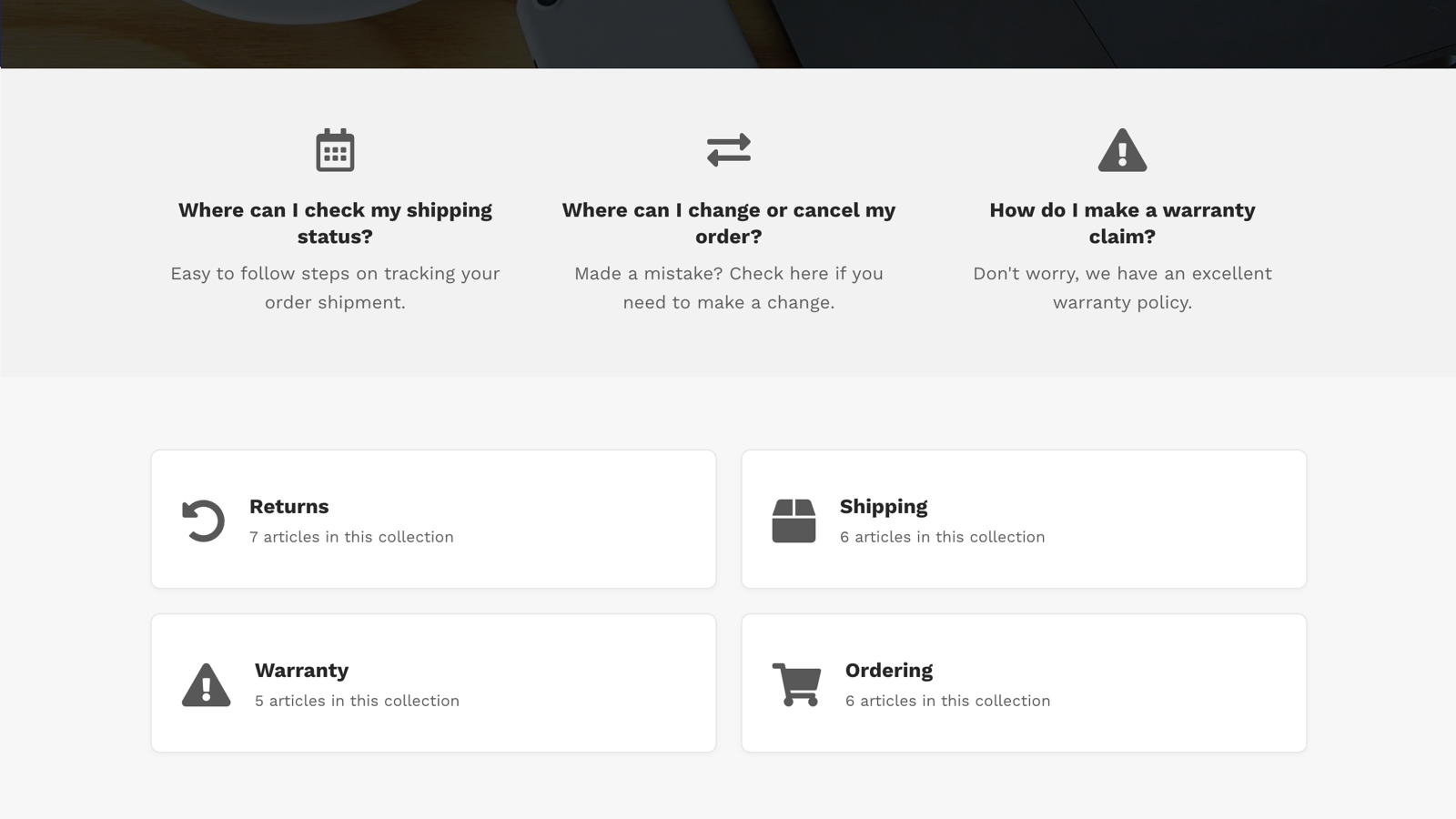
- Fully Customizable: Build FAQ pages that match your store and brand.
- Seamless Integration: Manage your help center from your familiar dashboard.
- Customer Feedback: Collect user feedback via simple emojis.
Merchant-Friendly
- Independent Station Merchants
- Small & Medium E-commerce Merchants
- Brand E-commerce Merchants
- Cross-border E-commerce Merchants
Basic Information
- Developer:App HQ Pte. Ltd.
- Address:90 EU TONG SEN STREET, #03-02, Singapore, 059811, SG
- Price: Free / Free plan
- Rating:5 / 5
- Comment Count:13 comment
- Release Date:2019-4-30
- Supported languages:English
- Compatible products:Shopify
Application Screenshot
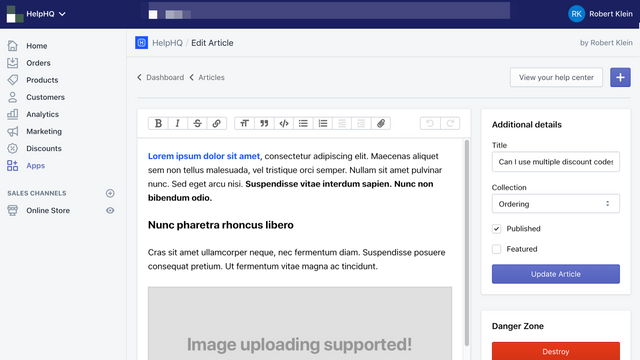
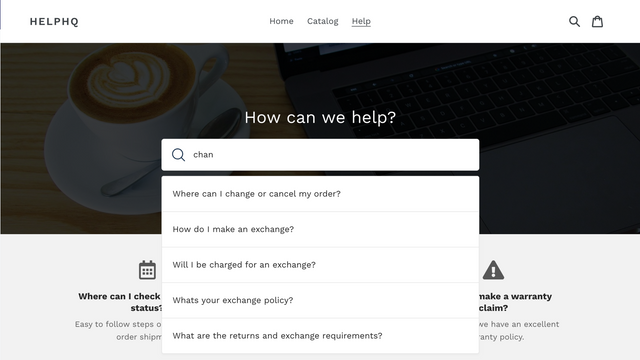

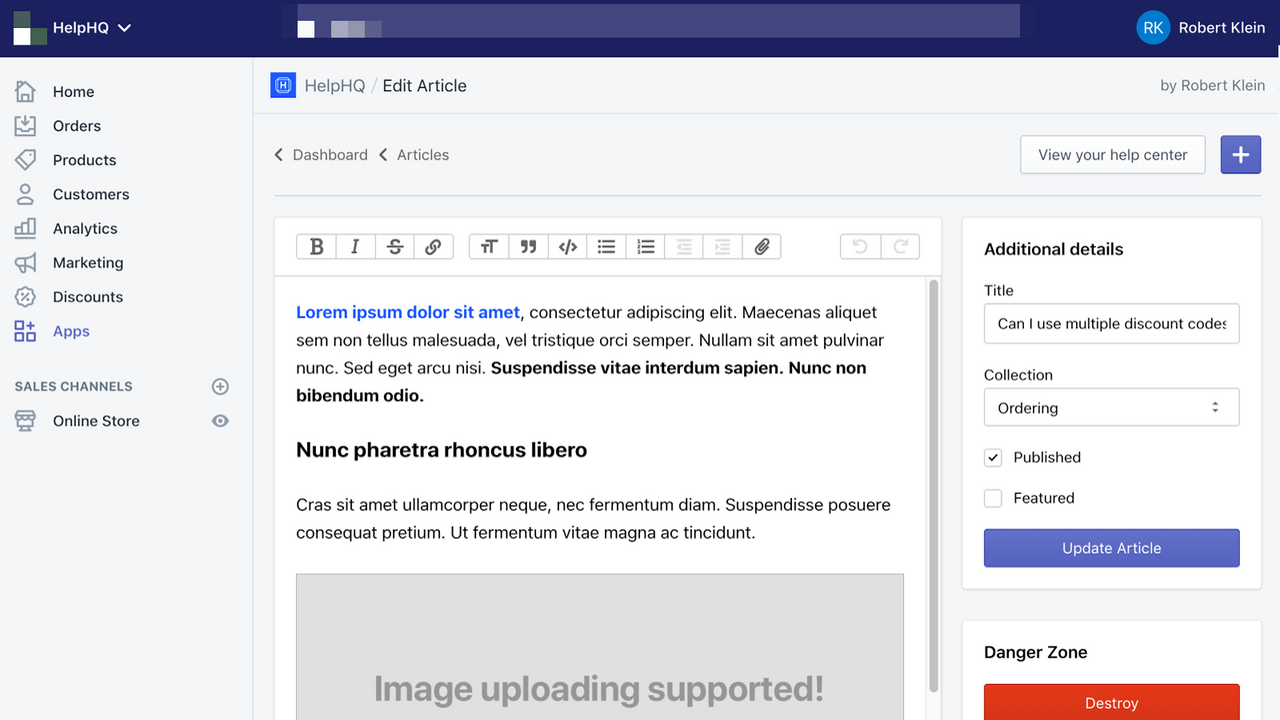

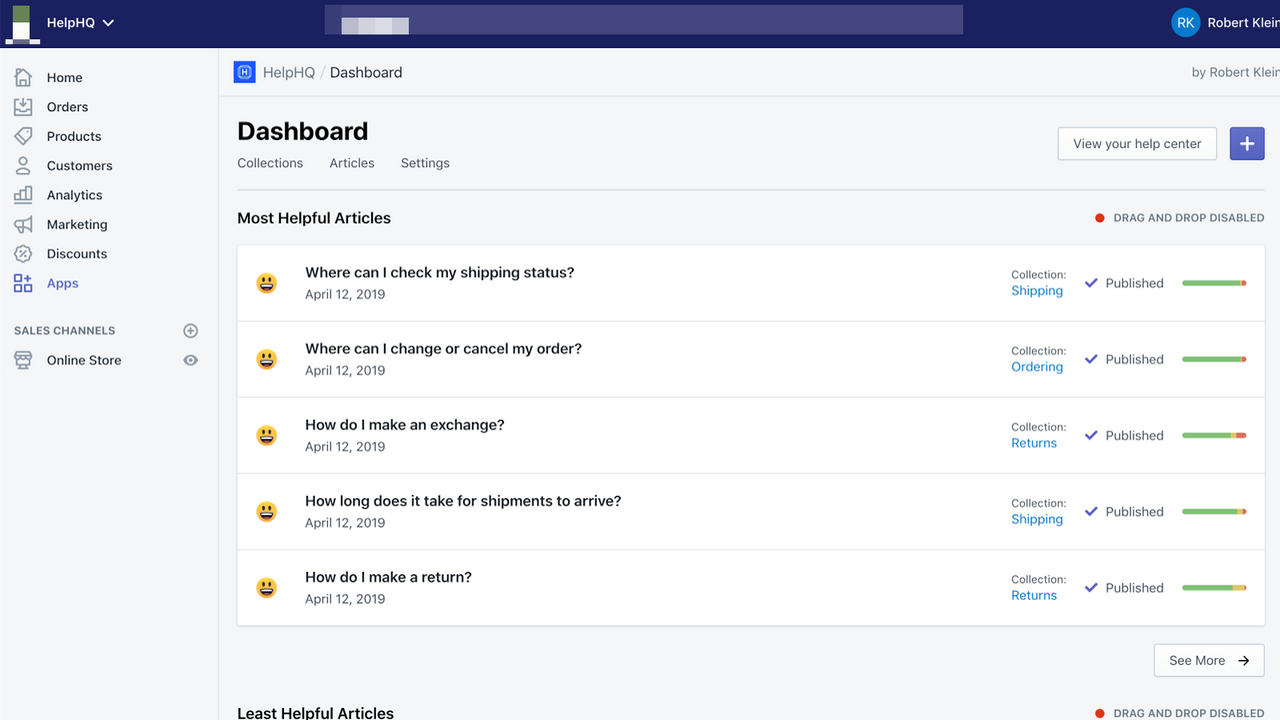

Price Plan
Premium
User Location & Comments
User Location
Comments
Shopify API Used
- GET /admin/api/help_center/search.json
- POST /admin/api/help_center/search/settings.json
- PUT /admin/api/help_center/search/settings/{id}.json
Permission:read_help_center,write_help_center,manage_help_center
- POST /admin/api/help_center/articles.json
- PUT /admin/api/help_center/articles/{id}.json
- GET /admin/api/help_center/articles/{id}/content.json
Permission:write_help_center,read_help_center,manage_help_center
- POST /admin/api/help_center/faq_pages.json
- PUT /admin/api/help_center/faq_pages/{id}.json
- GET /admin/api/help_center/faq_pages/{id}/customization.json
Permission:write_help_center,read_help_center,manage_themes
- GET /admin/api/help_center/dashboard.json
- POST /admin/api/help_center/integration/settings.json
- PUT /admin/api/help_center/integration/settings/{id}.json
Permission:read_help_center,manage_help_center,manage_store
- POST /admin/api/help_center/feedback.json
- GET /admin/api/help_center/feedback.json
- PUT /admin/api/help_center/feedback/{id}/status.json
Permission:read_help_center,write_help_center,manage_feedback



