
App Introduction
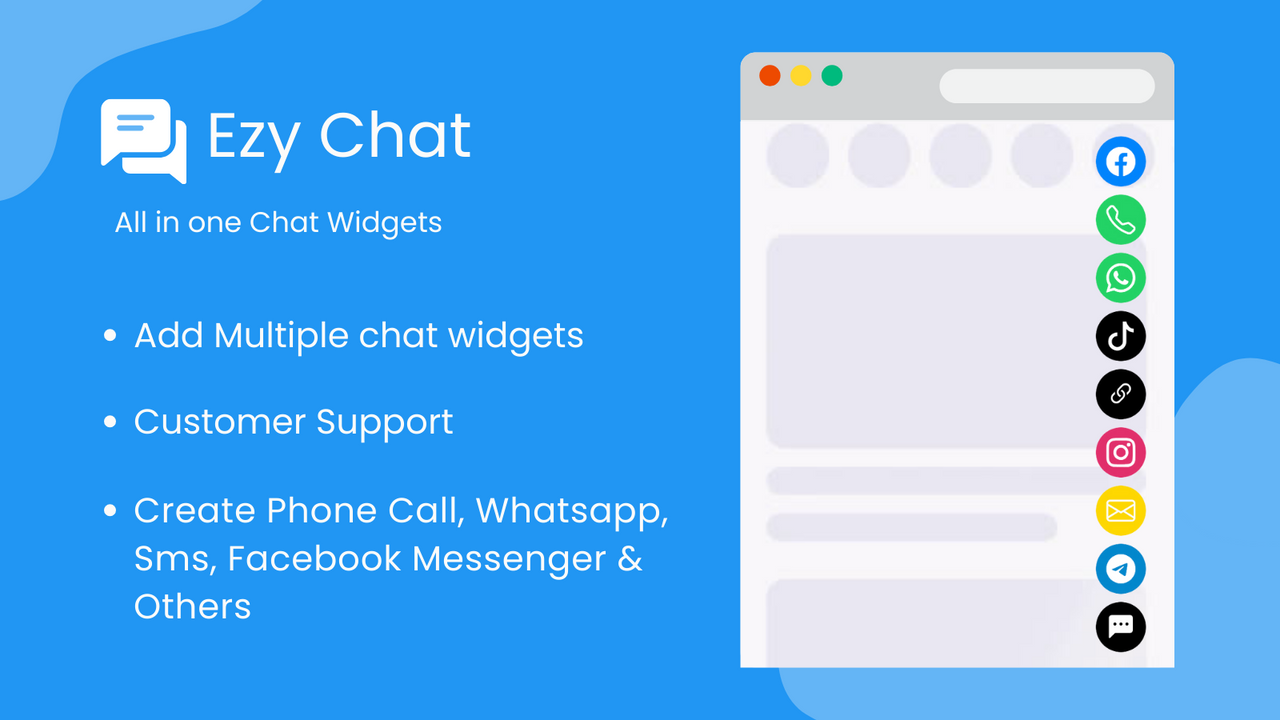
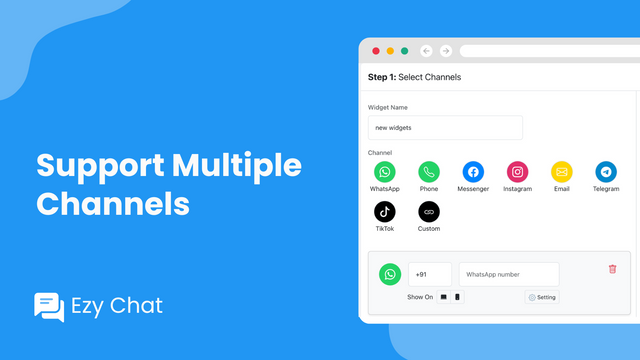
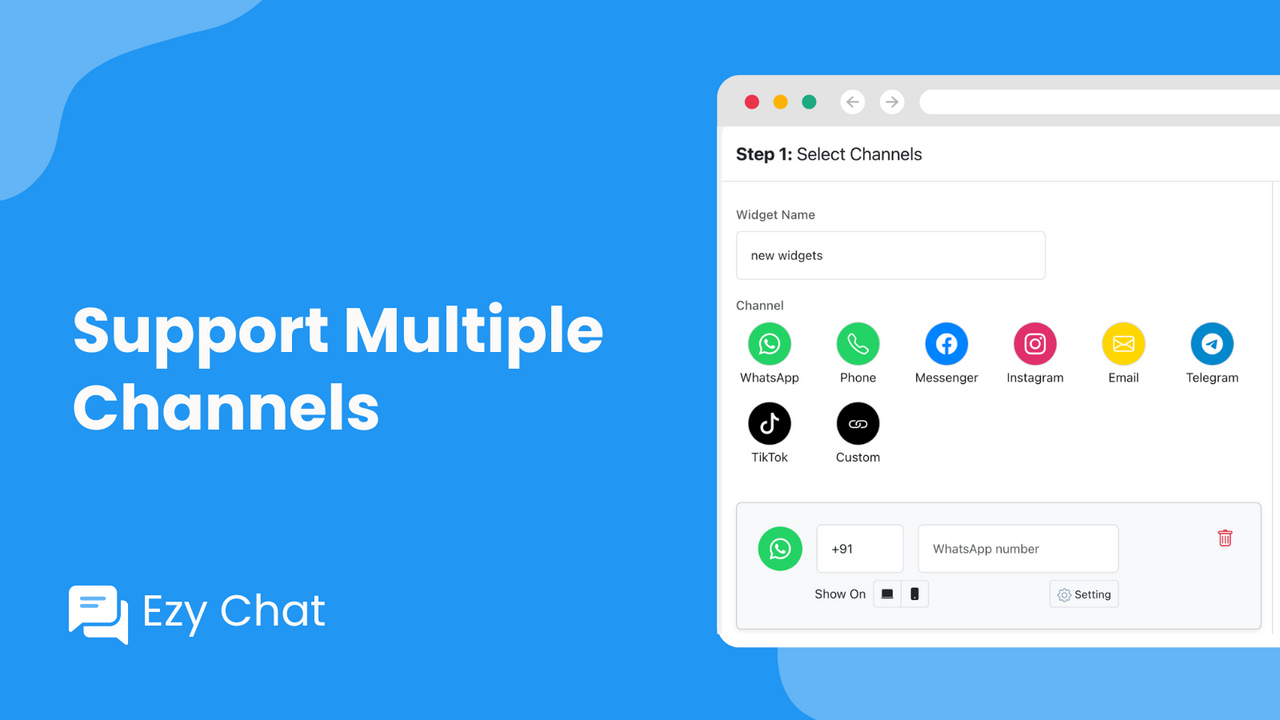
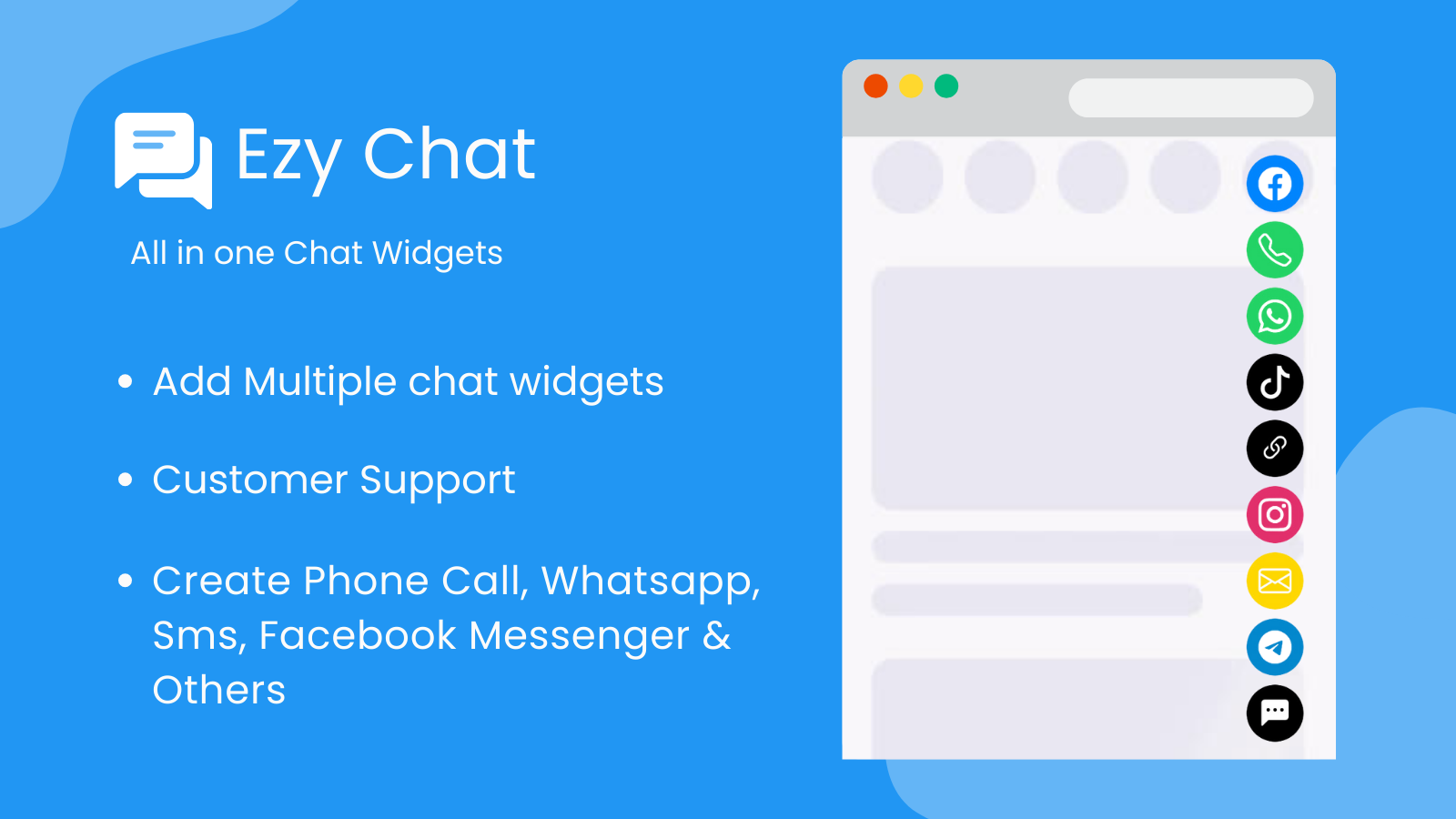
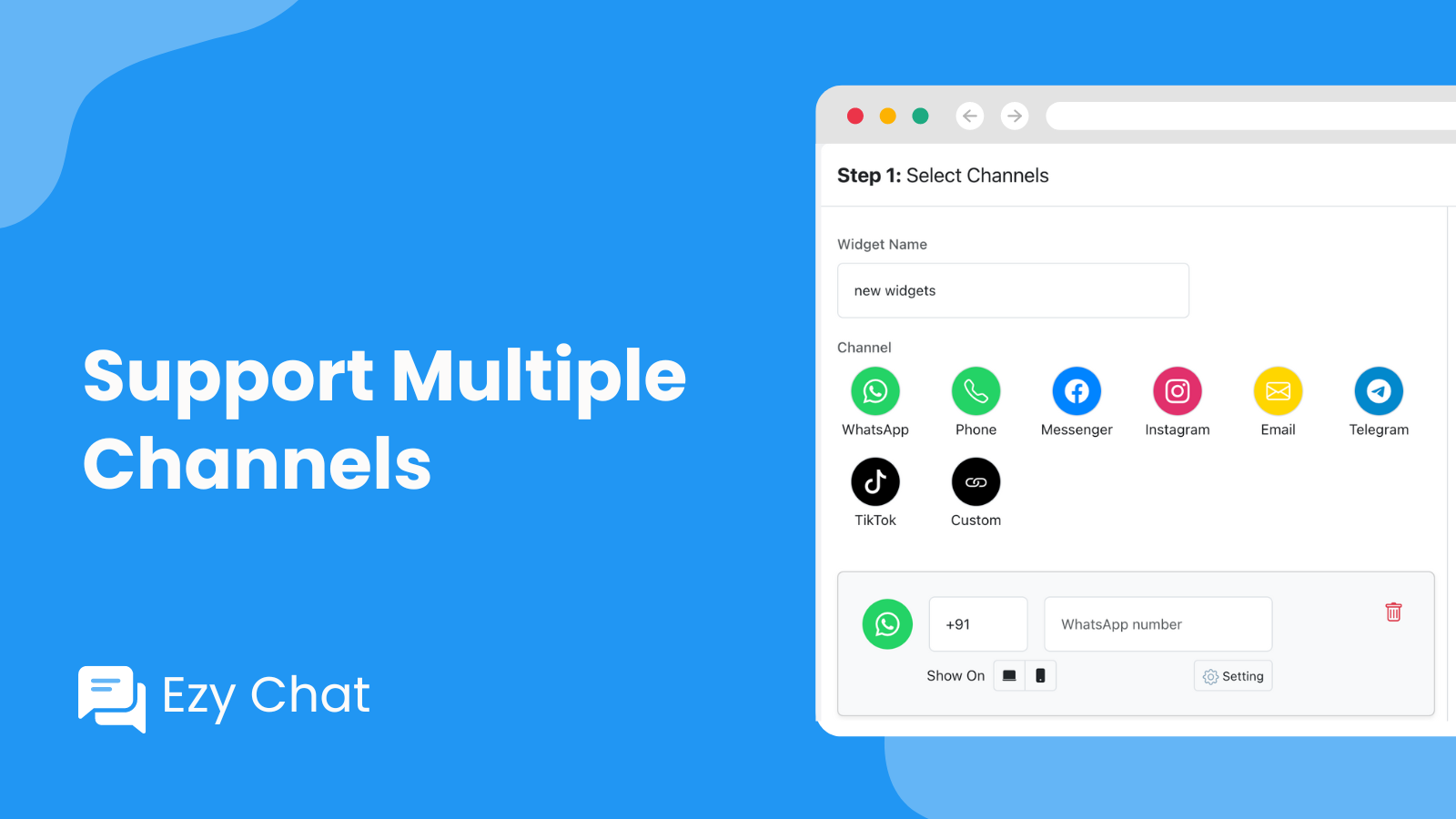
Chat Buttons: WhatsApp, Facebook Messenger, Telegram, Instagram, Phone, Email, TikTok, etc. Ezy Chat is your one-stop customer communication solution, enabling customers to chat with you via WhatsApp, Facebook Messenger, SMS, Email, Phone, Instagram, TikTok, Telegram, and more. Enhance accessibility with the phone button, instant call option, and click-to-call widget. Boost sales conversions, generate leads, and improve customer support with Ezy Chat’s multi-functional live chat button.
Core Functionality
- Complete sales via WhatsApp chat, Facebook Messenger, phone calls, and TikTok
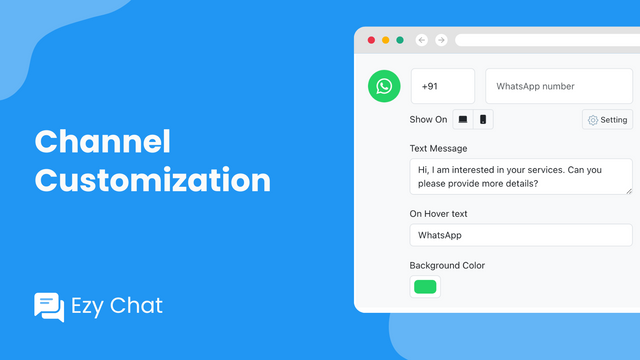
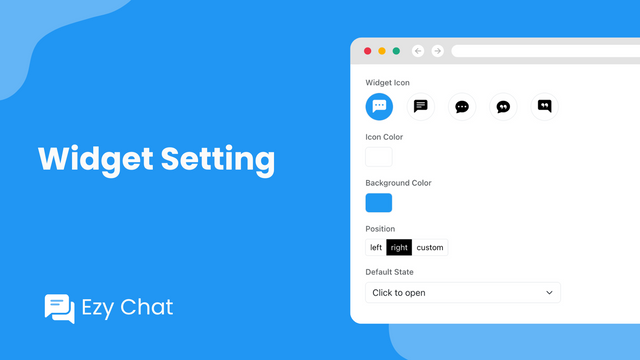
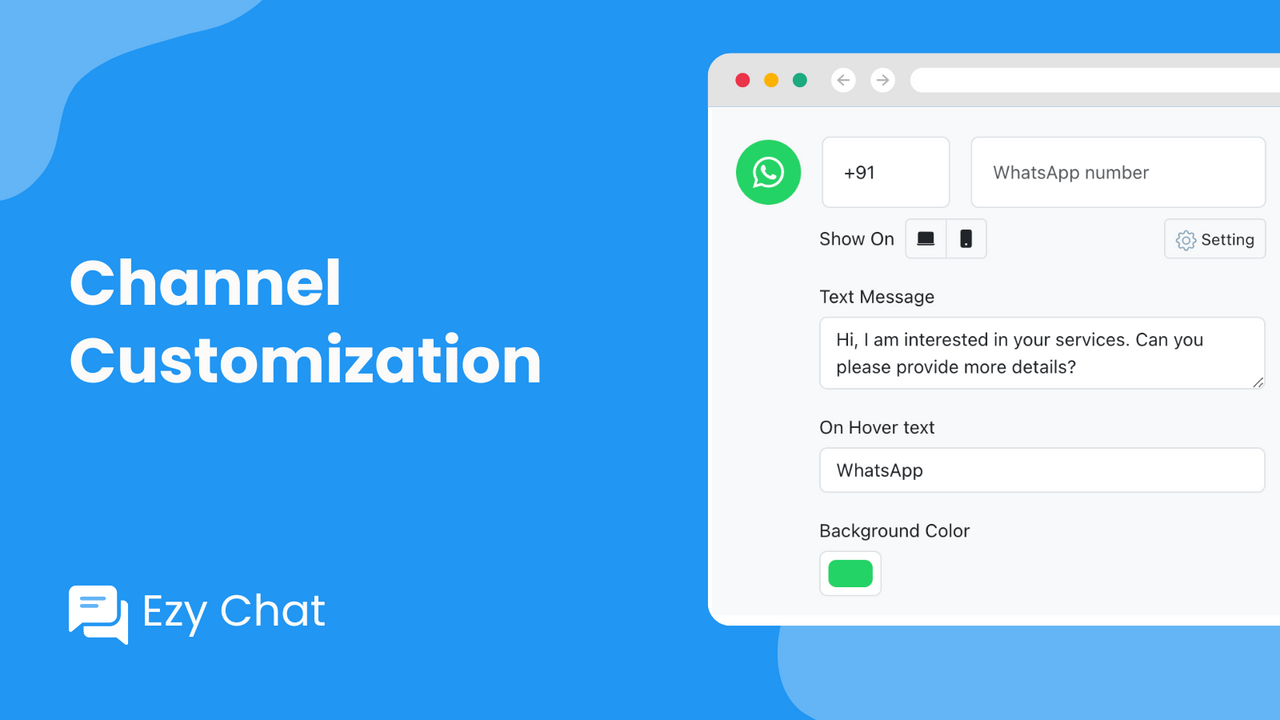
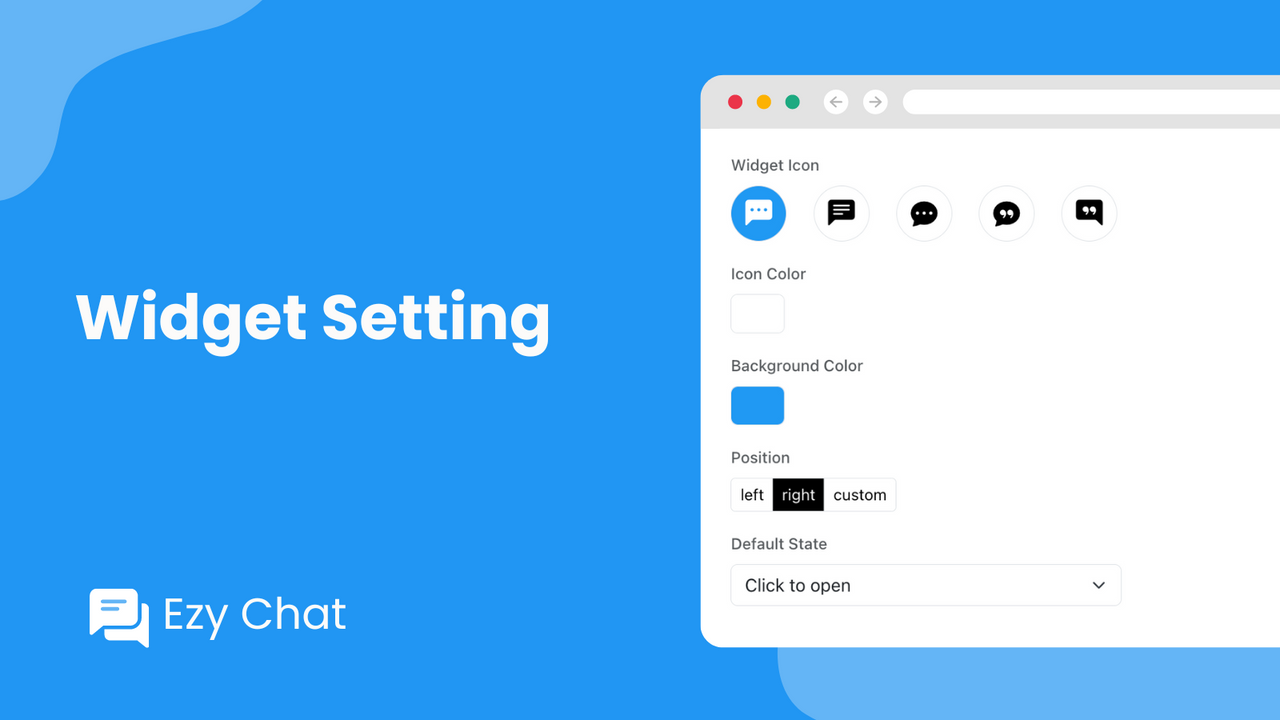
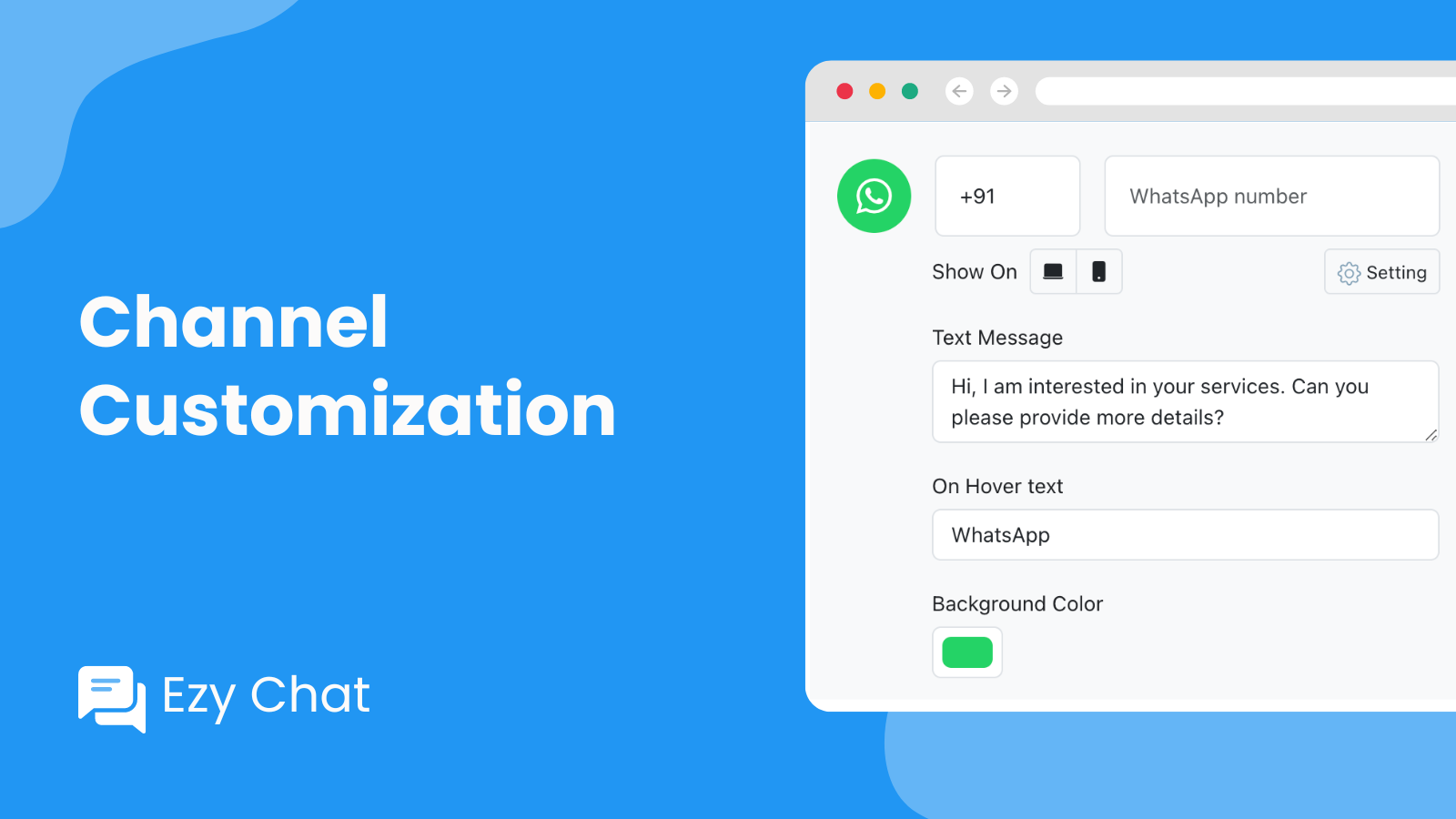
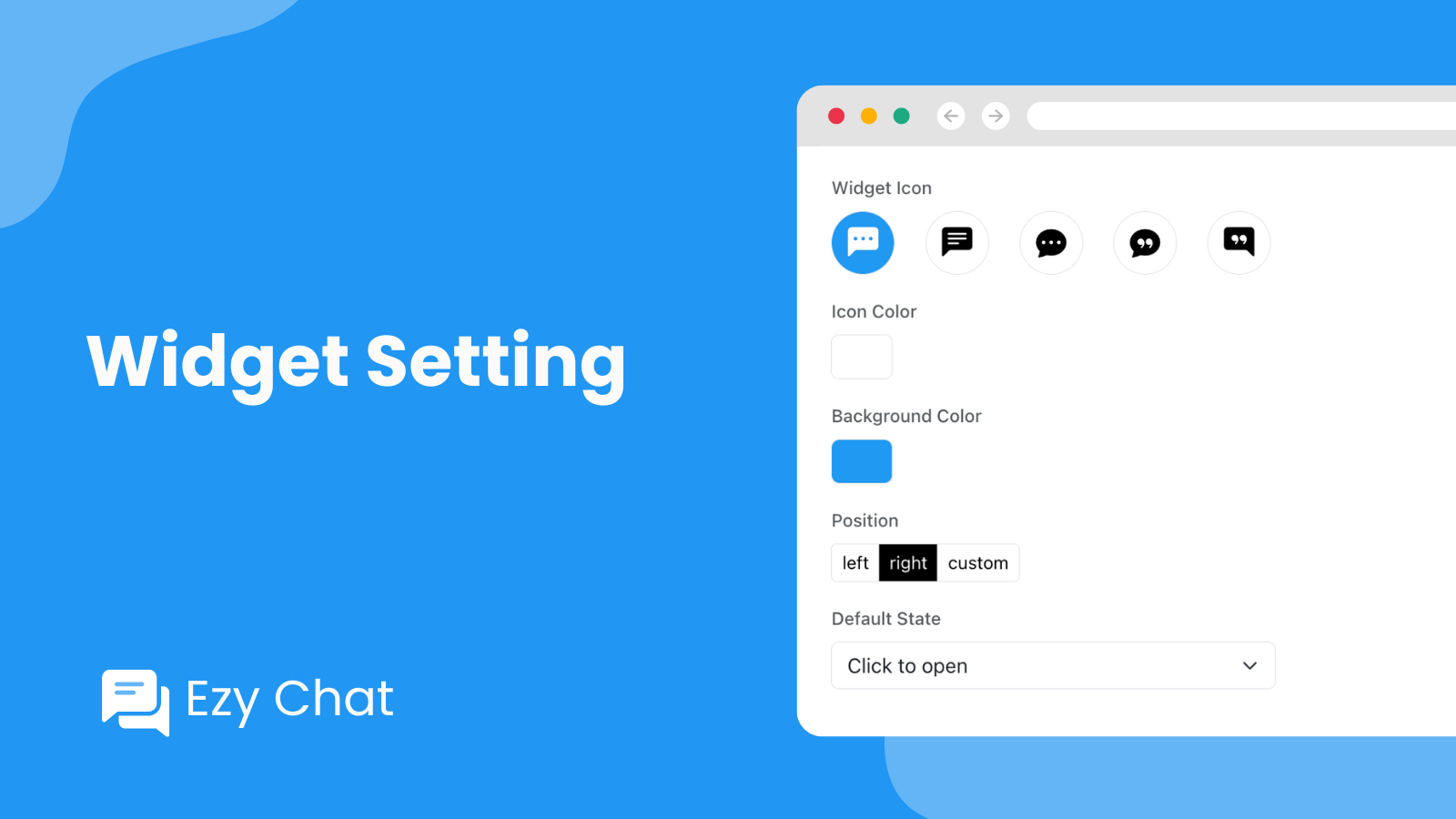
- Customize the color, position, icon, and welcome message of the chat widget
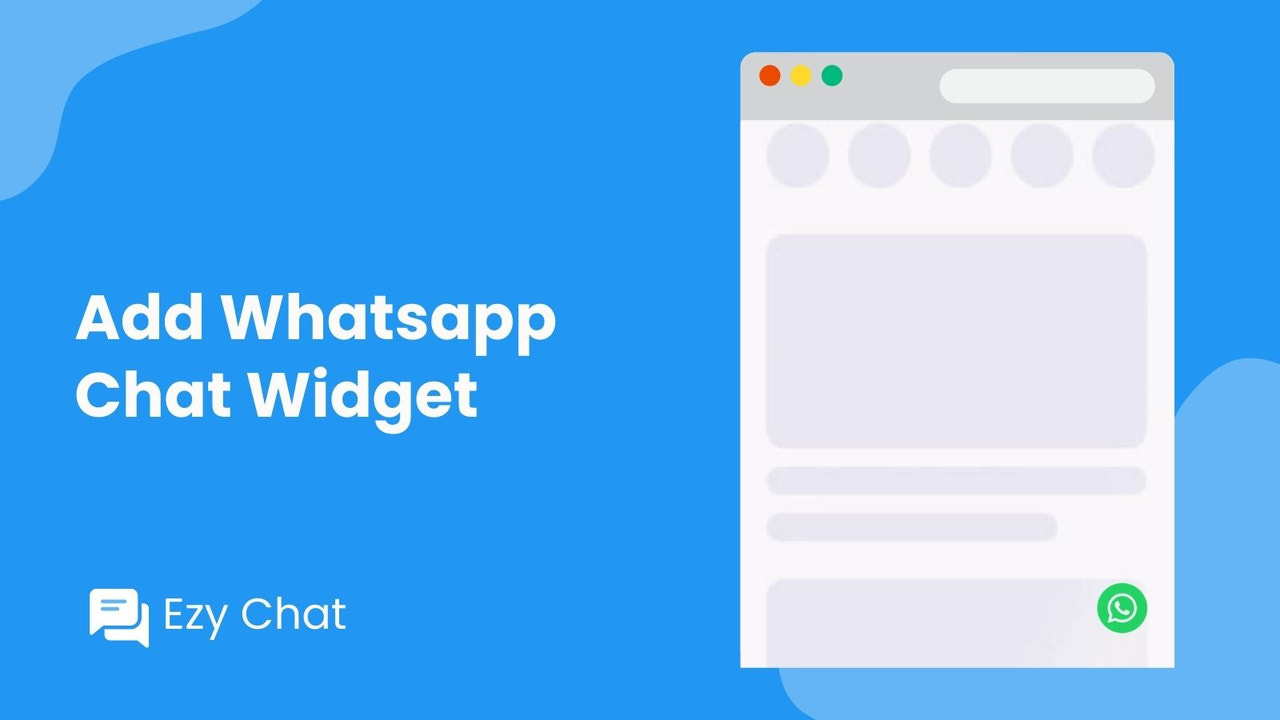
- Display WhatsApp icons and chat buttons on both mobile devices and desktops
Merchant-Friendly
- Social E-commerce Merchants
- Independent Store Sellers
- Mobile E-commerce Merchants
Basic Information
- Developer:Web6
- Address:Square One Commercial, 221-B, Bhimrad-Althan Rd, Apcha Nagar, Surat, GJ, 395017, IN
- Price: Free / Free plan
- Rating:0 / 5
- Comment Count:0 comment
- Release Date:2024-5-7
- Supported languages:English
- Compatible products:Shopify
Application Screenshot
Price Plan
免费
免费
- 1,000 Monthly Visitors
- All Channels
- Channel Customization
- WhatsApp Chat Widget
- Phone Call Button
- Widget Customization
专业月度
$1.99 / 或 $19.99/年(可节省 16%)
- Unlimited Visitors
- All Channels
- Channel Customization
- WhatsApp Chat Widget
- Phone Call Button
- Widget Customization
专业年度
$19.99
- Unlimited Visitors
- All Channels
- Channel Customization
- WhatsApp Chat Widget
- Phone Call Button
- Widget Customization
User Location & Comments
User Location
Comments
Shopify API Used
- POST /admin/api/messaging_channels.json
- PUT /admin/api/messaging_channels/{id}.json
- GET /admin/api/messaging_channels.json
Permission:write_messaging,read_messaging,manage_sales_channels
- POST /admin/api/chat_widgets.json
- PUT /admin/api/chat_widgets/{id}.json
- GET /admin/api/chat_widgets.json
Permission:write_chat_widgets,read_chat_widgets,manage_themes
- POST /admin/api/chat_buttons.json
- PUT /admin/api/chat_buttons/{id}.json
- GET /admin/api/chat_buttons.json
Permission:write_chat_buttons,read_chat_buttons,manage_online_store



