
App Introduction
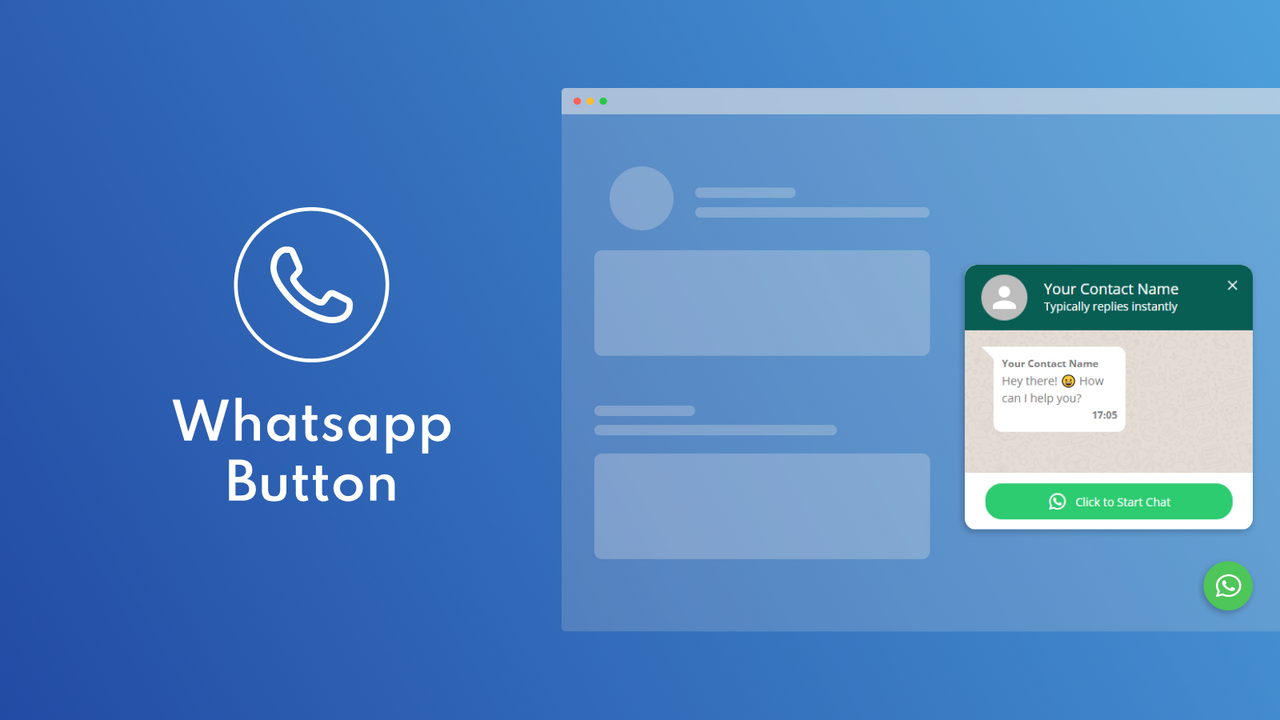
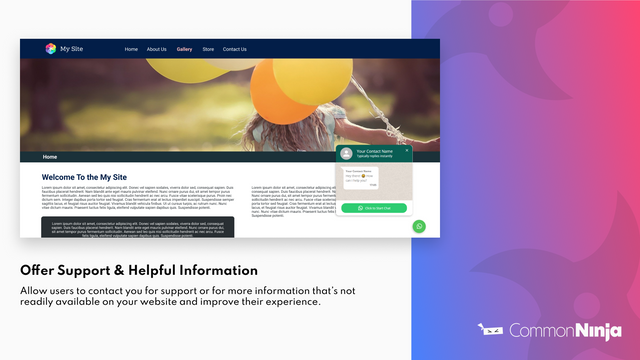
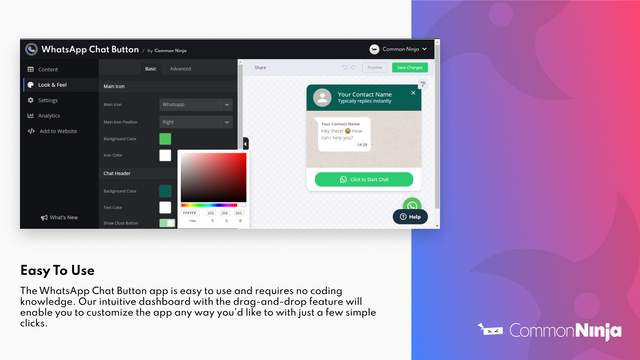
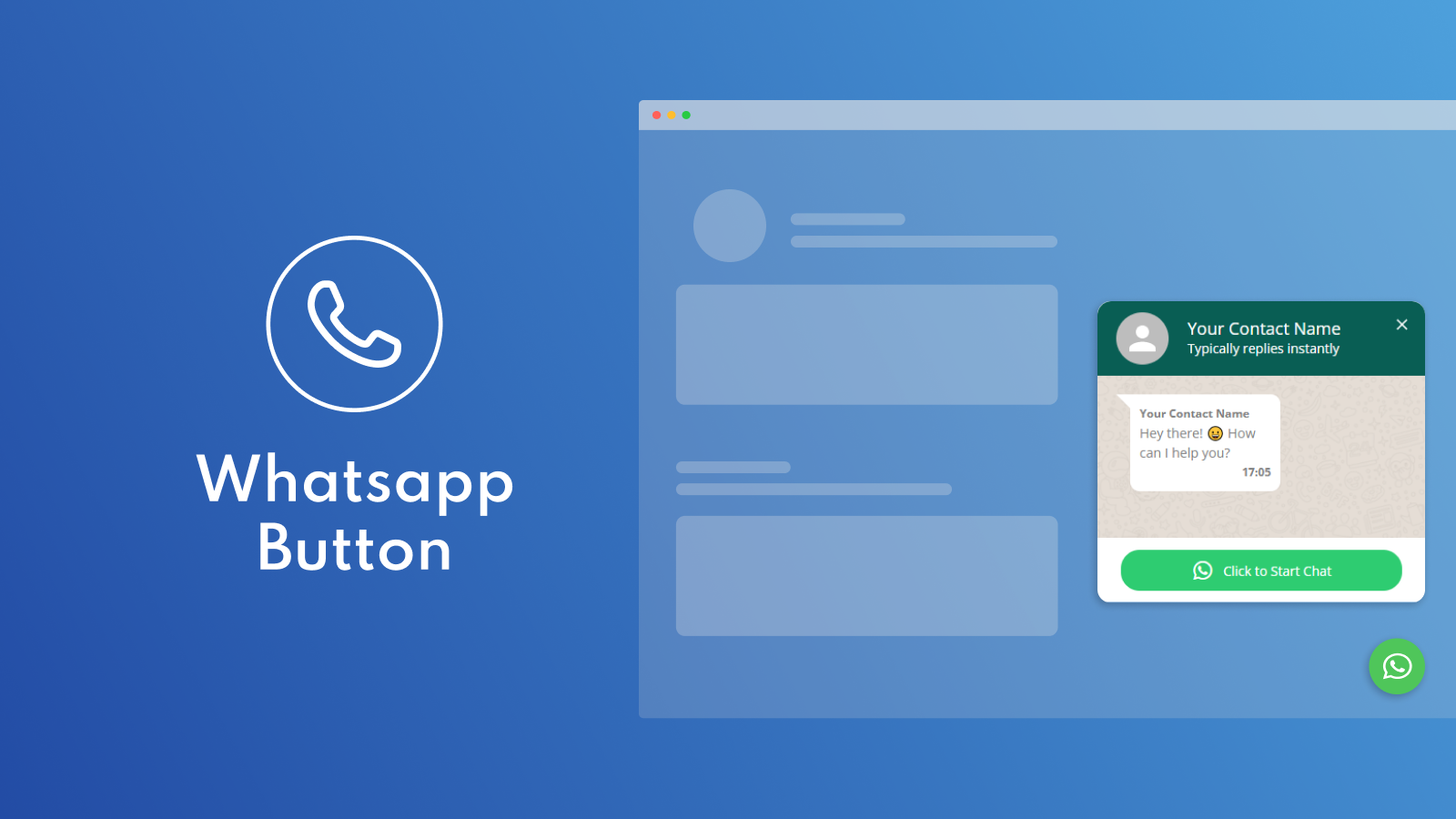
Add a WhatsApp chat button to enhance communication with your customers. Common Ninja’s WhatsApp Chat app is a valuable tool that enables simple, convenient communication with customers via WhatsApp. With it, you can answer questions, speed up users’ decision-making processes, provide useful and valuable information, and improve their experience through 24/7 online chat. The app is easy to use, requires no coding knowledge, and offers comprehensive customization options.
Core Functionality
- Toggle message timestamps on or off
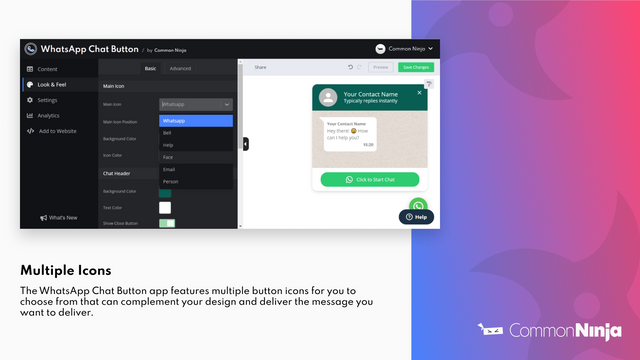
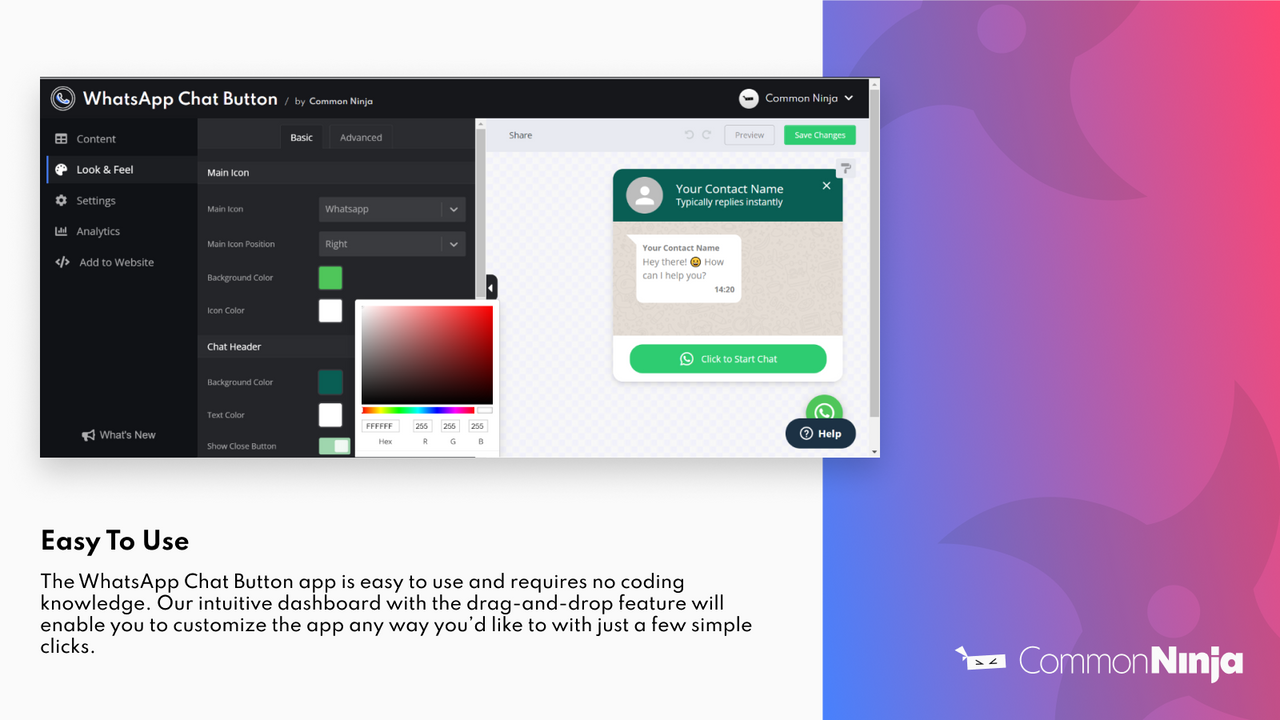
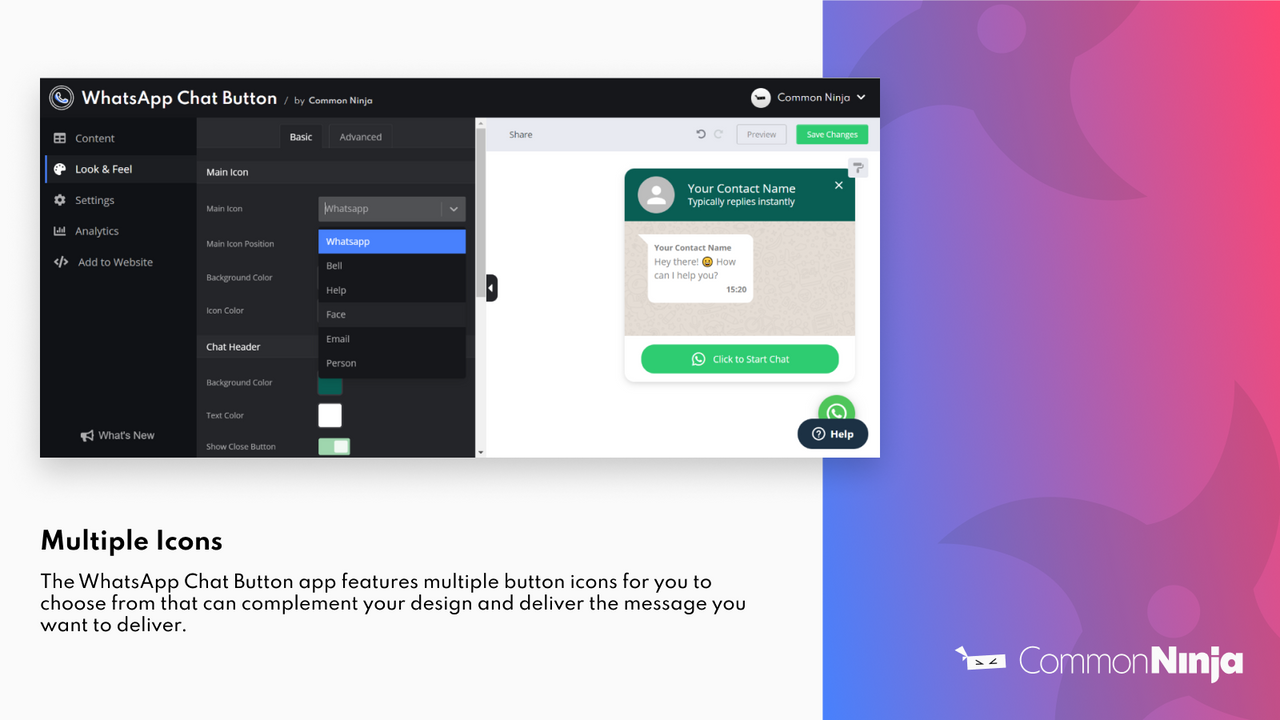
- Multiple button icons to choose from, complementing your design perfectly
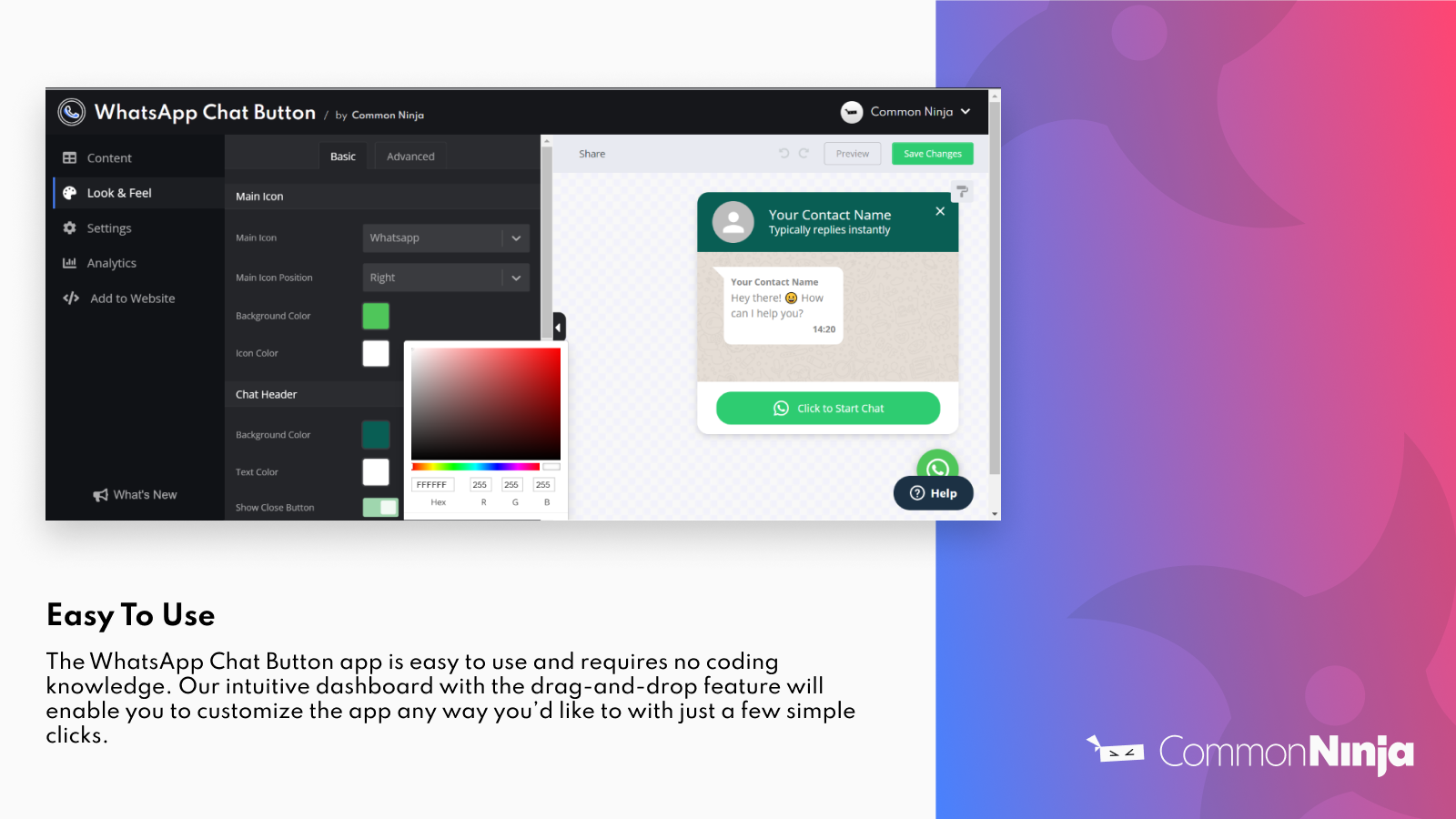
- Simple user interface with easy content management capabilities
- Abundant style options with fully customizable design features
- Multiple skins – a variety of beautifully designed templates for you to select from
Merchant-Friendly
- Content-based Independent Store
- Visual Design Store
- Small and Micro E-commerce Merchants
- Social E-commerce Store
Basic Information
- Developer:Common Ninja
- Address:Hanofar 7, Netanya, 4256557, IL
- Price: Free / Free plan
- Rating:0 / 5
- Comment Count:0 comment
- Release Date:2022-3-15
- Supported languages:English
- Compatible products:Shopify
Application Screenshot




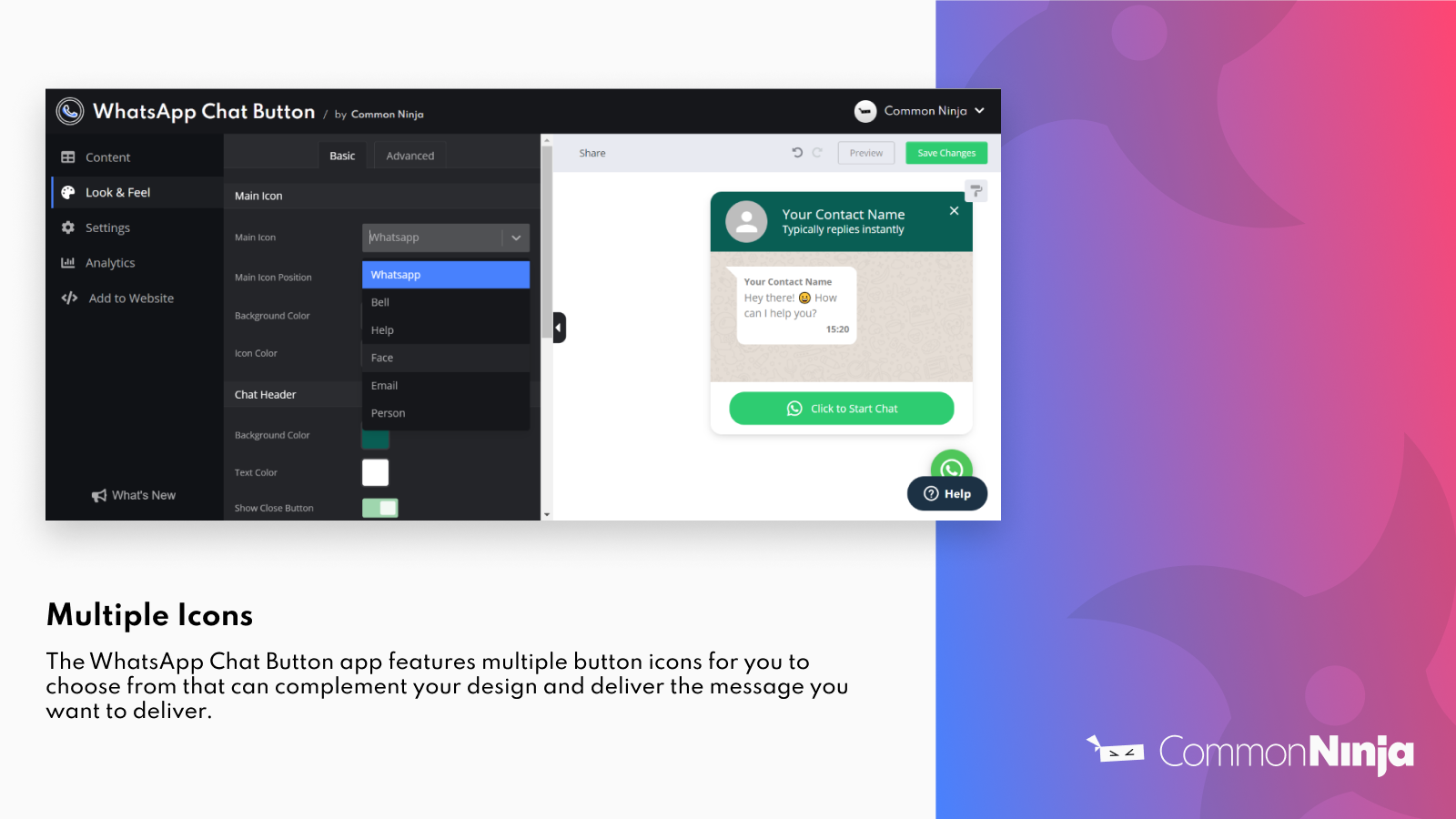
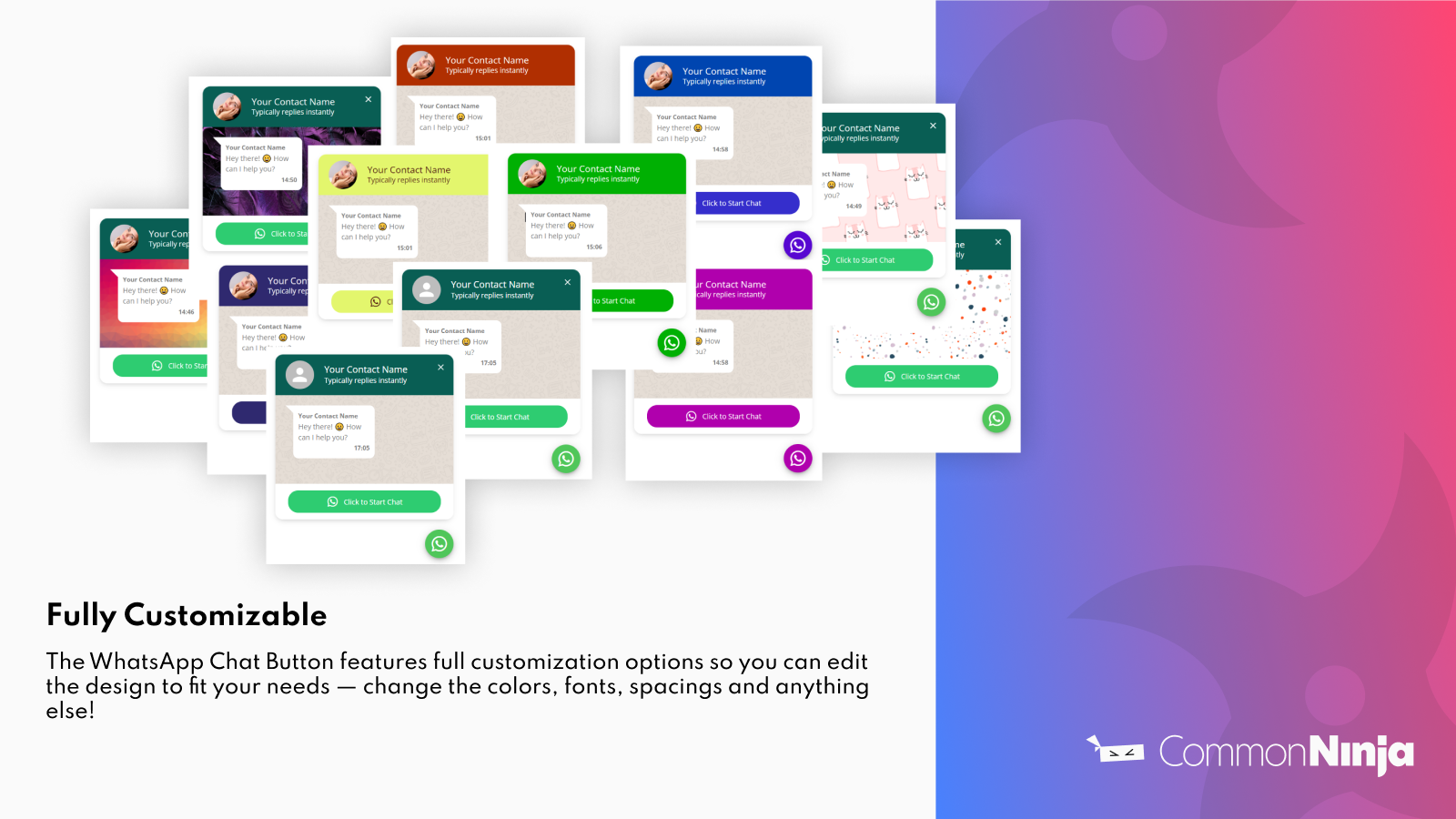

Price Plan
Free Plan
免费
- 300 Views
- Custom Design
- Show Current Time
- Custom Contact Name
- Add Contact Image
- Font Selection
Premium Plan
$4.99
- 300 Views
- Custom Design
- Show Current Time
- Custom Contact Name
- Add Contact Image
- 3-Day Trial
- Custom CSS
- Remove Common Ninja Logo
User Location & Comments
User Location
Comments
Shopify API Used
- PUT /admin/api/settings/messaging.json
- GET /admin/api/settings/messaging.json
- POST /admin/api/settings/messaging/toggle.json
Permission:write_shop_settings,read_shop_settings,manage_messages
- PUT /admin/api/themes/assets.json
- GET /admin/api/themes/assets.json
- POST /admin/api/themes/settings.json
Permission:write_themes,read_themes,manage_assets
- GET /admin/api/content.json
- PUT /admin/api/content/{id}.json
- POST /admin/api/content.json
Permission:write_content,read_content,manage_content
- PUT /admin/api/themes/settings.json
- GET /admin/api/themes/settings.json
- POST /admin/api/themes/settings/sections.json
Permission:write_themes,read_themes,manage_themes
- GET /admin/api/themes.json
- PUT /admin/api/themes/{id}.json
- POST /admin/api/themes/install.json
Permission:write_themes,read_themes,manage_themes



