
App Introduction
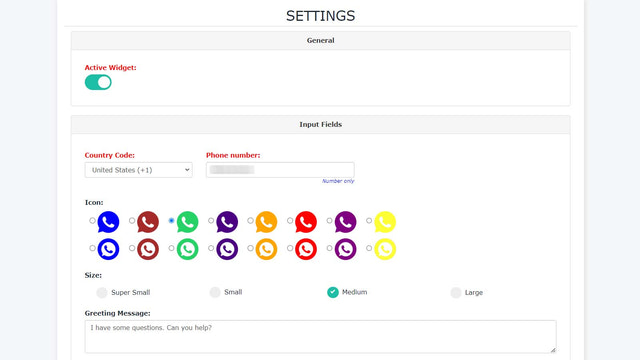
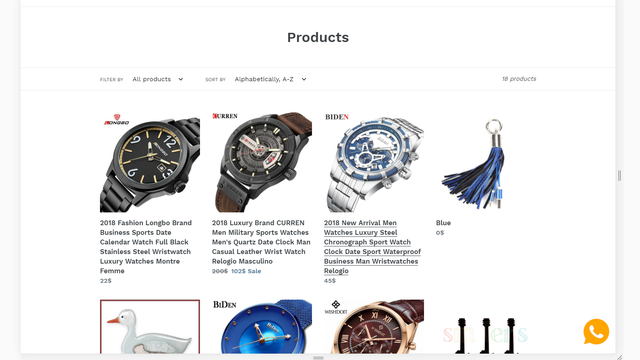
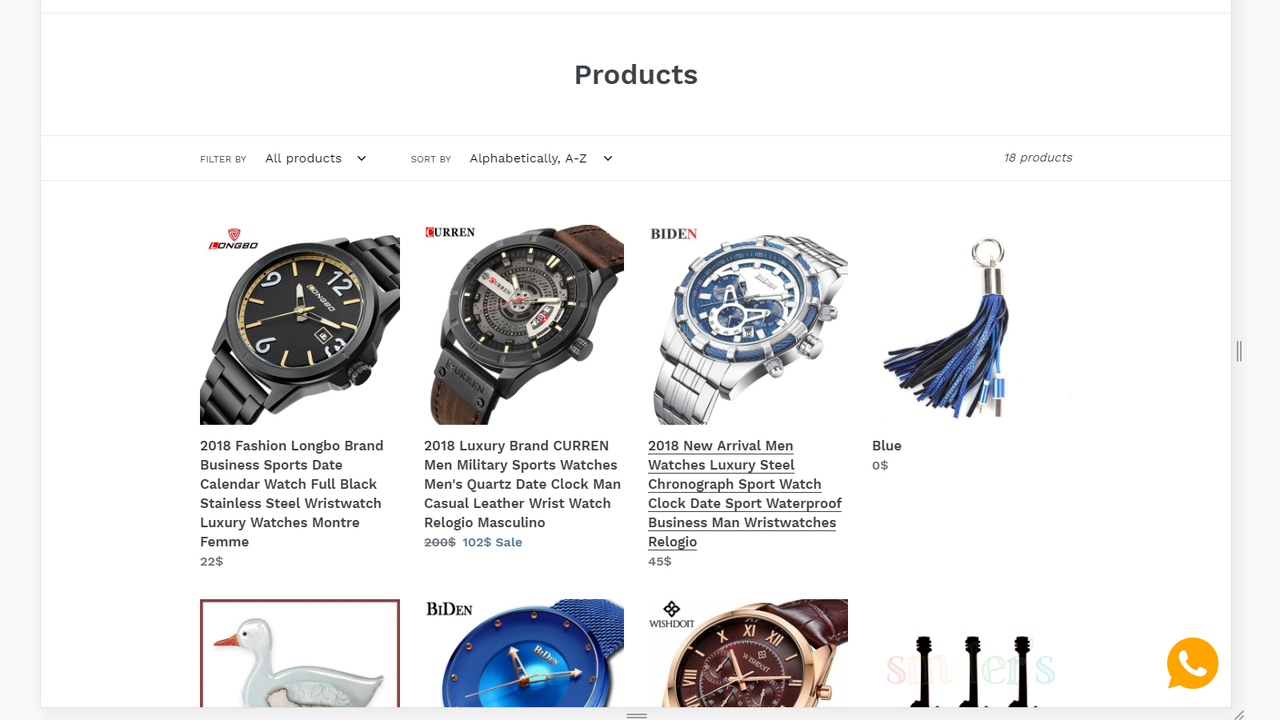
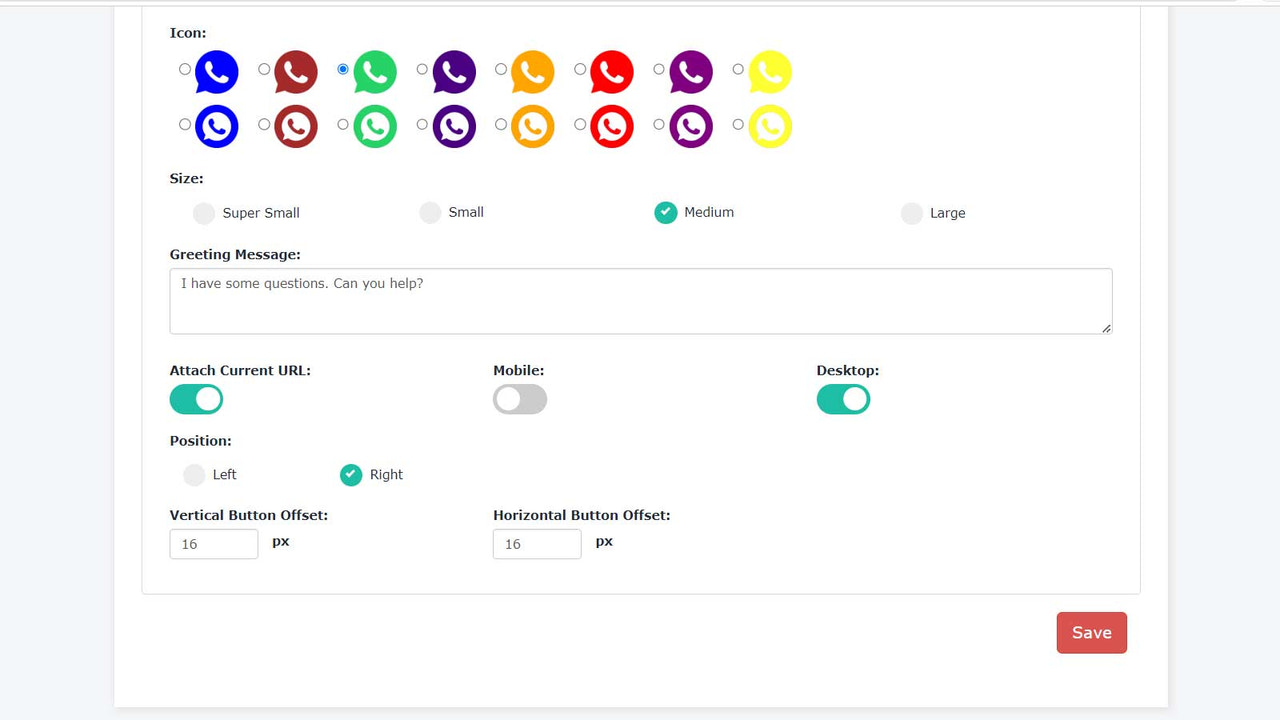
Easily support your customers by adding a sleek WhatsApp button to your store. As a store owner, your life is already busy and demanding. That’s why our app comes pre-configured with the button, message templates, and everything else you need—all you have to do is enter your phone number and hit Enable! Install the WhatsApp button on your store, fill in your WhatsApp number, call-to-action text, default message, button position, text size, text color, button background, and save your settings.
Core Functionality
- Turn it into an opportunity to provide support via WhatsApp
- Allow your customers to easily contact you via WhatsApp
- One-click installation! No coding or template modifications required!
Merchant-Friendly
- Independent Station Merchants
- Social E-commerce Merchants
- Service-oriented E-commerce
Basic Information
- Developer:PxApps
- Address:Ben Tre, VN
- Price: Free / Free plan
- Rating:1 / 5
- Comment Count:1 comment
- Release Date:2019-7-15
- Supported languages:English
- Compatible products:Shopify
Application Screenshot





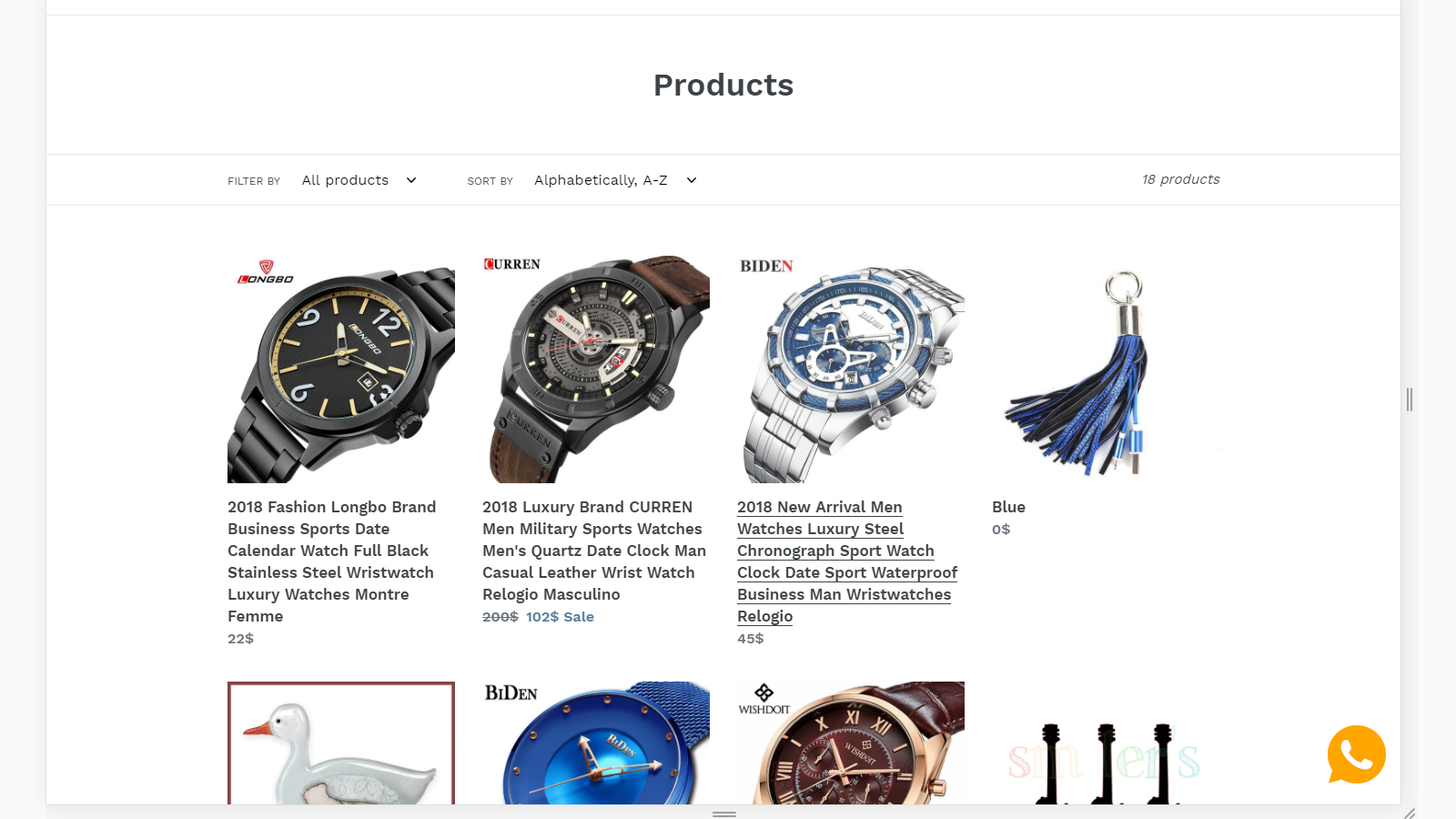
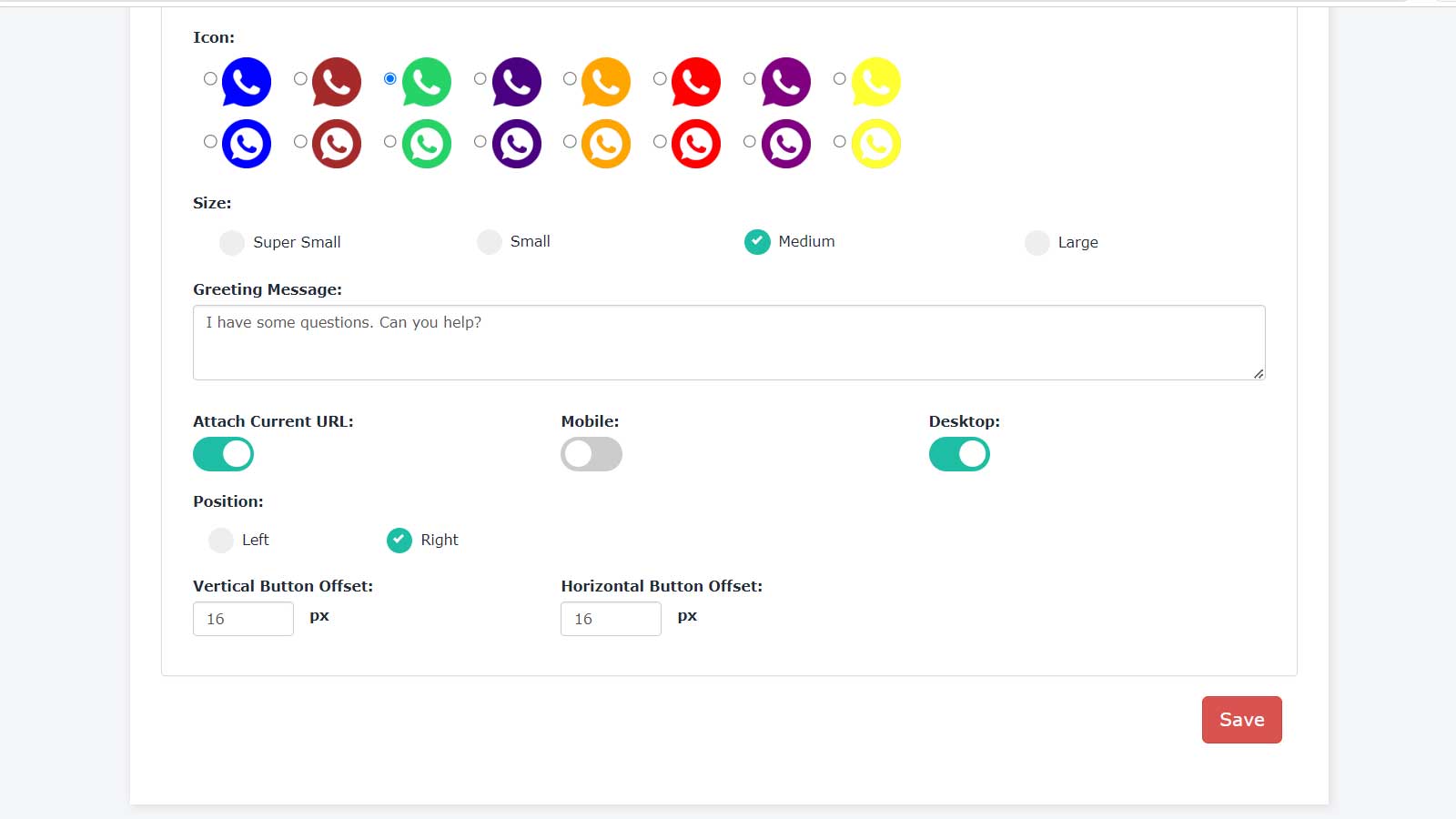
Price Plan
永久免费
免费
- Size Options
- Position Options
- General Options
- Daily Data Backup
- 24/7 Support
无限计划
$2.95
- Full Size Options
- Full Icon Options
- Position Options
- General Options
- Daily Data Backup
- 24/7 Support
User Location & Comments
User Location
Comments
Shopify API Used
- POST /admin/api/shop/metafields.json
- PUT /admin/api/shop/metafields/{id}.json
- GET /admin/api/shop/metafields.json
Permission:write_shop,read_shop,manage_metafields
- POST /admin/api/apps/{app_id}/installations.json
- PUT /admin/api/apps/{app_id}/settings.json
- GET /admin/api/apps/{app_id}/settings.json
Permission:write_apps,read_apps,manage_online_store
- POST /admin/api/customers/{customer_id}/metafields.json
- PUT /admin/api/customers/{customer_id}/metafields/{id}.json
- GET /admin/api/customers/{customer_id}/metafields.json
Permission:write_customers,read_customers,manage_metafields



