
App Introduction
MAQ AIO: WhatsApp Chat Button adds WhatsApp icon, phone number, WeChat, etc. as a floating menu. MAQ AIO: WhatsApp Chat Button app helps you integrate all major social messaging apps with your store in simple steps. After installing the app, you can display different chat options for website visitors to contact you. The social chat app supports WhatsApp, Email, Phone, Facebook Messenger, Skype, Line, WeChat, Snapchat, Telegram, and Live Chat, among others. This app is extremely easy to install and configure.
Core Functionality
- Responsive WhatsApp icon or button to enhance customer experience.
- Boost customer engagement across all major social media platforms.
- Easy installation and uninstallation in a few steps with no coding required.
- Receive visitor page details when a chat is initiated.
Merchant-Friendly
- Independent Station Merchants
- Small Language E-commerce
- Social E-commerce Sellers
- Cross-border E-commerce Merchants
Basic Information
- Developer:M A Q Computer Services LLC
- Address:Office Number: D35, 19th Floor, The Binary by Omniyat, Business Bay, DU, 42566, AE
- Price: Free / Free plan
- Rating:5 / 5
- Comment Count:1 comment
- Release Date:2020-12-4
- Supported languages:English
- Compatible products:Shopify
Application Screenshot


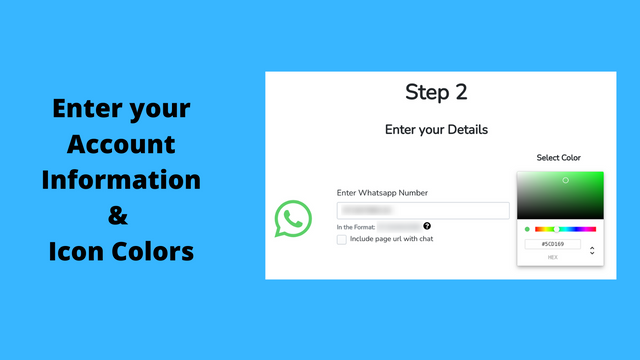
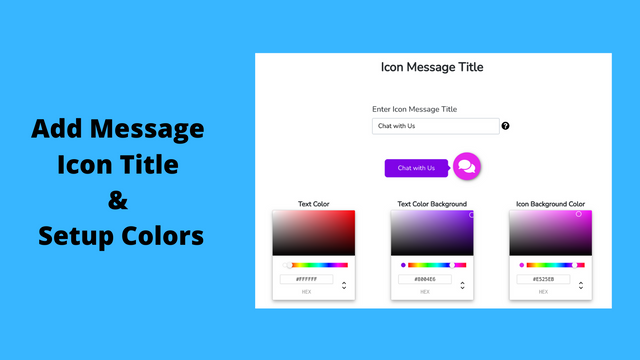

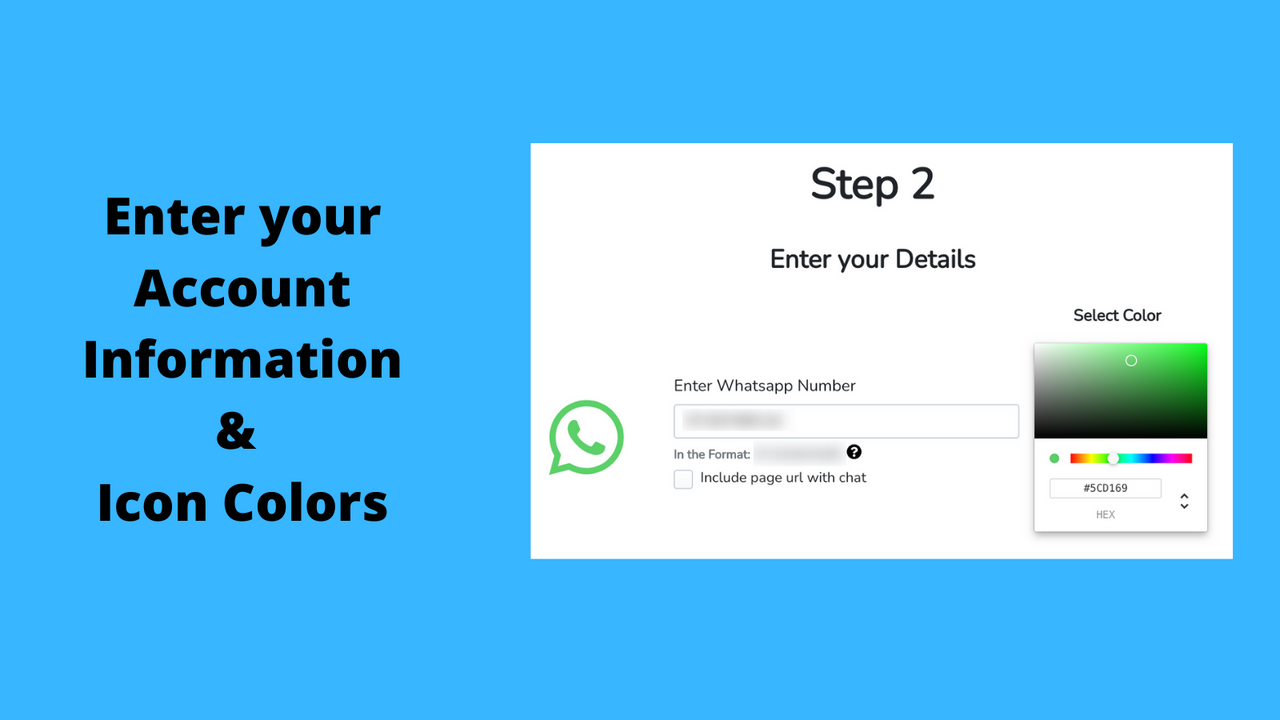
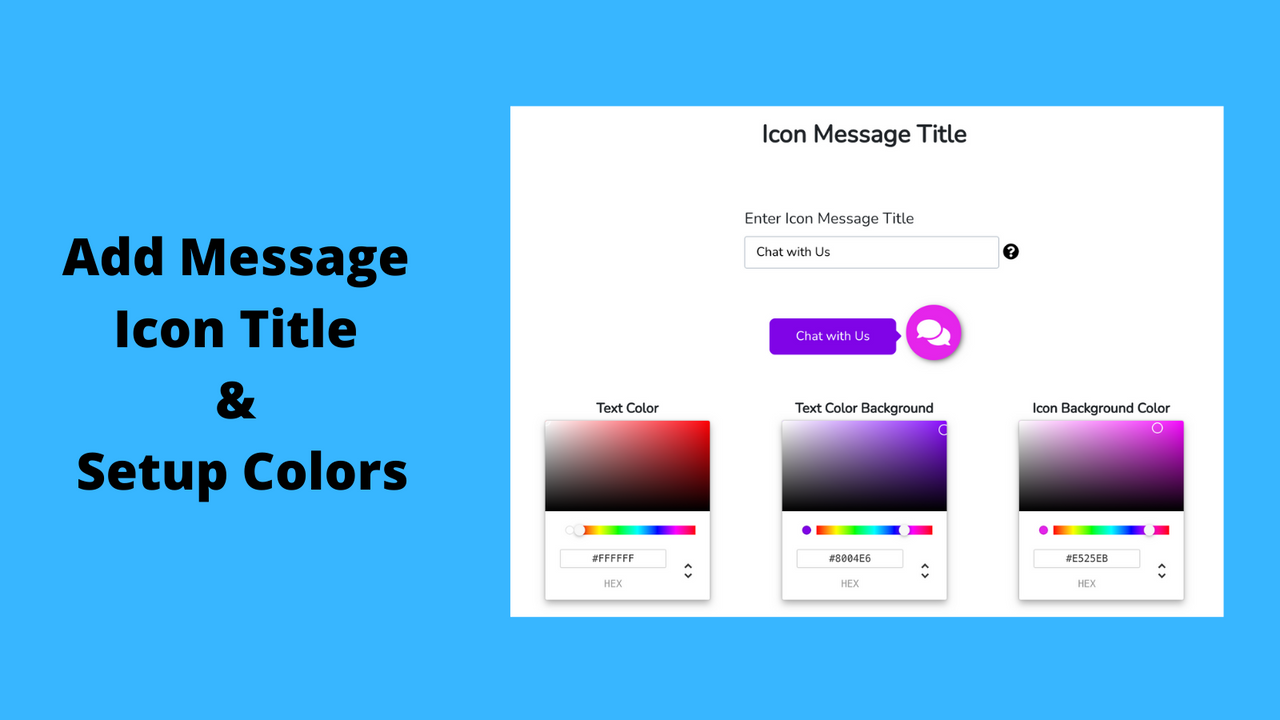



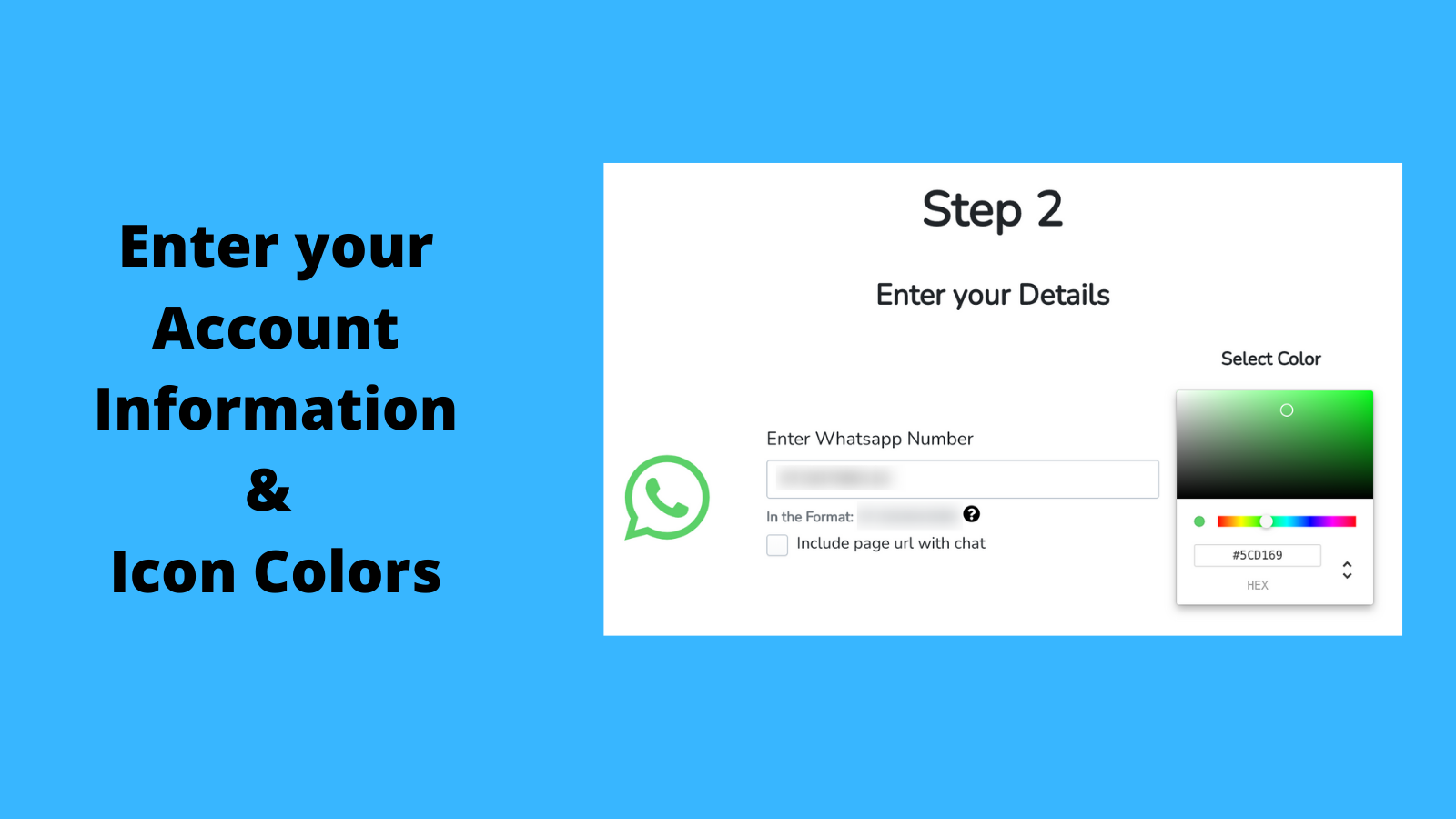
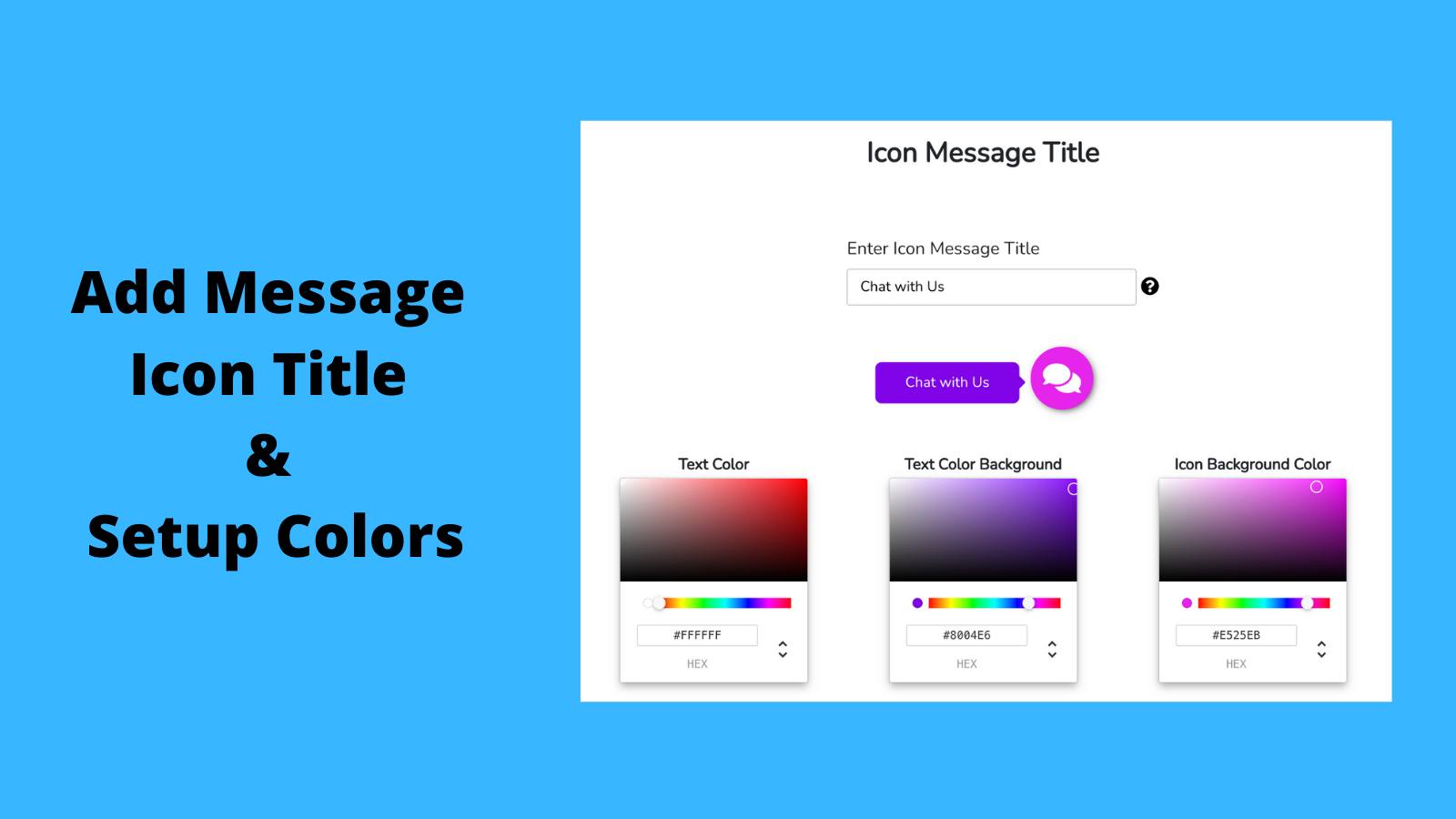

Price Plan
免费计划
免费
- Unlimited WhatsApp Chat
- WhatsApp Chat with Product Links
- Easy Customization
- No Coding Skills Required
- Show/Hide on Desktop and Mobile Devices
付费计划
$2.99 / 或 $29.99/年(可节省 16%)
- Support up to 10 chat applications
- Unlimited chats
- WhatsApp chat with product links
- Easy customization
- No coding required
- Hide/show on desktop and mobile devices
User Location & Comments
User Location
Comments
Shopify API Used
- POST /admin/api/sections.json
- PUT /admin/api/sections/{section_id}.json
- DELETE /admin/api/sections/{section_id}.json
Permission:write_themes,read_themes,manage_online_store
- POST /admin/api/metafields.json
- PUT /admin/api/metafields/{metafield_id}.json
- GET /admin/api/metafields.json
Permission:write_metafields,read_metafields,manage_online_store
- POST /admin/api/apps/{app_id}/installations.json
- DELETE /admin/api/apps/{app_id}/installations.json
- GET /admin/api/apps/{app_id}.json
Permission:write_apps,read_apps,manage_apps
- POST /admin/api/analytics/events.json
- GET /admin/api/analytics/events.json
- PUT /admin/api/analytics/settings.json
Permission:read_analytics,write_analytics,manage_customers



