App Introduction
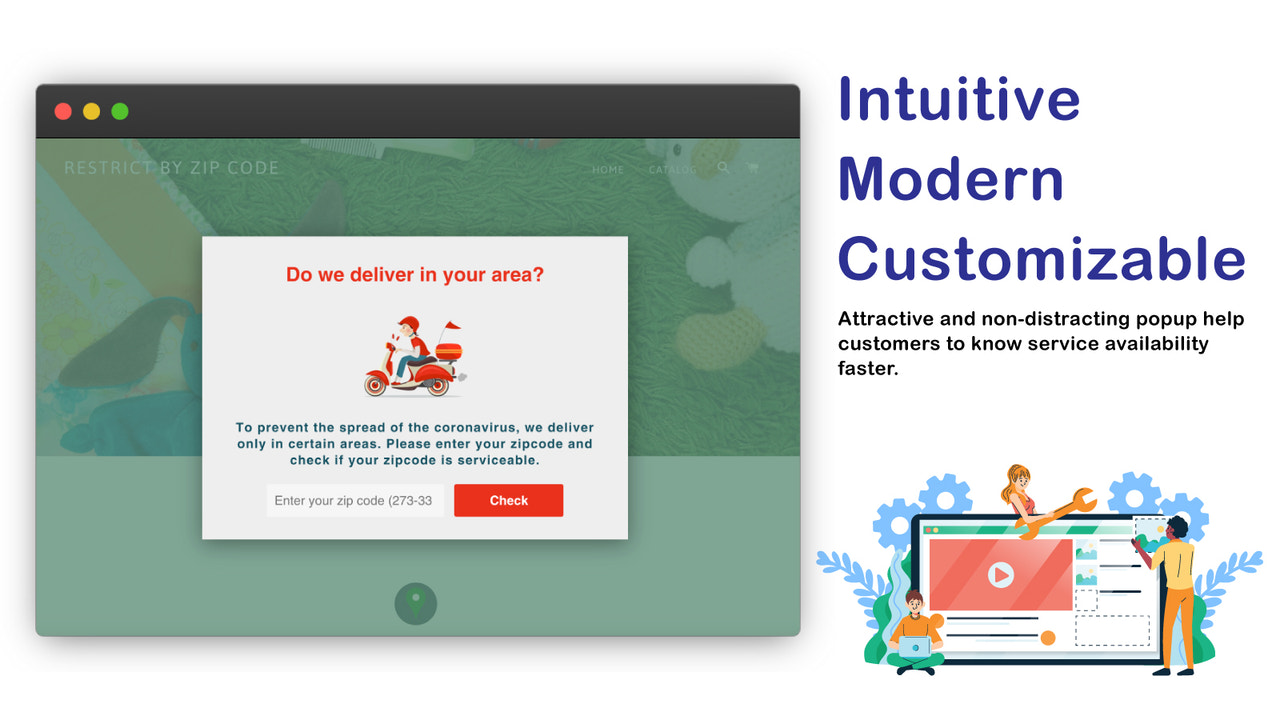
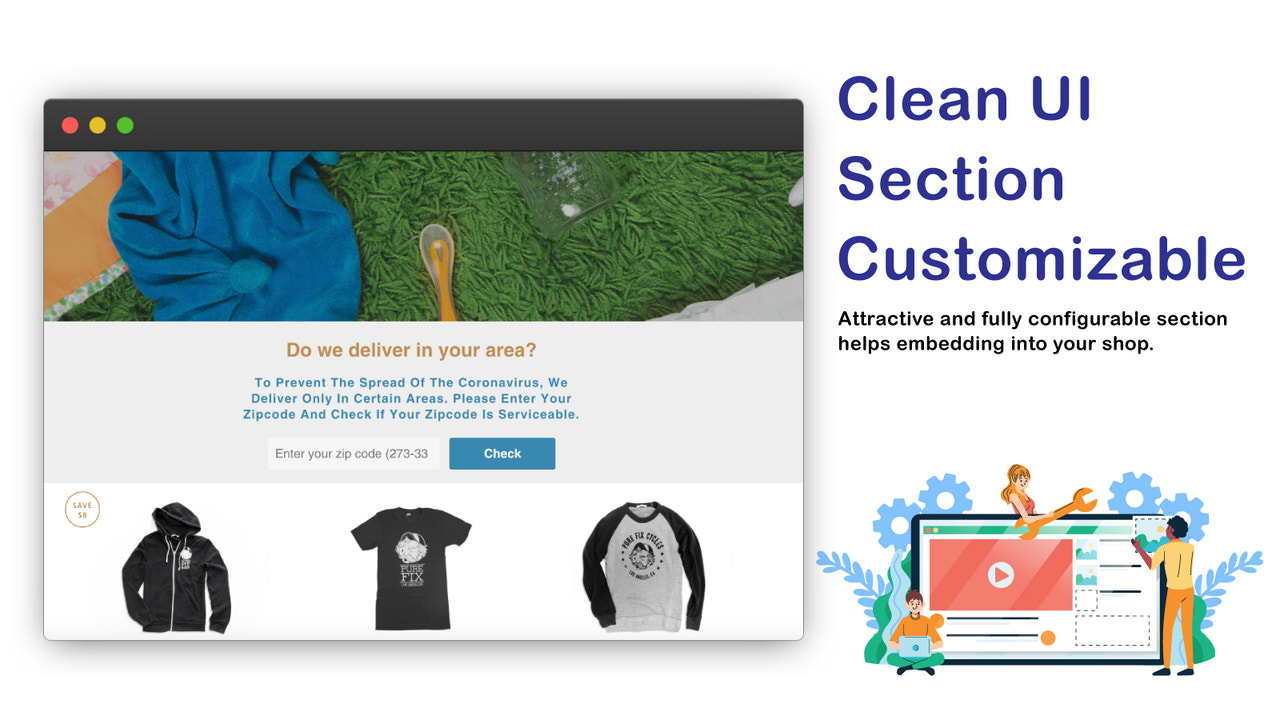
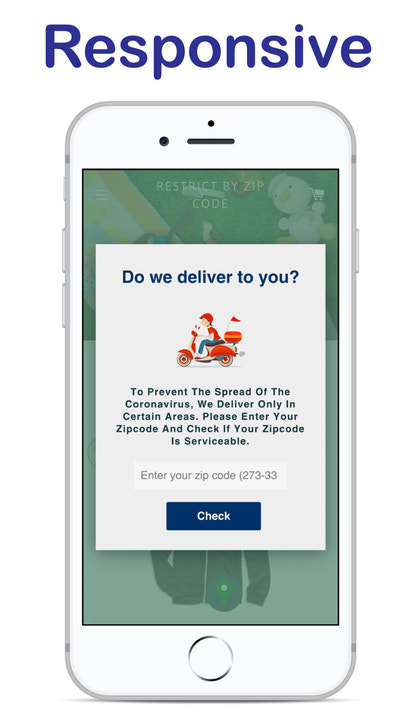
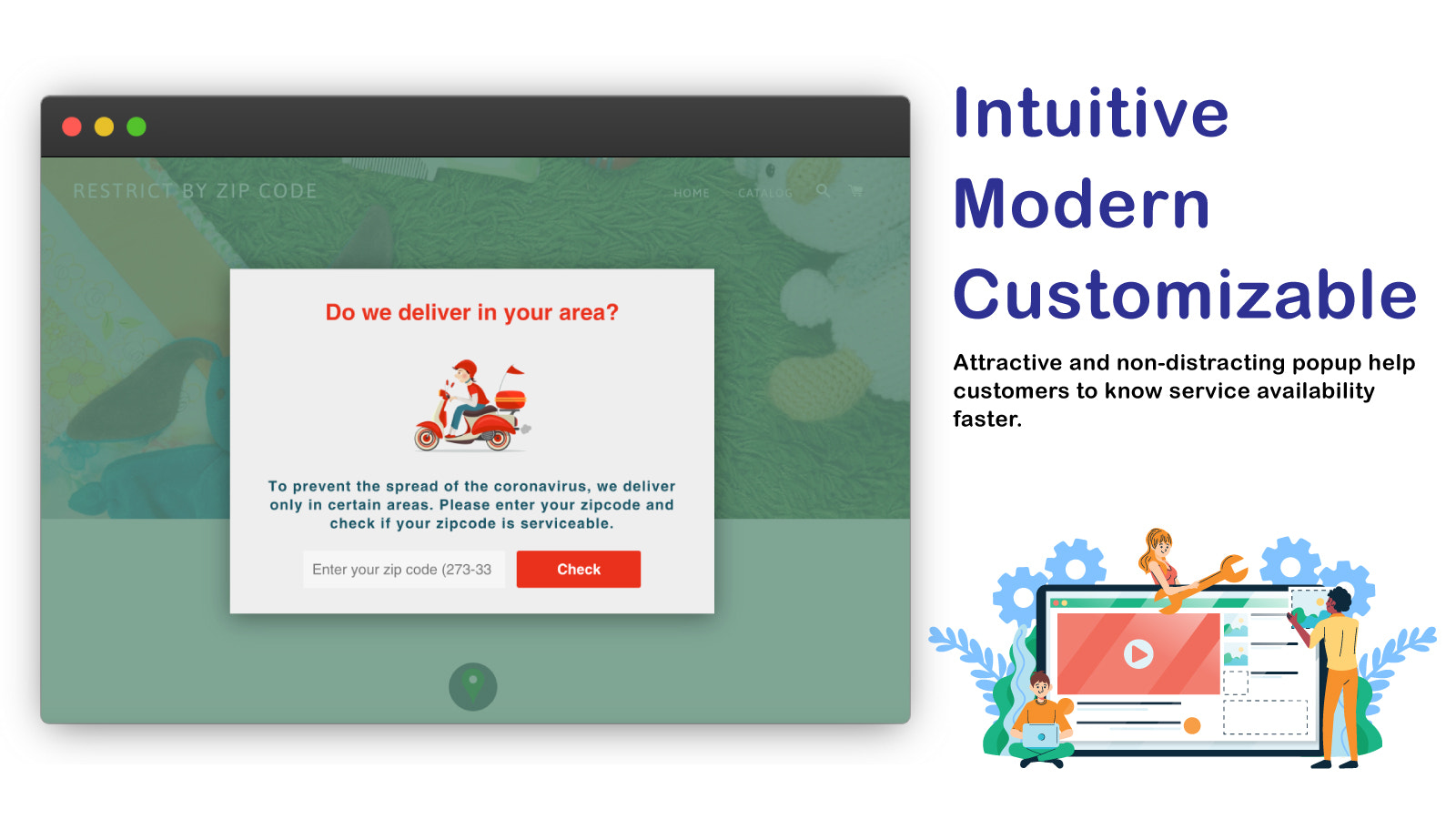
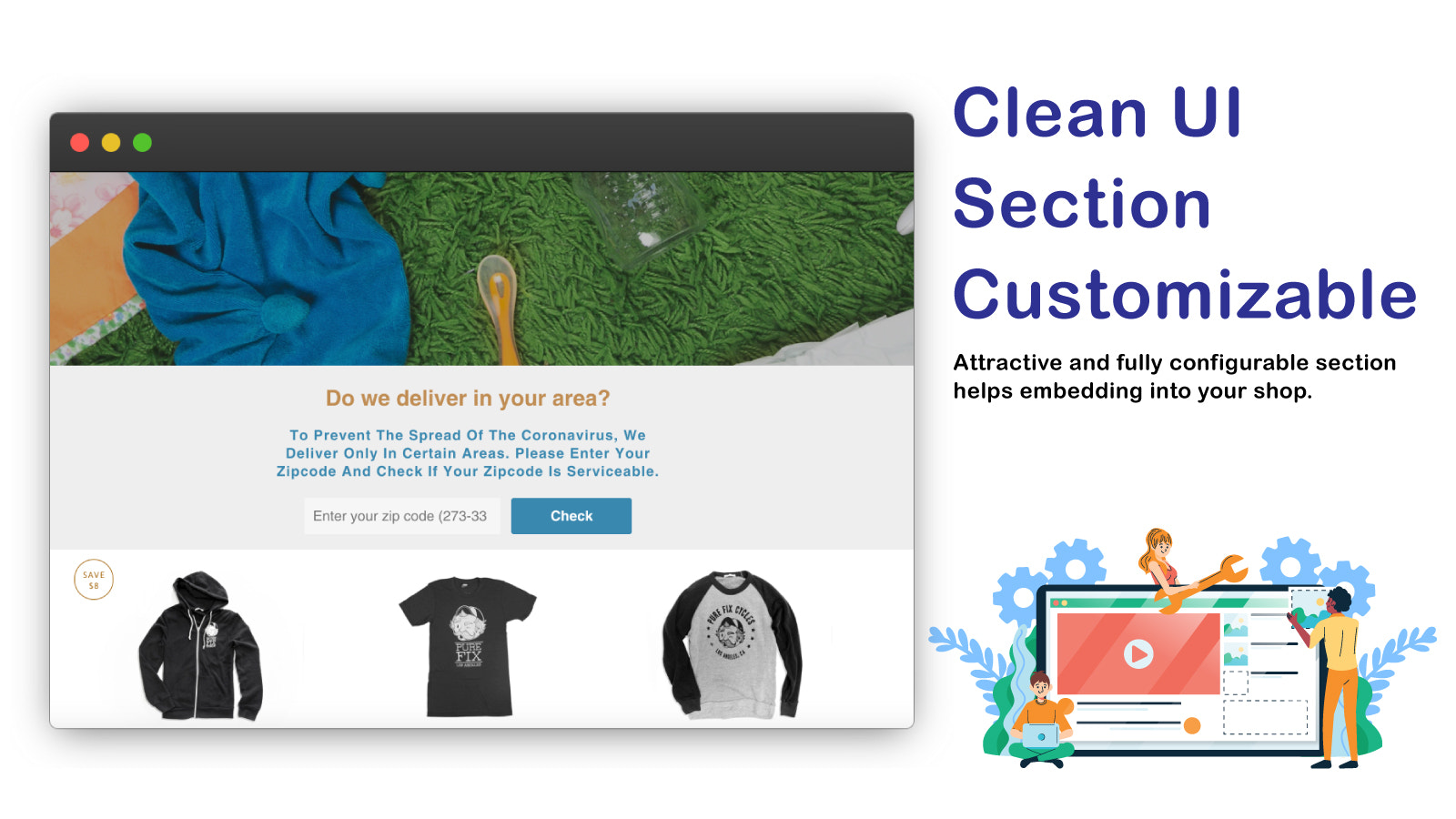
Help you verify customers' postal codes to ensure they live within your service area. This app helps you validate customers' postal codes, zip codes, area codes, or any similar codes used in your country. If you provide services in limited regions, a postal code validator is the perfect choice. With this app, merchants can add postal code validation to pop-ups, homepage sections, or other pages (e.g., product pages) — requiring buyers to enter their postal codes and verifying if delivery is available in their region to ensure you target the right audience.
Core Functionality
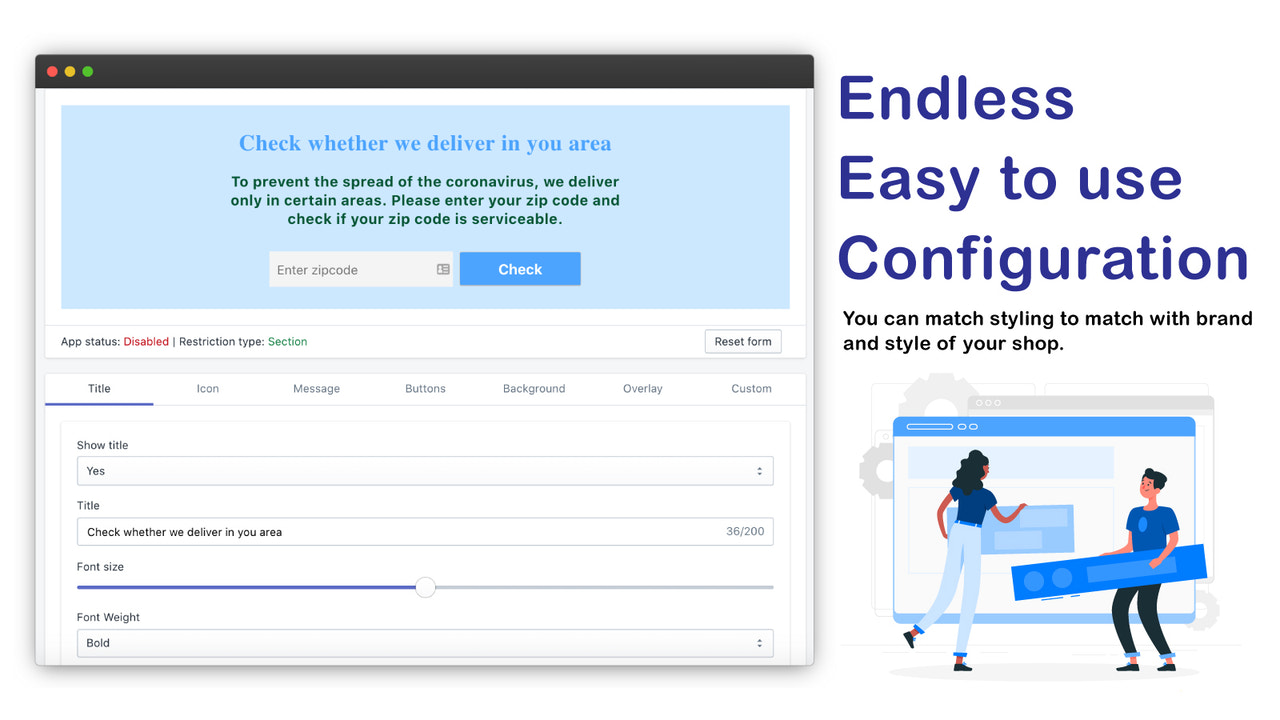
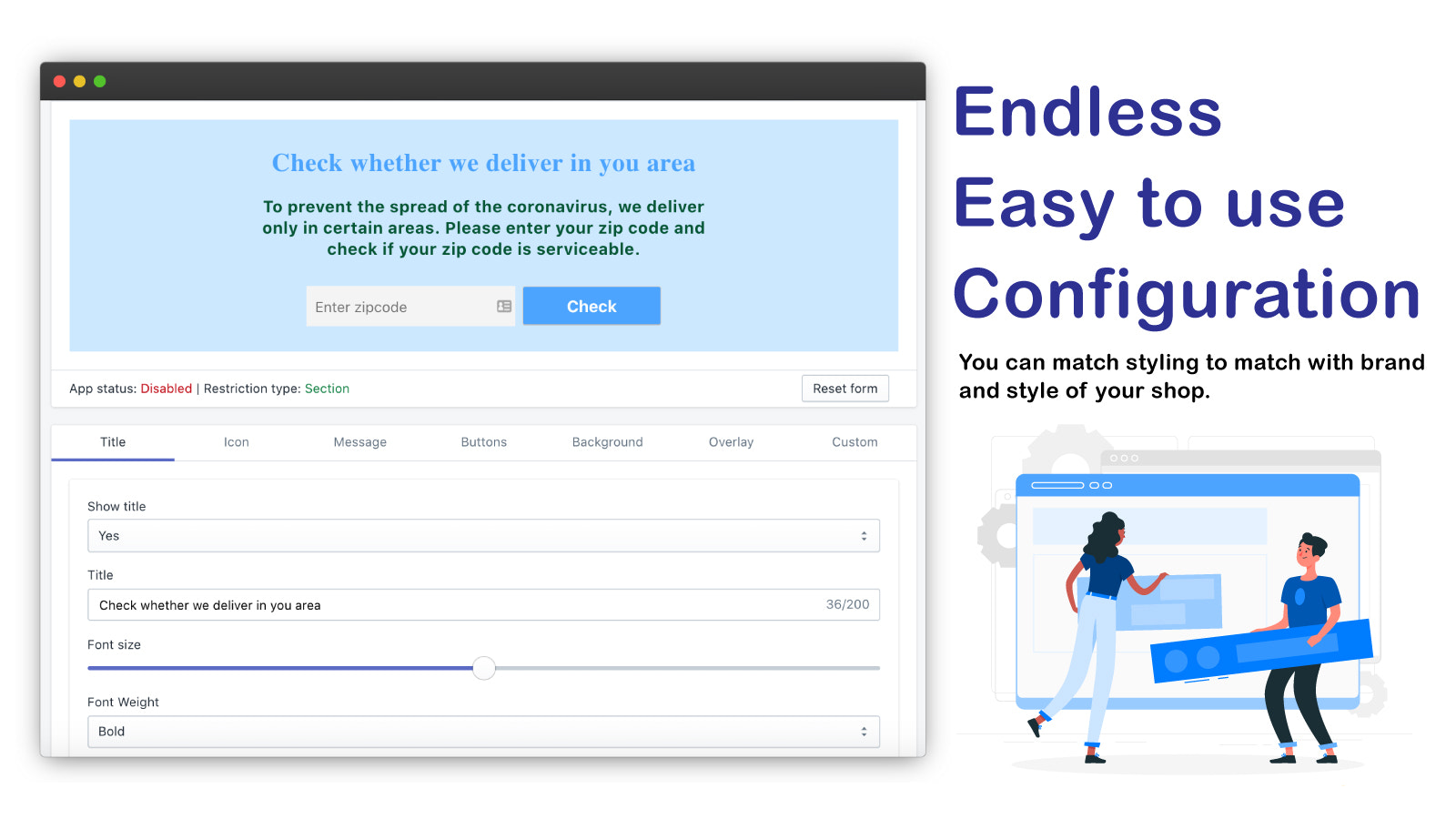
- Easy configuration helps your customers understand your store's service capabilities.
- The app comes with a variety of options to change the aesthetics to match your store.
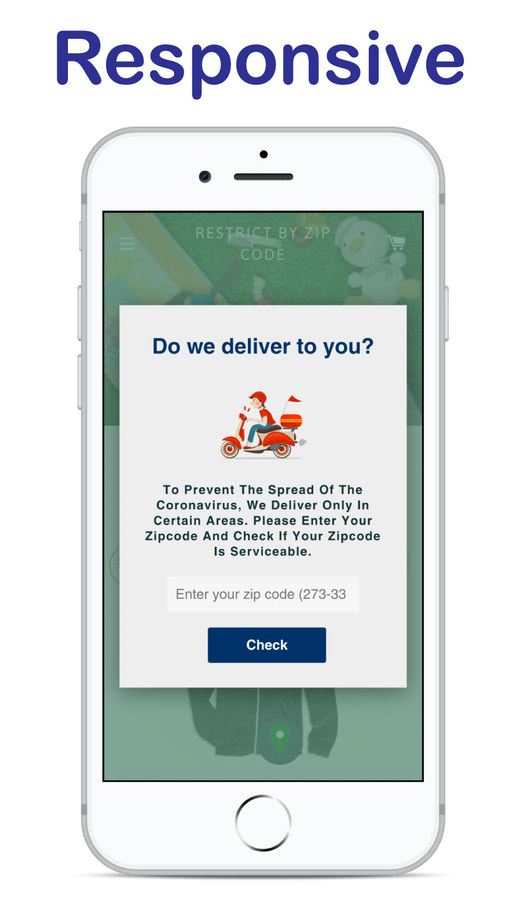
- Works with both the latest and legacy themes in the form of sections and pop-ups.
Merchant-Friendly
- Service-oriented Independent Station
- Boutique E-commerce Store
- Full-category E-commerce
Basic Information
- Developer:Avocados Lab
- Address:Pune, MH, IN
- Price: Free / Free plan
- Rating:5 / 5
- Comment Count:35 comment
- Release Date:2020-6-2
- Supported languages:English
- Compatible products:Shopify
Application Screenshot







Price Plan
基础
$4.99
- Unlimited Postal Codes
- Unlimited Postal Code Validation
- Fully Customizable
- Display as Popup or Section/Widget
- 14-Day Free Trial
基本
$7.99
- Show in Header
- Block Checkout
- Postal Code-Based Redirect
- Display on Specific Products/Paths
- Custom CSS
- + All Basic Plan Features
专业
$9.99
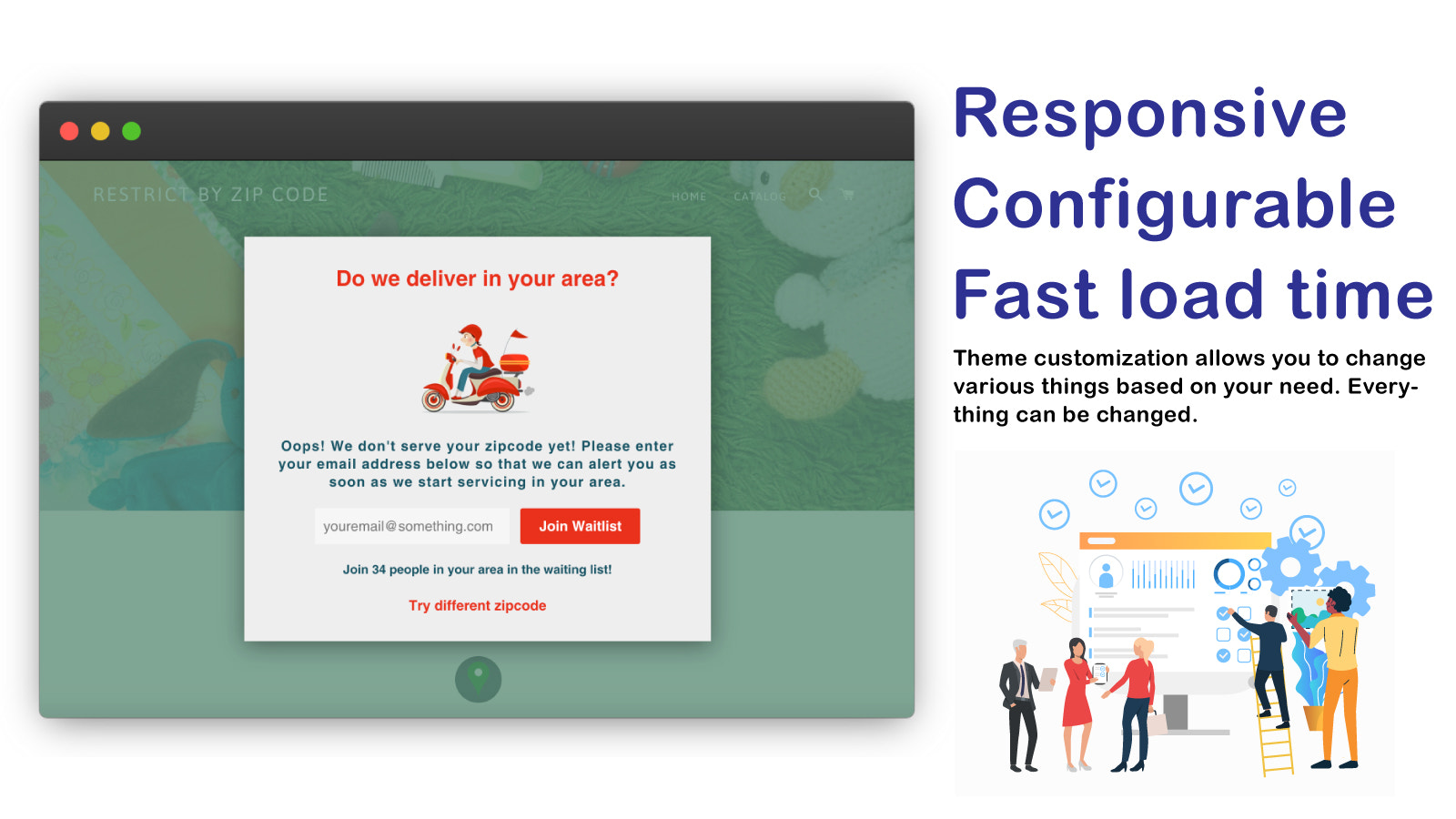
- Collect data from customers on the waitlist
- Social proof during waitlist registration
- Social sharing options to increase reach
- + All Basic Plan features
User Location & Comments
User Location
Comments
Shopify API Used
- POST /admin/api/sections.json
- PUT /admin/api/sections/{id}.json
- GET /admin/api/sections.json
Permission:write_themes,read_themes,manage_online_store
- POST /admin/api/assets.json
- PUT /admin/api/assets/{asset_key}.json
- GET /admin/api/assets.json
Permission:write_themes,read_themes,manage_online_store
- POST /admin/api/sections.json
- PUT /admin/api/sections/{id}.json
- GET /admin/api/themes.json
Permission:write_themes,read_themes,manage_online_store