
App Introduction
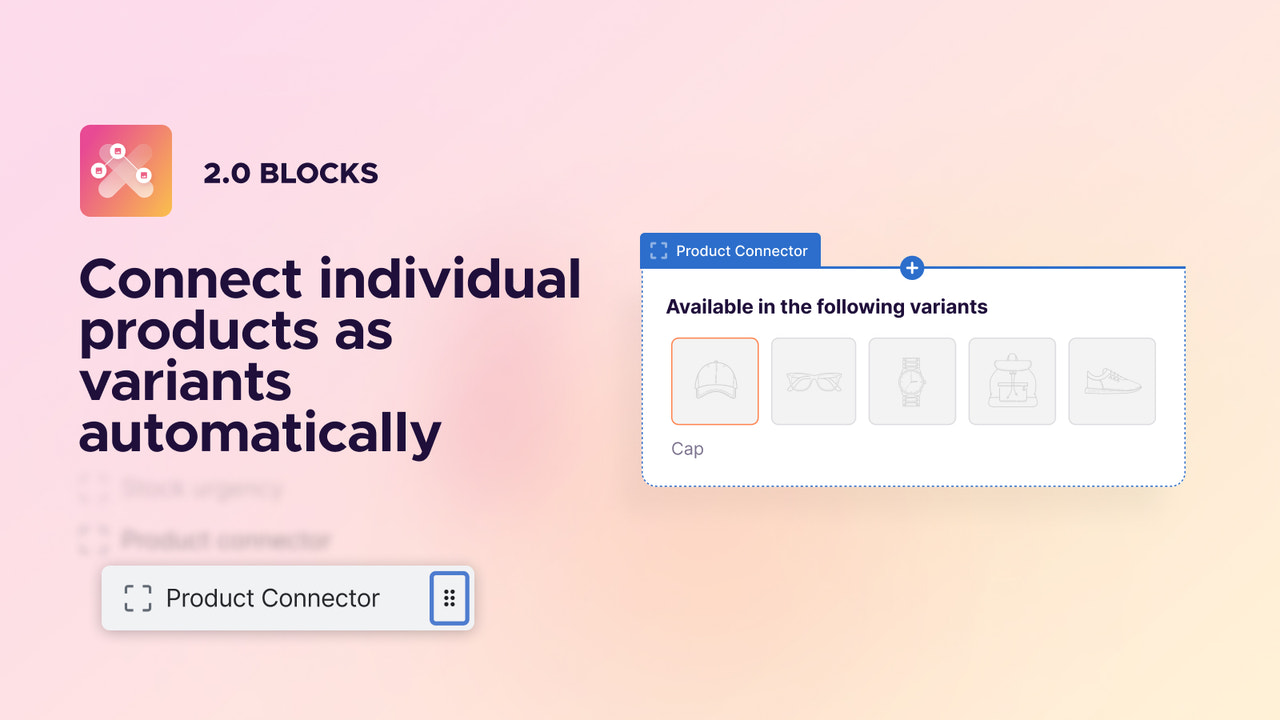
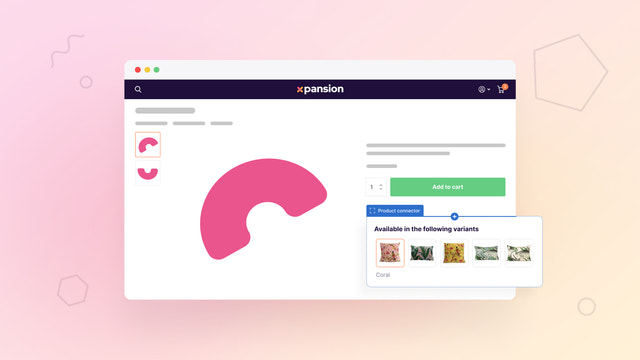
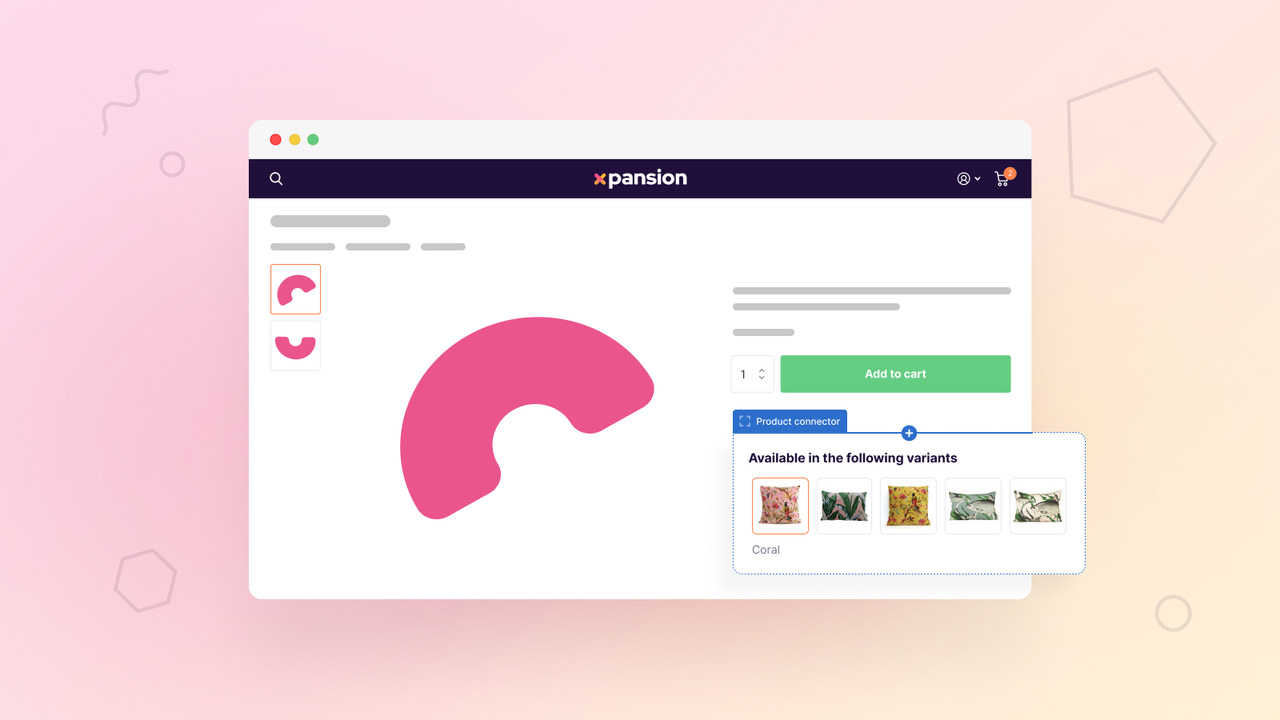
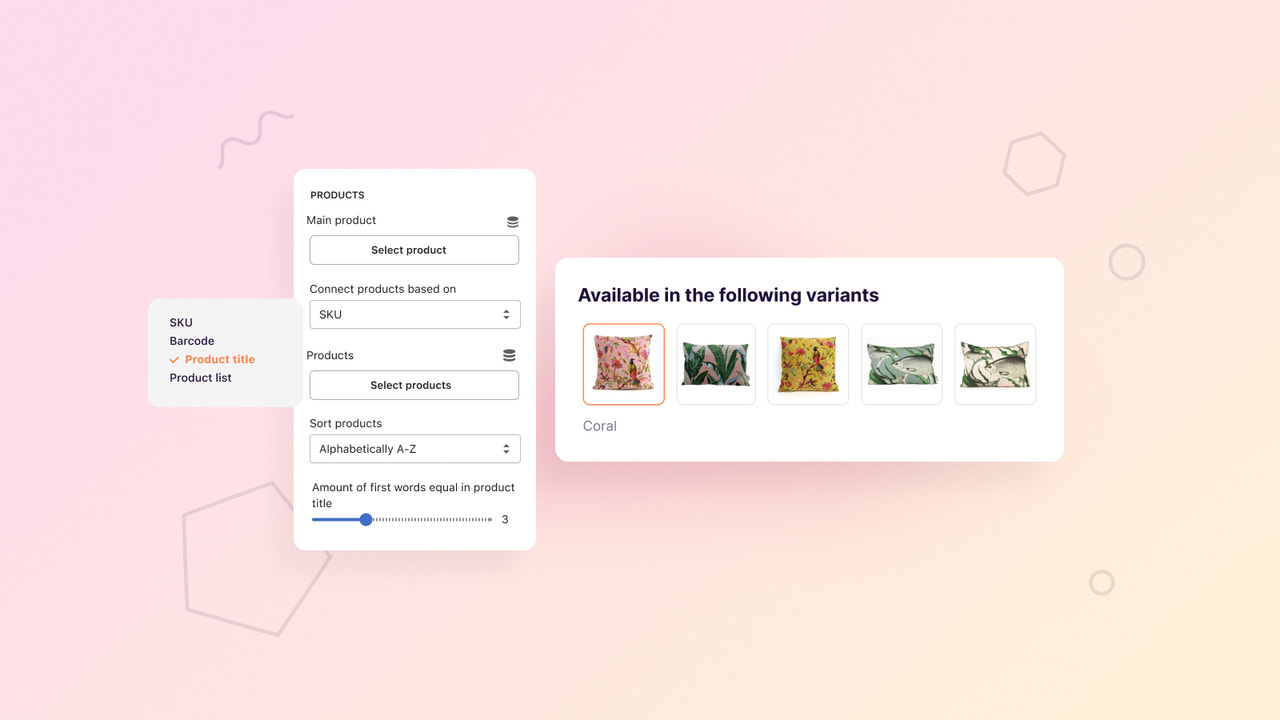
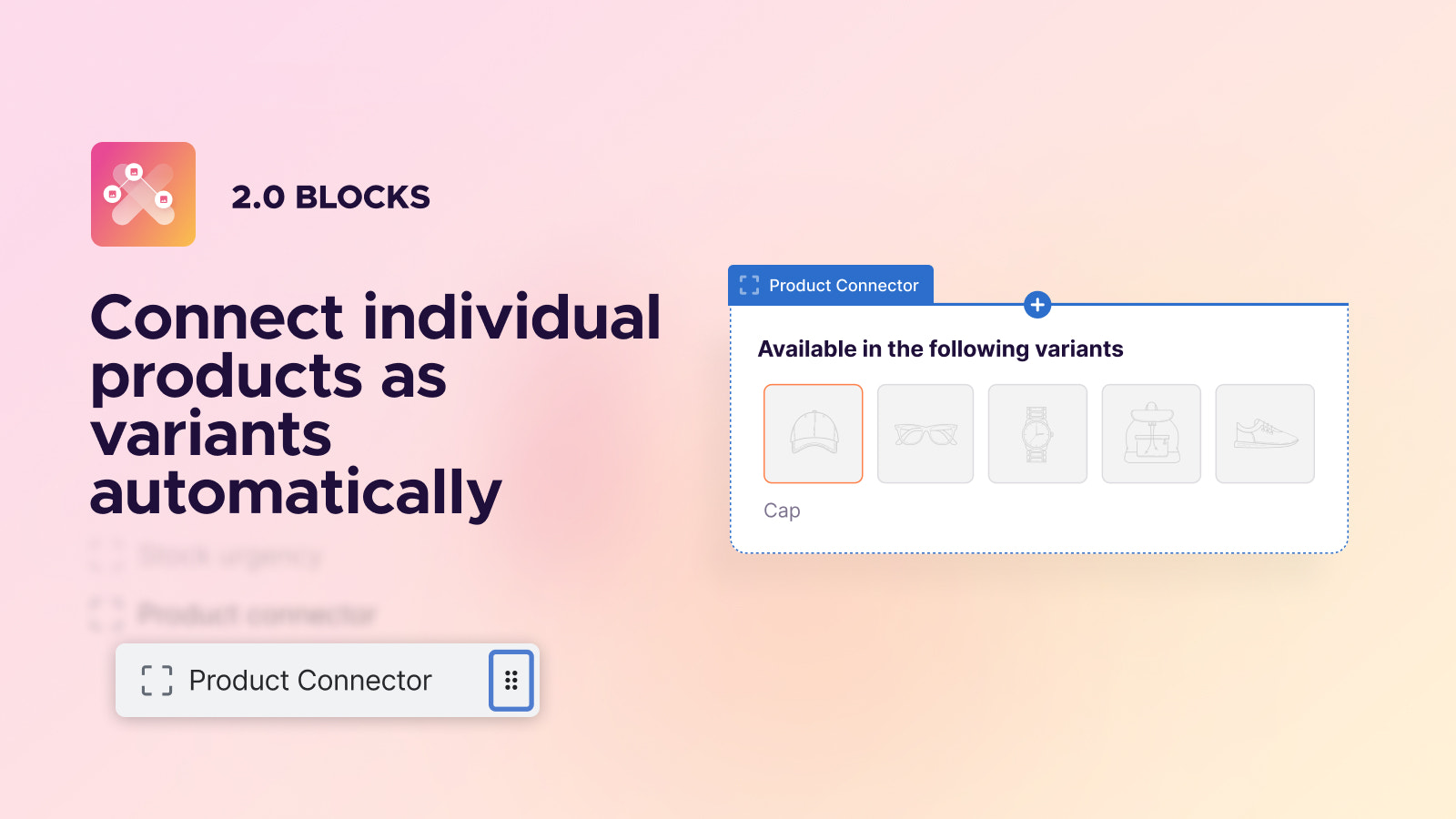
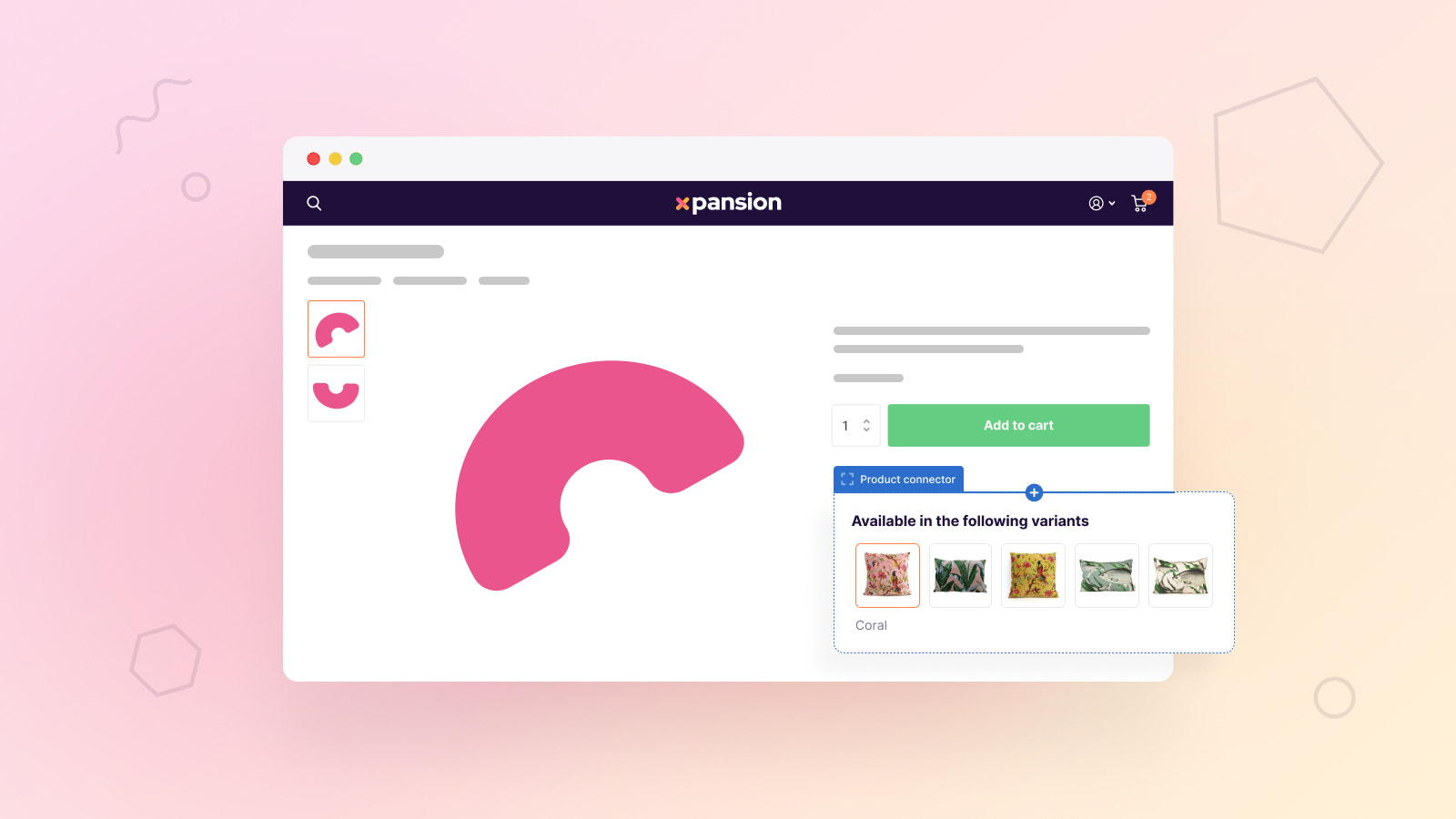
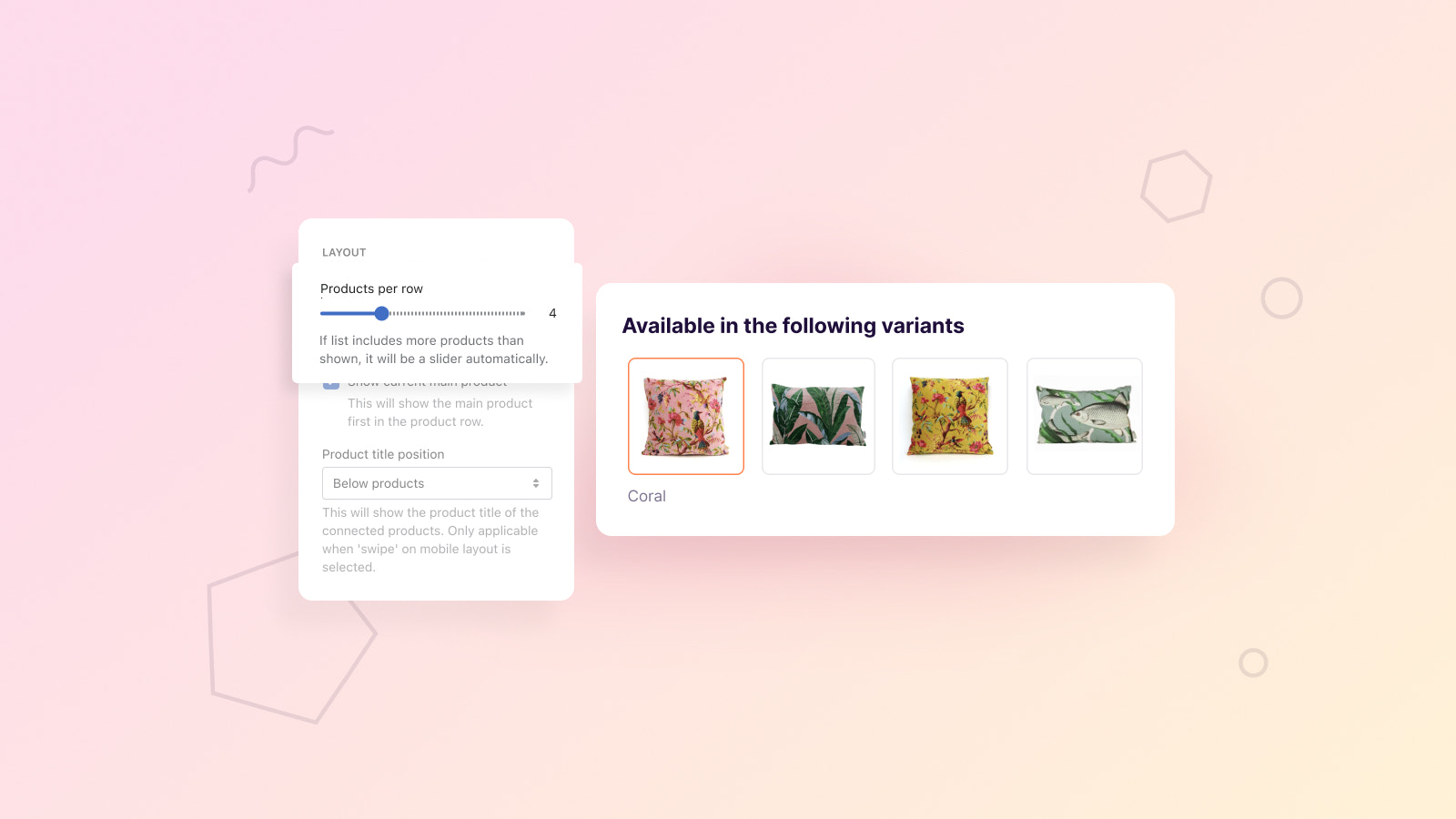
Display a single product as a variant, and link products via SKU, product code, or (partial) title. The Product Connector is an app block that showcases a broader range of product variants on your product pages, helping your customers find the right product variant more easily. In some suppliers’ product listings, a single product often comes in several colors or has multiple variants across different SKUs, so no variants are displayed on the product page. With Xpansion Product Connector, this will no longer be a problem.
Core Functionality
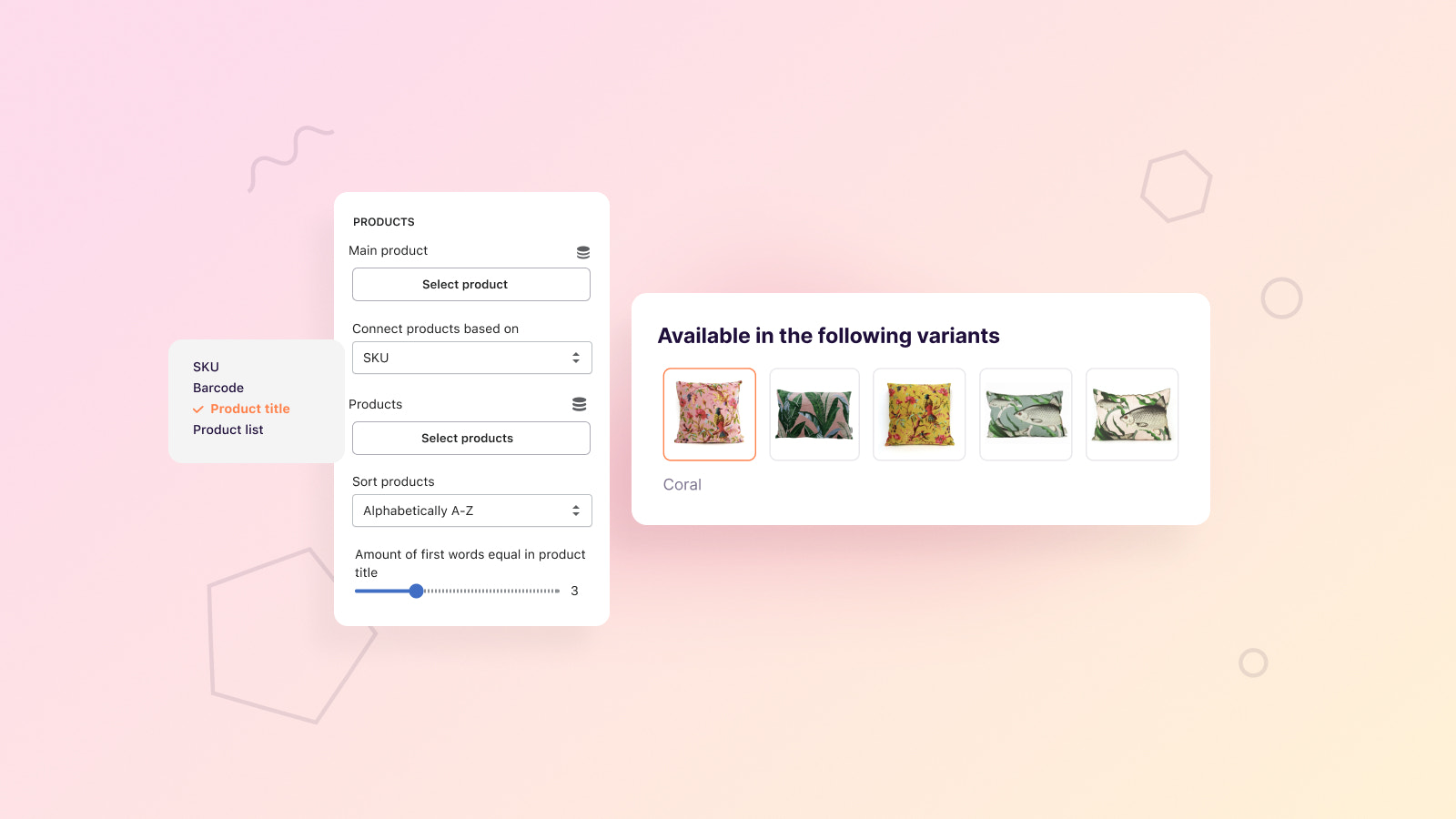
- Display single products with matching SKUs as variants.
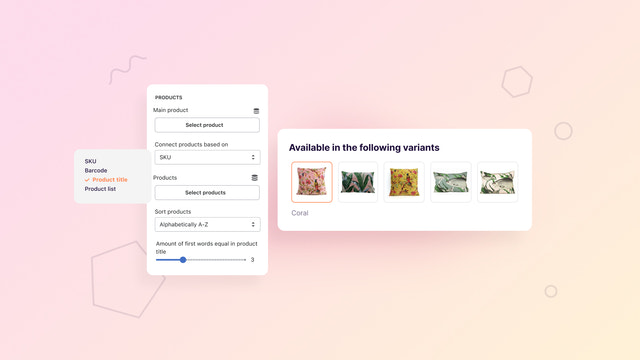
- Products can be easily linked using SKU, barcode, or title.
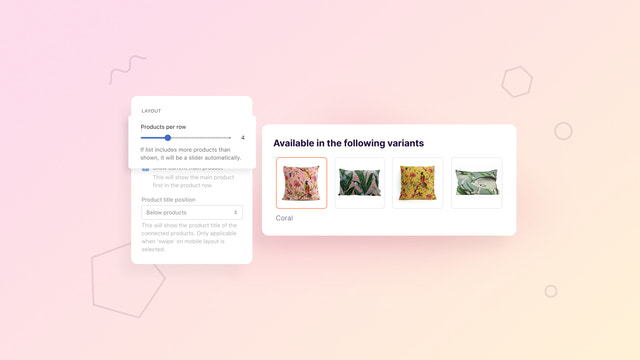
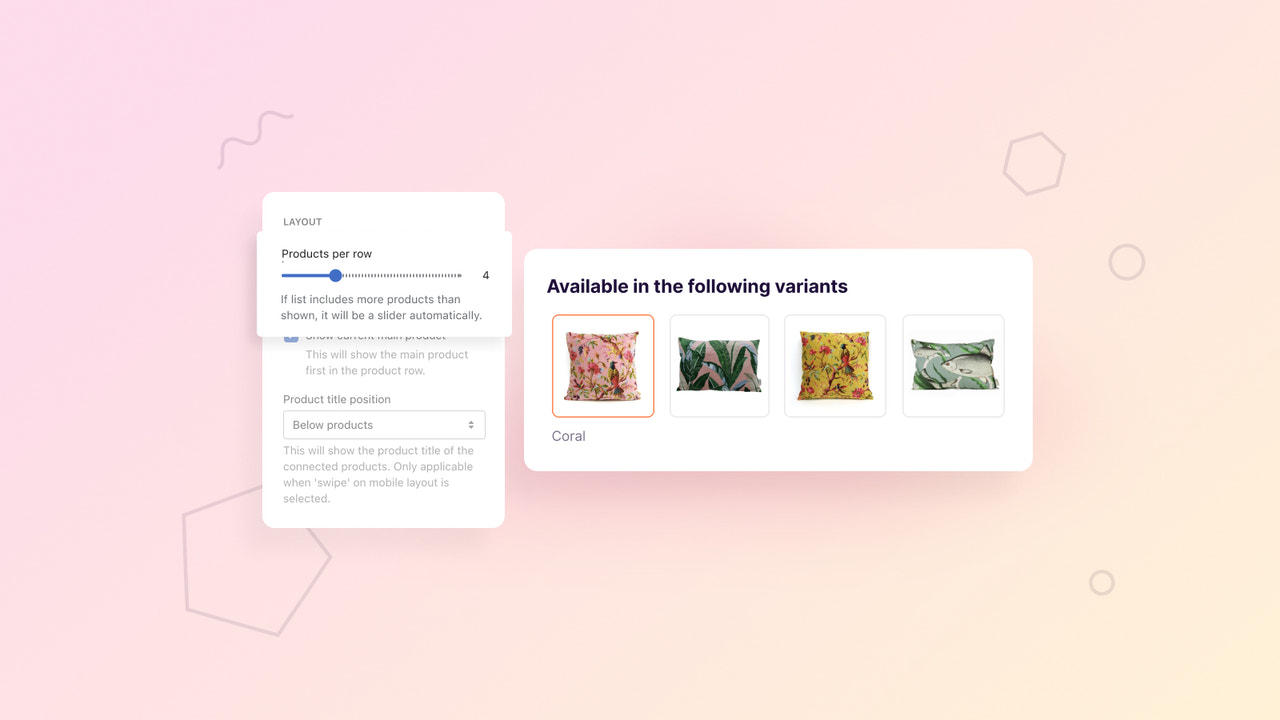
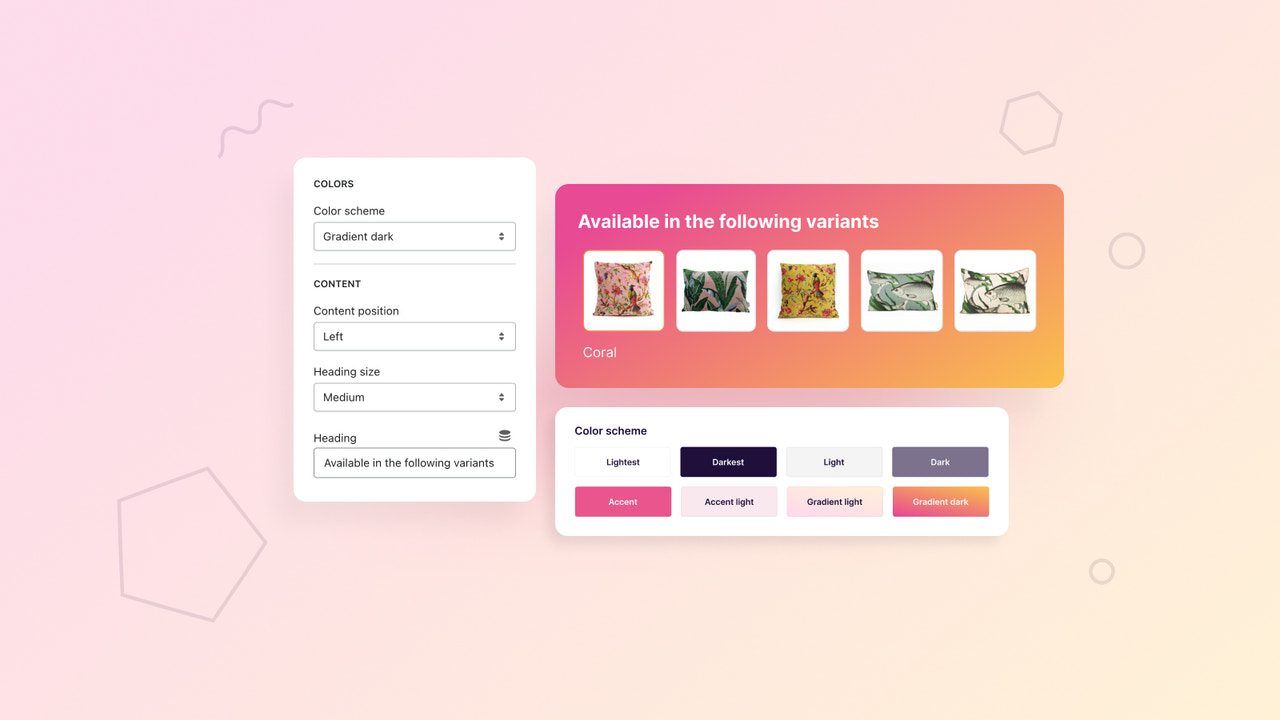
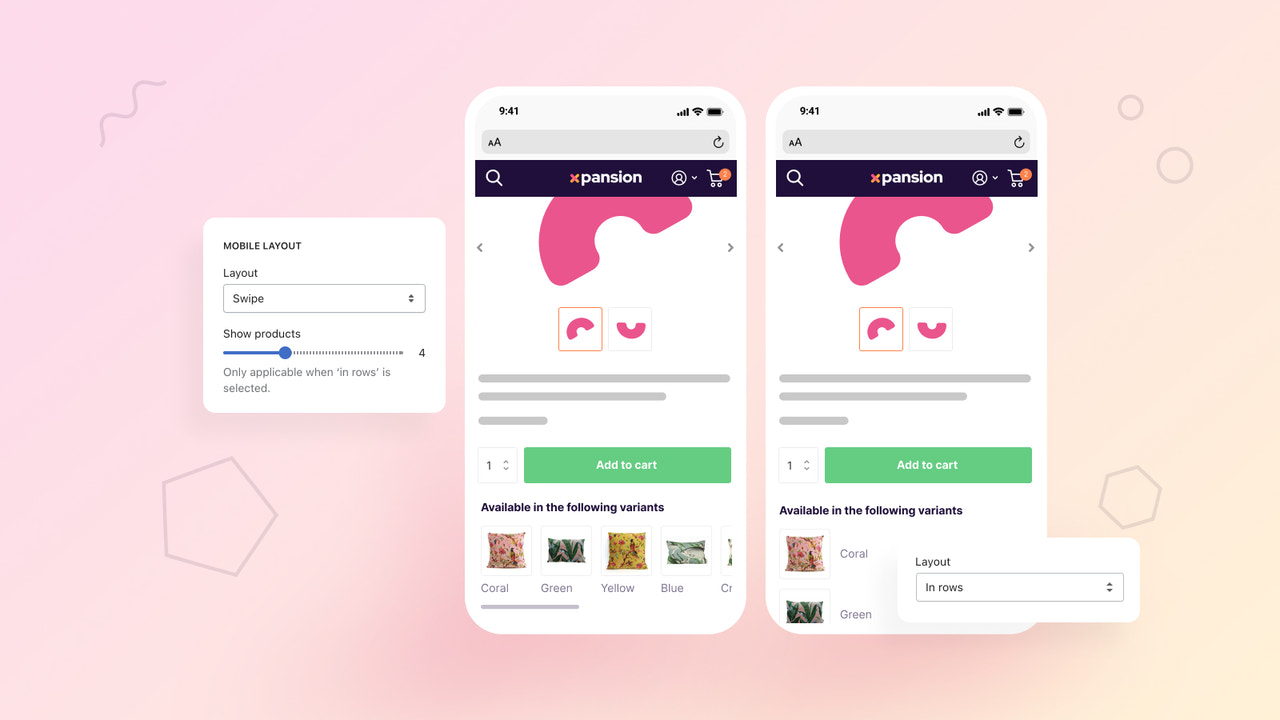
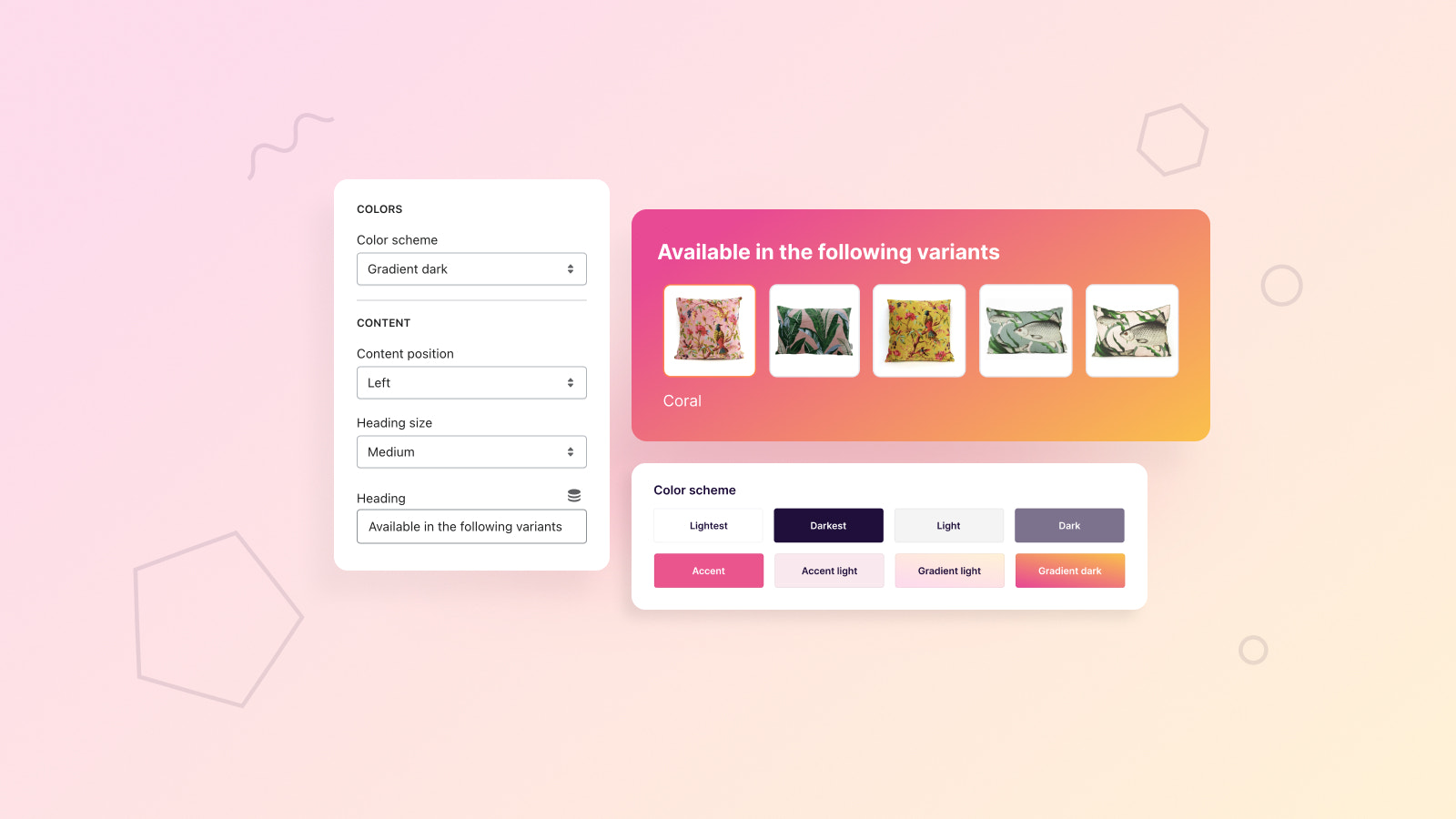
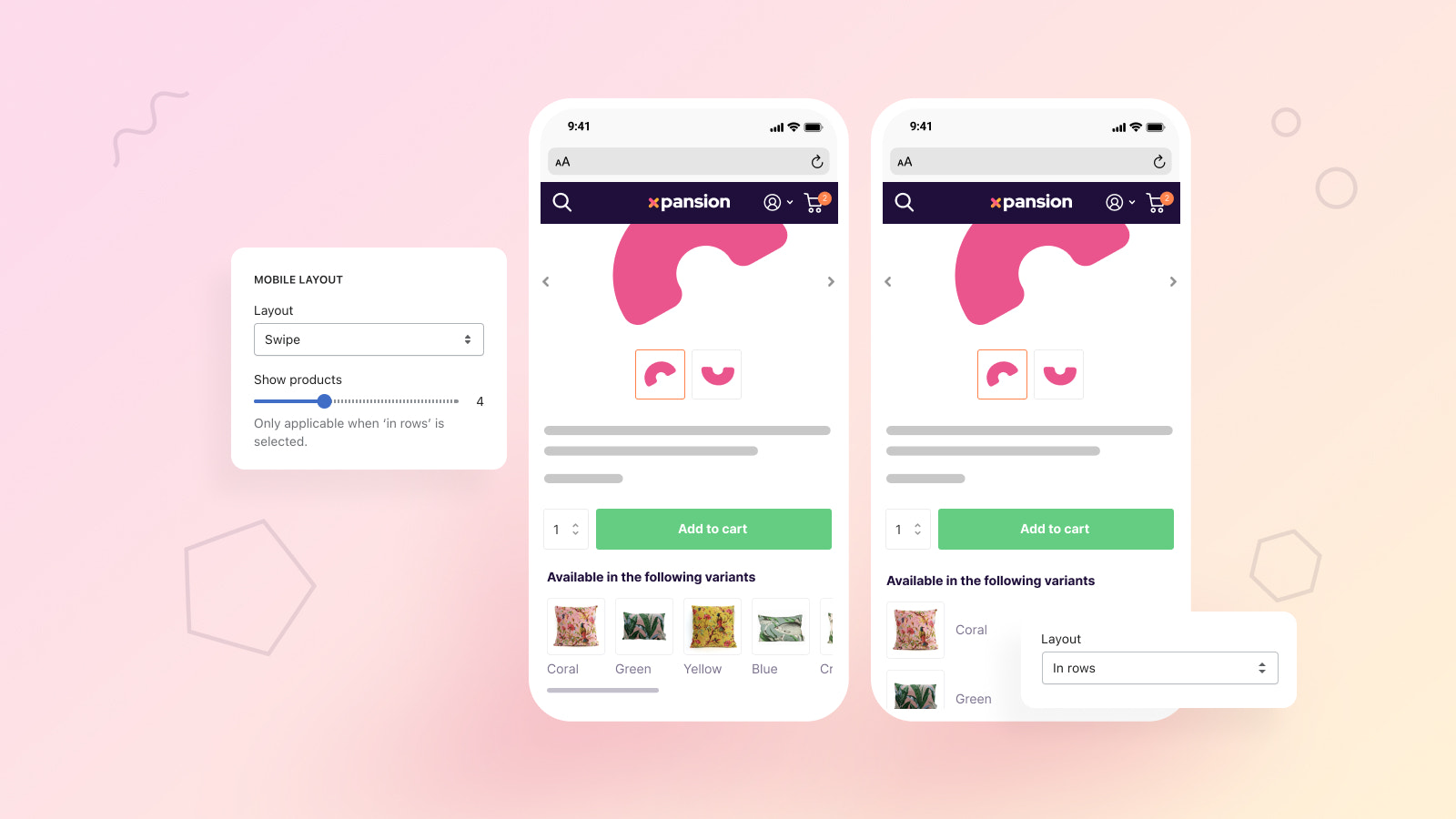
- Different design layouts to display additional variants.
- Seamless integration with Shopify 2.0 themes.
- Visitors no longer need to leave the product page to change color or size.
Merchant-Friendly
- Clothing & Footwear Merchants
- Home Goods Merchants
- Electronics Merchants
- Beauty & Skincare Merchants
Basic Information
- Developer:Someone You Know
- Address:Wilhelminaplein 25, Eindhoven, 5611HG, NL
- Price: Free / Free plan
- Rating:5 / 5
- Comment Count:3 comment
- Release Date:2023-5-22
- Supported languages:English
- Compatible products:Shopify
Application Screenshot
Price Plan
单个应用
- Unlimited App Blocks Usage
- Unlimited
- Access Xpansion 2.0 Dashboard
- Universal Design Settings
- Real-time Chat Support
User Location & Comments
User Location
Comments
Shopify API Used
- POST /admin/api/products/{product_id}/variants.json
- PUT /admin/api/products/{product_id}/variants/{variant_id}.json
- GET /admin/api/products/{product_id}/variants.json
Permission:write_products,read_products,manage_variants
- POST /admin/api/products/{product_id}/links.json
- PUT /admin/api/products/{product_id}/links/{link_id}.json
- GET /admin/api/products/{product_id}/links.json
Permission:write_products,read_products,manage_links
- POST /admin/api/themes/{theme_id}/assets.json
- PUT /admin/api/themes/{theme_id}/assets.json
- GET /admin/api/themes/{theme_id}/assets.json
Permission:write_themes,read_themes,manage_assets
- POST /admin/api/themes/{theme_id}/settings.json
- PUT /admin/api/themes/{theme_id}/settings.json
- GET /admin/api/themes/{theme_id}/settings.json
Permission:write_themes,read_themes,manage_settings
- POST /admin/api/themes/{theme_id}/sections.json
- PUT /admin/api/themes/{theme_id}/sections.json
- GET /admin/api/themes/{theme_id}/sections.json
Permission:write_themes,read_themes,manage_sections