
App Introduction
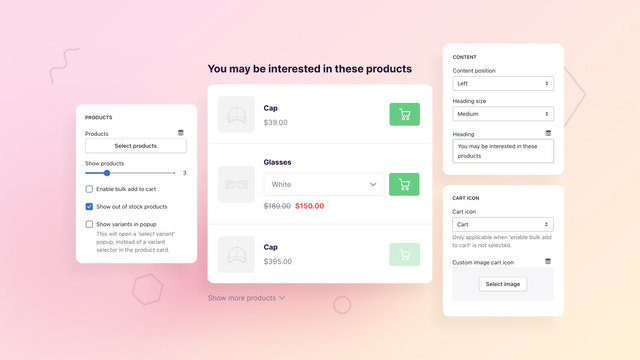
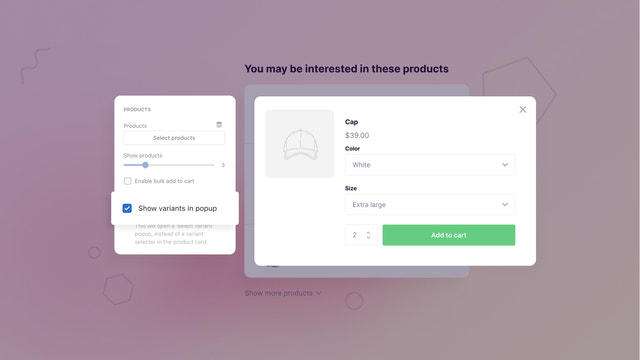
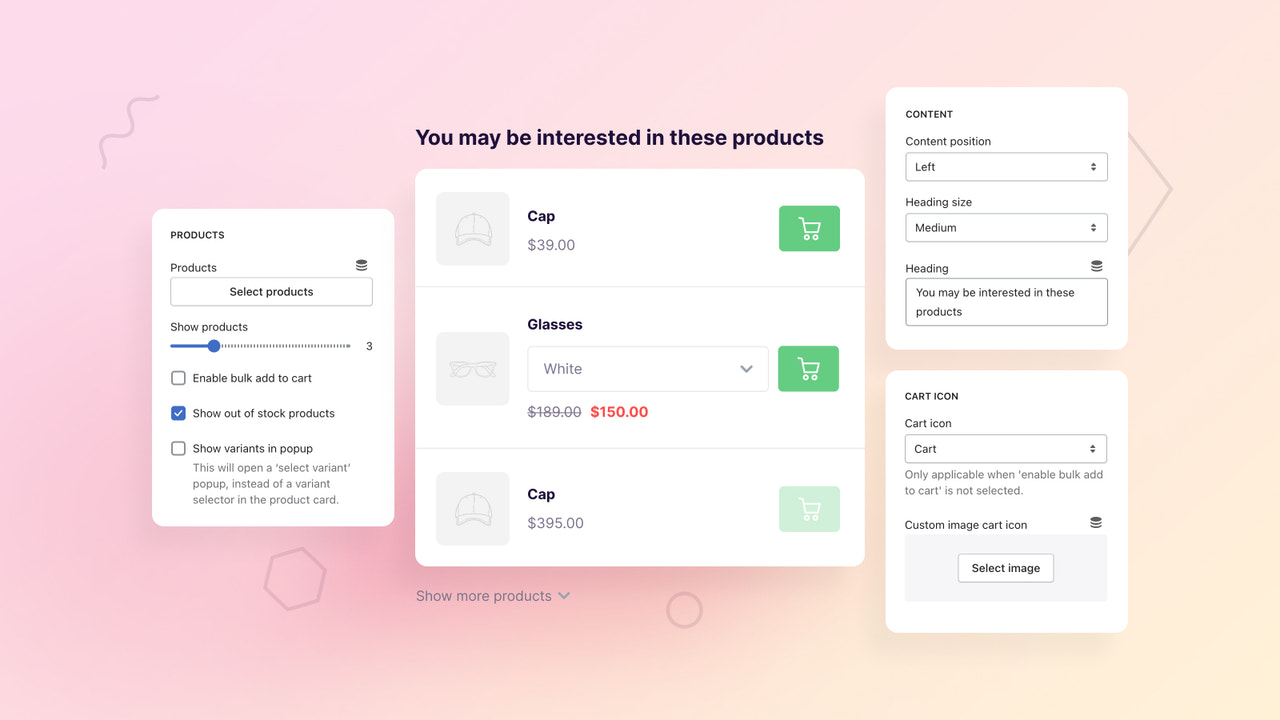
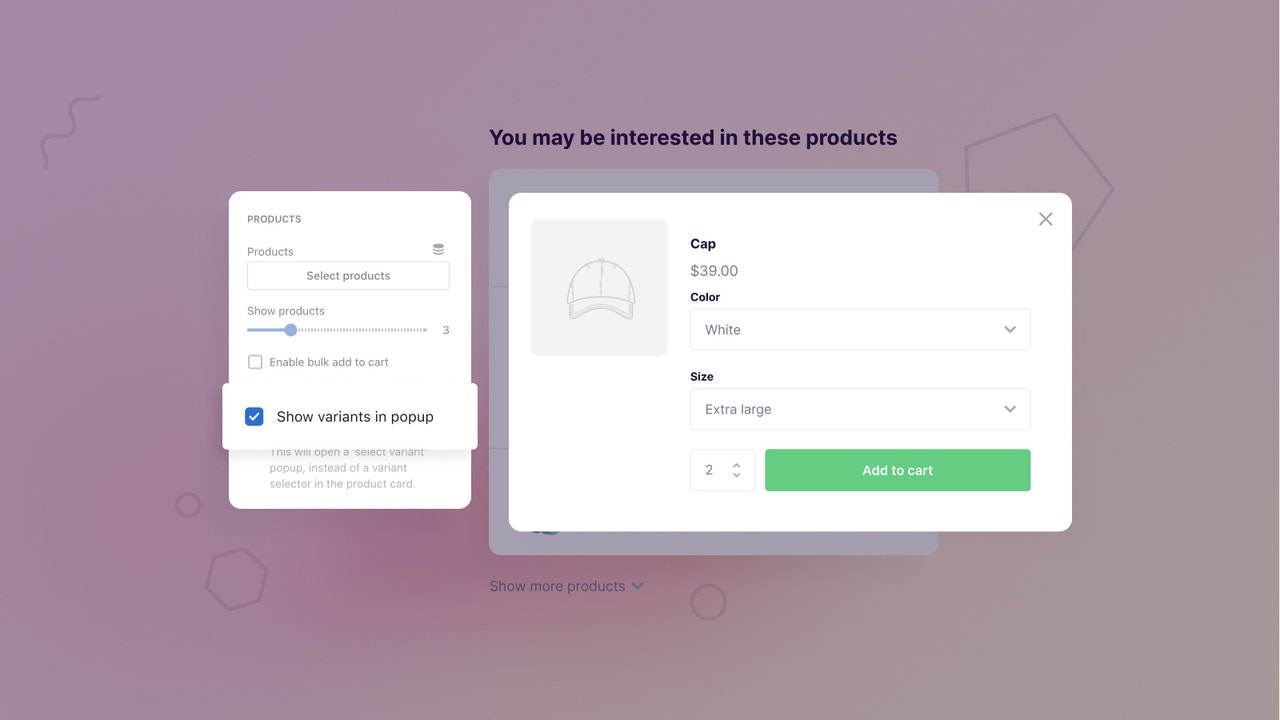
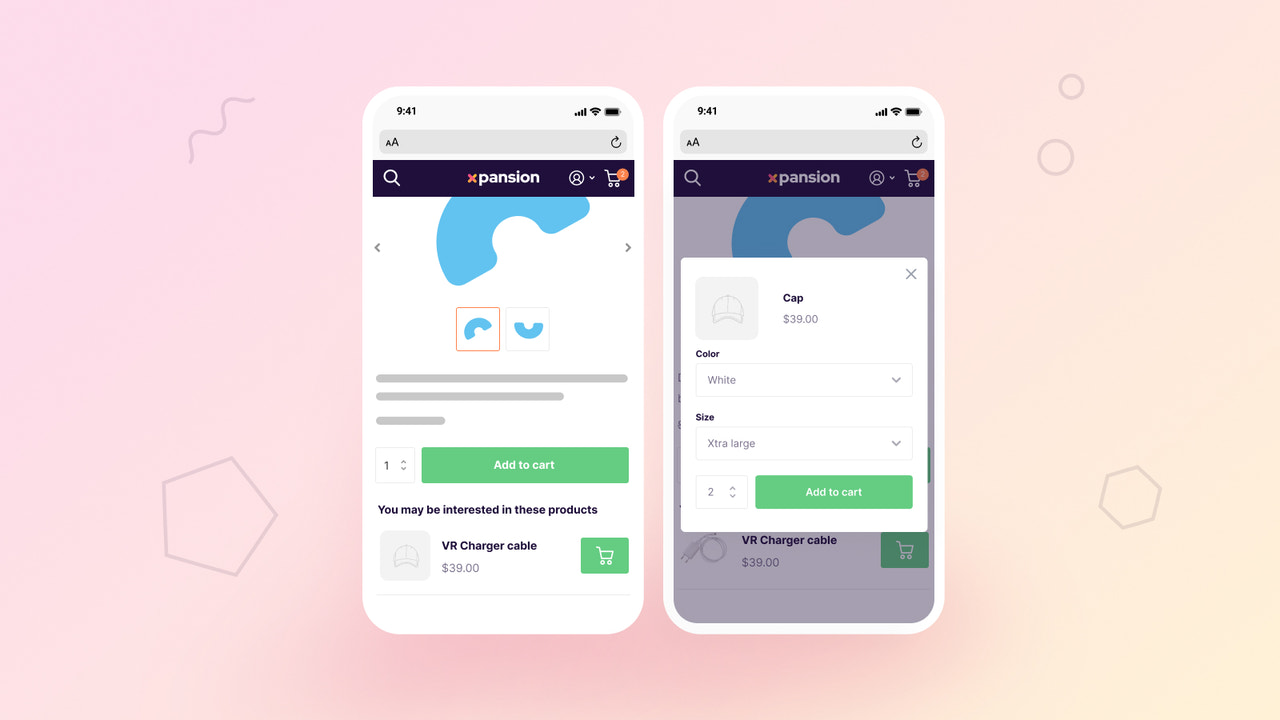
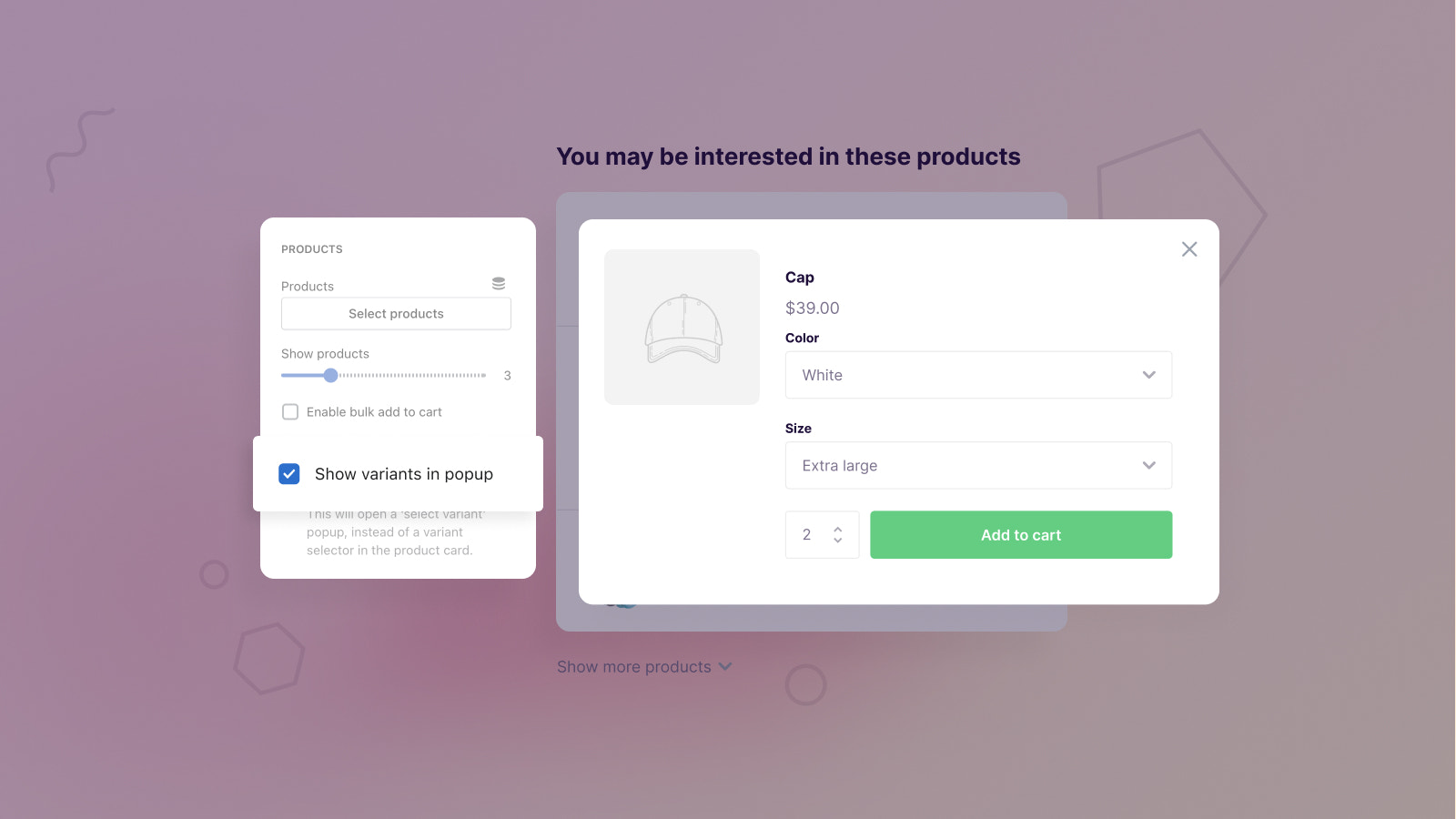
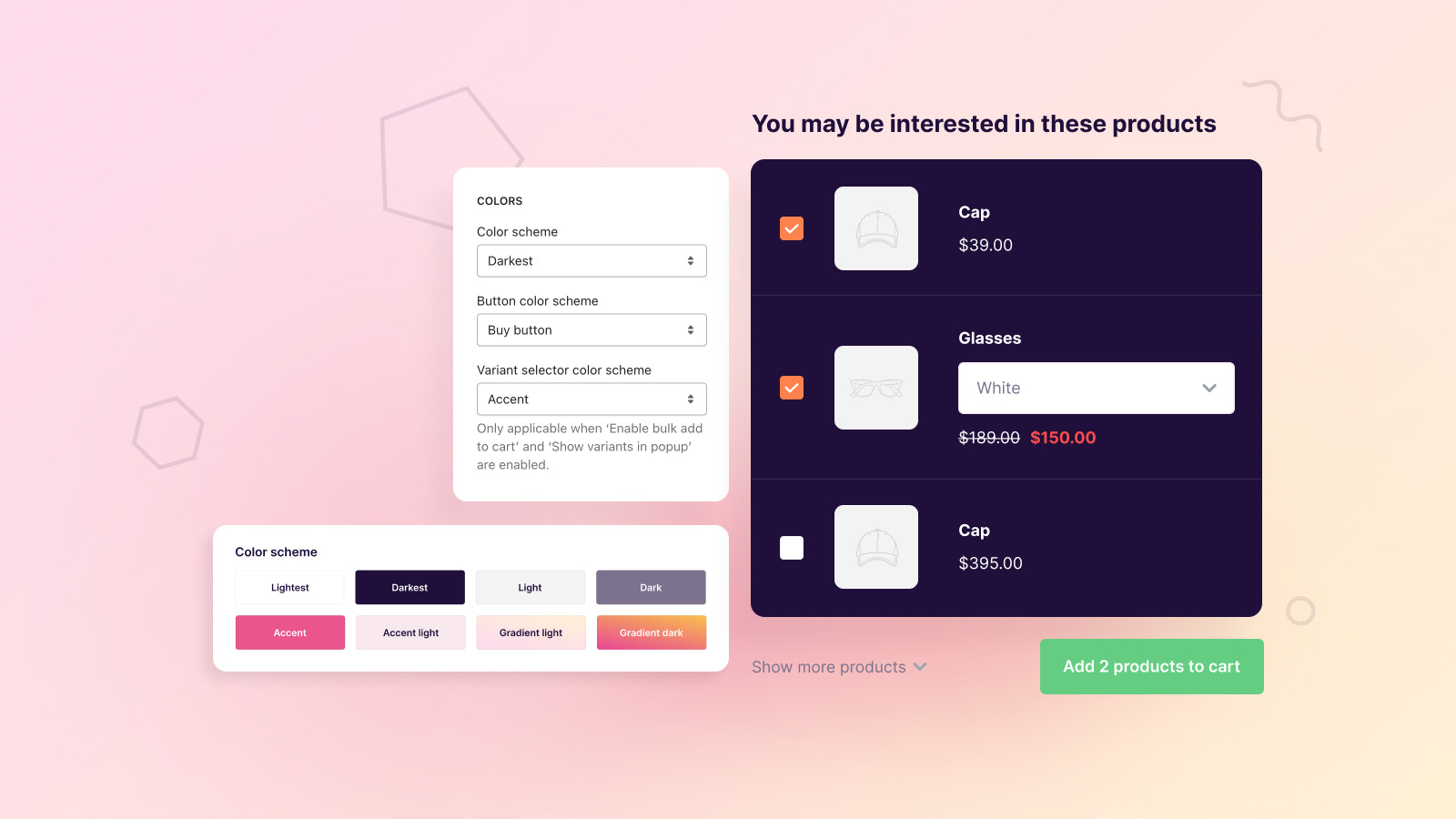
Promote products anywhere in your store to boost order value. Add products to the cart in bulk. Show your customers complementary products they may be interested in to increase sales opportunities. This app can be added to your online store as a 2.0 app block, allowing you to display complementary products wherever you want. Connect products using metafields, or manually select products in the settings. Products can be added to the cart in bulk or individually.
Core Functionality
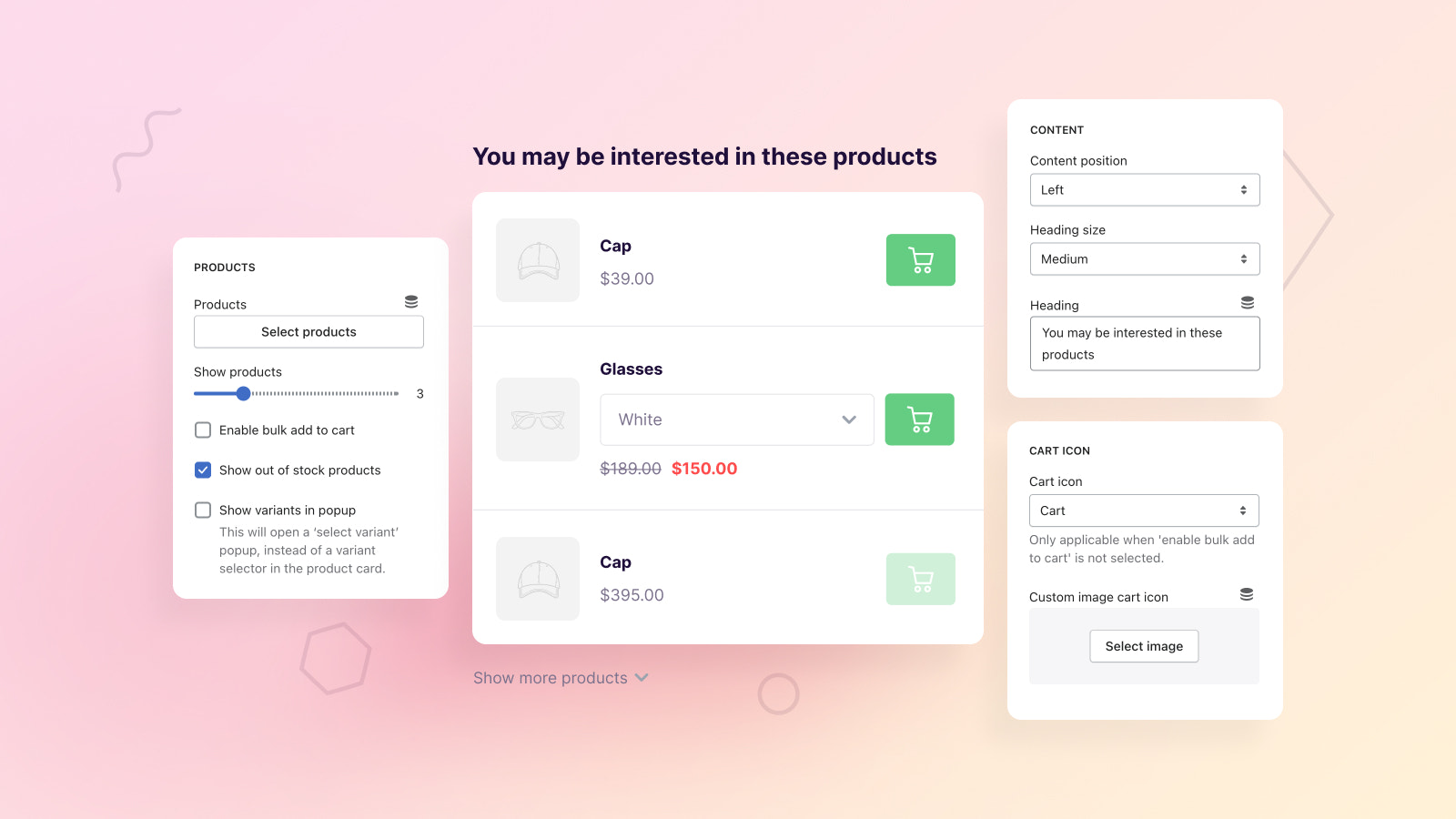
- Display multiple supplementary products using metafields or product selection.
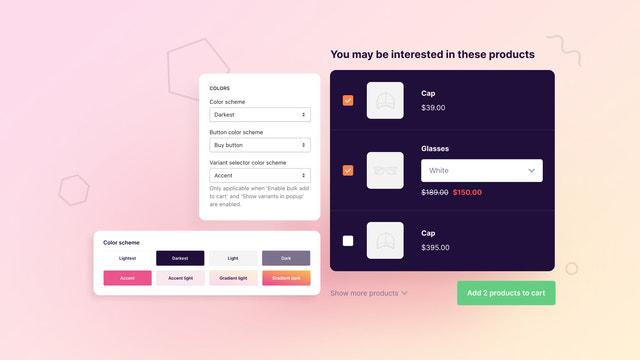
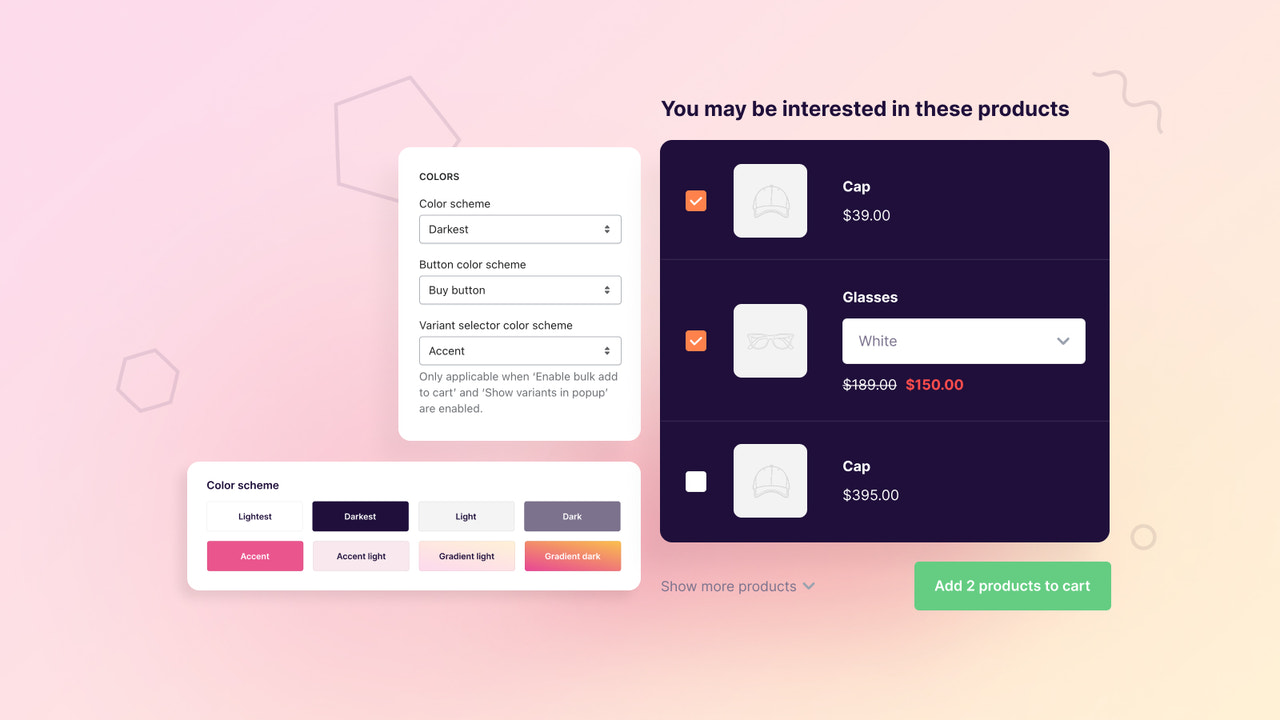
- Supports single add-to-cart or bulk add-to-cart mode.
- Built for Shopify 2.0, can be added as an app block anywhere.
- Offers extensive design options to match your theme's look.
- Our Shopify Partner Help Desk provides premium support.
Merchant-Friendly
- Independent Station Merchants
- Multi-category E-commerce
- Boutique Stores
- Cross-border E-commerce
Basic Information
- Developer:Someone You Know
- Address:Wilhelminaplein 25, Eindhoven, 5611HG, NL
- Price: Free / Free plan
- Rating:5 / 5
- Comment Count:3 comment
- Release Date:2023-5-16
- Supported languages:English
- Compatible products:Shopify
Application Screenshot



Price Plan
单个应用
$19.95 / 或 $199/年(可节省 17%)
- Unlimited Use of App Blocks
- Unlimited Usage
- Access to Xpansion 2.0 Dashboard
- Universal Design Settings
- Real-Time Chat Support
User Location & Comments
User Location
Comments
Shopify API Used
- POST /admin/api/products/{product_id}/metafields.json
- GET /admin/api/products/{product_id}/metafields.json
- PUT /admin/api/products/{product_id}/metafields/{metafield_id}.json
Permission:write_products,read_products,manage_metafields
- POST /admin/api/cart/add.json
- PUT /admin/api/cart/{cart_id}/items.json
- GET /admin/api/cart/{cart_id}.json
Permission:write_cart,read_cart,manage_orders
- POST /admin/api/blocks.json
- GET /admin/api/blocks.json
- PUT /admin/api/blocks/{block_id}.json
Permission:write_themes,read_themes,manage_apps
- POST /admin/api/settings/sections.json
- GET /admin/api/settings/sections.json
- PUT /admin/api/settings/sections/{section_id}.json
Permission:write_themes,read_themes,manage_settings
- POST /admin/api/support_tickets.json
- GET /admin/api/support_tickets.json
- PUT /admin/api/support_tickets/{ticket_id}.json
Permission:write_support,read_support,manage_partners