App Introduction
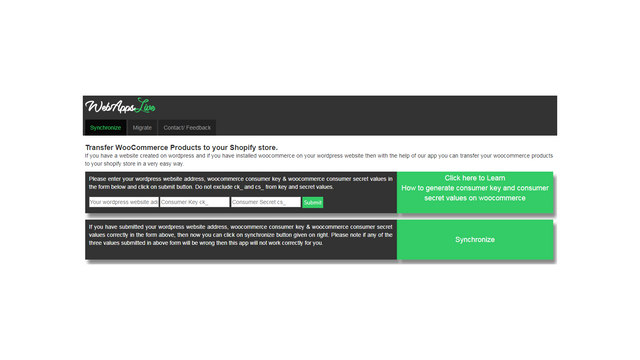
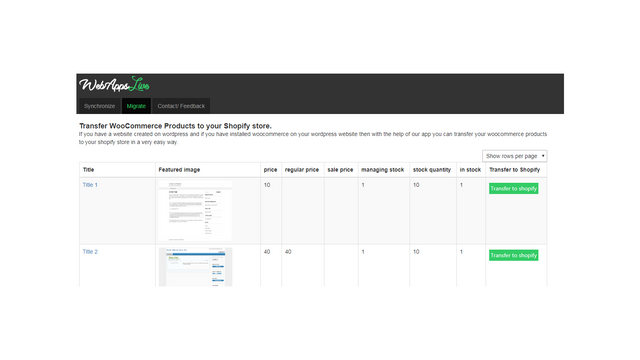
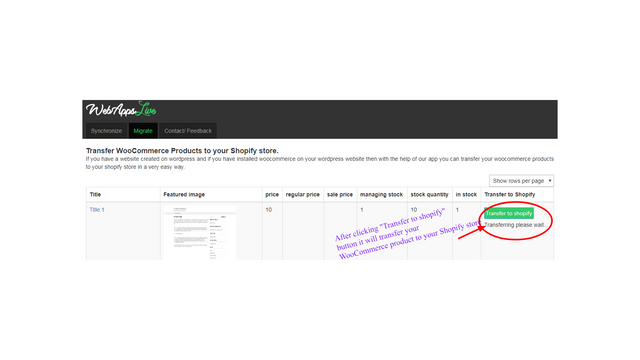
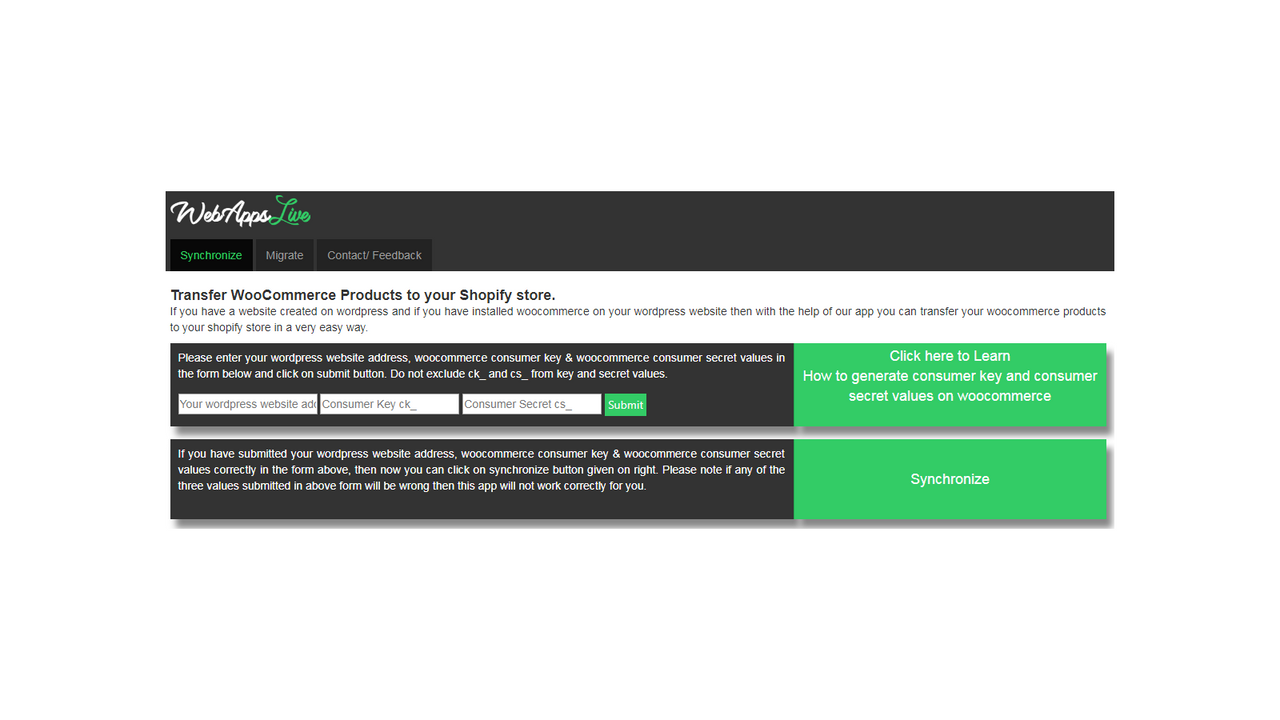
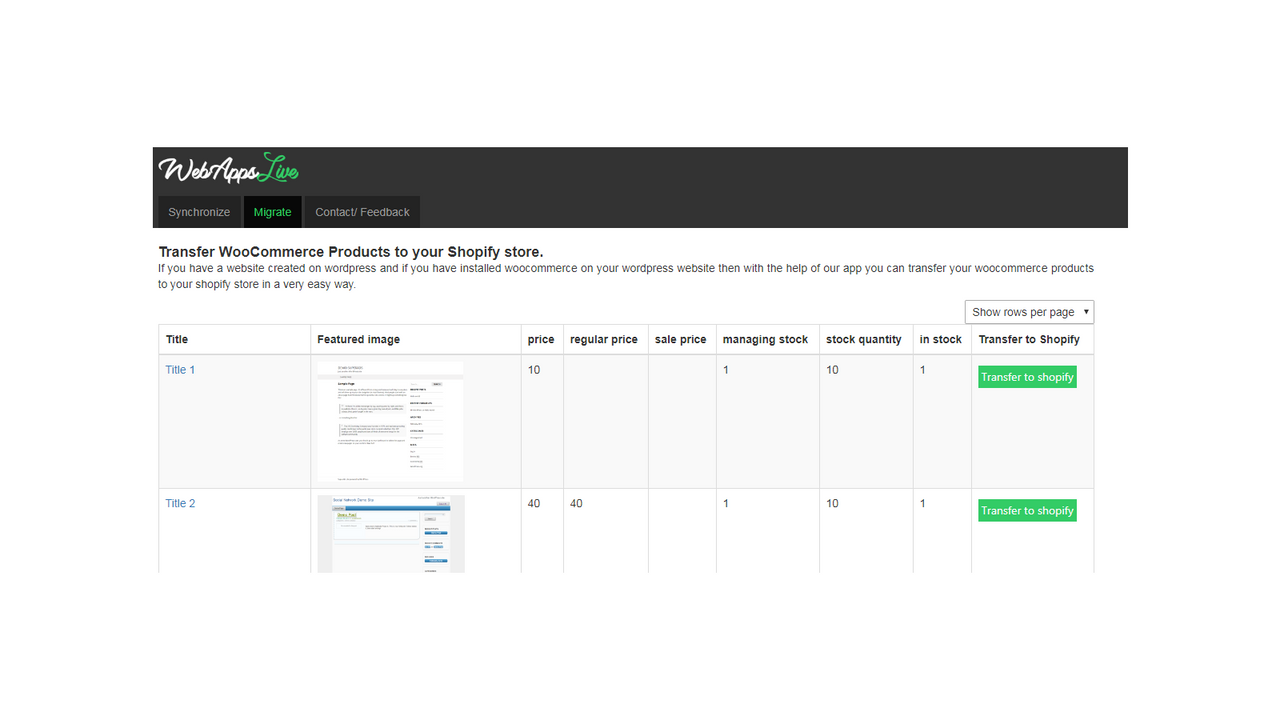
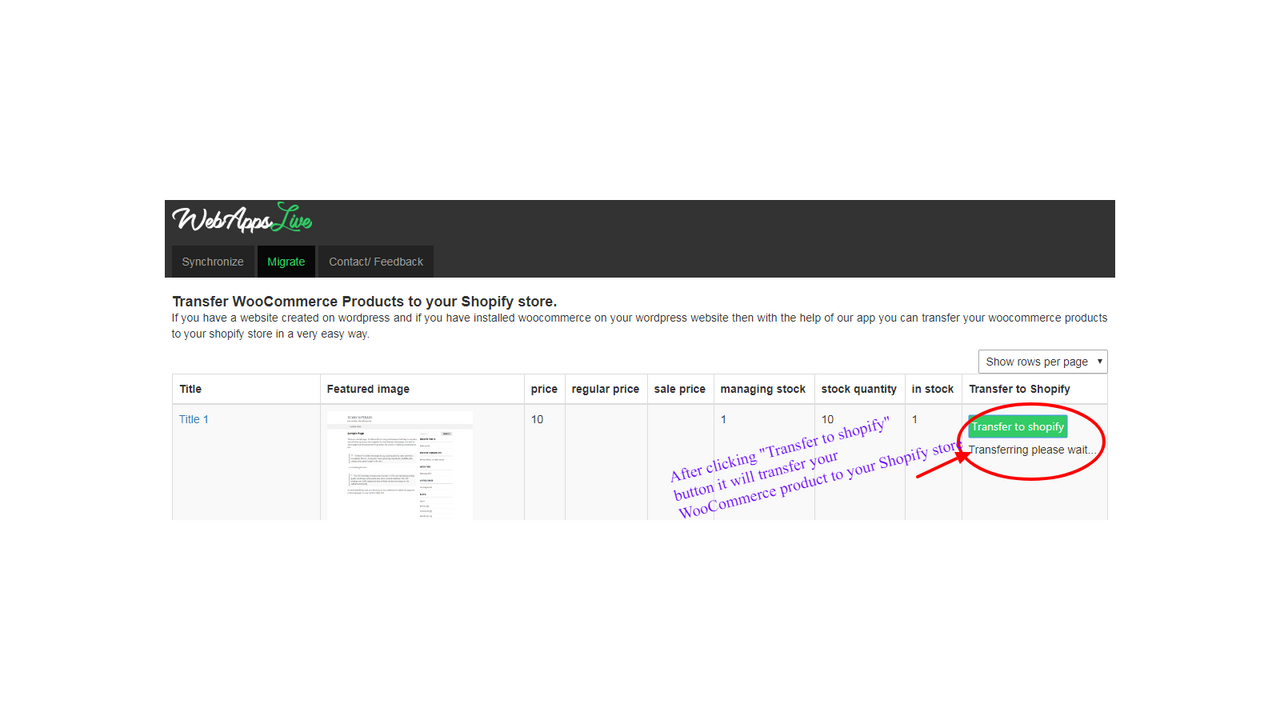
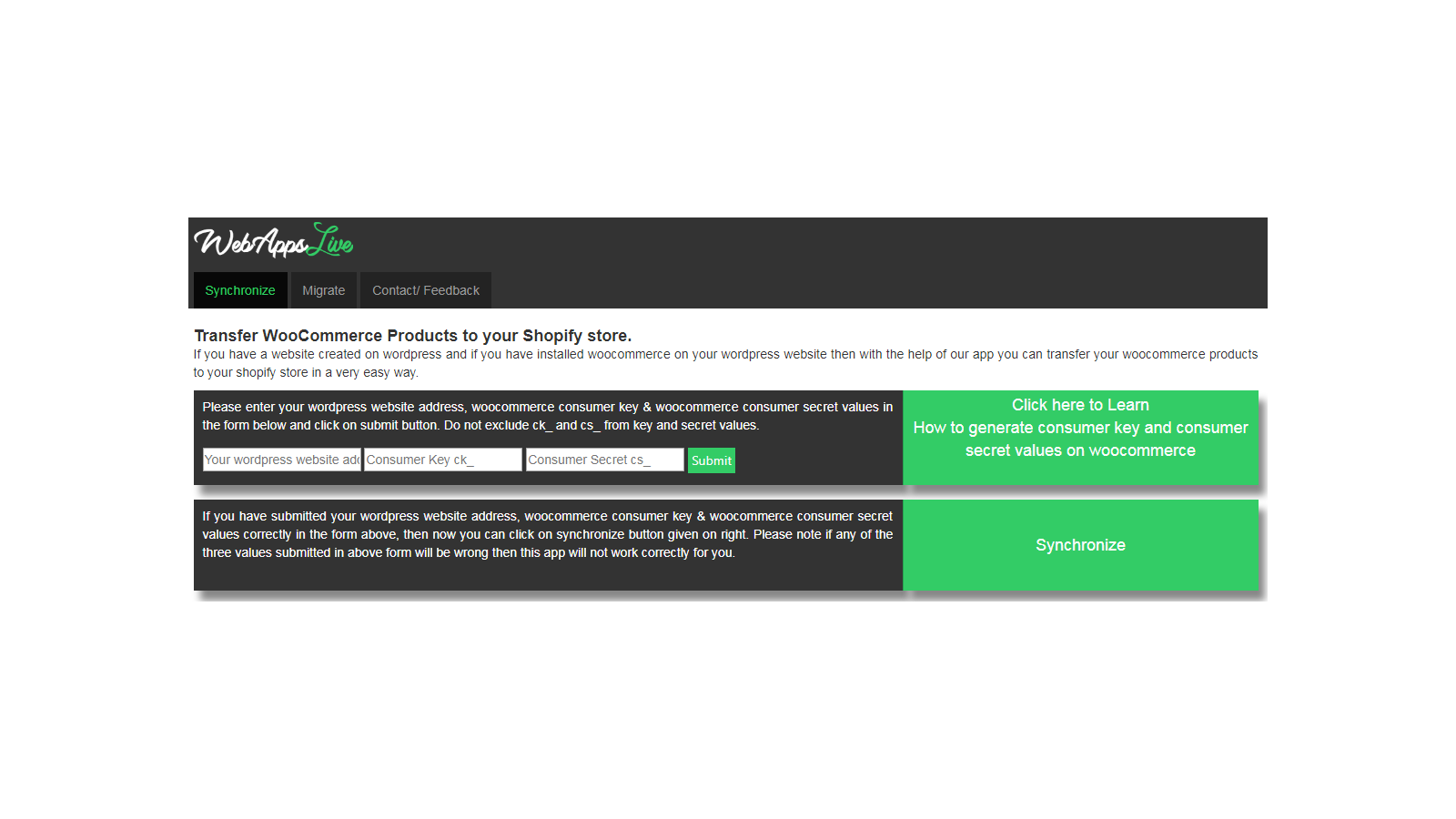
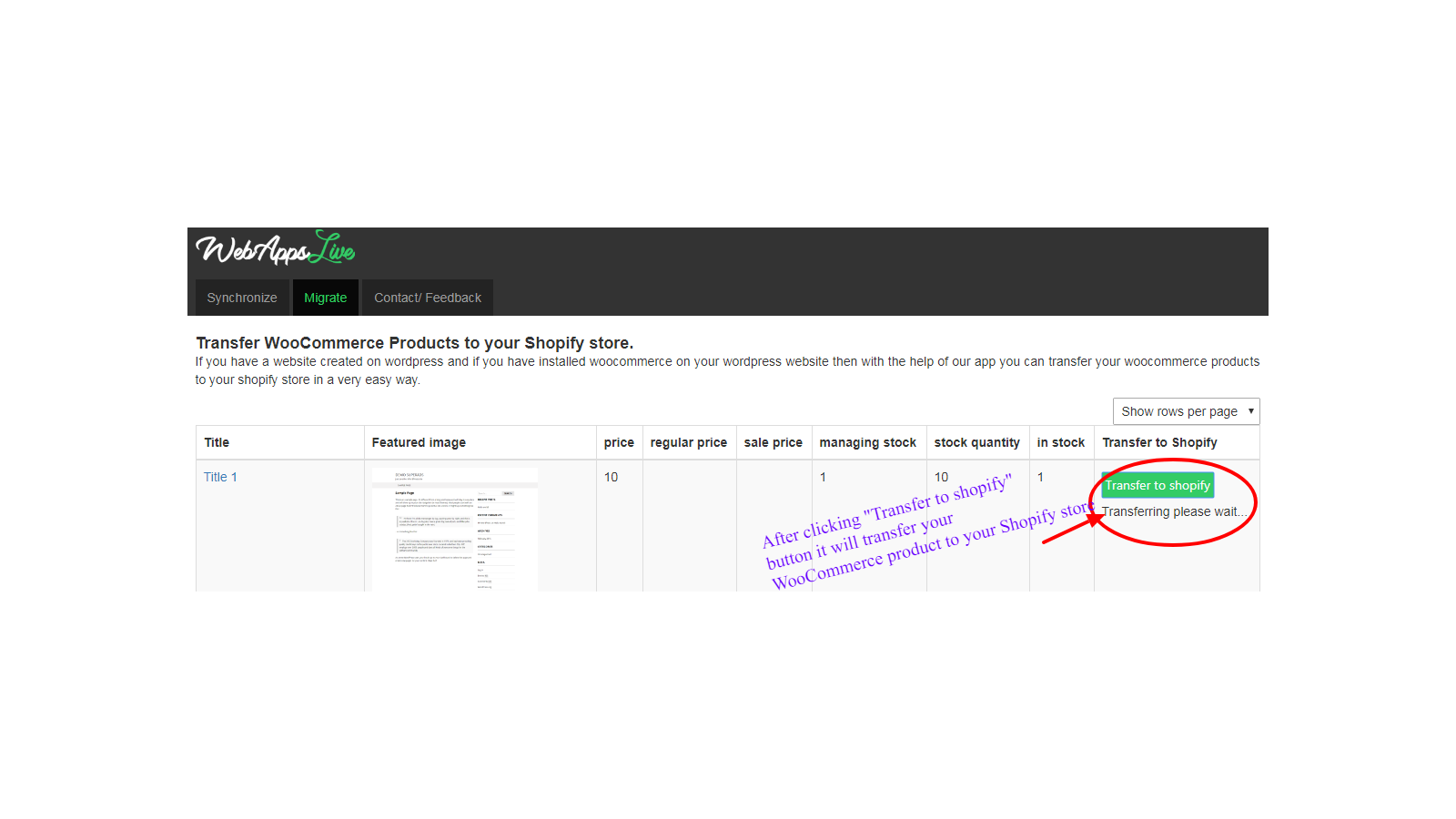
Migrate your WooCommerce store data in just a few simple steps. With this app, you can transfer data including products, variants, images, customers, orders, product reviews, and blog posts from your WooCommerce store to your Shopify store. No coding knowledge is required to use this app—it’s incredibly easy to use. Simply enter your WooCommerce store details, sync your data, and click the "Get" button. You can migrate the data on your own, or if you prefer, request the app’s team to complete the task for you.
Core Functionality
- No core function information available at the moment
Merchant-Friendly
- WooCommerce to Shopify Merchants
- Independent Station Transition Merchants
- Multi-platform E-commerce Merchants
- Non-technical Background Merchants
Basic Information
- Developer:webTecheasy FZCO
- Address:Dubai Silicon Oasis, DU, AE
- Price: Free / Free plan
- Rating:5 / 5
- Comment Count:14 comment
- Release Date:2017-9-20
- Supported languages:English
- Compatible products:Shopify
Application Screenshot


Price Plan
数据迁移
免费安装
User Location & Comments
User Location
Comments
Shopify API Used
- POST /admin/api/products.json
- GET /admin/api/products.json
- PUT /admin/api/products/{id}.json
Permission:write_products,read_products,manage_products
- POST /admin/api/customers.json
- GET /admin/api/customers.json
- PUT /admin/api/customers/{id}.json
Permission:write_customers,read_customers,manage_customers
- POST /admin/api/orders.json
- GET /admin/api/orders.json
- PUT /admin/api/orders/{id}.json
Permission:write_orders,read_orders,manage_orders
- POST /admin/api/migration/demo_request.json
- GET /admin/api/migration/demo_request.json
- DELETE /admin/api/migration/demo_request/{id}.json
Permission:write_migration,read_migration,manage_migration