
App Introduction
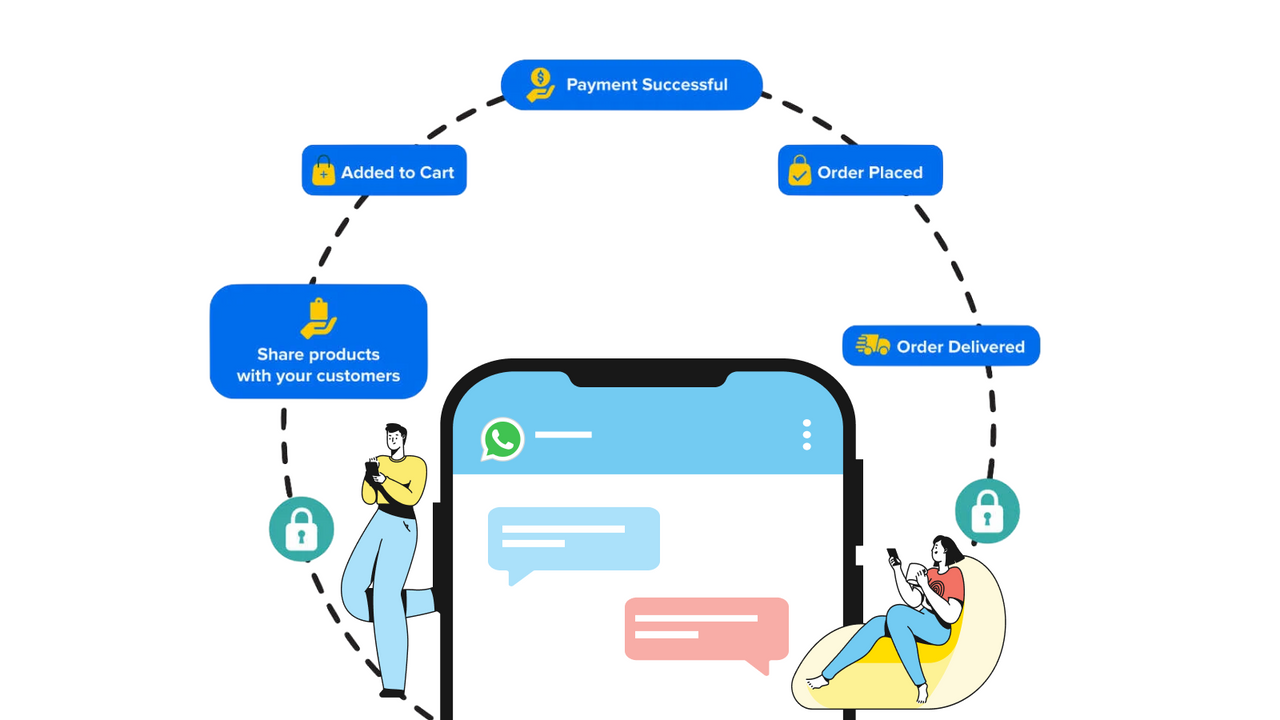
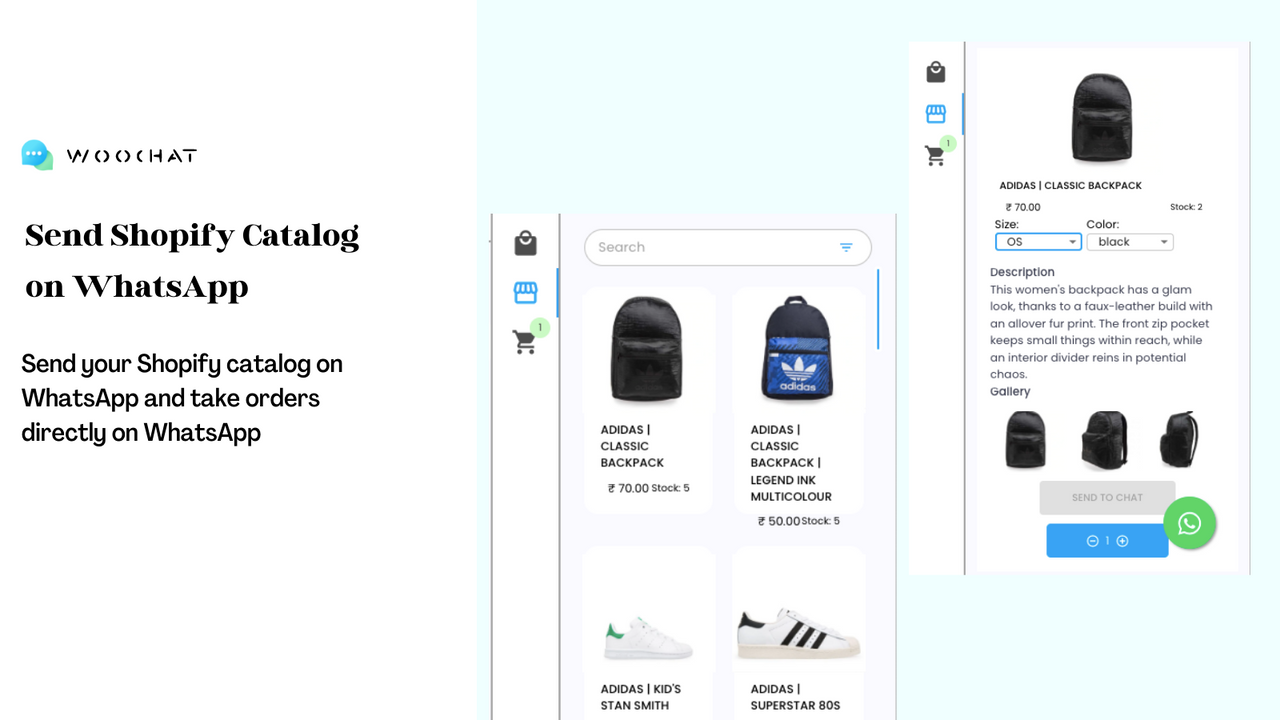
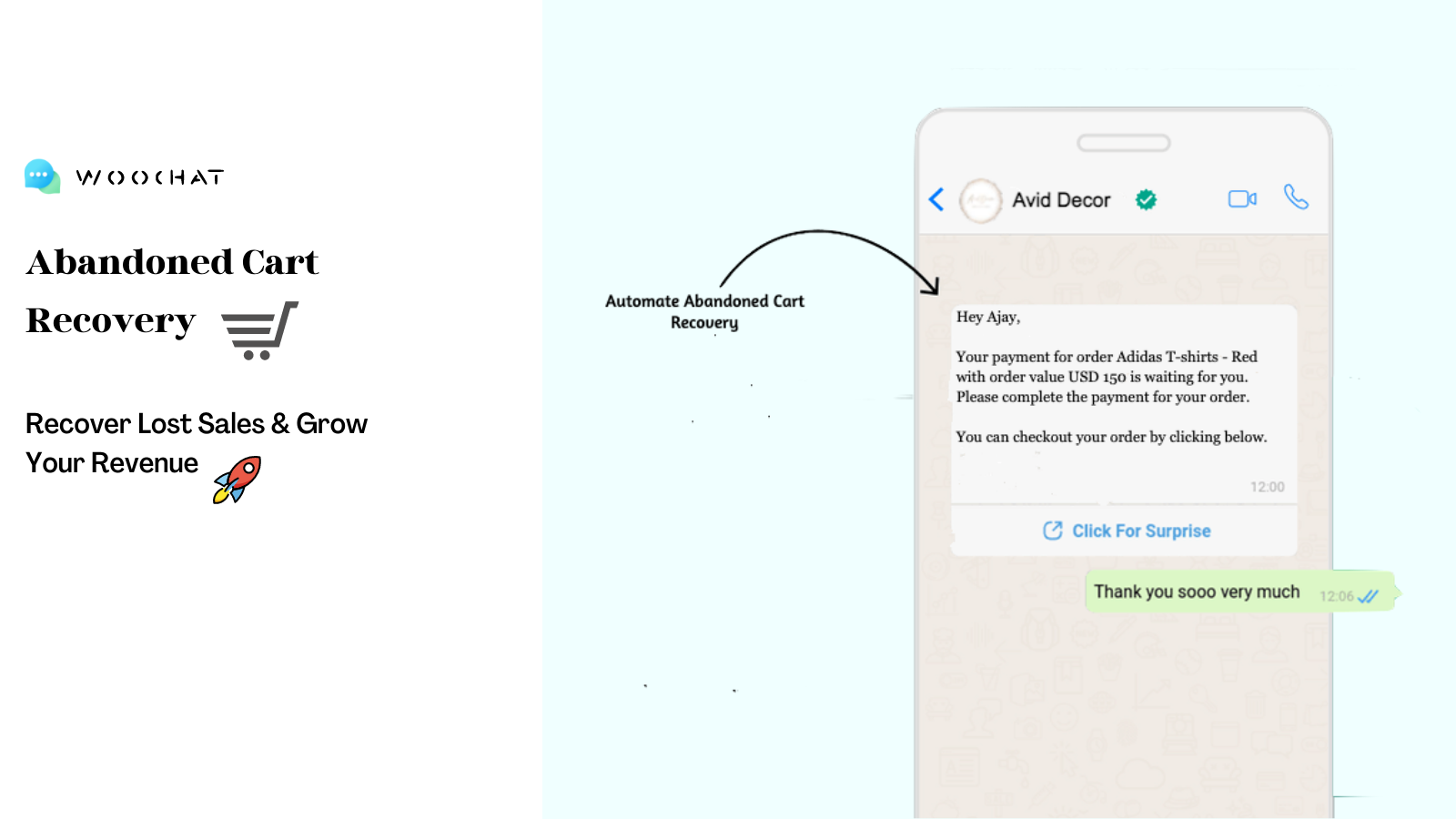
WooChat: WhatsApp-Powered Marketing Automation to Boost Conversions & Sales WooChat’s marketing automation leverages WhatsApp to drive sales growth and enhance customer retention - Recover lost sales by retargeting abandoned cart users and product viewers who haven’t added items to cart - Reduce returns by sending COD confirmation and prepaid conversion notifications - Deep sync with Shopify stores to build a recommendation engine for increased reorders - Boost revenue via timely reorder follow-ups to your customers - Convert conversations into sales with a shared inbox
Core Functionality
- Reach the right audience to achieve your revenue goals
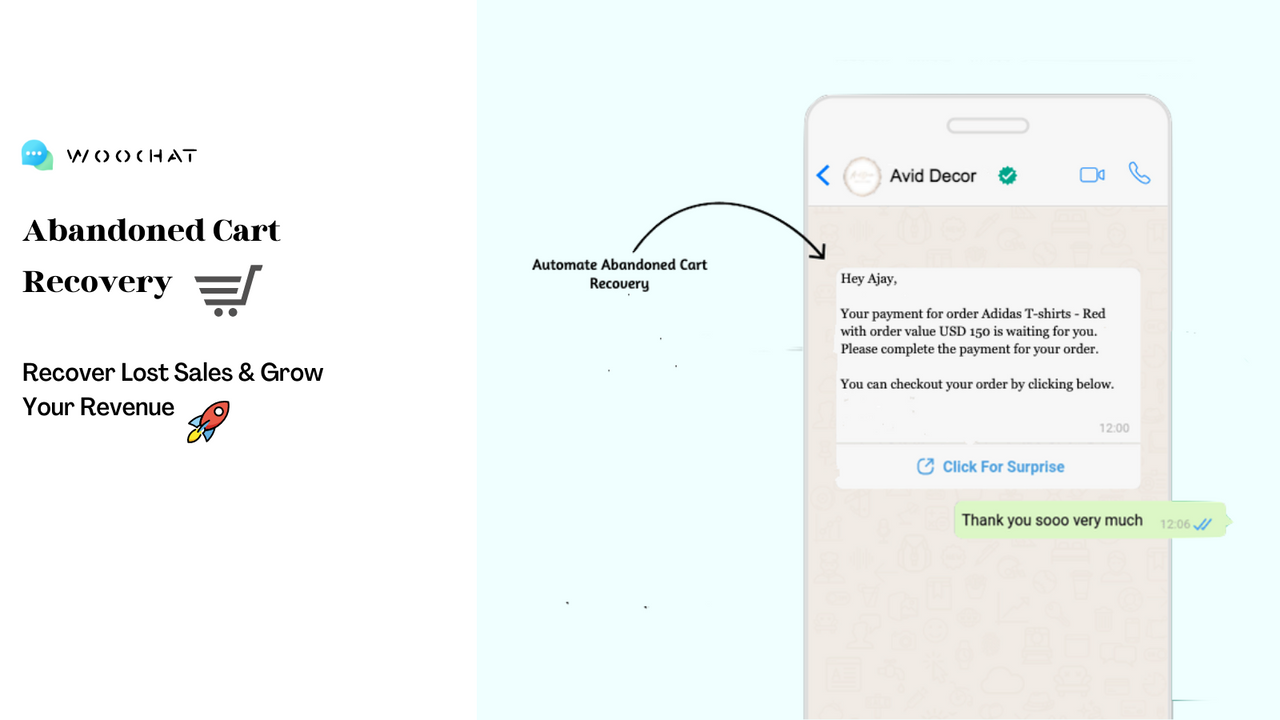
- Reduce cart abandonment and recover lost sales
- Grow your WhatsApp subscriber list with opt-in tools
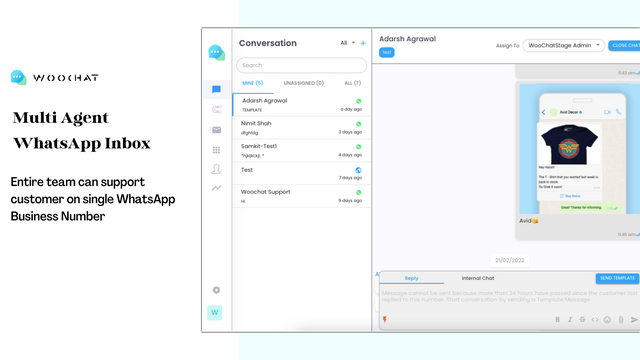
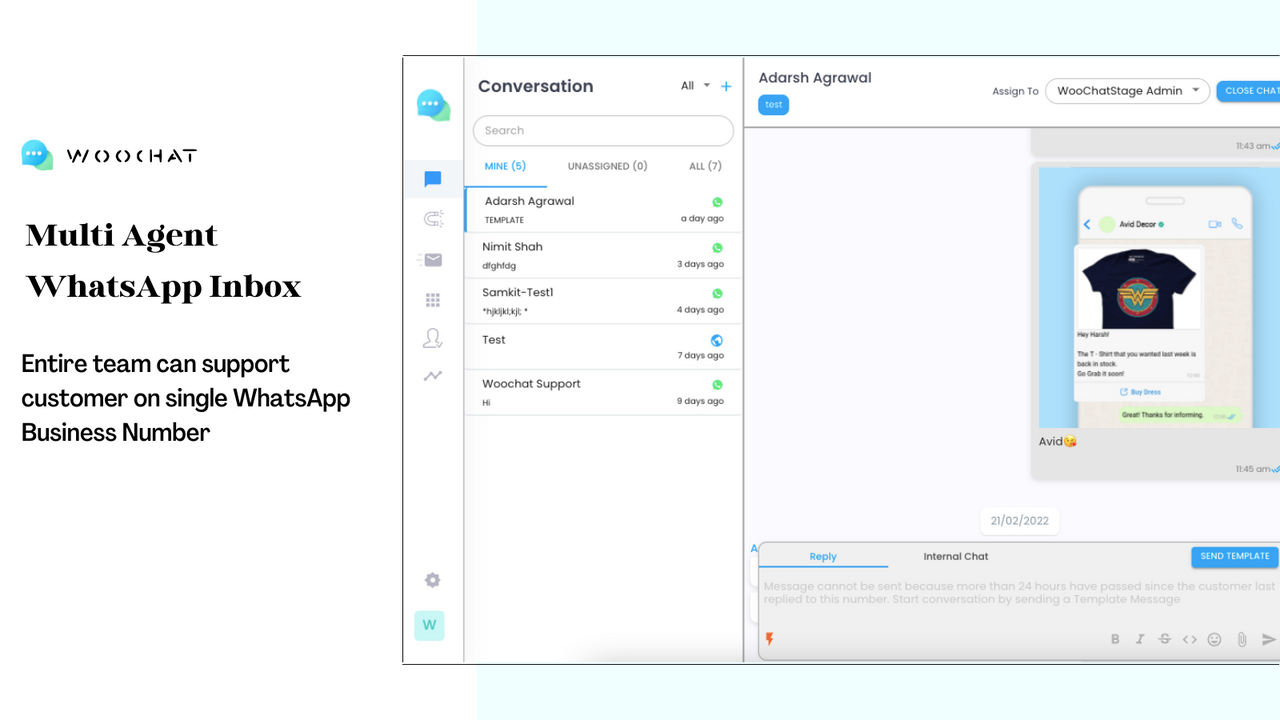
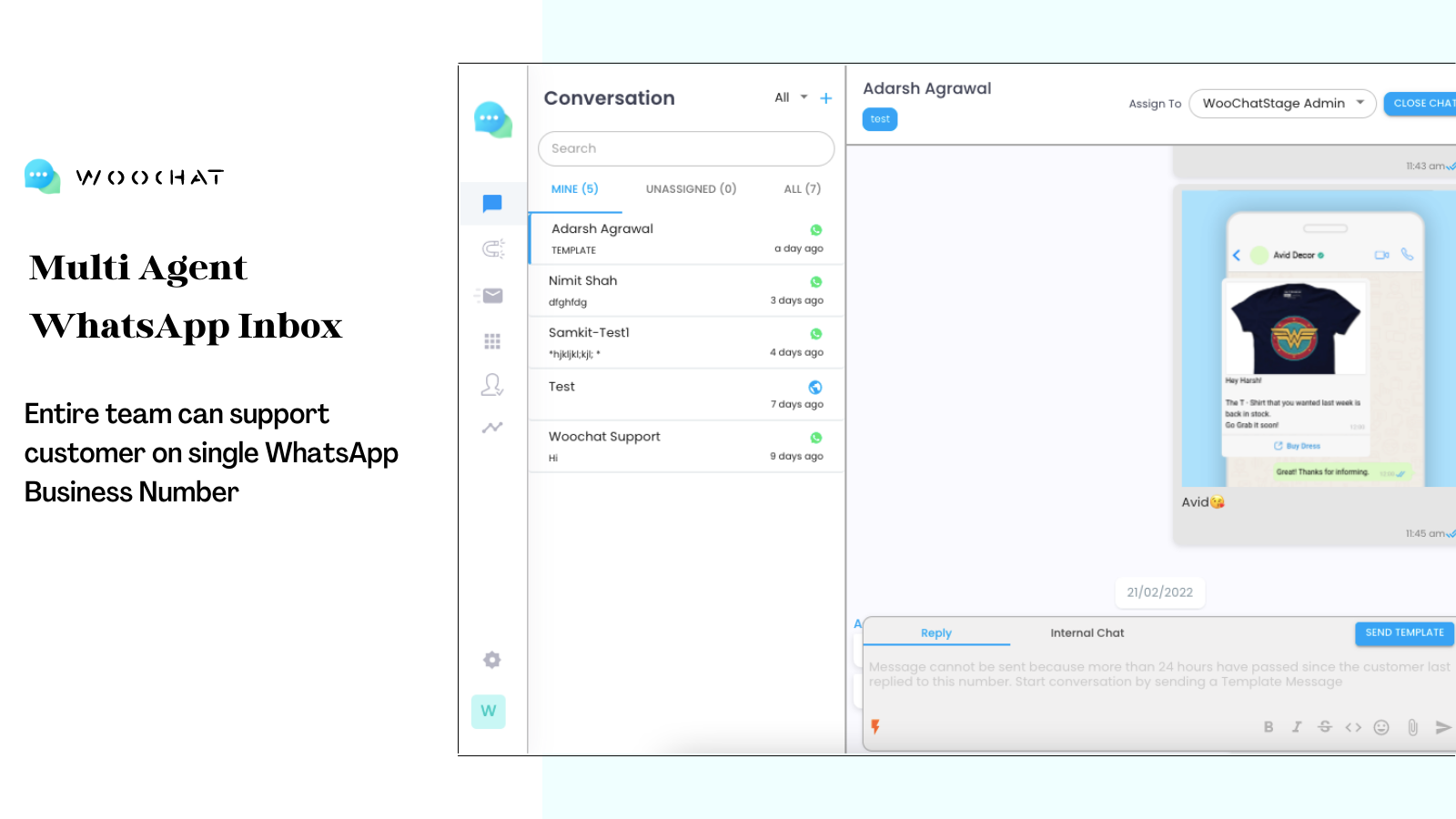
- Build a WhatsApp inbox designed to convert conversations into sales
- Monitor ROI with actionable data and sales tracking
Merchant-Friendly
- Independent Station Merchants
- Social E-commerce Merchants
- Small & Medium E-commerce Sellers
- Multi-channel Retail Merchants
Basic Information
- Developer:Klaimify Private Limited
- Address:Shop No 203, Grand Meridian, Rajgariya Complex, Station Road, Raipur, CG, 492001, IN
- Price: Free / Free plan
- Rating:5 / 5
- Comment Count:3 comment
- Release Date:2021-7-23
- Supported languages:English
- Compatible products:Shopify
Application Screenshot



Price Plan
免费
- WhatsApp Chat and Share Widget
- Automatic and Manual WA Messages
- Messages from WooChat Number
- Abandoned Cart Recovery
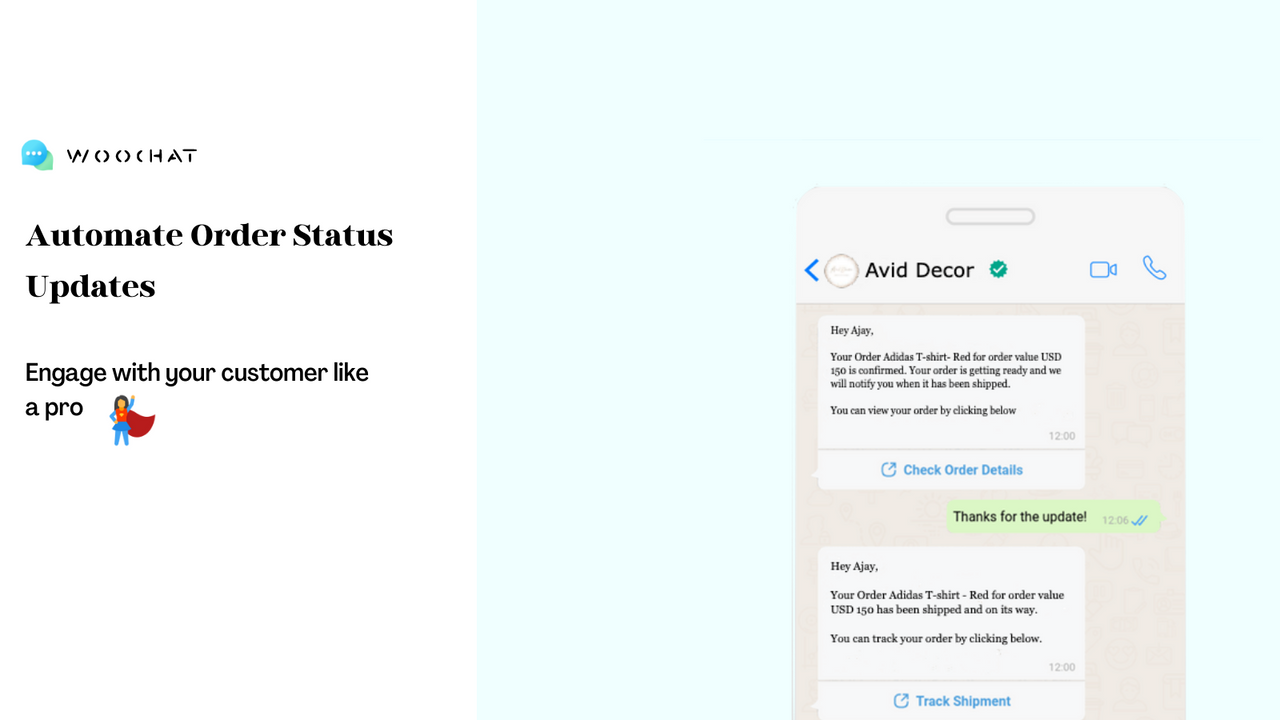
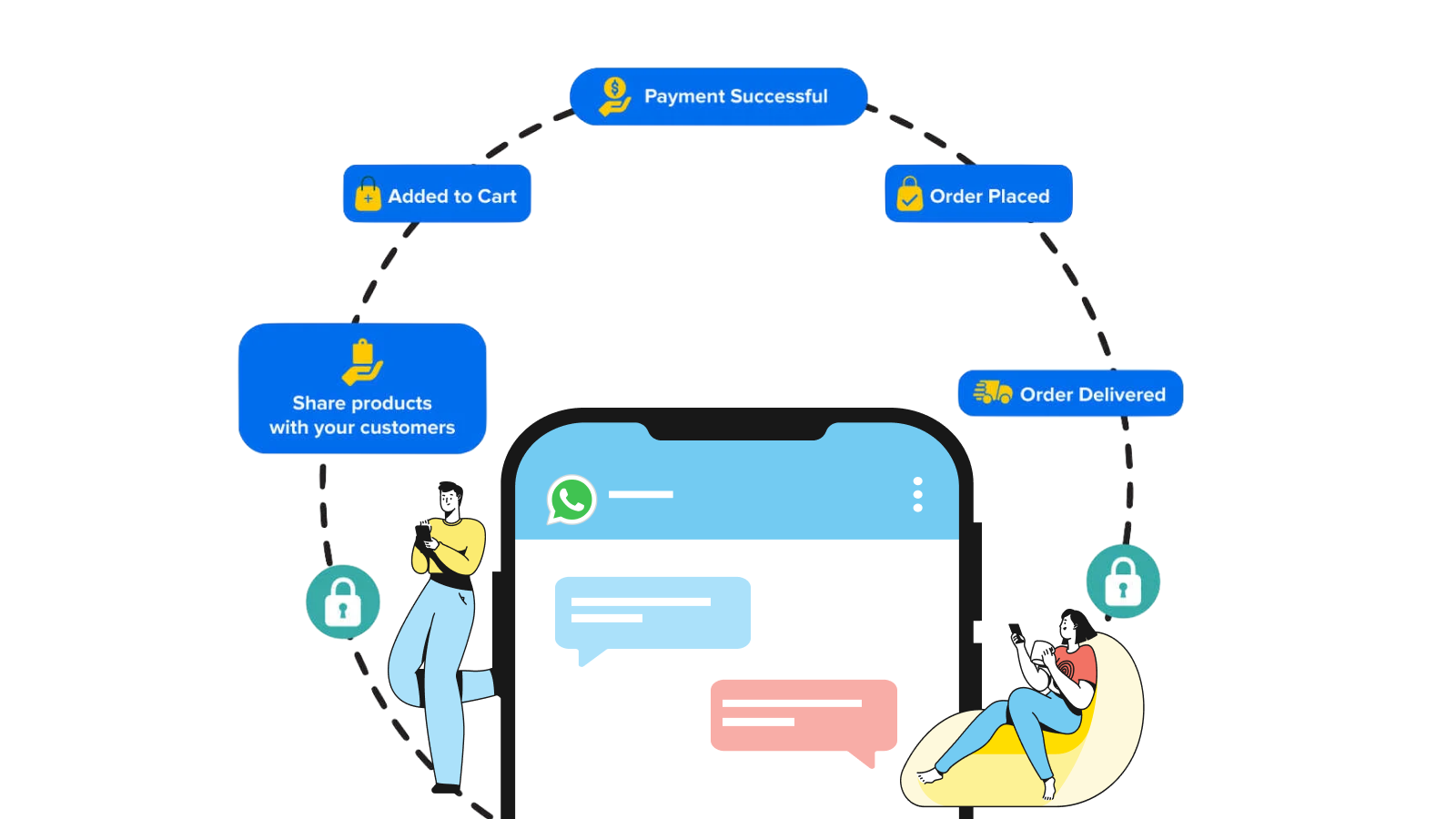
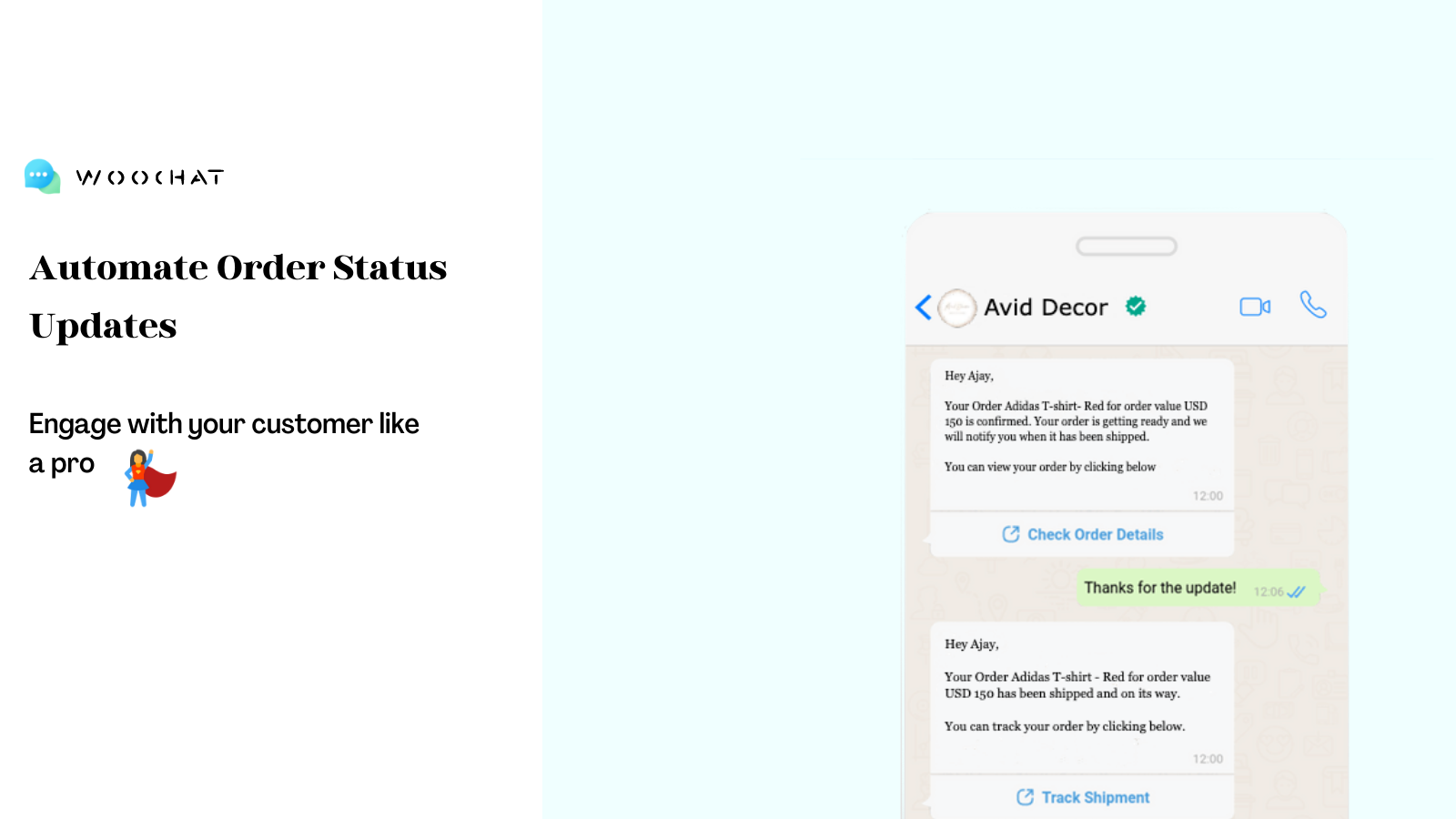
- Order Updates
- Shipment Tracking
- Cash on Delivery Confirmation
标准
- All Free Plan Features
- Unlimited Messages
- Messages from Your Number
- Unlimited Agents
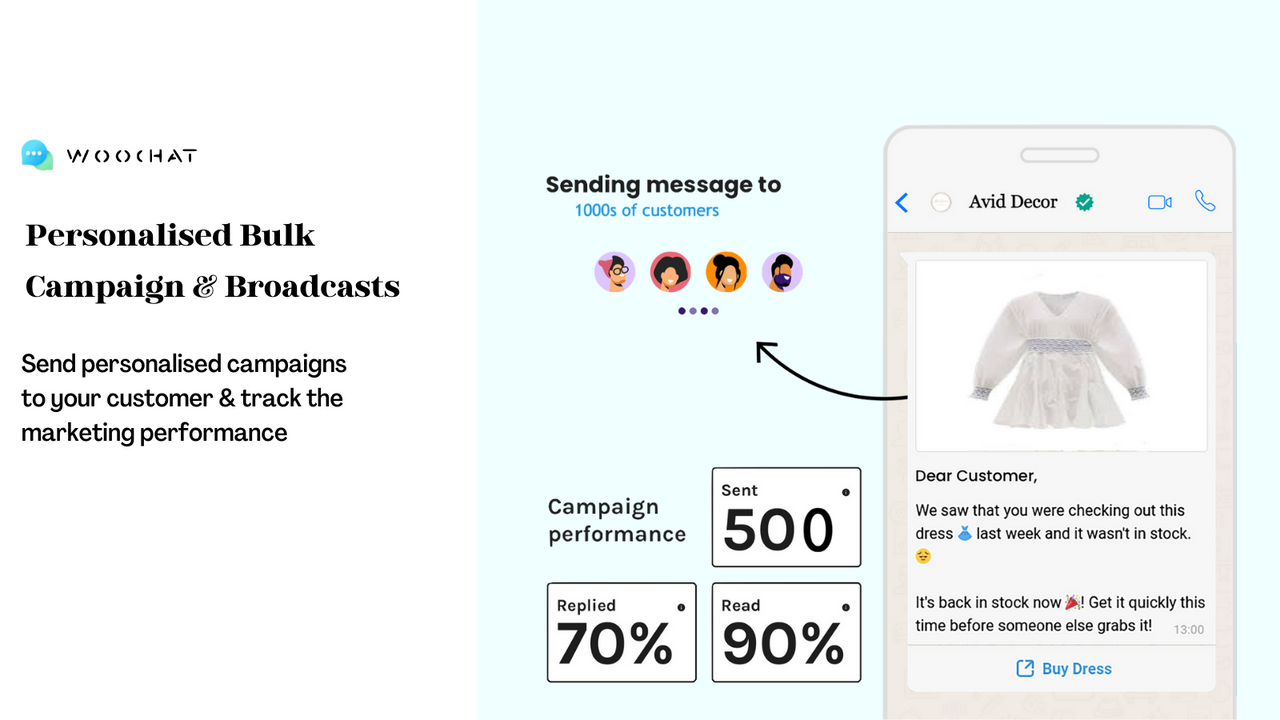
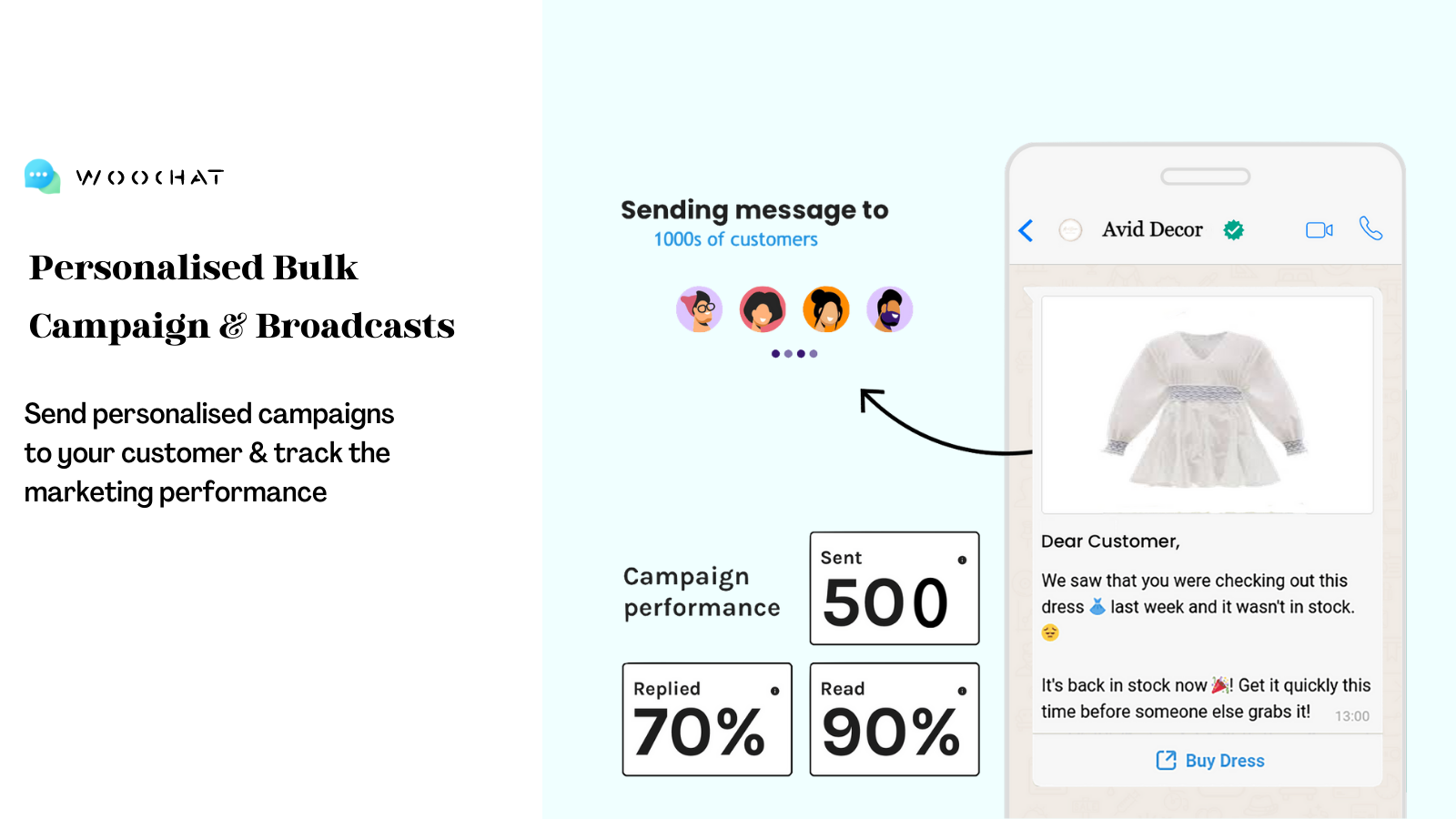
- Marketing Campaigns
- Analytics and Reporting
专业
- All Free Plan Features
- Unlimited Messages
- Messages from Your Number
- Unlimited Agents
- Marketing Campaigns
- Analytics and Reporting
企业
- All Free Plan Features
- Unlimited Messages
- Messages from Your Number
- Unlimited Agents
- Marketing Campaigns
- Analytics and Reports
User Location & Comments
User Location
Comments
Shopify API Used
- POST /admin/api/customers/segments.json
- GET /admin/api/customers/segments/{id}.json
- PUT /admin/api/customers/segments/{id}.json
Permission:write_customers,read_customers,manage_segments
- POST /admin/api/abandoned_checkouts/recoveries.json
- GET /admin/api/abandoned_checkouts.json
- PUT /admin/api/abandoned_checkouts/{id}/recovery.json
Permission:write_checkouts,read_checkouts,manage_orders
- POST /admin/api/customers/attributes.json
- GET /admin/api/customers/{id}.json
- PUT /admin/api/customers/{id}/tags.json
Permission:write_customers,read_customers,manage_subscriptions
- POST /admin/api/messages/whatsapp.json
- GET /admin/api/conversations/whatsapp.json
- PUT /admin/api/messages/whatsapp/{id}/status.json
Permission:write_messages,read_conversations,manage_orders
- GET /admin/api/reports/roi.json
- GET /admin/api/analytics/sales.json
- GET /admin/api/analytics/customers.json
Permission:read_analytics,read_reports,manage_orders



