Wipeout Hide out of stock
App Introduction
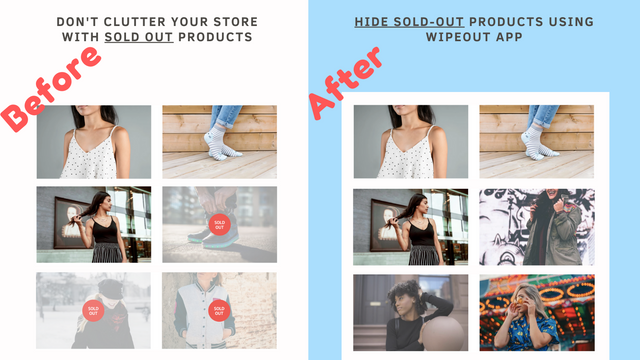
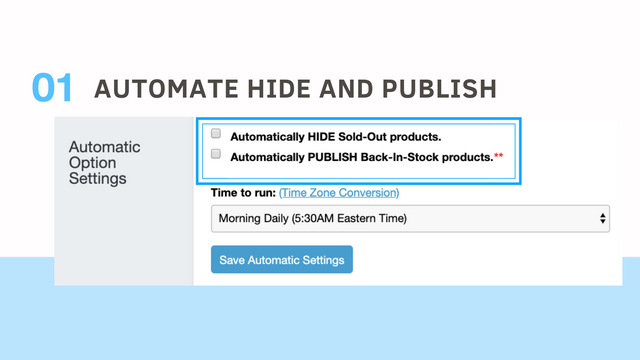
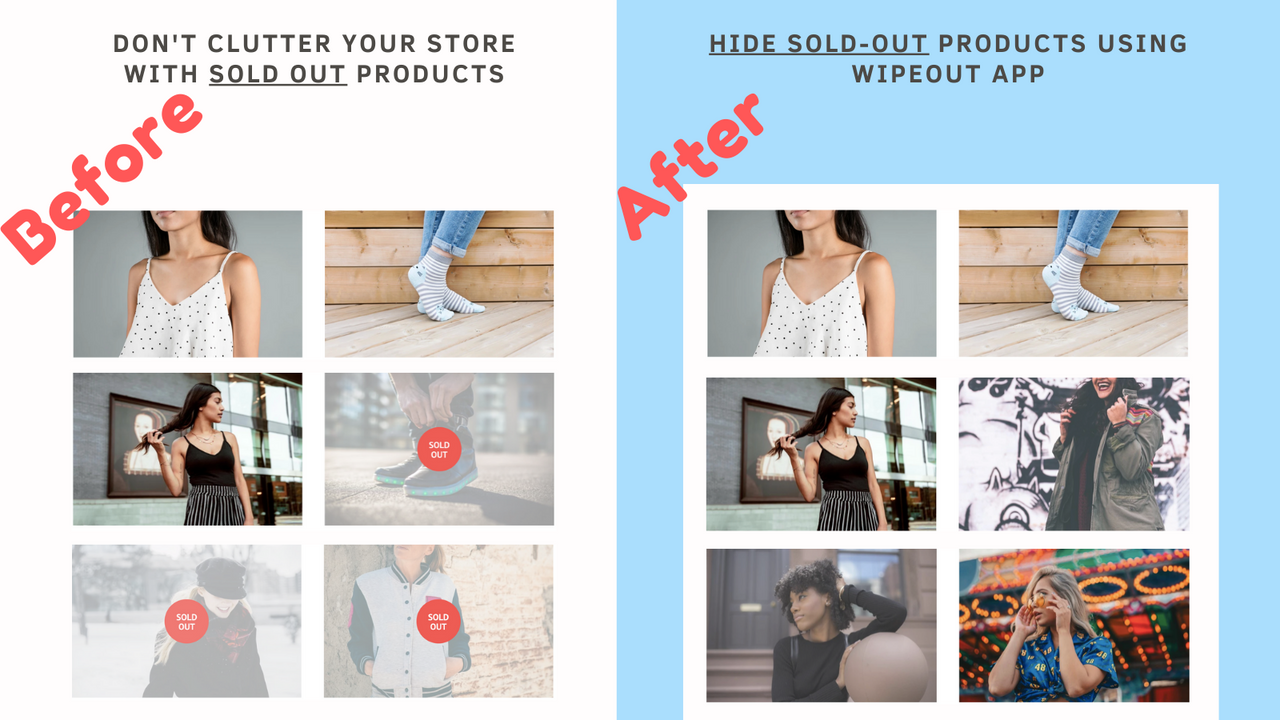
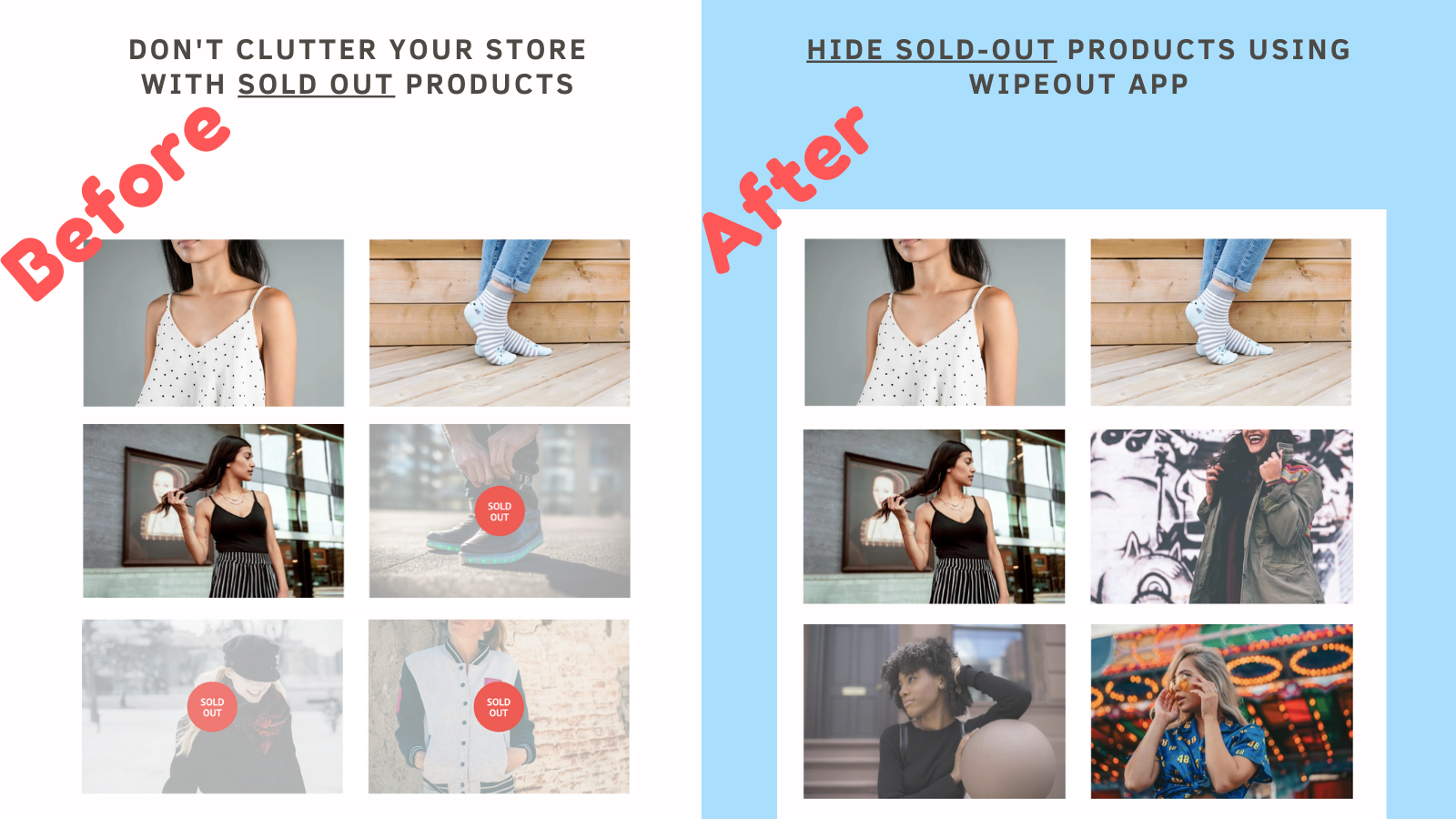
Automatically Hide Sold-Out Products & Publish Restocked Items – Boost Conversion Rates & Save Time Displaying sold-out products clogs up your store. With Wipeout, make shopping more enjoyable and drive more sales. Wipeout scans your online store daily and hides any sold-out products. Items hidden by the app will no longer be visible to customers in your online store or collections. When sold-out products are back in stock, Wipeout automatically publishes them to your store. Install the app now – we’re with you every step of the way.
Core Functionality
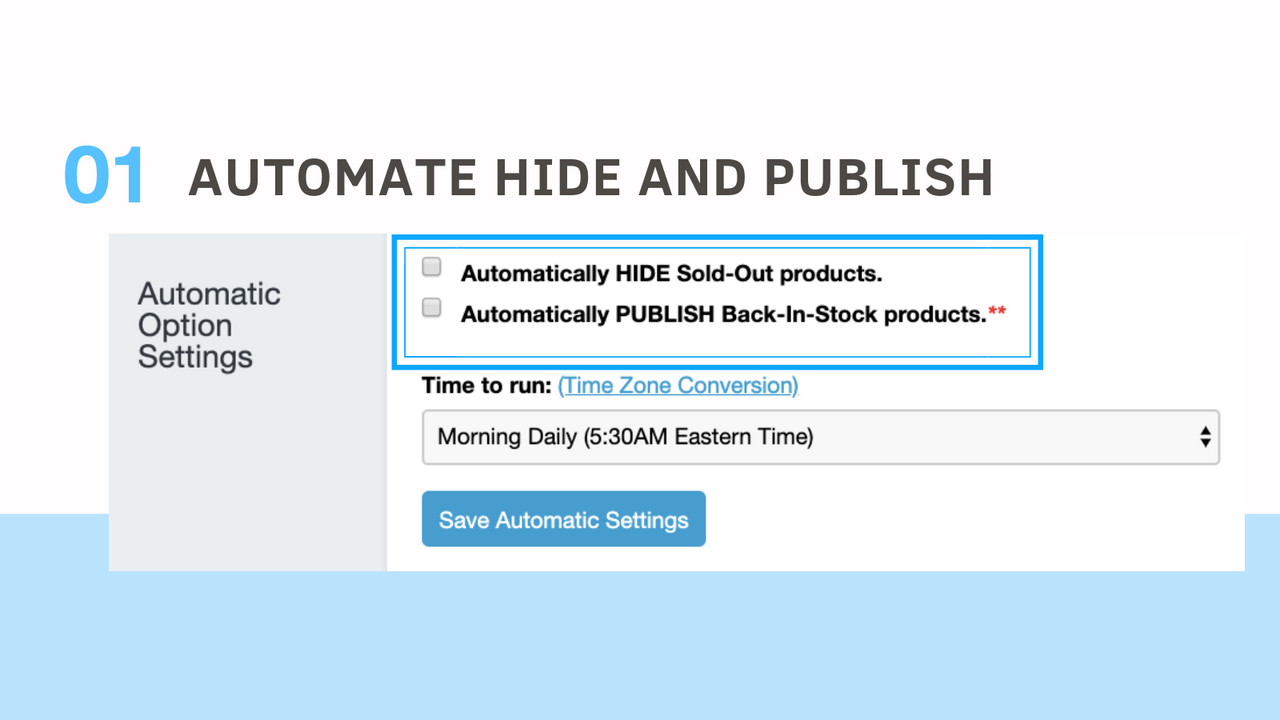
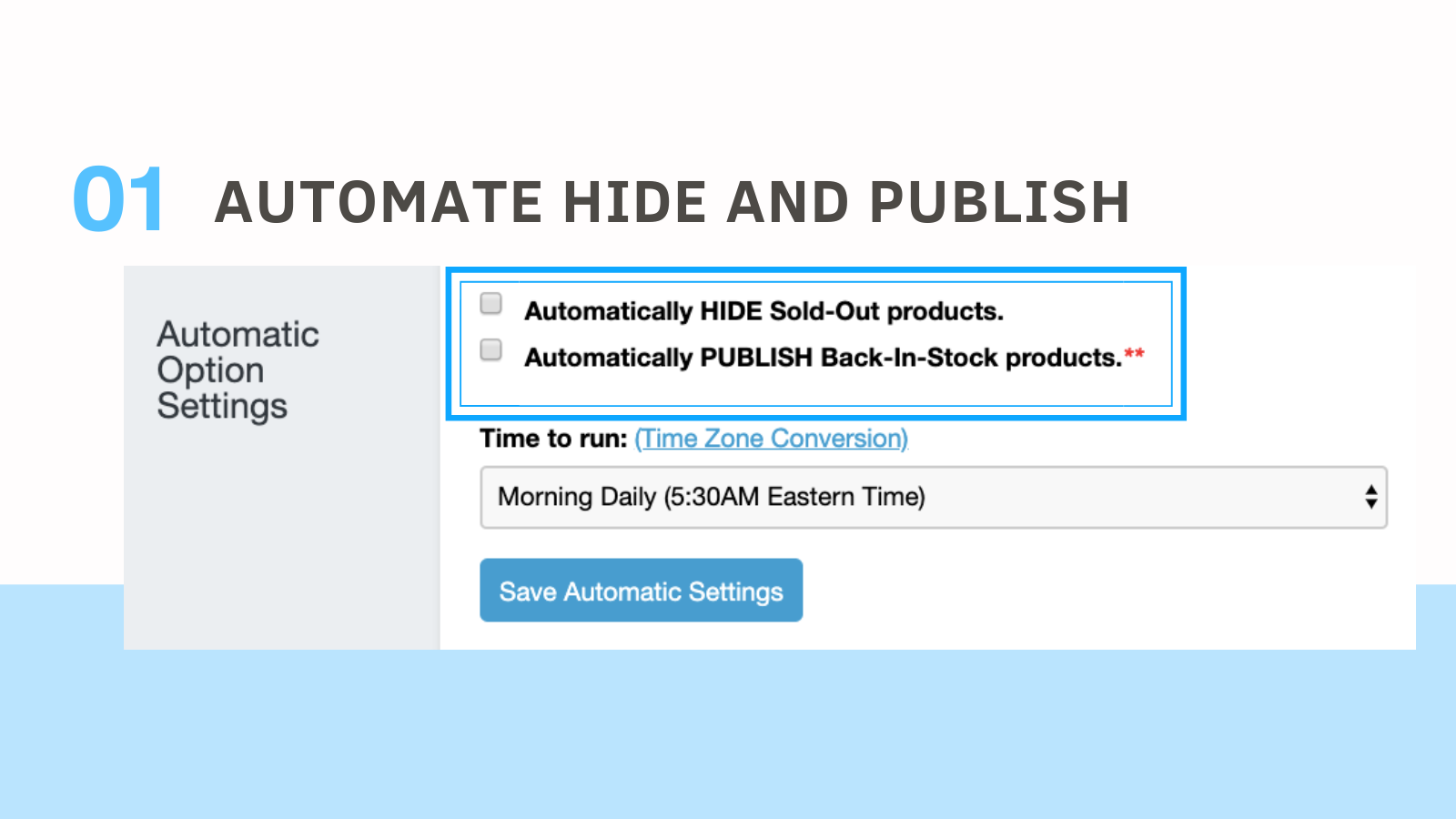
- Auto-hide sold-out products
- Auto-publish restocked products
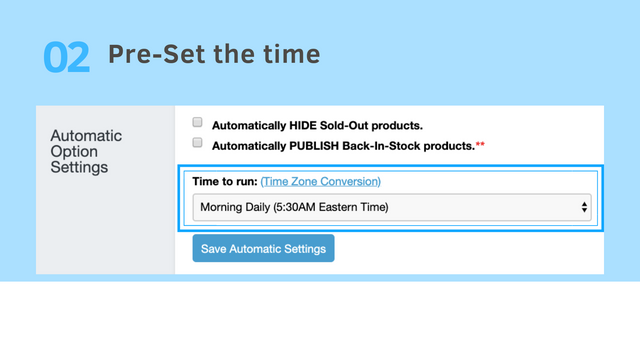
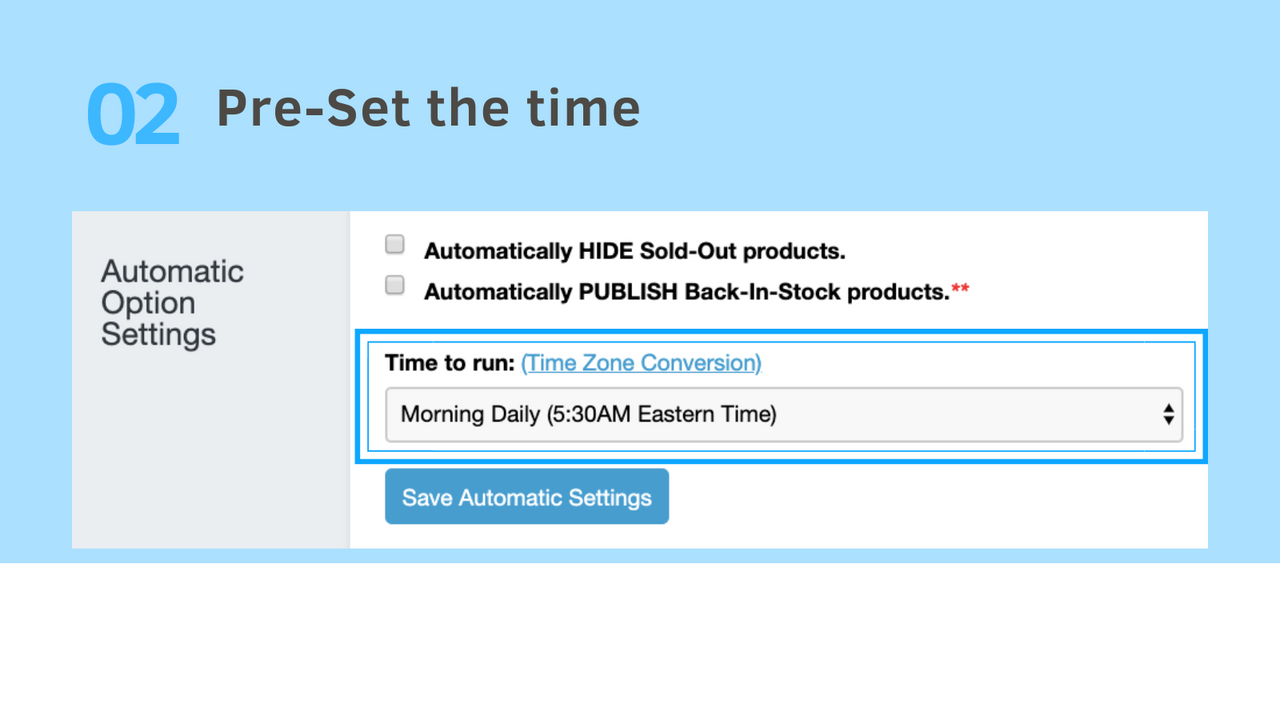
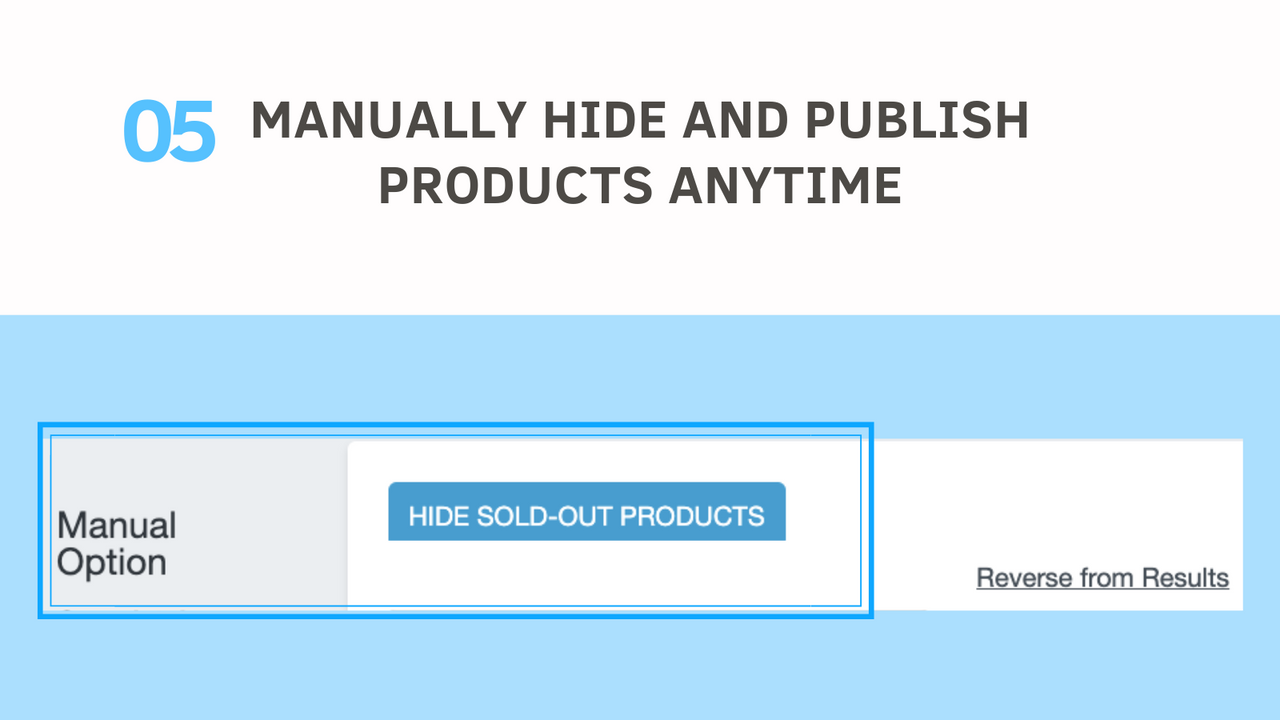
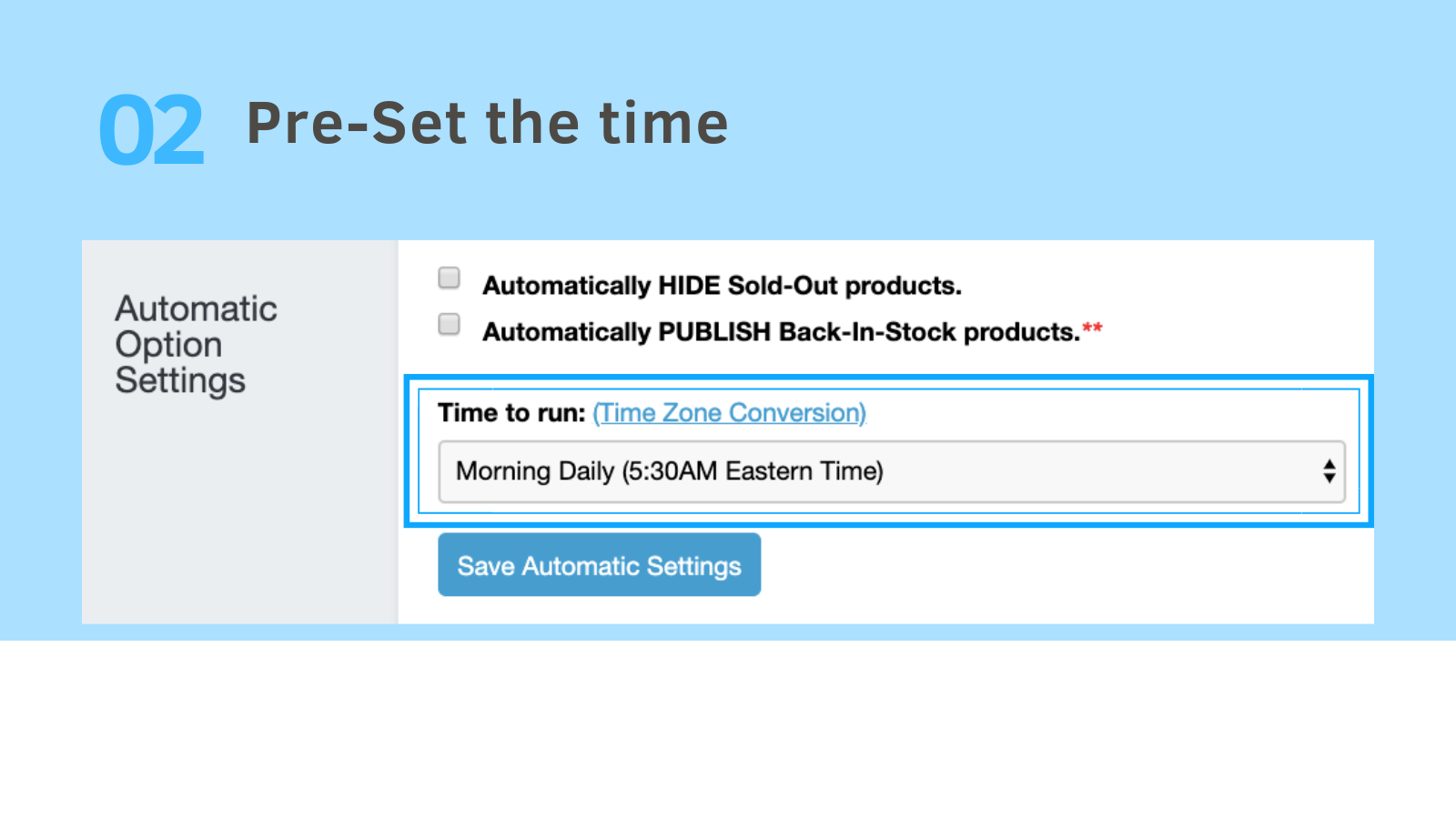
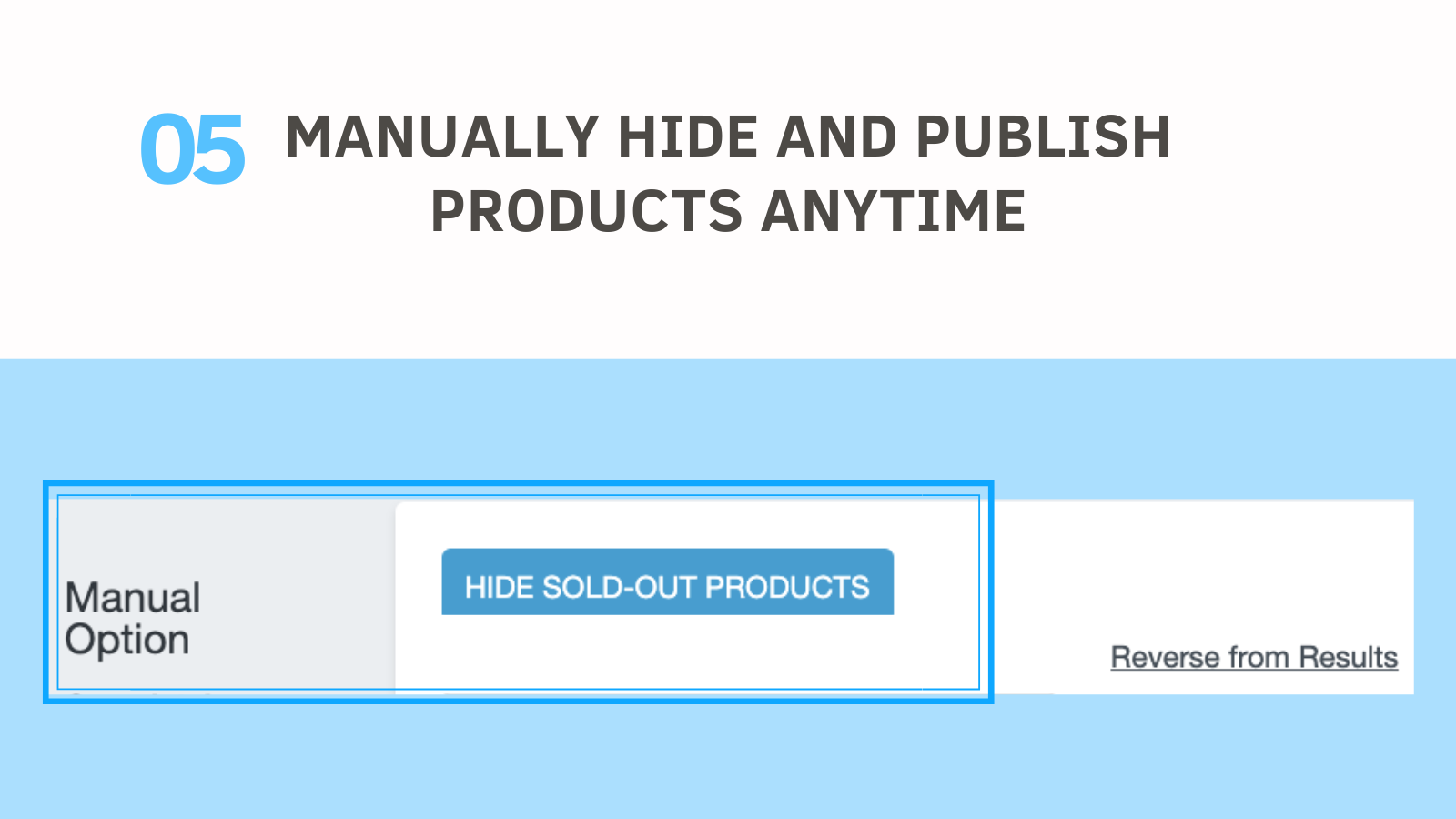
- Schedule auto-hide and publish, or manually hide and publish at any time
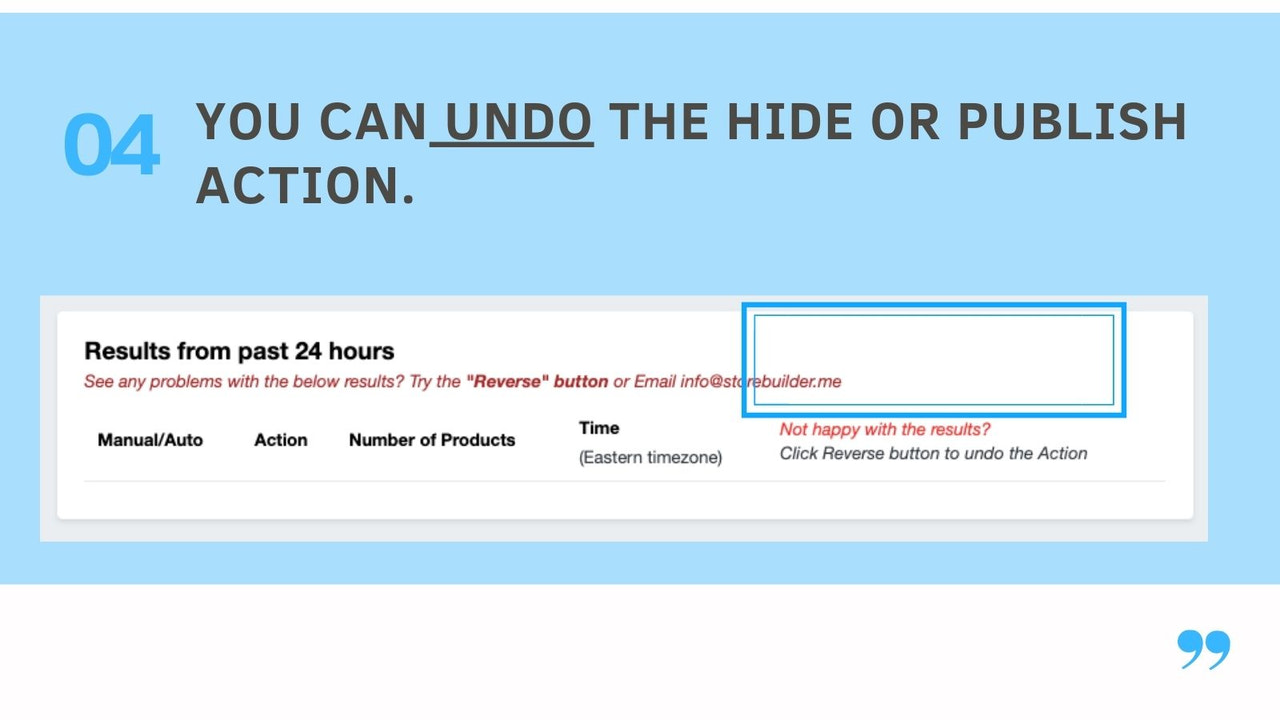
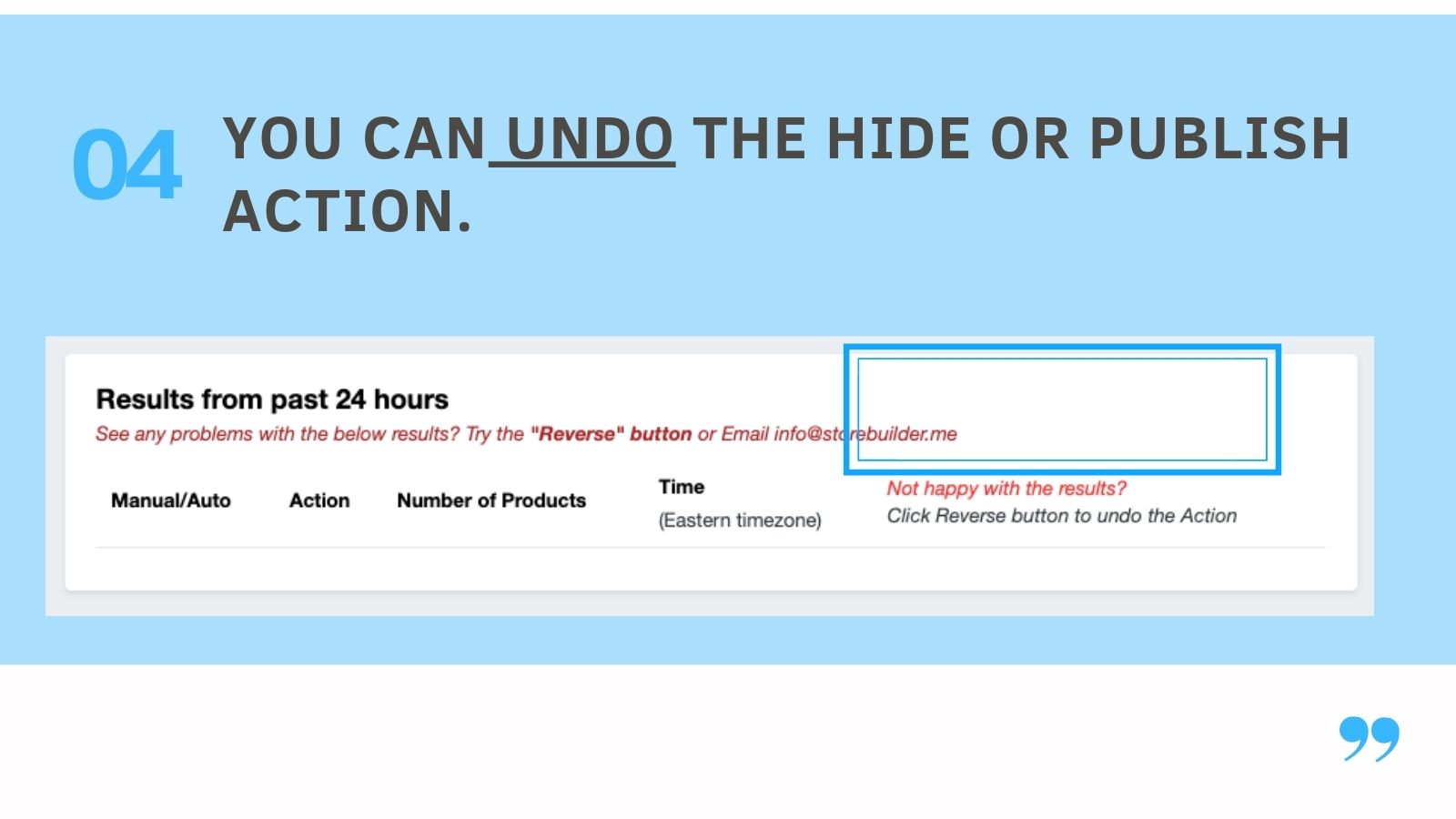
- Reverse hide or publish. If you're unsatisfied with the result, you can undo it within 24 hours
- Bulk exclude products
Merchant-Friendly
- Independent Station Merchants
- Fast-moving Consumer Goods E-commerce
- Multi-category Retailers
- Small and Micro Merchants
Basic Information
- Developer:StoreBuilder
- Address:440 N BARRANCA AVE #3243, Covina, CA, 91723, US
- Price: Free / Free plan
- Rating:4.9 / 5
- Comment Count:53 comment
- Release Date:2013-12-9
- Supported languages:English
- Compatible products:Shopify
Application Screenshot


Price Plan
Manual Option
Automatic
- Up to 100 active products
- Auto-hide and publish daily
- Daily email
- Bulk exclude products
- Reverse within 24 hours
- Multiple locations
Automatic
- Up to 5000 active products
- Automatic hiding and publishing daily
- Daily email
- Bulk exclude products
- Reverse within 24 hours
- Multiple locations
Automatic
- Up to 10,00 active products
- Automatic hiding and publishing daily
- Daily email
- Bulk exclude products
- Reverse within 24 hours
- Multiple locations
User Location & Comments
User Location
Comments
Shopify API Used
- POST /admin/api/products/hide.json
- PUT /admin/api/products/{product_id}/status.json
- GET /admin/api/products.json?status=sold_out
Permission:write_products,read_products,manage_inventory
- POST /admin/api/products/publish.json
- PUT /admin/api/products/{product_id}/status.json
- GET /admin/api/products.json?status=restocked
Permission:write_products,read_products,manage_inventory
- POST /admin/api/products/schedule.json
- PUT /admin/api/products/schedule/{id}.json
- GET /admin/api/products/schedule.json
Permission:write_products,read_products,manage_scheduling
- POST /admin/api/products/bulk_exclude.json
- PUT /admin/api/products/bulk_update.json
- GET /admin/api/products.json?tag=exclude
Permission:write_products,read_products,manage_tags
- POST /admin/api/products/undo.json
- PUT /admin/api/products/{id}/restore.json
- GET /admin/api/products/history.json
Permission:write_products,read_products,manage_undo