
App Introduction
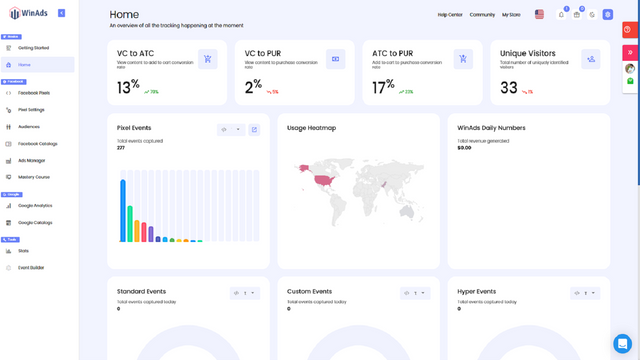
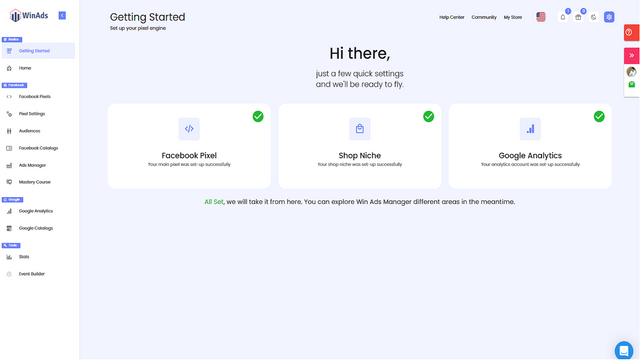
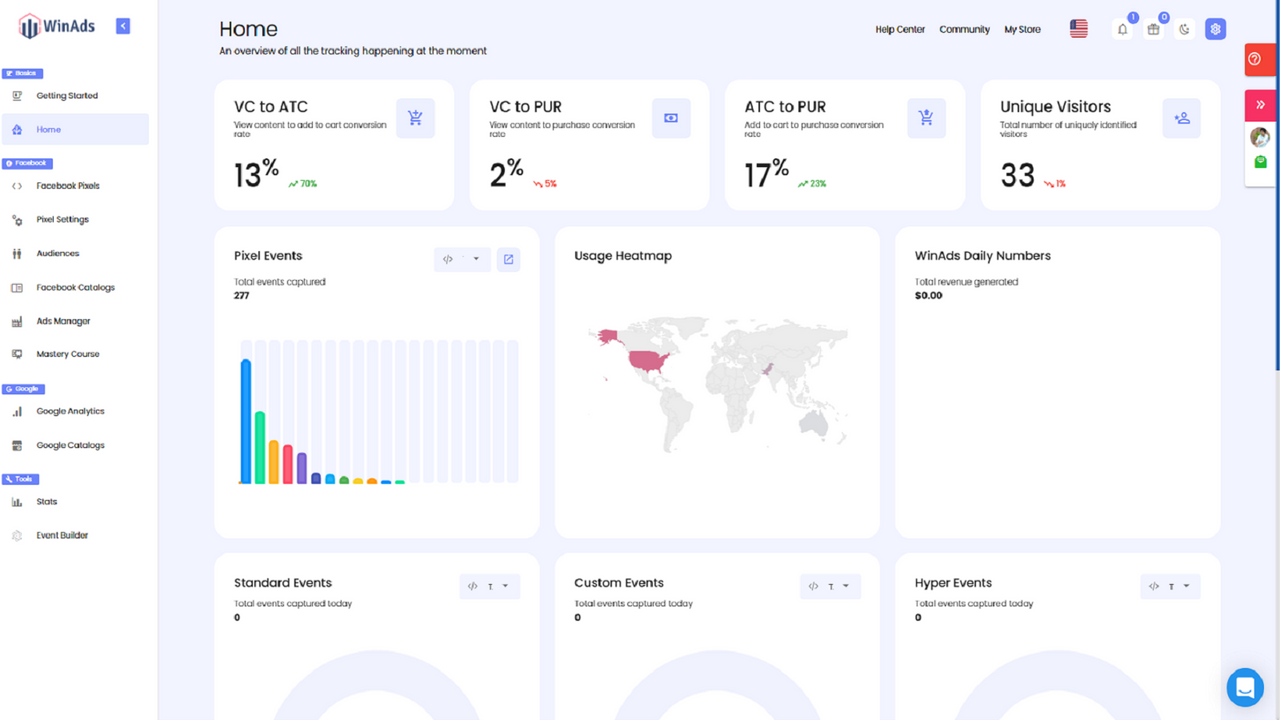
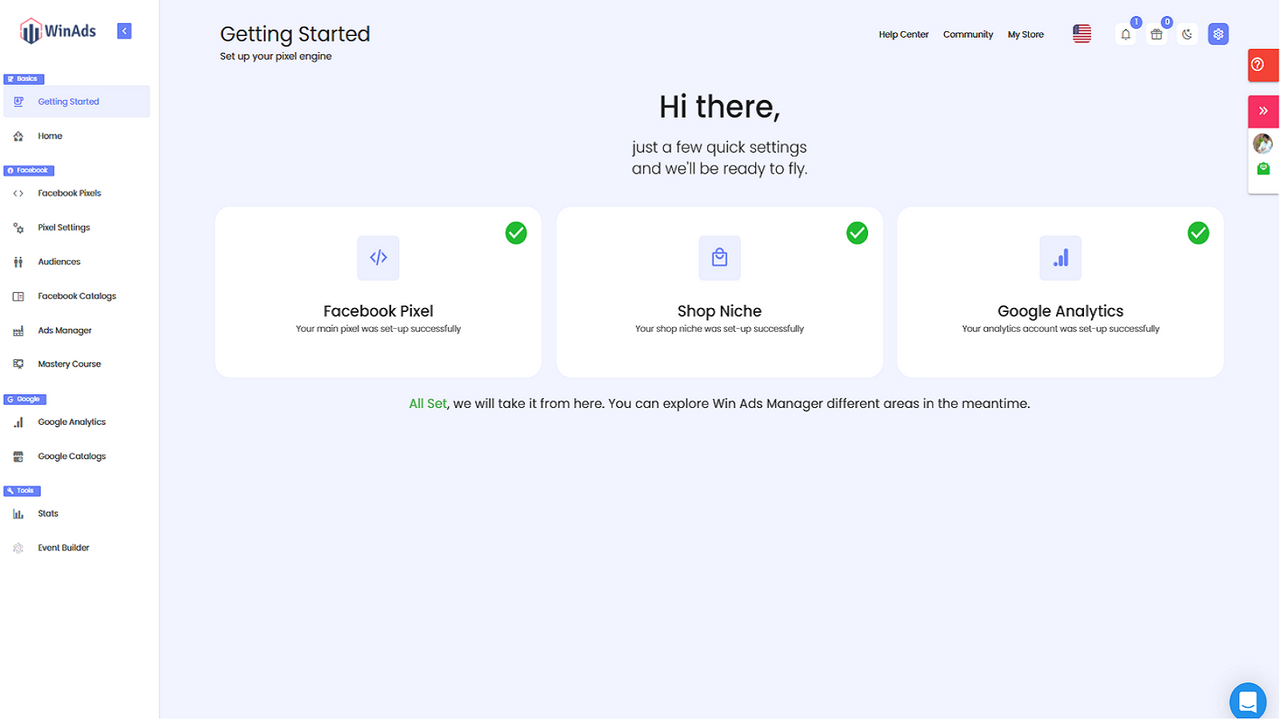
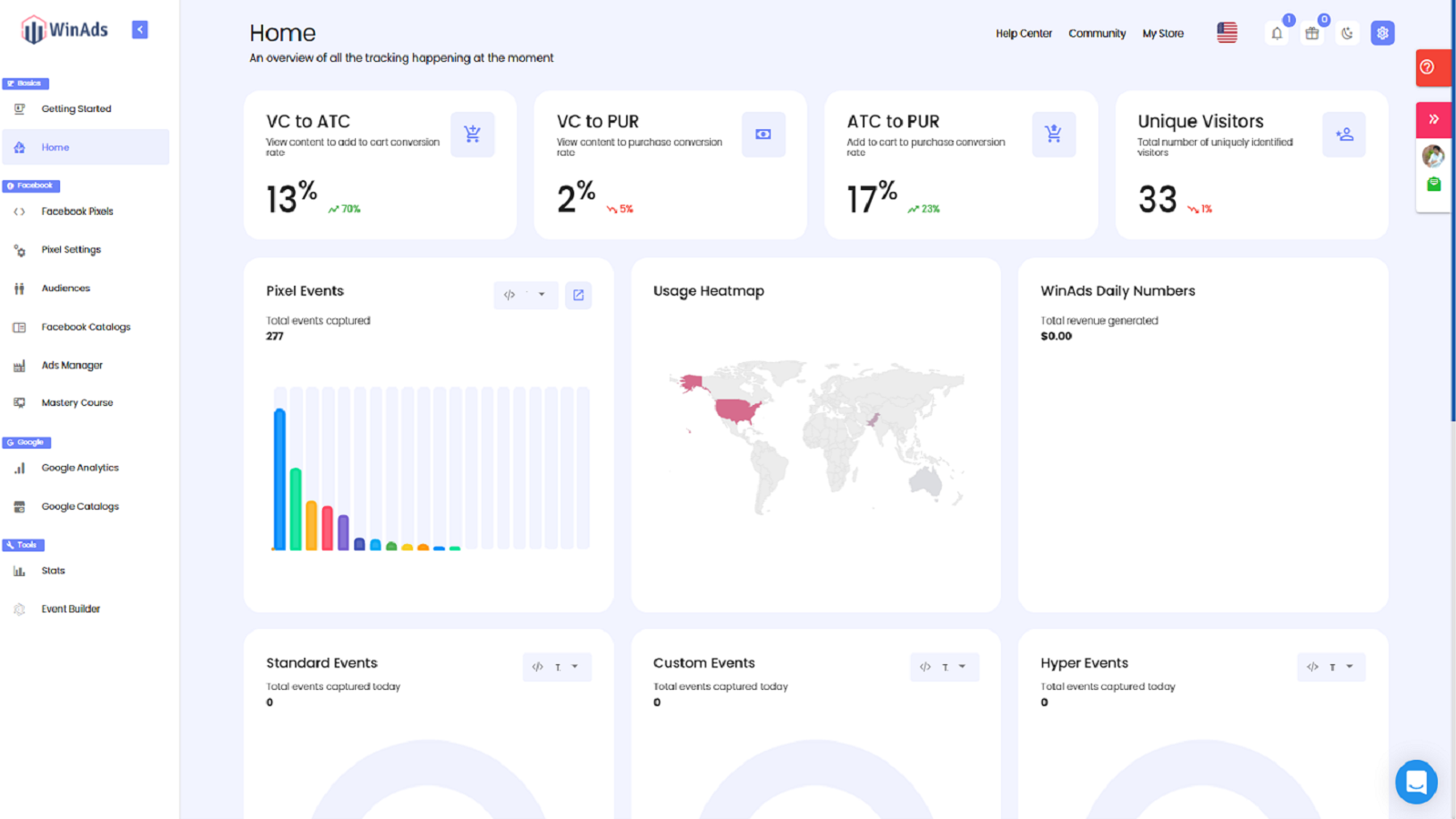
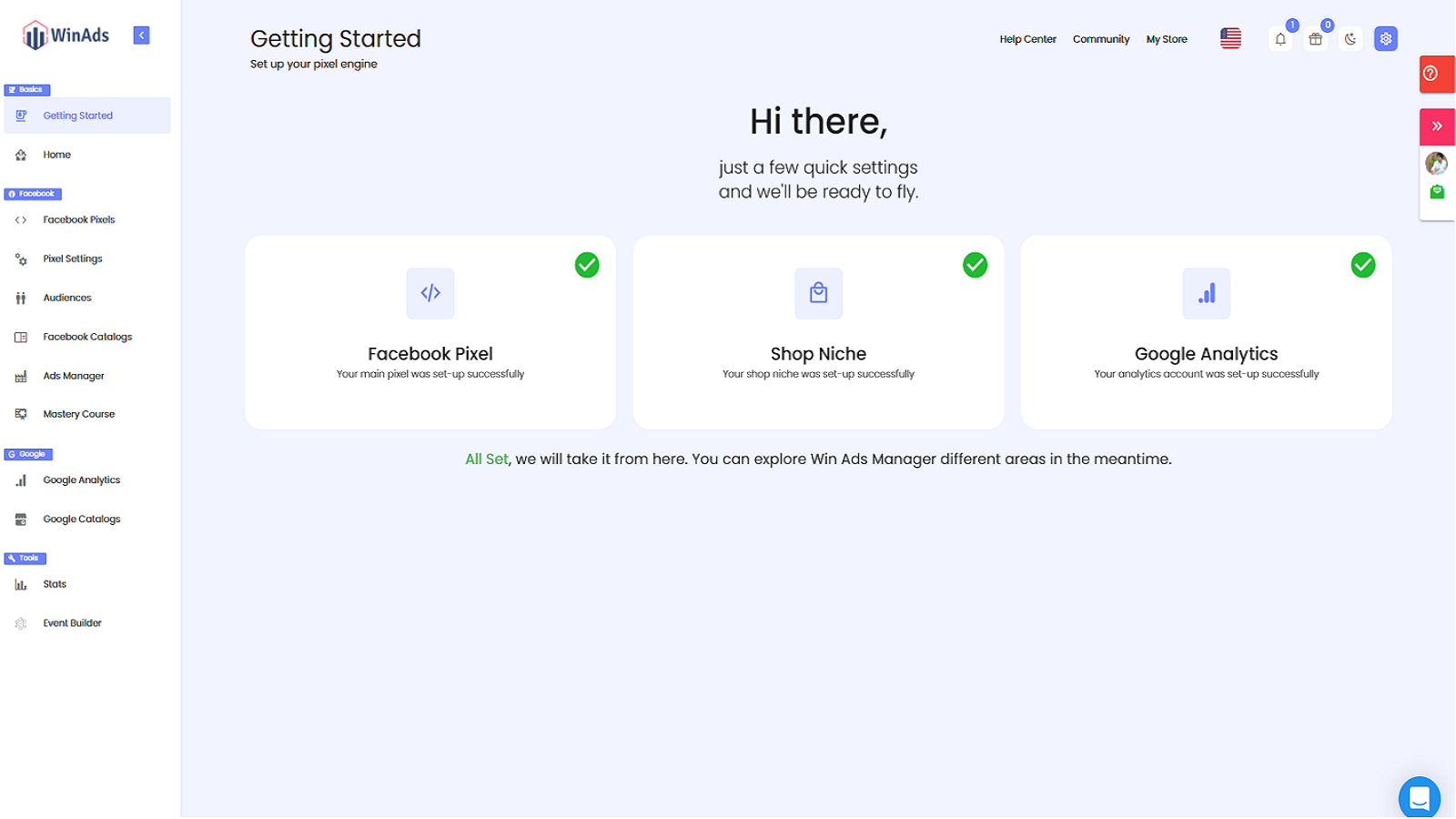
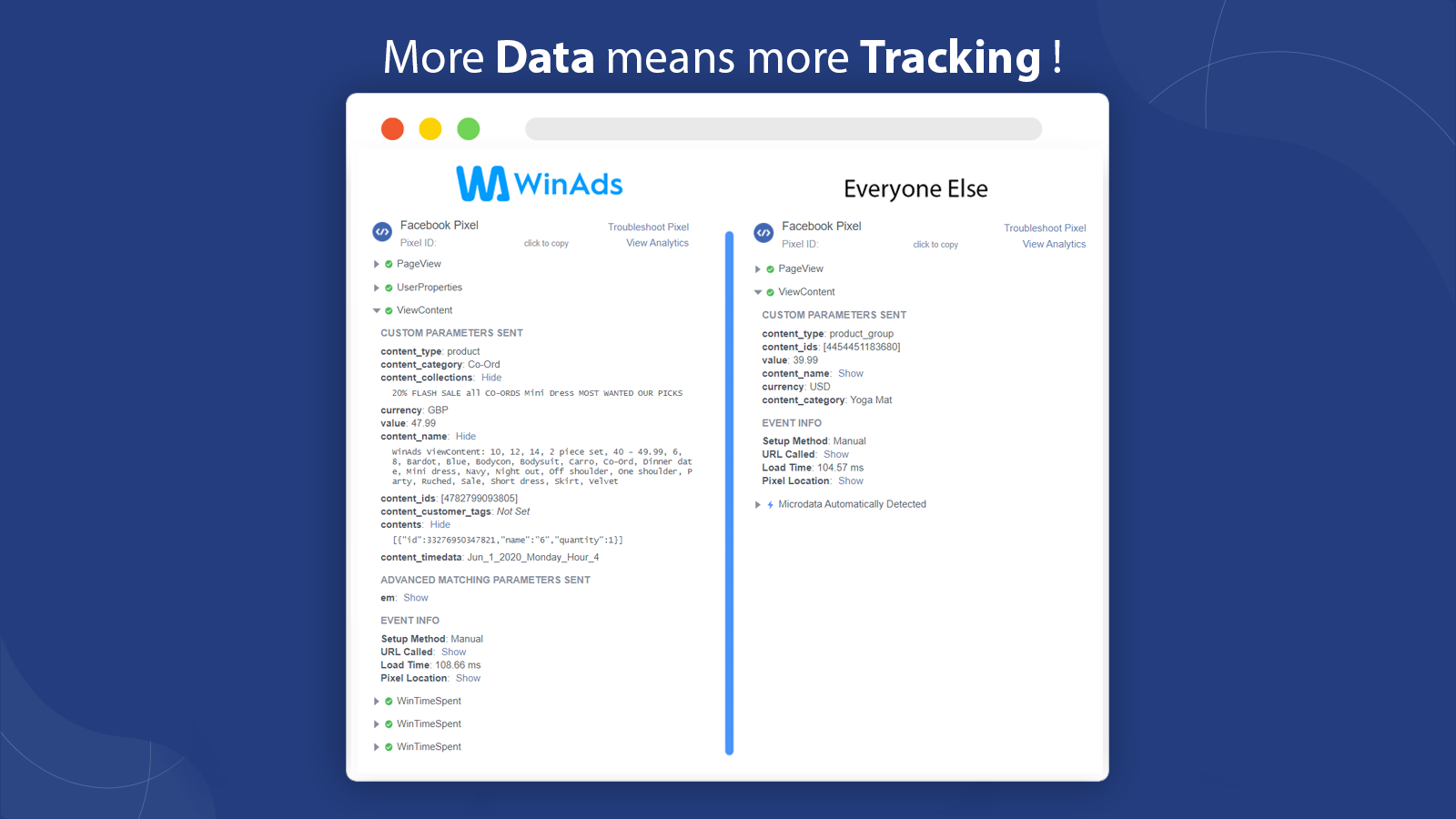
WinAds helps merchants track their Facebook, Snapchat, TikTok, and Instagram data via pixels. WinAds is for everyone—whether you’re a store owner or a marketing agency, you can benefit from it. Before WinAds, tracking pixels across all these social platforms (Facebook, Instagram, TikTok, Snapchat) in one place, plus managing your catalog and audience creation, was never this easy. It offers merchants e-commerce-specific super events that no other app provides. Create and manage catalogs for all social platforms in a single hub.
Core Functionality
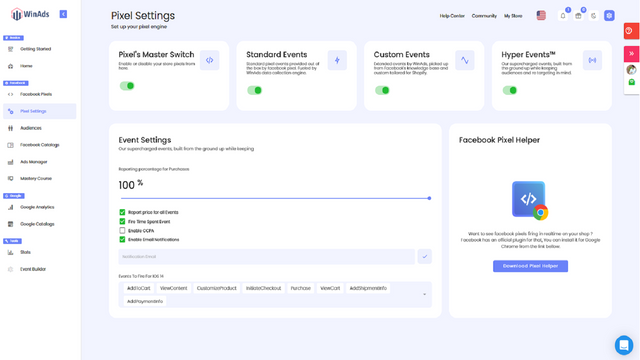
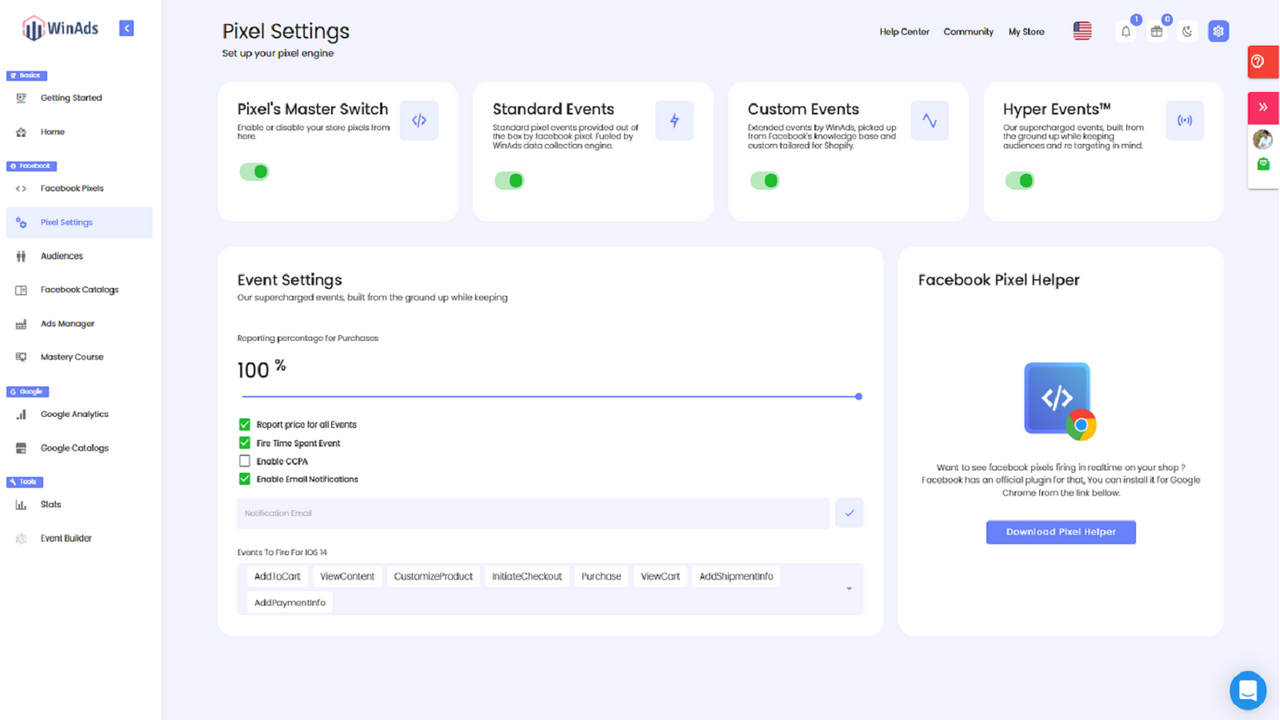
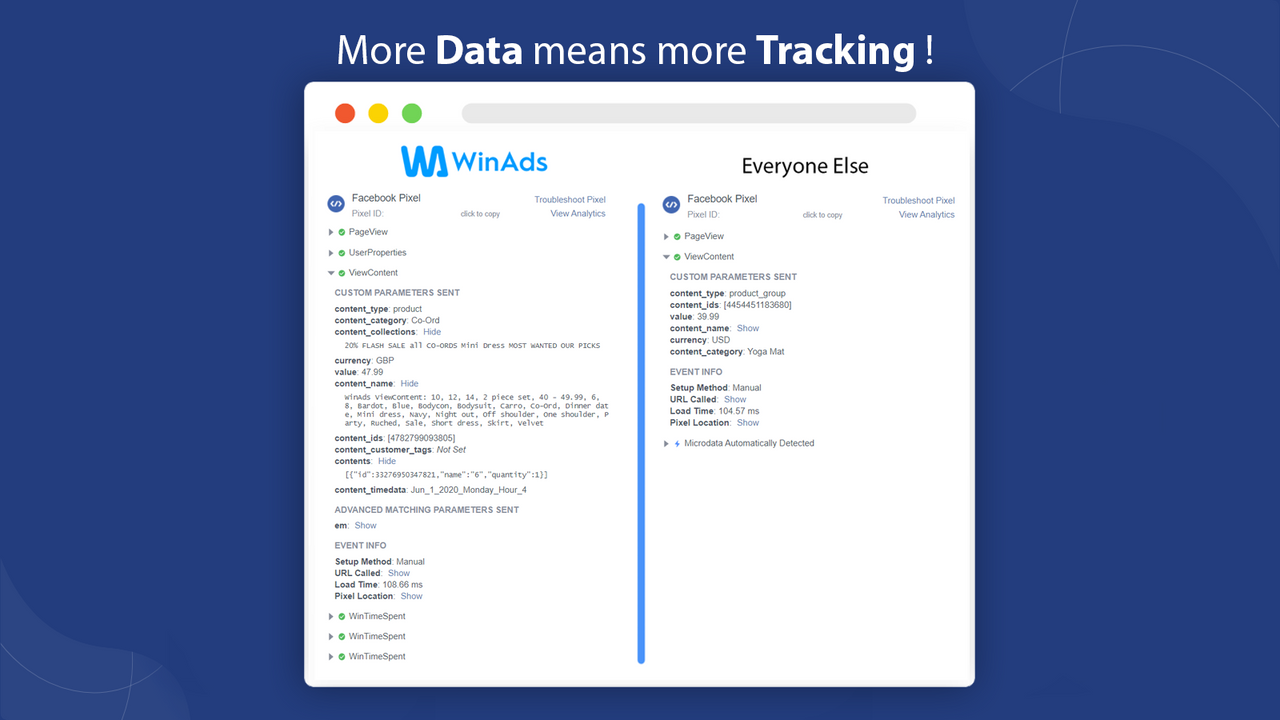
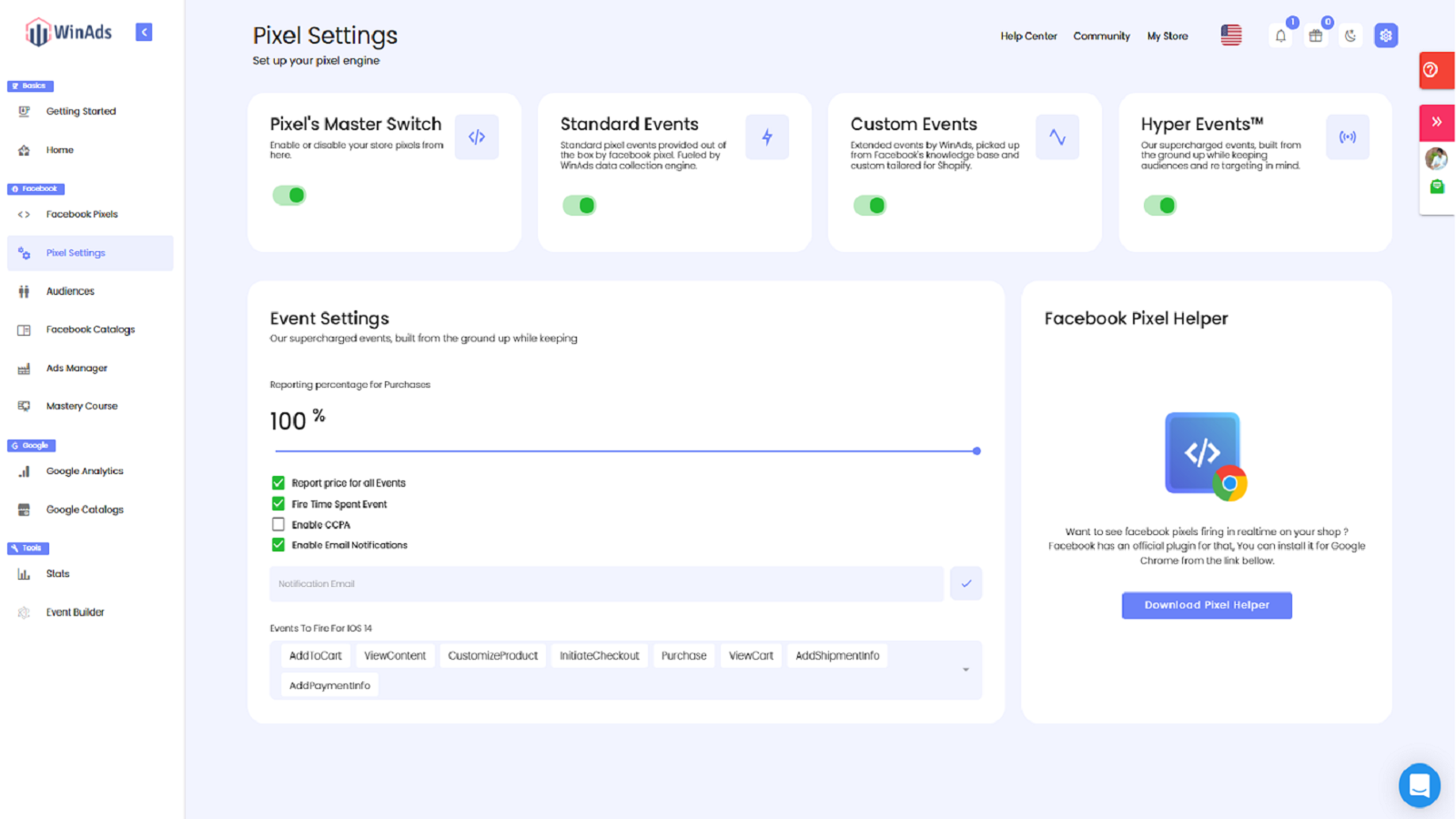
- Super pixel events help users handle e-commerce-specific custom events.
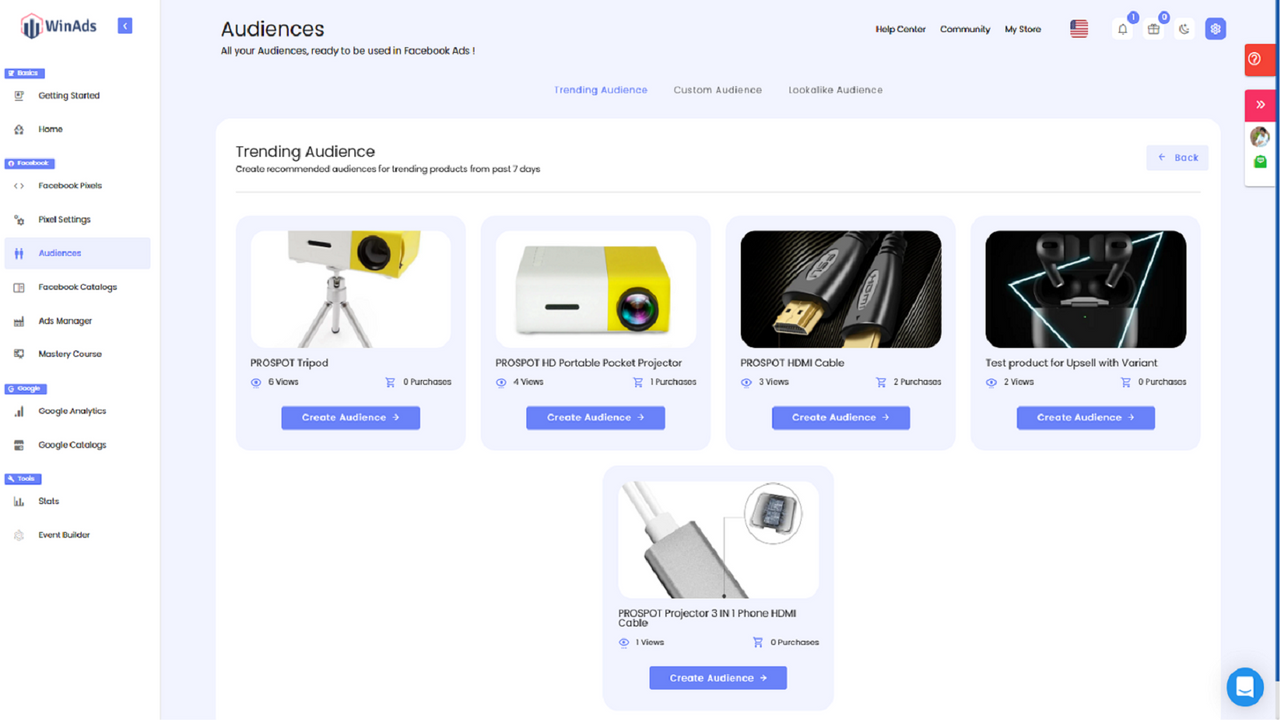
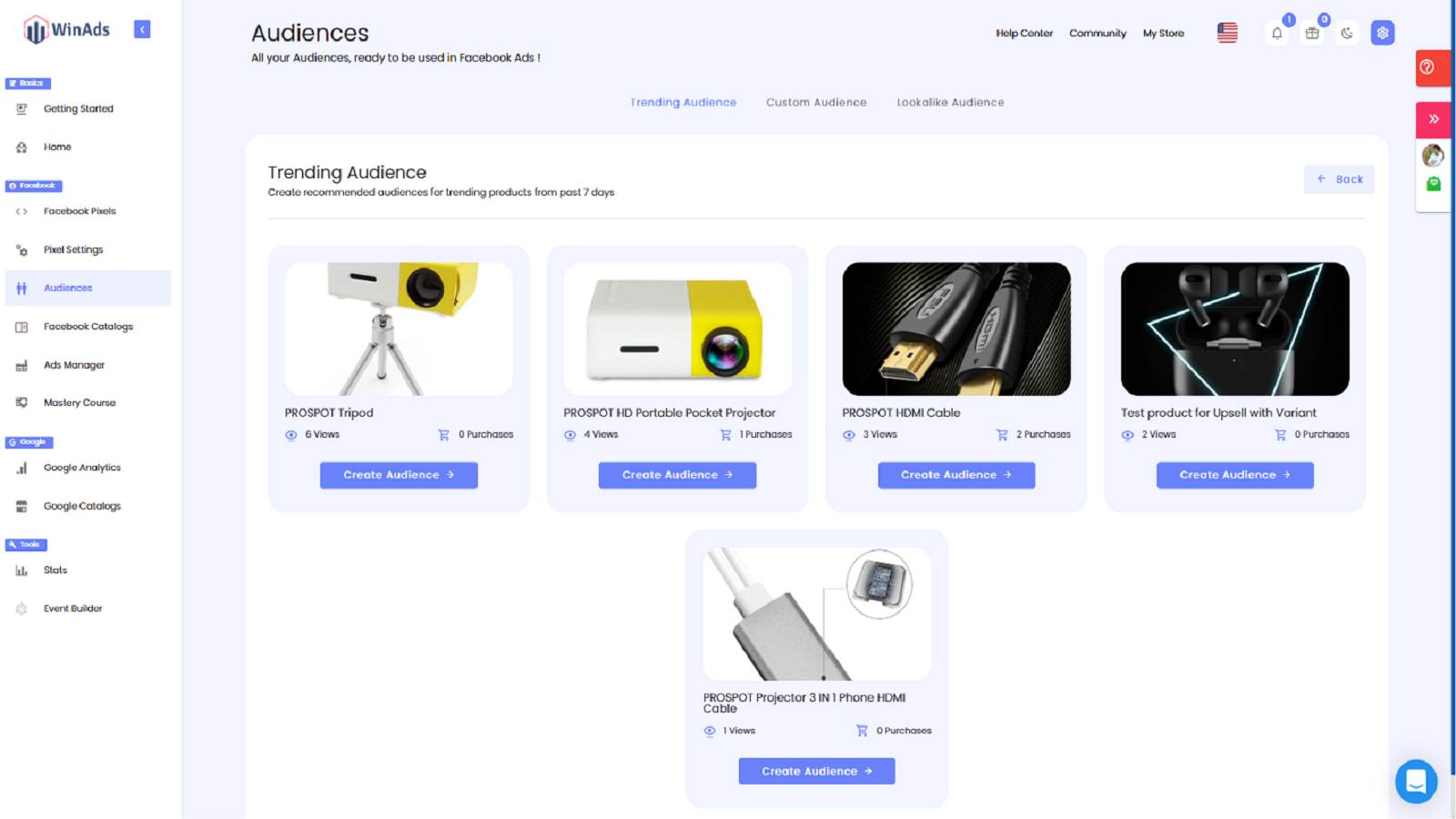
- Creating customized and similar audiences becomes easy
- Pixel support for all social media platforms including Facebook, Instagram, TikTok, and Snapchat
Merchant-Friendly
- Independent Station Merchants
- Social E-commerce Merchants
- Multi-platform Operation Merchants
Basic Information
- Developer:Era Of Ecom
- Address:3184 Ridgway Drive, Unit 45, Mississauga, ON, L5L5S7, CA
- Price: Free / Free plan
- Rating:4.6 / 5
- Comment Count:20 comment
- Release Date:2019-12-16
- Supported languages:English、Spanish、French、Dutch、Arabic、Hindi、Simplified Chinese、Japanese、Korean、Thai、Portuguese (Brazil)
- Compatible products:Shopify
Application Screenshot
Price Plan
基本计划
$19.99
- 5 Facebook Pixels
- 5 Google Accounts
- Standard Customer Support
- 5 Snapchat Pixels
- Snapchat Catalog
专业计划
$39.99
- Professional Facebook Pixel
- 20 Facebook Pixels
- Audience Builder
- Professional Product Catalog
- Basic Google Analytics
- 20 Snapchat Pixels
- Snapchat Catalog
企业+计划
$139.99
- Professional Facebook Pixel
- Professional Audience Builder
- Professional Product Catalog
- Professional Google Analytics
- Dedicated Pixel Representative
- Snapchat Pixel
- Snapchat Catalog
User Location & Comments
User Location
Comments
Shopify API Used
- POST /admin/api/hyperpixel/events.json
- PUT /admin/api/hyperpixel/events/{event_id}.json
- GET /admin/api/hyperpixel/events.json
Permission:write_analytics,read_analytics,manage_pixels
- POST /admin/api/audience/custom.json
- PUT /admin/api/audience/custom/{audience_id}.json
- GET /admin/api/audience/custom.json
Permission:write_audience,read_audience,manage_analytics
- POST /admin/api/pixels/social.json
- PUT /admin/api/pixels/social/{platform}.json
- GET /admin/api/pixels/social.json
Permission:write_pixels,read_pixels,manage_social



