
App Introduction
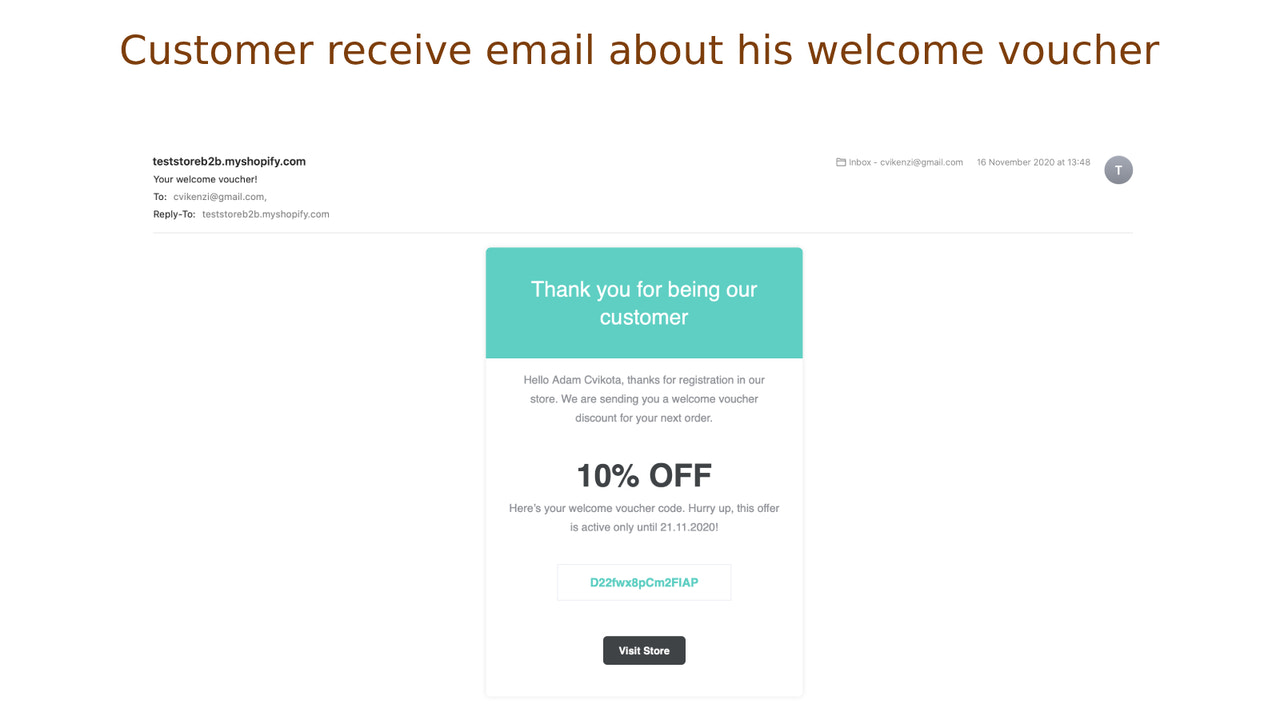
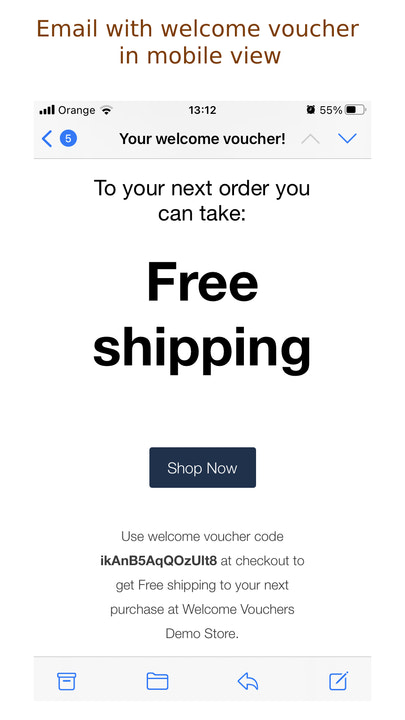
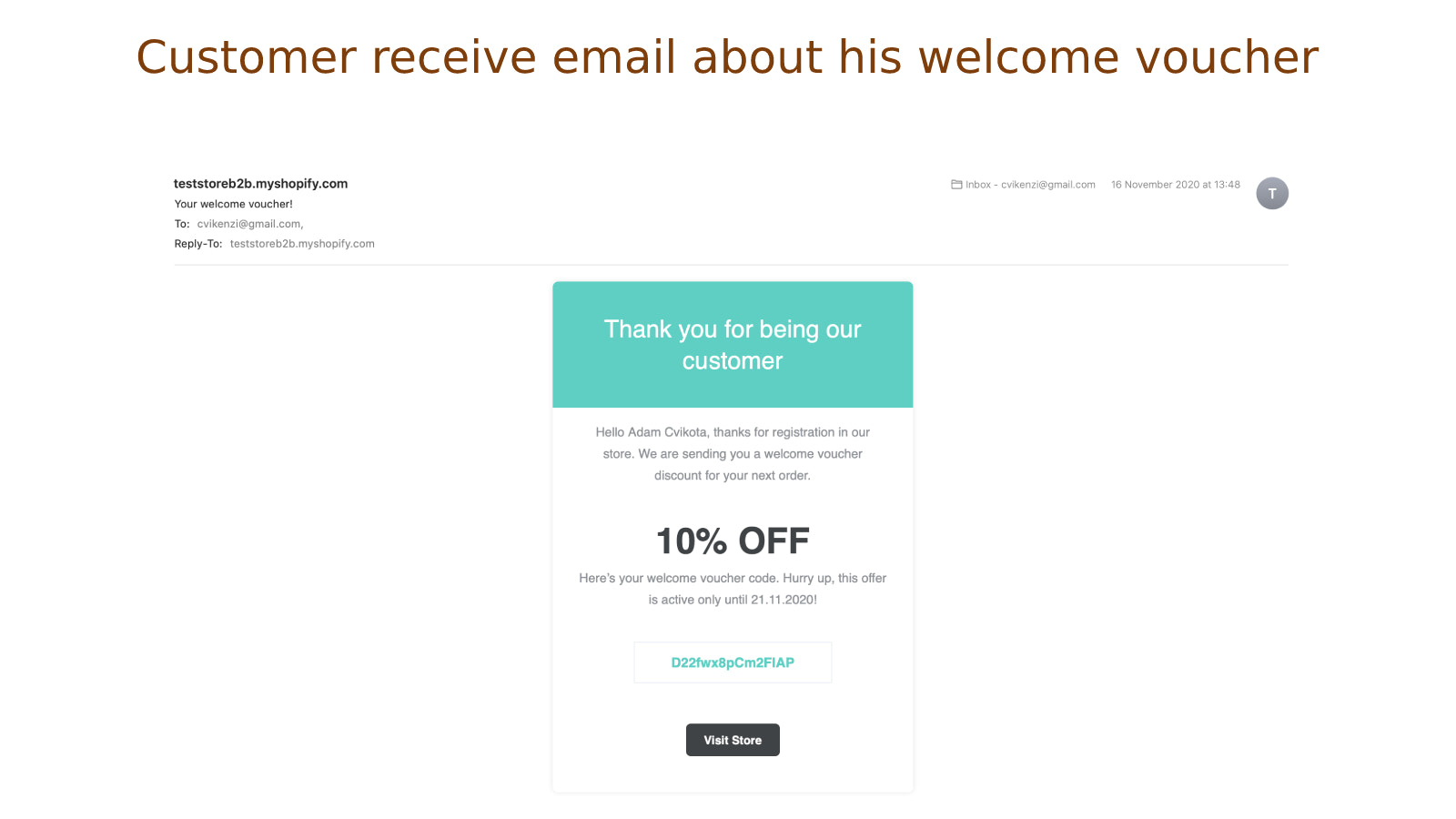
Automatically send coupons to customers after they create an order, sign up, or subscribe The Welcome Coupon app is a perfect marketing tool for your online business. You can automatically send coupons to customers after they create an order, sign up, or subscribe to your newsletter. Customers will receive your custom-designed email containing a personalized coupon code and other discount information. This is a great feature to boost store sales, acquire more registered customers, or grow your newsletter subscriber base.
Core Functionality
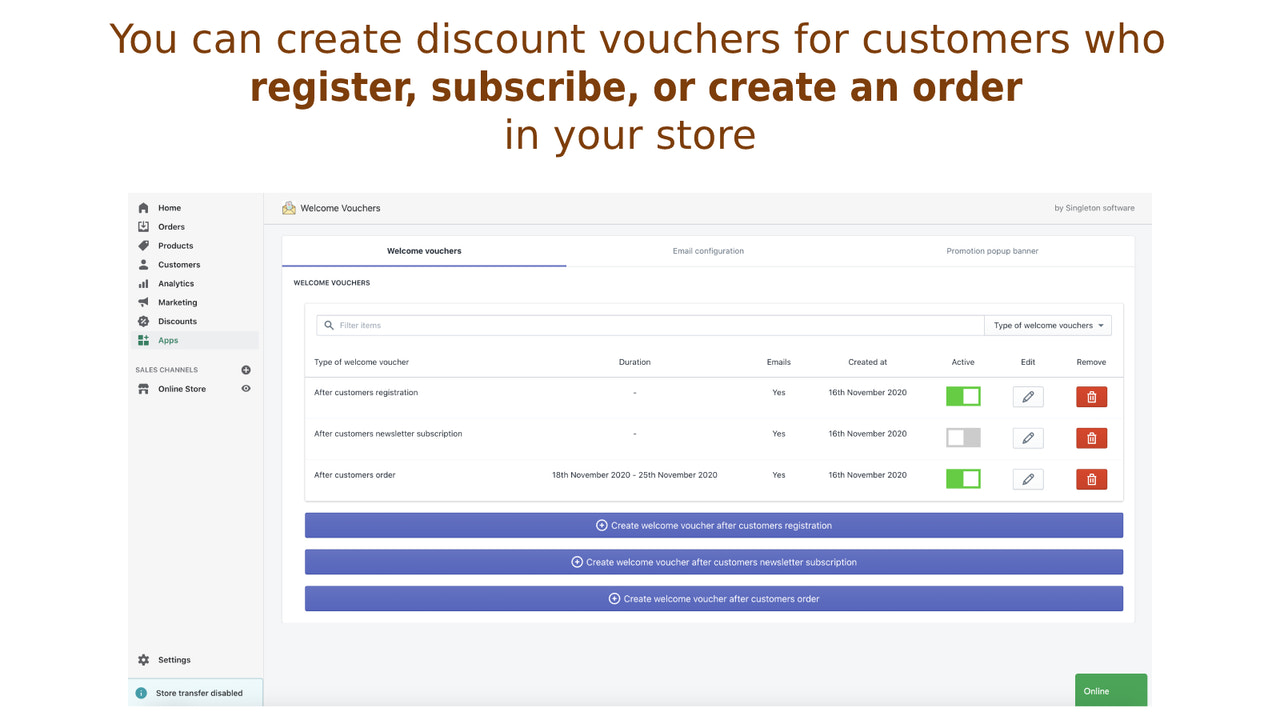
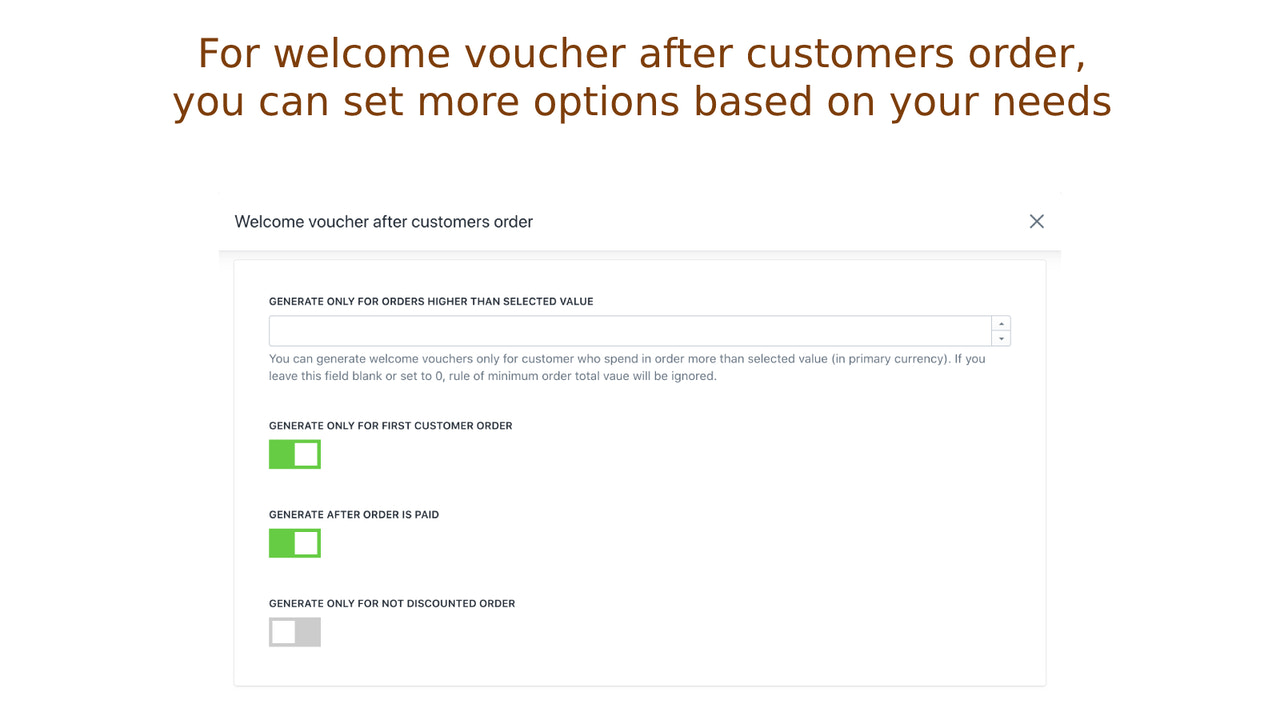
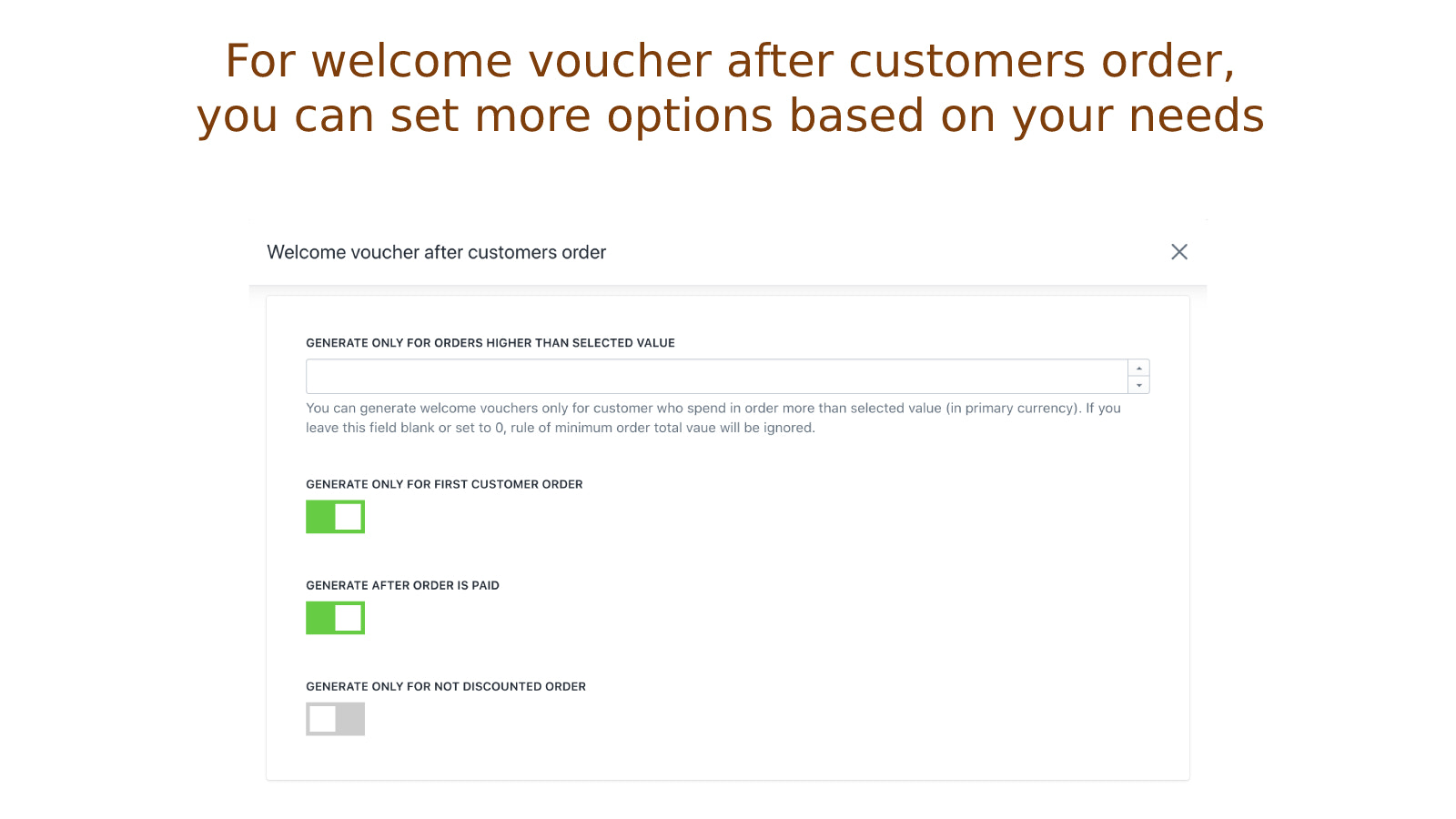
- Send coupons to customers after they create an order, register, or subscribe
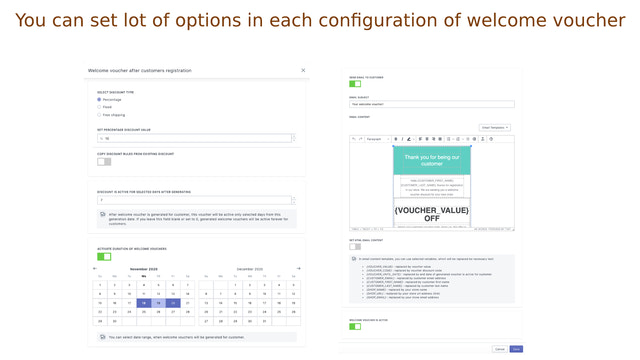
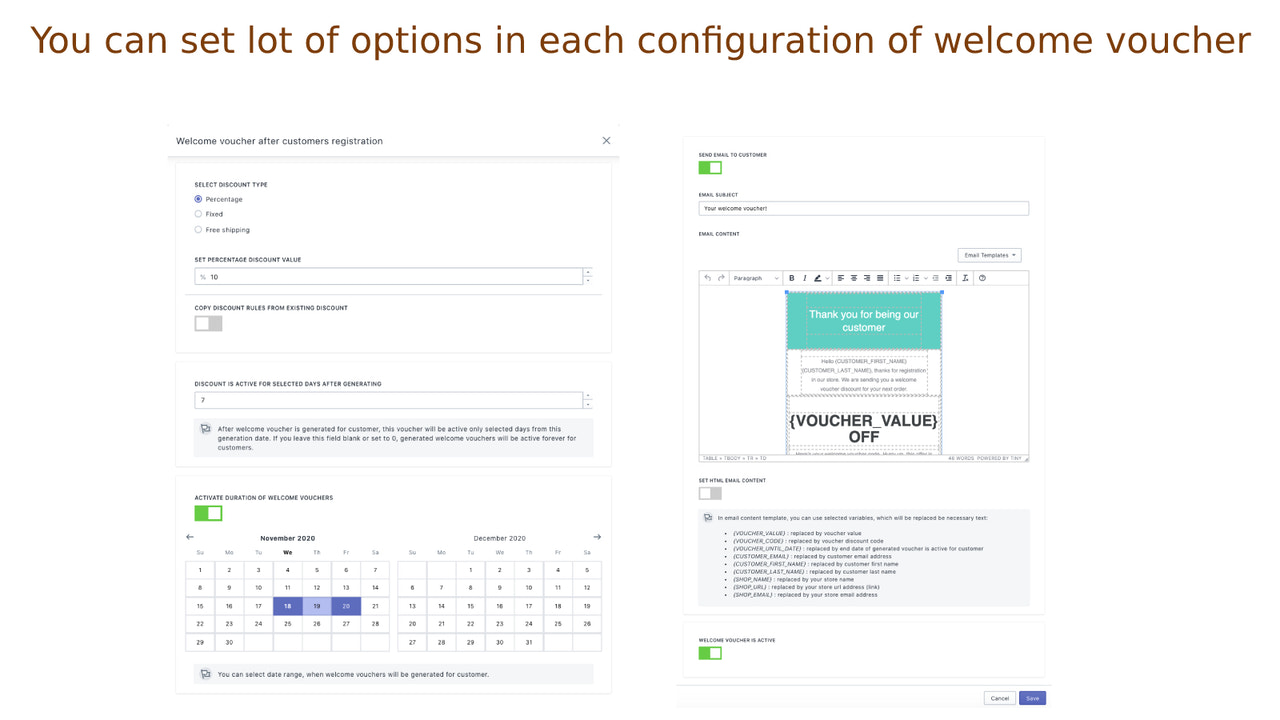
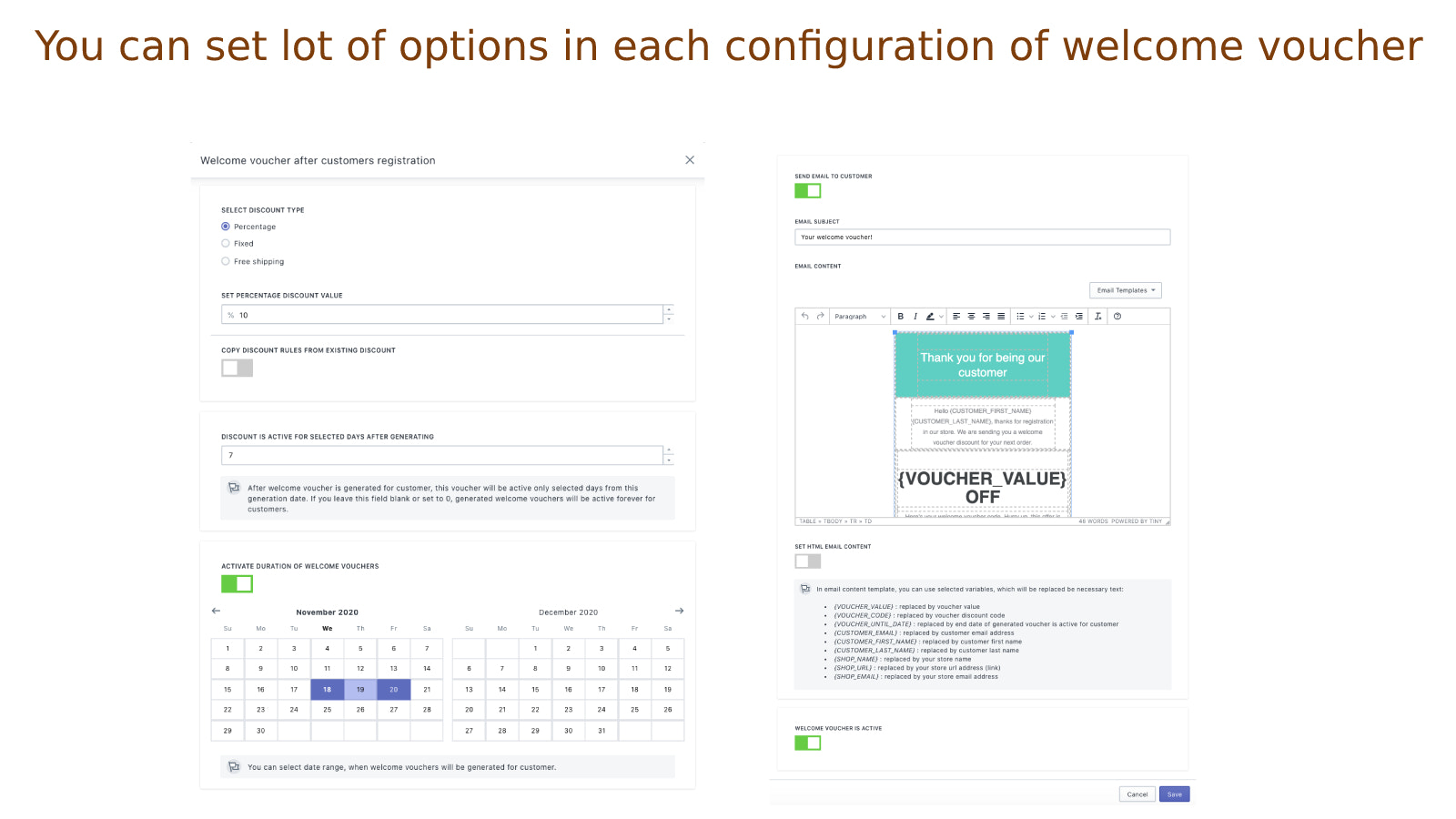
- Set discount coupon types (percentage, fixed amount, free shipping) and coupon rules
- Select a date range to generate welcome coupons for customers on those days
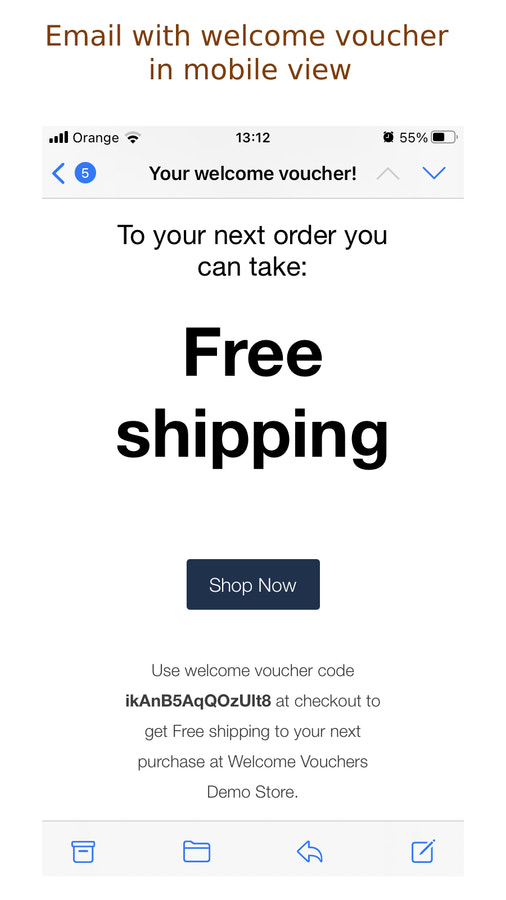
- Send emails with discount coupons to customers using your own design
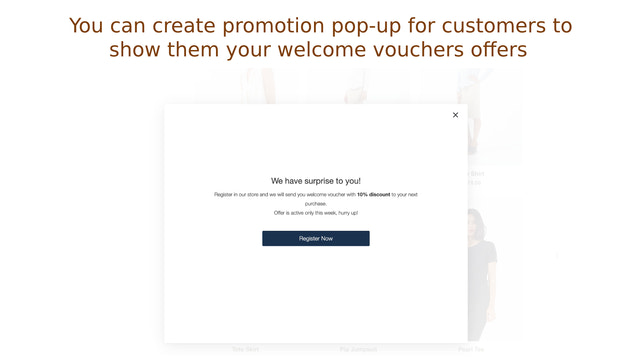
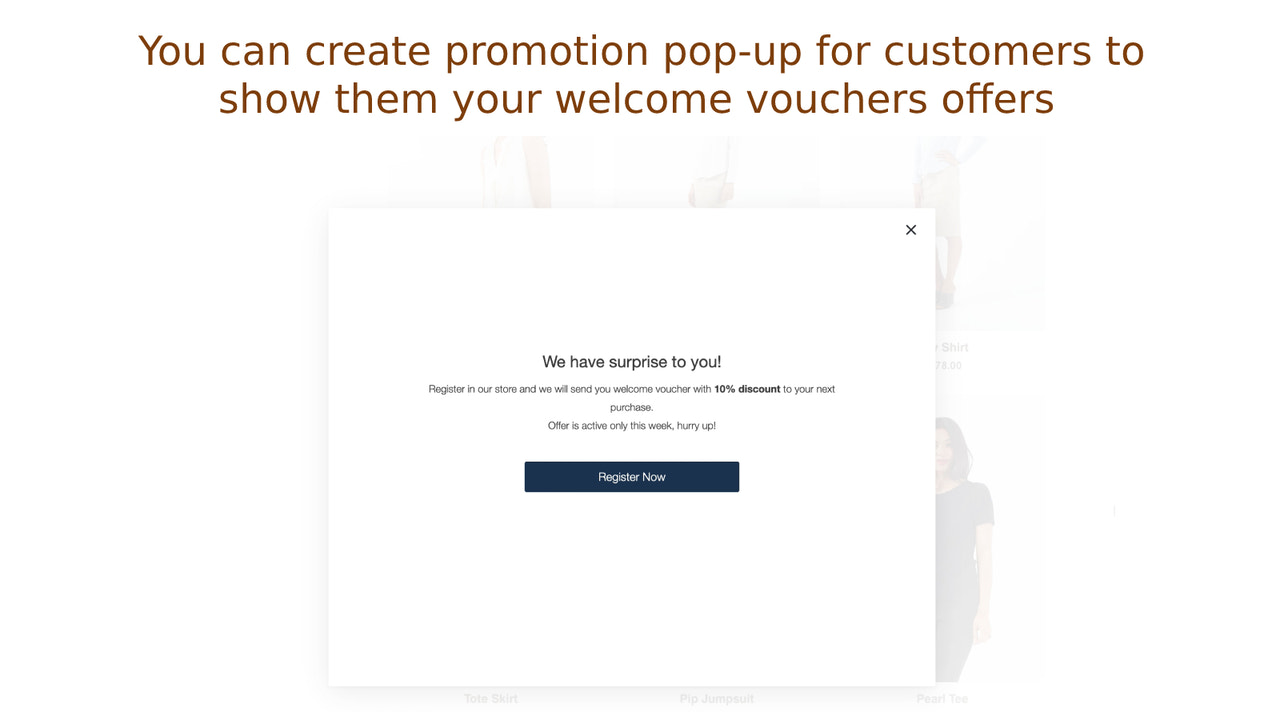
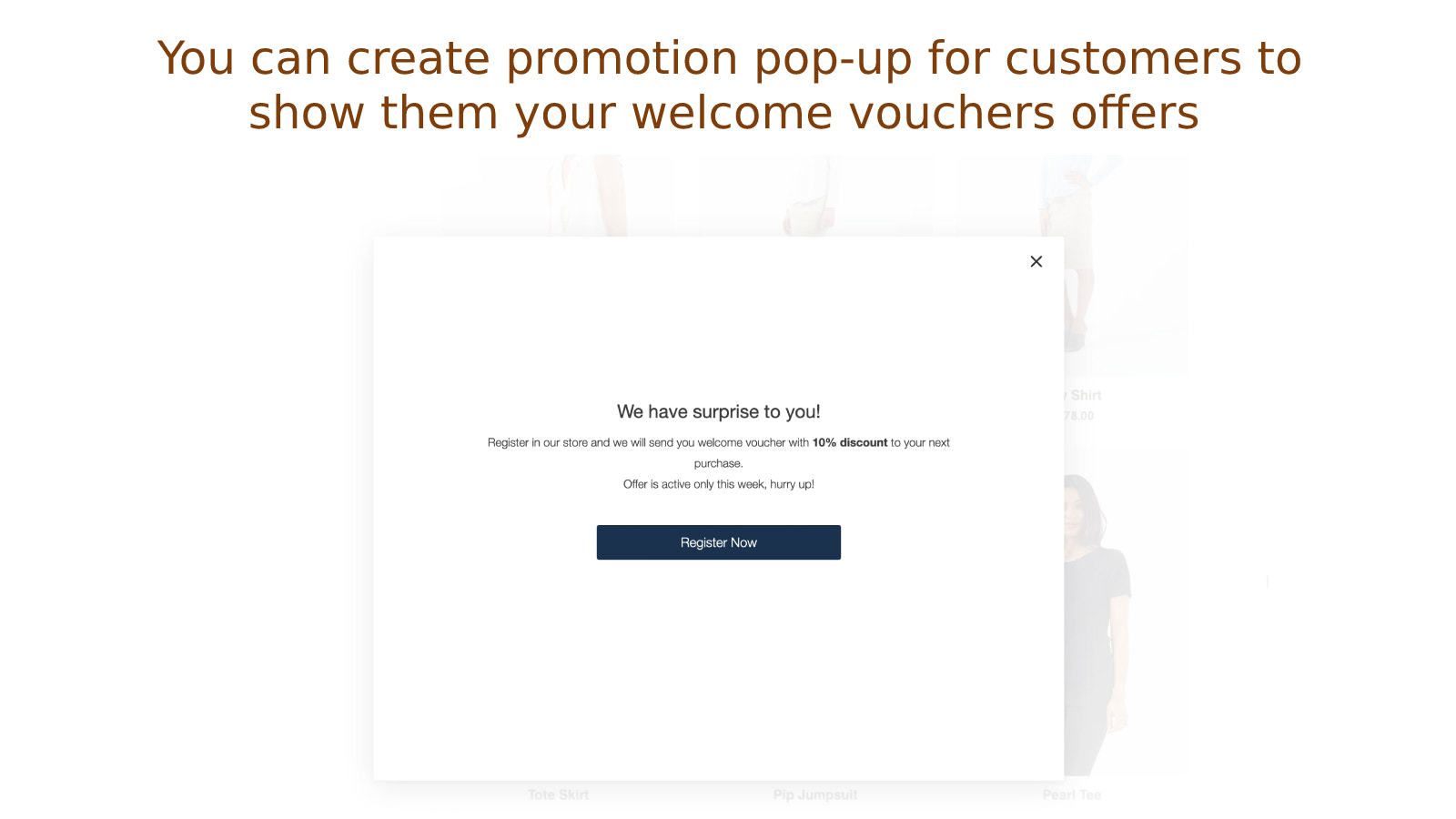
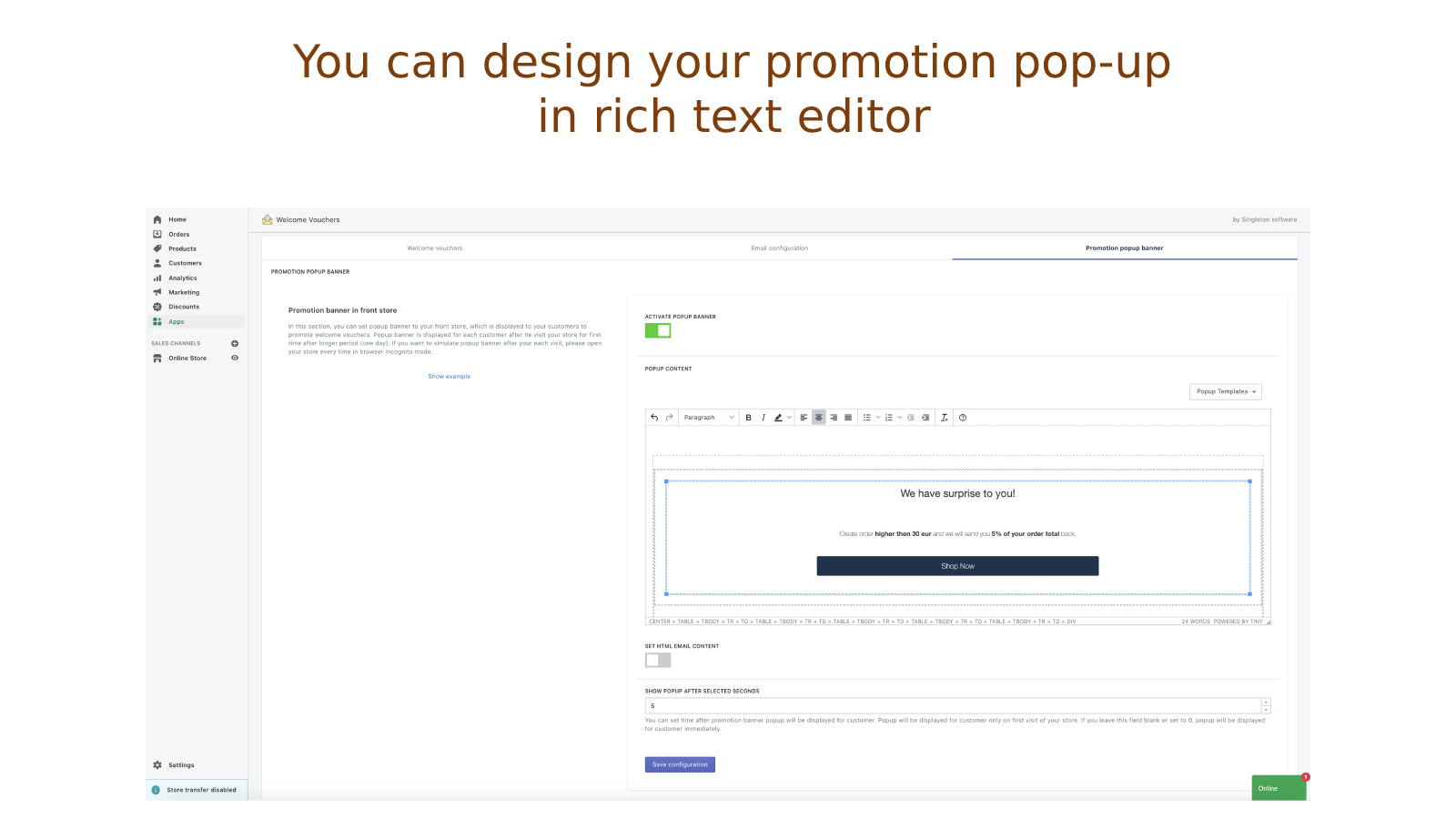
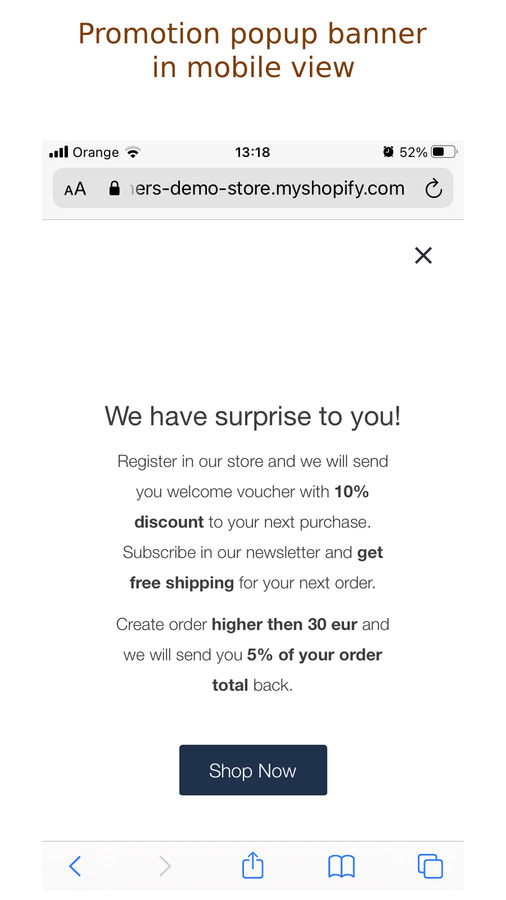
- Create promotional banners with your own design to display to customers in your store
Merchant-Friendly
- Independent Station Merchants
- Cross-border E-commerce Sellers
- Online Retail Merchants
- Subscription E-commerce
Basic Information
- Developer:Singleton software
- Address:Javornícka 12, Banská Bystrica, 97411, SK
- Price: Free / Free plan
- Rating:2.3 / 5
- Comment Count:2 comment
- Release Date:2020-12-4
- Supported languages:English
- Compatible products:Shopify
Application Screenshot




Price Plan
Basic plan
- 20 Welcome Coupons Monthly
- Coupons After Customer Registration
- Coupons After Customer Place Order
- Coupons After Customer Subscribe to Newsletter
- Live Chat Support
Advanced plan
- 50 Welcome Coupons Monthly
- Coupons After Customer Registration
- Coupons After Customer Order Placement
- Coupons After Customer Newsletter Subscription
- Promotional Banner Creation Tool
- Option to Add Additional Welcome Coupons
- Real-time Chat Support
PRO plan
- Unlimited Welcome Coupons
- Coupons for Customers After Registration
- Coupons for Customers After Order Placement
- Coupons for Customers After Newsletter Subscription
- Promotional Banner Maker Tool
- Real-time Chat Support
User Location & Comments
User Location
Comments
Shopify API Used
- POST /admin/api/coupons.json
- POST /admin/api/customers/{customer_id}/metafields.json
- POST /admin/api/orders/{order_id}/metafields.json
Permission:write_coupons,read_customers,manage_orders
- POST /admin/api/discounts.json
- PUT /admin/api/discounts/{discount_id}.json
- GET /admin/api/discounts.json
Permission:write_discounts,read_discounts,manage_products
- POST /admin/api/coupons.json
- PUT /admin/api/coupons/{coupon_id}.json
- GET /admin/api/customers/metafields.json
Permission:write_coupons,read_customers,manage_shop
- POST /admin/api/emails.json
- POST /admin/api/coupons/{coupon_id}/send.json
- GET /admin/api/customers/{customer_id}/emails.json
Permission:write_emails,read_coupons,manage_customers
- POST /admin/api/sections.json
- PUT /admin/api/sections/{section_id}.json
- POST /admin/api/assets.json
Permission:write_themes,read_themes,manage_shop



