
App Introduction
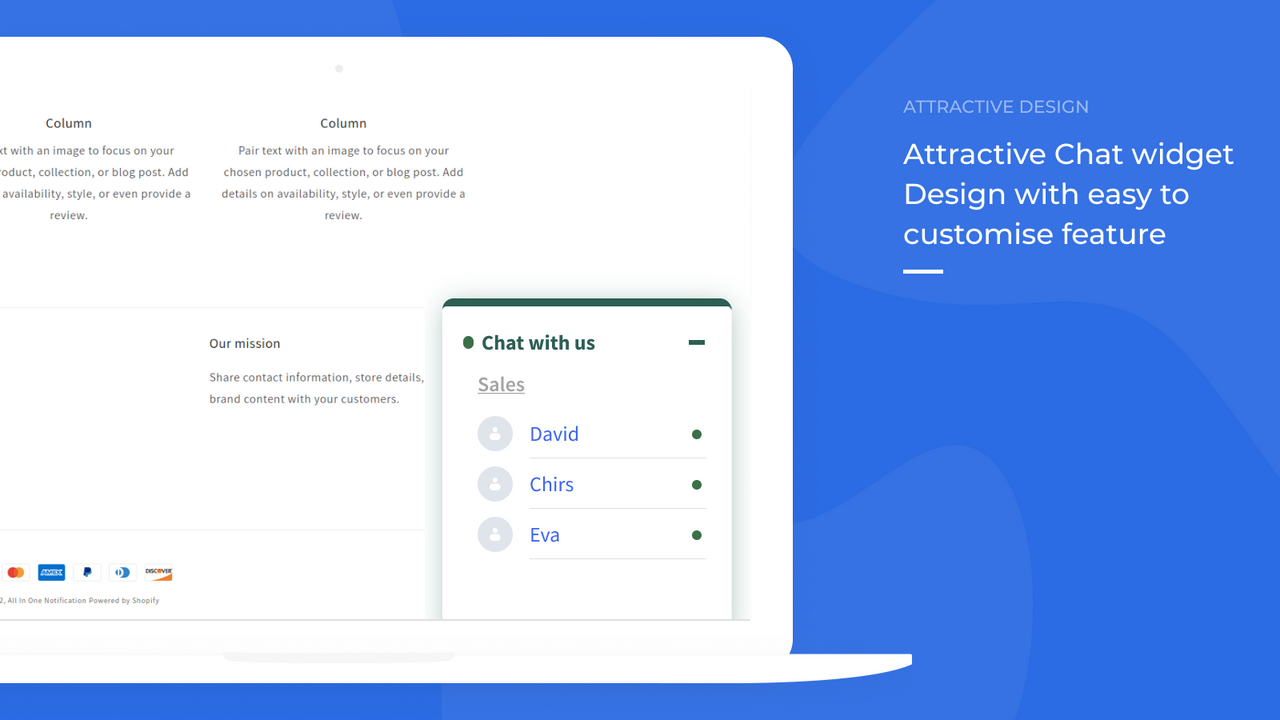
Instant WhatsApp Chat Widget Boost your store with our automated cart abandonment feature. Instant WhatsApp Chat Widget + Dedicated Team Instant Chat + Engaging Share Buttons for Product & Collection Pages + Cart Abandonment Feature. Here are some interesting features of the app: Chat Widget: Customize and place the chat widget based on your needs. Set the initial chat message and widget name. Multiple Operators & Teams: Add multiple operators. Create teams and assign operators to different teams. Share Buttons: Add share buttons to your product pages and collection pages.
Core Functionality
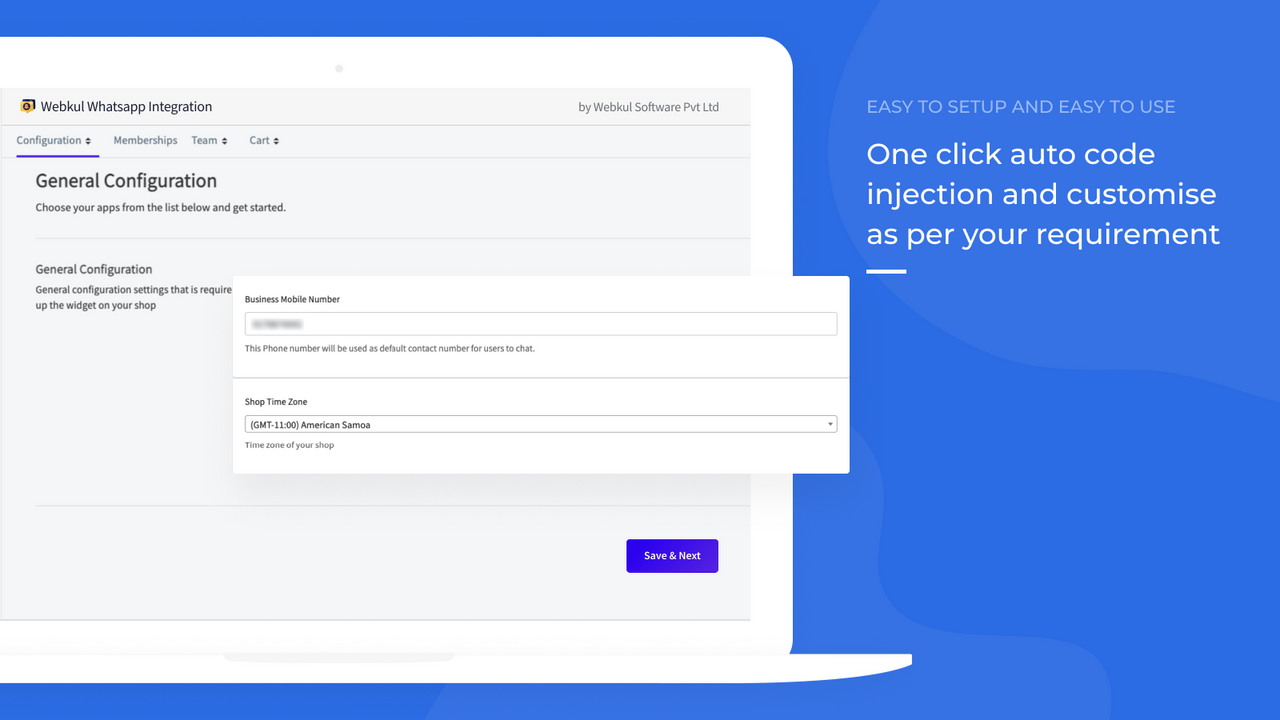
- Install a chat widget on your store with one click.
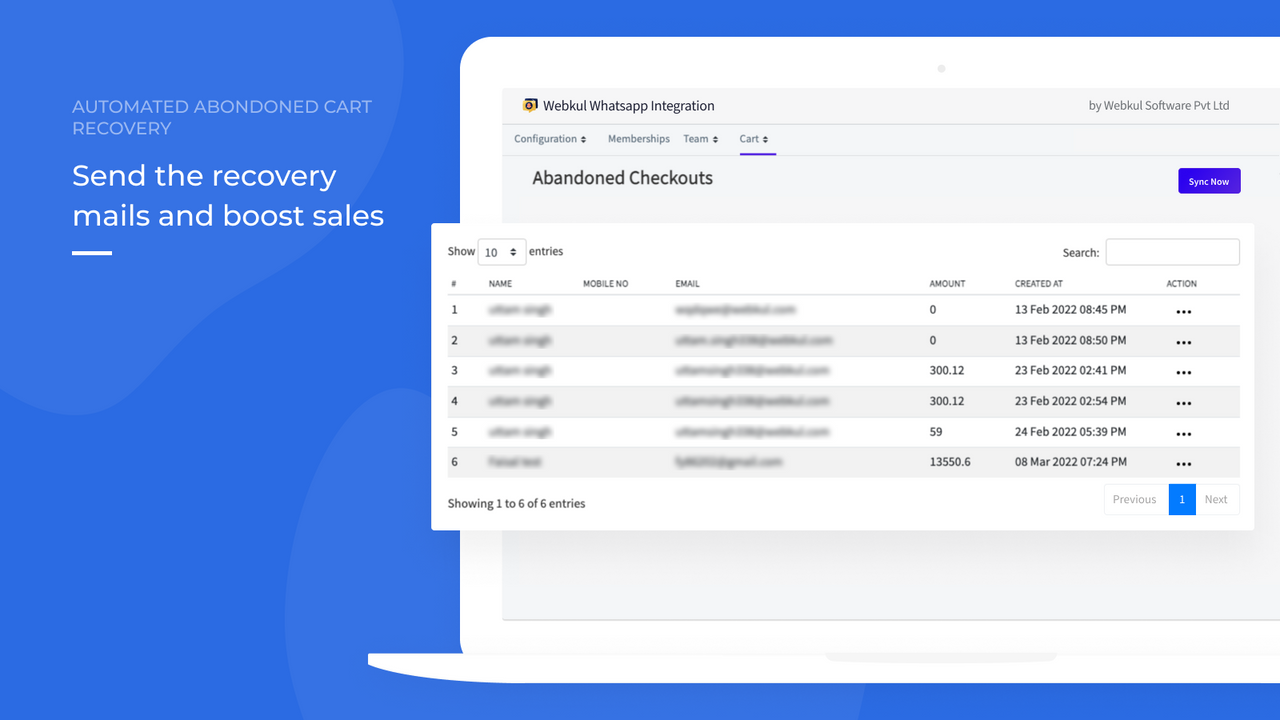
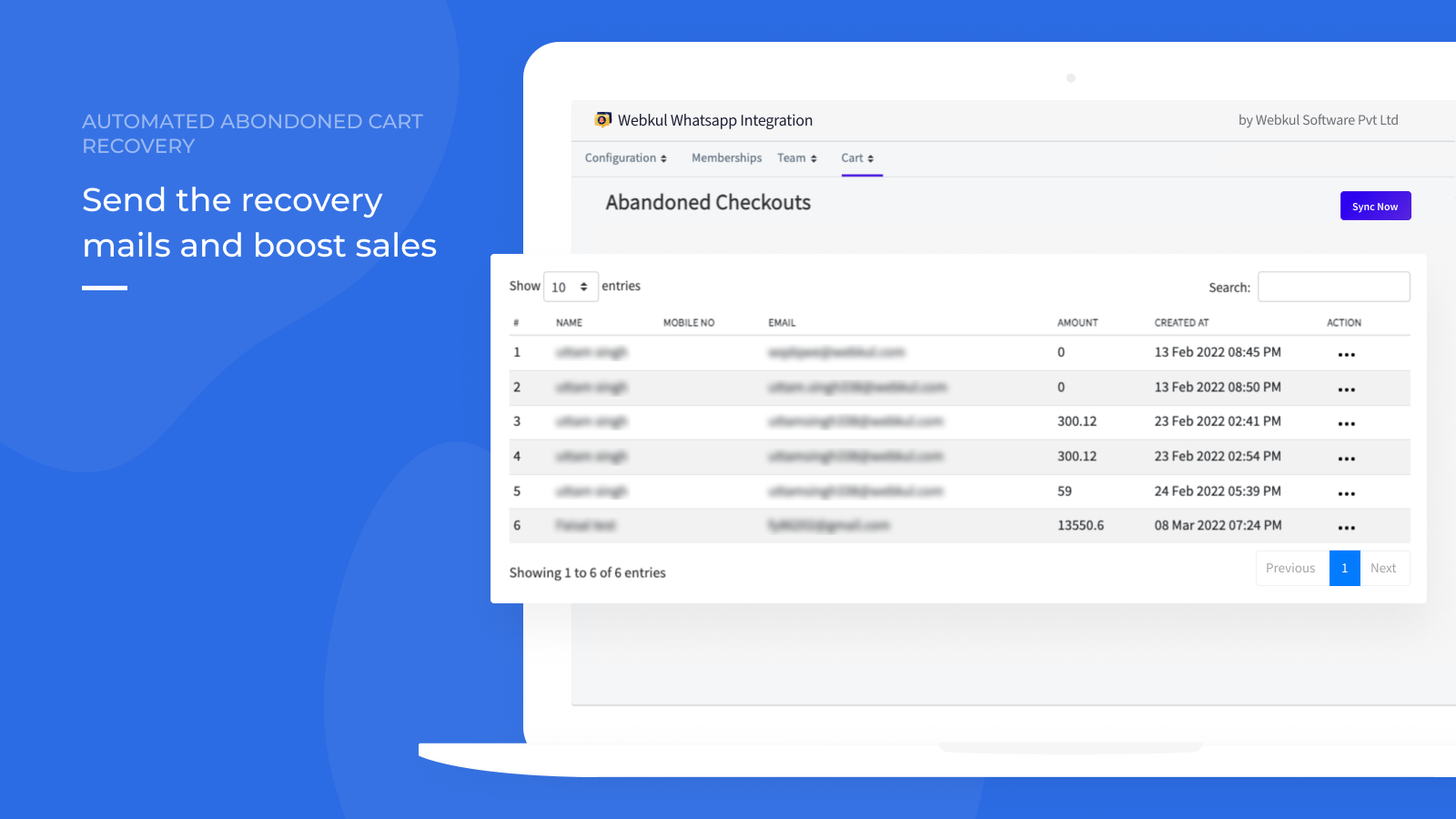
- Send automated cart abandonment recovery emails to boost sales.
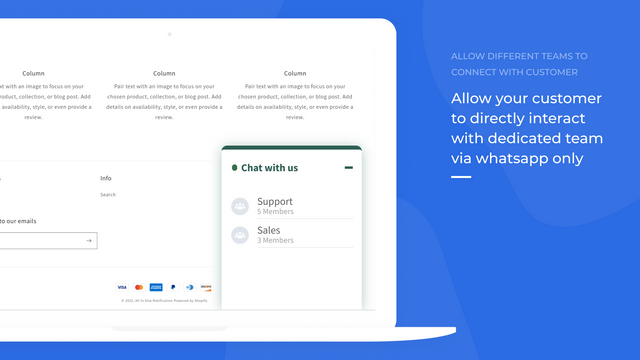
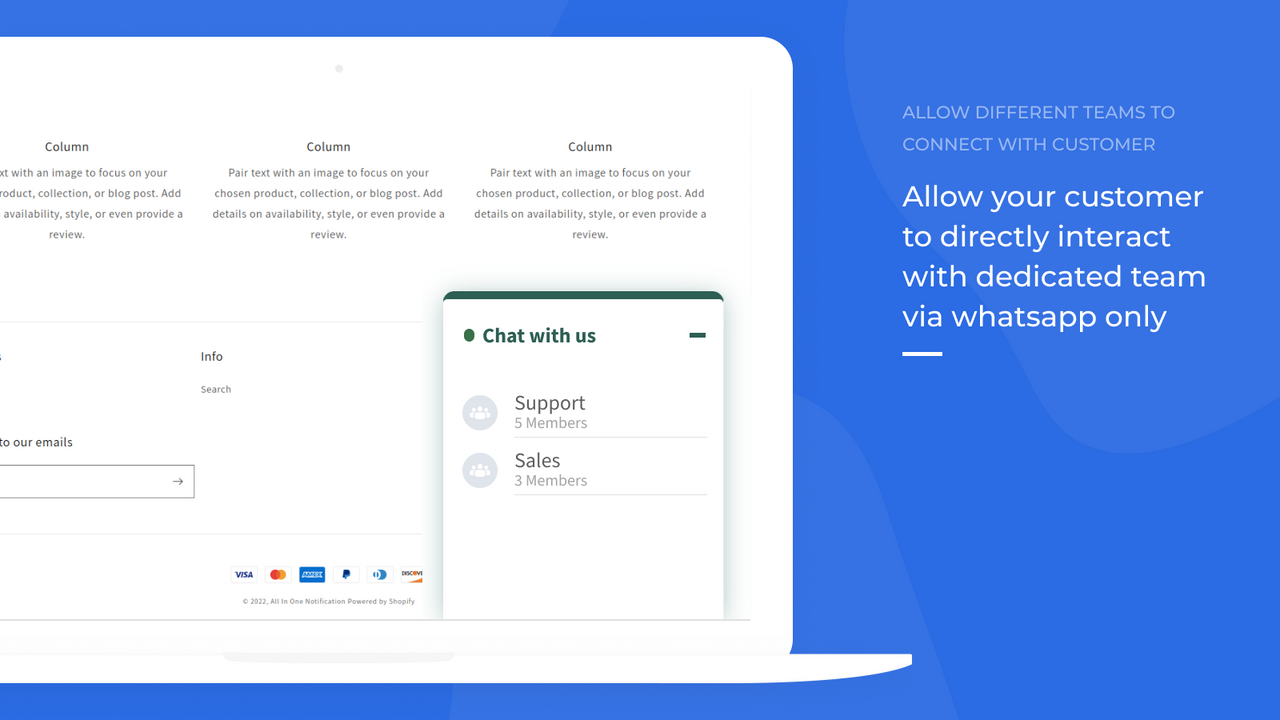
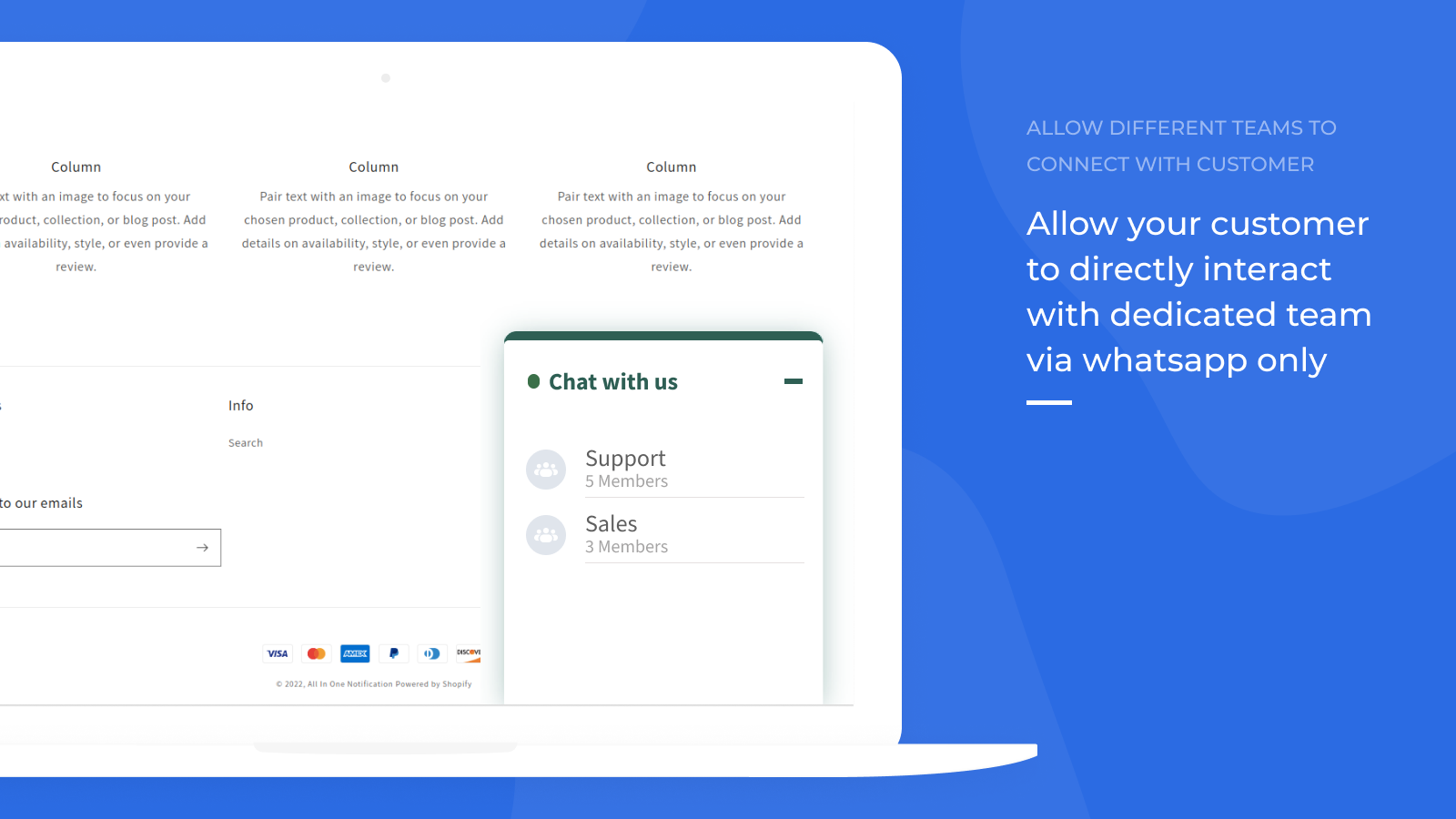
- Create teams and assign operators.
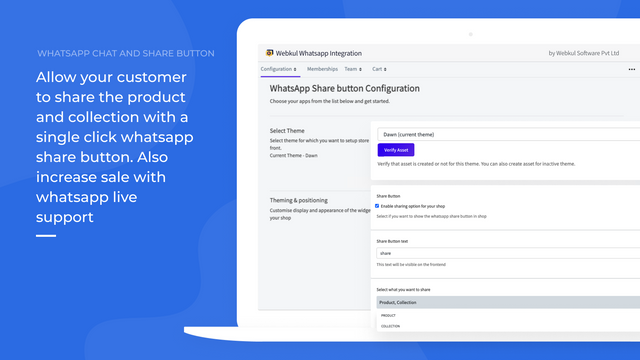
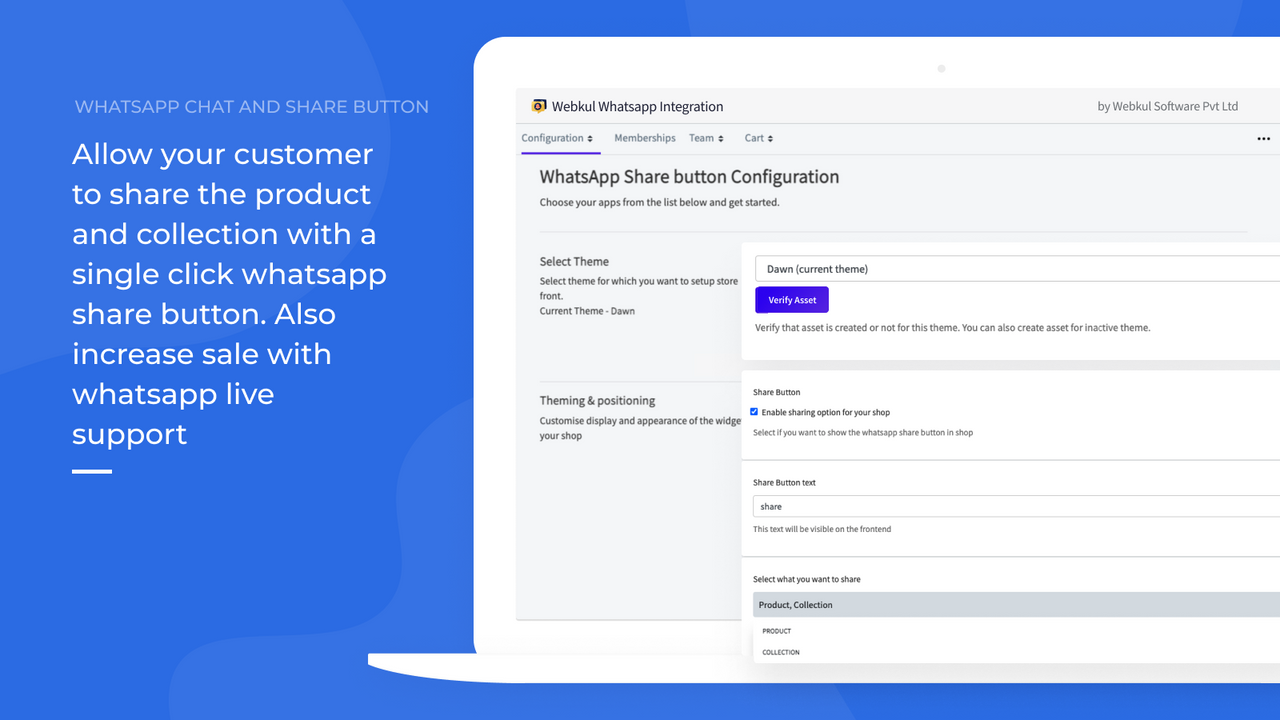
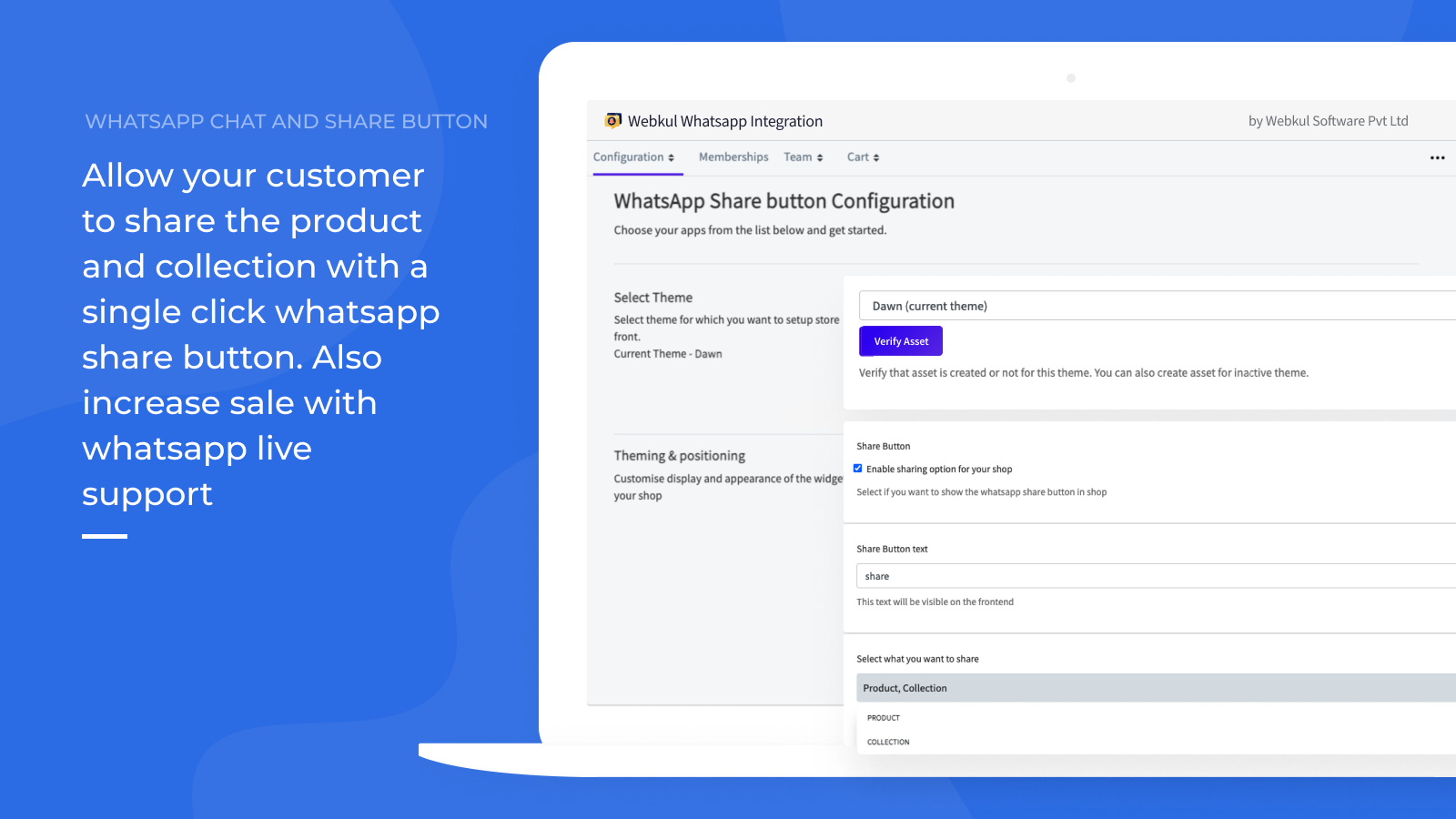
- Allow customers to share products via the WhatsApp share button with a single click.
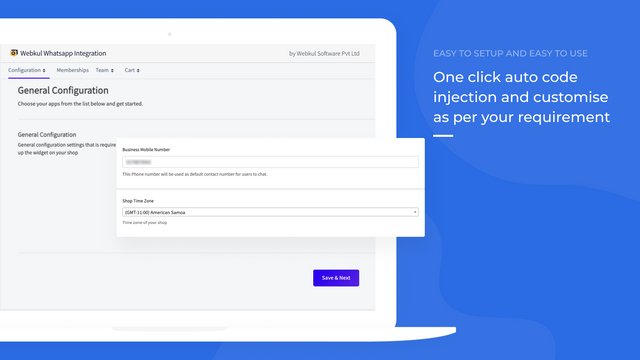
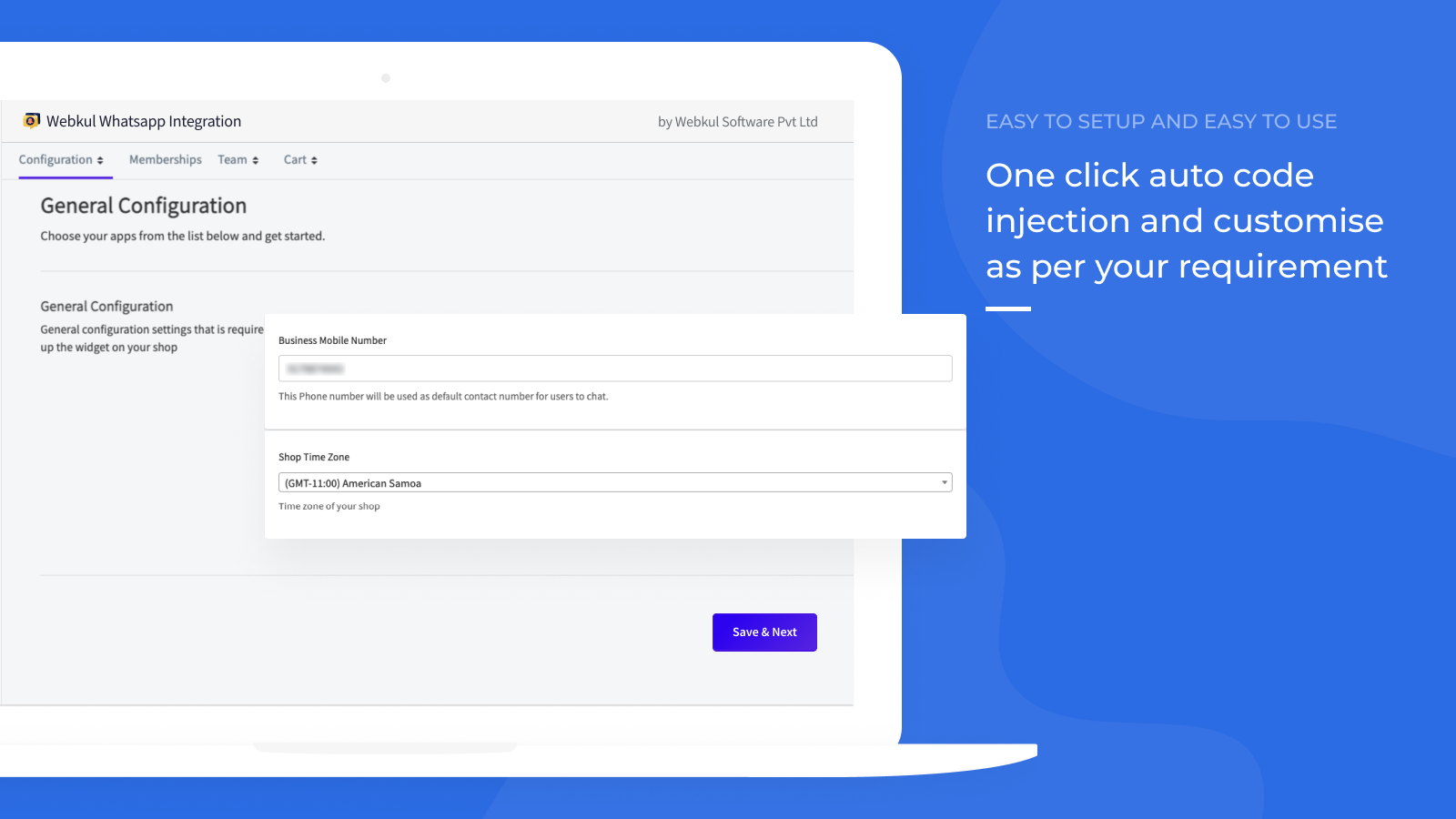
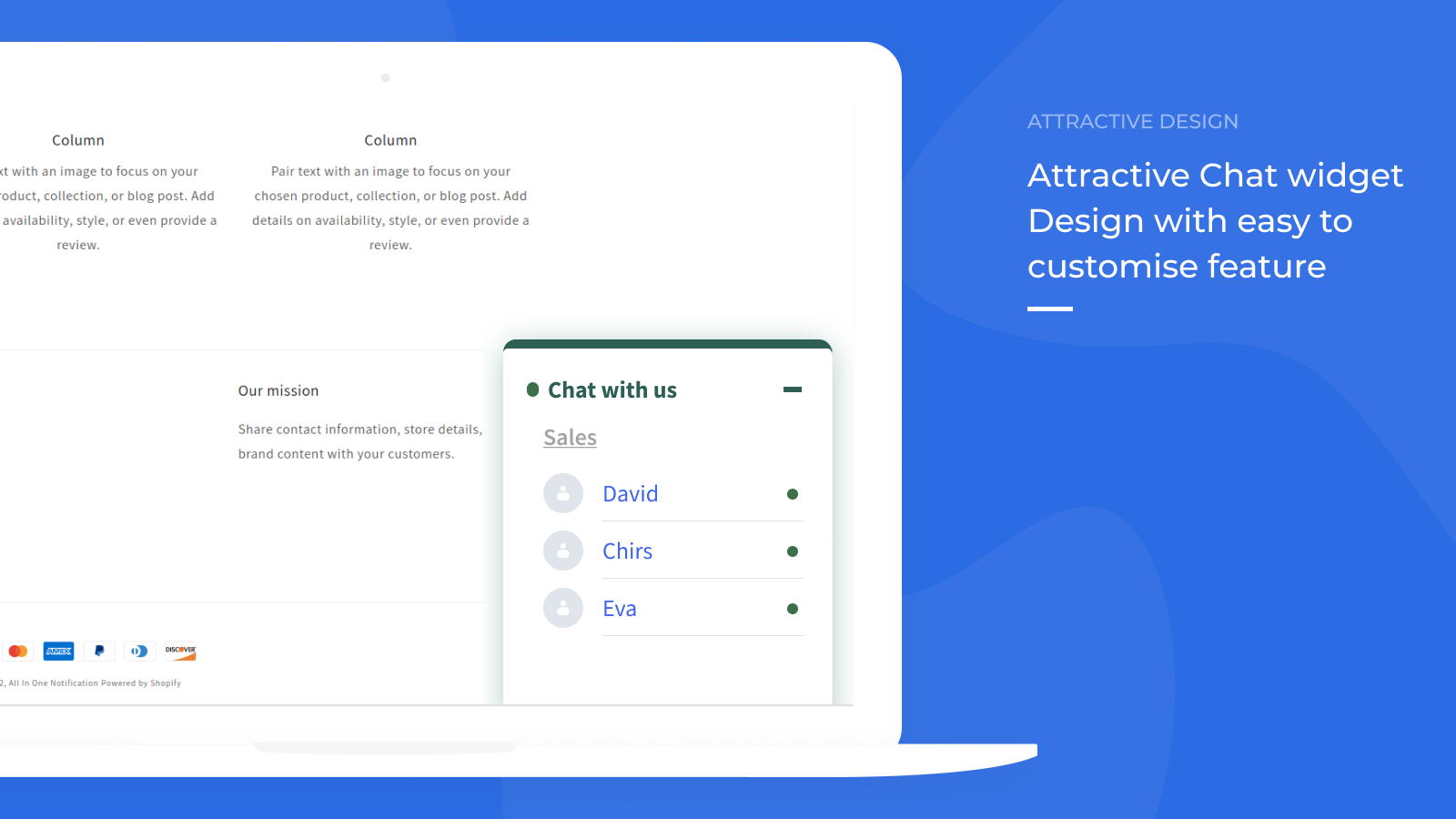
- Easy widget customization via code injection with one click.
Merchant-Friendly
- Independent Station Merchants
- Online Retail Merchants
- Cross-border E-commerce Merchants
- Small & Medium E-commerce Sellers
Basic Information
- Developer:Webkul Software Pvt Ltd
- Address:H-28, Sector 63, Noida, UP, 201301, IN
- Price: Free / Free plan
- Rating:0 / 5
- Comment Count:0 comment
- Release Date:2022-4-28
- Supported languages:English
- Compatible products:Shopify
Application Screenshot
Price Plan
基础计划
- WhatsApp Share Button
- WhatsApp Chat Widget
- Unlimited Chatting with Customers
标准计划
- Includes all features of lower plans
- Multiple operators
专业计划
- Includes all features of lower plans
- Create support teams/groups
- Abandoned cart management
User Location & Comments
User Location
Comments
Shopify API Used
- POST /admin/api/shop/apps.json
- GET /admin/api/shop/apps.json
- PUT /admin/api/shop/settings.json
Permission:write_shop,read_shop,manage_apps
- POST /admin/api/abandoned_checkouts/notify.json
- GET /admin/api/abandoned_checkouts.json
- PUT /admin/api/abandoned_checkouts/{id}.json
Permission:write_abandoned_checkouts,read_abandoned_checkouts,manage_orders
- POST /admin/api/shop/account/account_users.json
- PUT /admin/api/shop/account/account_users/{id}.json
- GET /admin/api/shop/account/account_users.json
Permission:write_account_users,read_account_users,manage_users
- POST /admin/api/shop/settings/payment_settings.json
- GET /admin/api/products.json
- PUT /admin/api/shop/settings/checkout.json
Permission:write_shop_settings,read_products,manage_checkout
- POST /admin/api/shop/settings/themes/{id}/assets.json
- GET /admin/api/shop/settings/themes.json
- PUT /admin/api/shop/settings/themes/{id}/assets.json
Permission:write_themes,read_themes,manage_theme_assets



