
App Introduction
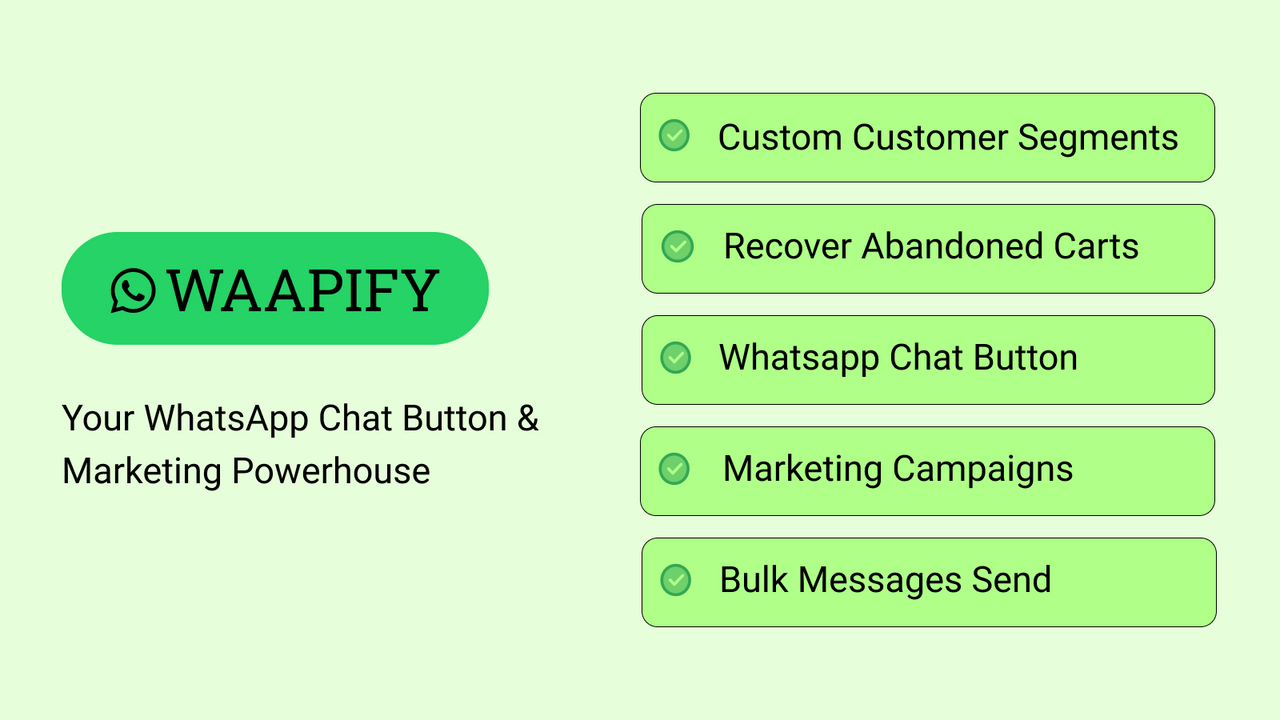
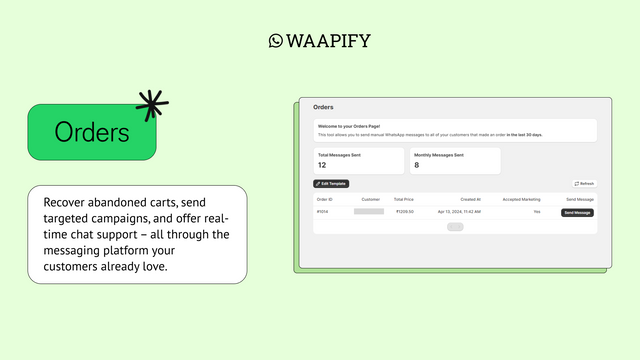
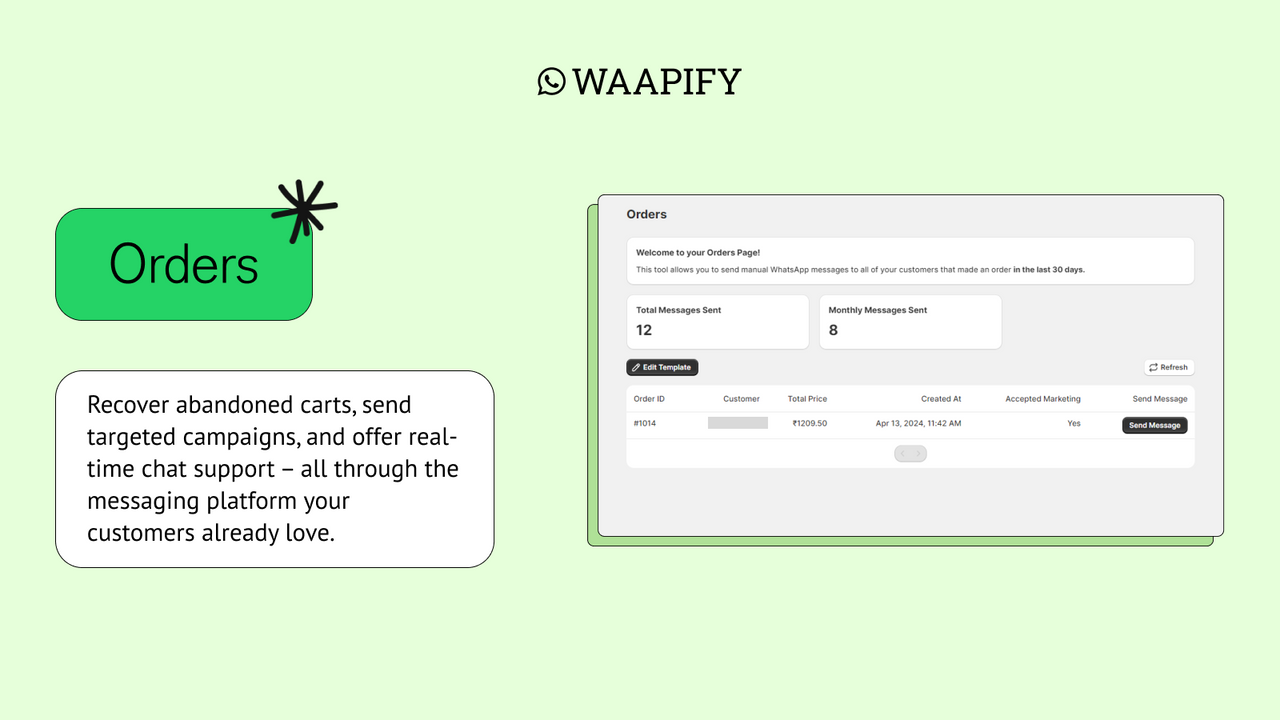
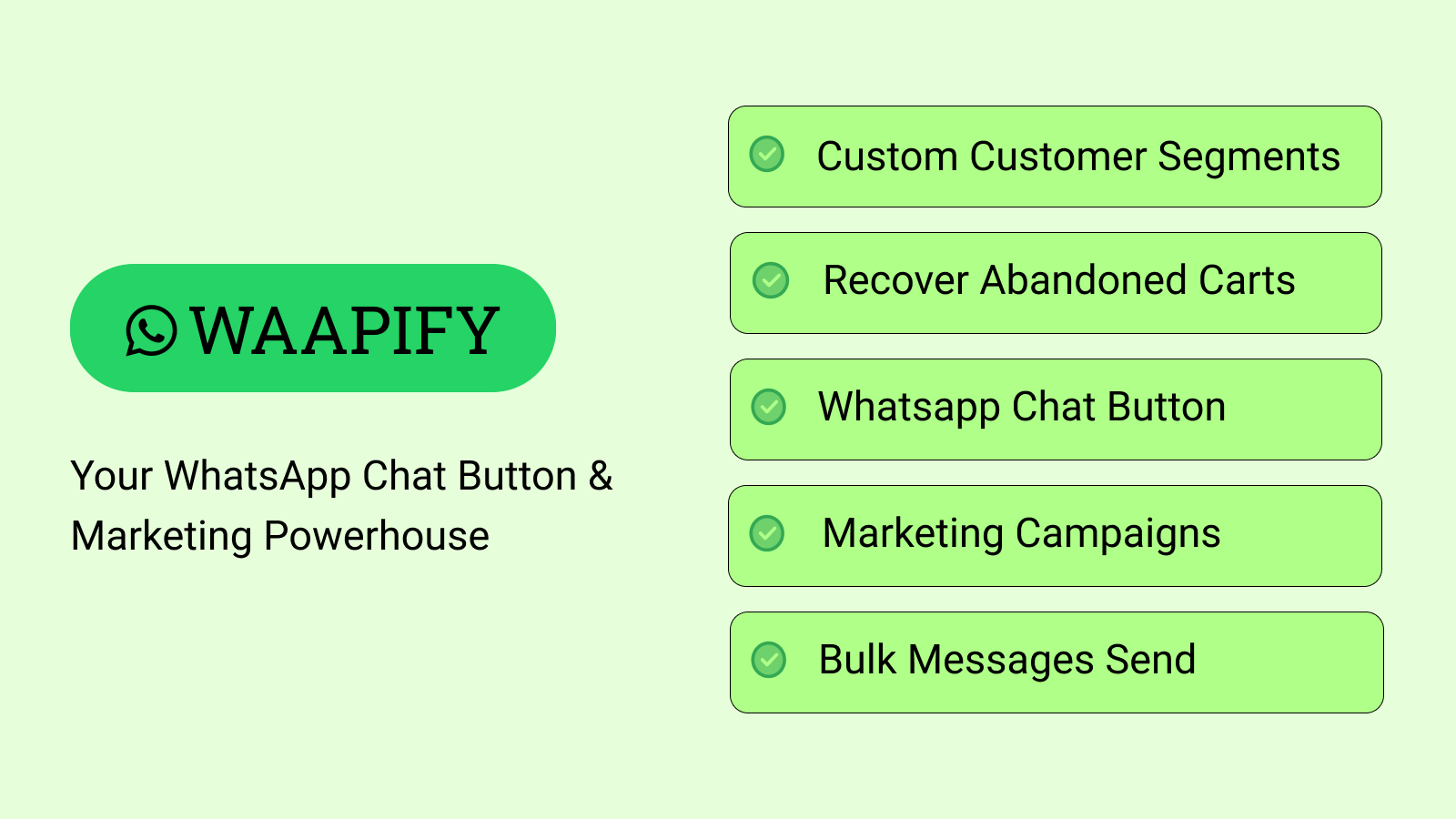
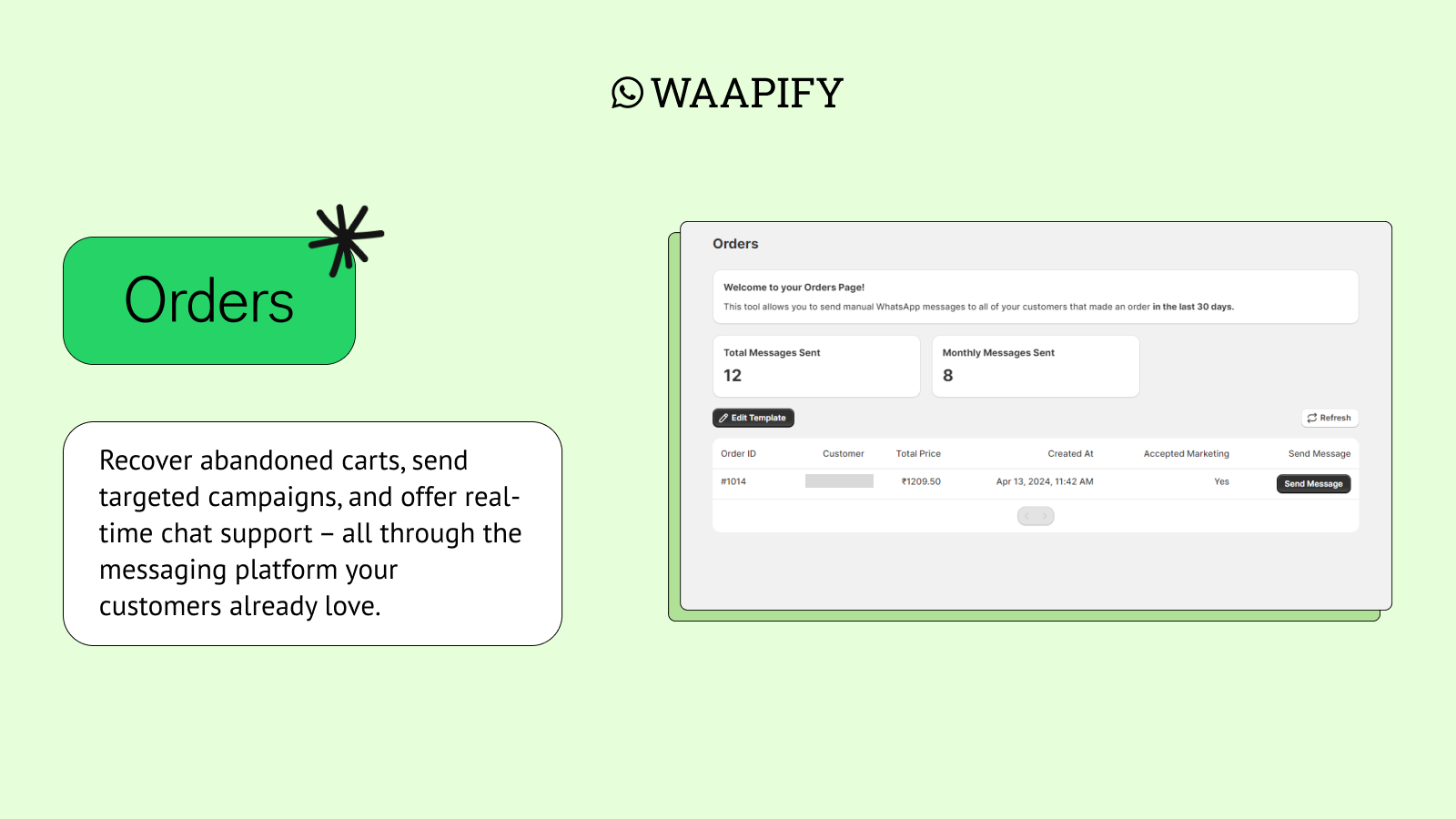
Wappify: Your WhatsApp Chat & Marketing Powerhouse Turn window shoppers into happy customers with Wappify—your all-in-one WhatsApp marketing solution. Recover abandoned carts, send targeted campaigns, and offer real-time chat support via the messaging platform your customers already love. Wappify puts the power of WhatsApp at your fingertips to boost conversion rates and build lasting customer relationships.
Core Functionality
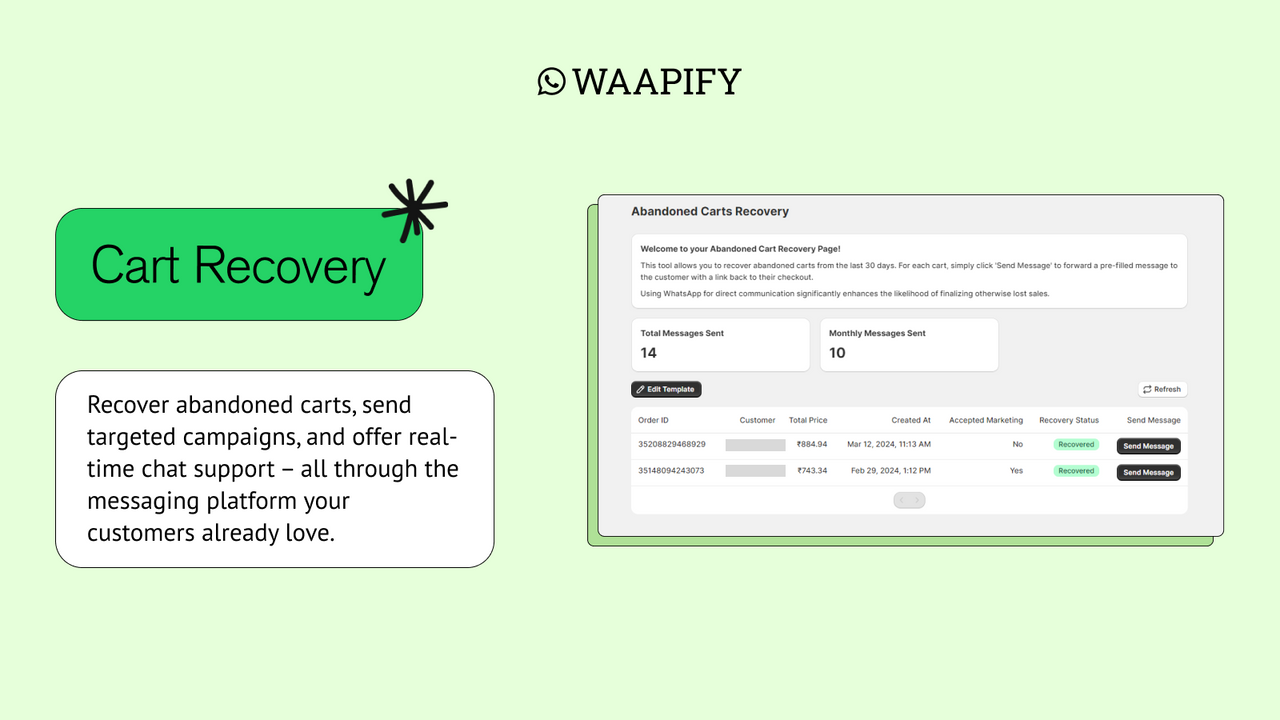
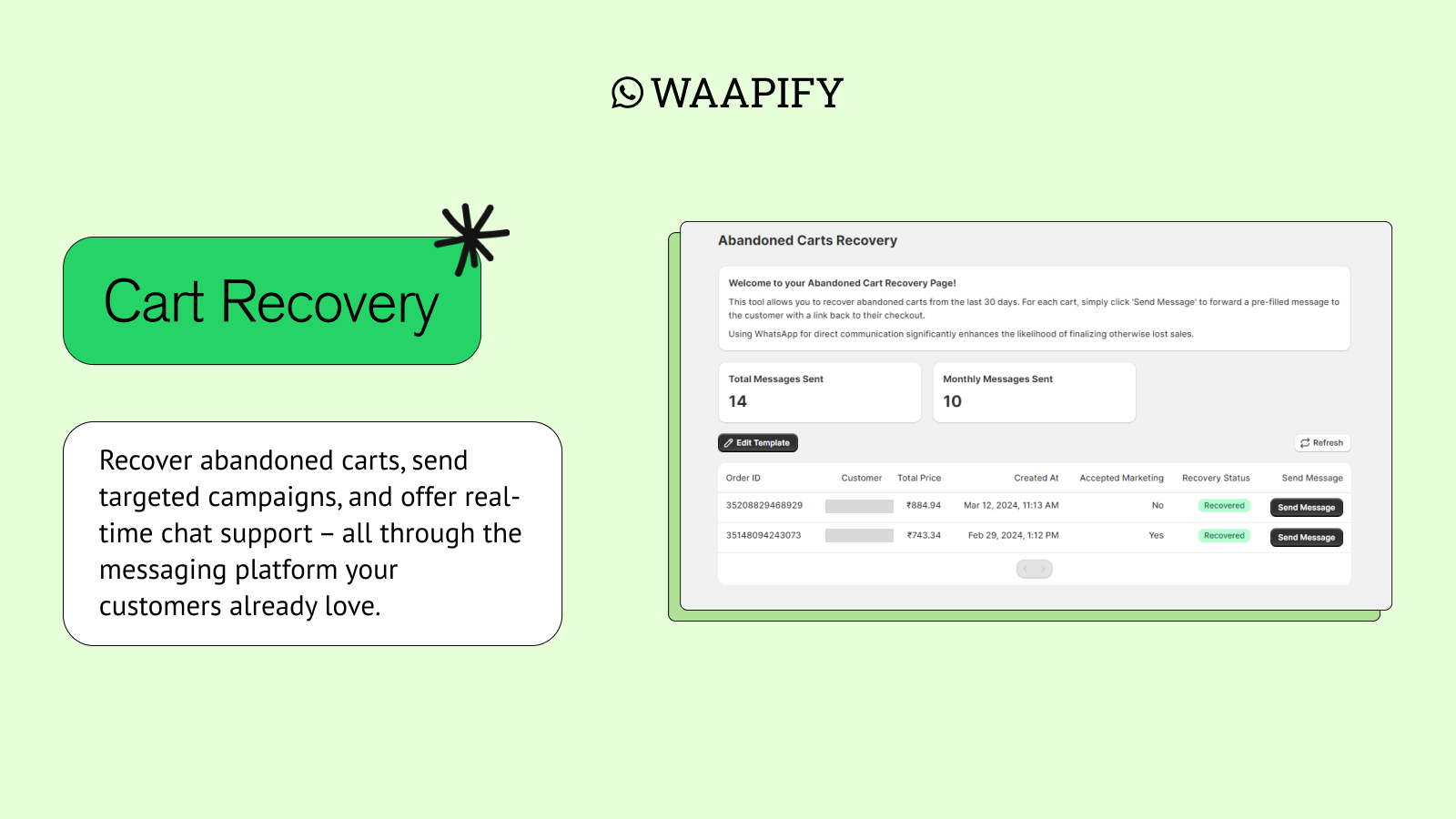
- Automatically send friendly abandoned cart reminders via WhatsApp
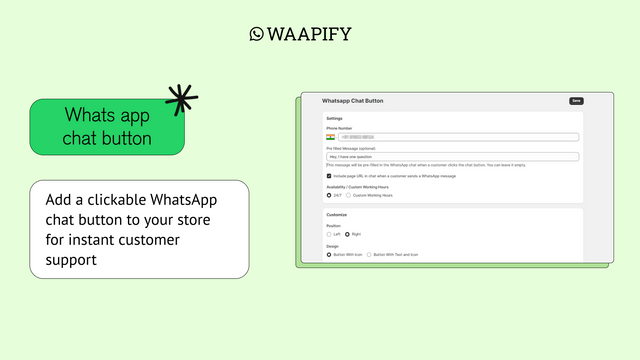
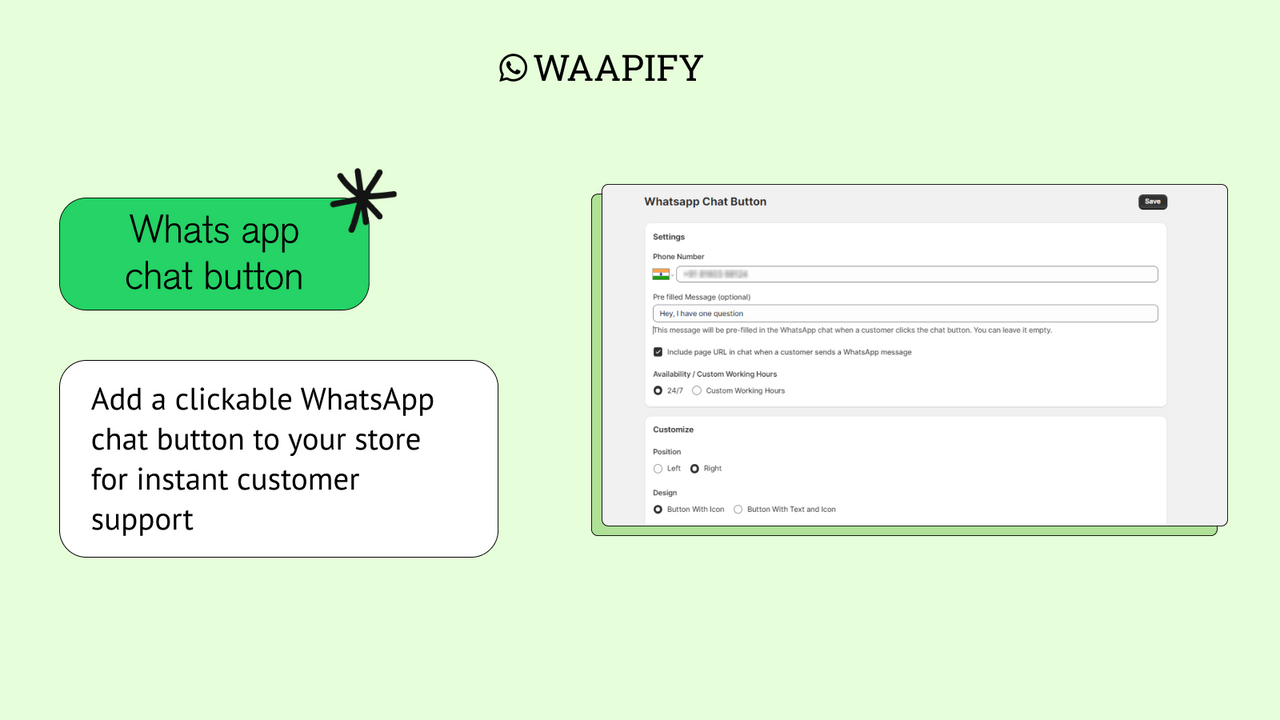
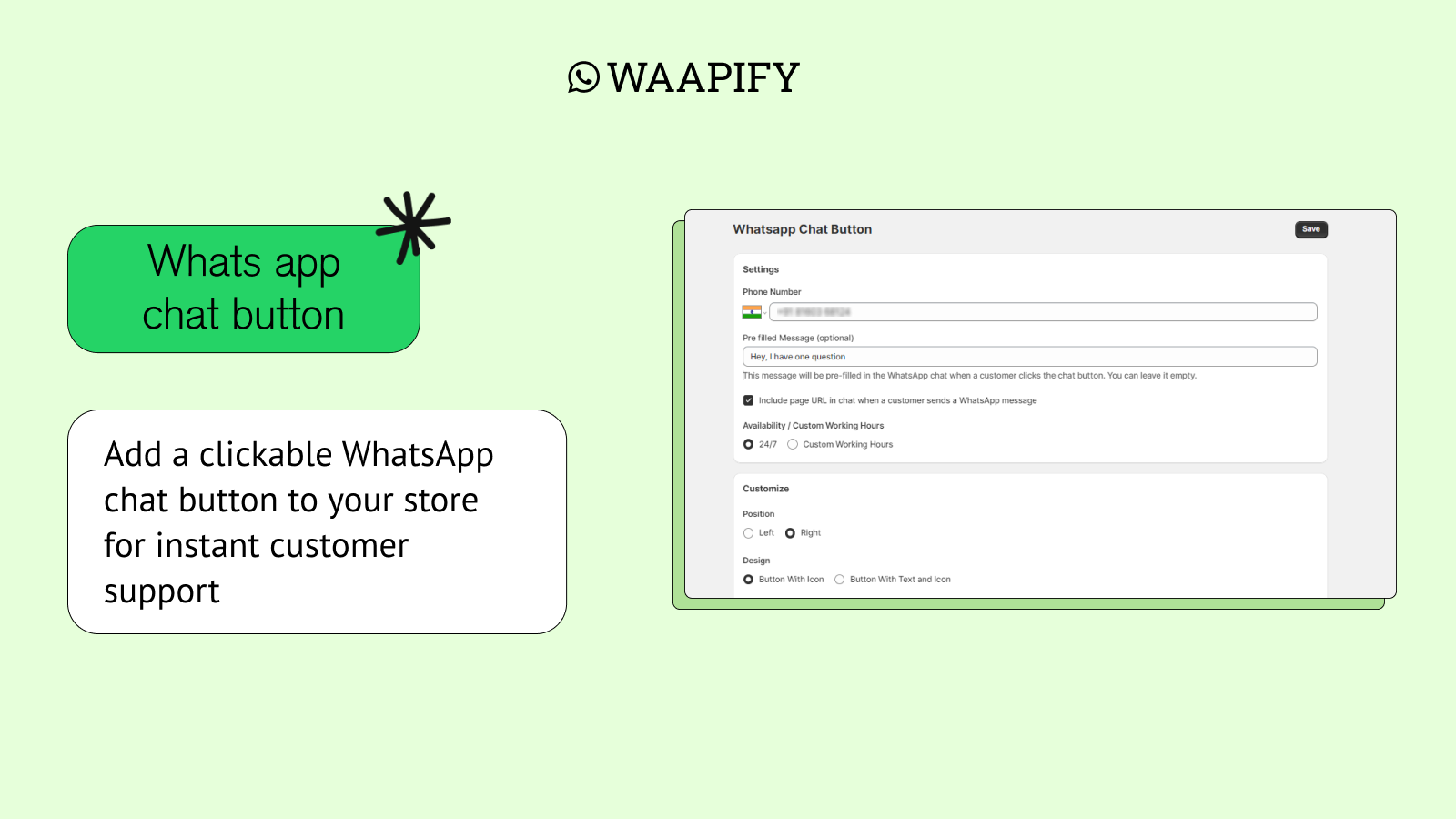
- Add a clickable WhatsApp chat button to your store for instant customer support
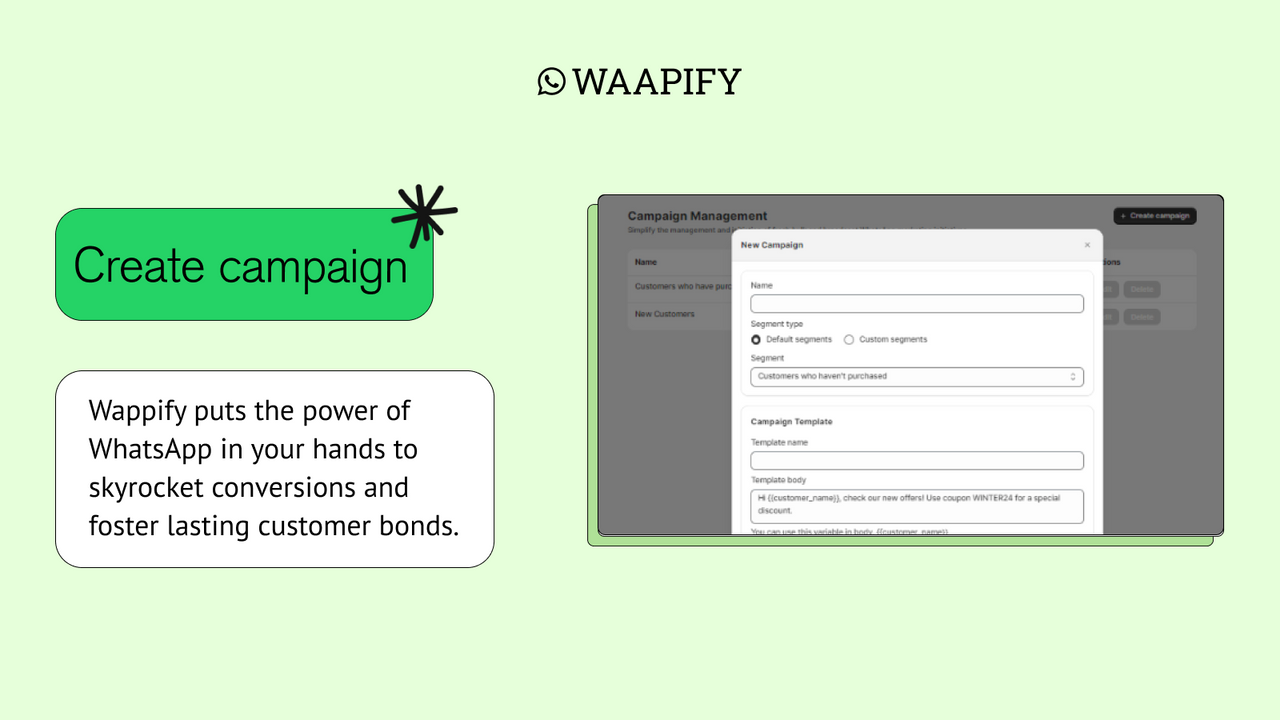
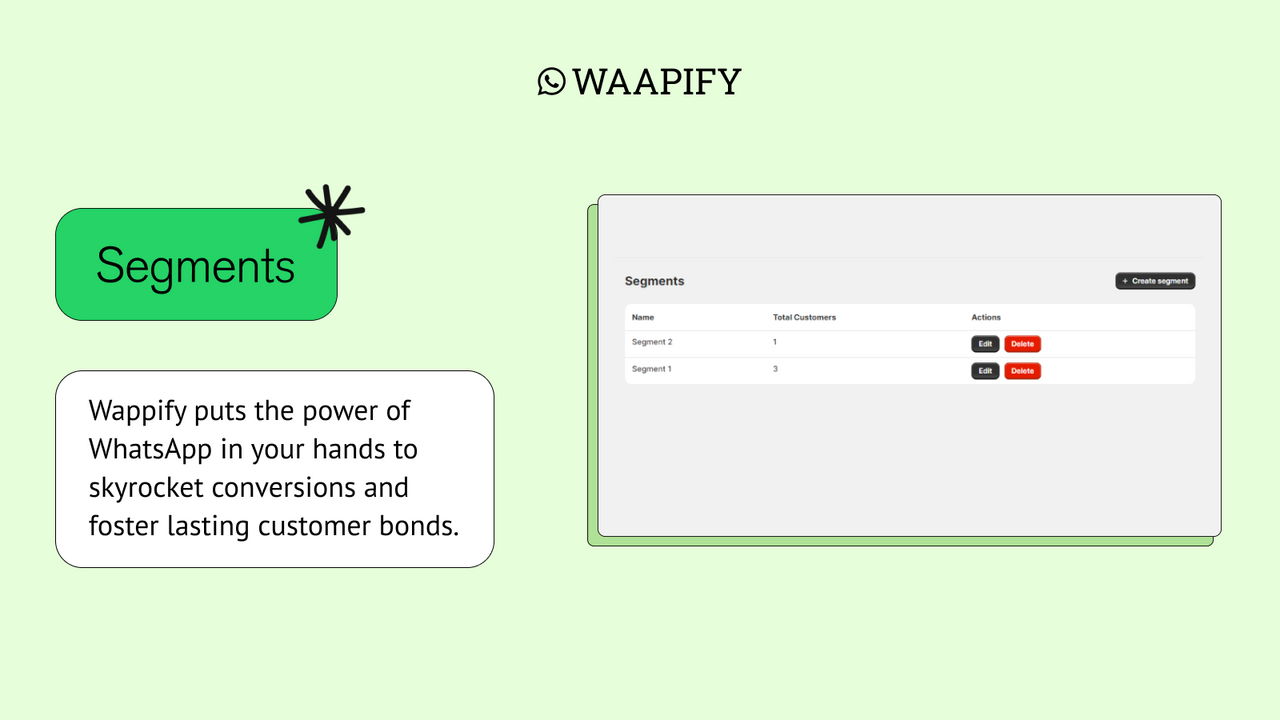
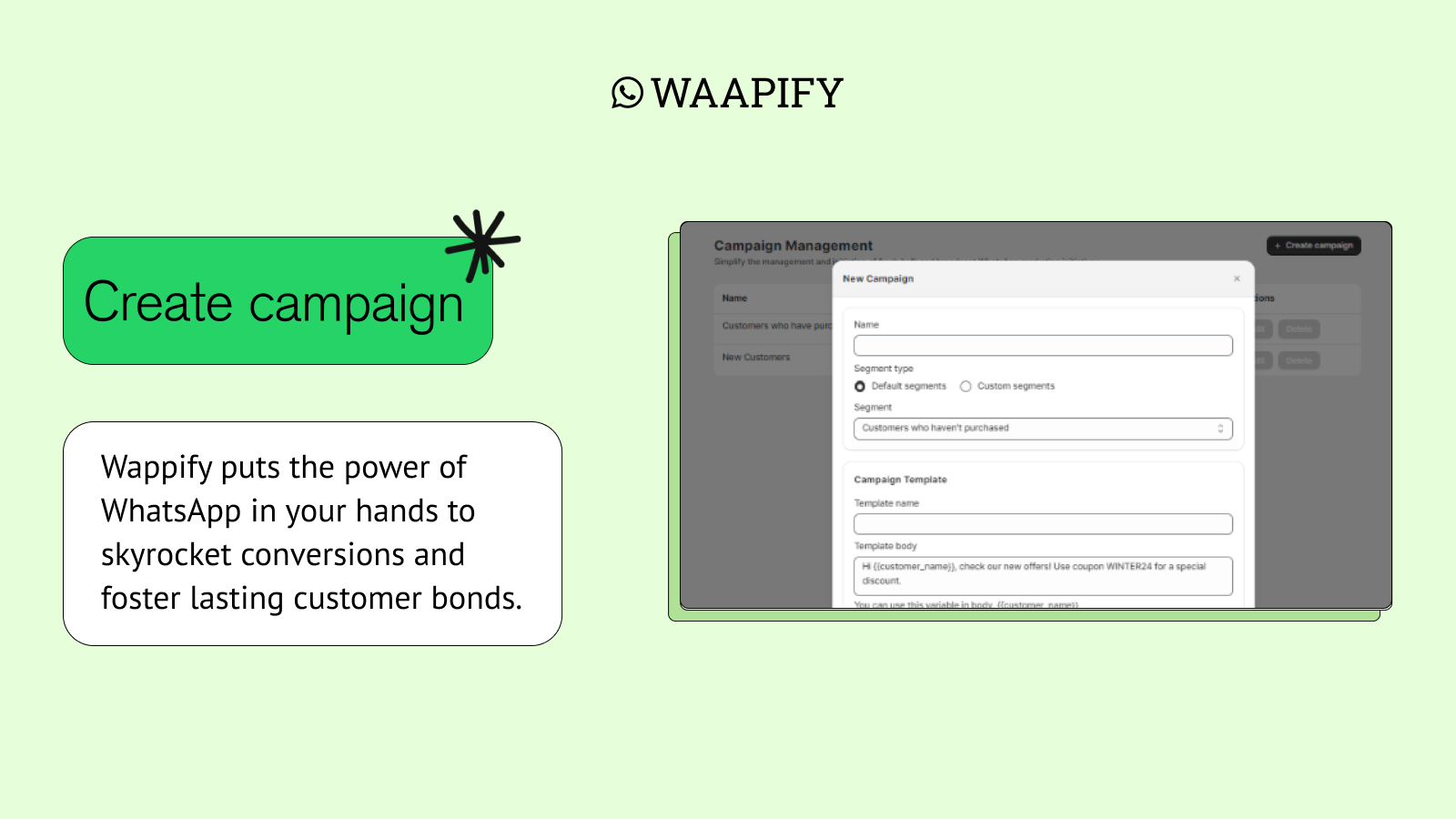
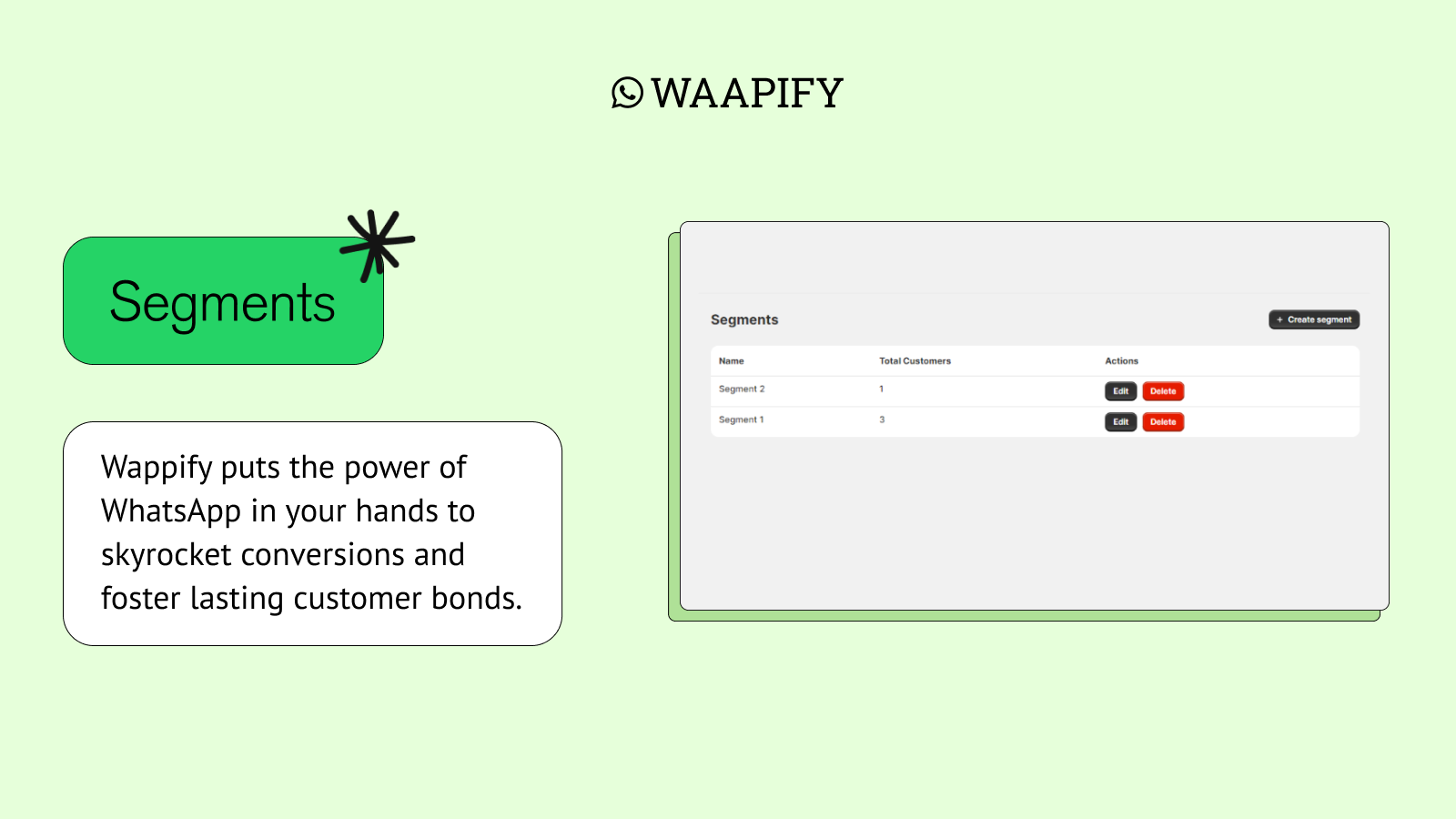
- Create custom customer segments and send targeted marketing campaigns.
- Monitor your WhatsApp marketing performance with analytics
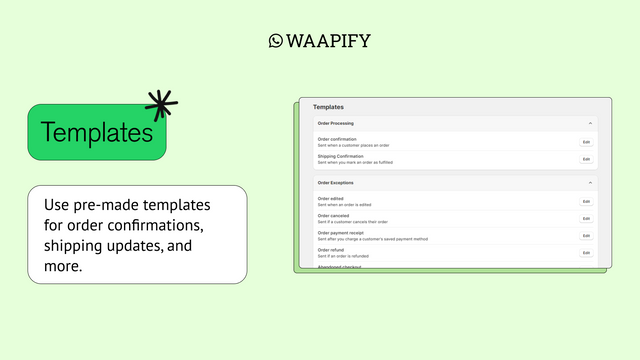
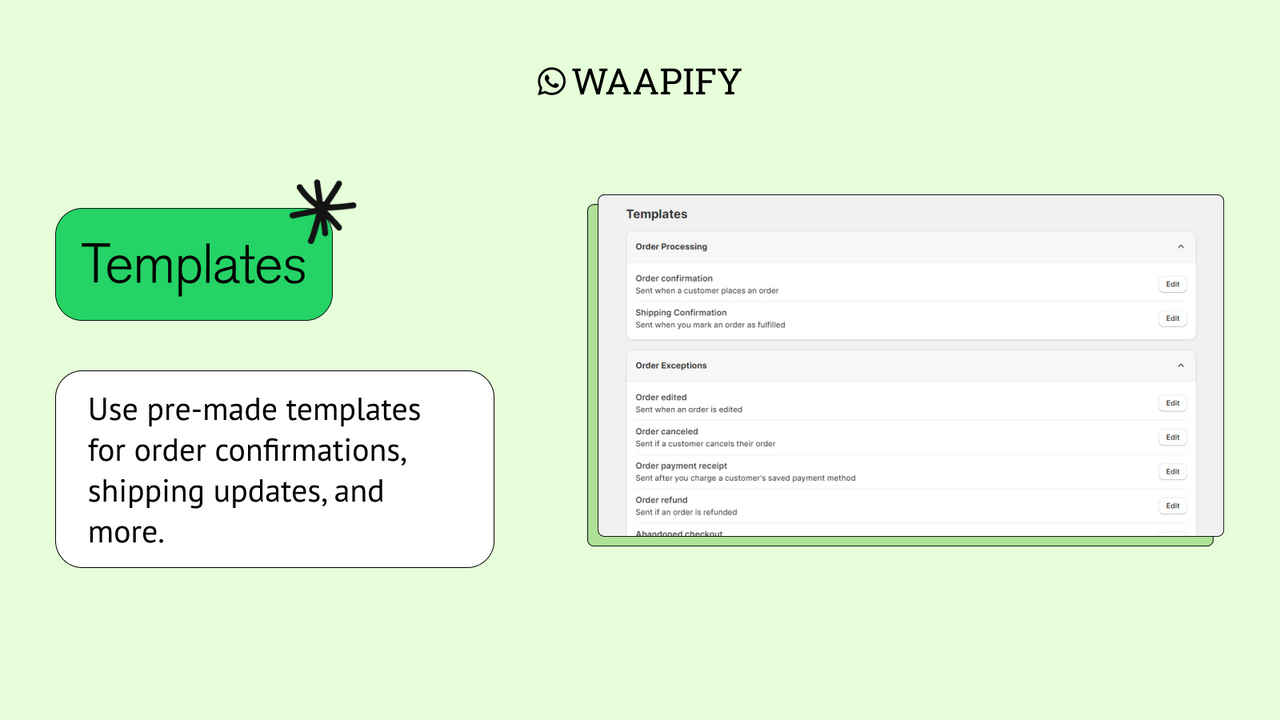
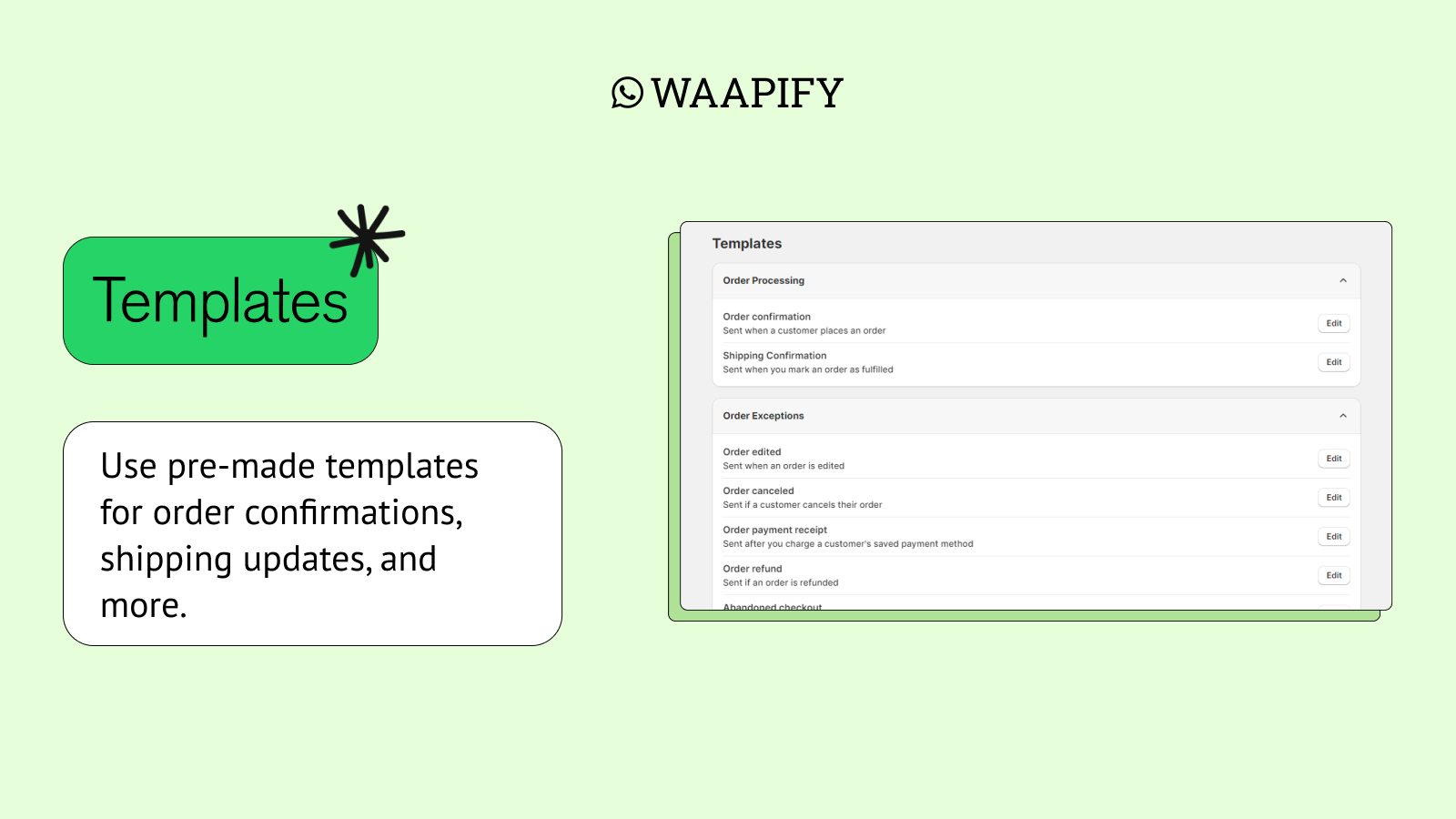
- Use pre-built templates for order confirmations, shipping updates, and more.
Merchant-Friendly
- Independent Station Merchants
- Cross-border E-commerce
- Small & Medium E-commerce Sellers
- DTC Brand Merchants
- Social E-commerce Merchants
Basic Information
- Developer:Upquads
- Address:Banglore, KA, IN
- Price: Free / Free plan
- Rating:4.3 / 5
- Comment Count:8 comment
- Release Date:2024-5-6
- Supported languages:English
- Compatible products:Shopify
Application Screenshot
Price Plan
STARTER
$4.99
- Manual Cart Abandonment Recovery Messages
- WhatsApp Share Button
- Reports/Analytics
- No Branding from Us
STANDARD
$9.99
- All features of the Starter Plan
- Abandoned Cart Recovery
- Priority Support
PLUS
$19.99
- All features of the Standard plan
- Marketing campaigns
- Bulk messages
- Custom customer segments
User Location & Comments
User Location
Comments
Shopify API Used
- POST /admin/api/automation_workflow.json
- PUT /admin/api/automation_workflow/{id}.json
- GET /admin/api/automation_workflow.json
Permission:write_automation,read_automation,manage_orders
- POST /admin/api/online_store/script_tag.json
- PUT /admin/api/online_store/script_tag/{id}.json
- GET /admin/api/online_store/script_tag.json
Permission:write_script_tags,read_script_tags,manage_online_store
- POST /admin/api/customers/segment.json
- PUT /admin/api/customers/segment/{id}.json
- GET /admin/api/customers/segment.json
Permission:write_customers,read_customers,manage_marketing
- GET /admin/api/marketing_event.json
- GET /admin/api/report.json
- GET /admin/api/analytics/performance.json
Permission:read_analytics,read_marketing_events,manage_reports
- POST /admin/api/notification_template.json
- PUT /admin/api/notification_template/{id}.json
- GET /admin/api/notification_template.json
Permission:write_notifications,read_notifications,manage_orders



