
App Introduction
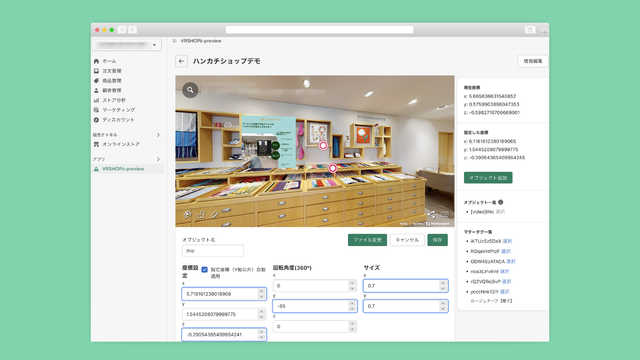
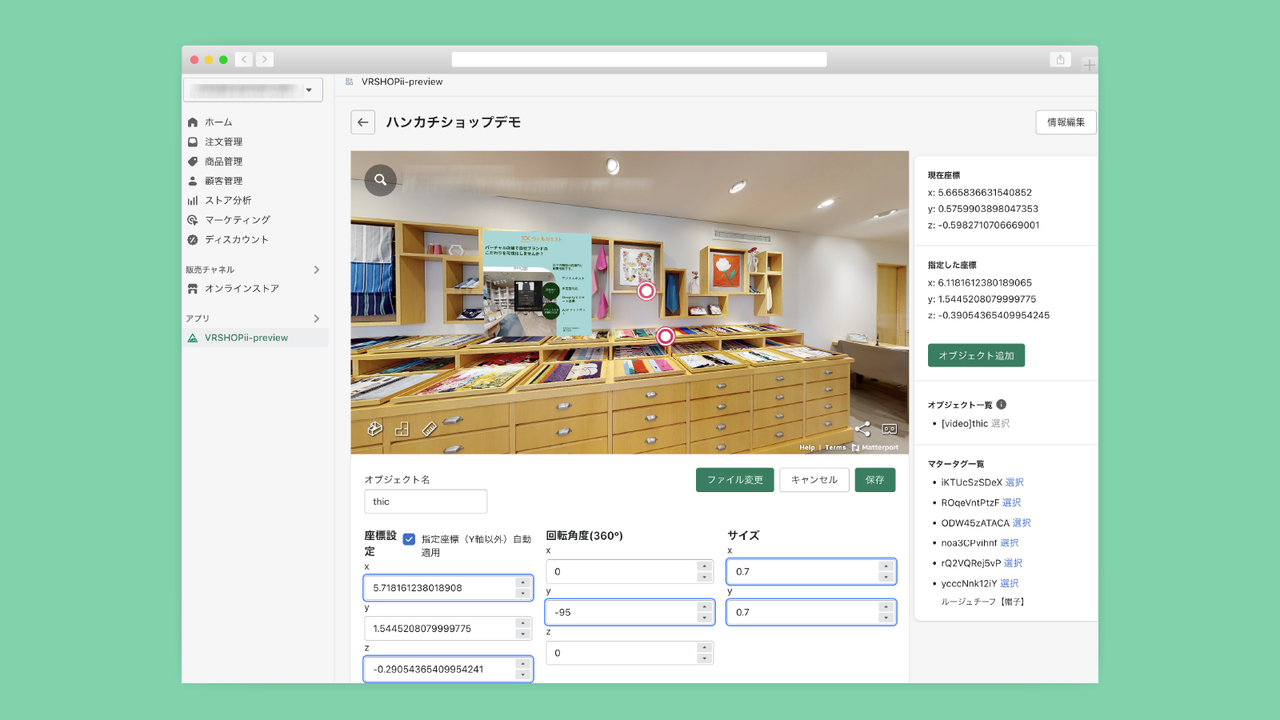
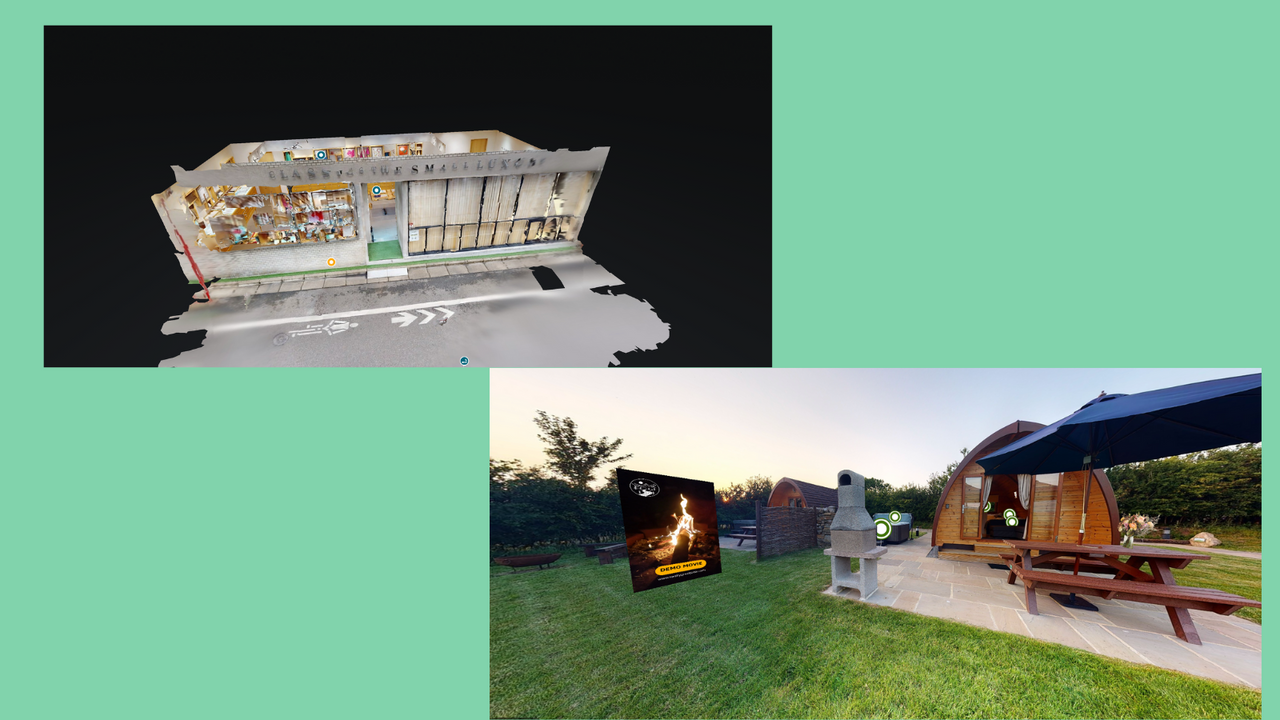
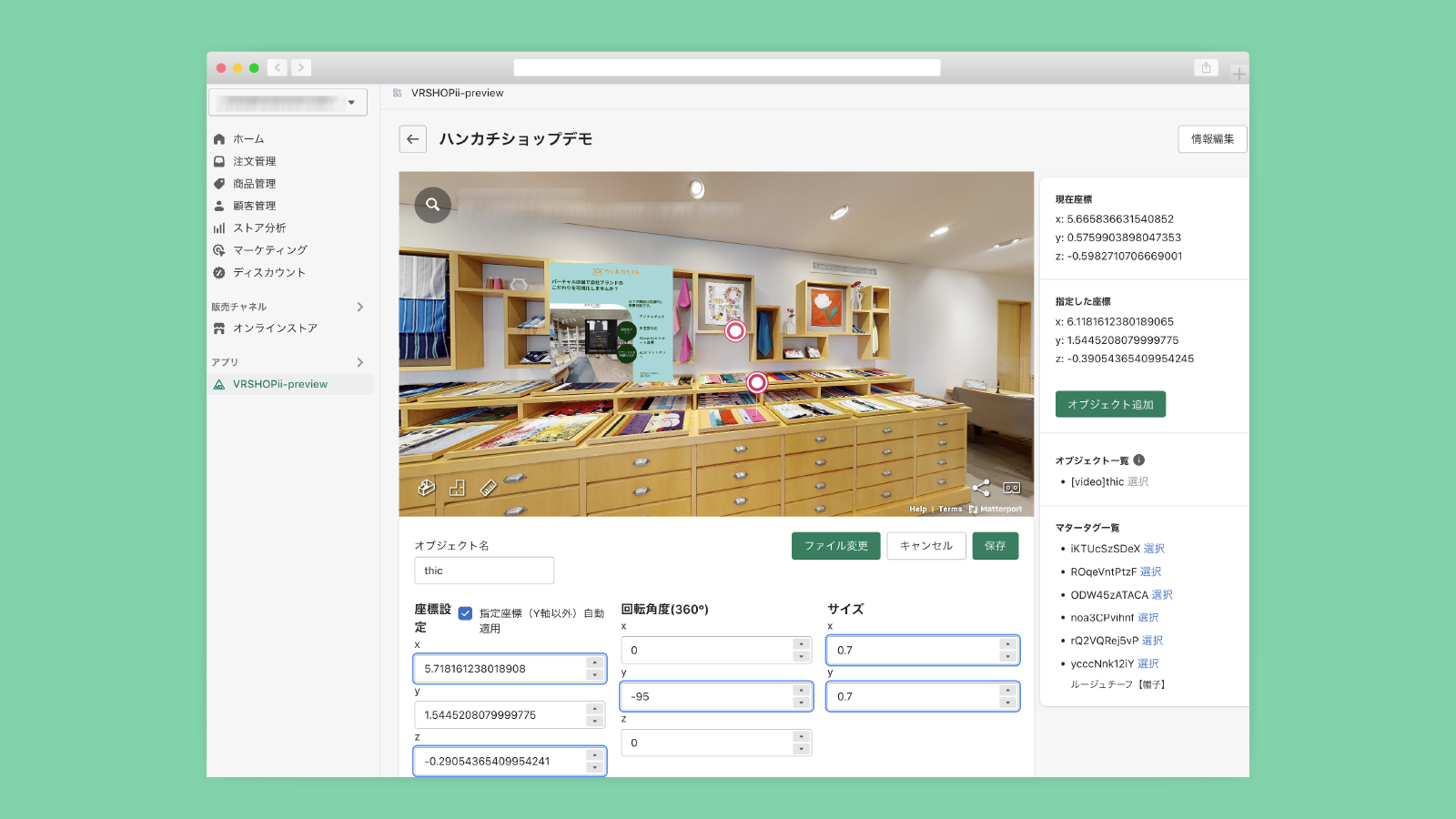
An app for creating virtual stores and decorating them to communicate your brand’s worldview. VRSHOPii is an application that simplifies building a virtual store. It offers a more visual approach than traditional e-commerce sites, enabling easy construction of an XR space to resonate with users through your brand’s worldview. Main Features - Integration with Matterport Digital Twin and Shopify cart - Display of images and videos in the virtual store ⁕ Installation of objects ⁕ Digital signage placement ⁕ In-store multilingualization
Core Functionality
- Images and videos can be freely placed in the space.
- Linkage to Google Analytics parameters to see which areas of 3D
- Multilingual support is available.
Merchant-Friendly
- Independent Station Merchants
- Cross-border E-commerce Sellers
- Brand E-commerce Stores
Basic Information
- Developer:ObotAI
- Address:恵比寿2-6-25, 上田ビル3F, 渋谷区, JP-13, 1500013, JP
- Price: Free / Free plan
- Rating:0 / 5
- Comment Count:0 comment
- Release Date:2022-9-1
- Supported languages:Japanese
- Compatible products:Shopify
Application Screenshot



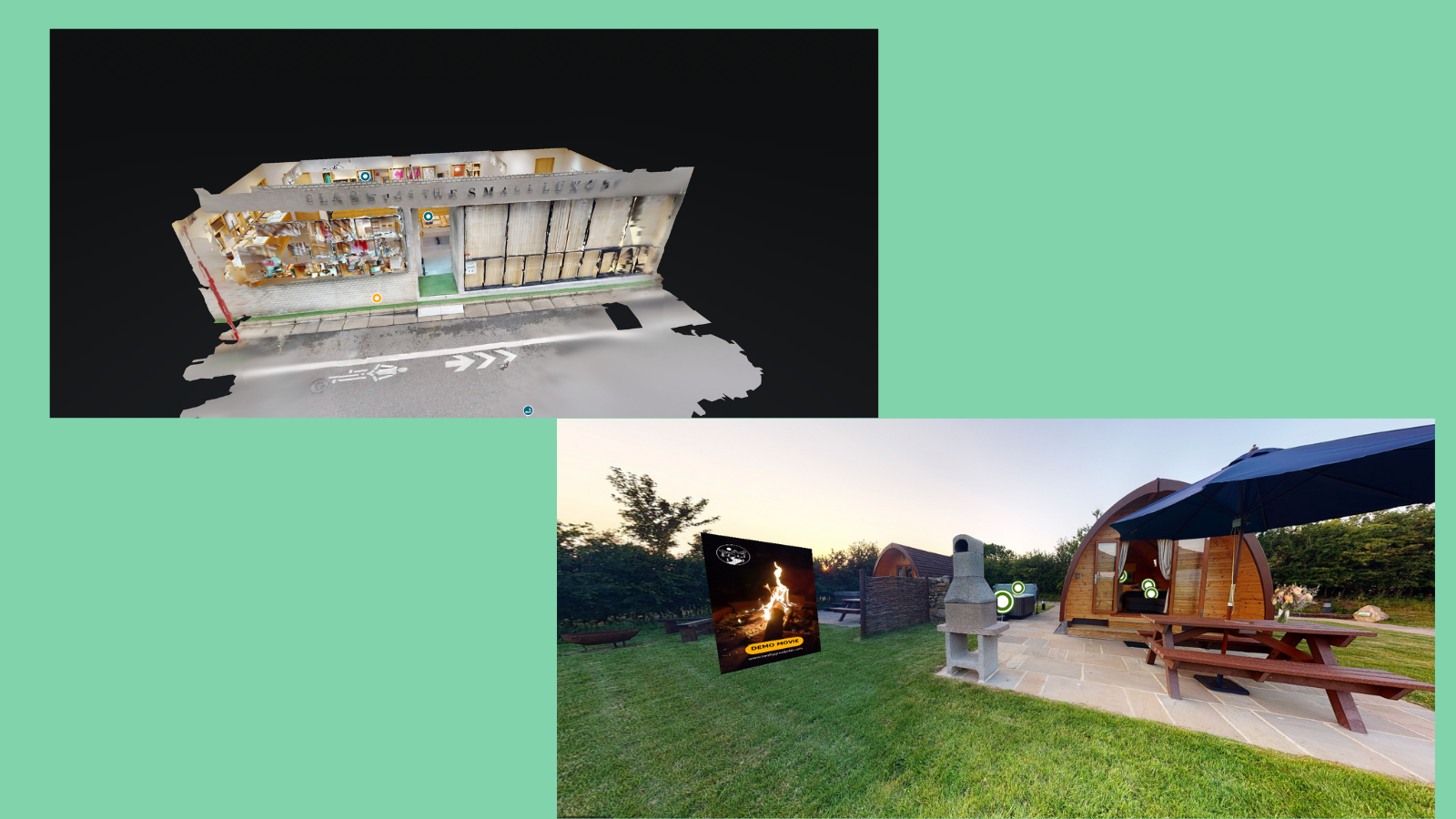
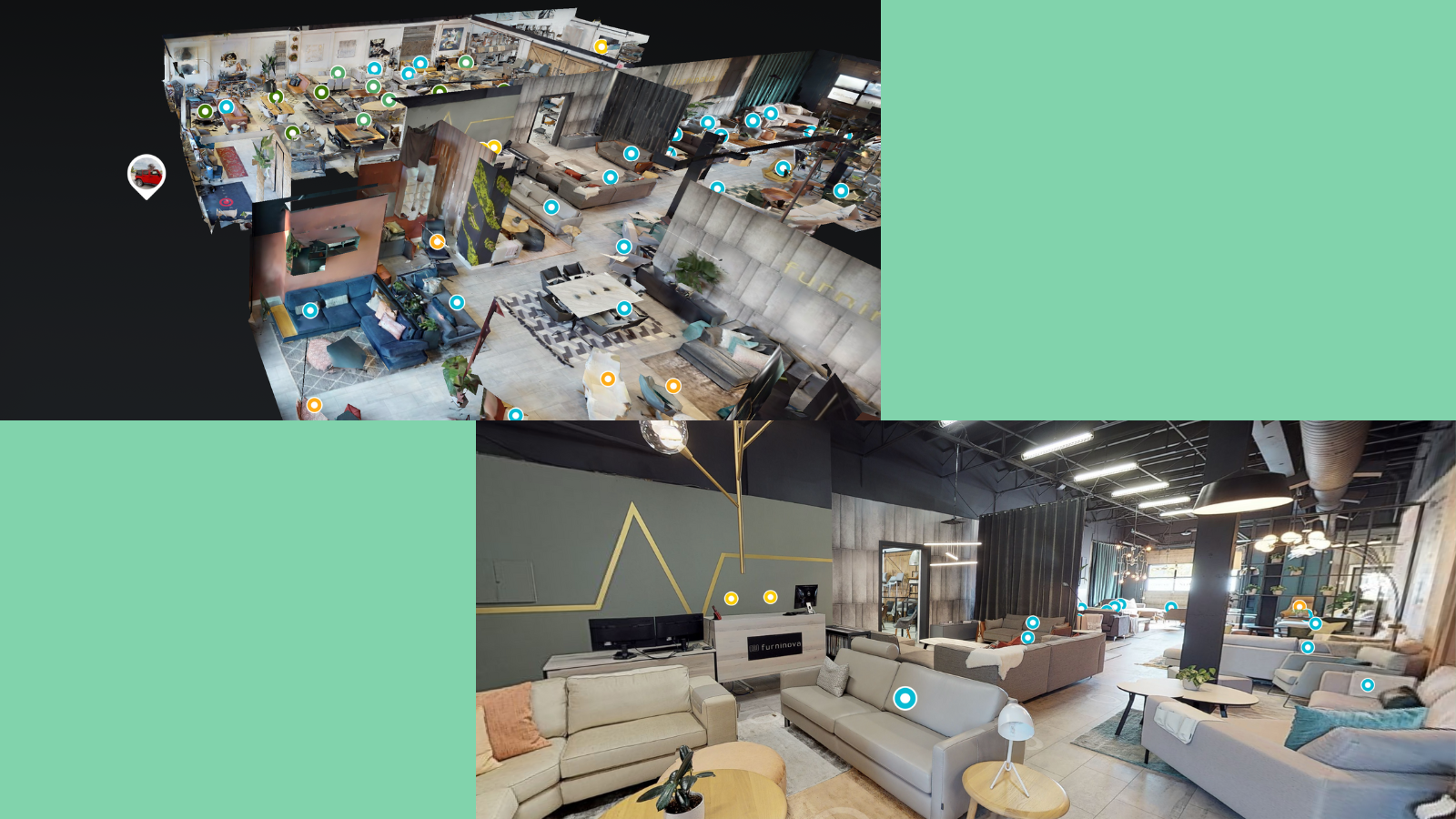
Price Plan
Free
免费
- products (SKU) 10
- images (jpg, png) 1
- videos (mp4) 0
- File size of images and videos (file size) 10MB
- Language none
Starter
$28
- products (SKU) 10
- images (jpg, png) 1
- videos (mp4) 1
- File size of images and videos (file size) 100MB
- Language none
Medium
$98
- products unlimited
- images unlimited
- videos unlimited
- Image and video file size (file size) 5GB
- No language
Business
$198
- products (SKU) 10
- images (jpg, png) 1
- videos (mp4) 1
- File size of images and videos (file size) 100MB
- Multi Language
User Location & Comments
User Location
Comments
Shopify API Used
- POST /admin/api/sections/{section_id}/blocks.json
- PUT /admin/api/sections/{section_id}/blocks/{block_id}.json
- GET /admin/api/sections/{section_id}/blocks.json
Permission:write_themes,read_themes,manage_online_store
- POST /admin/api/analytics/settings/google.json
- PUT /admin/api/analytics/settings/google.json
- GET /admin/api/analytics/settings/google.json
Permission:write_analytics,read_analytics,manage_store
- POST /admin/api/translations.json
- PUT /admin/api/translations/{translation_id}.json
- GET /admin/api/translations.json
Permission:write_translations,read_translations,manage_translations