App Introduction
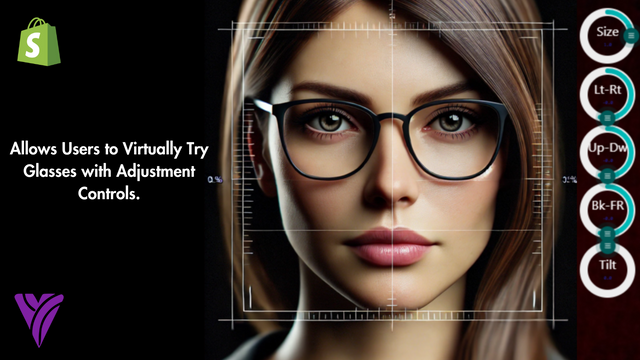
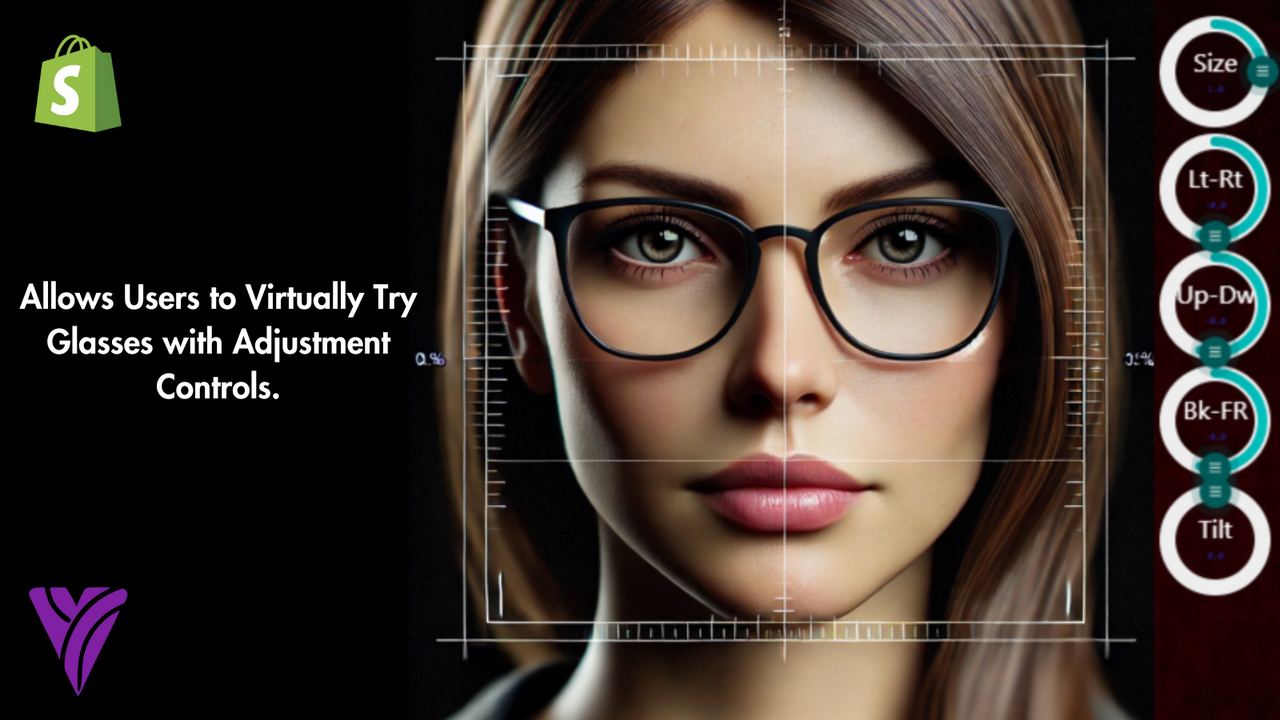
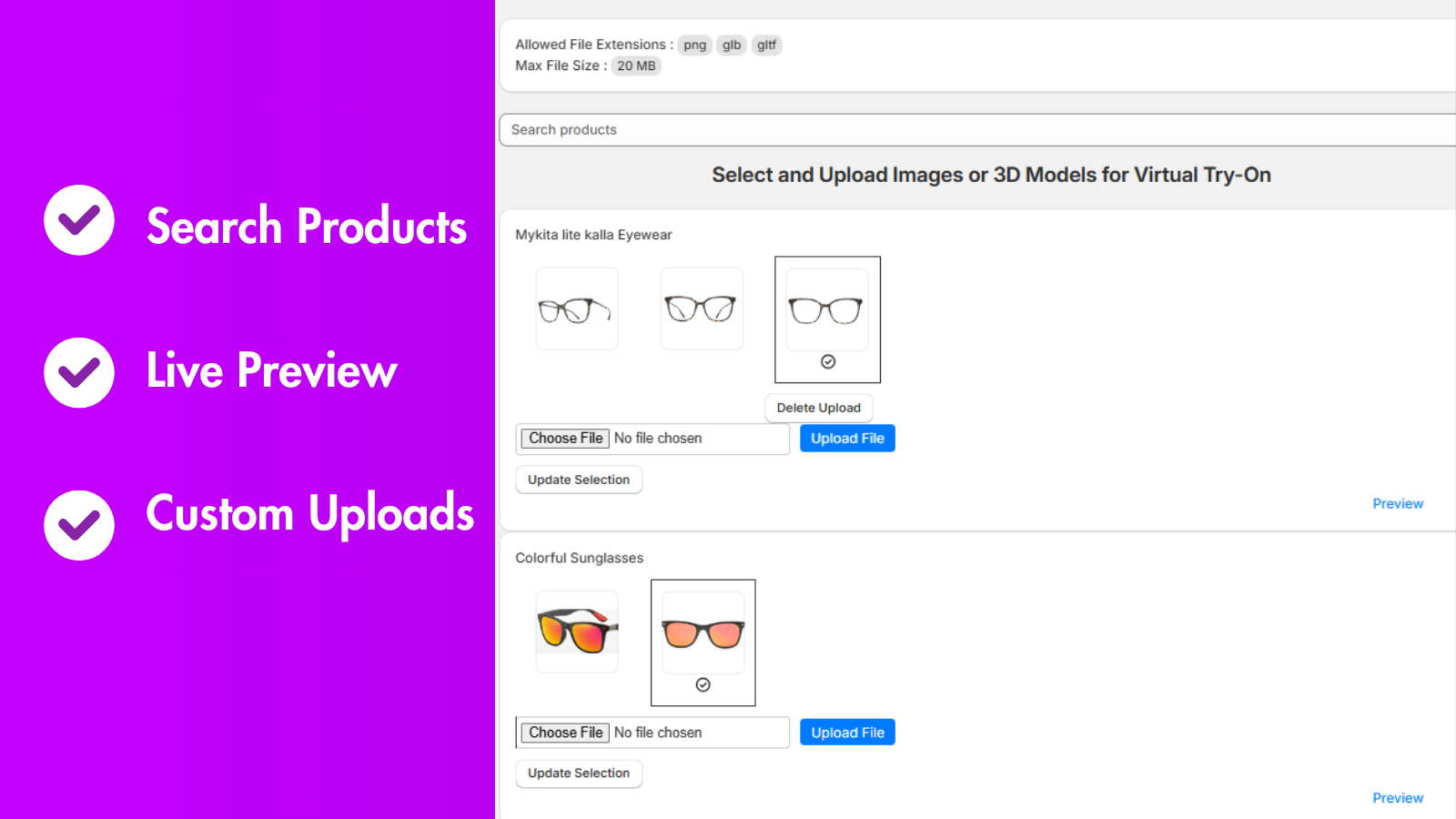
An AI-powered virtual try-on app that lets customers virtually try on and adjust glasses. Our **Virtual Tryon Glasses** app is specifically built to enhance the shopping experience for eyewear merchants and their customers. By integrating cutting-edge AI technology, the app enables users to virtually try on and adjust glasses in real time—directly from their devices. This not only boosts customers’ confidence in their purchase decisions but also reduces return rates, delivering significant business advantages for merchants. The app supports virtual try-ons for both 2D images and 3D models.
Core Functionality
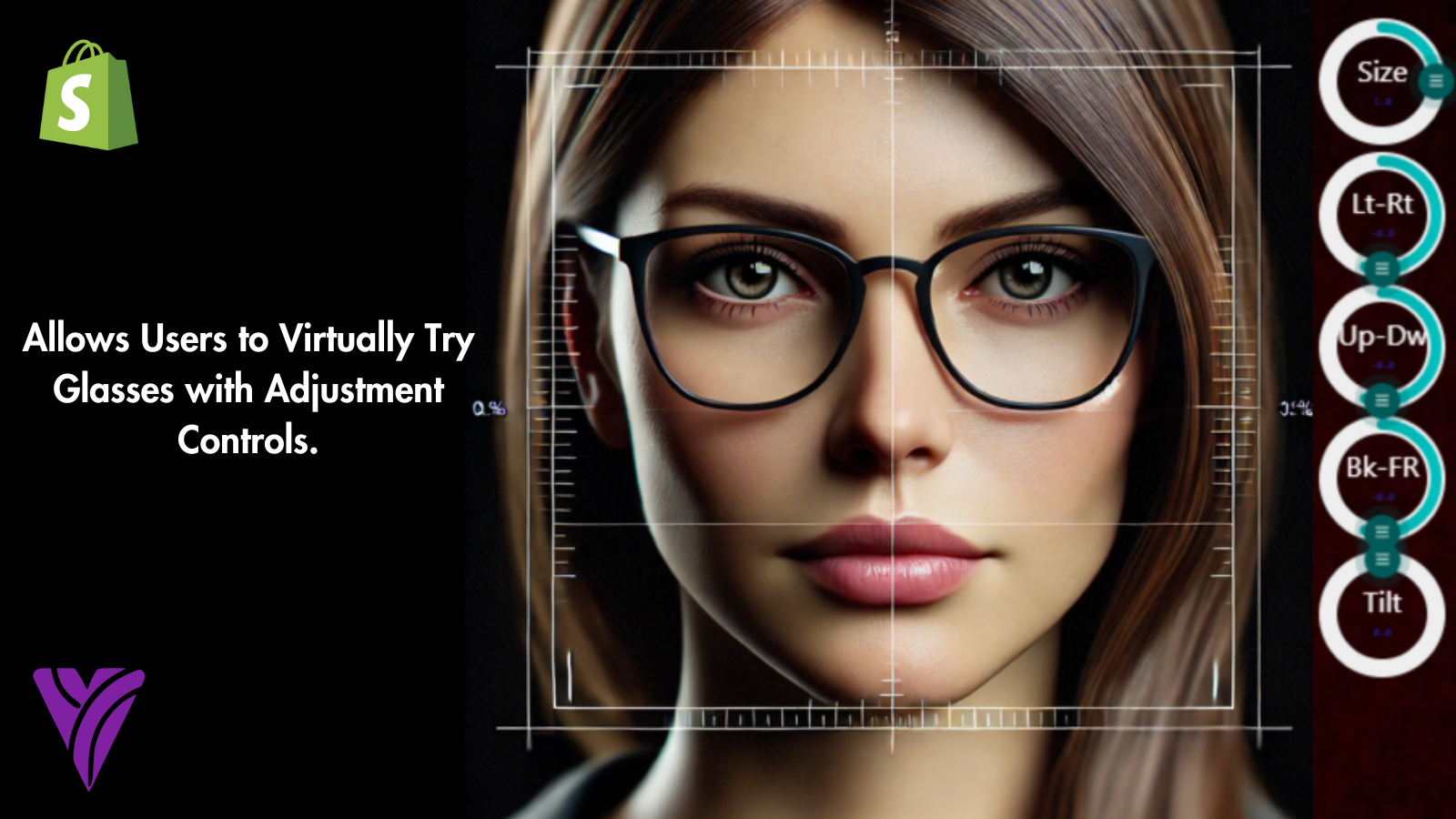
- Include intuitive controls for customers to adjust fit and positioning
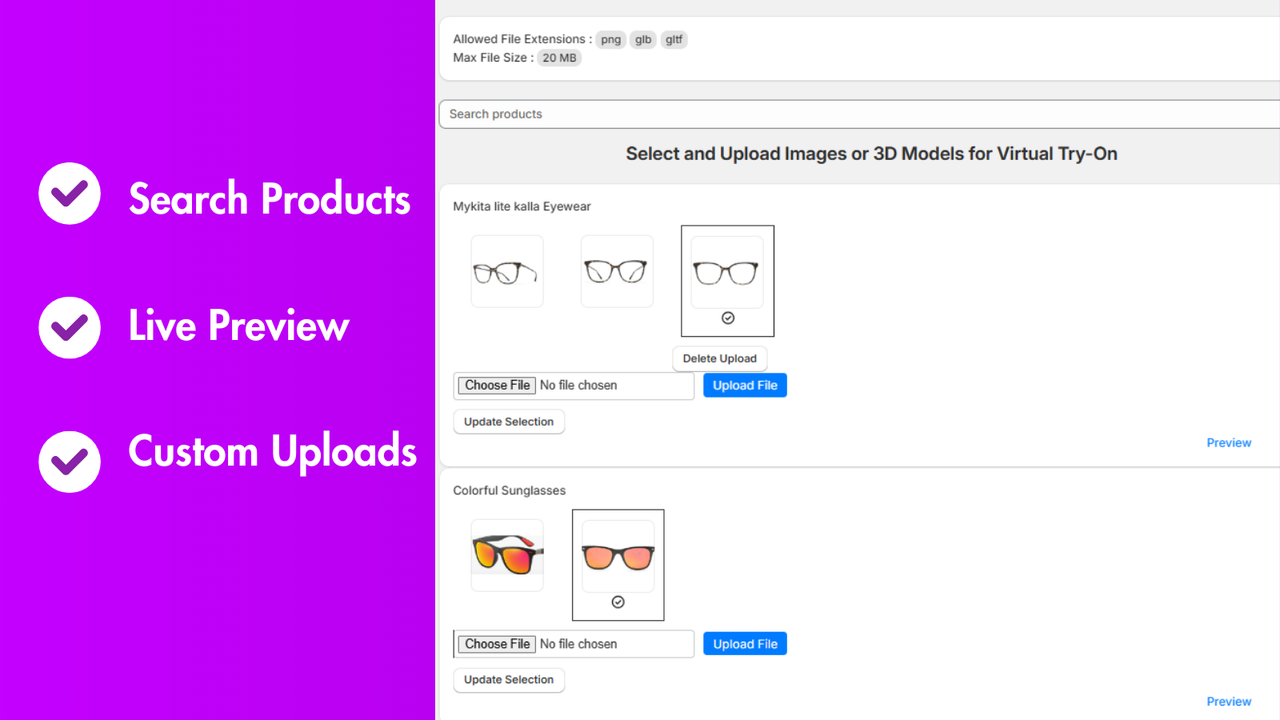
- Support 2D images and 3D models to enhance product visualization
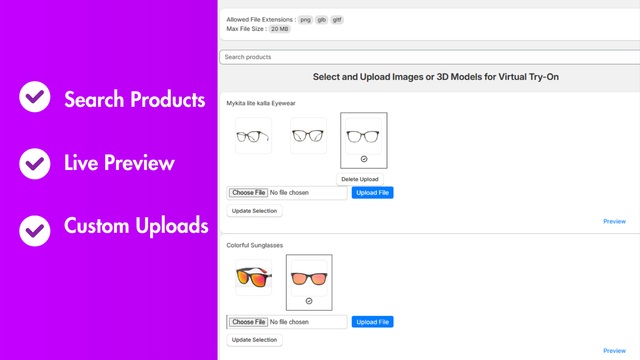
- Enable virtual try-on for selected products
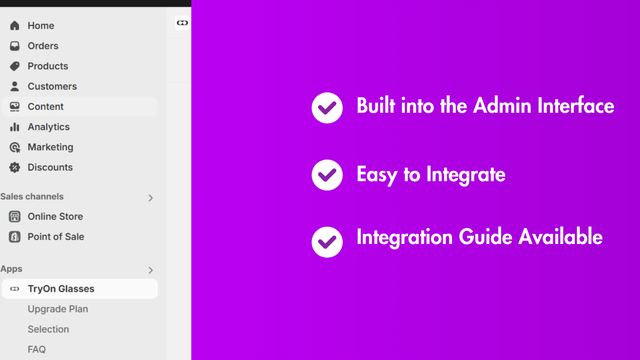
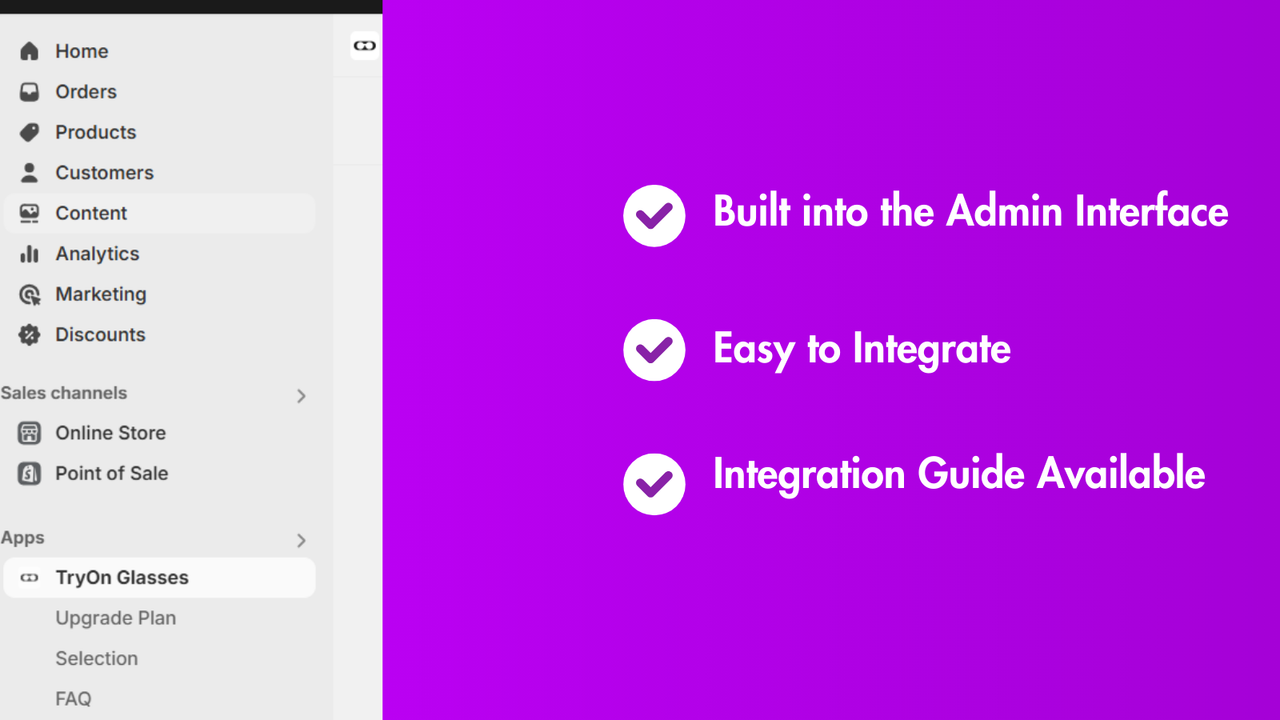
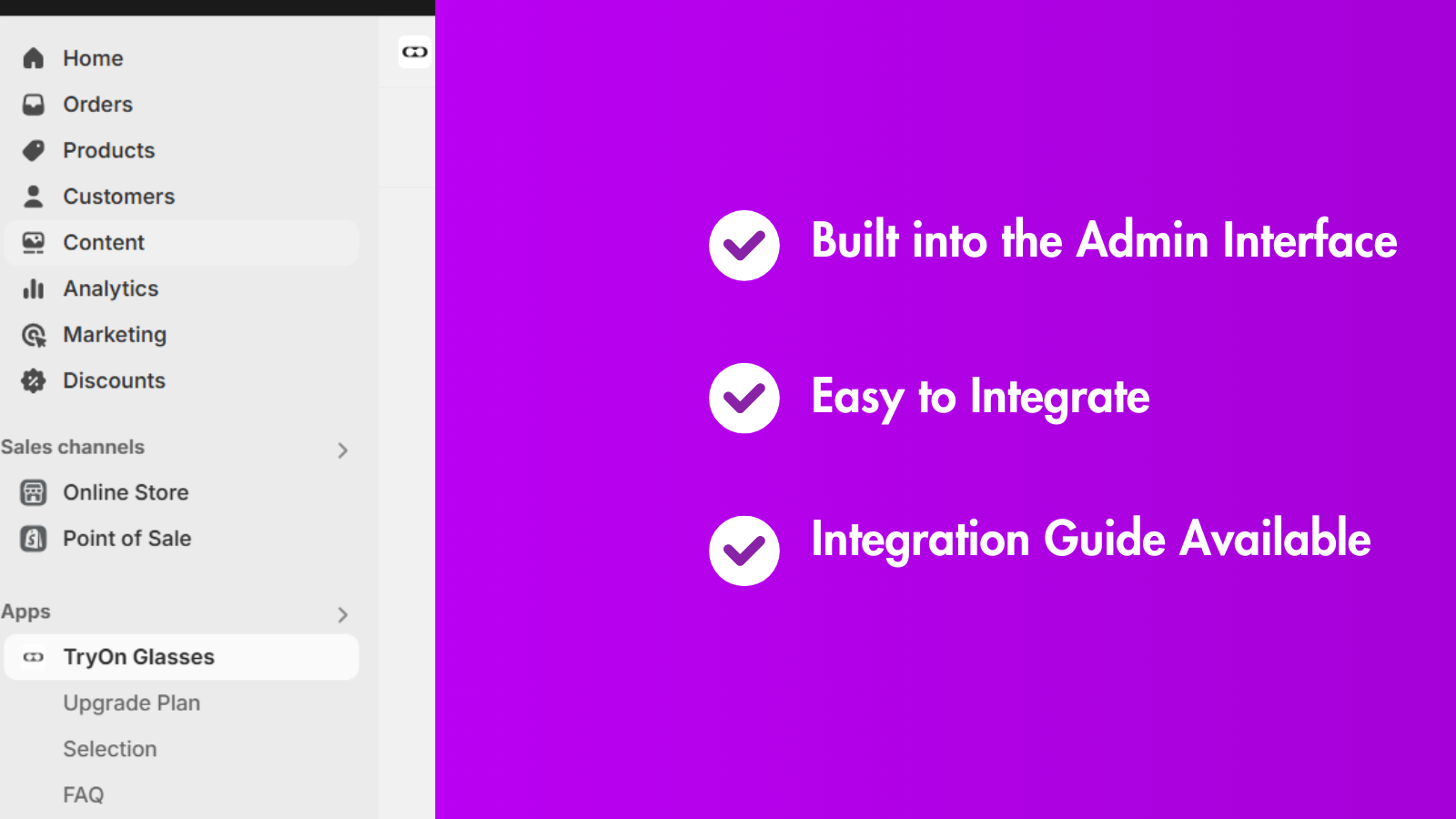
- Seamlessly integrate with e-commerce platforms to maintain functionality
- Feature advanced facial mapping technology for accurate virtual fitting
Merchant-Friendly
- Beauty & Skincare Merchants
- Eyewear & Accessories Merchants
- Jewelry Merchants
- Fashion Apparel Merchants
Basic Information
- Developer:VirtualTry
- Address:Canal Road, house no 10, Yaqoob Abad, Burewala, Burewala, 61010, PK
- Price: Free / Free plan
- Rating:4 / 5
- Comment Count:1 comment
- Release Date:2024-8-28
- Supported languages:English
- Compatible products:Shopify
Application Screenshot
Price Plan
免费计划
- → Enable virtual try-on for any product (up to 5)
- → One asset per product (2D only)
- → Interactive controls for trying on glasses
基础计划
- → Includes all features of the Free Plan
- → Up to 5 assets per product (2D only)
- → 200 active products
标准计划
- → Includes features of the Basic Plan
- → Up to 7 assets per product (including one 3D asset)
- → 2D and 3D model selection
- → 400 active products
高级计划
- → Includes features of the Standard Plan
- → Up to 9 assets per product (including one 3D asset)
- → Up to 600 active products
- → Priority support
User Location & Comments
User Location
Comments
Shopify API Used
- POST /admin/api/apps/try_on/settings.json
- PUT /admin/api/apps/try_on/settings/{id}.json
- GET /admin/api/apps/try_on/settings.json
Permission:write_apps,read_apps,manage_products
- POST /admin/api/products/{id}/visualization.json
- PUT /admin/api/products/{id}/visualization.json
- GET /admin/api/products/{id}/visualization.json
Permission:write_products,read_products,manage_files
- POST /admin/api/products/{id}/try_on/enable.json
- PUT /admin/api/products/{id}/try_on/disable.json
- GET /admin/api/products/try_on/enabled.json
Permission:write_products,read_products,manage_apps
- POST /admin/api/apps/try_on/integration.json
- PUT /admin/api/apps/try_on/integration/{id}.json
- GET /admin/api/apps/try_on/integration.json
Permission:write_apps,read_apps,manage_checkout
- POST /admin/api/apps/try_on/facial_mapping.json
- PUT /admin/api/apps/try_on/facial_mapping/{id}.json
- GET /admin/api/apps/try_on/facial_mapping.json
Permission:write_apps,read_apps,manage_customers