
App Introduction
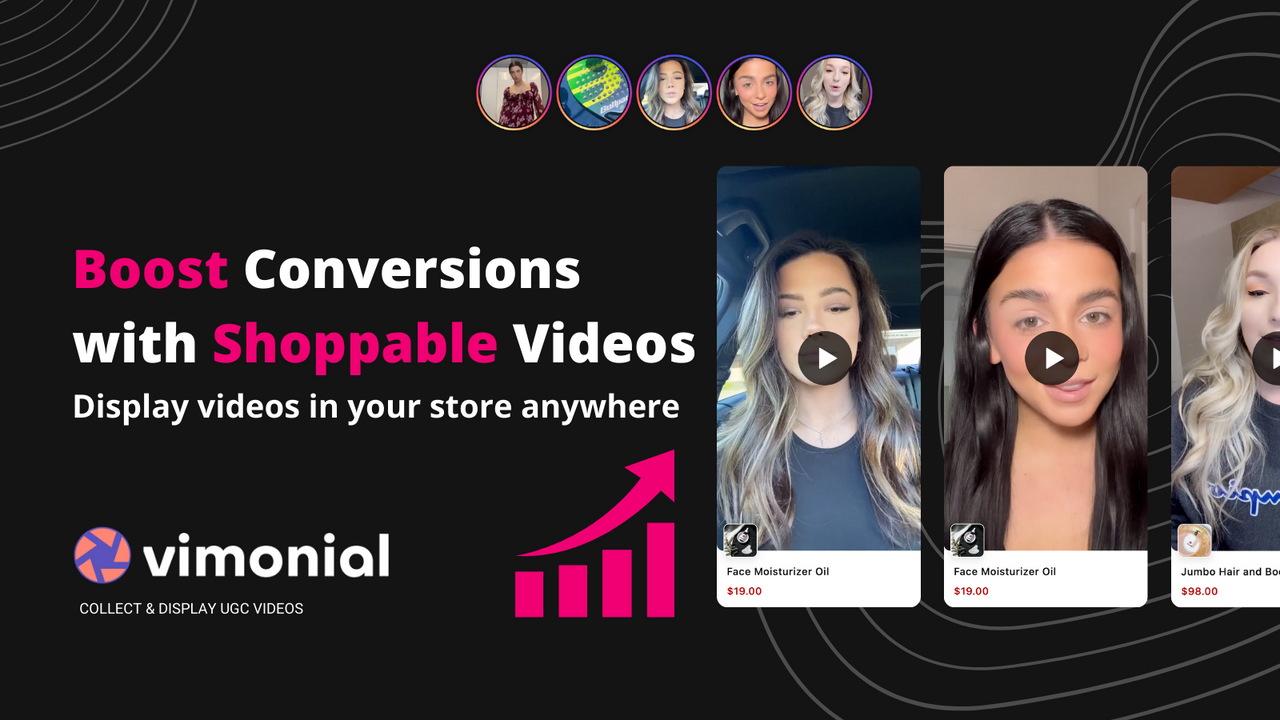
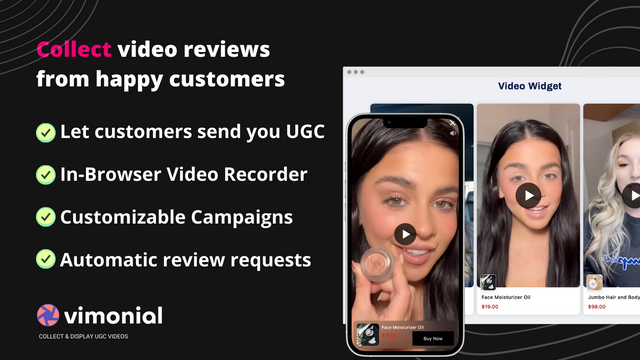
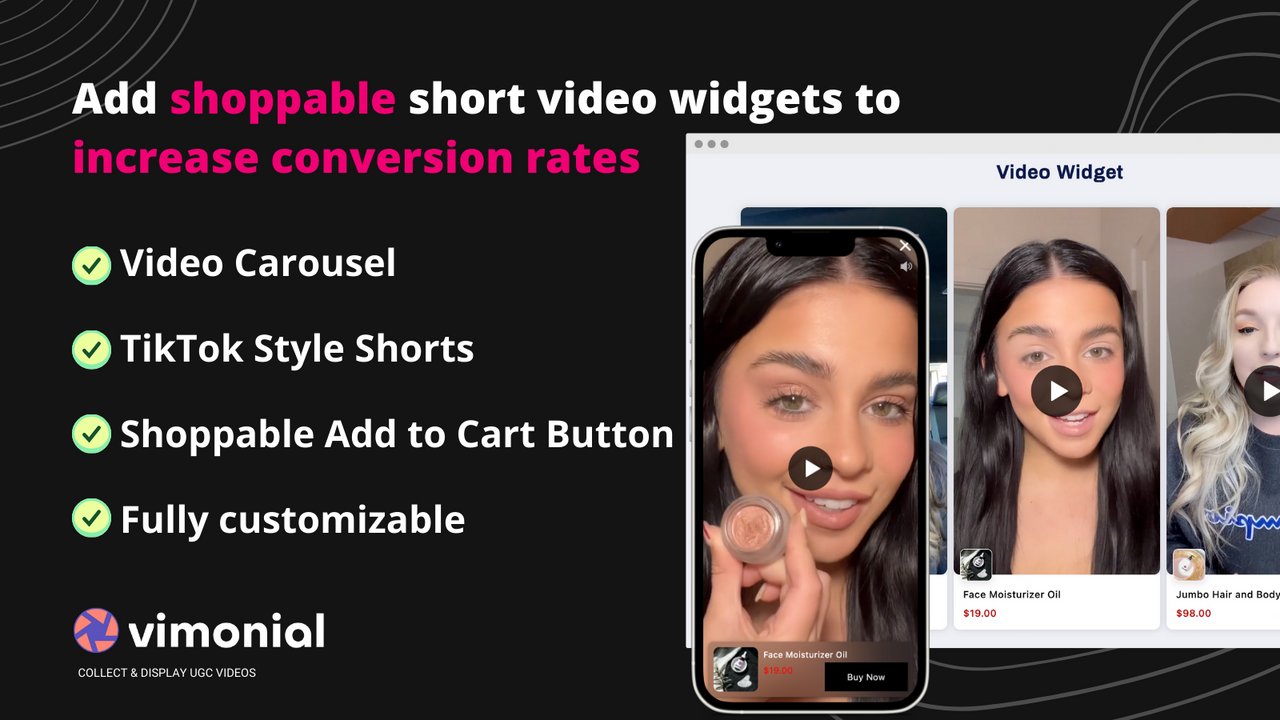
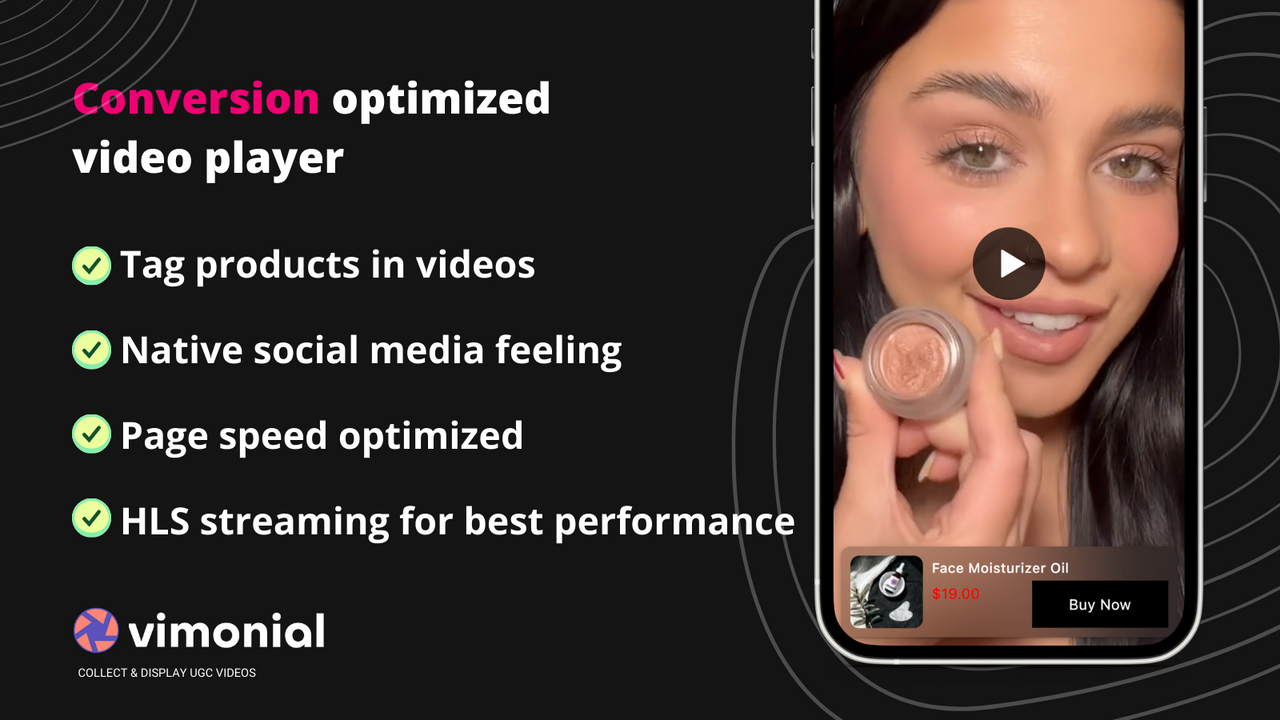
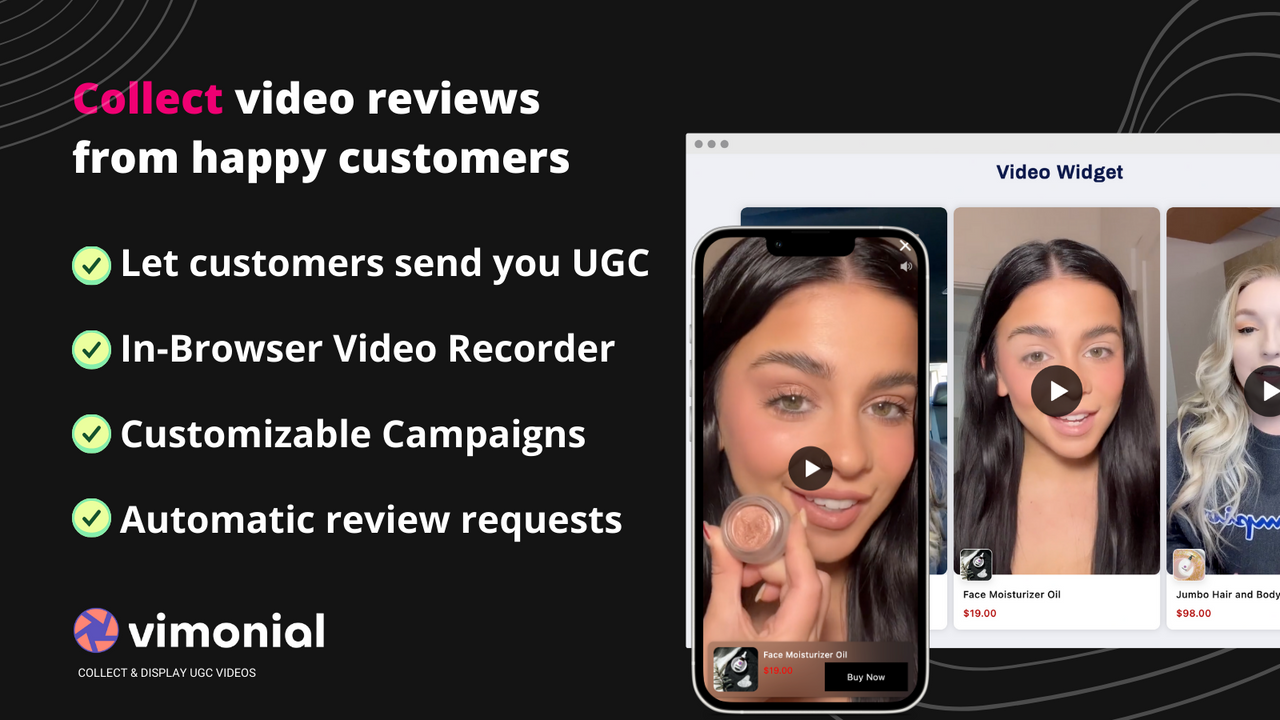
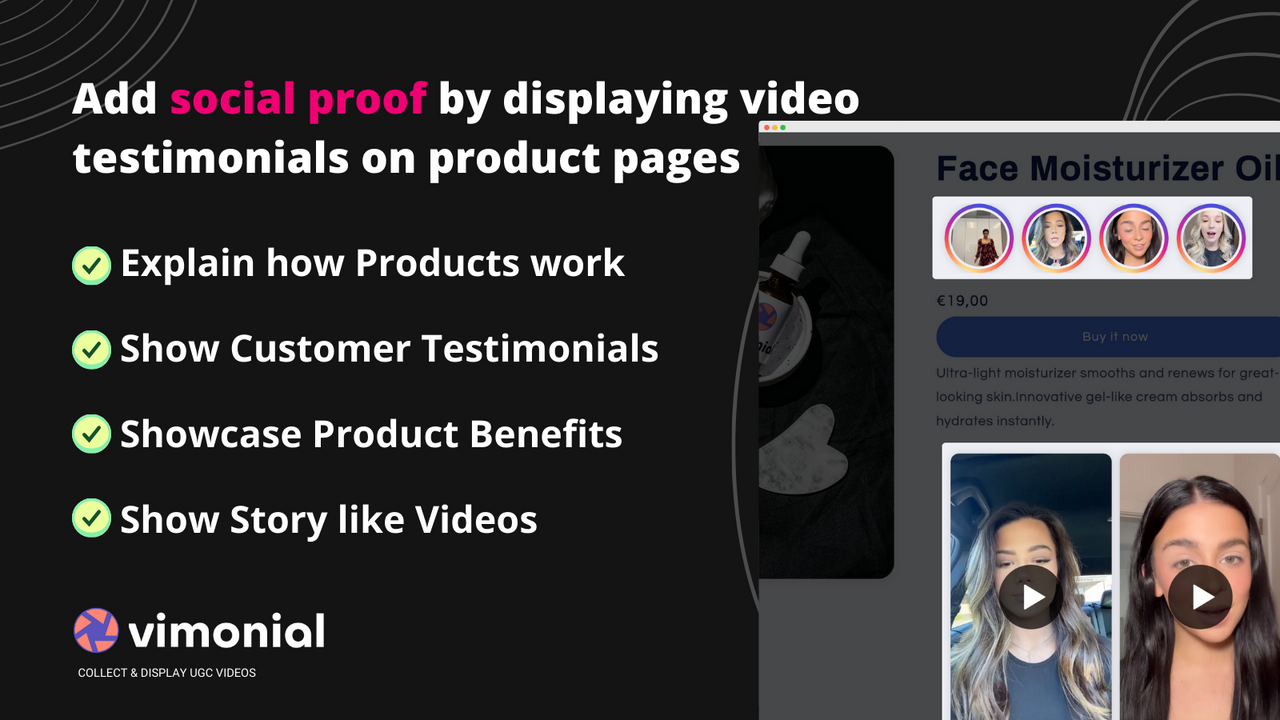
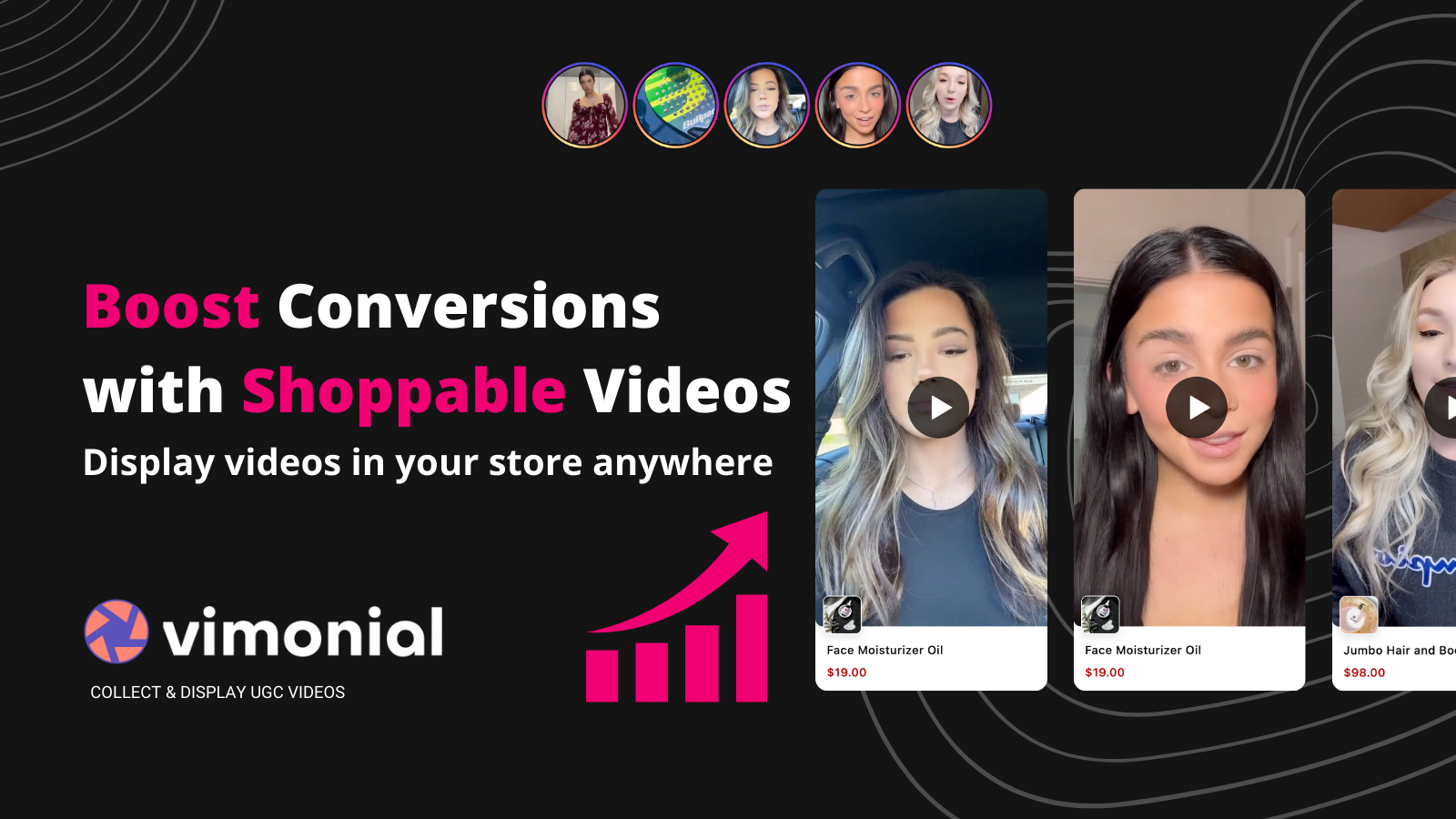
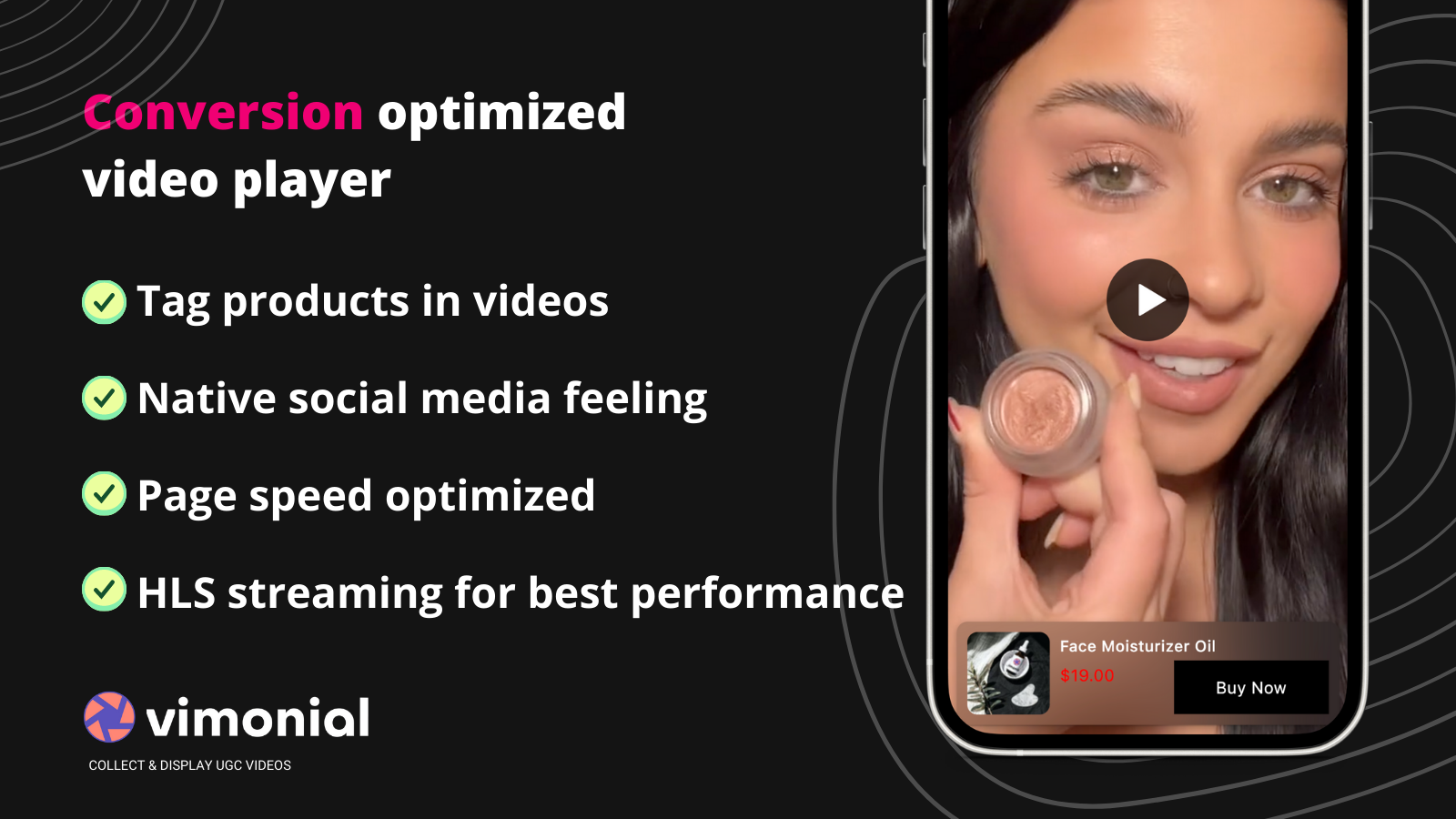
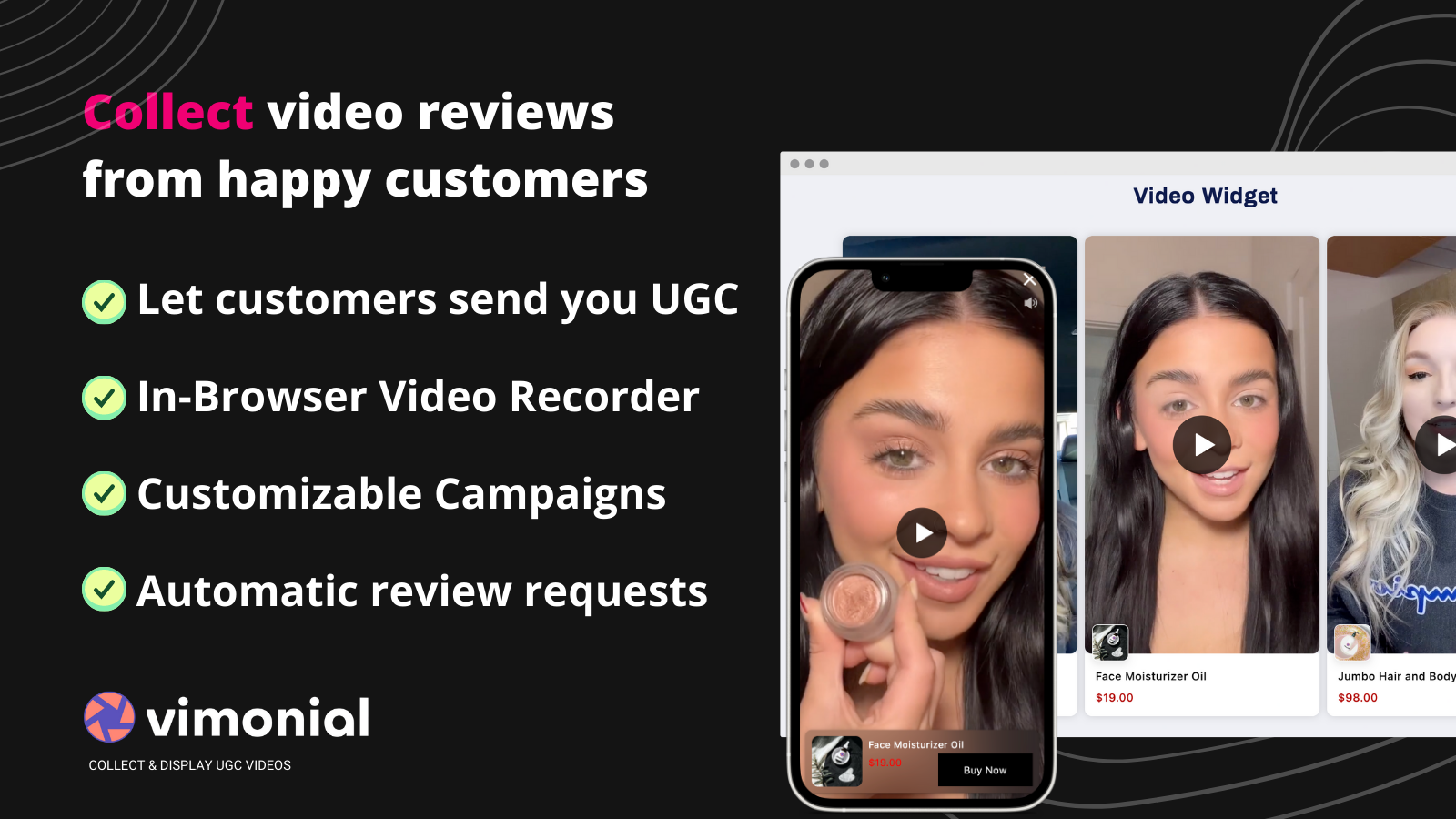
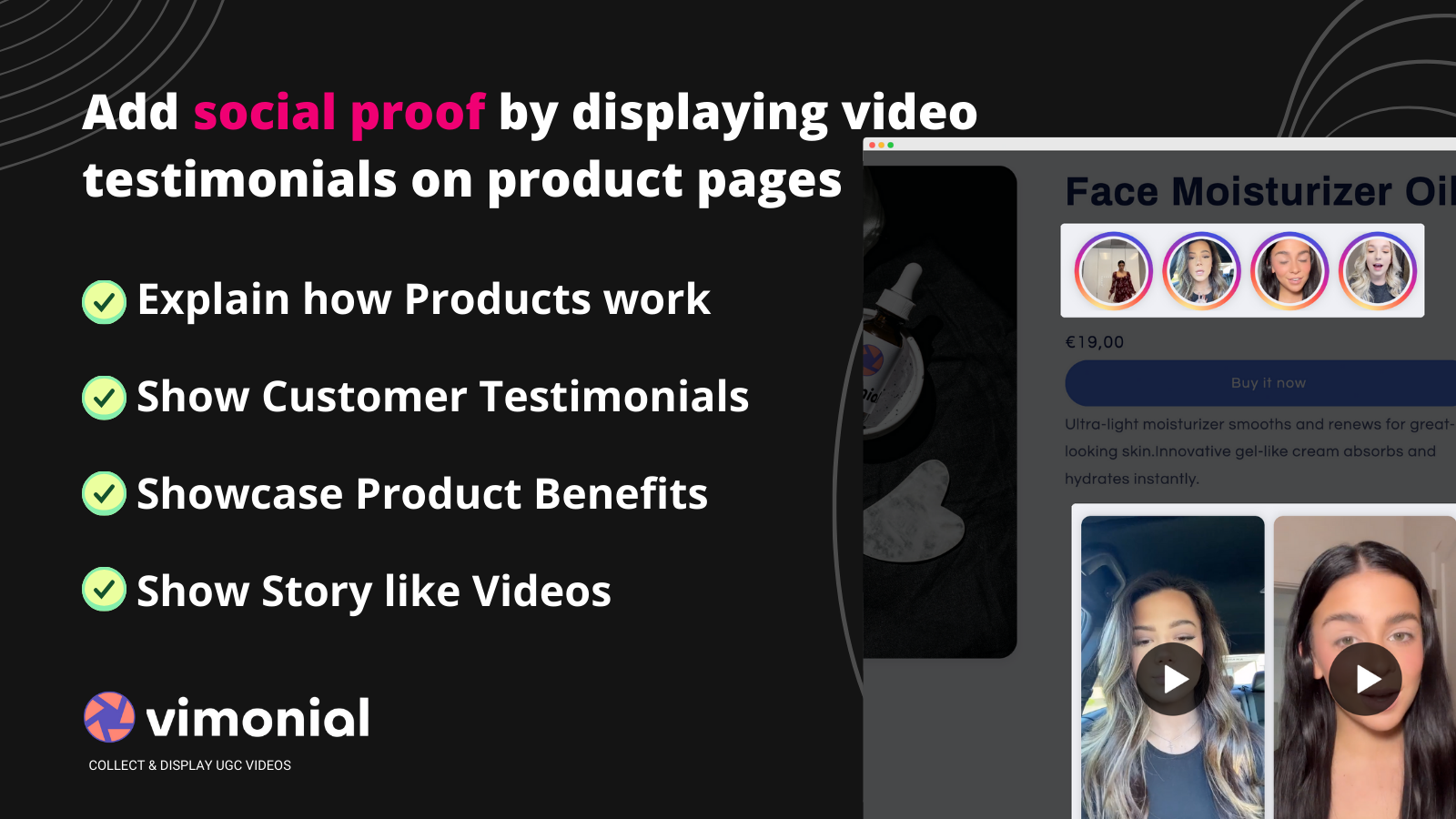
Boost Conversions & Increase Revenue with TikTok/Instagram-Style Shoppable UGC Short Videos & Reels Turn your videos into interactive shopping experiences. Showcase real customer videos to instantly boost conversions. Easily import any video from TikTok or local files. No videos? No problem—let customers record video testimonials directly in their browser and add them to your store. None of this impacts page load speed, as the widget is lazy-loaded and uses HLS technology for video streaming. Monetize social videos and watch your conversions soar.
Core Functionality
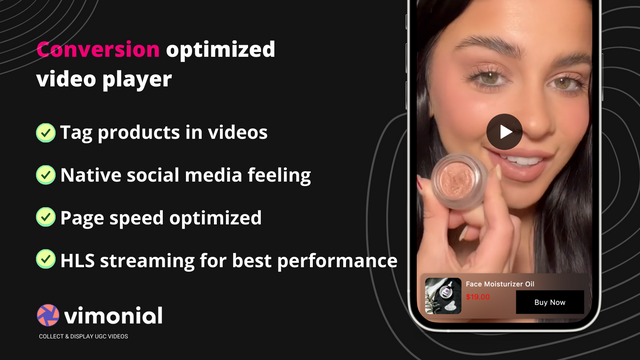
- Quickly load video widgets without slowing down your store - Google Lighthouse certified.
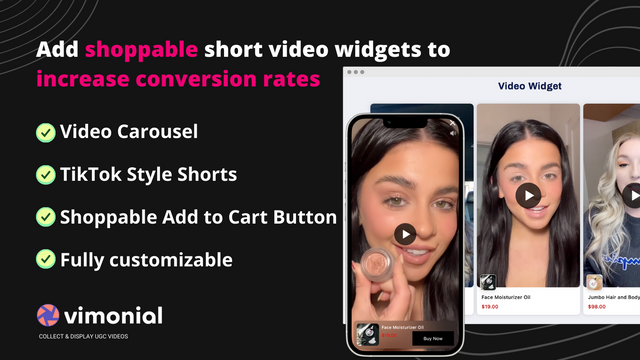
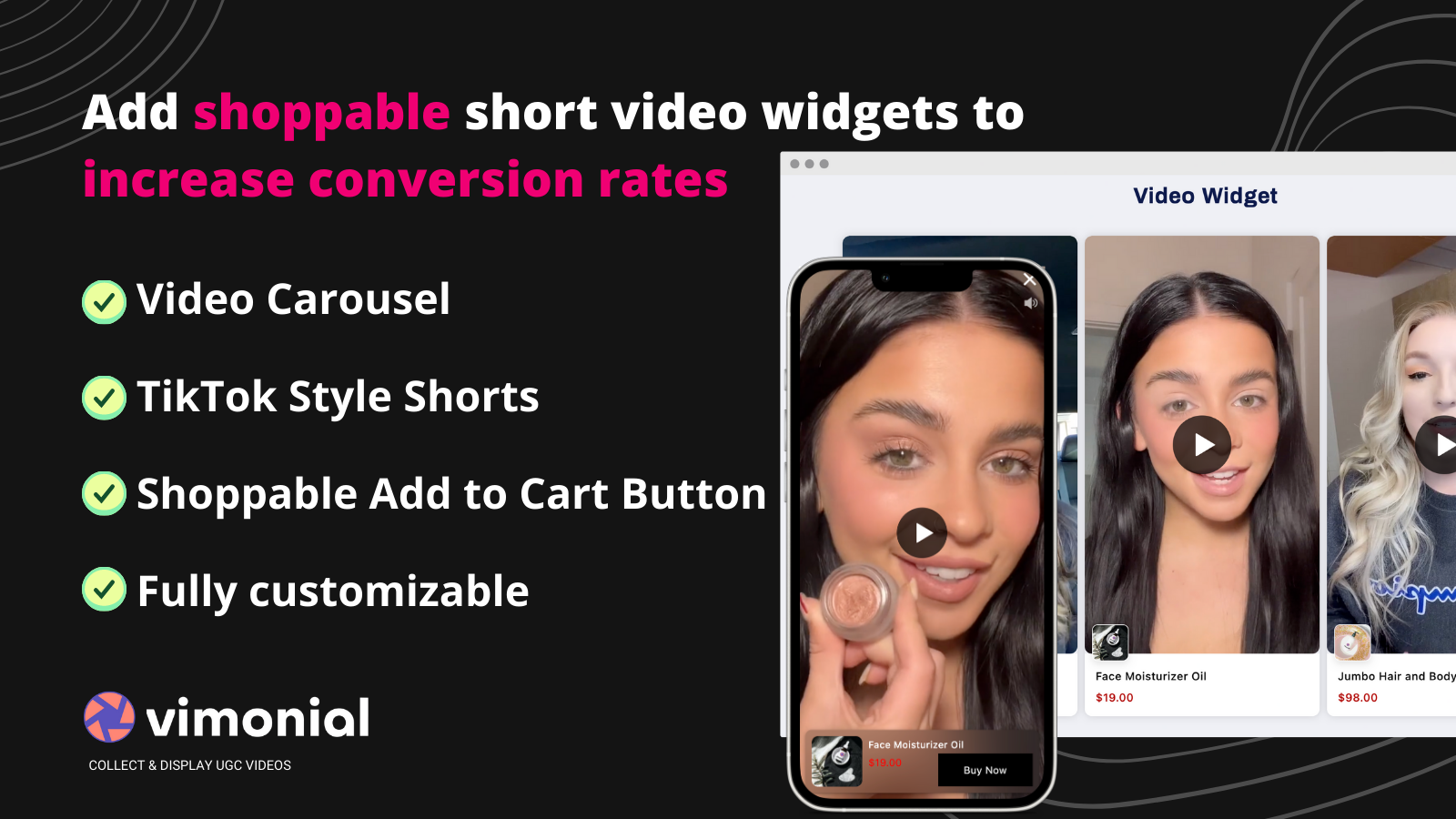
- Embed videos using an interactive shoppable video player (e.g., TikTok Shorts).
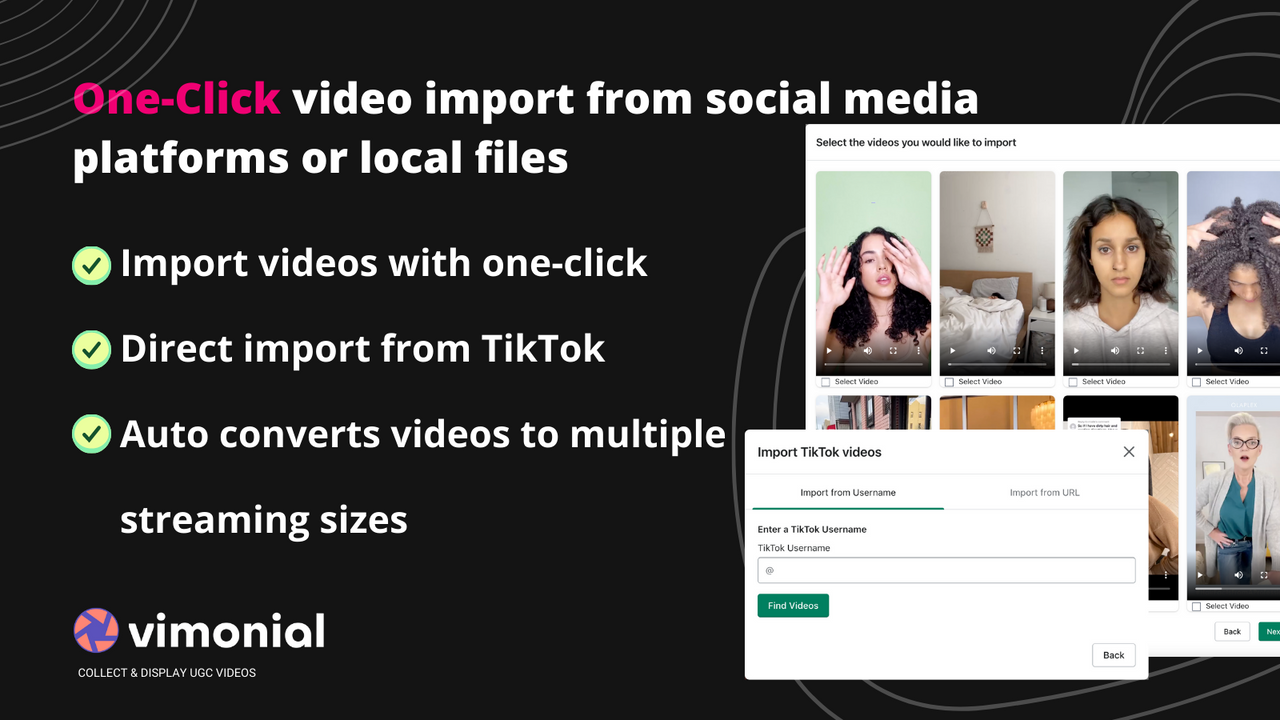
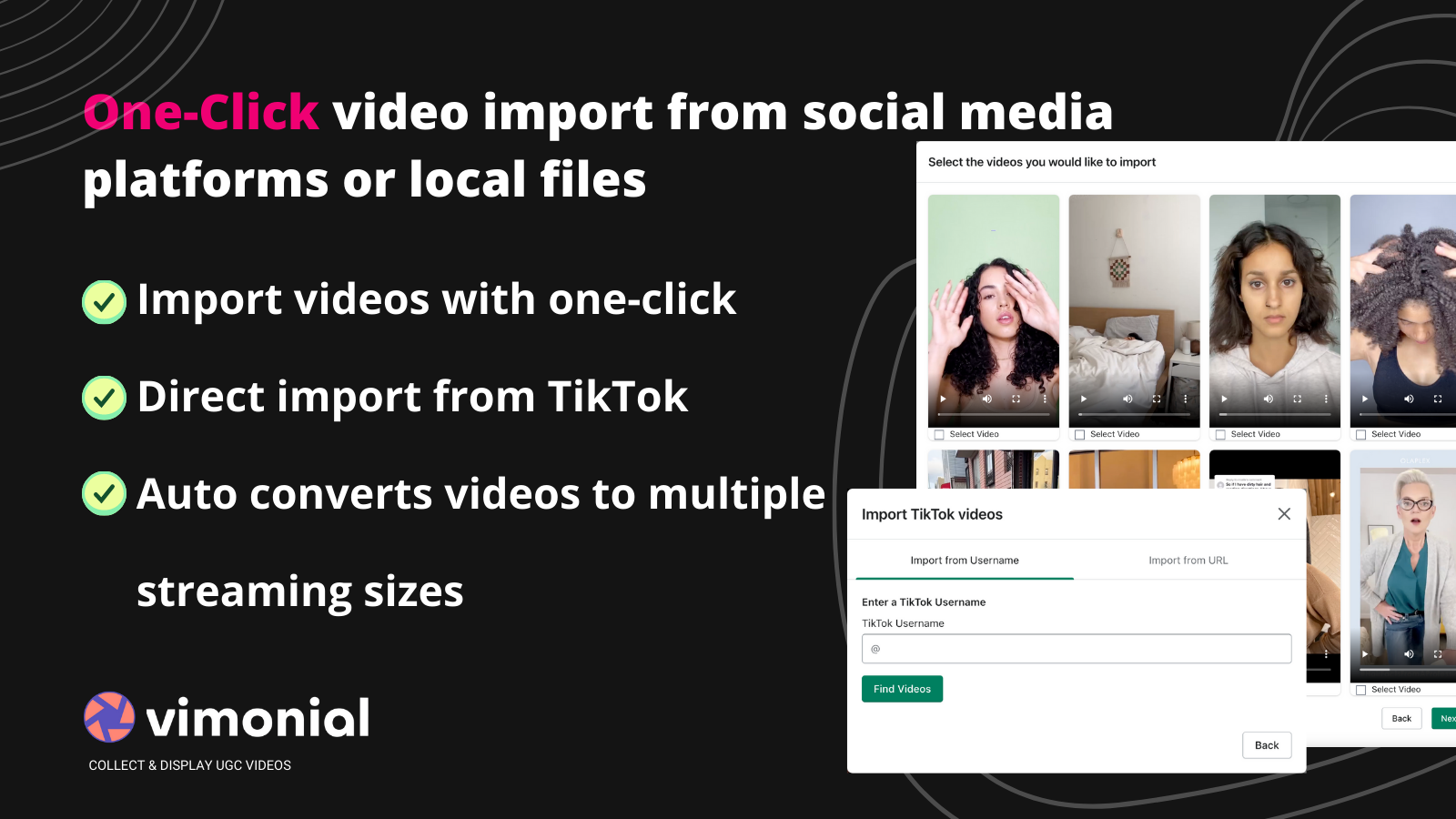
- One-click import of existing UGC videos from Instagram, TikTok, or local files.
- Collect new high-conversion UGC video recommendations for TikTok ads.
- Easy and fast installation. Video widgets are fully customizable to match your store’s design.
Merchant-Friendly
- Content E-commerce Merchants
- Social E-commerce Sellers
- UGC-Driven Brands
- Short Video Marketing Merchants
Basic Information
- Developer:Vimonial - Display Video Testimonials & UGC
- Address:Dorothea-Erx.-Str. 1a, Hilden, 40721, DE
- Price: Free / Free plan
- Rating:2.9 / 5
- Comment Count:11 comment
- Release Date:2022-6-7
- Supported languages:English
- Compatible products:Shopify
Application Screenshot
Price Plan
Free Forever
- 1,00 Monthly Views
- 5 Imported Videos
- 1 Collection Campaign
- Shoppable Videos
- Custom Design
- Link Products to Videos
- Basic Support
Basic
- 20,000 Monthly Impressions
- 50 Imported Videos
- 3 Collection Campaigns
- All Free Features
- Remove Watermark
- Email Integration
- Premium Support
Premium
- 100,00 Monthly Impressions
- 150 Imported Videos
- 10 Collection Campaigns
- All Basic Features
- Video Watermark
- Premium Support
Enterprise
- 500,00 Monthly Impressions
- 500 Imported Videos
- 50 Collection Campaigns
- All Premium Features
- Video Watermark
- Dedicated Support
User Location & Comments
User Location
Comments
Shopify API Used
- POST /admin/api/shop/assets.json
- PUT /admin/api/shop/themes/{theme_id}/assets.json
- GET /admin/api/shop/themes/{theme_id}/assets.json
Permission:write_themes,read_themes,manage_assets
- POST /admin/api/videos.json
- PUT /admin/api/videos/{video_id}.json
- GET /admin/api/videos.json
Permission:write_videos,read_videos,manage_products
- POST /admin/api/videos/import.json
- PUT /admin/api/videos/{video_id}/metadata.json
- GET /admin/api/videos/import/status.json
Permission:write_videos,read_videos,manage_files
- POST /admin/api/videos/recommendations.json
- GET /admin/api/videos/recommendations.json
- PUT /admin/api/videos/recommendations/{id}/status.json
Permission:write_videos,read_videos,manage_marketing
- PUT /admin/api/shop/themes/{theme_id}/settings.json
- POST /admin/api/shop/script_tags.json
- GET /admin/api/shop/themes/{theme_id}/settings.json
Permission:write_themes,read_themes,manage_script_tags