
App Introduction
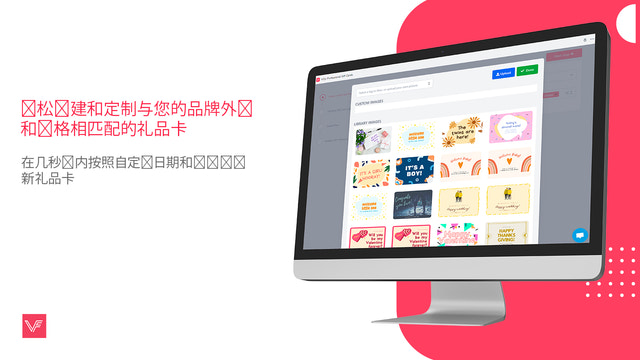
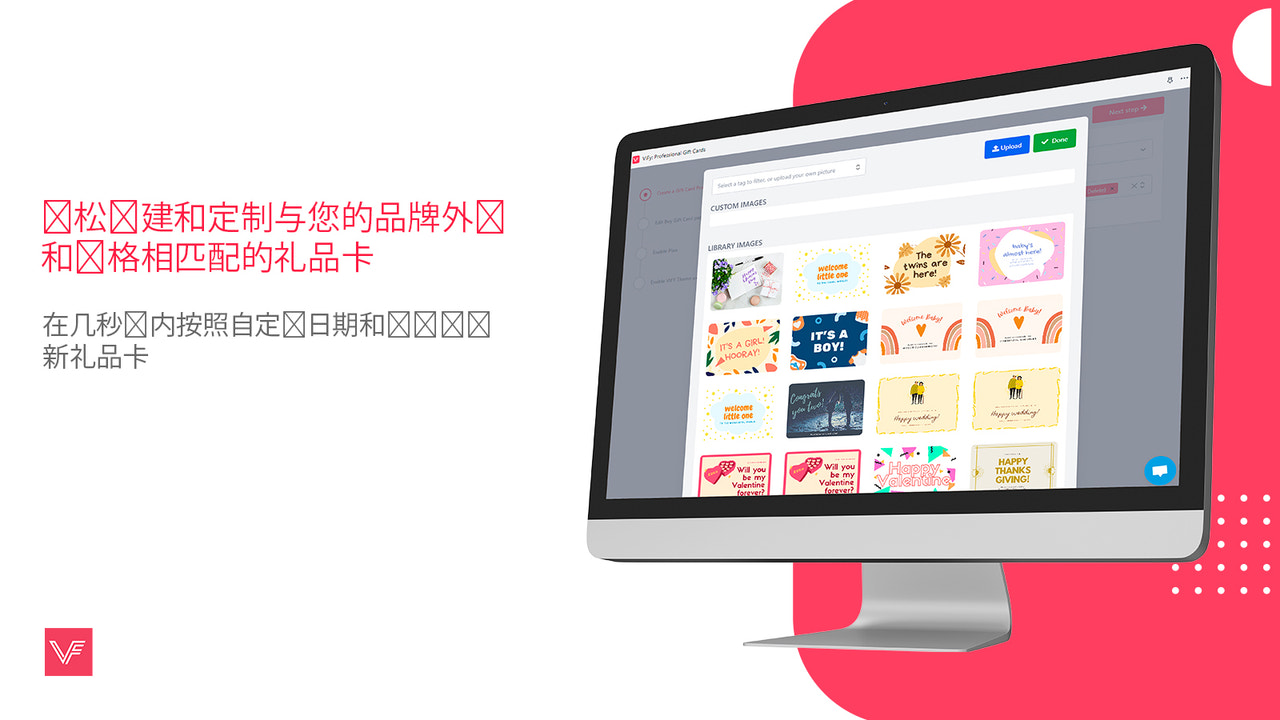
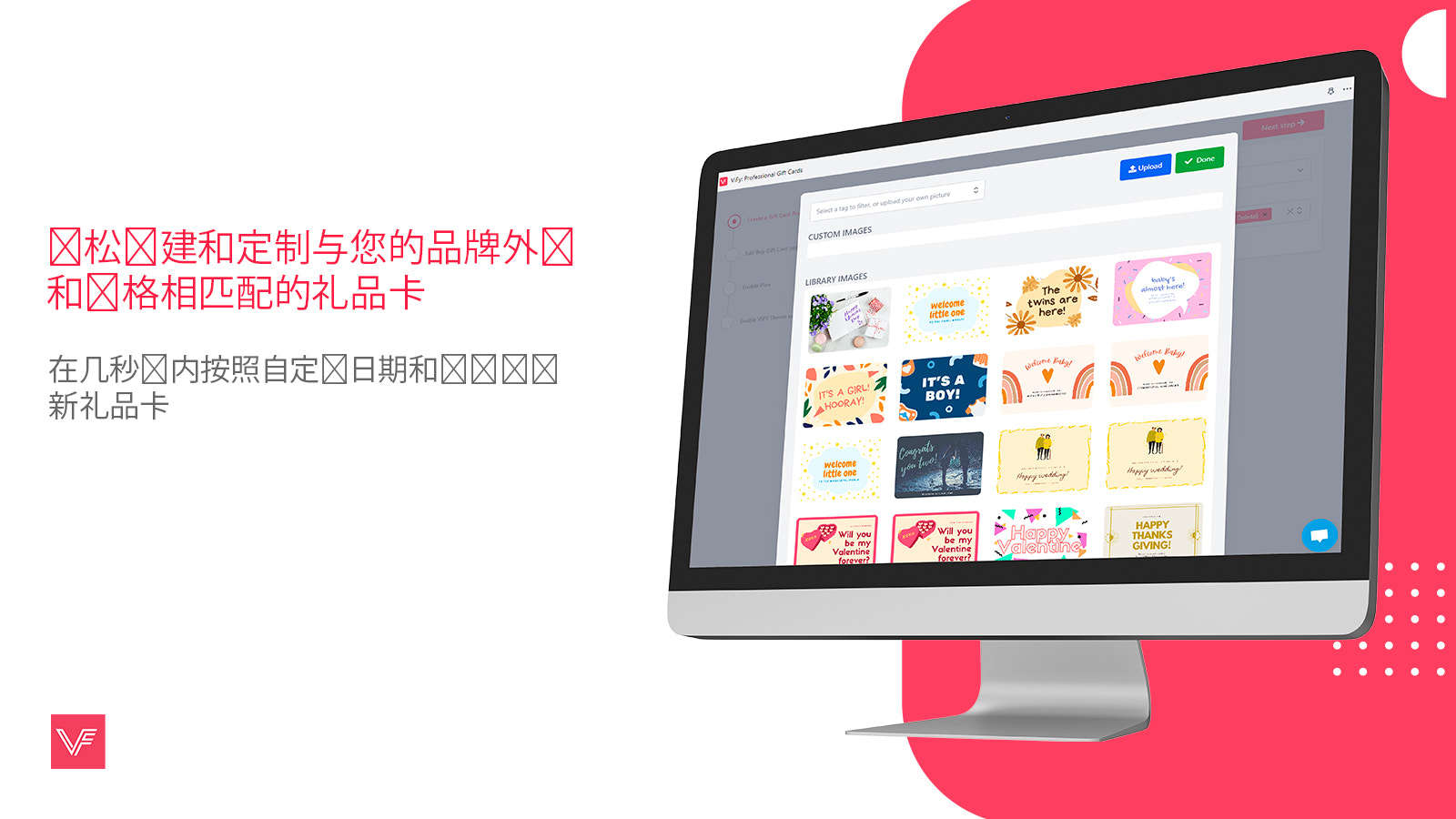
Vify Gift Card: The Ultimate Gift Card Management & Loyalty Reward App for Your Store Vify’s professional gift card solution simplifies and elevates the process of creating gift cards for your store. With just a few clicks, you can quickly design new gift cards with different denominations and amounts, and customize the issue date and time. Additionally, the app displays the gift card interface in the customer’s preferred language based on their location, and sends emails in the same language. The VIFY Gift Card app is built to take your online store to the next level!
Core Functionality
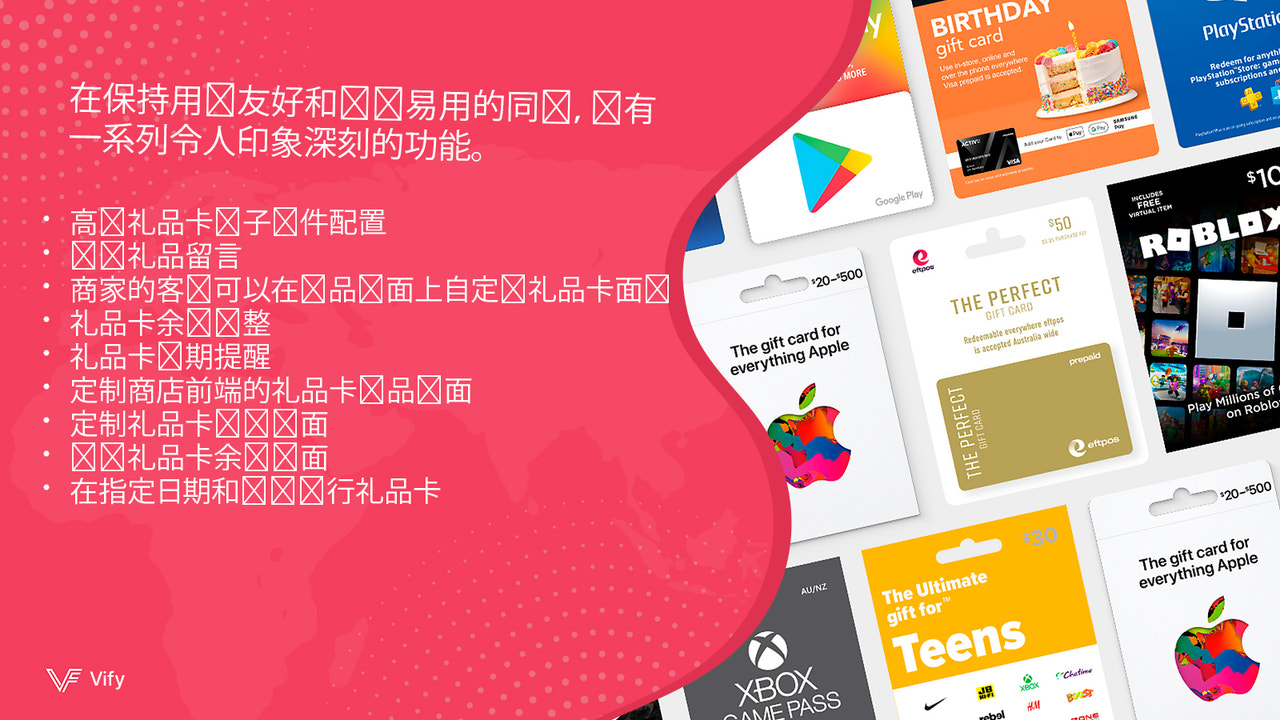
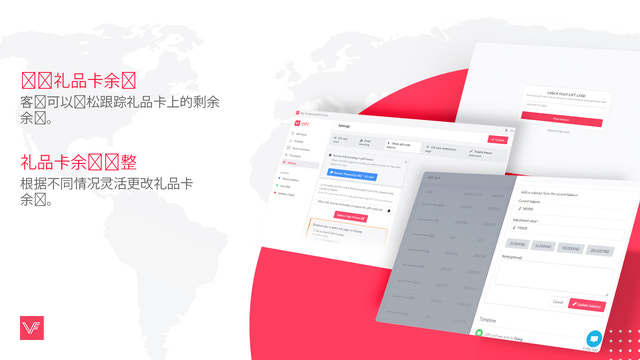
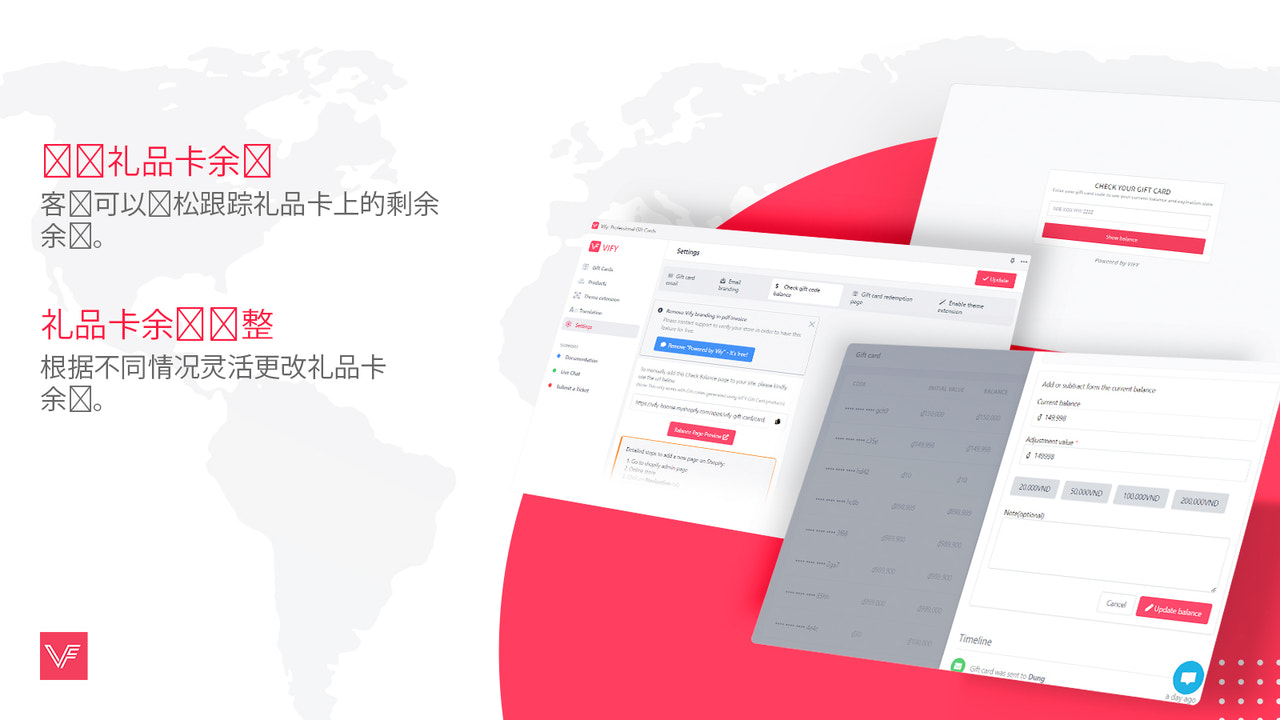
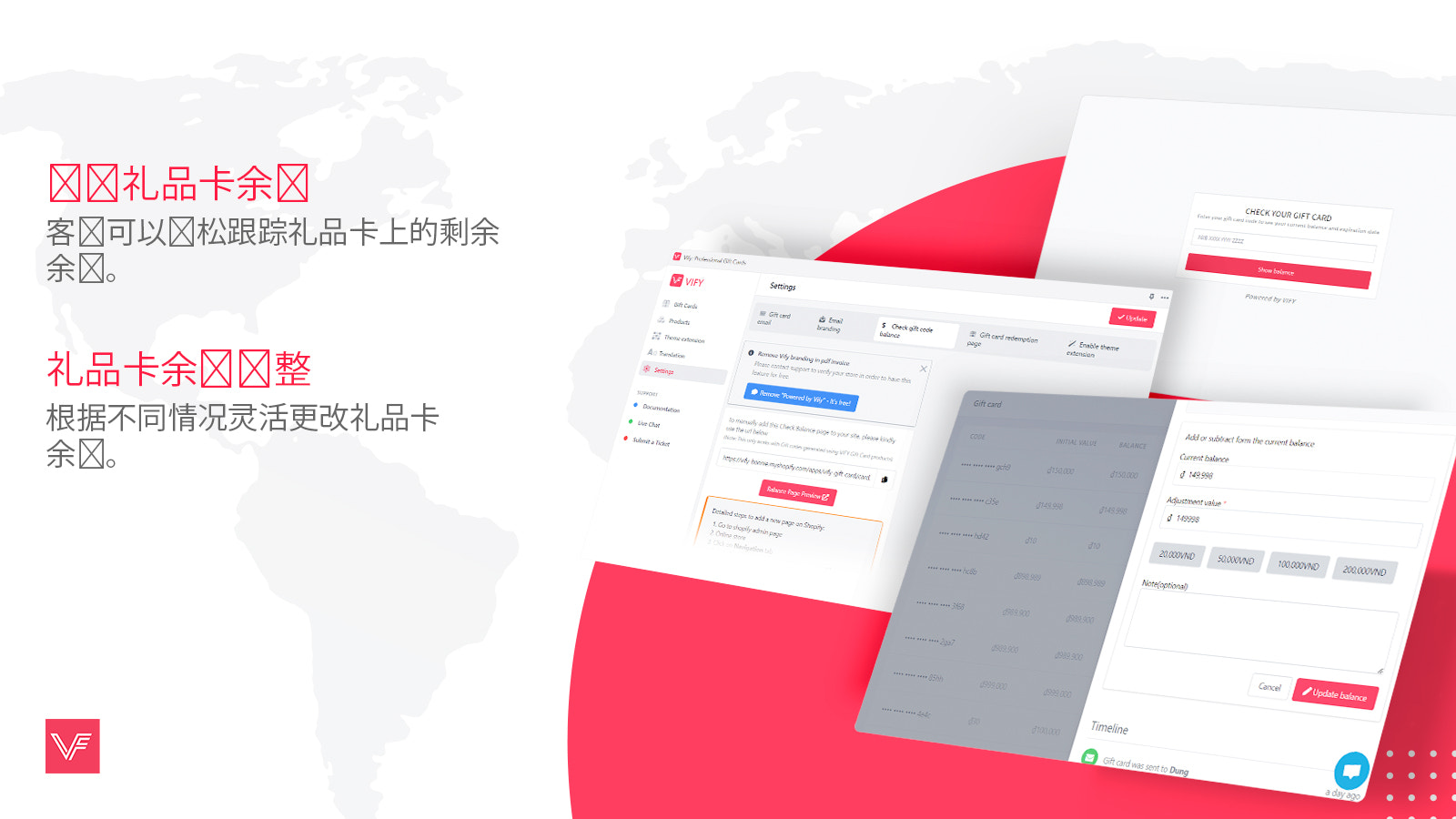
- Easily manage gift card balances with our intuitive balance adjustment feature.
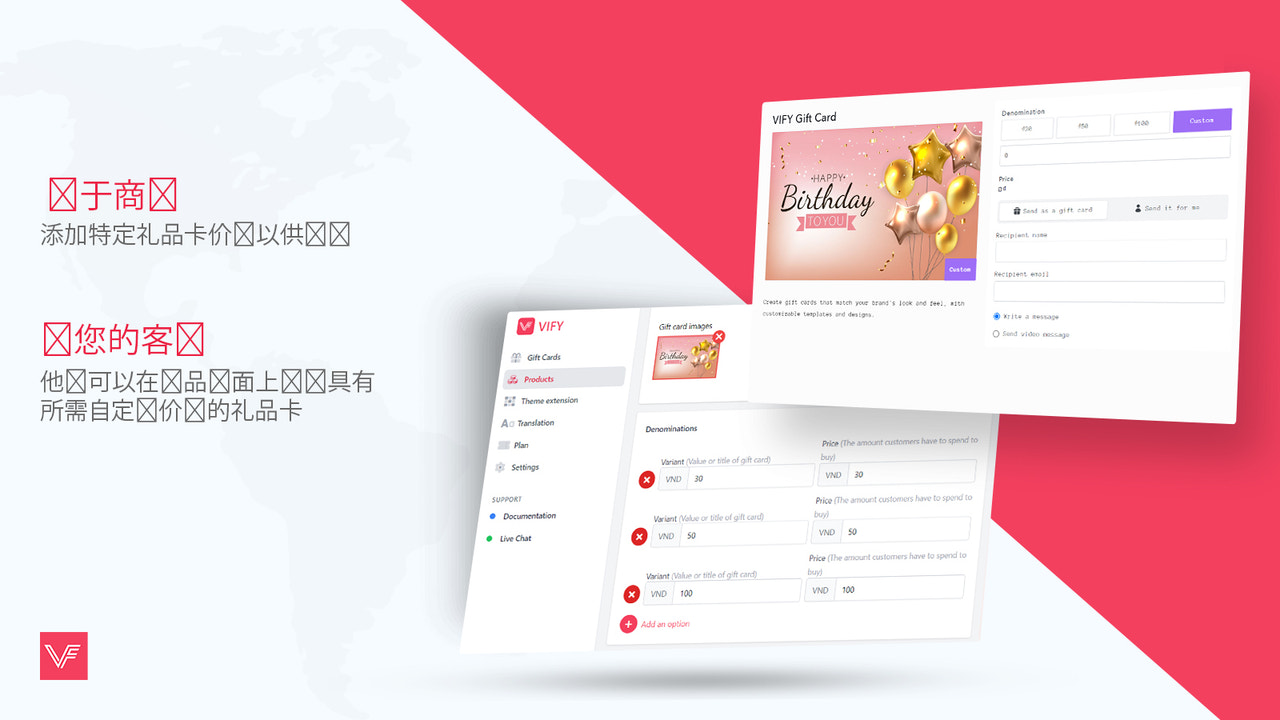
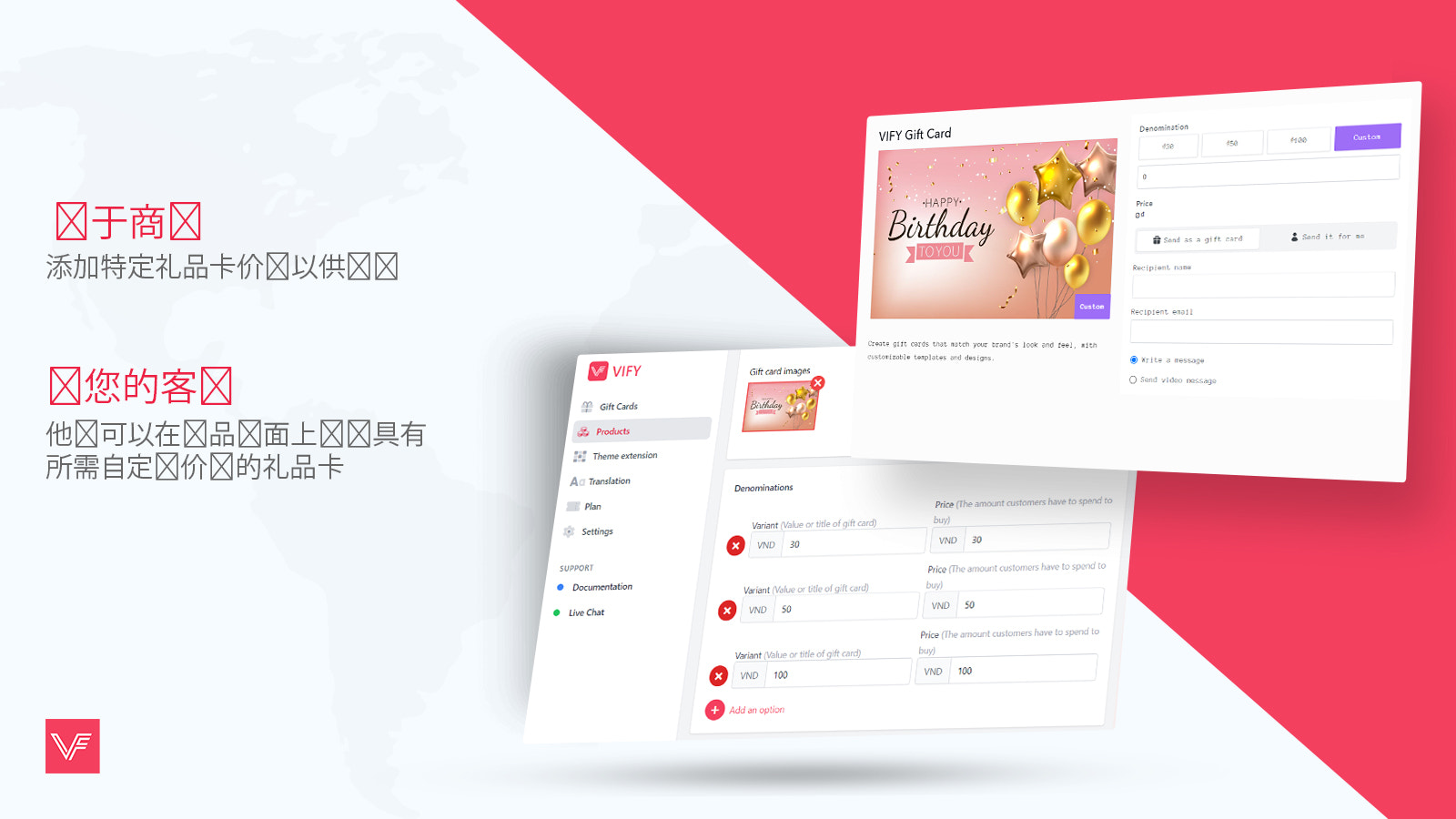
- Allow your customers to choose gift cards with custom denominations at checkout
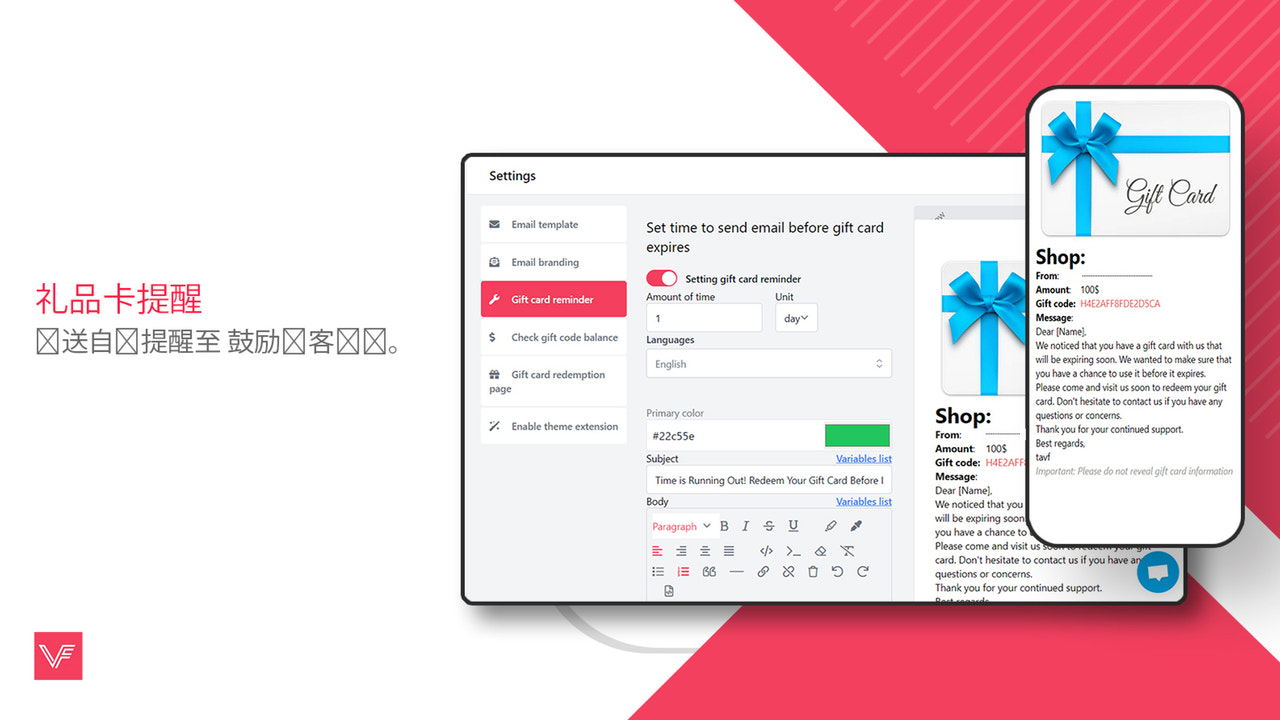
- Gift card expiration reminders: Boost customer engagement and loyalty
- Balance inquiry page for customers to check the remaining balance of their gift cards.
- Customize email addresses: Tailor sender emails, BCC recipients, and more.
Merchant-Friendly
- Gift Card Operating Merchants
- Retail E-commerce Merchants
- Membership System Merchants
- Brand Independent Station Merchants
Basic Information
- Developer:Vify.ai
- Address:19 Dai Tu, Hanoi, 100000, VN
- Price: Free / Free plan
- Rating:4.9 / 5
- Comment Count:105 comment
- Release Date:2022-11-17
- Supported languages:English
- Compatible products:Shopify
Application Screenshot






Price Plan
FREE
- Email Configuration
- Gift Card Management
- Custom Product Page
- Custom Redemption Page
PRO - STARTER
- For Basic Shopify
- Custom Email Templates
- Gift Card Value Adjustment
- Custom Email Branding
- Custom Gift Card Value
- Expiration Reminders
PRO - PREMIUM
- For Shopify and Advanced Shopify
- Custom Email Templates
- Gift Card Value Adjustment
- Custom Email Branding
- Custom Gift Card Value
- Expiration Reminders
PRO - ULTIMATE
- For Shopify Plus
- Custom Email Templates
- Gift Card Value Adjustment
- Custom Email Sender
- Custom Gift Card Value
- Expiration Reminders
User Location & Comments
User Location
Comments
Shopify API Used
- POST /admin/api/gift_cards/{id}/adjust_balance.json
- GET /admin/api/gift_cards/{id}.json
- PUT /admin/api/gift_cards/{id}.json
Permission:write_gift_cards,read_gift_cards,manage_shop
- POST /admin/api/gift_cards.json
- PUT /admin/api/gift_cards/{id}.json
- GET /admin/api/gift_cards.json
Permission:write_gift_cards,read_gift_cards,manage_products
- POST /admin/api/automations/workflows.json
- GET /admin/api/gift_cards.json?expires_at_lt={date}
- PUT /admin/api/automations/workflows/{id}.json
Permission:write_automations,read_gift_cards,manage_emails
- GET /admin/api/gift_cards/{id}.json
- POST /admin/api/gift_cards/balance.json
- GET /admin/api/gift_cards.json?query={code}
Permission:read_gift_cards,manage_shop,view_online_store
- PUT /admin/api/settings/email.json
- POST /admin/api/automations/email_templates.json
- GET /admin/api/settings/email.json
Permission:write_settings,manage_emails,write_automations



