
App Introduction
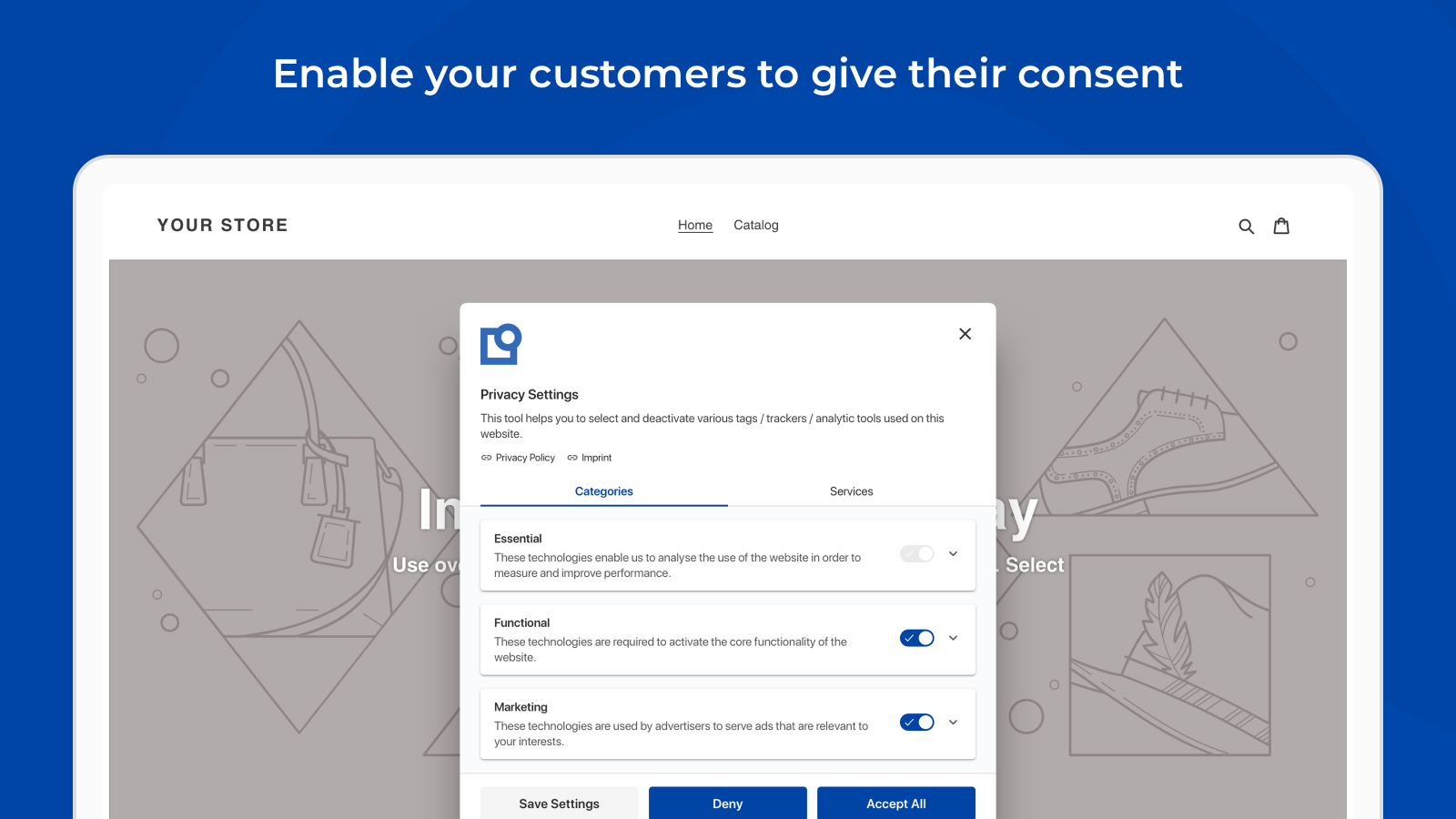
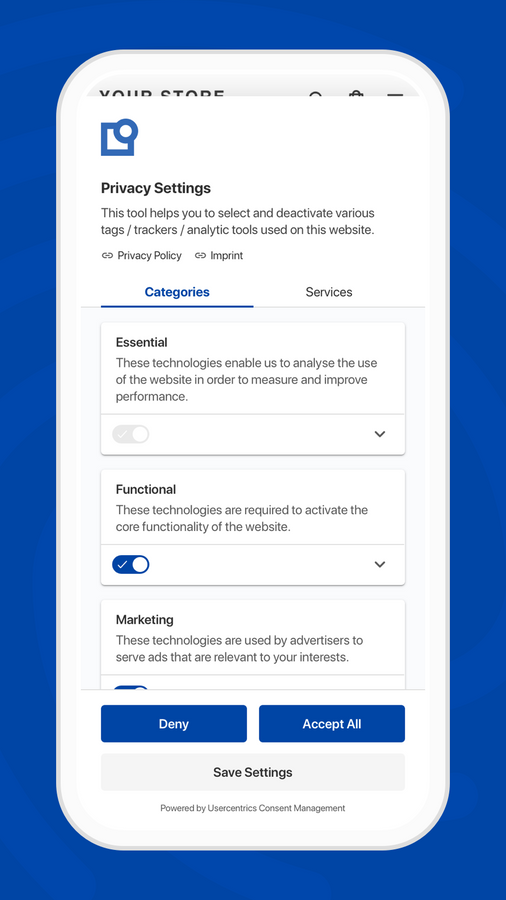
Get user consent in a privacy-compliant way with the Usercentrics Cookie Banner. The Usercentrics Cookie Manager will appear when visitors first access your online store. The banner asks visitors for consent to process their data and gives them detailed control over and visibility into the cookies deployed. The Cookie Manager ensures website visitors have opted in *before* any tracking scripts or code load, helping your online store stay GDPR-compliant. Customize your cookie banner to match your brand and use it in over 57 available languages.
Core Functionality
- Scan and identify tracking technologies in your online store.
- Get an overview of the tracking technologies you use and access their configurations
- Automatically block the use of tracking technologies unless consent is received.
- Obtain consent in compliance with GDPR requirements.
- Compatible with all standard marketing tools and the Shopify checkout page.
Merchant-Friendly
- Compliance E-commerce Merchants
- Global Cross-border Sellers
- Independent Station Operators
- Multi-channel Retailers
Basic Information
- Developer:Usercentrics GmbH
- Address:Sendlinger Straße 7, Munich, 80331, DE
- Price: Free / Free plan
- Rating:2.8 / 5
- Comment Count:4 comment
- Release Date:2021-7-23
- Supported languages:English、German
- Compatible products:Shopify
Application Screenshot


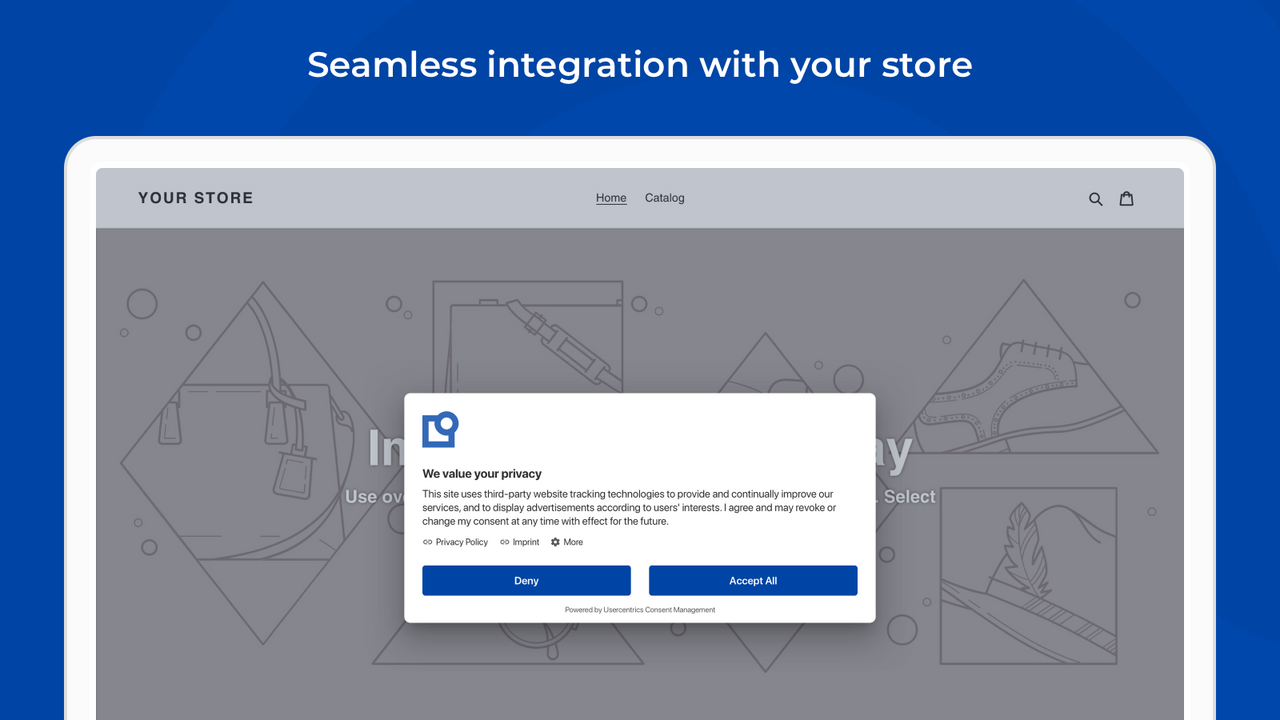
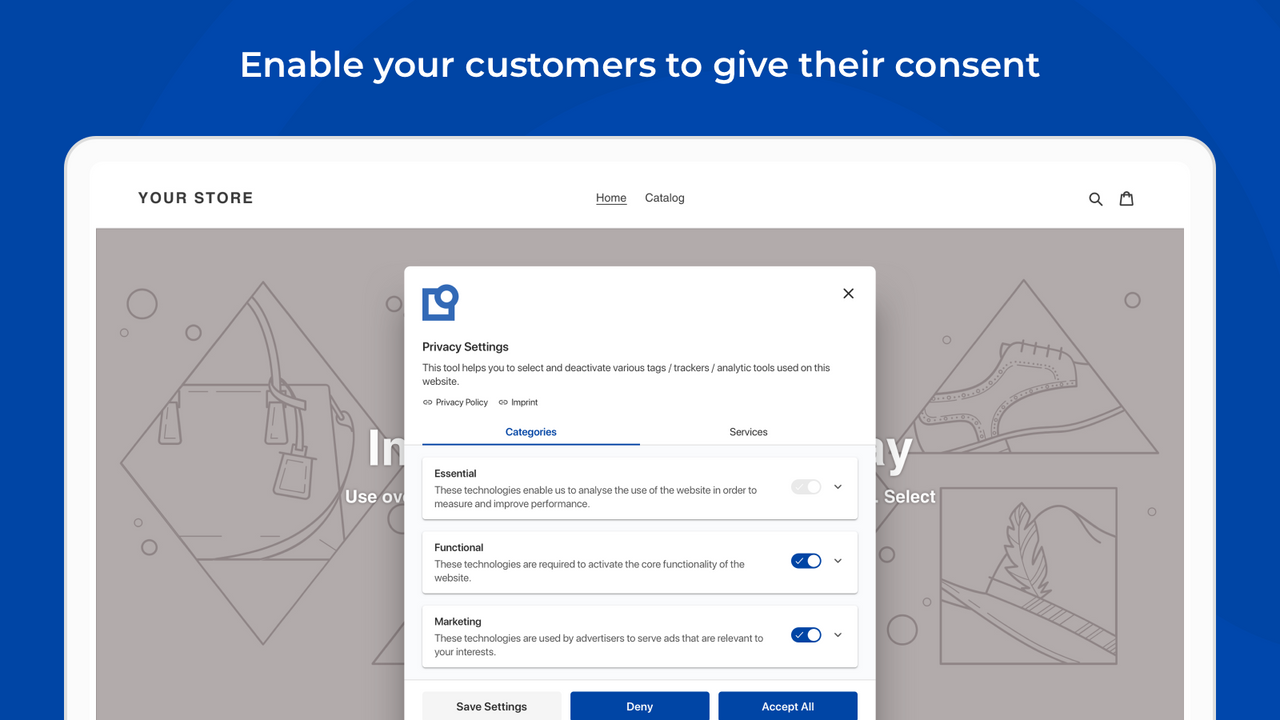
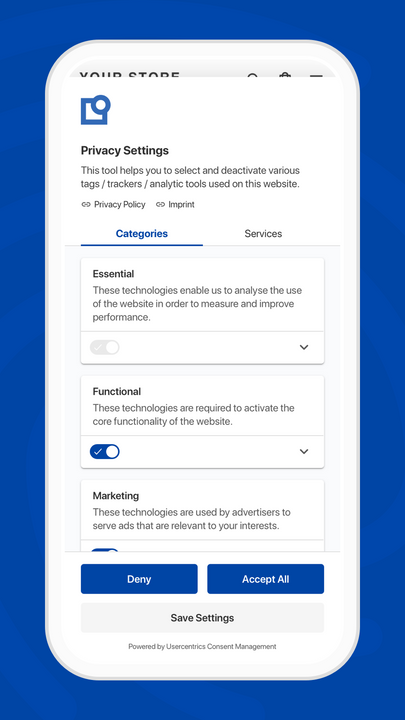


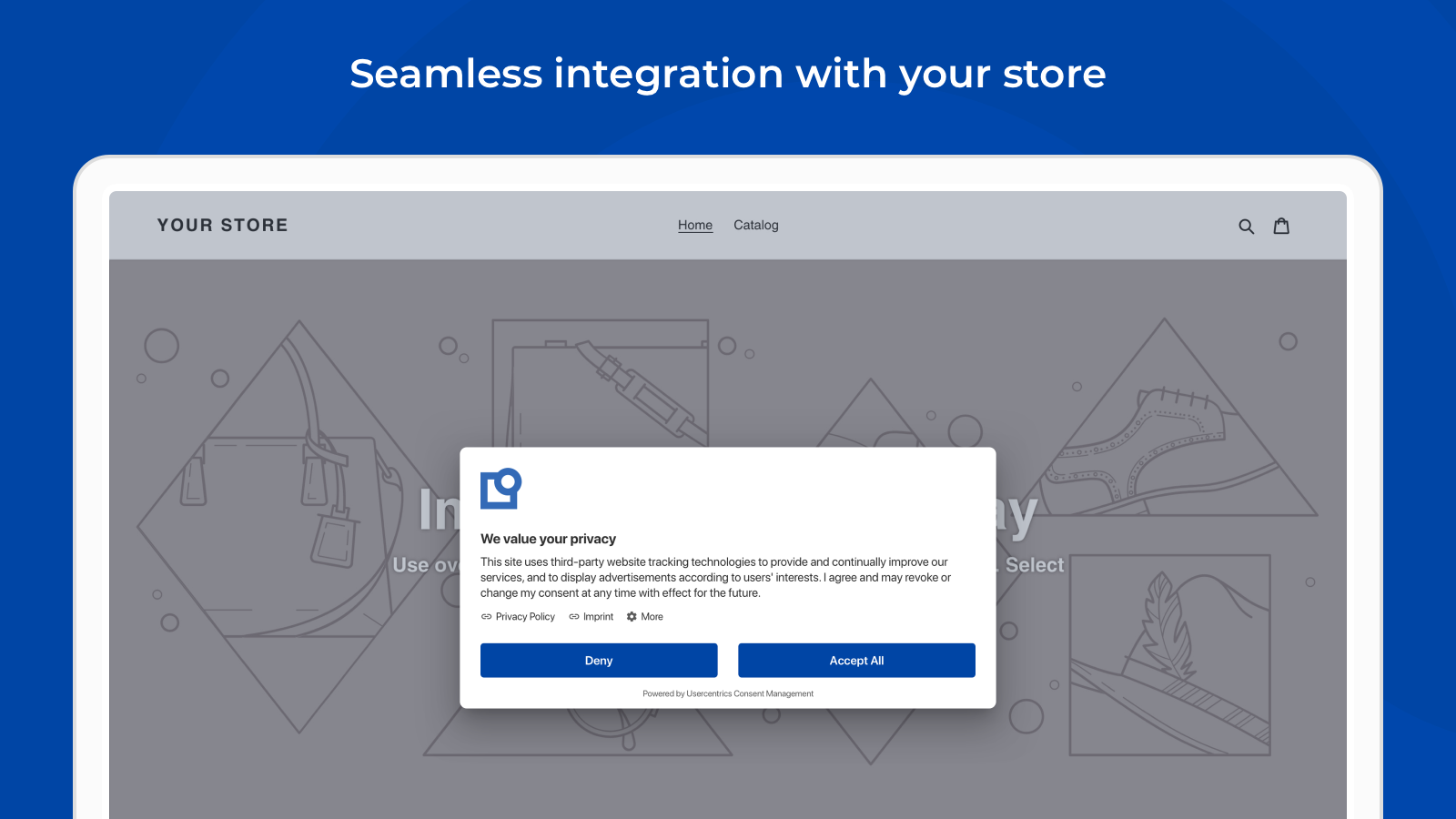
Price Plan
Standard
- 30-day Free Trial
- 20,00 Monthly Sessions
- Initial Website Scan
- English + 1 Additional Language
- Basic Customization
- 3 Predefined Categories
Business
- 30-day free trial
- 20,00 monthly sessions
- Unlimited website scans
- Over 40 languages
- Advanced customization and layout
- Custom categories
User Location & Comments
User Location
Comments
Shopify API Used
- GET /admin/api/shop/tracking_techs.json
- POST /admin/api/shop/tracking_techs/scan.json
- GET /admin/api/shop/tracking_techs/{id}.json
Permission:read_shop,manage_tracking_techs,read_script_tags
- GET /admin/api/shop/tracking_techs.json
- GET /admin/api/shop/tracking_techs/{id}/config.json
- PUT /admin/api/shop/tracking_techs/{id}/config.json
Permission:read_shop,manage_tracking_techs,read_script_tags
- POST /admin/api/shop/tracking_techs/{id}/block.json
- PUT /admin/api/shop/tracking_techs/{id}/block_status.json
- GET /admin/api/shop/tracking_techs/blocked.json
Permission:manage_tracking_techs,write_script_tags,read_shop
- POST /admin/api/shop/consent/gdpr.json
- GET /admin/api/shop/consent/gdpr.json
- PUT /admin/api/shop/consent/gdpr/{id}.json
Permission:manage_consent,read_shop,write_script_tags
- GET /admin/api/shop/marketing_tools.json
- POST /admin/api/shop/marketing_tools/integrate.json
- PUT /admin/api/shop/marketing_tools/{id}/status.json
Permission:manage_marketing,read_shop,manage_tracking_techs



