
App Introduction
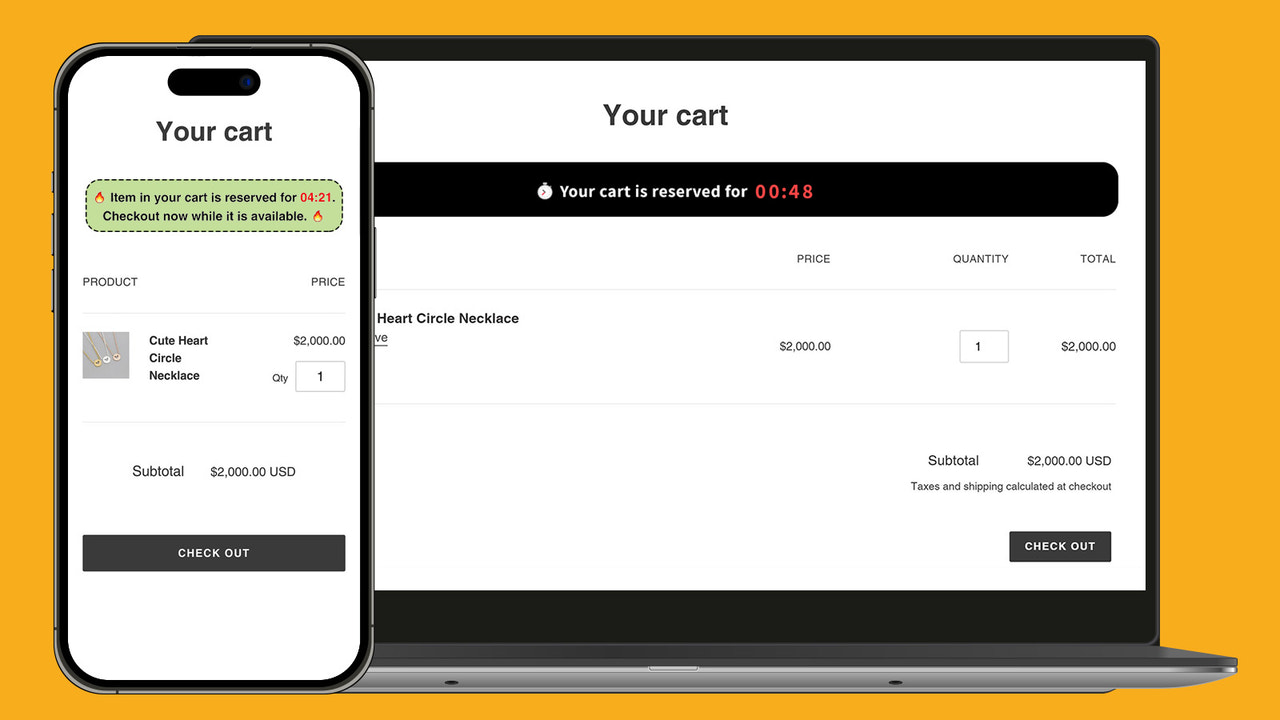
Cart Countdown Timer App features urgent cart retention messages, supporting both cart drawers and cart pages Boost your sales exponentially with the Cart Countdown Timer App. This app displays urgent cart retention messages with a countdown timer on the cart page, prompting customers to check out quickly. As the timer ticks down, their engagement throughout the checkout process will increase. Convert abandoned carts into purchases with this Cart Countdown Timer App. It offers numerous advanced features and styling options. A must-have urgency timer app to increase your website sales.
Core Functionality
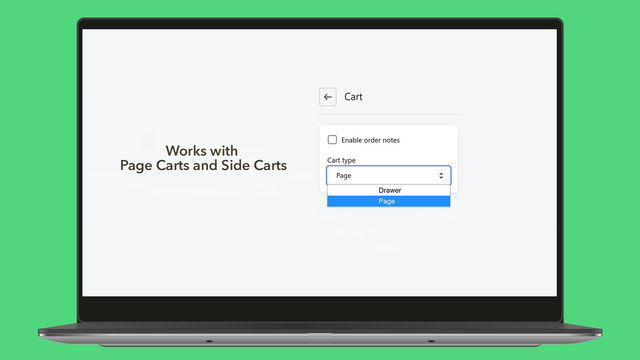
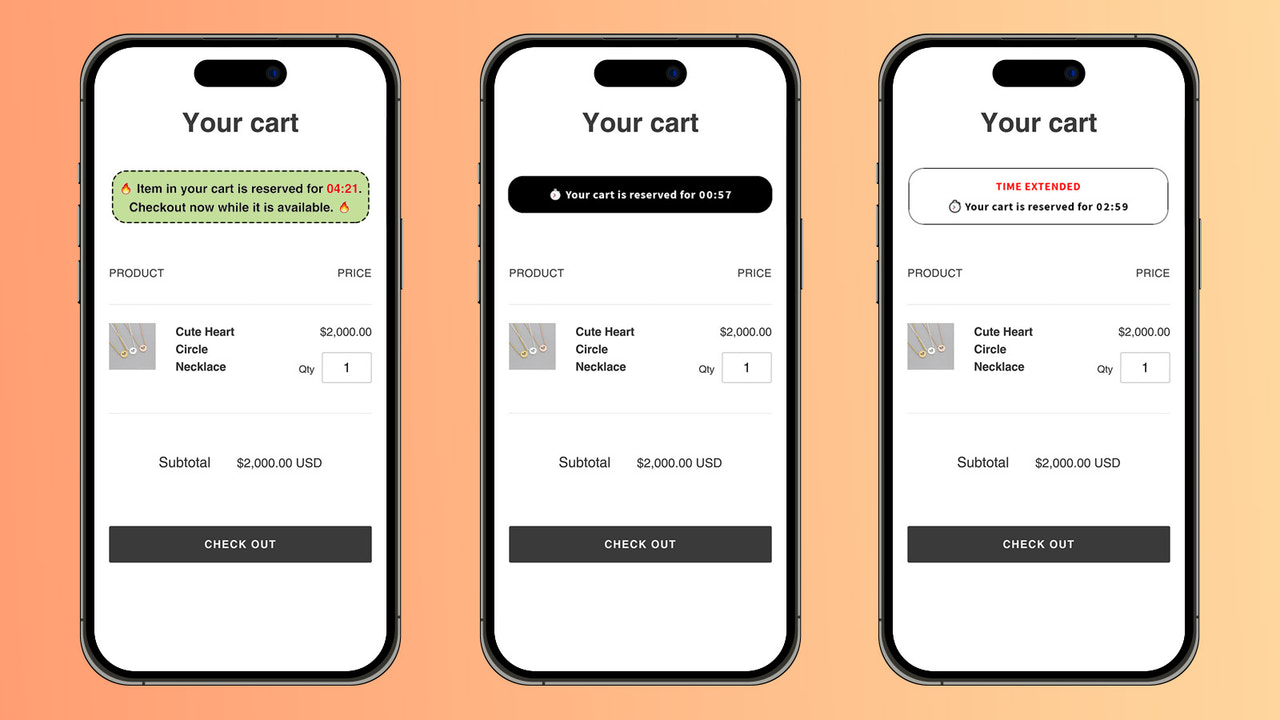
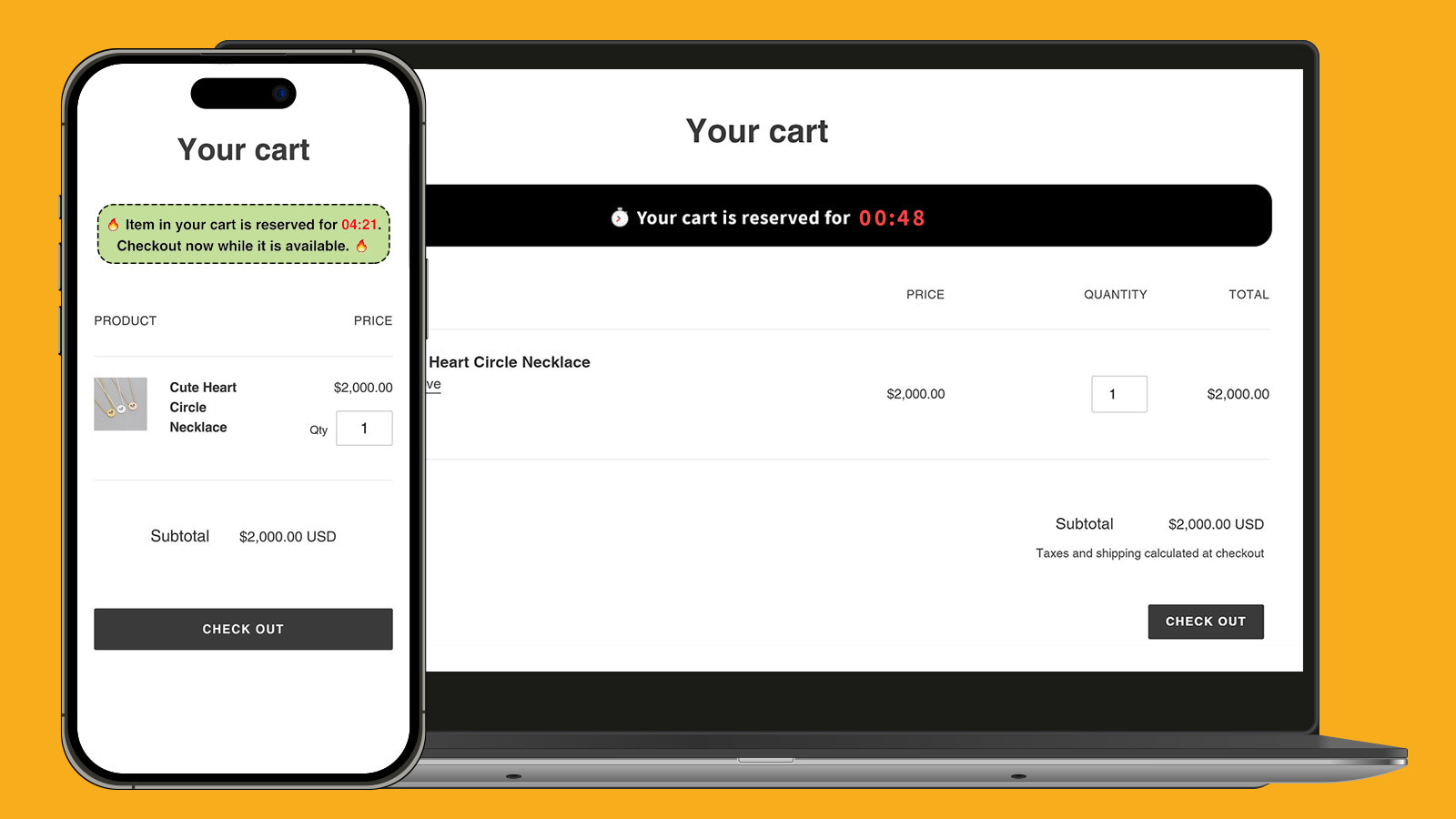
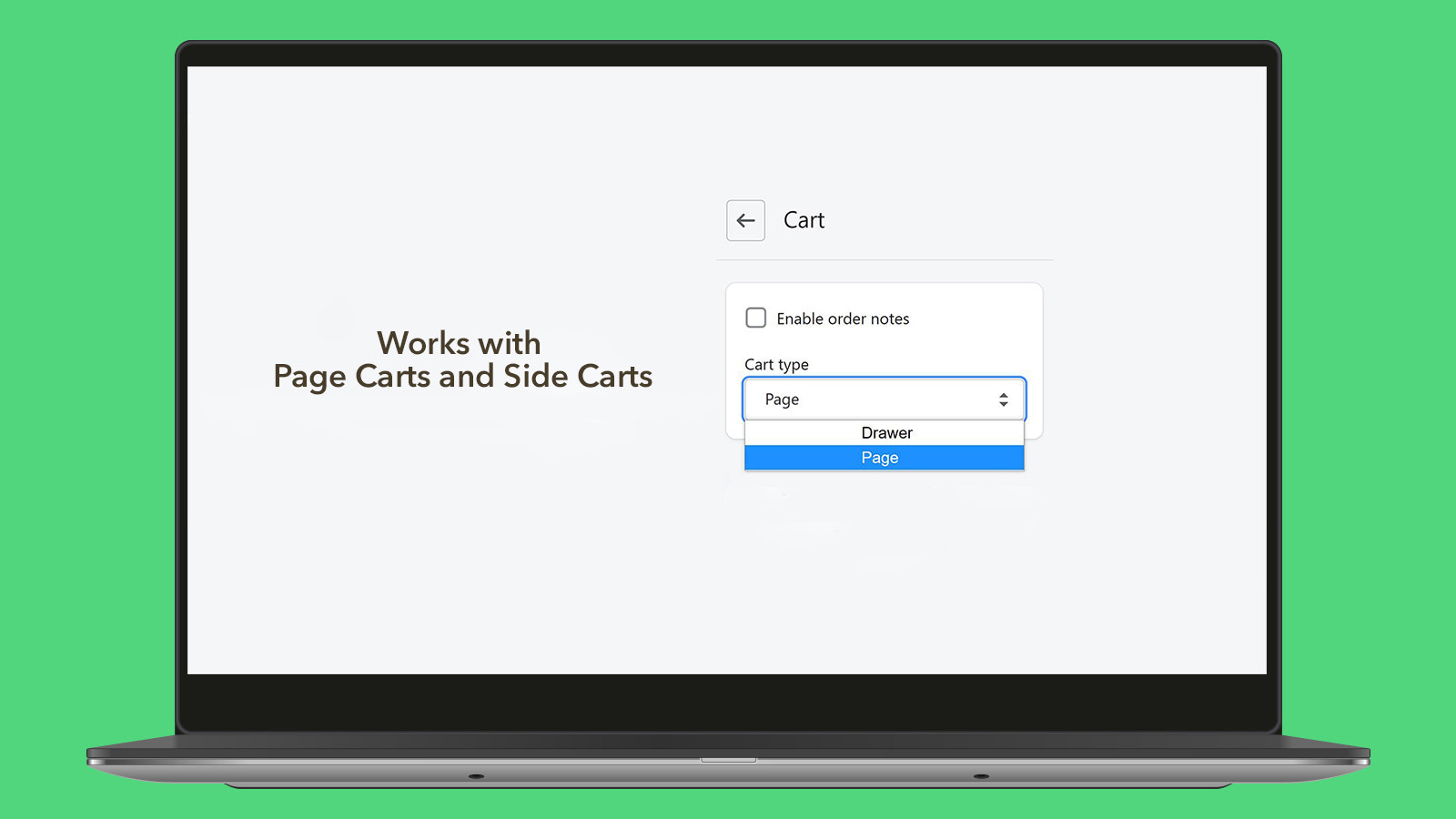
- Support all types of shopping carts (cart page and side cart)
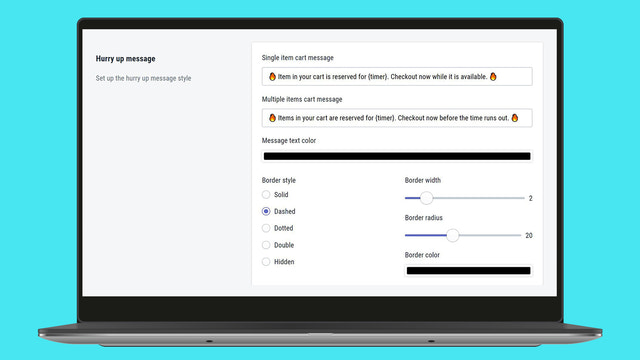
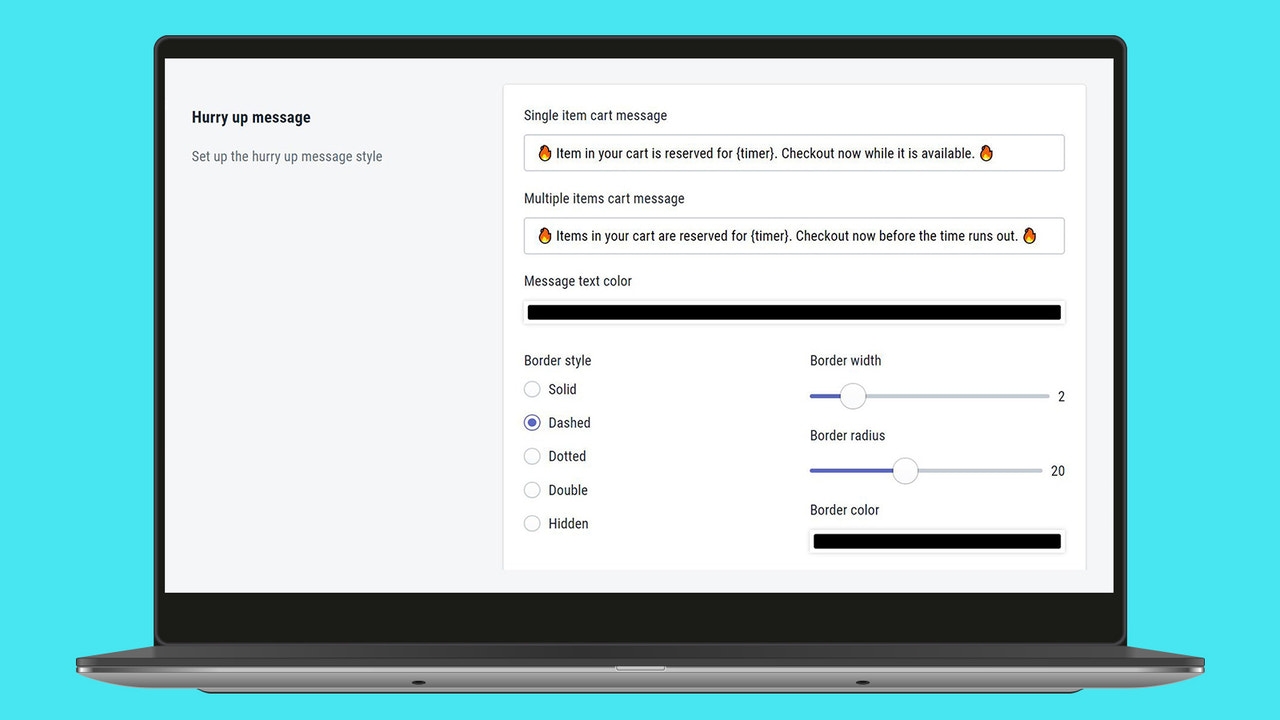
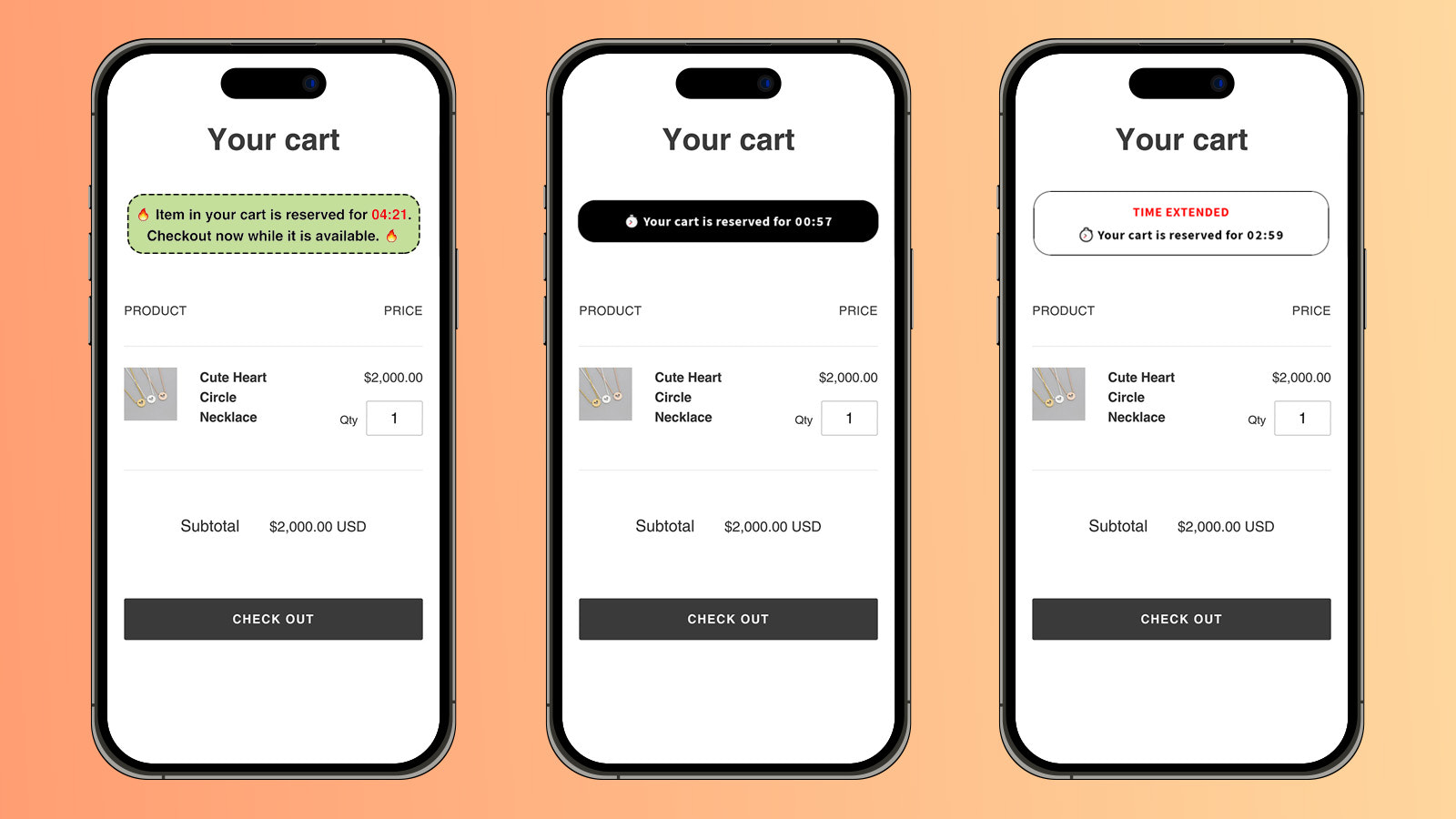
- Set different cart messages for single-item and multi-item shopping carts
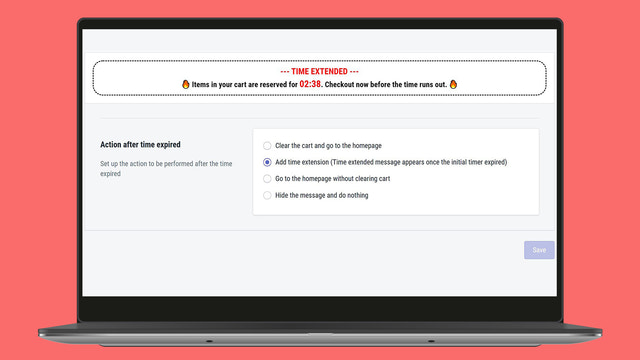
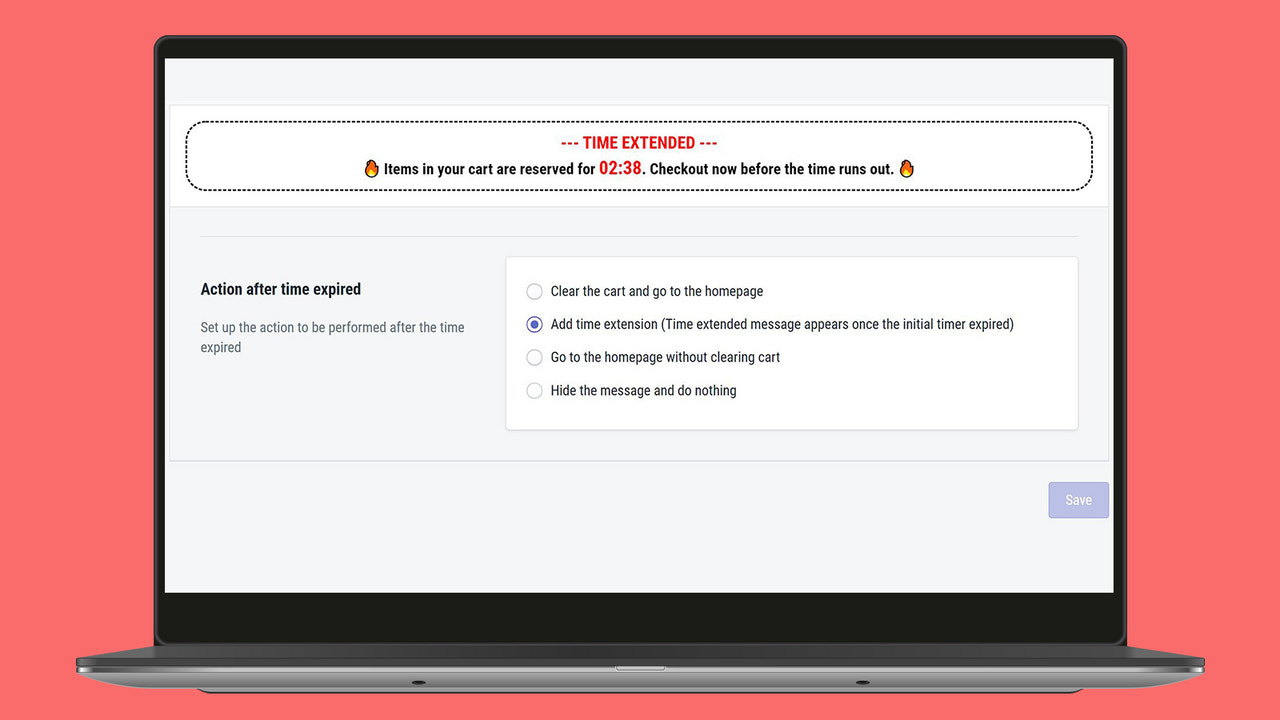
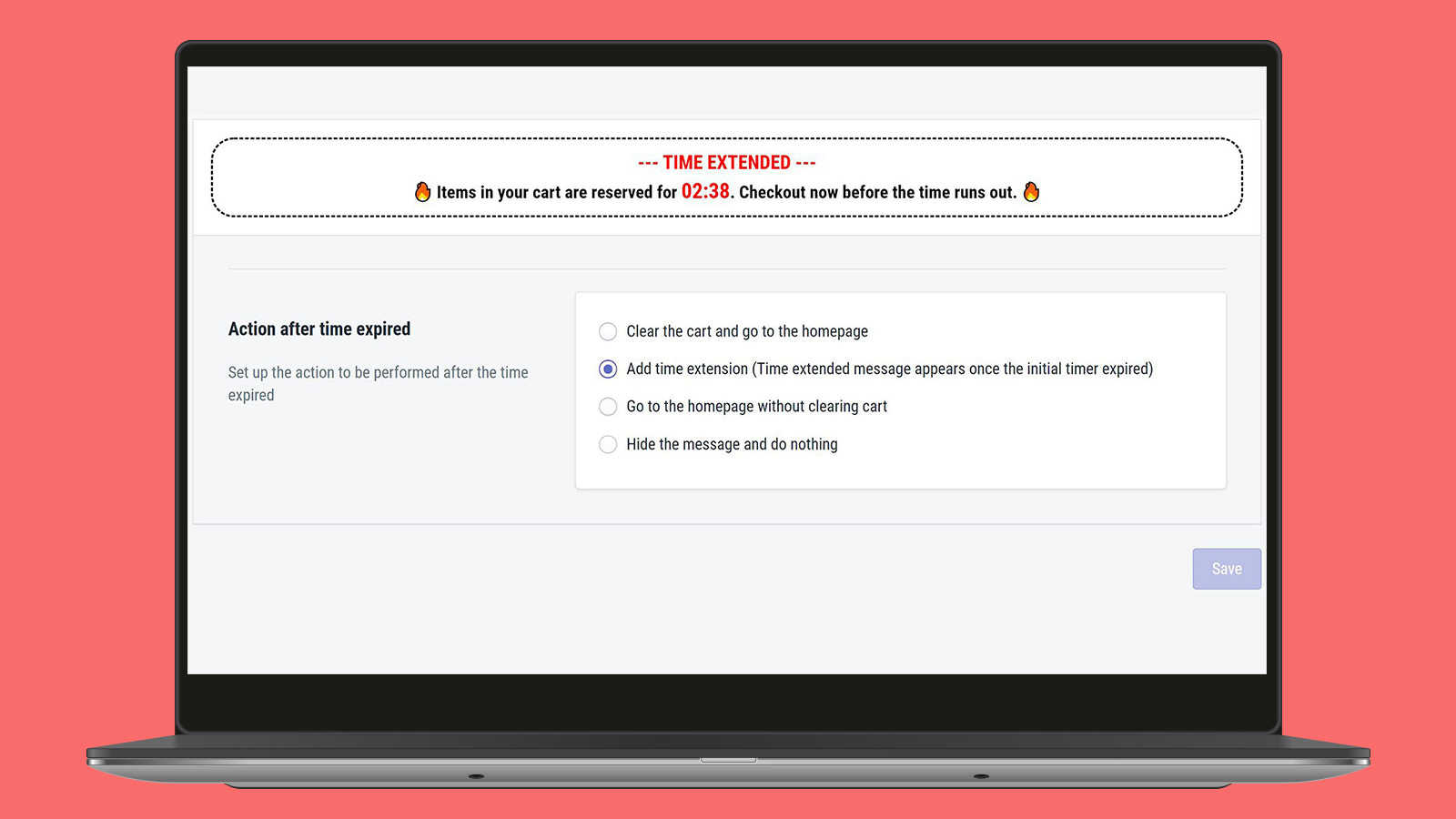
- Configure actions after the timer expires (extend the timer/clear the cart/redirect to homepage)
- Customize the retention clock time
- Customize styles according to your preferences
Merchant-Friendly
- Independent Station Merchants
- DTC Brand E-commerce
- High Conversion Stores
- Multi-scene E-commerce
Basic Information
- Developer:Ecom Trend
- Address:190/1, Kurukulawa, Ragama, 11010, LK
- Price: Free / Free plan
- Rating:4.9 / 5
- Comment Count:76 comment
- Release Date:2020-11-30
- Supported languages:English
- Compatible products:Shopify
Application Screenshot


Price Plan
免费计划
- Custom Cart Messages
- Configure Cart Expiry Time
- Customize Styles to Match Your Theme
- Extend Cart Timer Functionality
高级计划
- All features in the Free Plan
- No Ecom Trend watermark
- Custom cart integration
- Priority support
User Location & Comments
User Location
Comments
Shopify API Used
- GET /admin/api/shop/cart_settings.json
- PUT /admin/api/shop/cart_settings.json
- GET /admin/api/themes/{theme_id}/assets.json
Permission:read_shop_settings,write_shop_settings,manage_themes
- POST /admin/api/cart/messages.json
- PUT /admin/api/cart/messages/{id}.json
- GET /admin/api/cart/messages.json
Permission:write_cart_messages,read_cart_messages,manage_shop
- POST /admin/api/cart/timer_actions.json
- PUT /admin/api/cart/timer_actions/{id}.json
- GET /admin/api/cart/timer_actions.json
Permission:write_cart_timer,read_cart_timer,manage_shop
- POST /admin/api/cart/timer_settings.json
- PUT /admin/api/cart/timer_settings/{id}.json
- GET /admin/api/cart/timer_settings.json
Permission:write_cart_timer,read_cart_timer,manage_shop
- POST /admin/api/themes/{theme_id}/assets.json
- PUT /admin/api/themes/{theme_id}/assets/{asset_key}.json
- GET /admin/api/themes/{theme_id}/assets.json
Permission:manage_themes,read_themes,write_themes



