
App Introduction
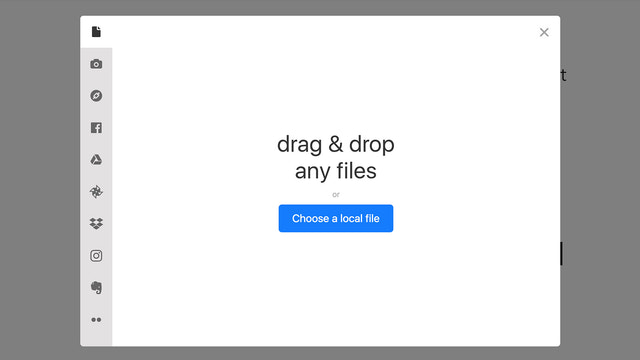
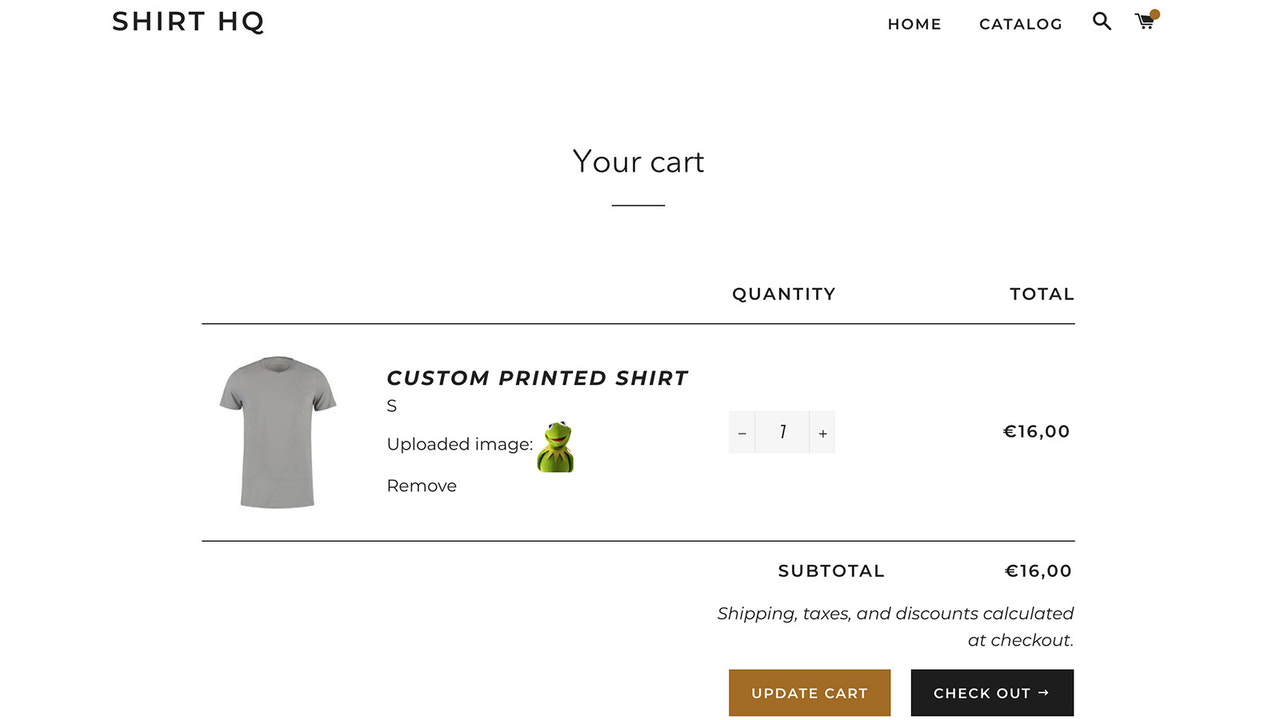
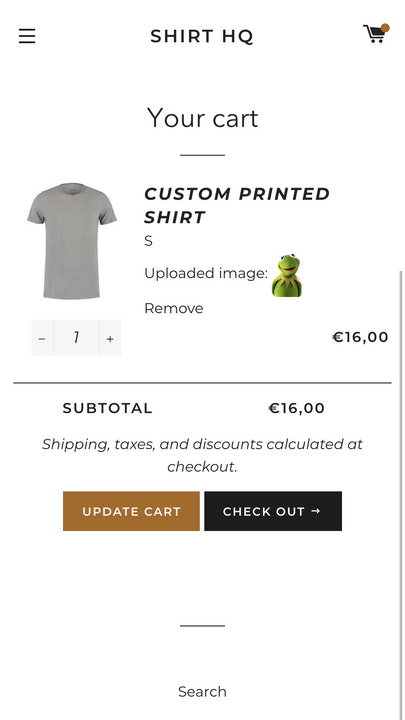
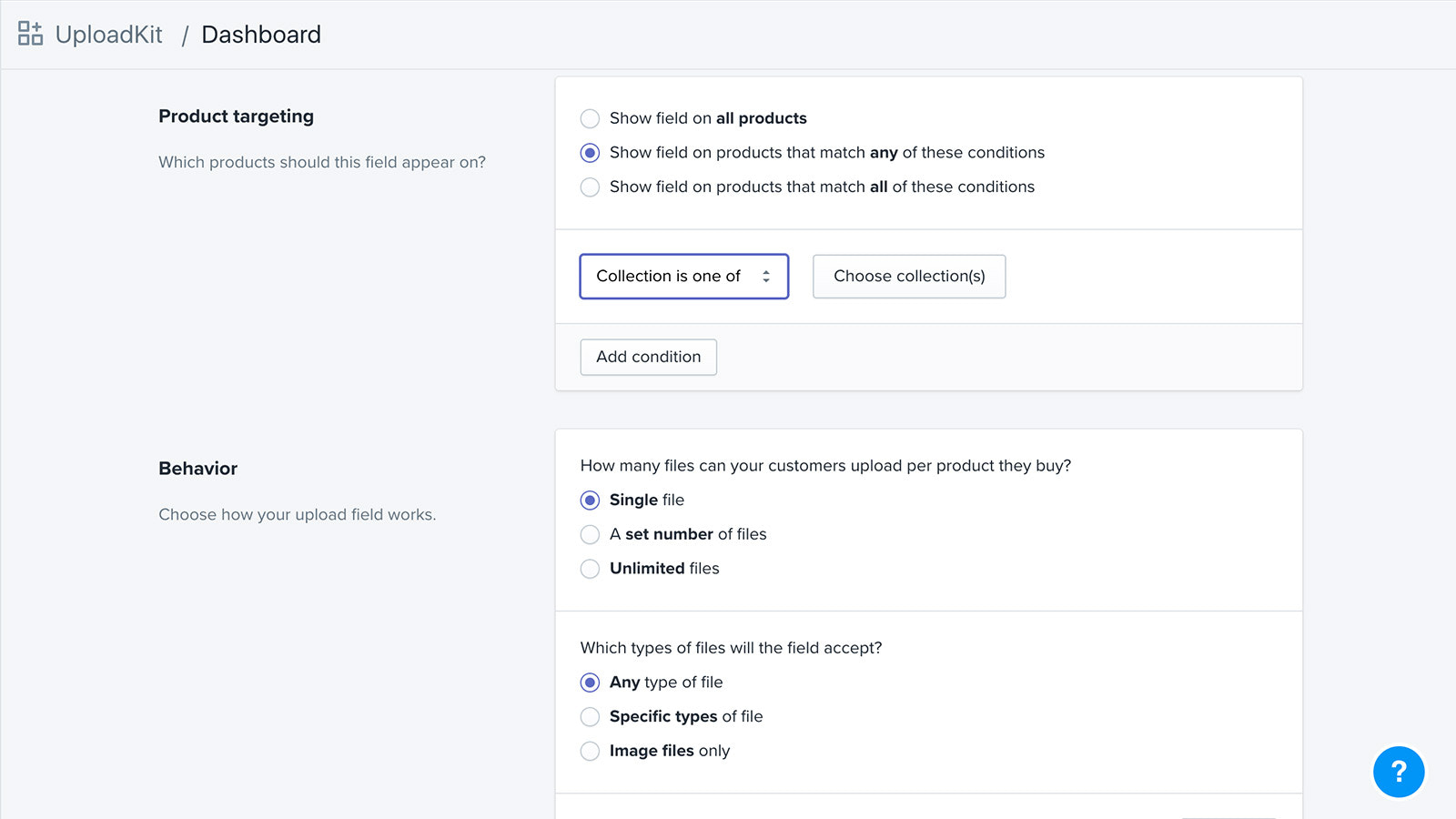
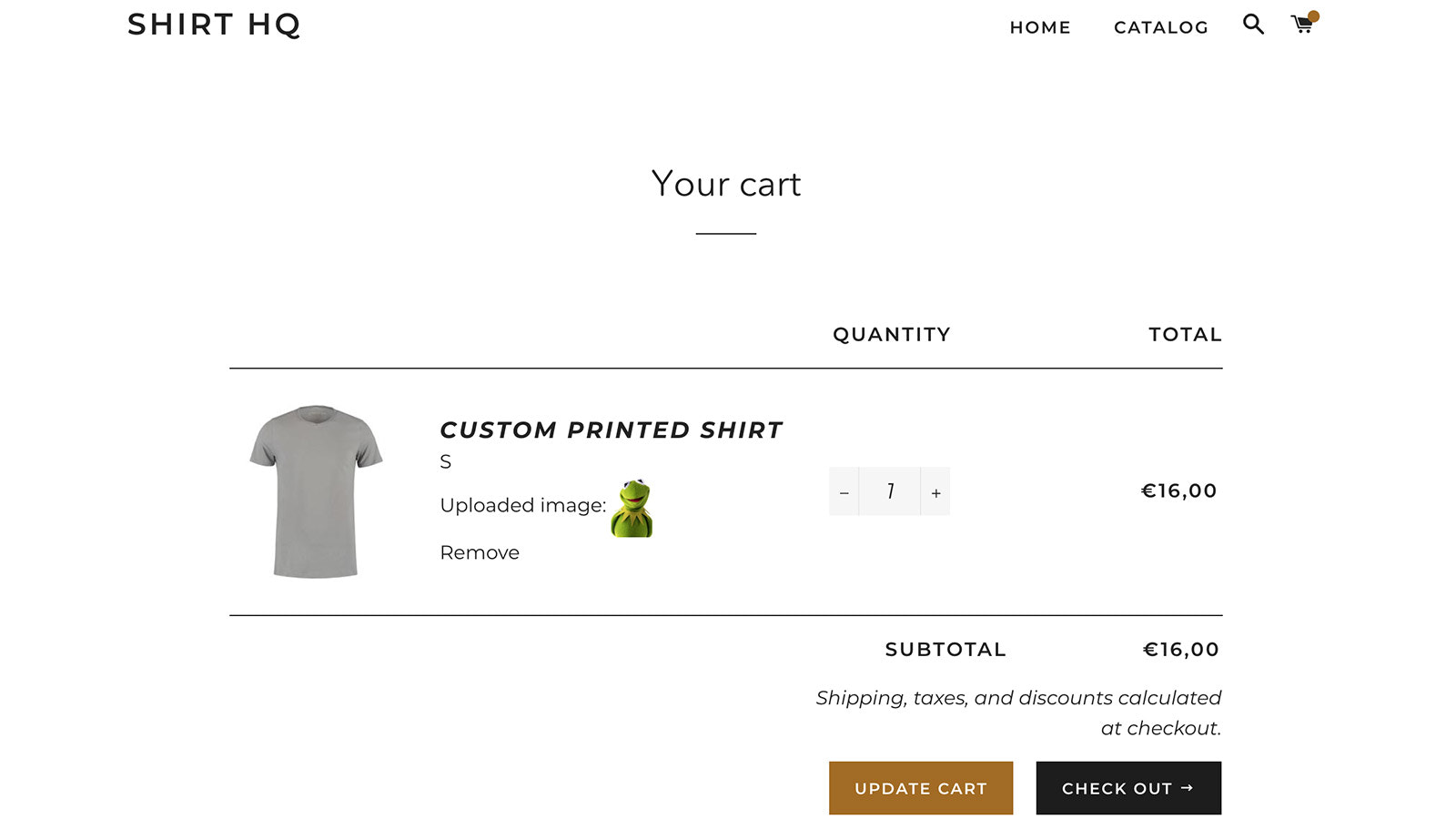
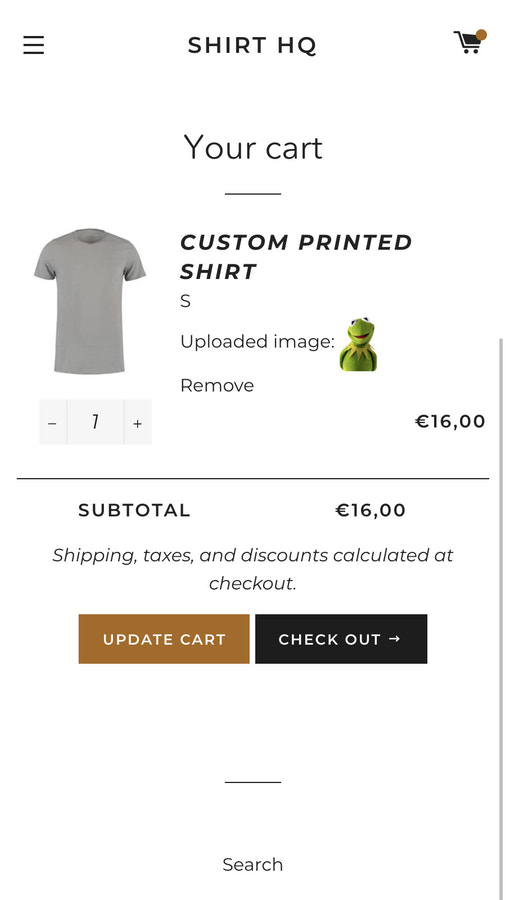
Create Personalized Products for Your Customers with UploadKit’s Seamless File Upload Field Let your customers upload their files from anywhere — their phones, computers, or directly from their Facebook, Instagram, or Dropbox accounts. Files are then uploaded quickly and reliably, displayed on the product page and in the cart, and can be downloaded from your Shopify dashboard. With our Google Drive integration, files are automatically downloaded to your team’s computers. Customers can also upload files after checkout.
Core Functionality
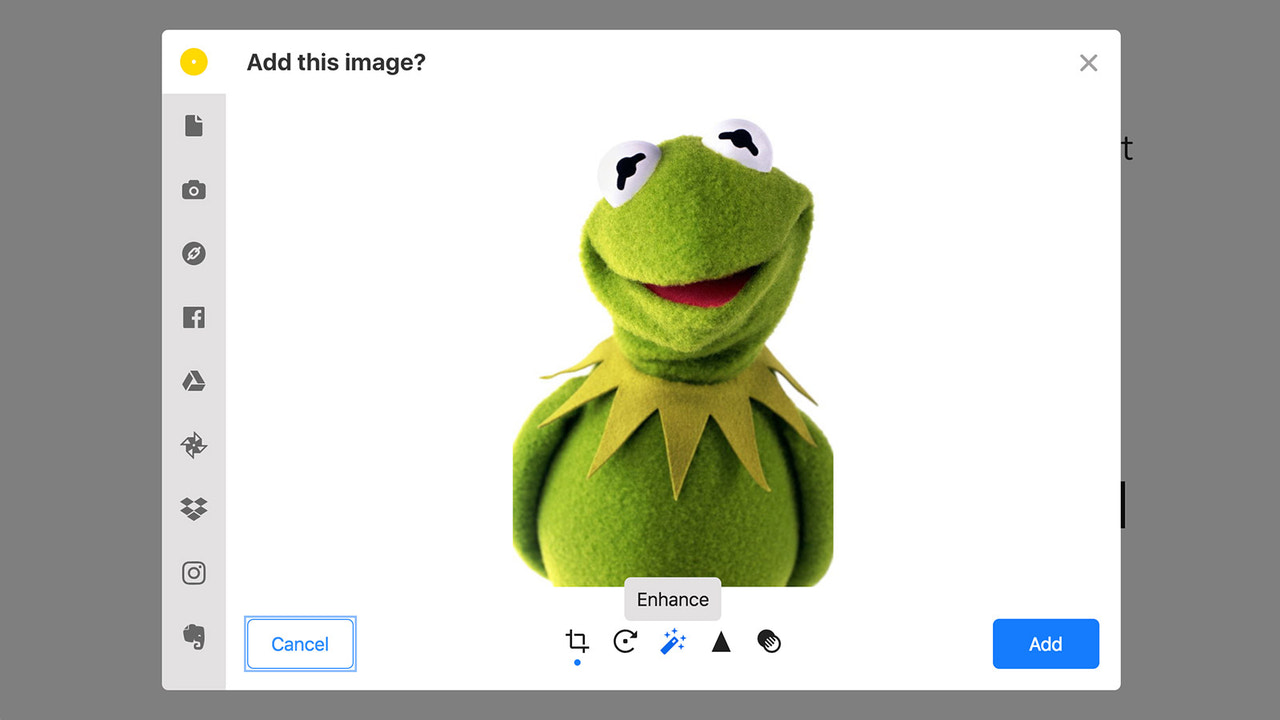
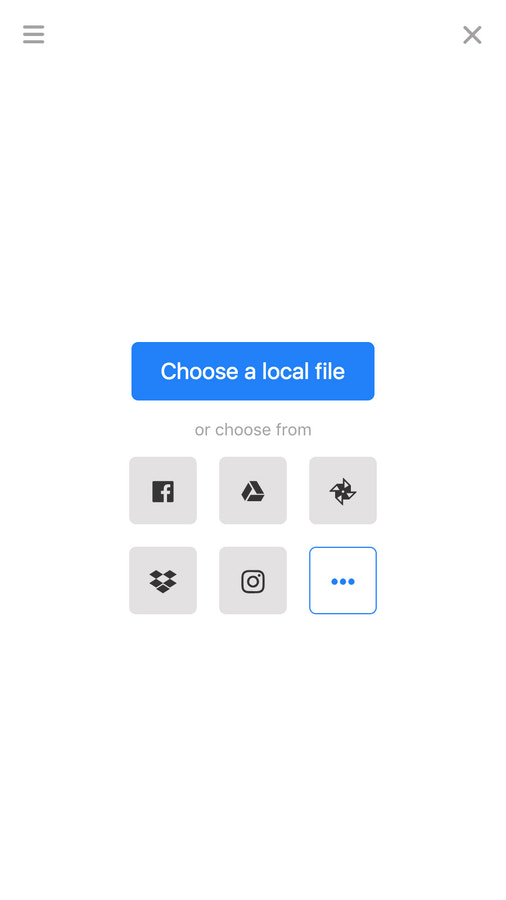
- Accept files from mobile devices, computers, Facebook, Instagram, and more
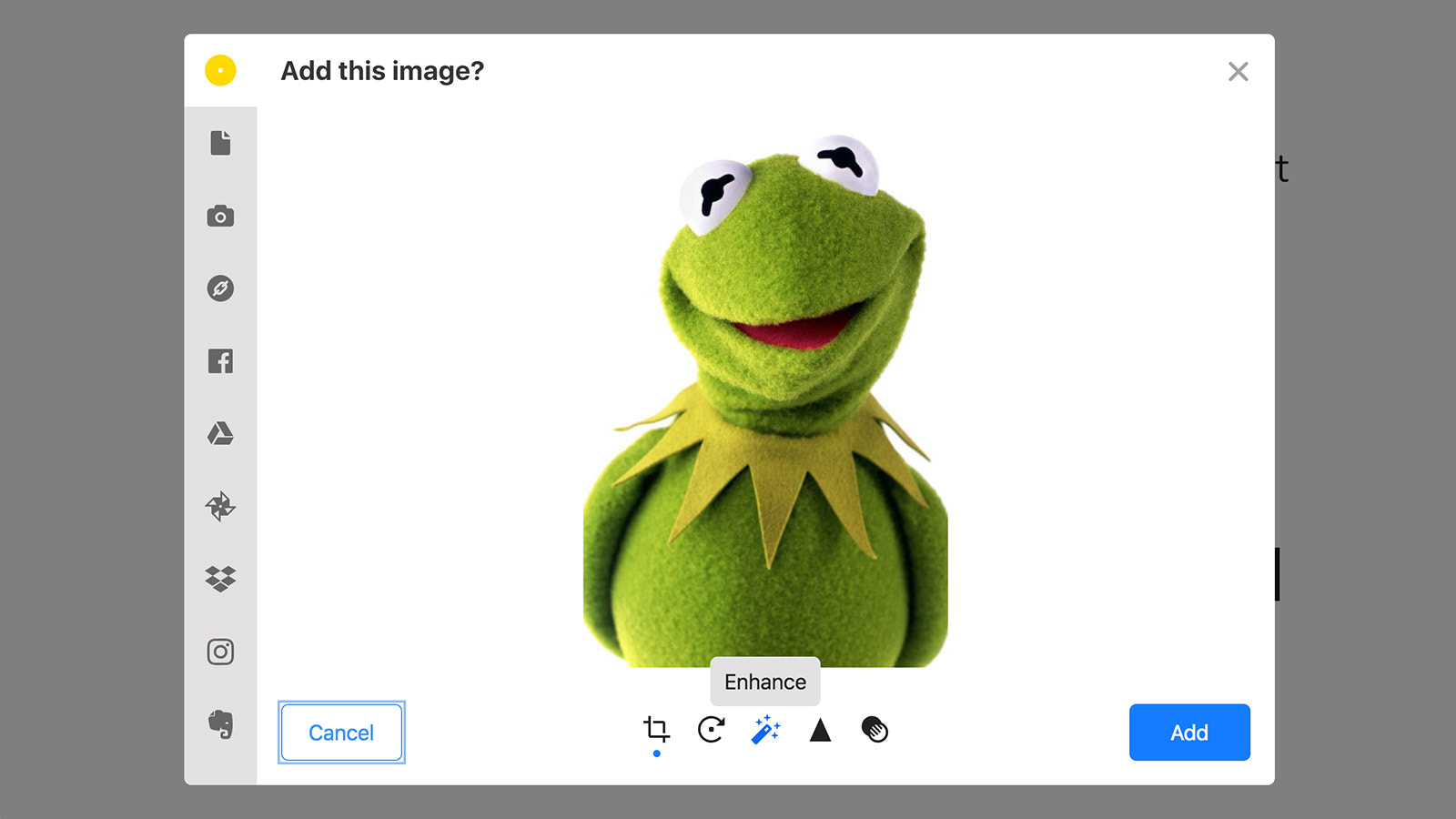
- Allow customers to preview, auto-enhance, rotate, sharpen, and crop images
- Automatically sync uploaded files to your Google Drive to speed up order processing
- Let customers upload files immediately or after checkout
- Automatically scan all files for malware and block viruses and trojans
Merchant-Friendly
- Independent Station Merchants
- Social E-commerce Merchants
- Custom Product Merchants
- Multi-channel Retail Merchants
- High-order Volume E-commerce Merchants
Basic Information
- Developer:UploadKit
- Address:Ordered Magic, Inc., 16192 Coastal Highway, Lewes, DE, 19958, US
- Price: Free / Free plan
- Rating:4.3 / 5
- Comment Count:82 comment
- Release Date:2018-9-26
- Supported languages:English
- Compatible products:Shopify
Application Screenshot


















Price Plan
Trial
- Shopify Partner Development Store Free
Growing
- Unlimited Fields
- Automatic Malware Scanning
- Max File Size 200MB
- Retention Period Up to 3 Months
Pro
- Unlimited Fields
- Automatic Malware Scanning
- No UploadKit Branding
- Max File Size 5GB
- Max Retention Period 12 Months
- Sync to Google Drive
User Location & Comments
User Location
Comments
Shopify API Used
- POST /admin/api/files.json
- GET /admin/api/files.json
- GET /admin/api/files/{id}.json
Permission:write_files,read_files,manage_orders
- POST /admin/api/files/{id}/process.json
- GET /admin/api/files/{id}/processed.json
- PUT /admin/api/files/{id}/process_settings.json
Permission:write_files,read_files,manage_media
- POST /admin/api/files/{id}/sync.json
- GET /admin/api/files/sync_status.json
- DELETE /admin/api/files/{id}/sync.json
Permission:write_files,read_files,manage_apps
- POST /admin/api/orders/{id}/files.json
- GET /admin/api/orders/{id}/files.json
- PUT /admin/api/orders/{id}/files/{fid}.json
Permission:write_orders,read_orders,manage_files
- POST /admin/api/files/{id}/scan.json
- GET /admin/api/files/{id}/scan_result.json
- PUT /admin/api/files/scan_settings.json
Permission:write_files,read_files,manage_security



