
App Introduction
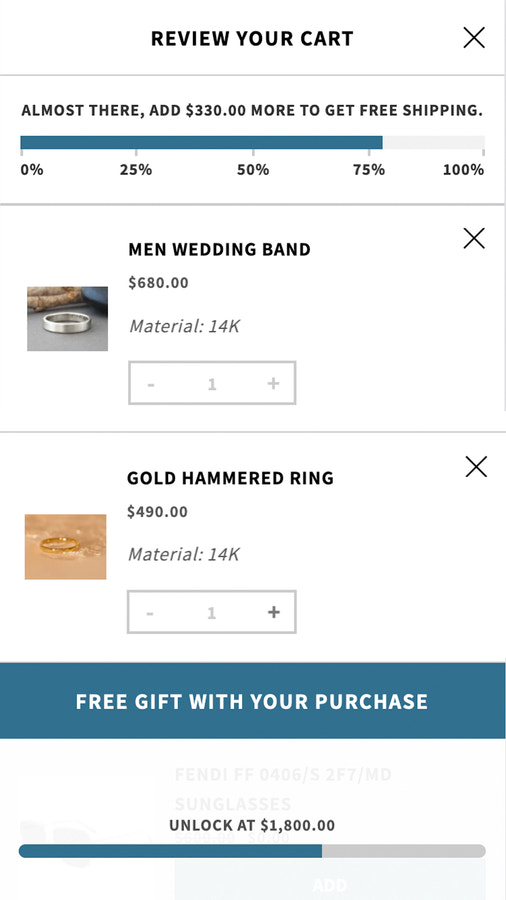
A highly customizable sliding cart drawer with sales promotions, progress bars, unlockable free gifts, and more. Unicart replaces your default cart page with a highly customizable sliding cart drawer. It offers sales promotions, cross-sells, dynamic sales progress bars, spending tiers for unlocking free items, multi-language support, and more. Unicart is fully customizable to accommodate all types of custom functions and designs. It supports different design templates that you can launch at any time (ideal for sales days). Unicart is developer-friendly and can be tailored to meet every specific need.
Core Functionality
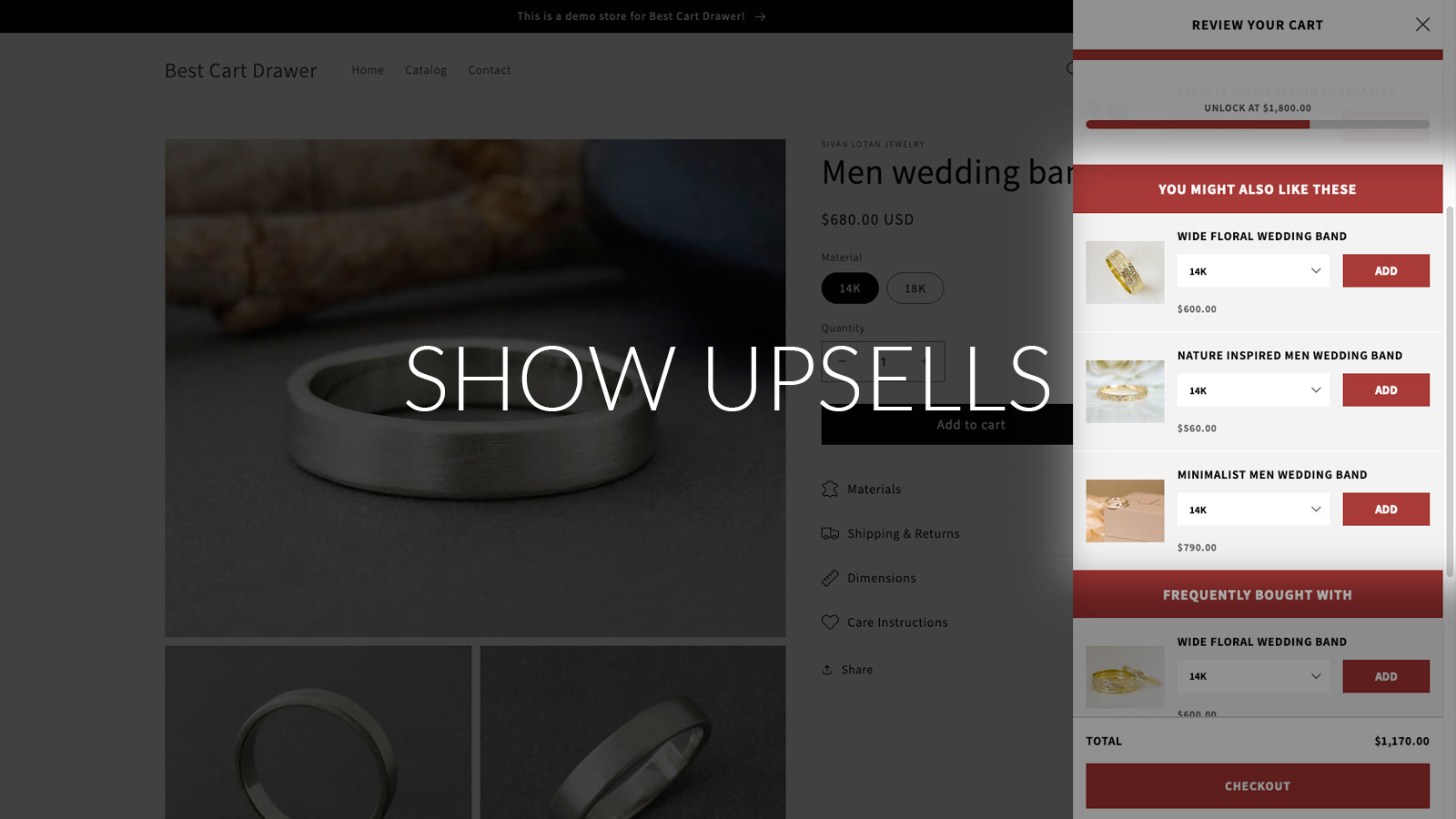
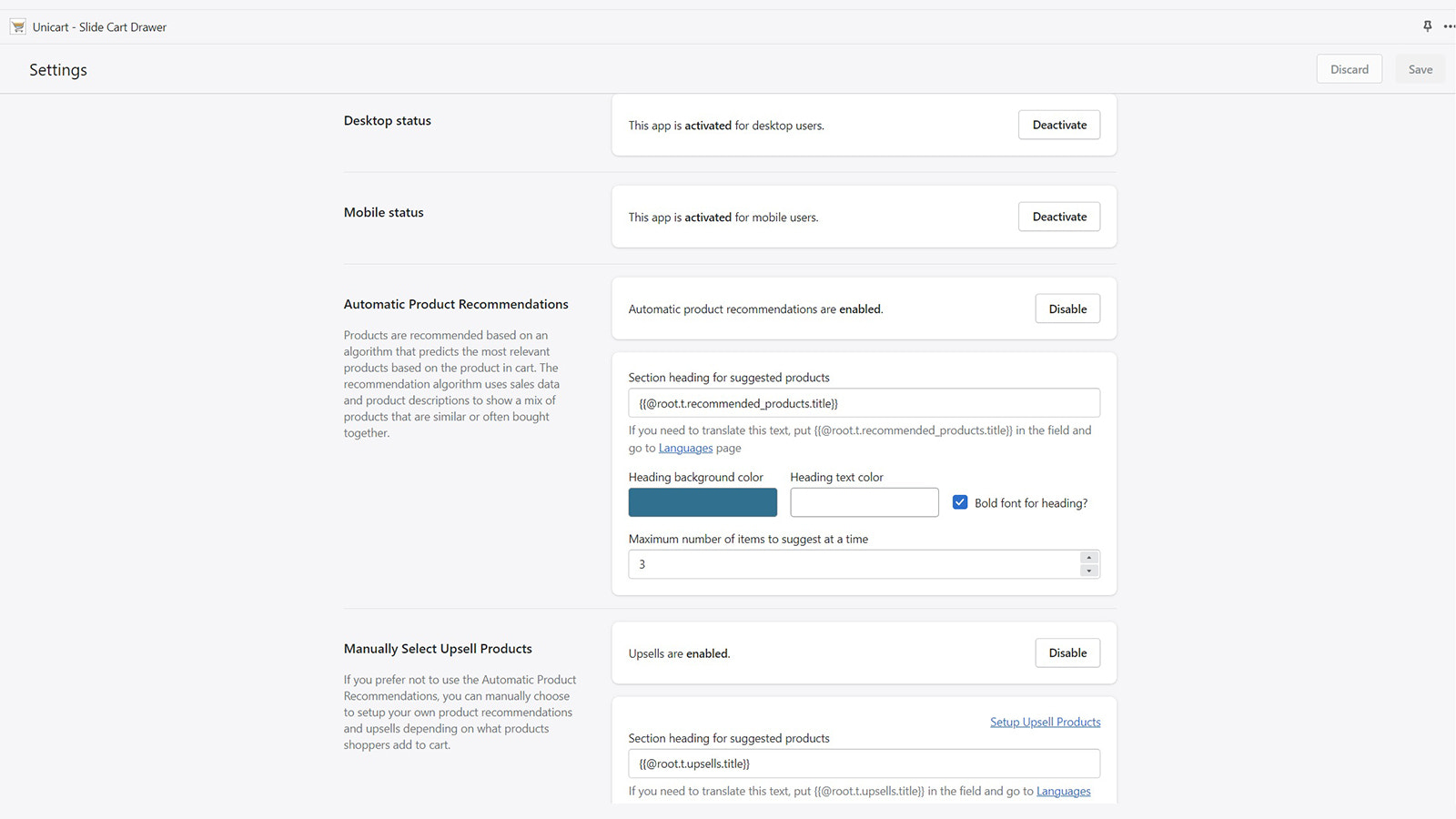
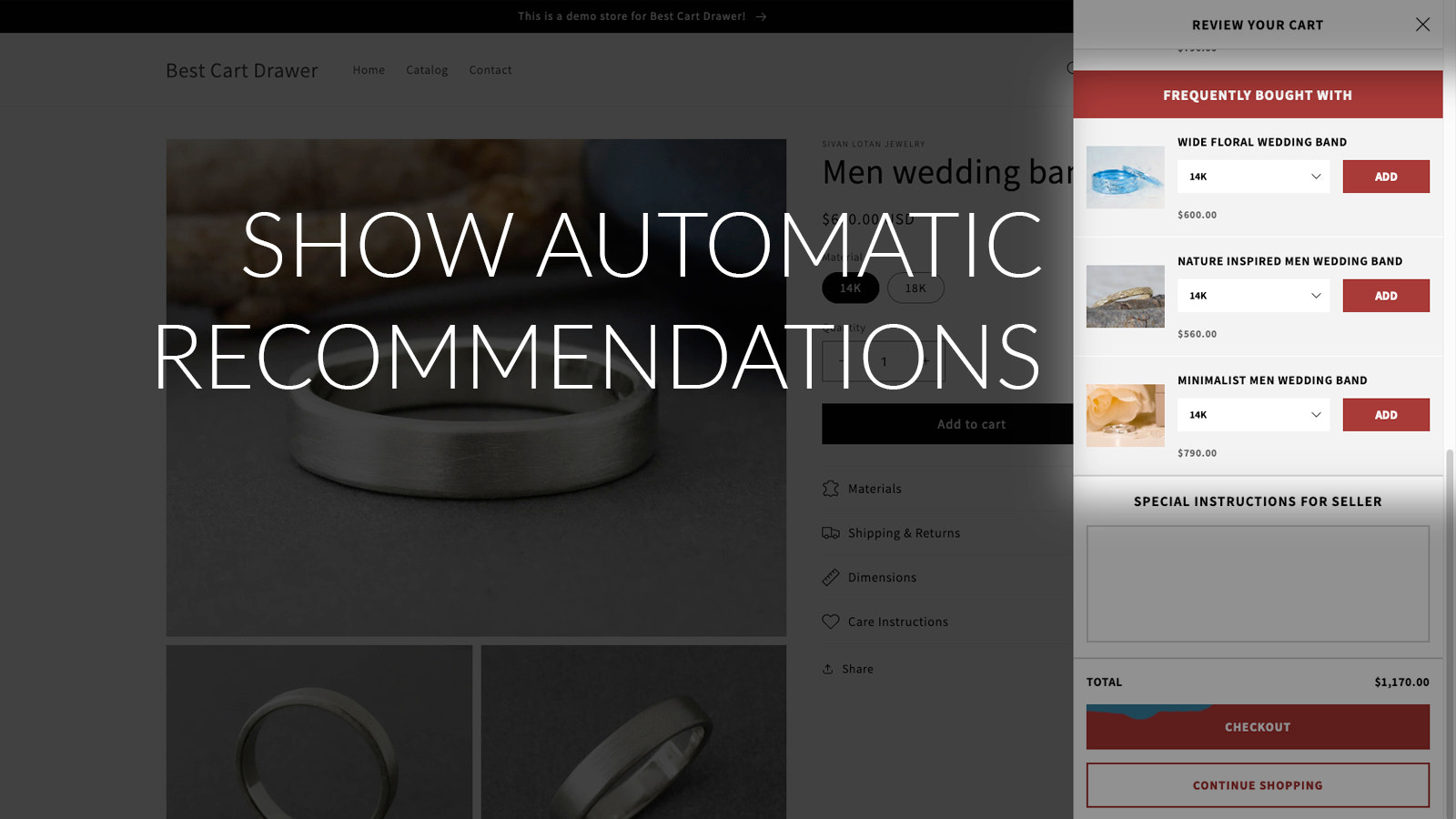
- Cross-sell and promote sales by displaying related products based on items in the cart
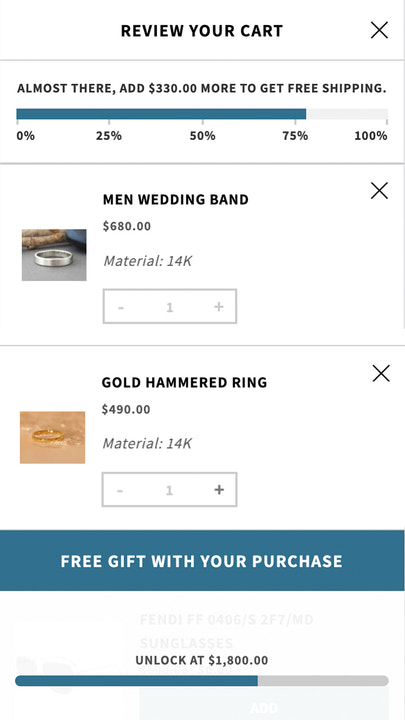
- Sales progress bar to motivate customers to spend more to unlock special rewards
- Allow customers to unlock free items in the cart at specific spending tiers
- Fully customize the cart to meet your exact design and functional needs
- Subscription support with integration for apps like PageFly, BOLD, and Shogun
Merchant-Friendly
- Independent Station Merchants
- Multi-category E-commerce
- Subscription Merchants
- Promotional E-commerce
- Brand E-commerce
Basic Information
- Developer:Smith Street Lab LLC
- Address:550 Smith Street, Farmingdale, NY, 11735, US
- Price: Free / Free plan
- Rating:5 / 5
- Comment Count:3 comment
- Release Date:2022-12-2
- Supported languages:English
- Compatible products:Shopify
Application Screenshot
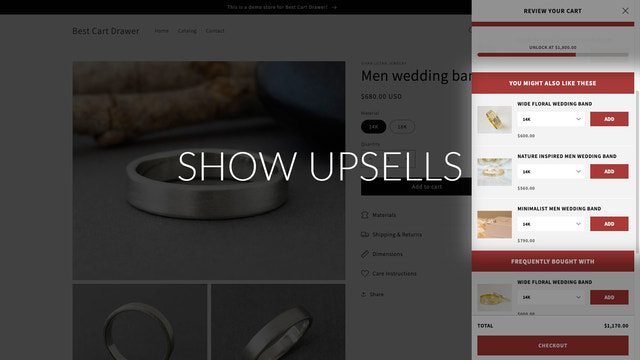
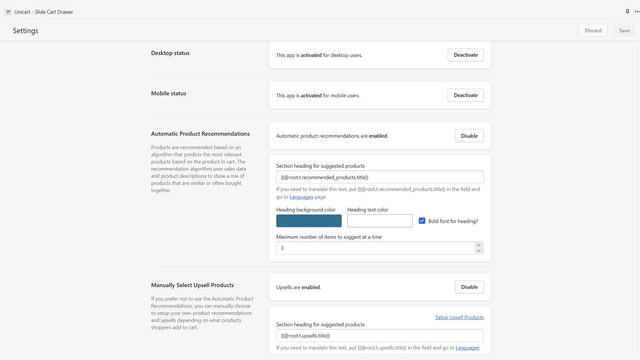
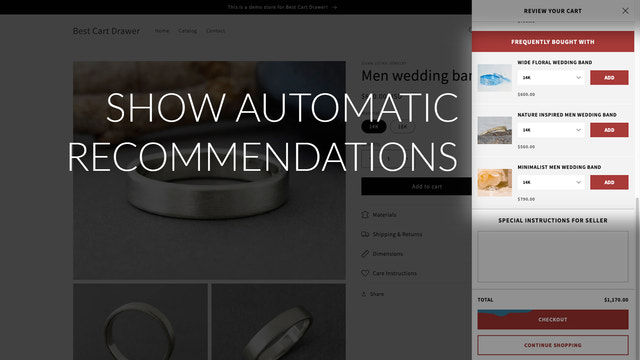

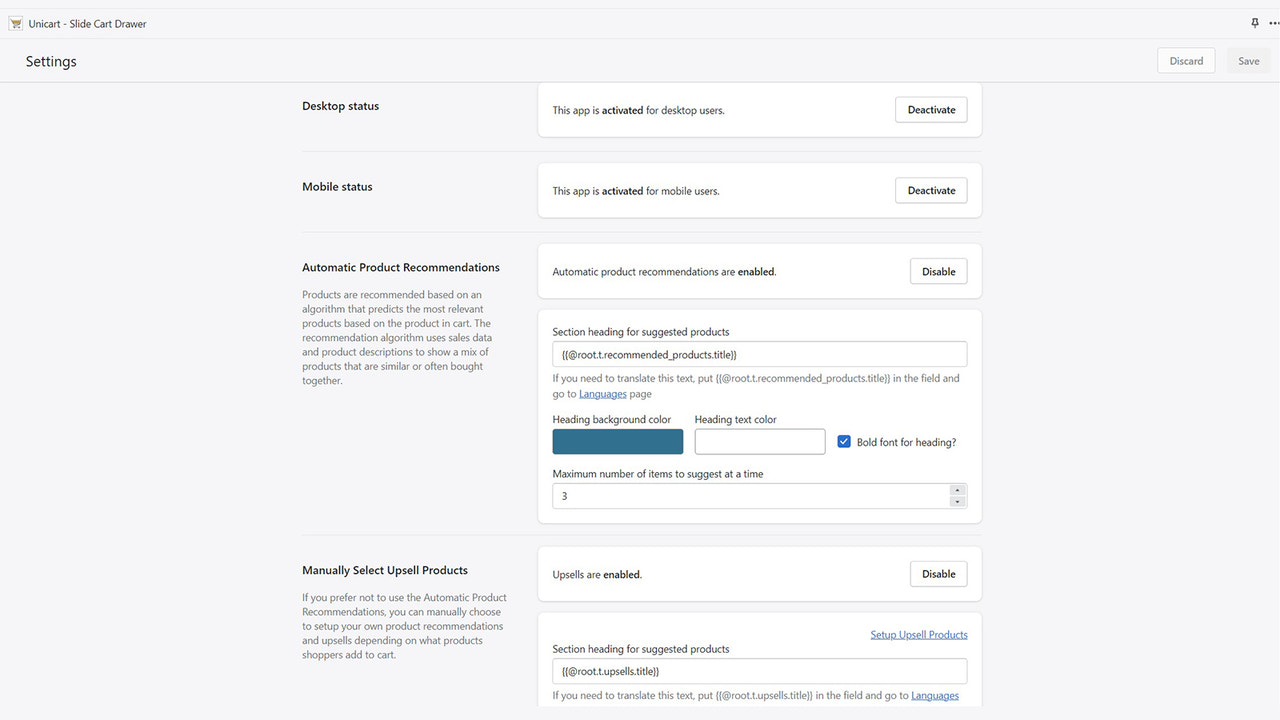

Price Plan
免费
- Basic Customization
- Special Offer Notification with Progress Bar
- Shopify Subscription
- 1 Language
- Custom CSS & JS
适用于基础Shopify
- Free+
- Automatic and Manual Sales Promotion
- Special Offer Notifications with Progress Bar
- Full Customization
- Multiple Templates
- Multi-language
标准Shopify
- Free+
- Automatic and Manual Sales Promotion
- Special Offer Notifications with Progress Bar
- Full Customization
- Multiple Templates
- Multi-language
高级Shopify
- Free+
- Automatic and Manual Sales Promotion
- Special Offer Notifications with Progress Bar
- Full Customization
- Multiple Templates
- Multi-language
User Location & Comments
User Location
Comments
Shopify API Used
- POST /admin/api/cart/metafields.json
- GET /admin/api/products.json?limit=5
- PUT /admin/api/cart/{cart_id}.json
Permission:read_products,write_cart,read_cart
- POST /admin/api/cart/metafields.json
- GET /admin/api/cart/{cart_id}.json
- PUT /admin/api/cart/metafields/{metafield_id}.json
Permission:read_cart,write_cart,read_orders
- POST /admin/api/discounts/auto.json
- GET /admin/api/cart/{cart_id}.json
- PUT /admin/api/discounts/auto/{discount_id}.json
Permission:manage_discounts,read_cart,write_cart
- GET /admin/api/themes/{theme_id}.json
- POST /admin/api/themes/{theme_id}/assets.json
- PUT /admin/api/cart/metafields.json
Permission:write_themes,read_cart,write_cart
- GET /admin/api/apps.json
- POST /admin/api/cart/metafields.json
- PUT /admin/api/subscriptions/{subscription_id}.json
Permission:read_apps,write_cart,manage_subscriptions



