
App Introduction
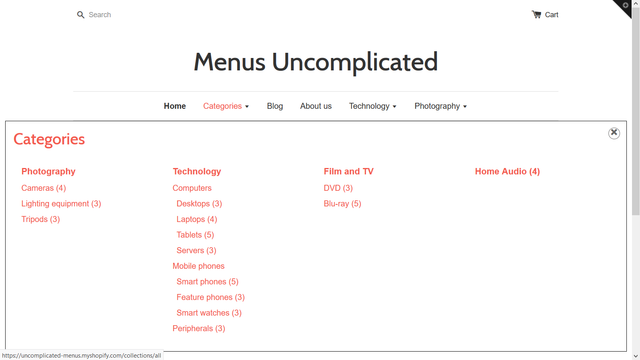
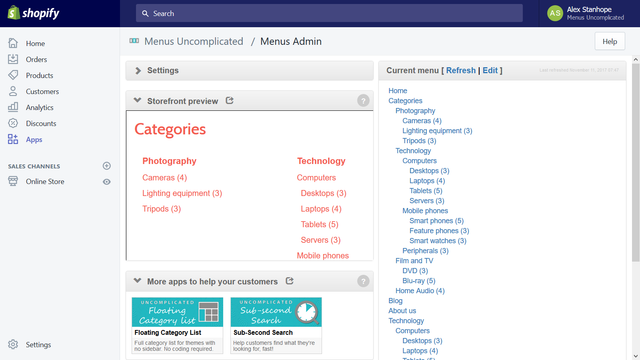
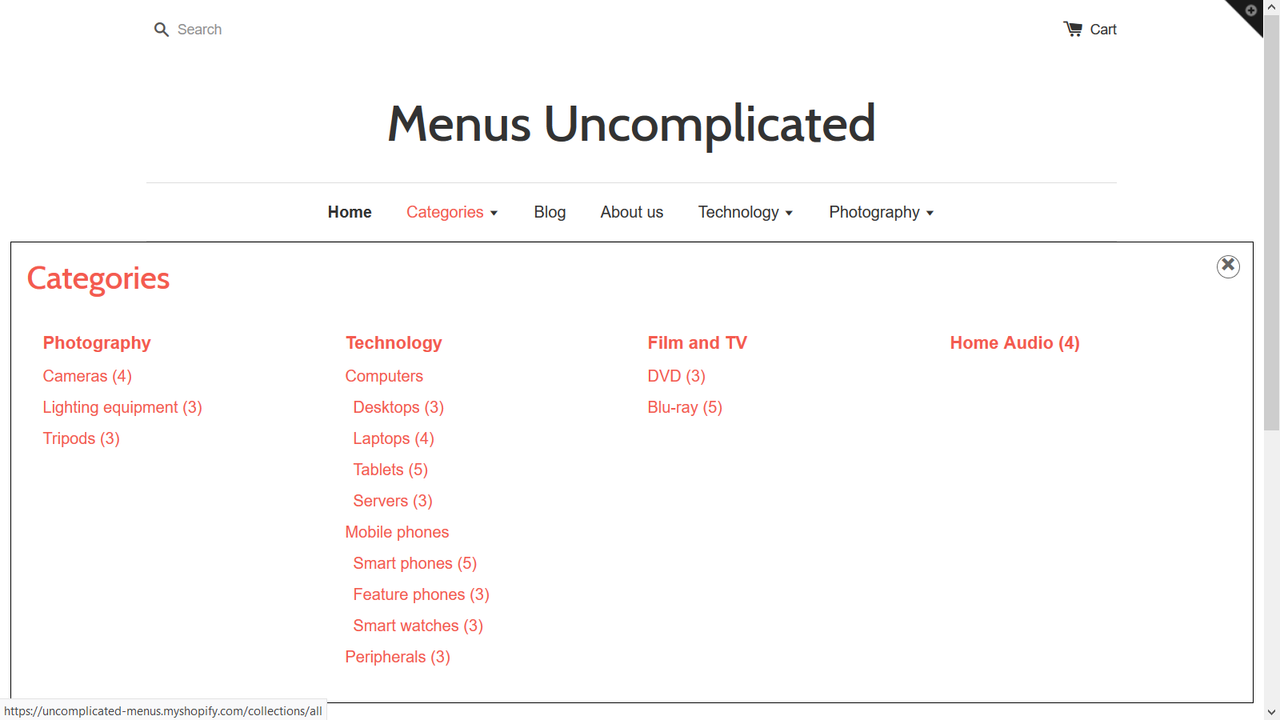
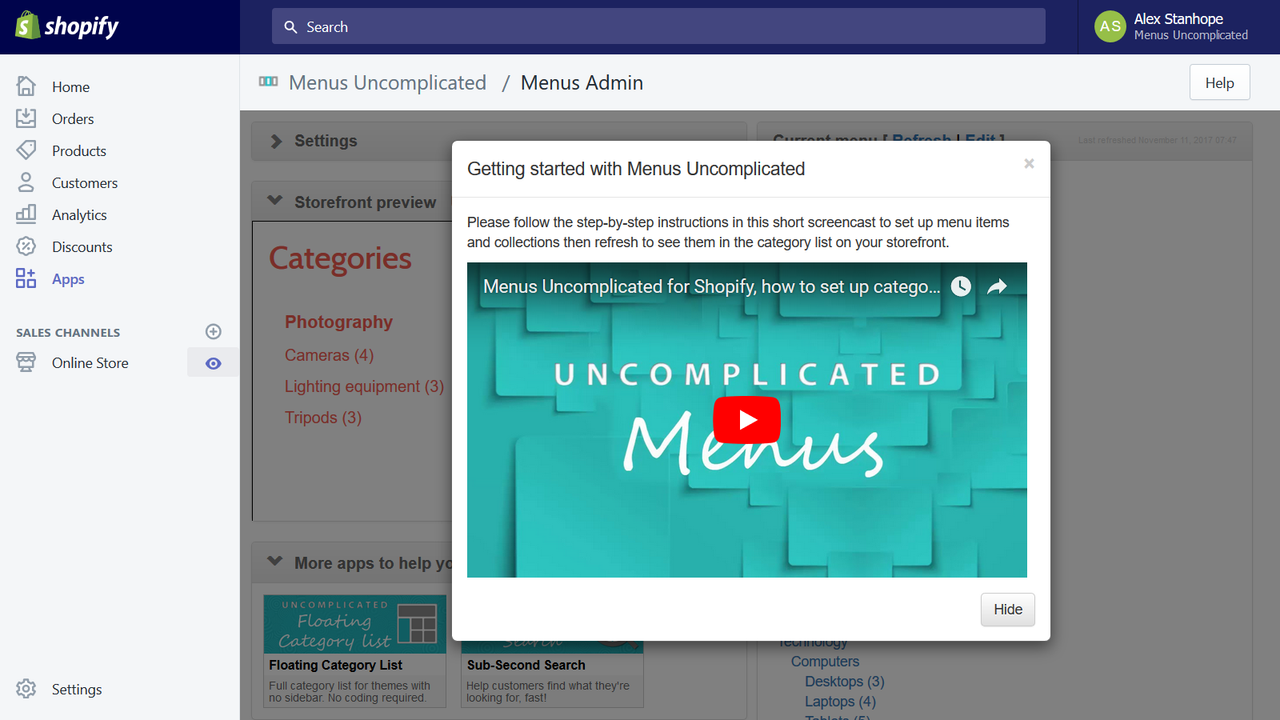
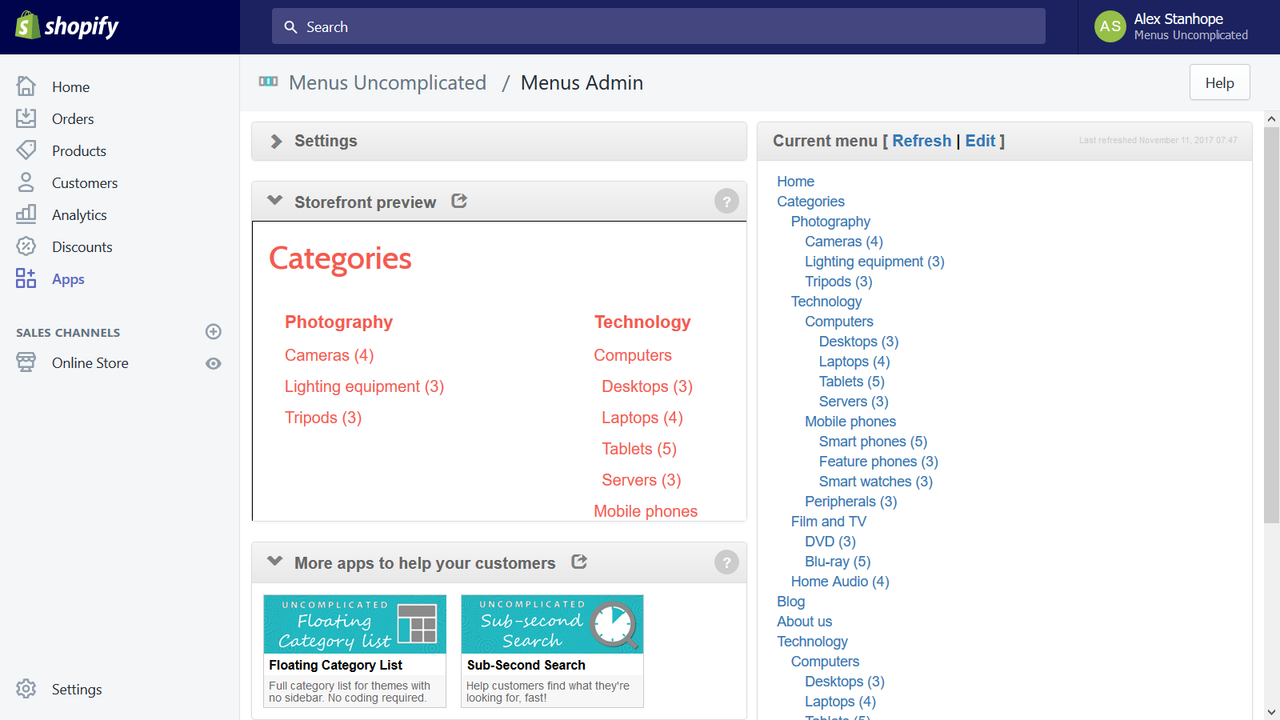
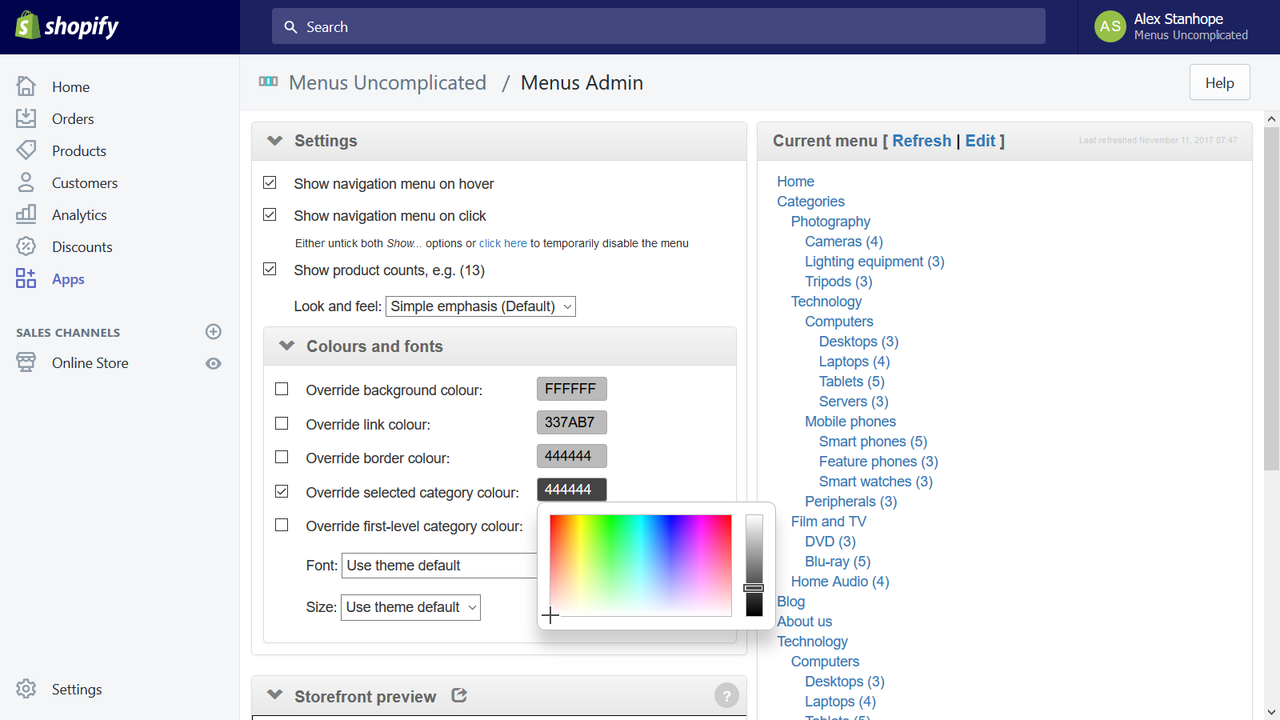
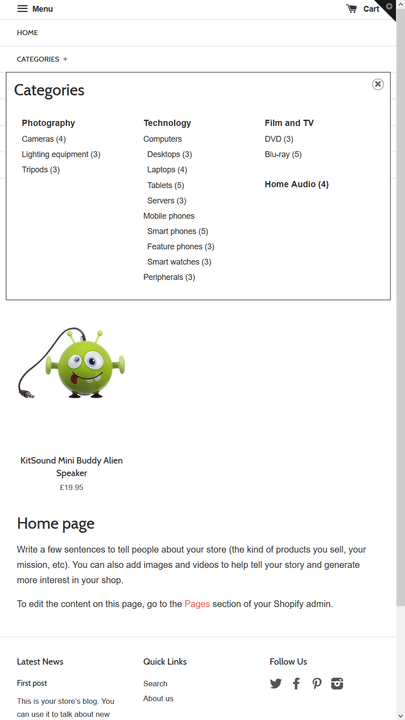
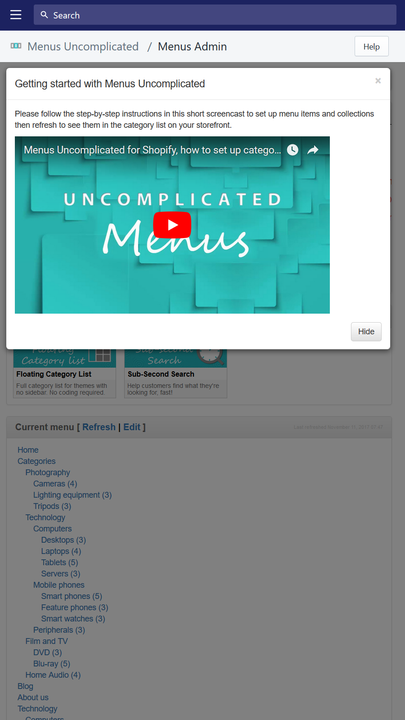
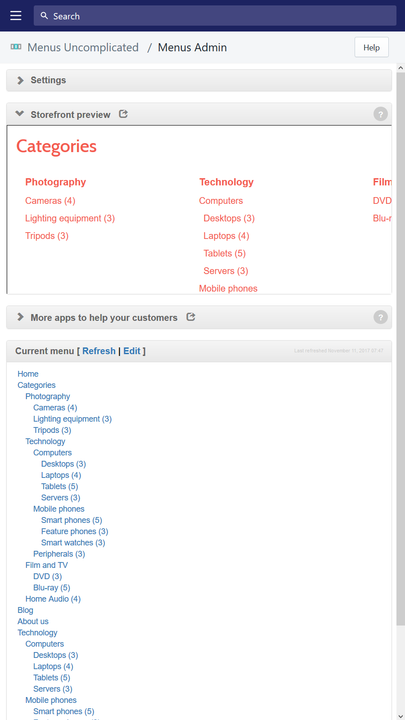
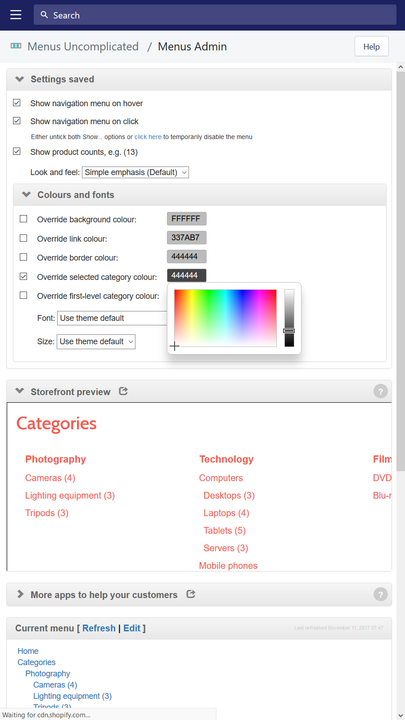
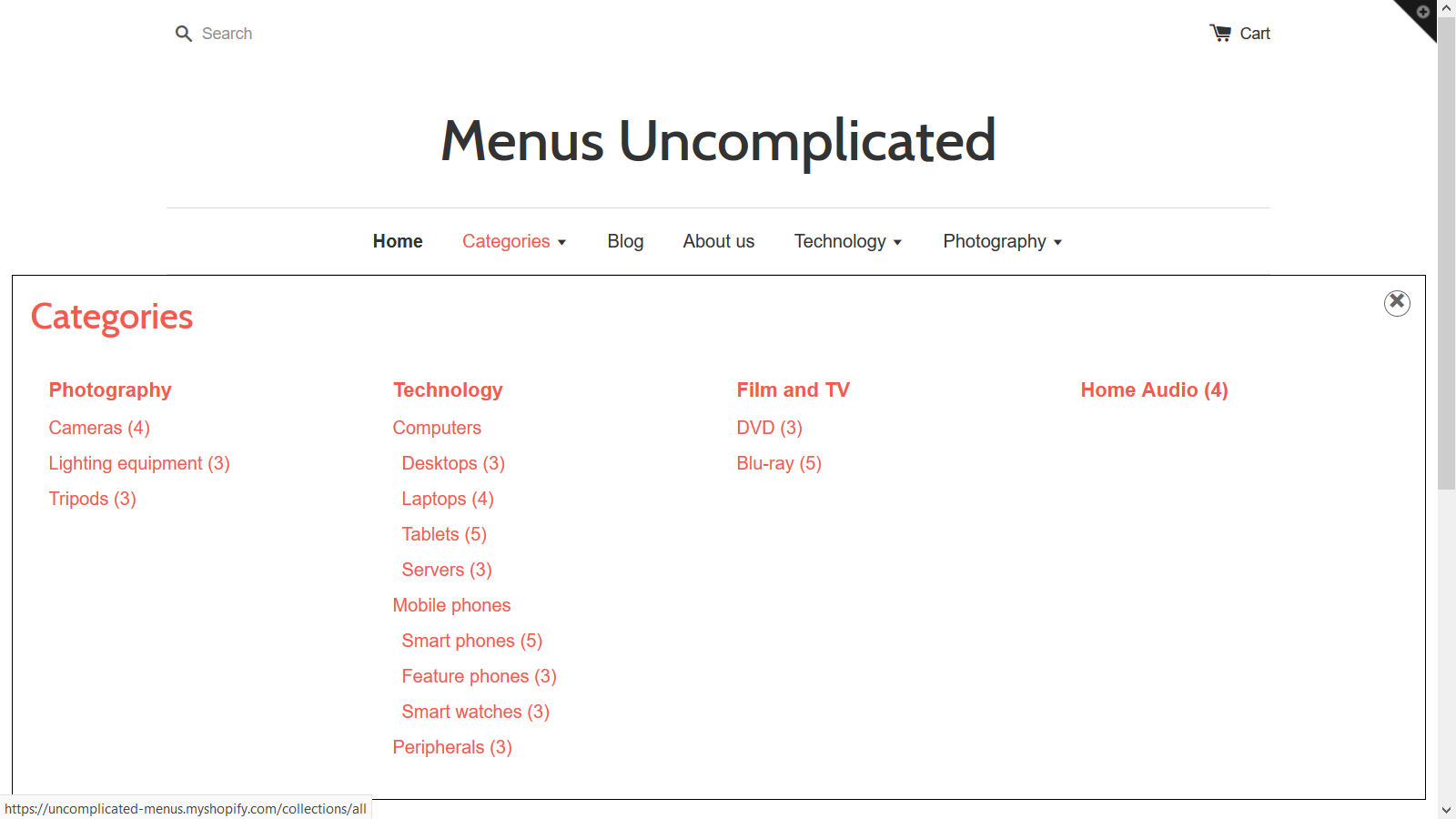
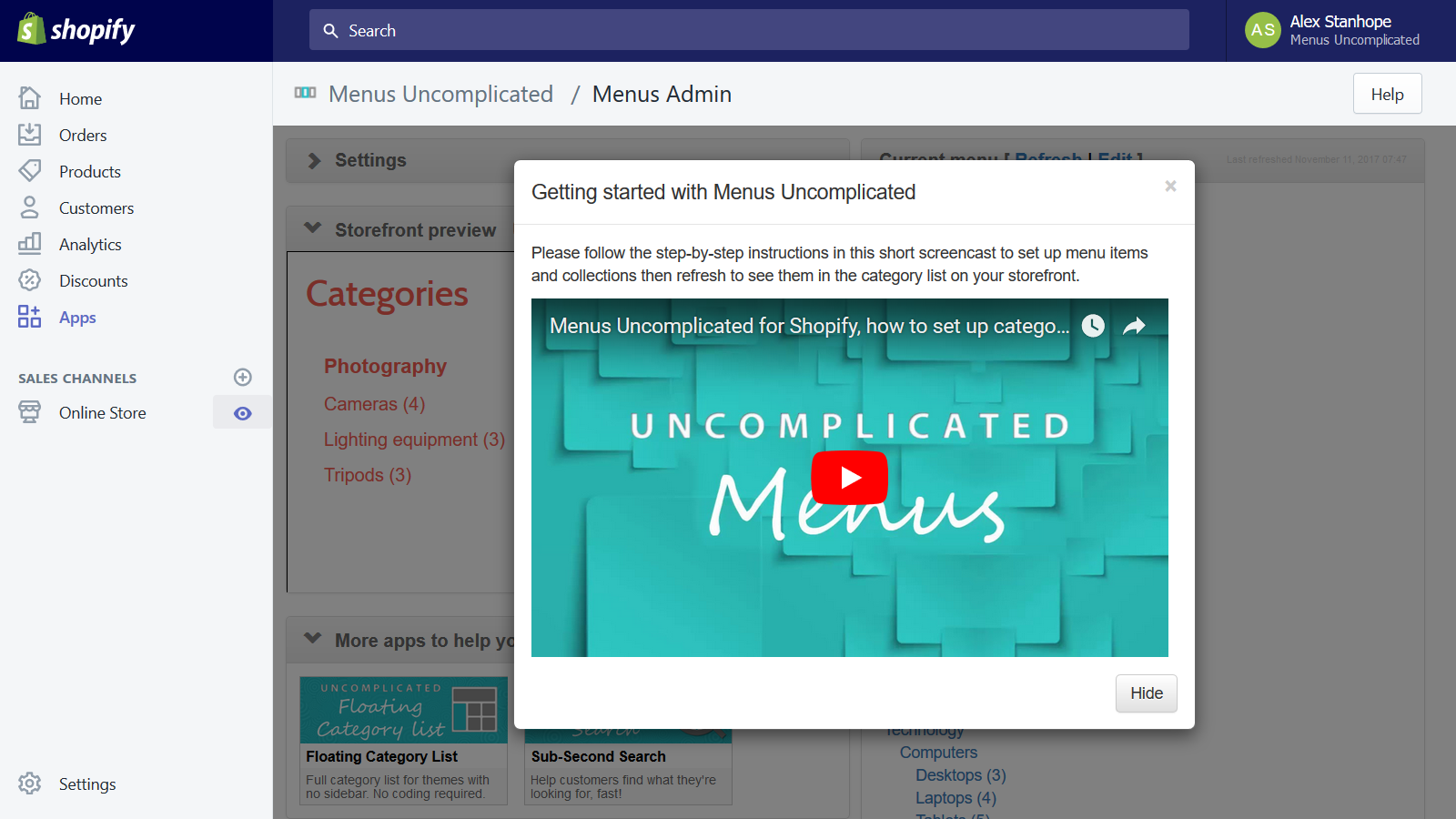
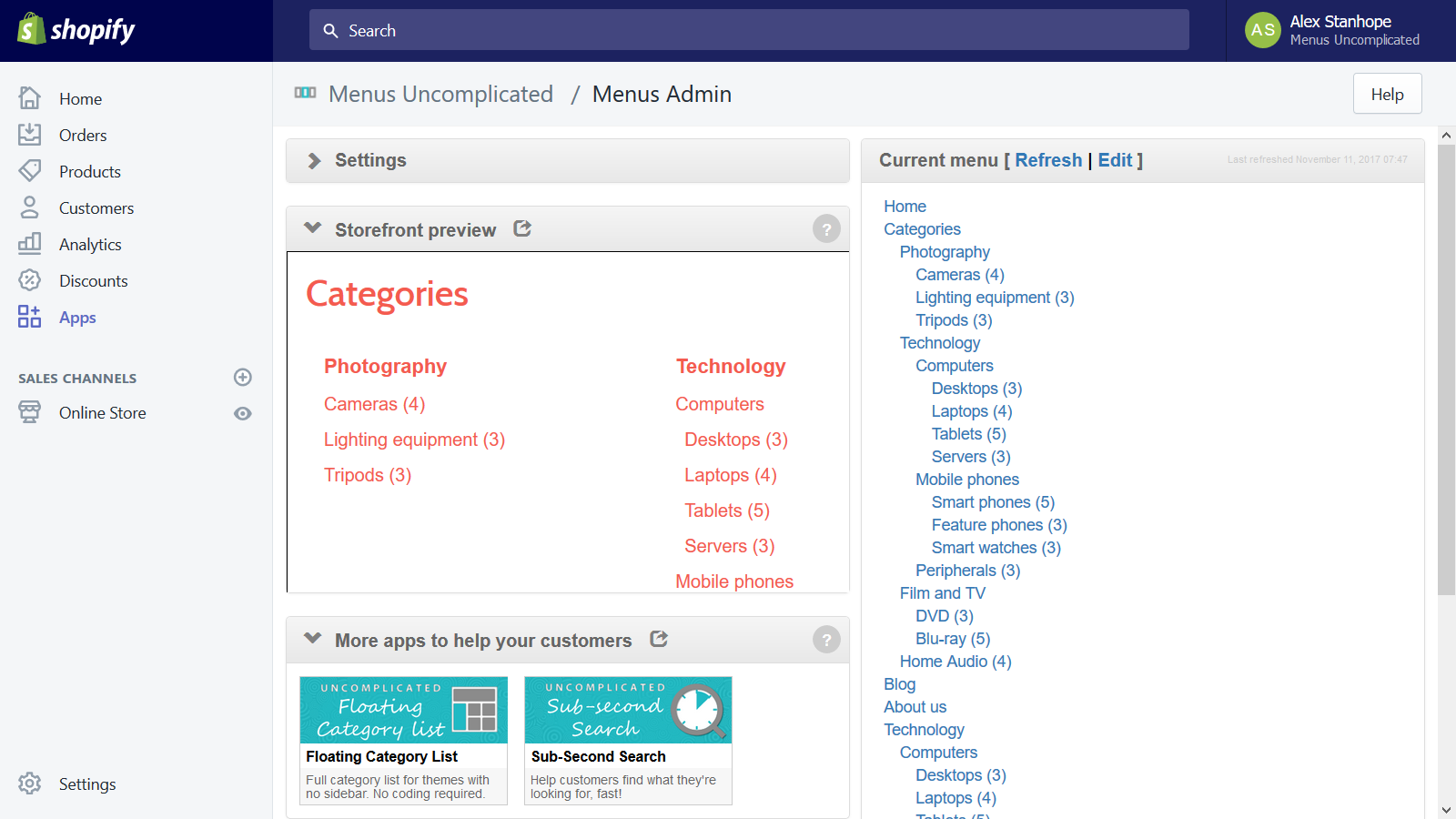
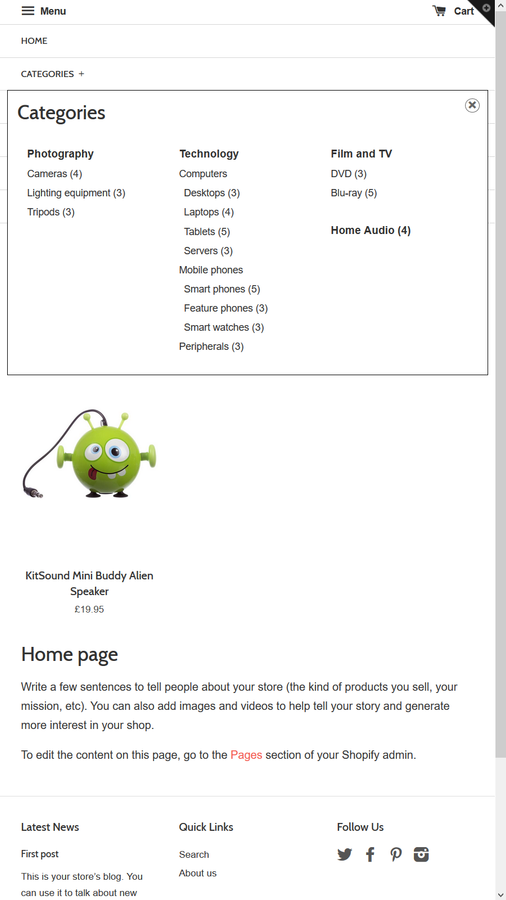
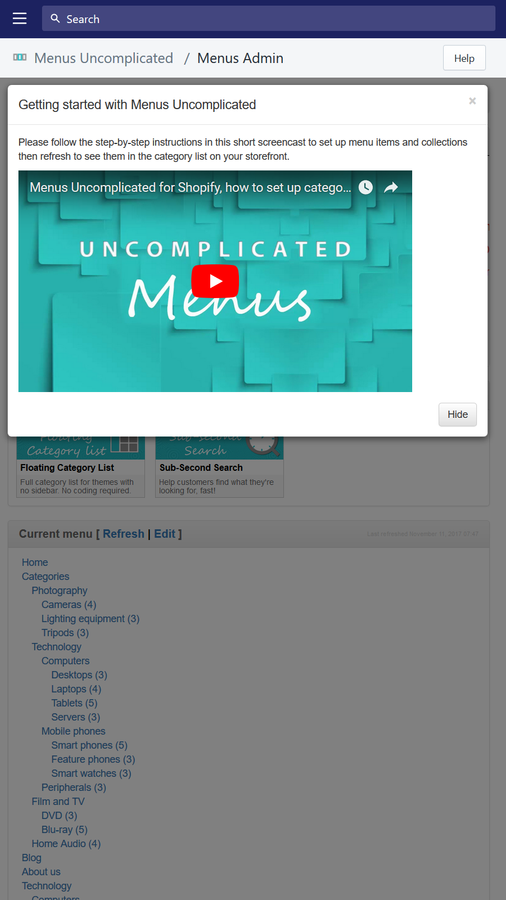
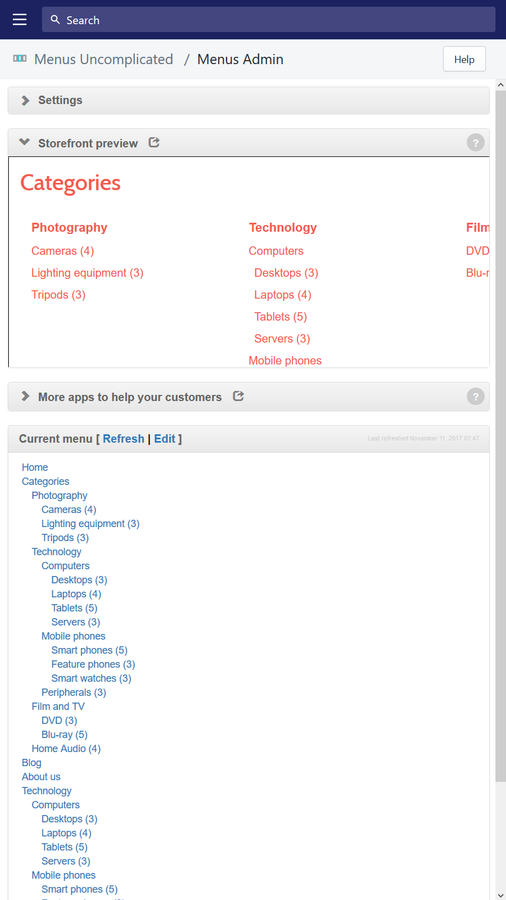
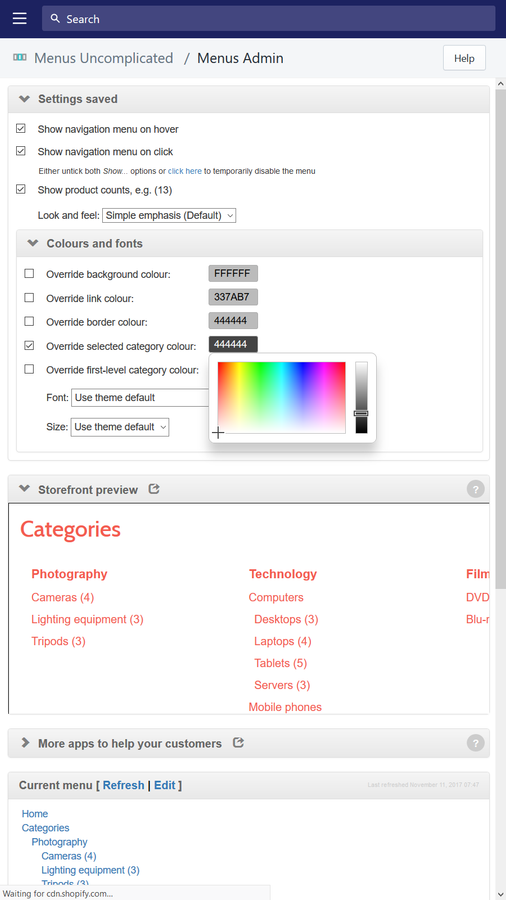
Menus Uncomplicated displays a set of nested categories when customers hover over or click on the menu. Once you’ve set up your menu items (using Shopify’s "Menus" admin interface), you’re done with just one click. No need to recreate them, duplicate work, or deal with HTML/CSS/Liquid. Nested menu items (categories) help customers understand the types of products you sell, how many items appear in each collection, and how these collections are organized. Users can jump directly to a specific subcategory to find the product group they’re shopping for.
Core Functionality
- No core function information available at the moment
Merchant-Friendly
- Independent Station Merchants
- Multi-category E-commerce
- Boutique Merchants
- Cross-border E-commerce
Basic Information
- Developer:Zoom Buzz
- Address:Alma House, Alma Business Park and Conference Centre, Wibtoft, Lutterworth, ENG, LE17 5BE, GB
- Price: Free / Free plan
- Rating:4.8 / 5
- Comment Count:6 comment
- Release Date:2016-5-16
- Supported languages:English
- Compatible products:Shopify
Application Screenshot
Price Plan
Basic
$5
User Location & Comments
User Location
Comments
Shopify API Used
- GET /admin/api/navigation.json
- PUT /admin/api/navigation/{id}.json
- GET /admin/api/navigation/{id}/links.json
Permission:read_navigation,write_navigation,manage_themes
- GET /admin/api/themes/{id}/settings.json
- PUT /admin/api/themes/{id}/settings.json
- GET /admin/api/themes.json
Permission:read_themes,write_themes,manage_navigation
- GET /admin/api/custom_collections.json
- PUT /admin/api/navigation/{id}/links.json
- GET /admin/api/navigation/links.json
Permission:read_navigation,write_navigation,read_custom_collections