
Ultimate Recently Viewed
by AppScoped · Category: Product Display - Other
Free Plan
Built for Shopify
App Introduction
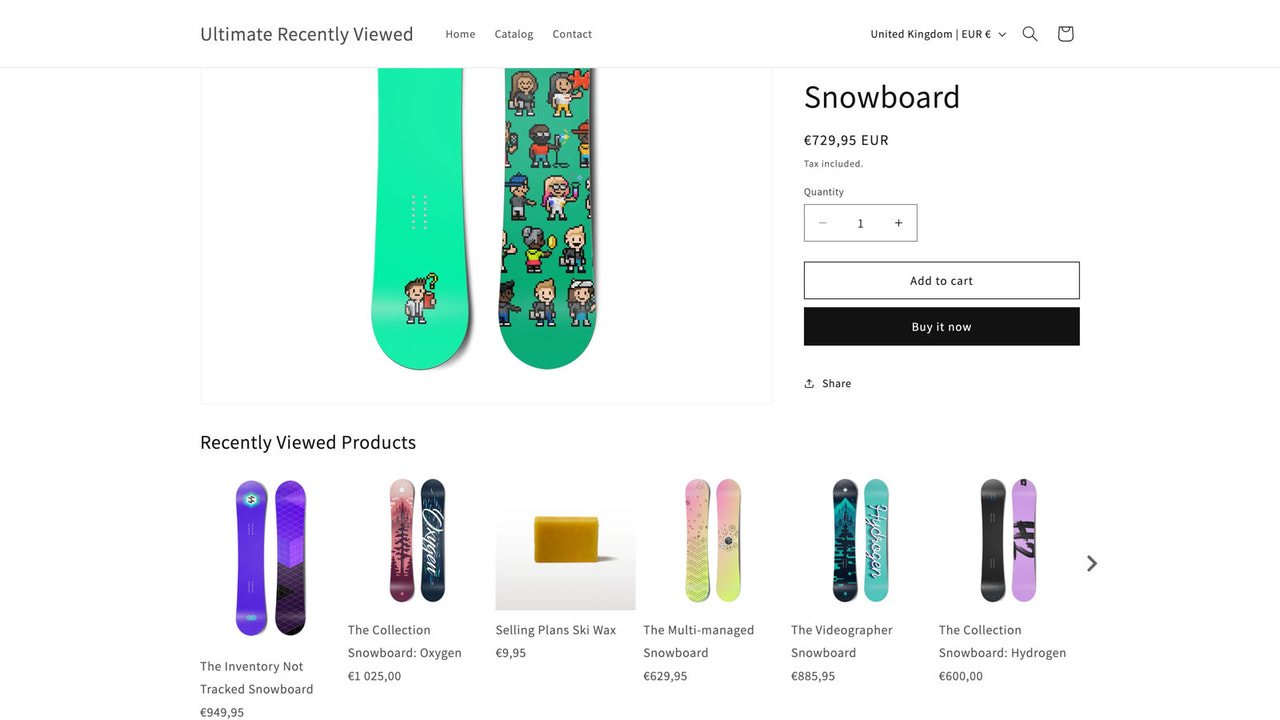
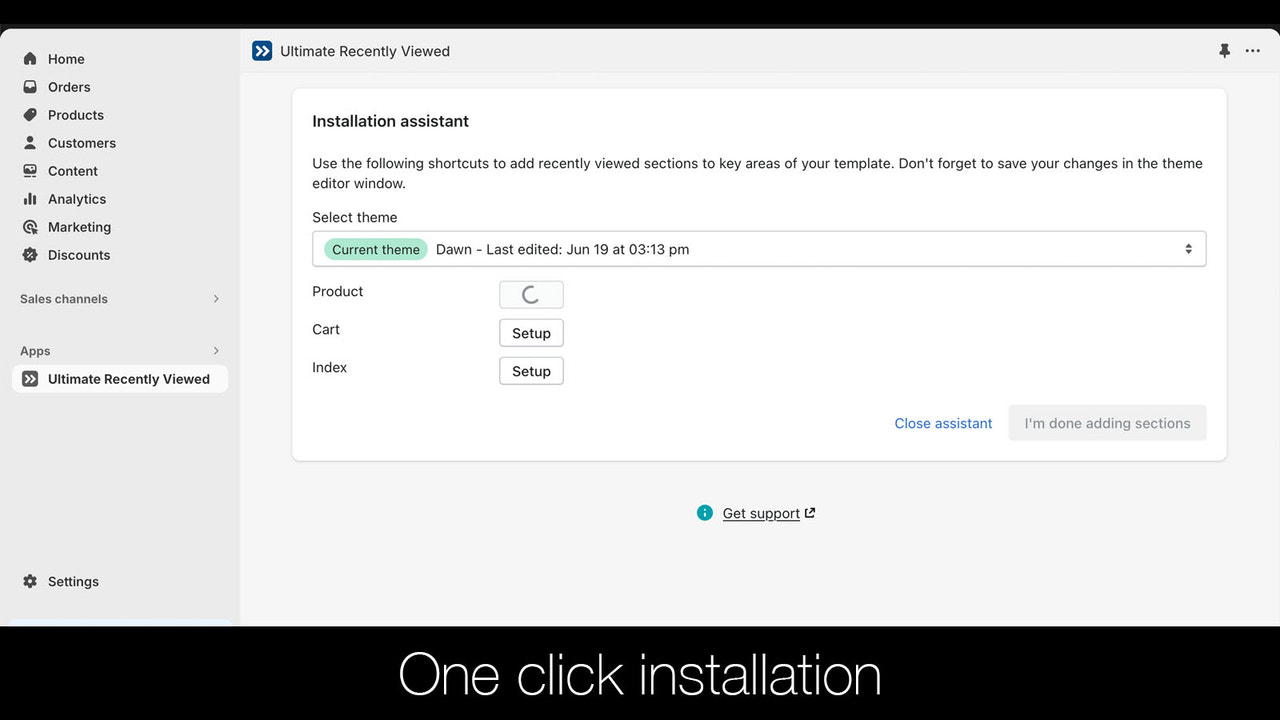
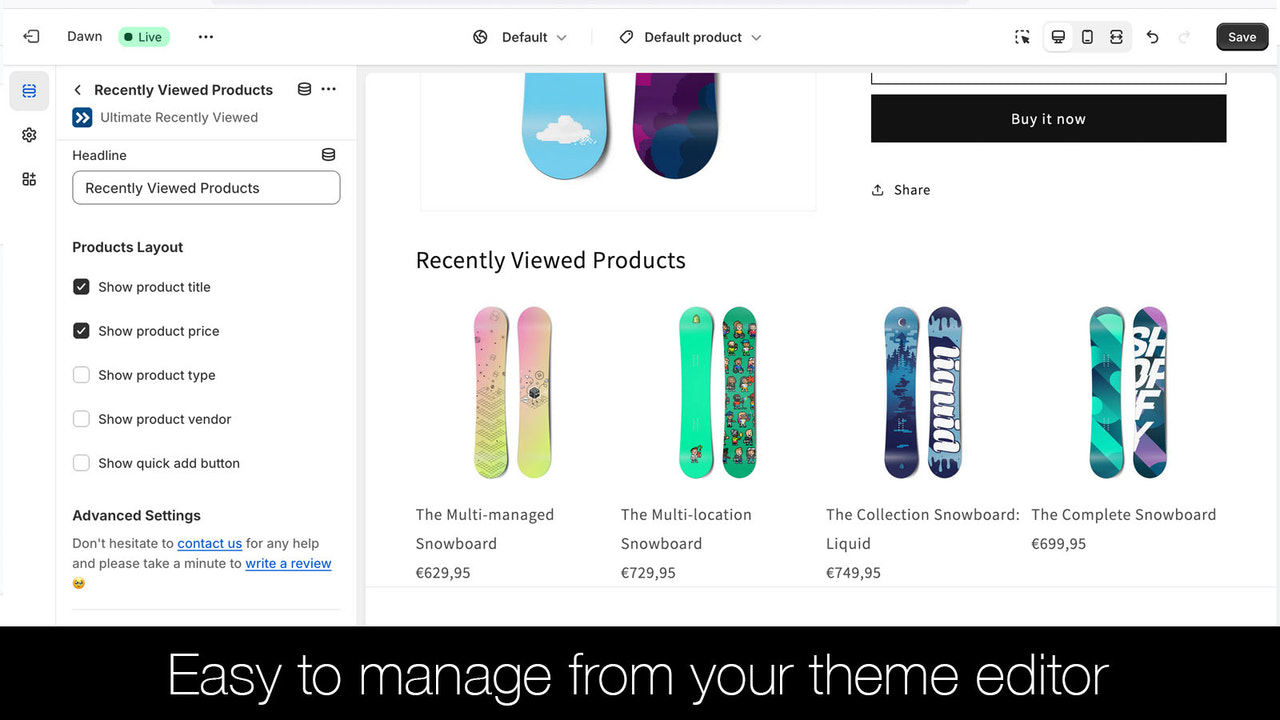
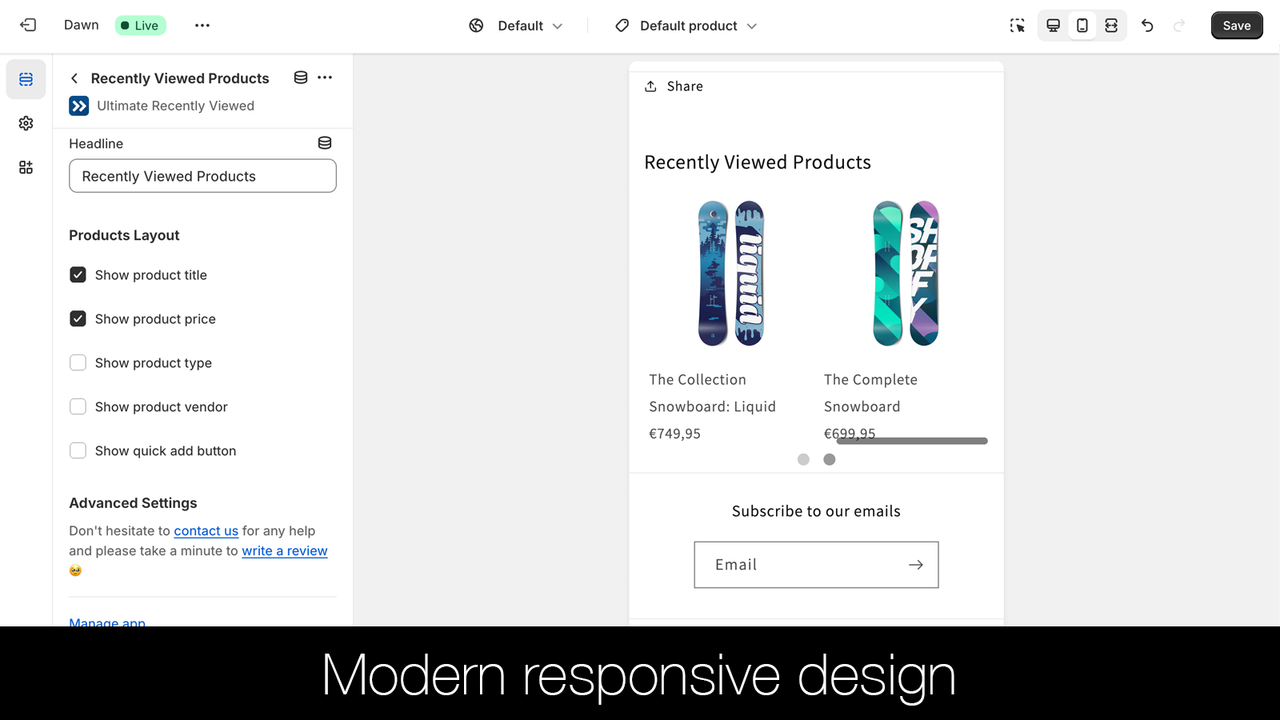
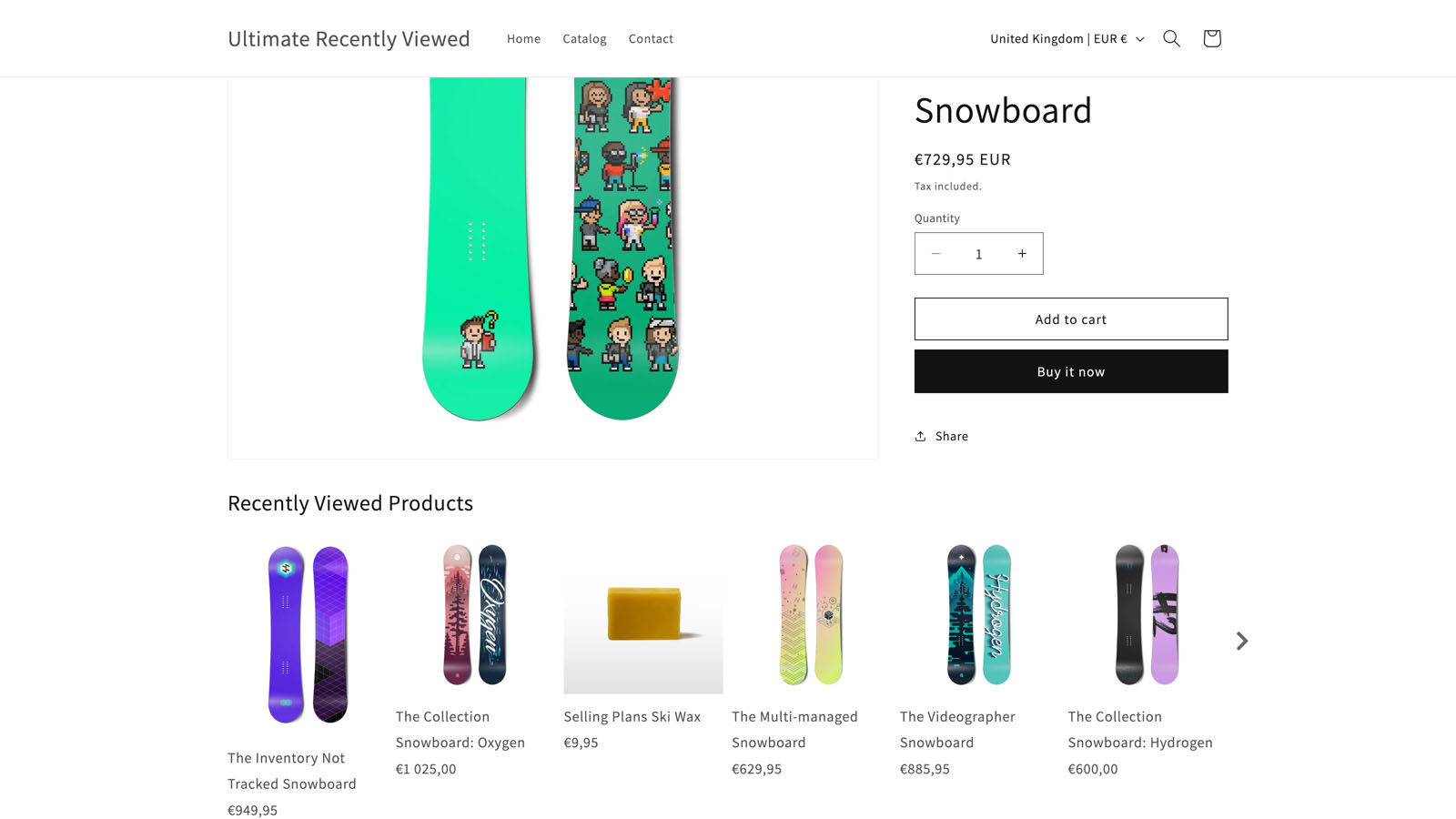
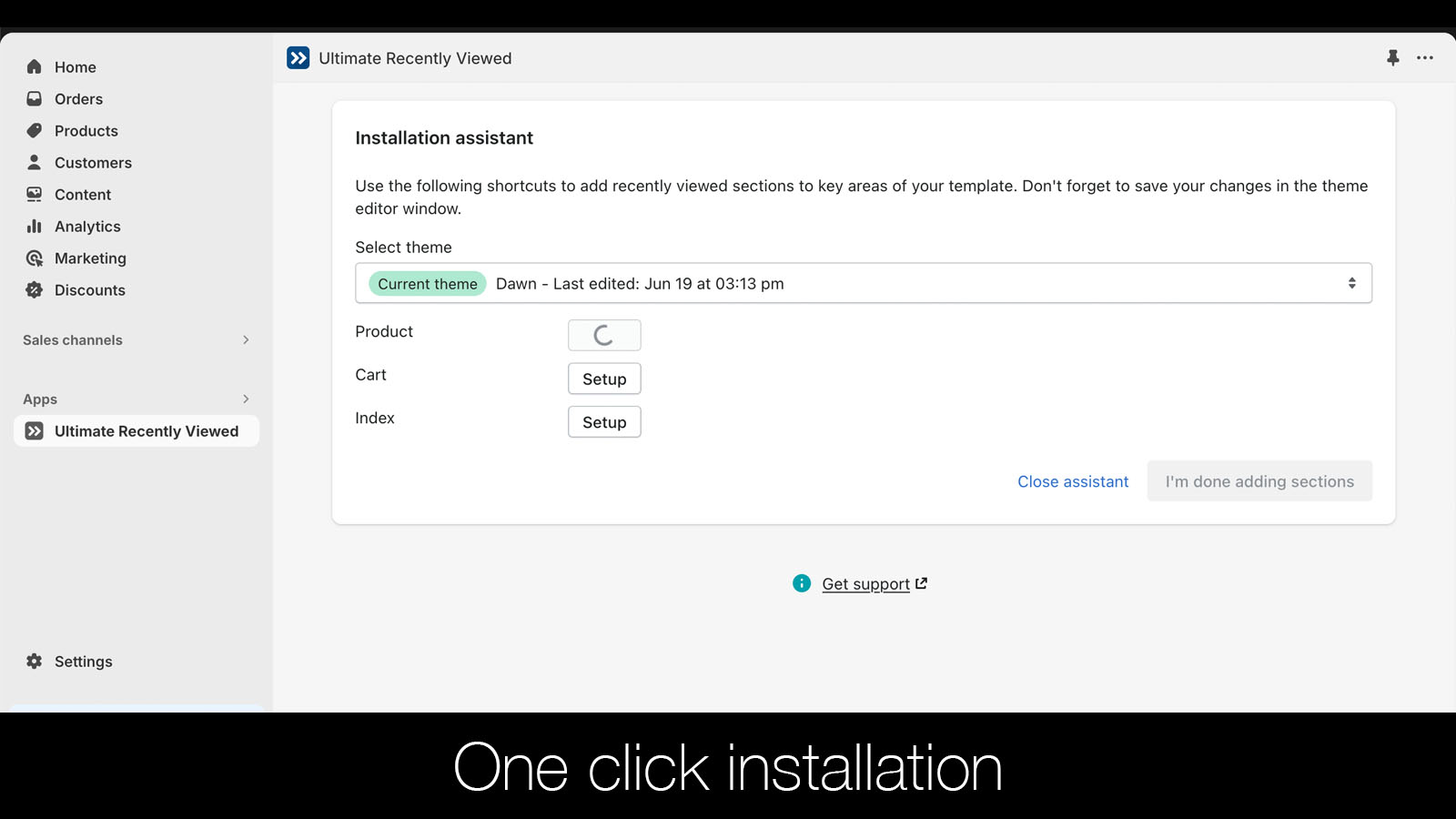
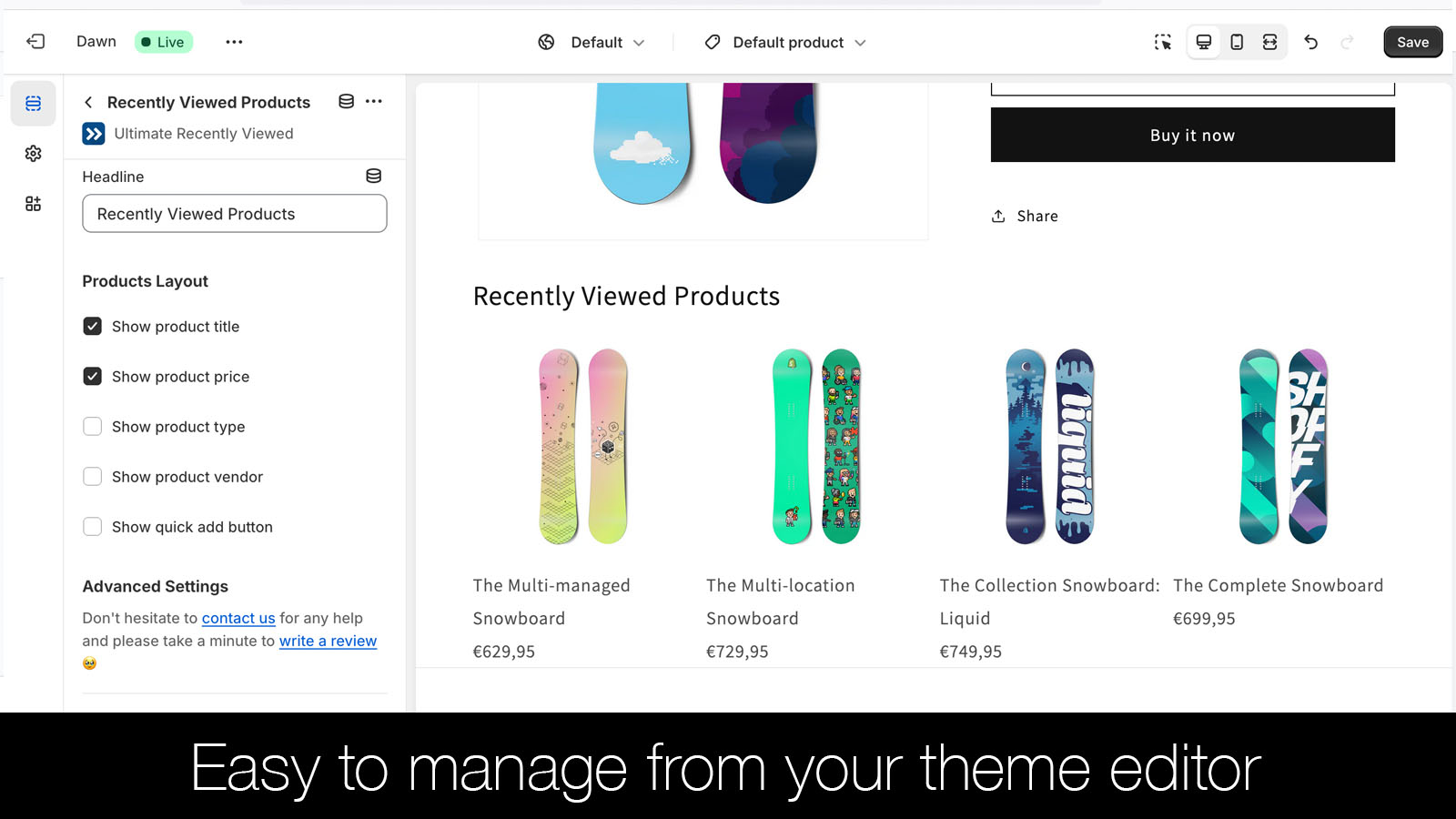
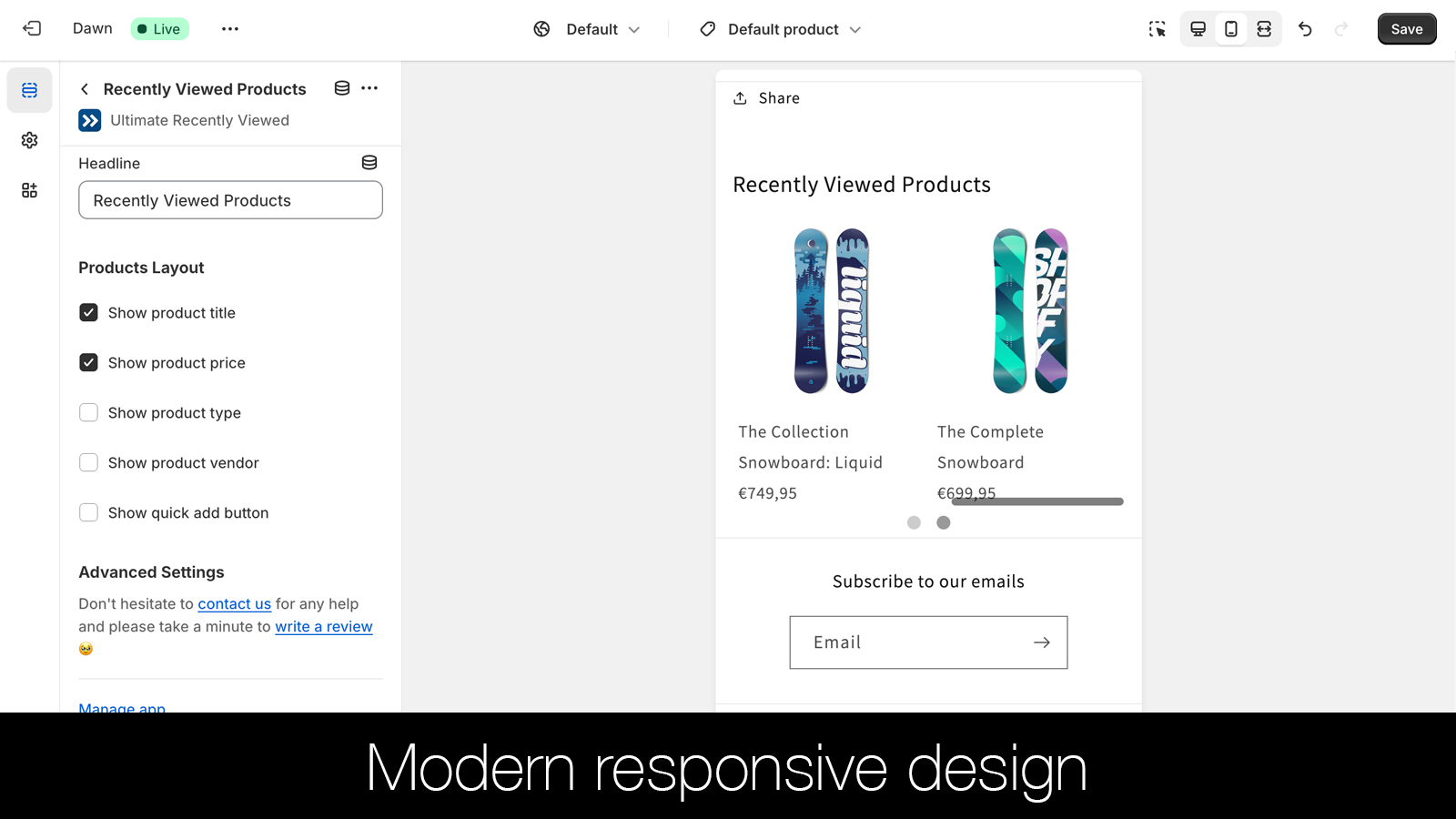
Add a "Recently Viewed Products" section to your theme—automatically matches your style and settings. Ultimate Recently Viewed adds the recently viewed products section to your theme in seconds, with automatic alignment to your theme’s style and configurations. The recently viewed products section enhances your store navigation and boosts sales. Built with the latest Shopify features, this section automatically supports multiple currencies and language settings, won’t impact your page speed, and installs seamlessly onto new themes you add to your store!
Core Functionality
- Seamlessly integrate the Recently Viewed Products section into your theme.
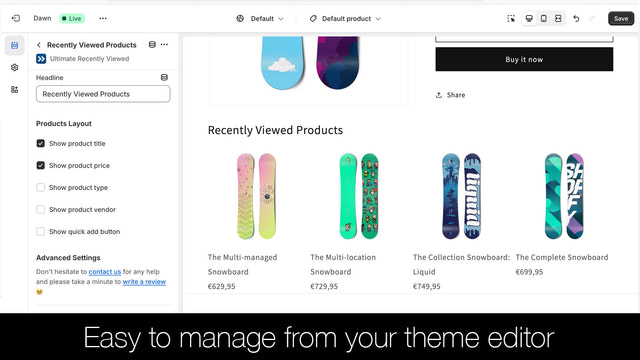
- Easily adjust styles and settings in your theme editor. No coding required.
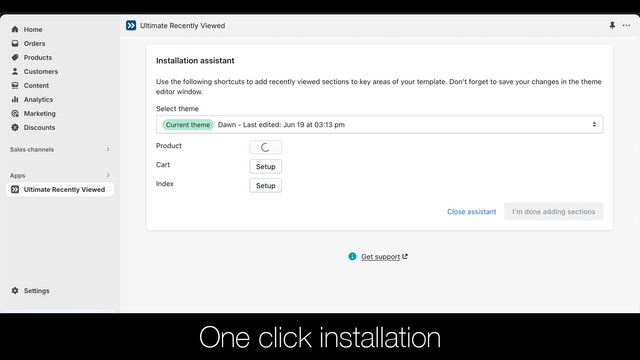
- Simple to install on new themes, with updates taking just a few minutes.
Merchant-Friendly
- Small and Medium E-commerce Merchants
- Independent Station Sellers
- Content-based E-commerce
Basic Information
- Developer:Ultimate Apps
- Address:25 rue Jean Moulin, Vincennes, 94300, FR
- Price: Free / Free plan
- Rating:5 / 5
- Comment Count:11 comment
- Release Date:2020-1-16
- Supported languages:English
- Compatible products:Shopify
Application Screenshot
Price Plan
Other Stores
免费
- Shopify Staff Store Free
- Shopify Partner Store Free
Ultimate plan
$4.99
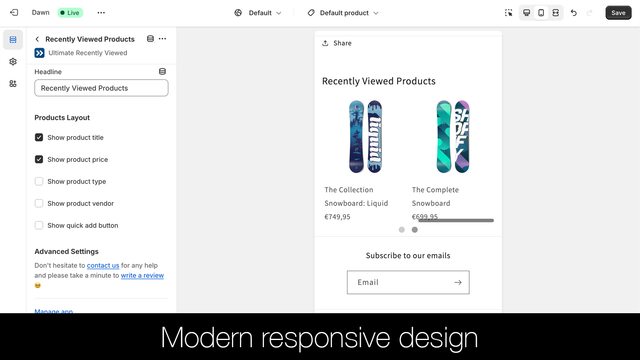
- Customizable Responsive Design
- Supports Multiple Currencies and Languages
- 24/7 Email Support
User Location & Comments
User Location
Comments
Shopify API Used
- GET /admin/api/shop/themes.json
- POST /admin/api/themes/{theme_id}/assets.json
- GET /admin/api/customers/{customer_id}/recently_viewed_products.json
Permission:read_themes,write_themes,read_customers
- GET /admin/api/themes/{theme_id}/settings_schema.json
- PUT /admin/api/themes/{theme_id}/settings.json
- POST /admin/api/themes/{theme_id}/assets.json
Permission:read_themes,write_themes,manage_settings
- GET /admin/api/shop/themes.json
- POST /admin/api/themes/{theme_id}/assets.json
- PUT /admin/api/themes/{theme_id}/settings.json
Permission:read_themes,write_themes,manage_assets