App Introduction
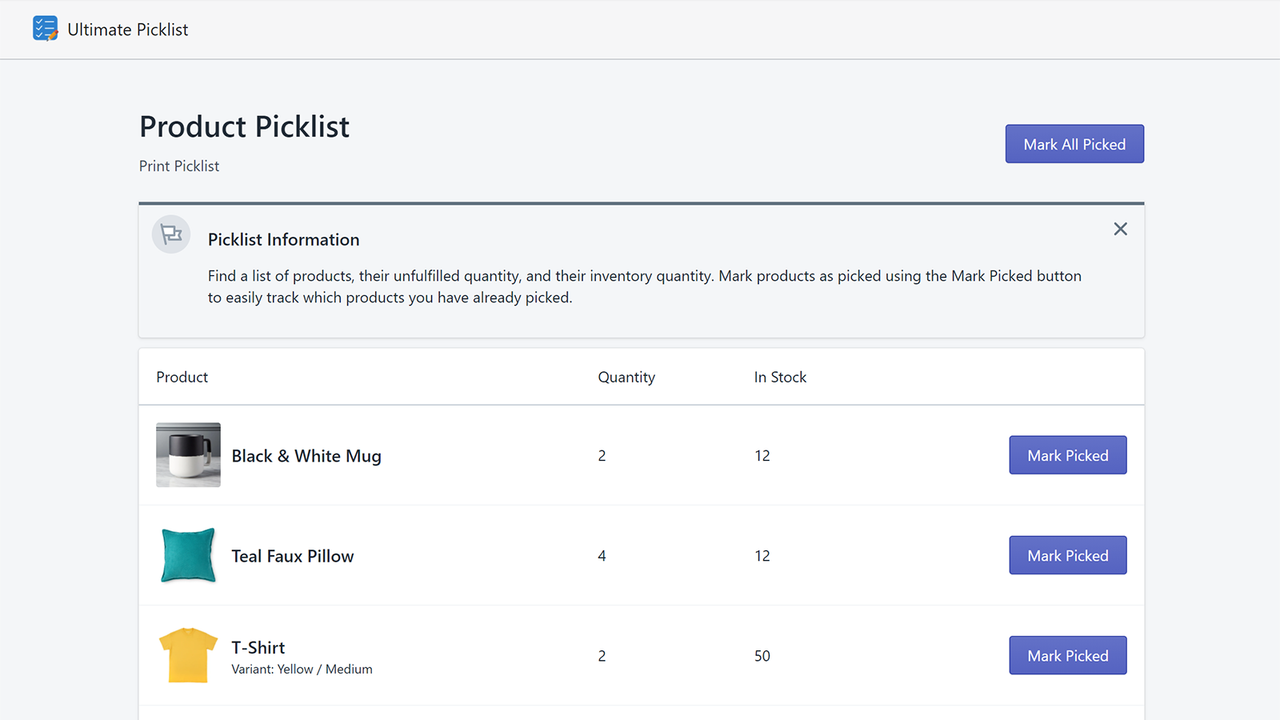
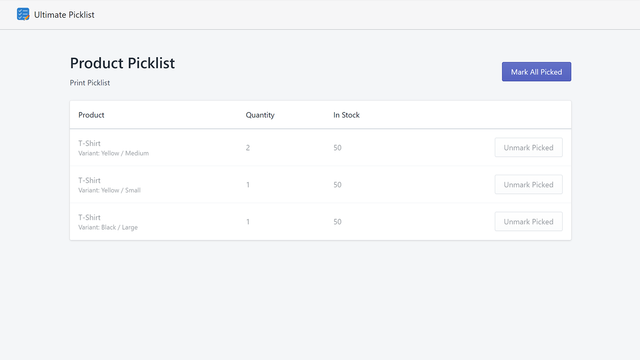
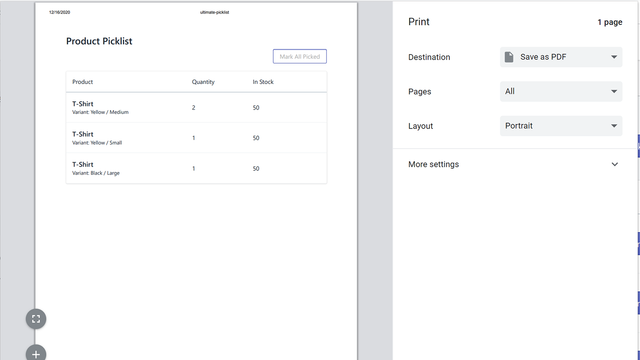
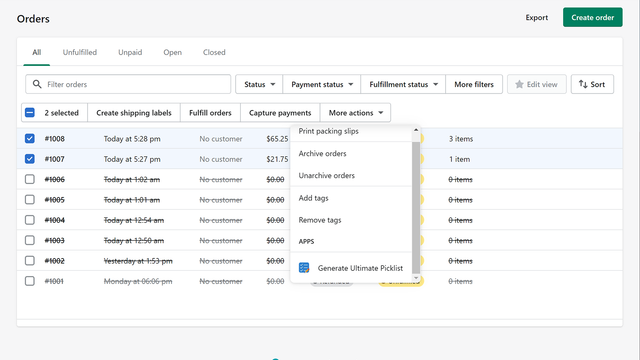
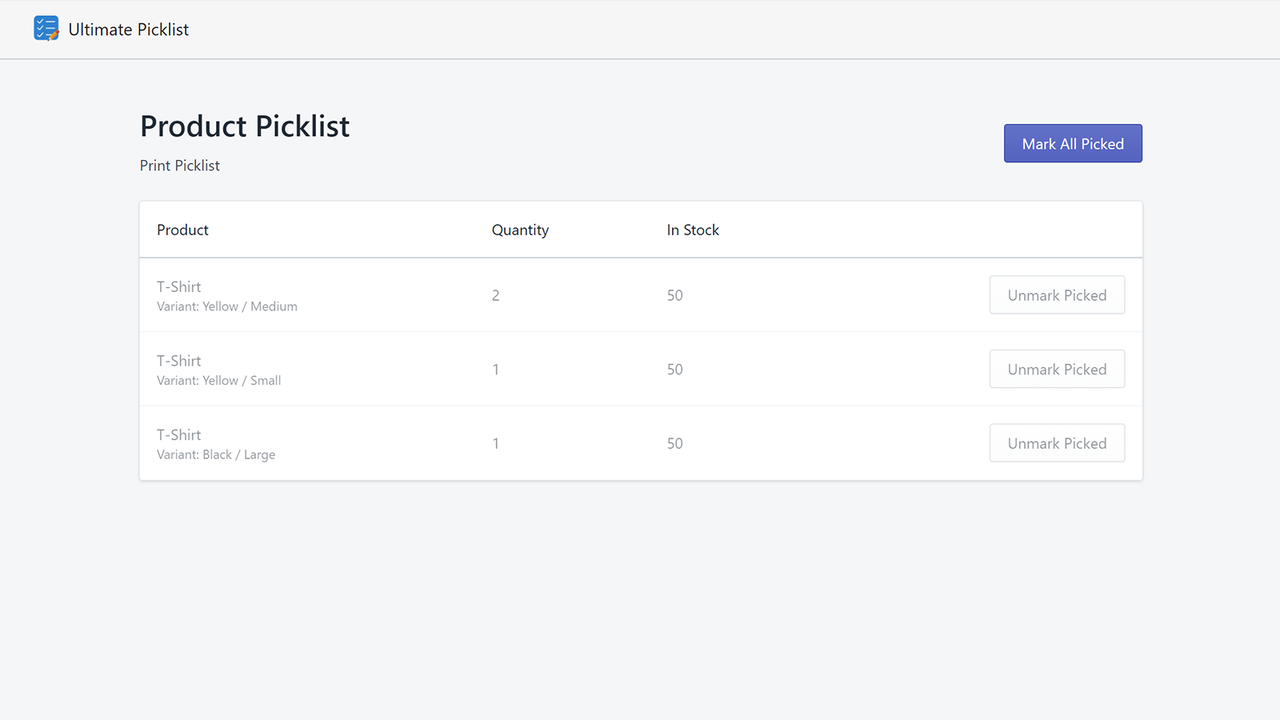
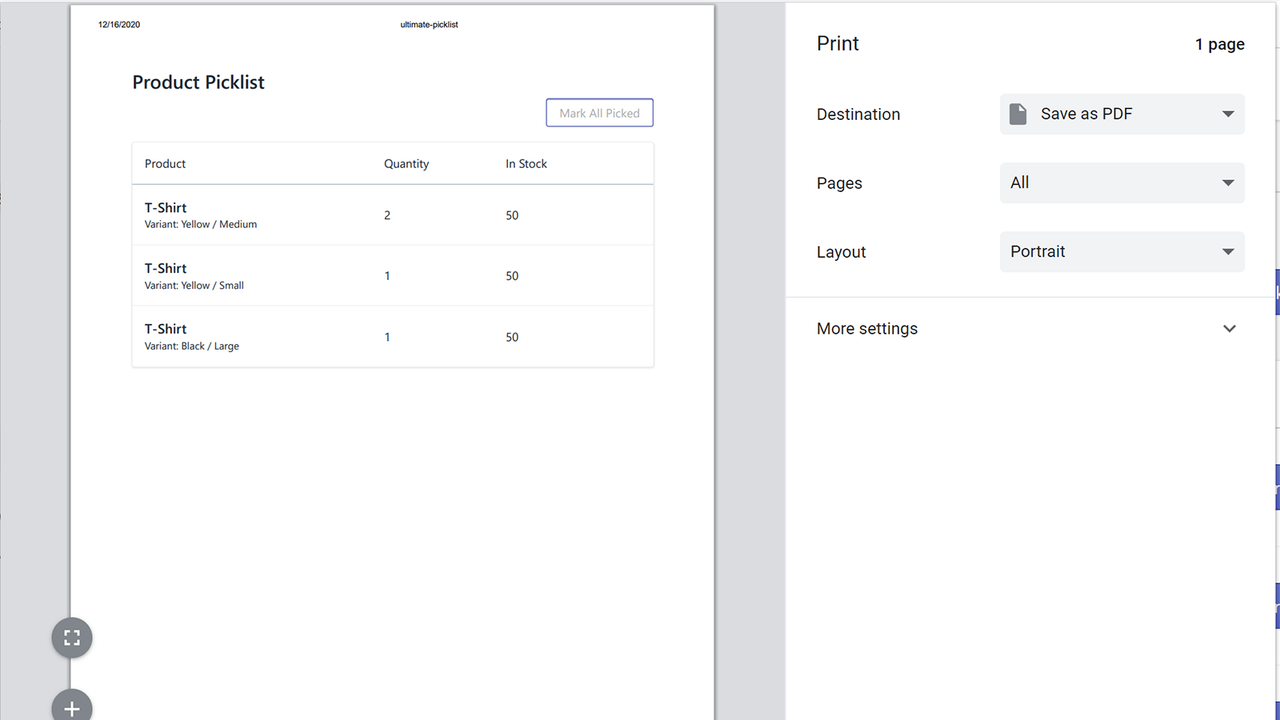
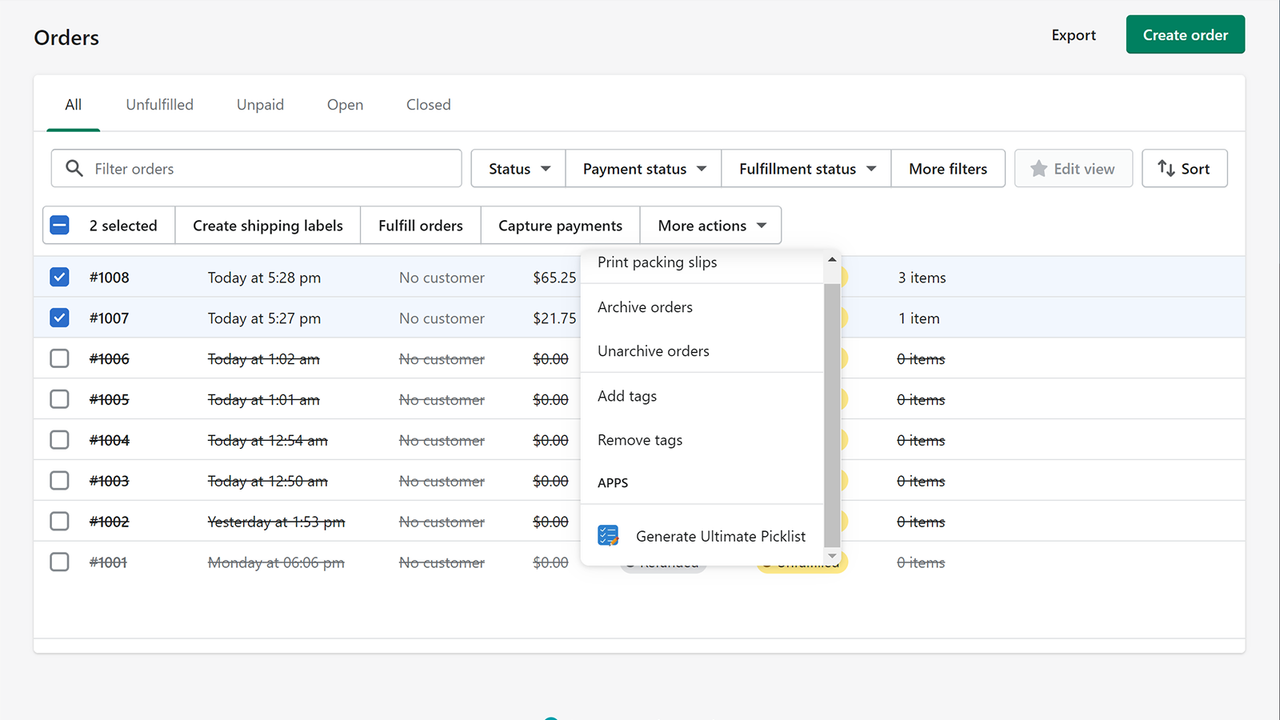
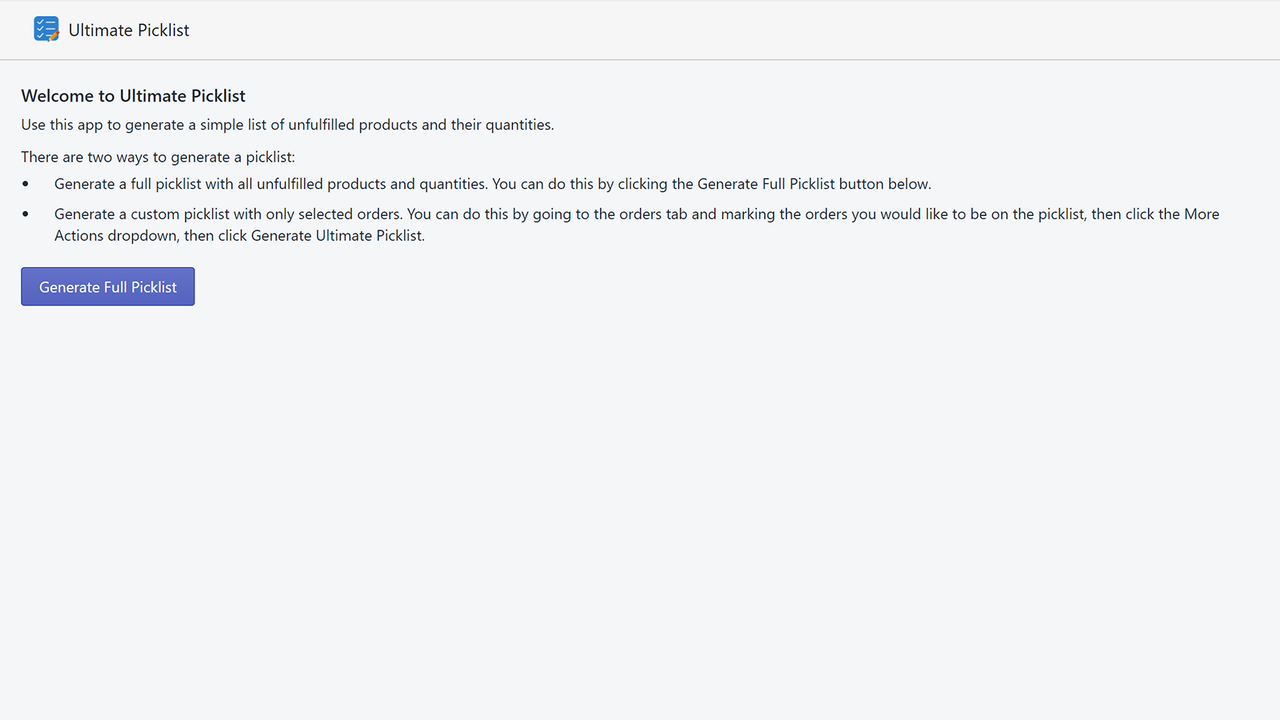
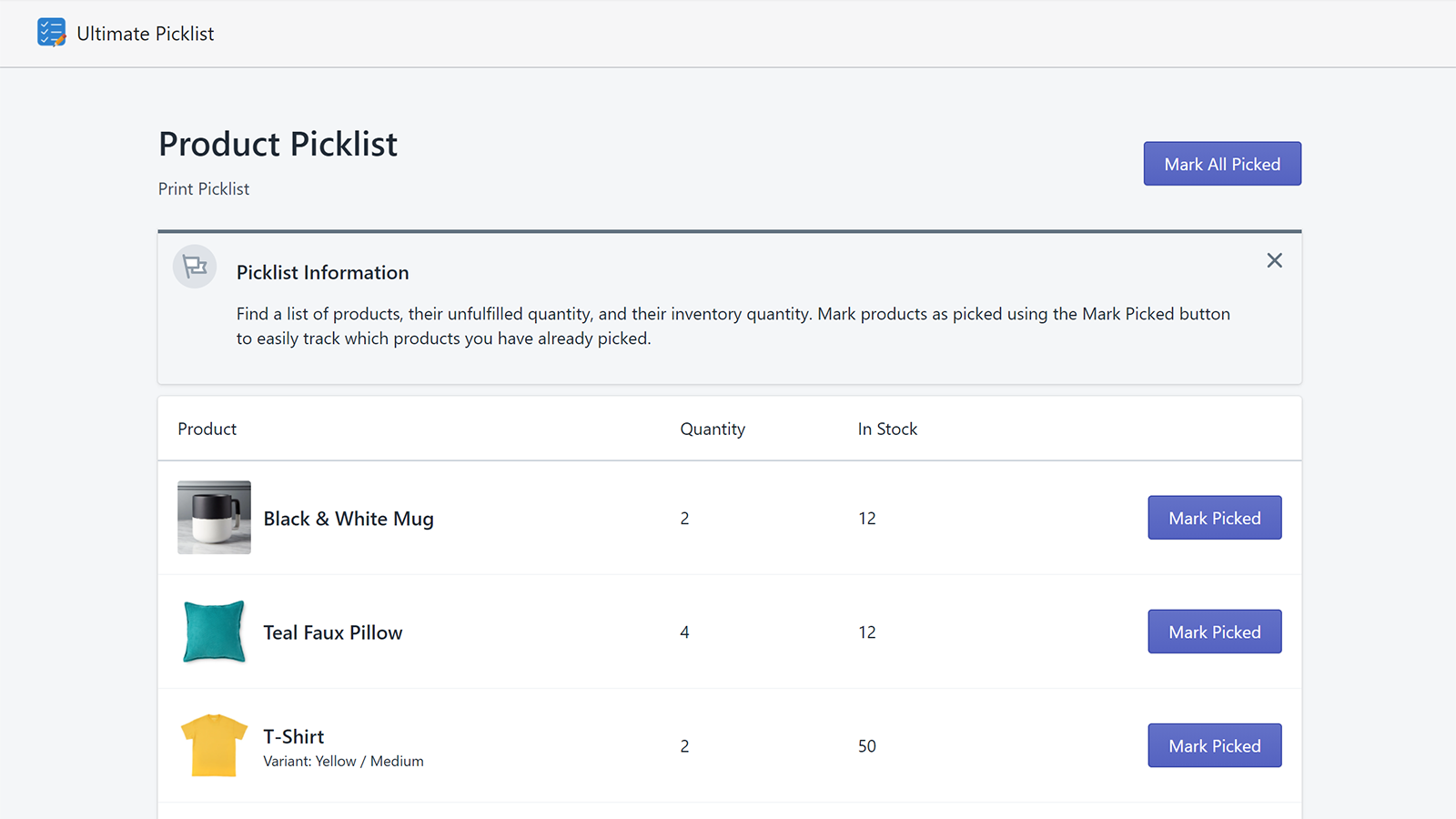
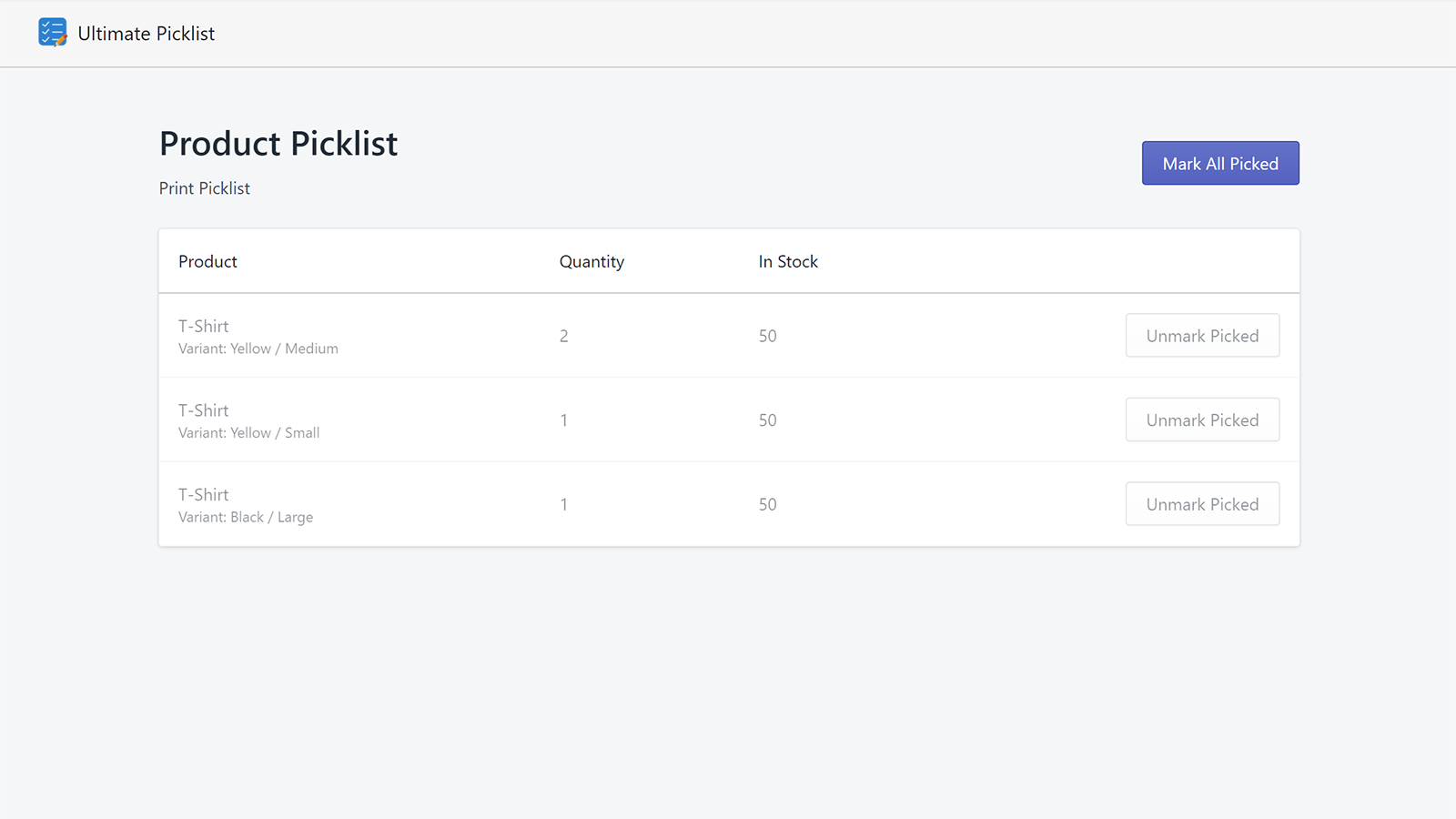
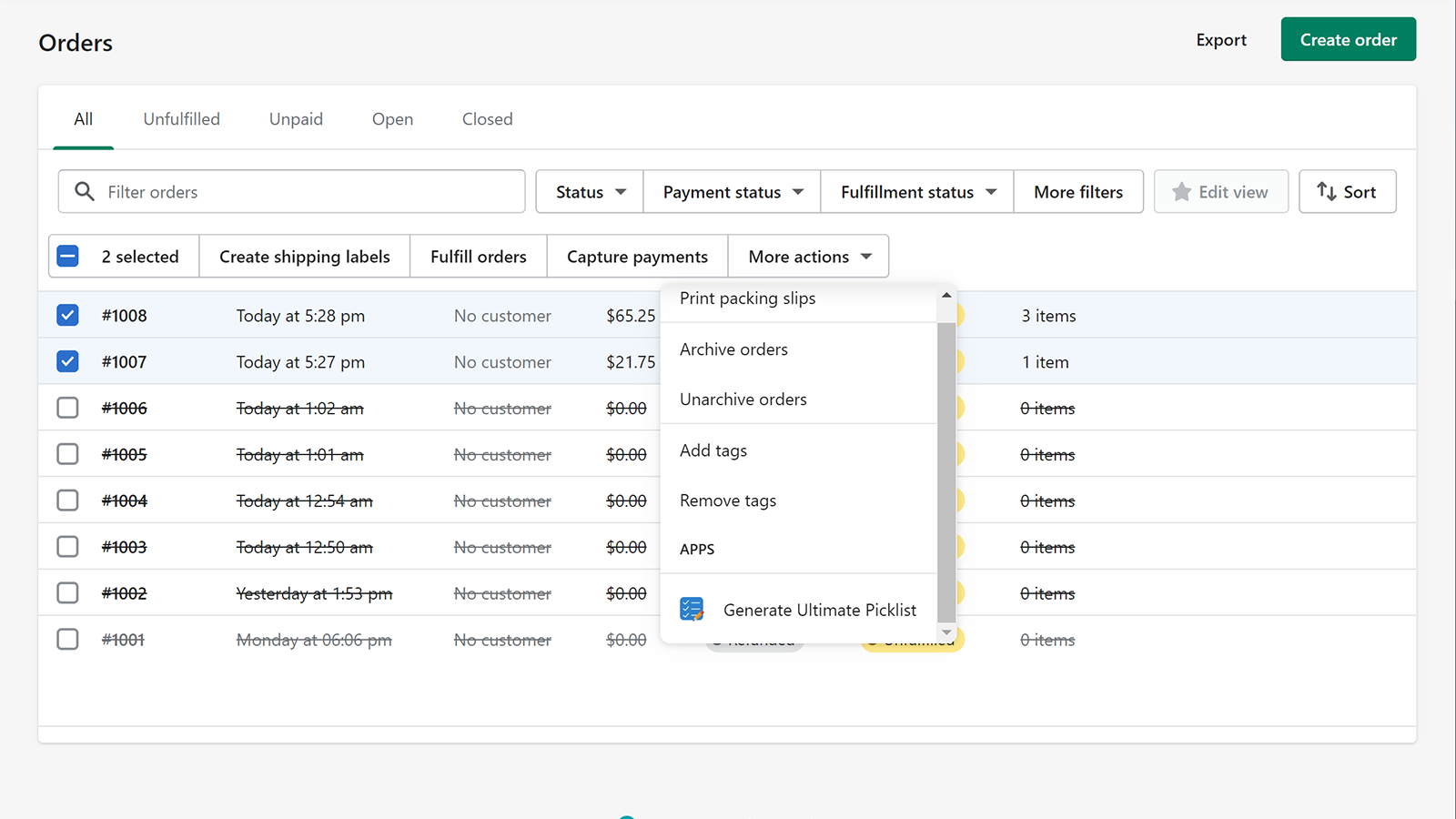
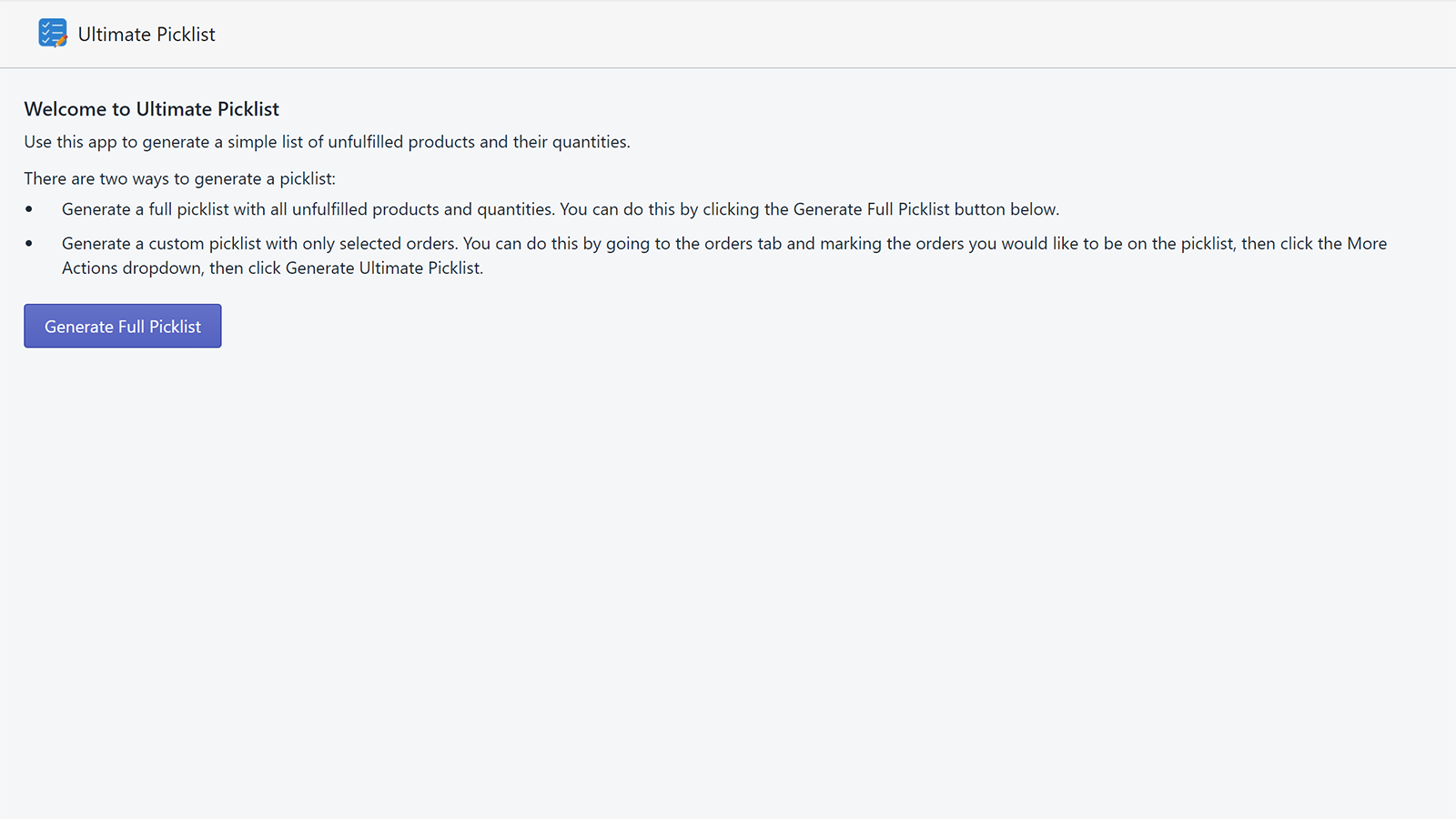
Ultimate Picklist Generate a simple list of unfulfilled products and their quantities with this app. The picklist will display rows for products and their variants, their unfulfilled quantities, and the remaining stock levels. You can then click "Mark as Picked" to track items you’ve already picked during the inventory picking stage of the fulfillment process. If you want a physical copy of the picklist while picking products, you can print the current picklist. More features will be added in the future. If you need a specific feature, please contact us! We’d be happy to add more functionality to improve this product. There are two ways to generate a picklist: * Generate a full picklist containing all unfulfilled products and quantities. You can do this by clicking the "Generate Full Picklist" button on the app’s main page. * Generate a custom picklist containing only selected orders. You can do this by navigating to the Orders tab, marking the orders you want to include on the picklist, clicking the "More Actions" dropdown menu, and then selecting "Generate Ultimate Picklist".
Core Functionality
- No core function information available at the moment
Merchant-Friendly
- There are currently no suitable merchants available
Basic Information
- Developer:Type Ten Apps
- Address:9780 La Tierra Cir, Fountain Valley, CA, 92708, US
- Price: Free / Free plan
- Rating:2 / 5
- Comment Count:1 comment
- Release Date:2020-12-22
- Supported languages:
- Compatible products:Shopify
Application Screenshot