App Introduction
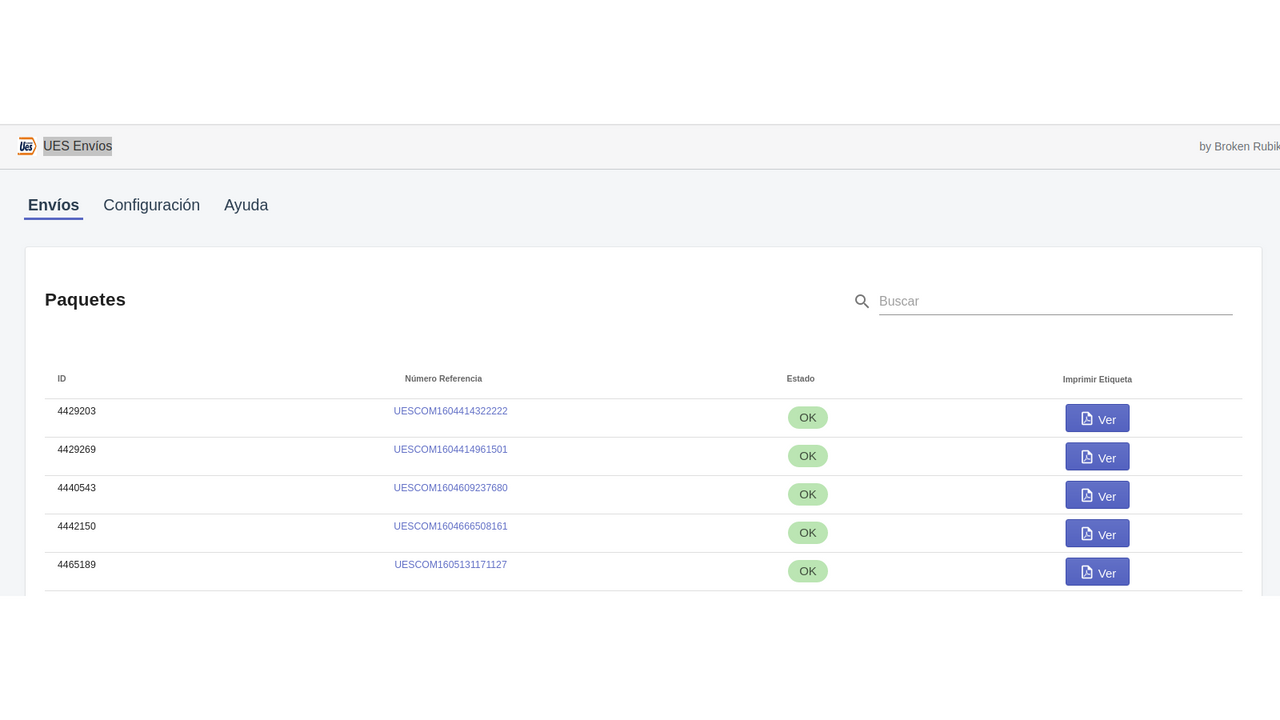
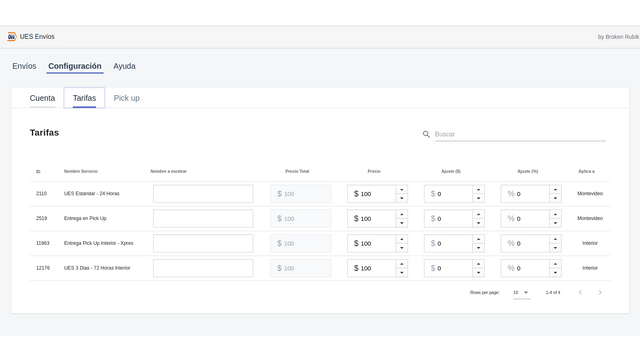
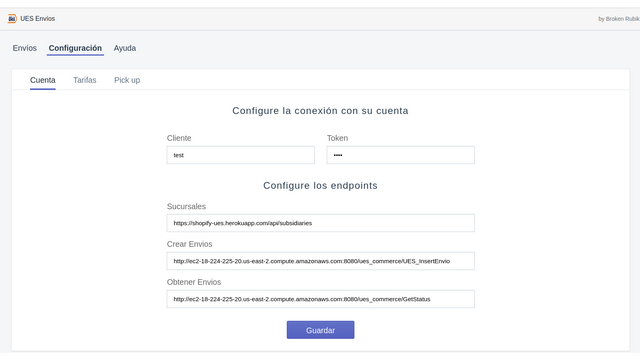
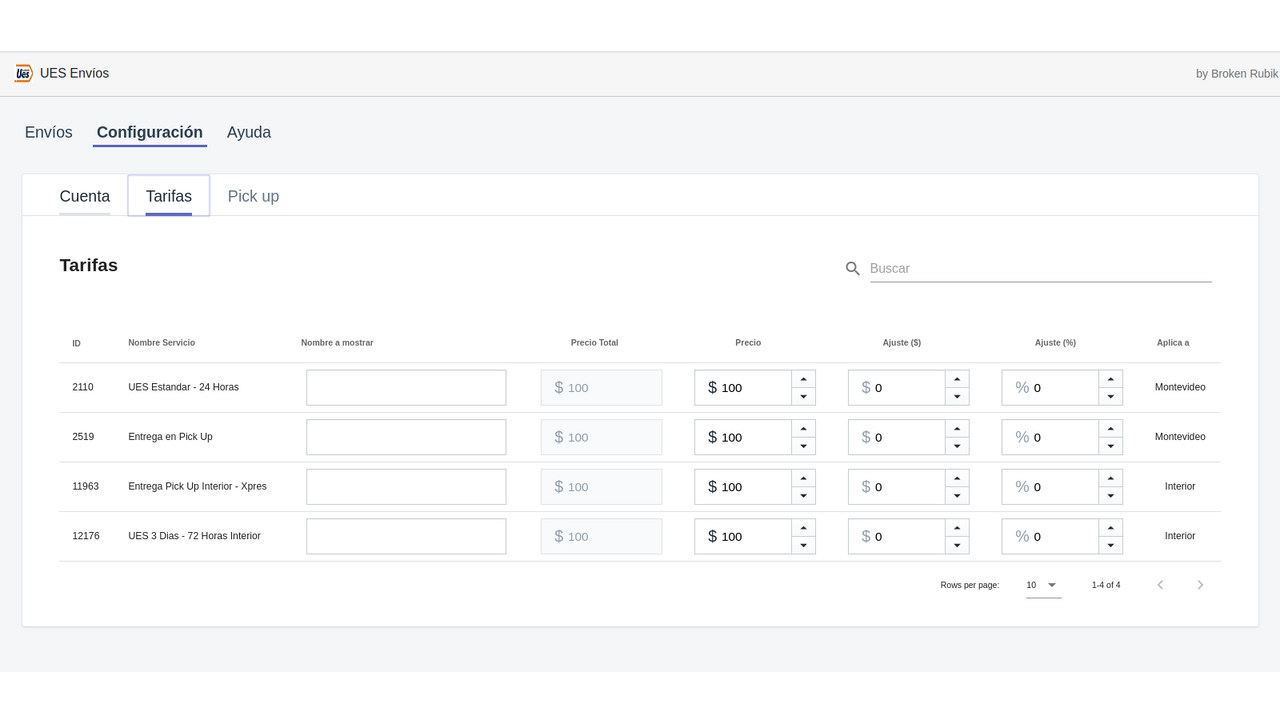
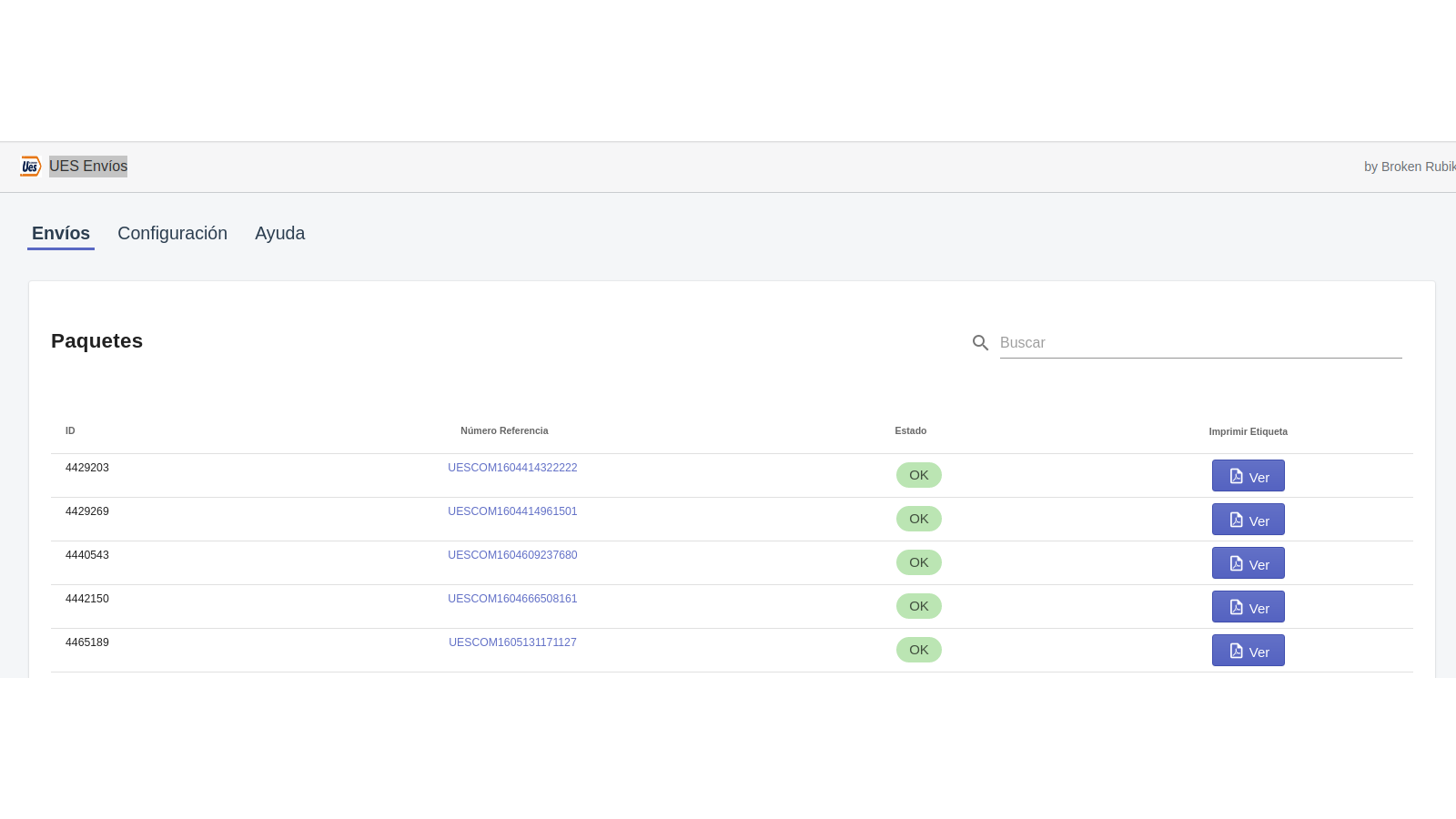
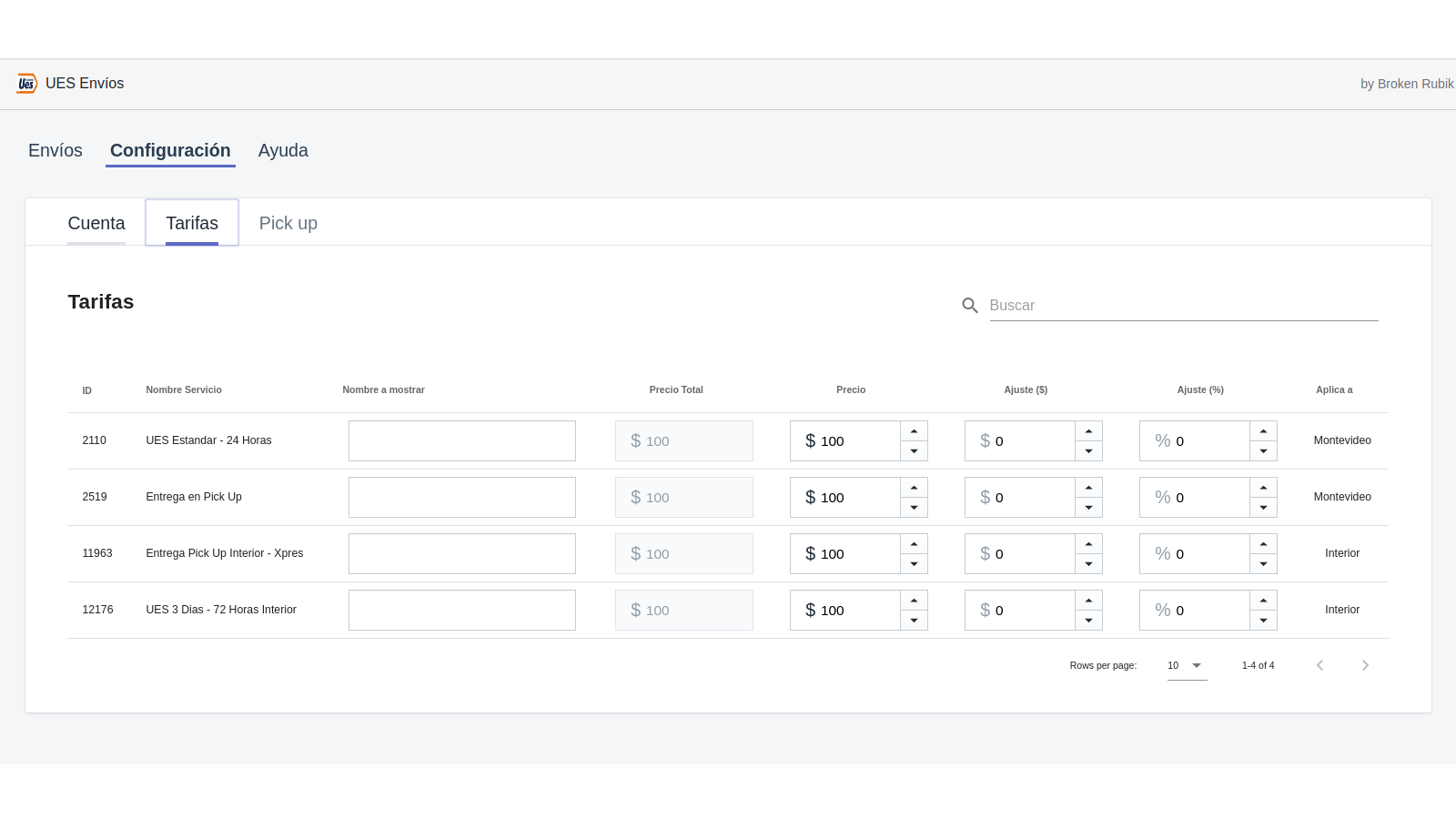
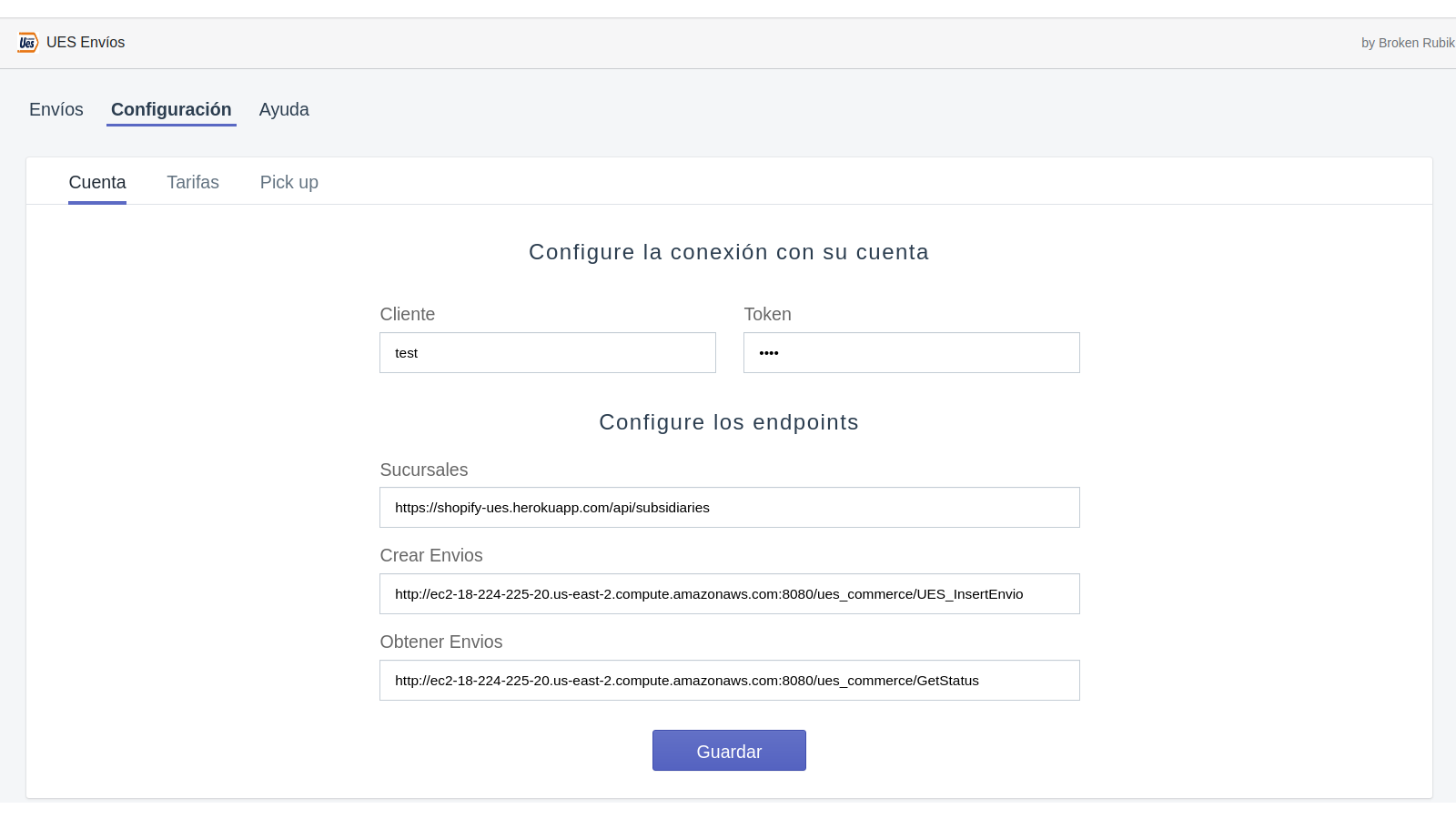
# UES Nationwide Shipping Ensure quality, speed, and coverage to deliver your shipments anywhere across the country. * **Create Shipments**: When customers make a purchase in your store, they can select different shipping options offered by UES. After completing the purchase, a shipping label will be generated in UES, complete with a corresponding tracking number and the labels required for shipping via UES. * **Rate Management**: With UES Shipping, you can adjust shipping rates based on your business needs. You can modify UES’s fees by percentage or a custom amount you define. * **Shipment List & Tracking**: In our UES Envíos app, you can view a list of all shipments and use the tracking number to see detailed information about when and where your customers’ orders are. * **Door-to-Door Delivery**: UES provides nationwide door-to-door delivery services for customers. * **Nationwide Pickup Points**: UES offers pickup points for customers, where they can collect their purchases. To use the app, follow these steps: 1. Download the UES Envíos app. 2. Configure your backend using the information provided by UES. 3. Set UES as your shipping service provider. 4. In the Help section, you’ll find a guide to customize your store’s address labels, ensuring correct shipping for all orders.
Core Functionality
- No core function information available at the moment
Merchant-Friendly
- There are currently no suitable merchants available
Basic Information
- Developer:UES
- Address:Burgues 2825, Montevideo, UY-MO, 11800, UY
- Price: Free / Free plan
- Rating:2.5 / 5
- Comment Count:2 comment
- Release Date:2020-12-15
- Supported languages:
- Compatible products:Shopify
Application Screenshot