
App Introduction
Boost sales and drive higher conversion rates by displaying payment icons that customers know and trust. You have only a short window to build trust with potential buyers, and showcasing payment badges is one of the most effective ways to establish trust during the customer’s sales journey. With our diverse design options and simple setup, you can easily boost your store’s conversion rates by adding the right payment badges for your customers. Try ShopClimb - Trust Badge today to see the difference it can make for your sales.
Core Functionality
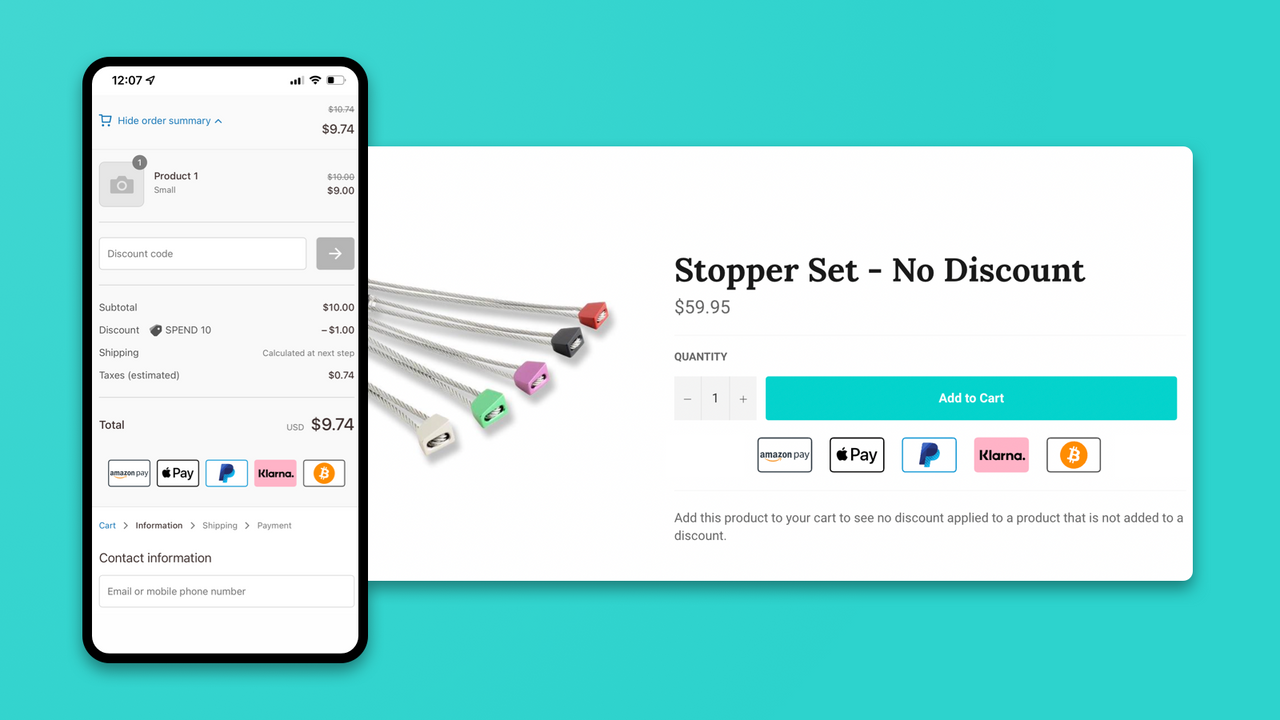
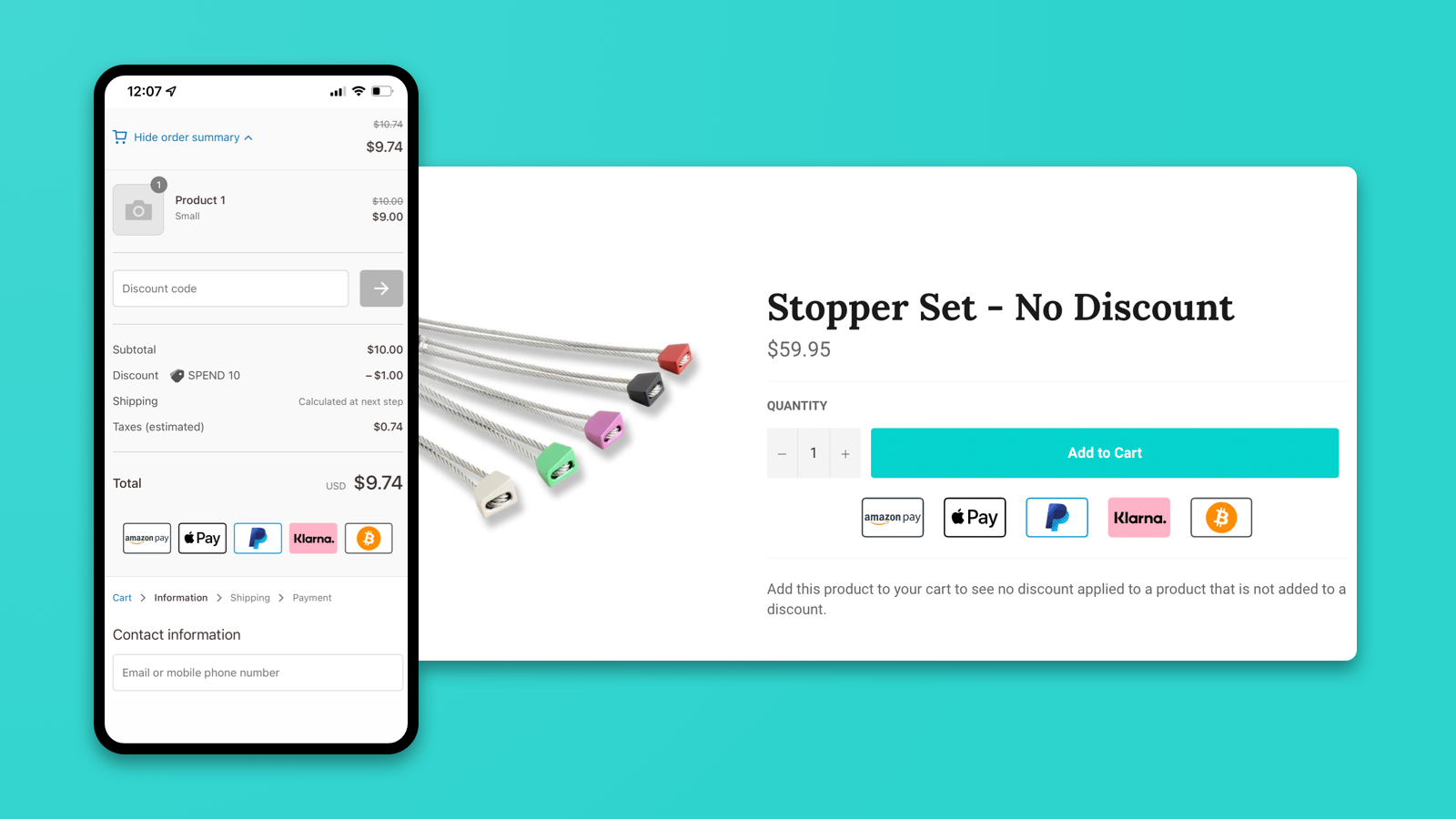
- Display badges at checkout to reduce cart abandonment (Shopify Plus only).
- Geolocation-aware badges that show customers their most trusted local payment methods.
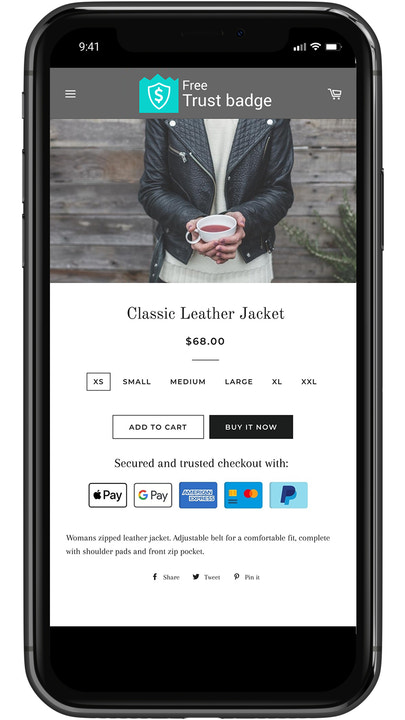
- Simple drag-and-drop operation with no coding required for installation, even when customizing badge placement.
- Multiple designs and comprehensive customization to make badges perfectly fit your store.
Merchant-Friendly
- Shopify Plus Merchants
- Cross-border E-commerce Merchants
- High-value Merchants
- Custom Store Merchants
Basic Information
- Developer:ShopClimb
- Address:366 Main Street, Suite 946, Conyngham, PA, 18219, US
- Price: Free / Free plan
- Rating:4.7 / 5
- Comment Count:158 comment
- Release Date:2017-5-17
- Supported languages:English
- Compatible products:Shopify
Application Screenshot
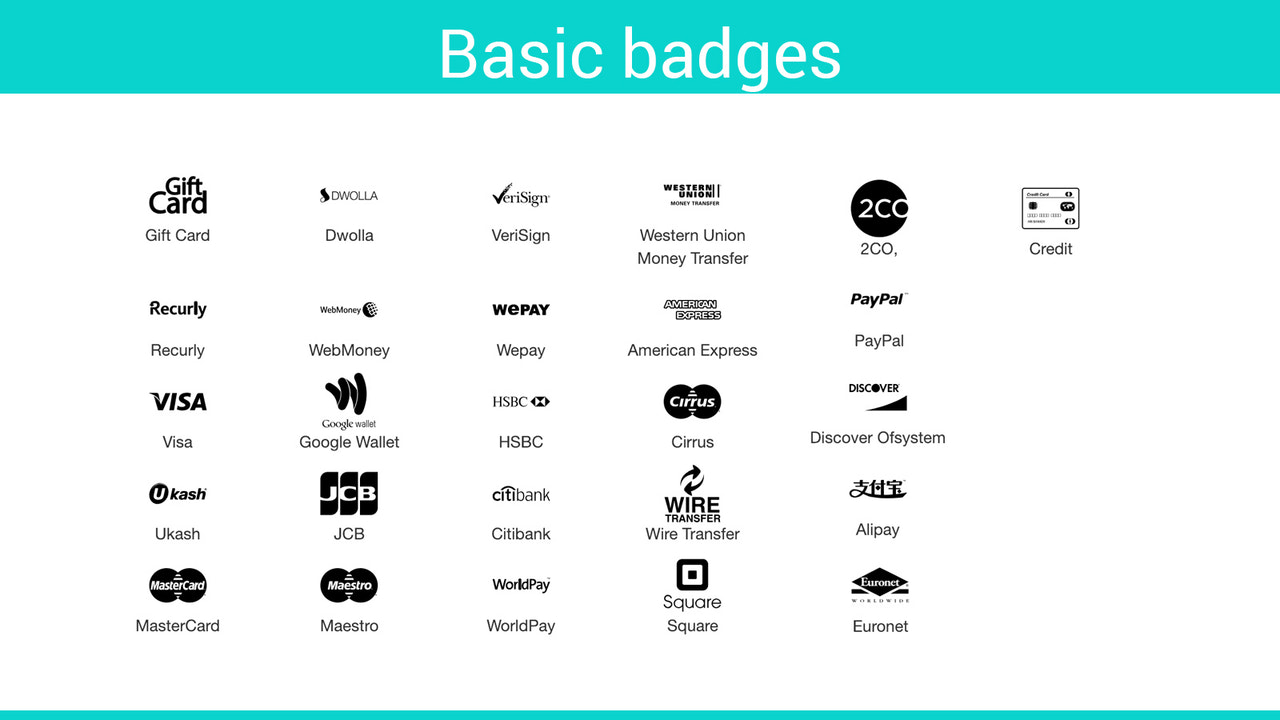
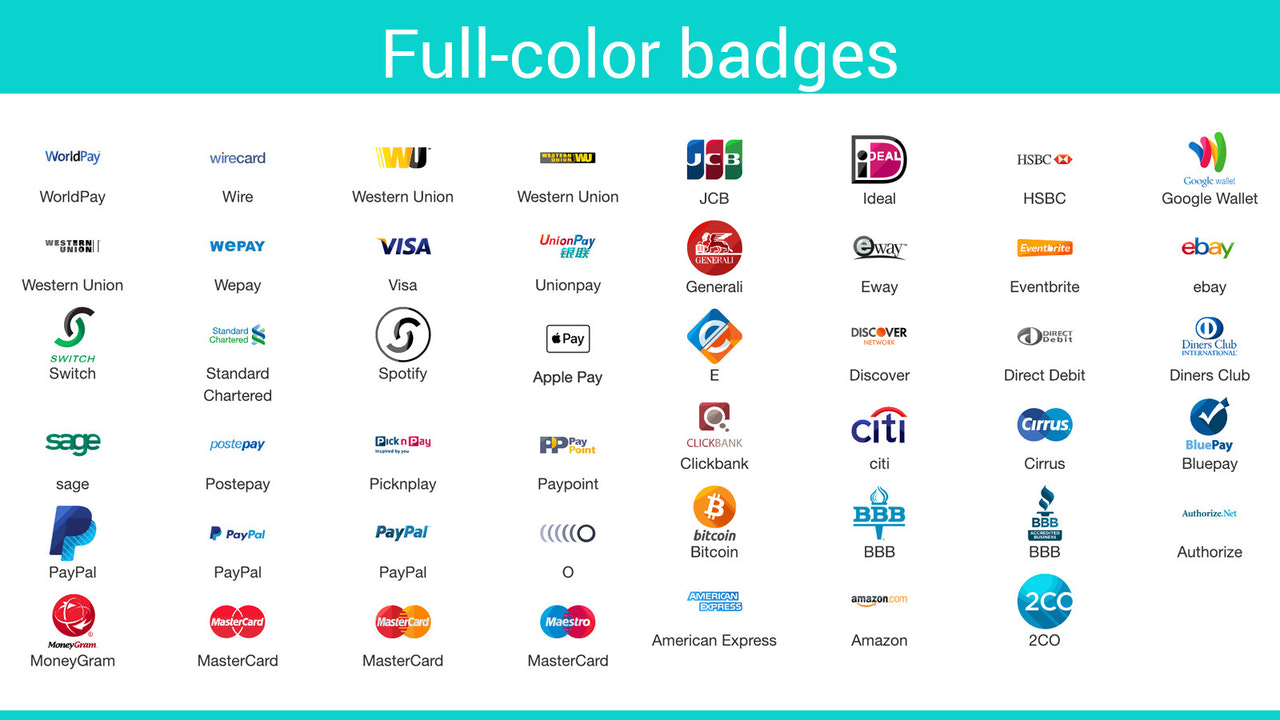

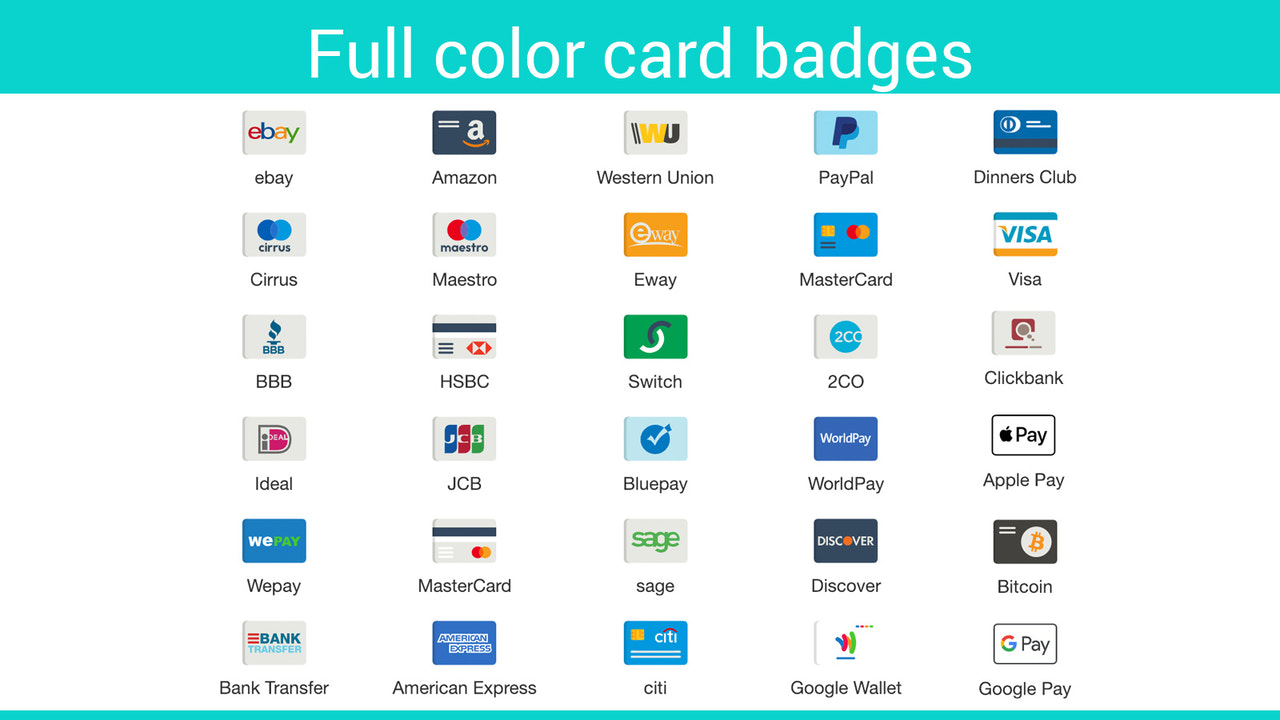
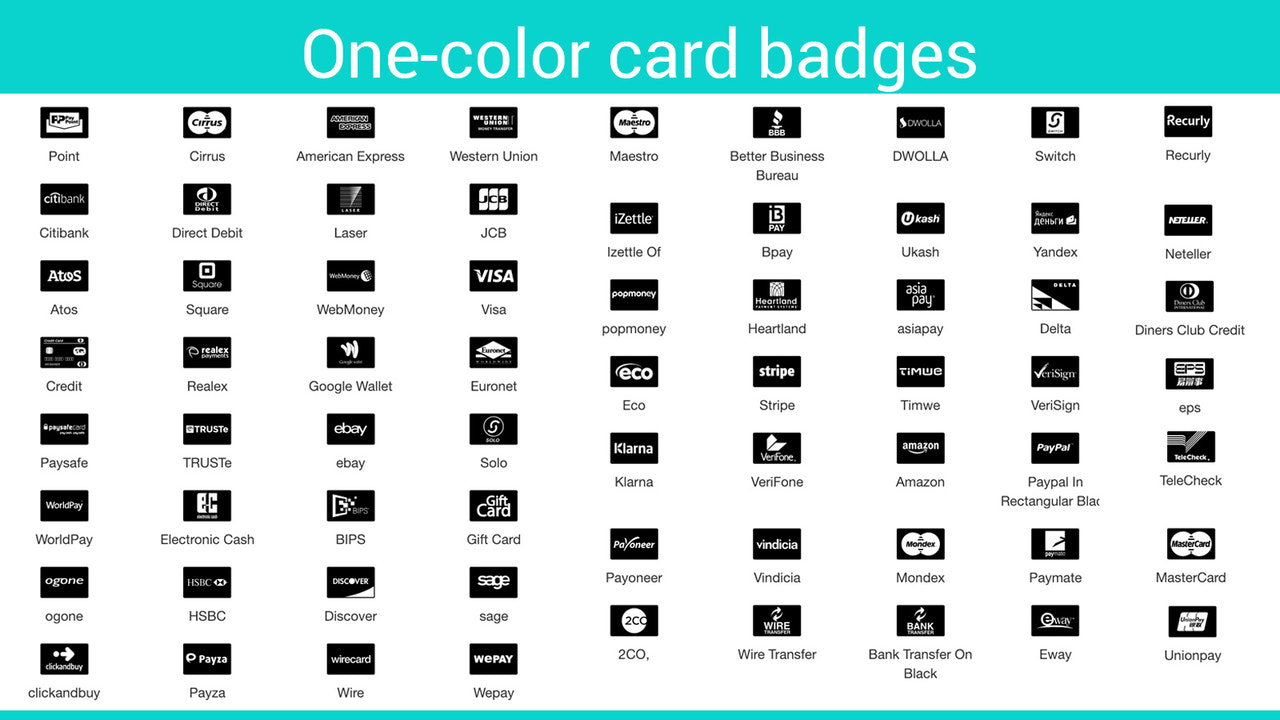

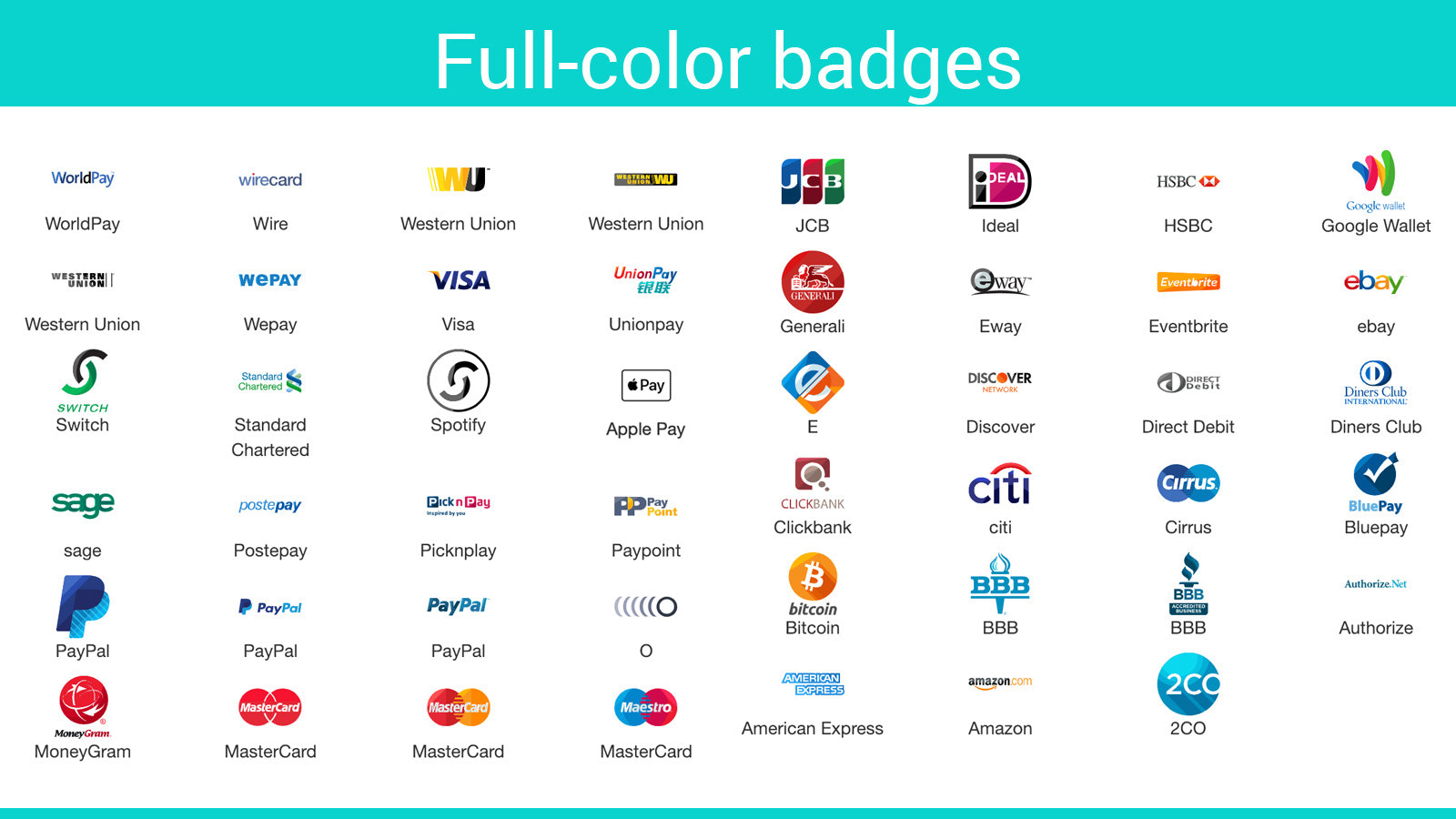
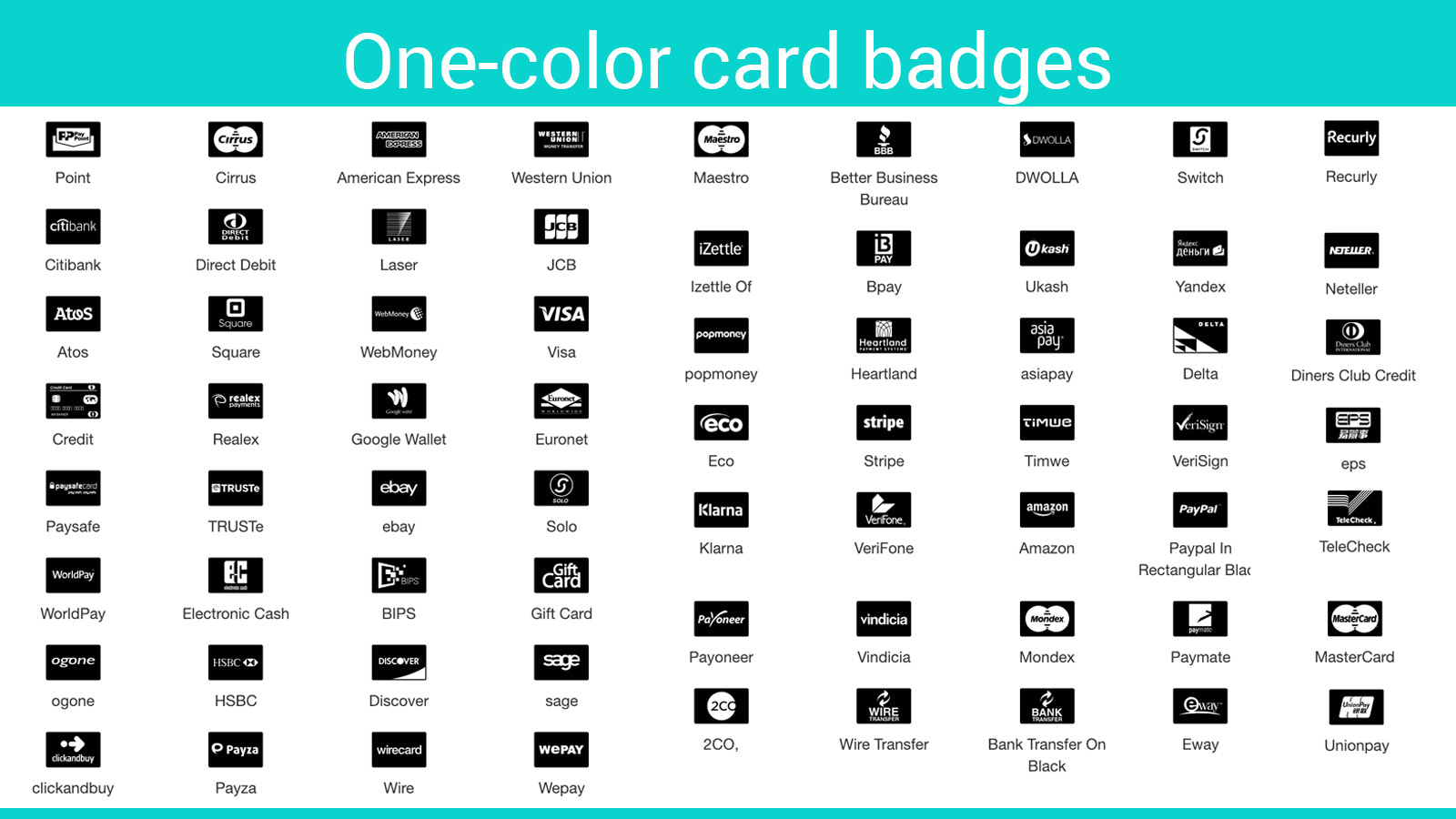
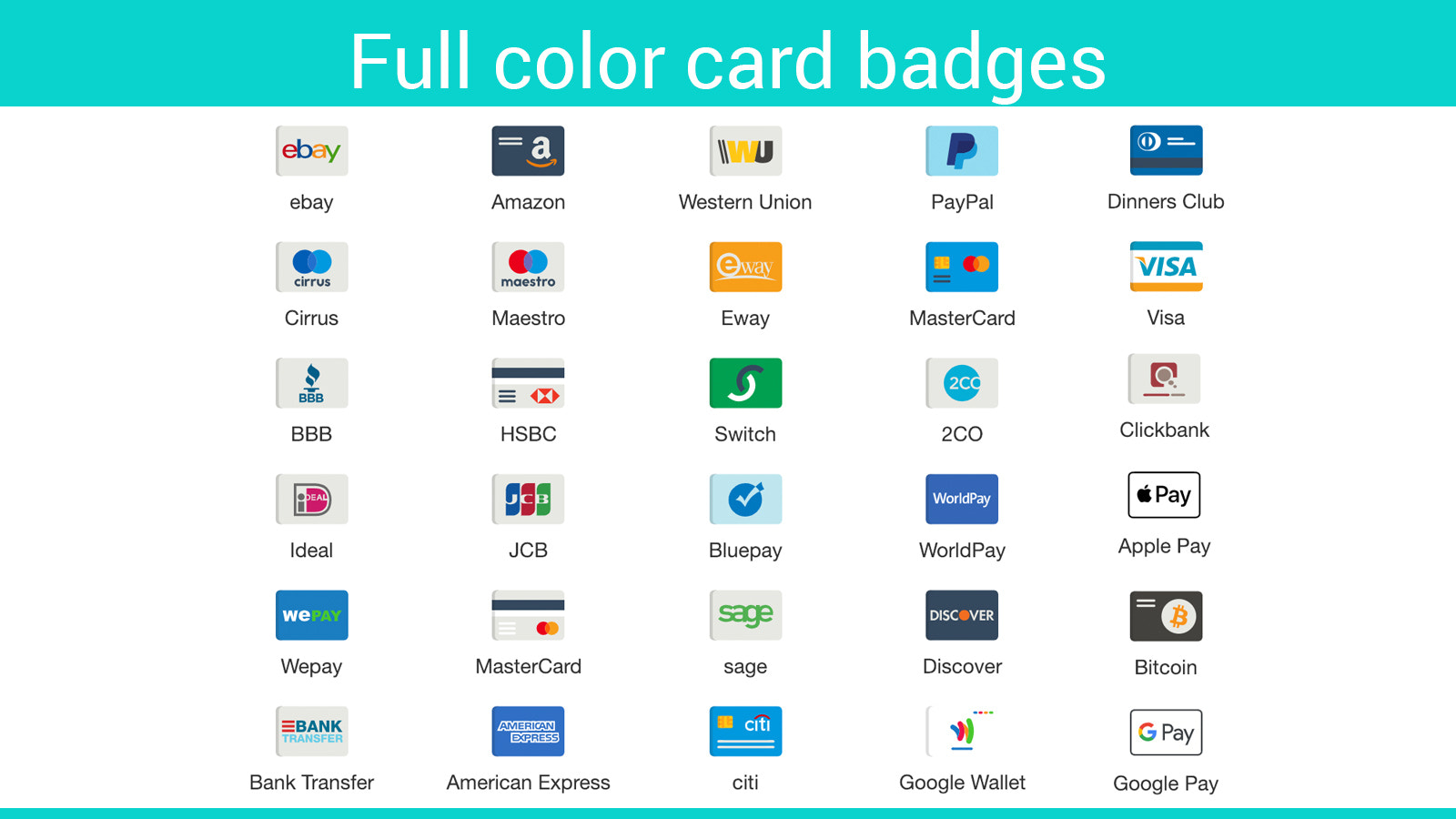

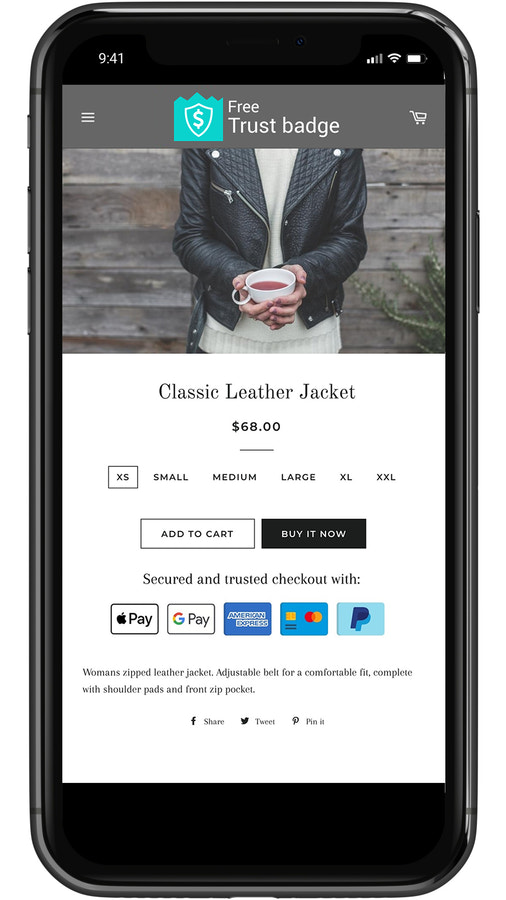
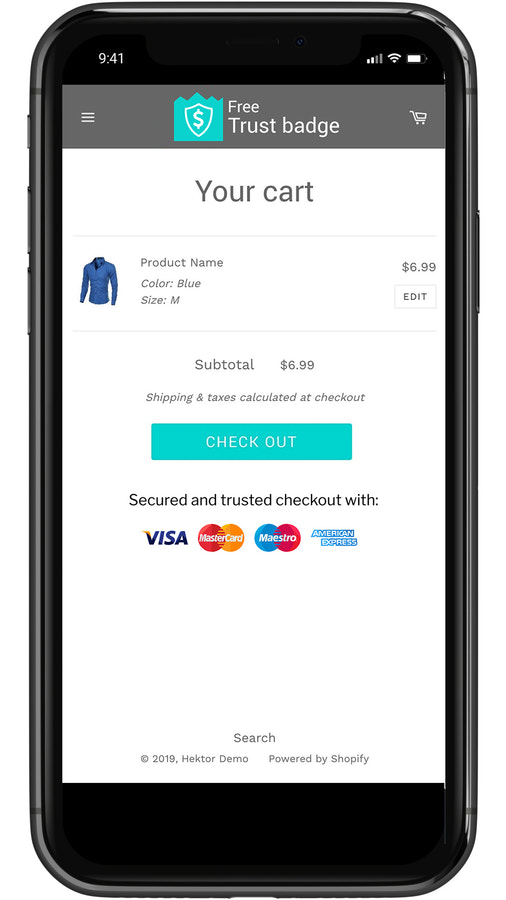
Price Plan
基础版
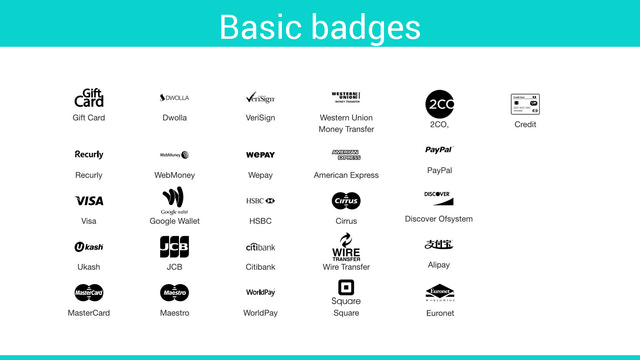
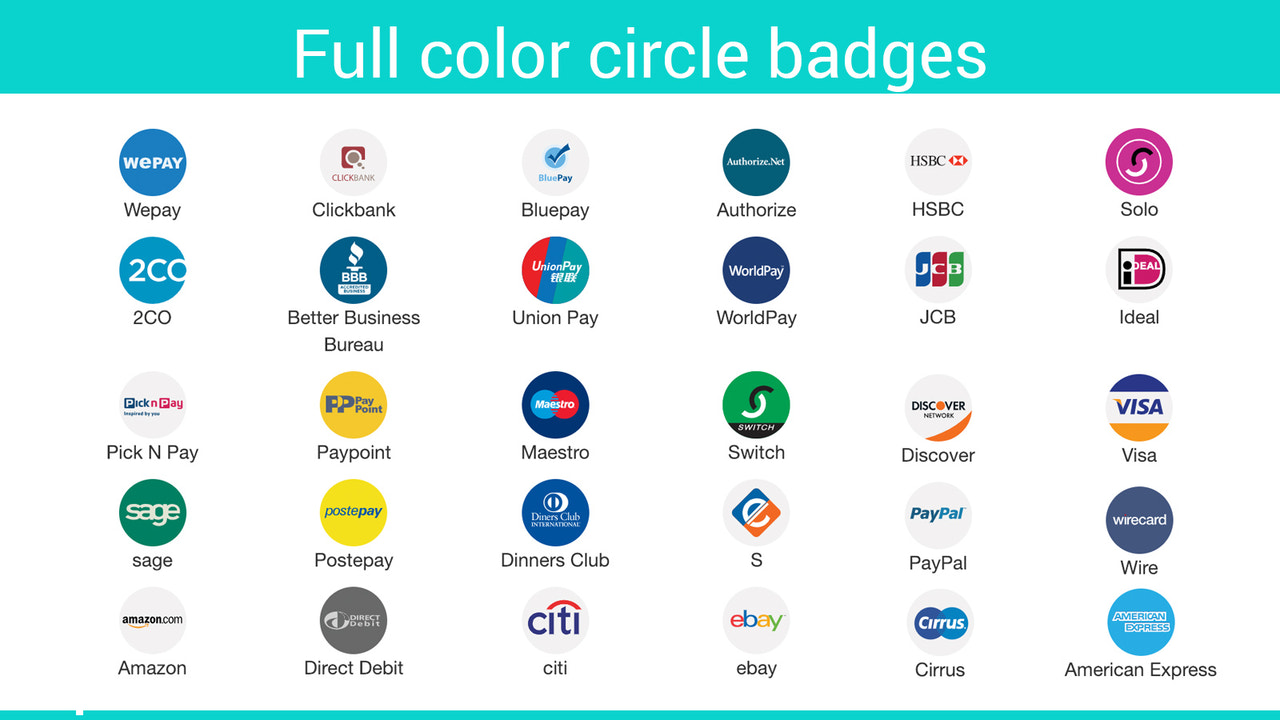
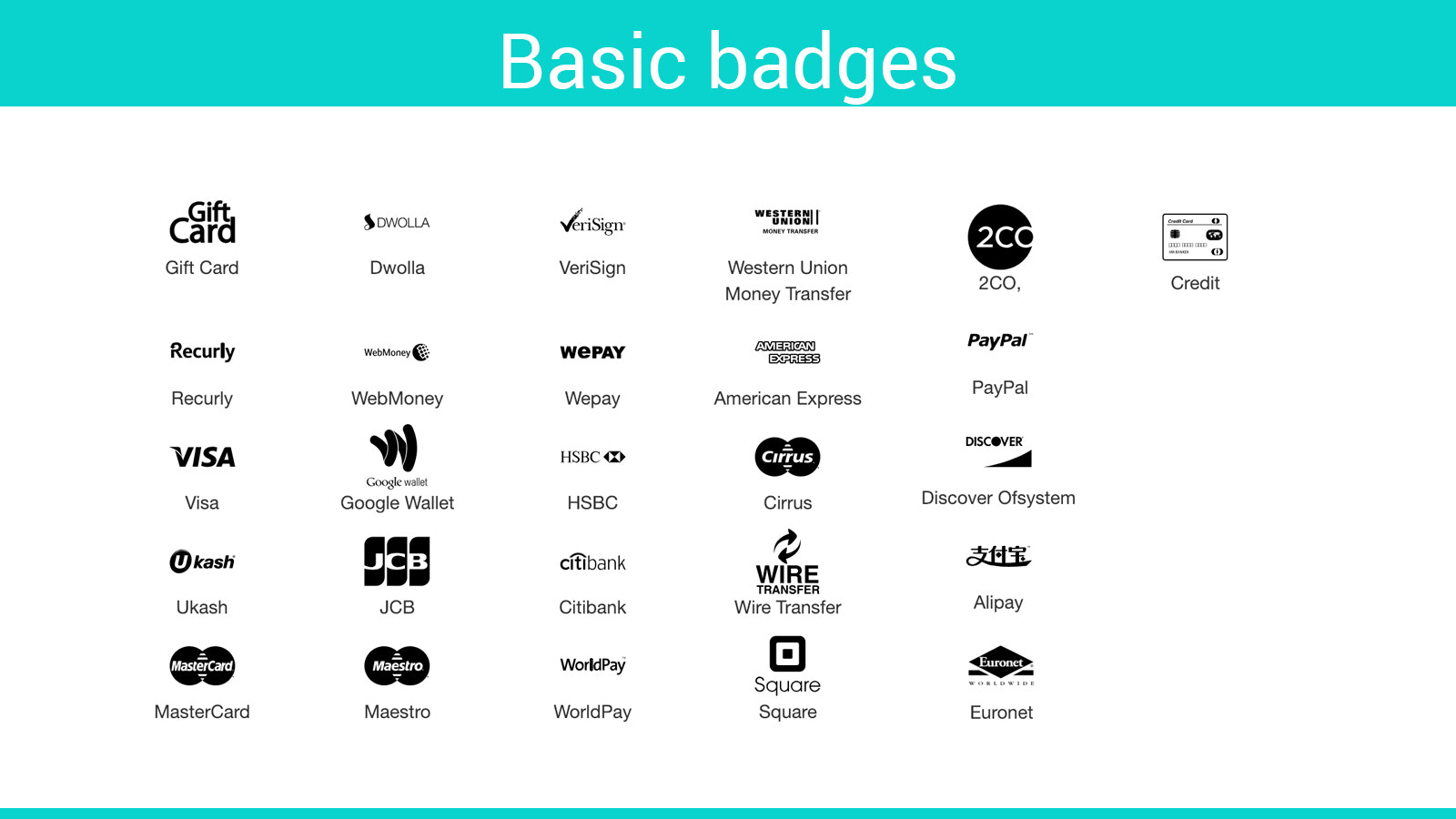
- 145 Payment Badges
- Simple Drag-and-Drop Editor
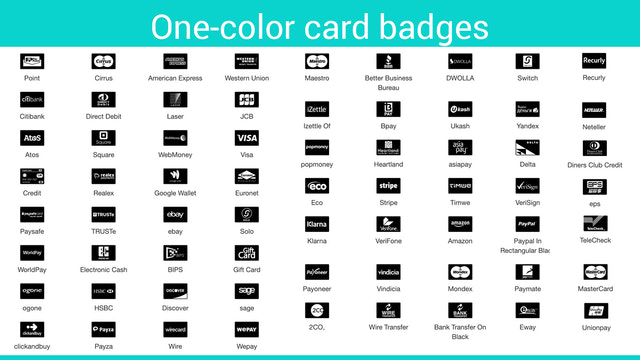
- Customizable Colors
- Adjust Badge Size
- Custom Messages
- Help Center Support
- 250,00 Monthly Page Views
高级版
- Basic Plan Features Add-on...
- Geolocation Badge
- Display on Homepage
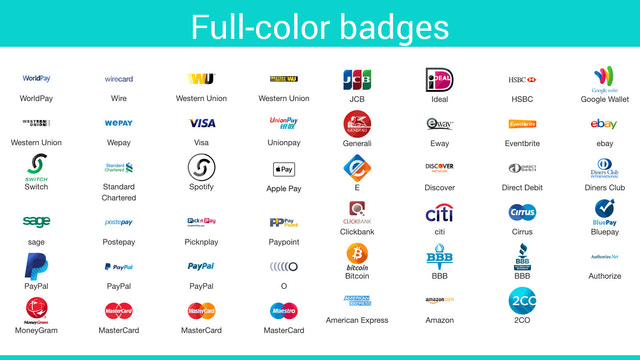
- 670+ Premium Badges
- Custom CSS
- Premium Support
- 2 Million Monthly Page Views
Plus版
- Premium Feature Add-ons...
- Checkout Badge
- Concierge Setup
- Priority Support
- Unlimited Page Views
User Location & Comments
User Location
Comments
Shopify API Used
- POST /admin/api/checkout_badges.json
- PUT /admin/api/checkout_badges/{id}.json
- GET /admin/api/checkout_badges.json
Permission:write_checkout_settings,read_checkout_settings,manage_shop
- POST /admin/api/checkout_badges/geo_settings.json
- PUT /admin/api/checkout_badges/geo_settings/{id}.json
- GET /admin/api/checkout_badges/geo_settings.json
Permission:write_checkout_settings,read_checkout_settings,manage_shop
- POST /admin/api/checkout_badges/layout.json
- PUT /admin/api/checkout_badges/layout/{id}.json
- GET /admin/api/checkout_badges/layout.json
Permission:write_checkout_settings,read_checkout_settings,manage_themes
- POST /admin/api/checkout_badges/customization.json
- PUT /admin/api/checkout_badges/customization/{id}.json
- GET /admin/api/checkout_badges/customization.json
Permission:write_checkout_settings,read_checkout_settings,manage_themes