
App Introduction
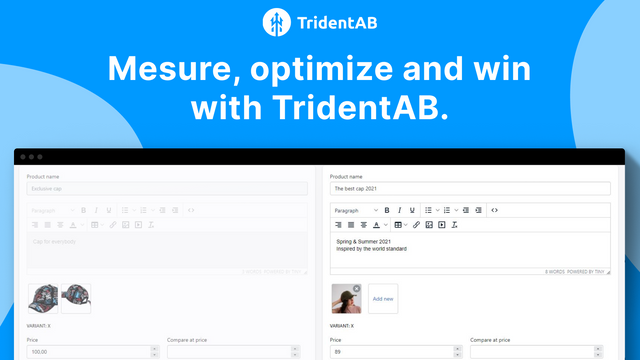
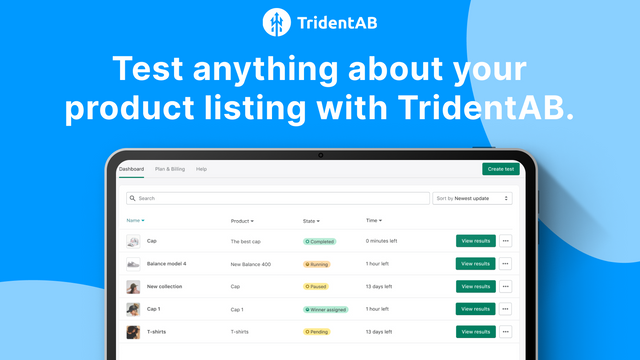
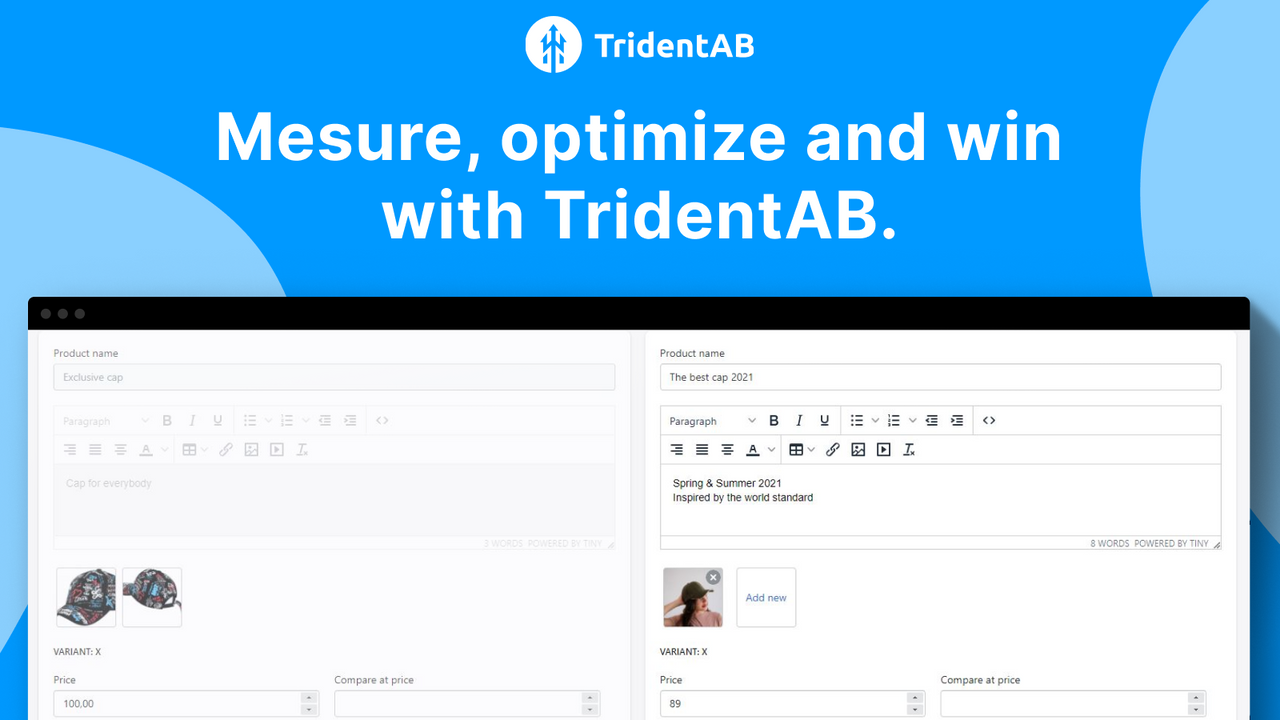
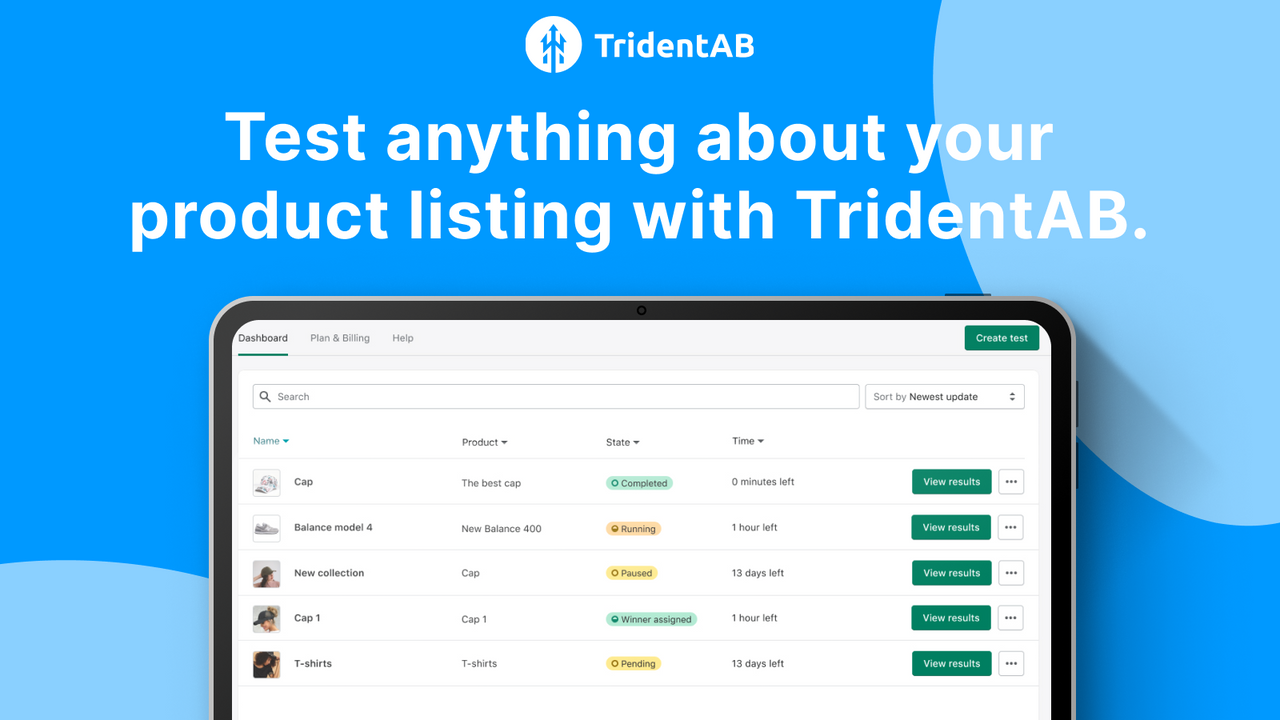
An A/B testing product page and pricing platform that helps stores maximize website conversion rates and sales. With A/B testing, you can run tests on Shopify landing pages, product pages, pricing, price testing, copy, images, and product page layouts—then use our detailed analytics dashboard to identify the optimal conversion strategies. Unlike other A/B testing tools, Trident AB leverages Shopify’s existing codebase and infrastructure to run its Shopify A/B tests, ensuring your website speed remains unaffected. It’s comparable to Google Optimize, Optimizely, VWO, and Omniconvert.
Core Functionality
- Maximize your store's sales, conversion rates, and profitability through A/B testing
- Website speed matters. The design is optimized to minimize impact on page load times.
- Intuitive reports and robust analytics to understand how to improve your website
- Create tests without coding or a statistics degree. Set up in minutes.
- Don’t leave money on the table—traffic is expensive. Use Trident AB
Merchant-Friendly
- Growth Independent Station
- High Conversion E-commerce
- Data-driven Merchants
Basic Information
- Developer:Trident AB
- Address:Santa Monica, CA, US
- Price: Free / Free plan
- Rating:4.4 / 5
- Comment Count:21 comment
- Release Date:2021-8-9
- Supported languages:English
- Compatible products:Shopify
Application Screenshot



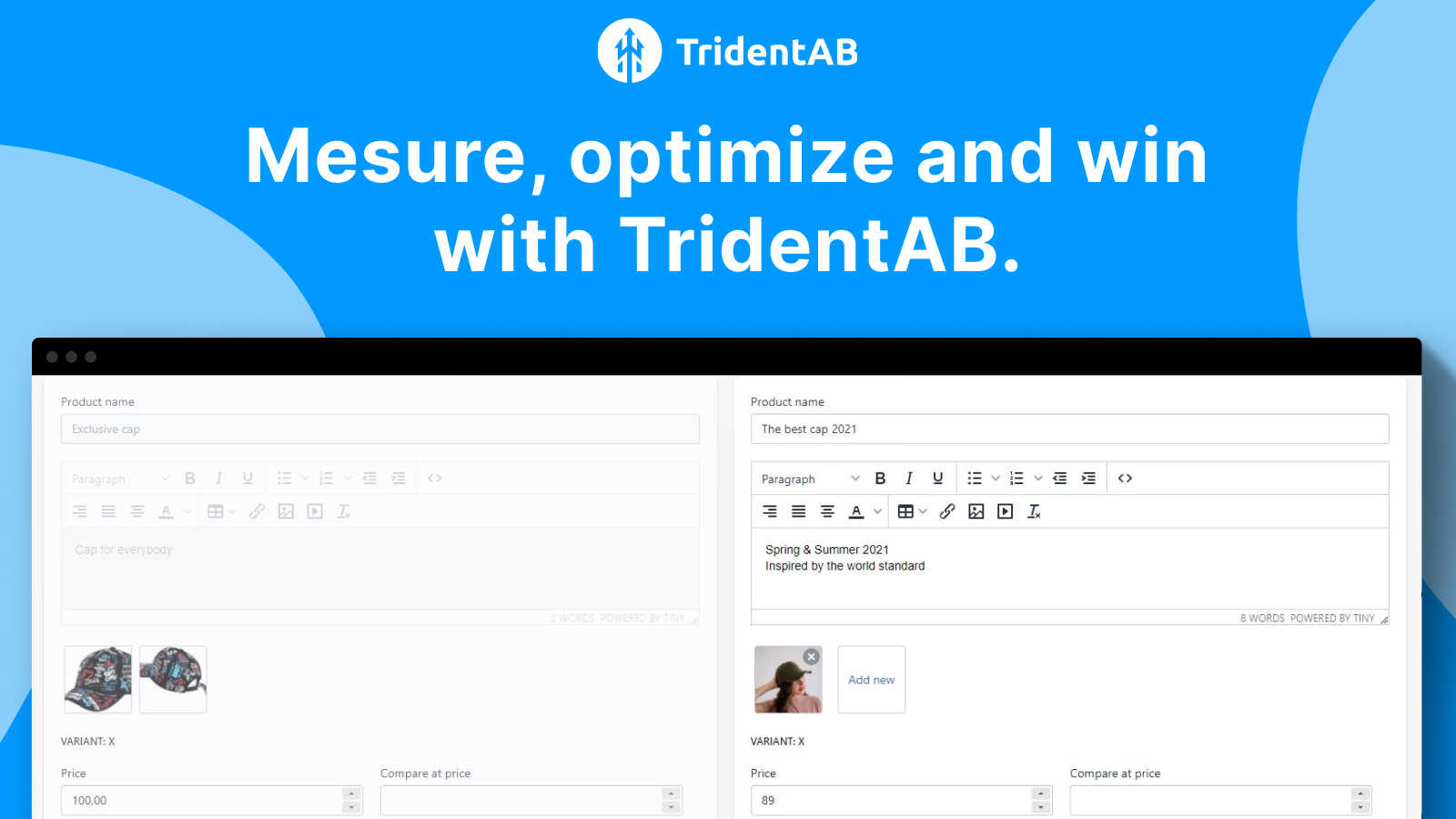
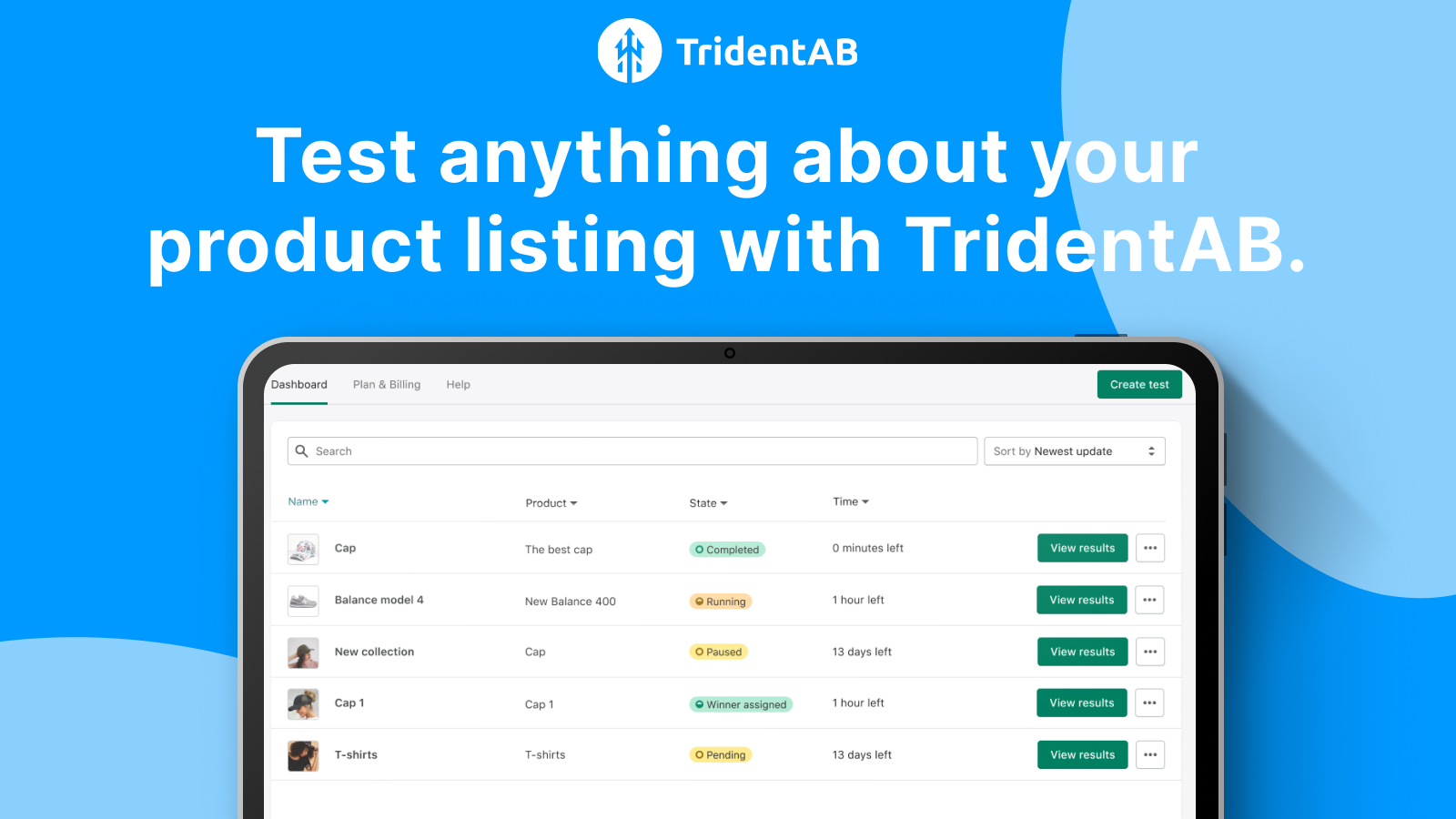


Price Plan
Free
免费
- Up to 500 impressions per month
- Run a single A/B test
- Basic customer support
- Test analysis
Premium
$19.99 / 或 $191.88/年(可节省 20%)
- Up to 5,000 impressions per month
- Unlimited concurrent A/B tests
- Faster variant change frequency
- Priority customer support
- And more!
Business
$24.99 / 或 $239.88/年(可节省 20%)
- Up to 50,000 impressions per month
- Unlimited simultaneous A/B tests
- Faster variant change frequency
- Priority customer support
- And more!
Enterprise
$49.99 / 或 $479.88/年(可节省 20%)
- Monthly Unlimited Impressions
- Unlimited Concurrent A/B Tests
- Faster Variant Update Frequency
- Priority Customer Support
- And More!
User Location & Comments
User Location
Comments
Shopify API Used
- POST /admin/api/ab_test.json
- PUT /admin/api/ab_test/{id}.json
- GET /admin/api/ab_test.json
Permission:write_ab_test,read_ab_test,manage_themes
- GET /admin/api/ab_test/{id}/performance.json
- GET /admin/api/ab_test/metrics.json
- POST /admin/api/ab_test/performance/export.json
Permission:read_ab_test,read_metrics,manage_analytics
- GET /admin/api/ab_test/{id}/impact.json
- GET /admin/api/ab_test/impact_summary.json
- POST /admin/api/ab_test/impact/report.json
Permission:read_ab_test,read_reports,manage_sales



