Translify | Translation by API
App Introduction
Translate products, collections, pages, and content in bulk using ChatGPT, Deepl, or Google Translate APIs... Expanding your Shopify store to global markets can be challenging—especially when importing products from global sourcing platforms, where text is often only available in English. Translify automatically translates products (titles, descriptions, etc.), collections, blog posts, SEO fields, and metafields... Whether you’re selling cross-border or serving multilingual customers, Translify makes localization simple and fast. Easily boost sales, enhance customer experience, and reach new audiences effortlessly.
Core Functionality
- Translate all allowed fields: Title, Description, SEO fields, Metafields, Alt text…
- Supports translation engines like ChatGPT, DeepL, and Google Translate API
- Translate all Shopify content, including Products, Collections, Pages, Policies…
- Deep integration: Official DeepL setup, custom ChatGPT prompts, glossary
Merchant-Friendly
- Cross-border E-commerce Merchants
- Multilingual Independent Stations
- Global Brand Sellers
- Multi-region E-commerce
Basic Information
- Developer:ProWebSms
- Address:Antony, FR
- Price: Free / Free plan
- Rating:4.7 / 5
- Comment Count:11 comment
- Release Date:2022-2-10
- Supported languages:English
- Compatible products:Shopify
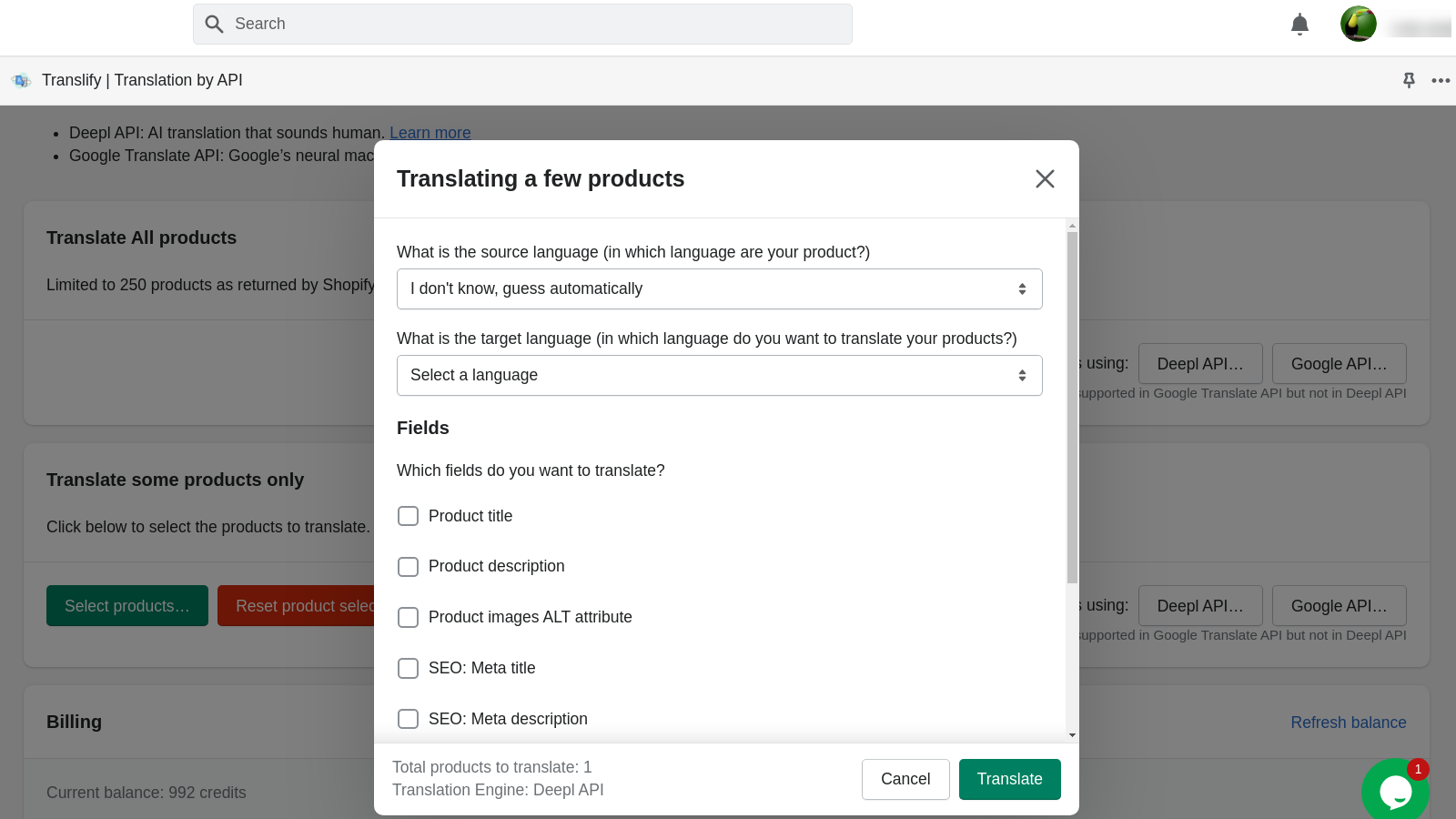
Application Screenshot


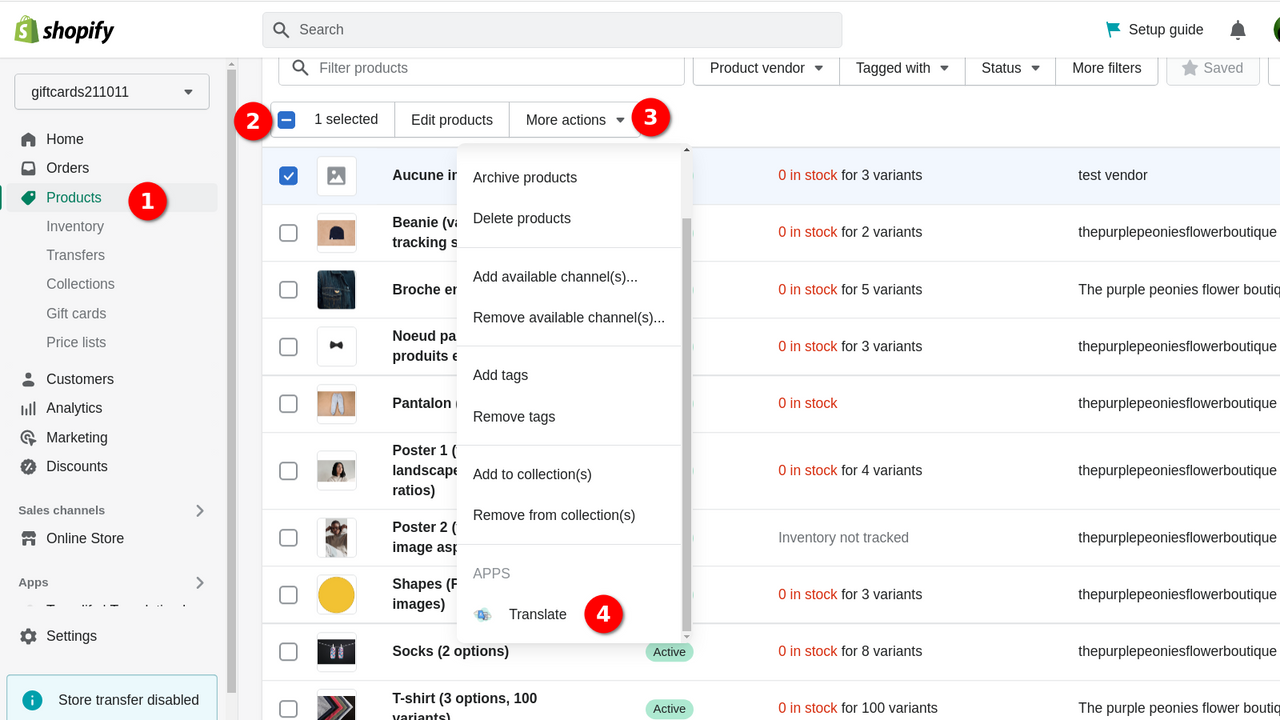

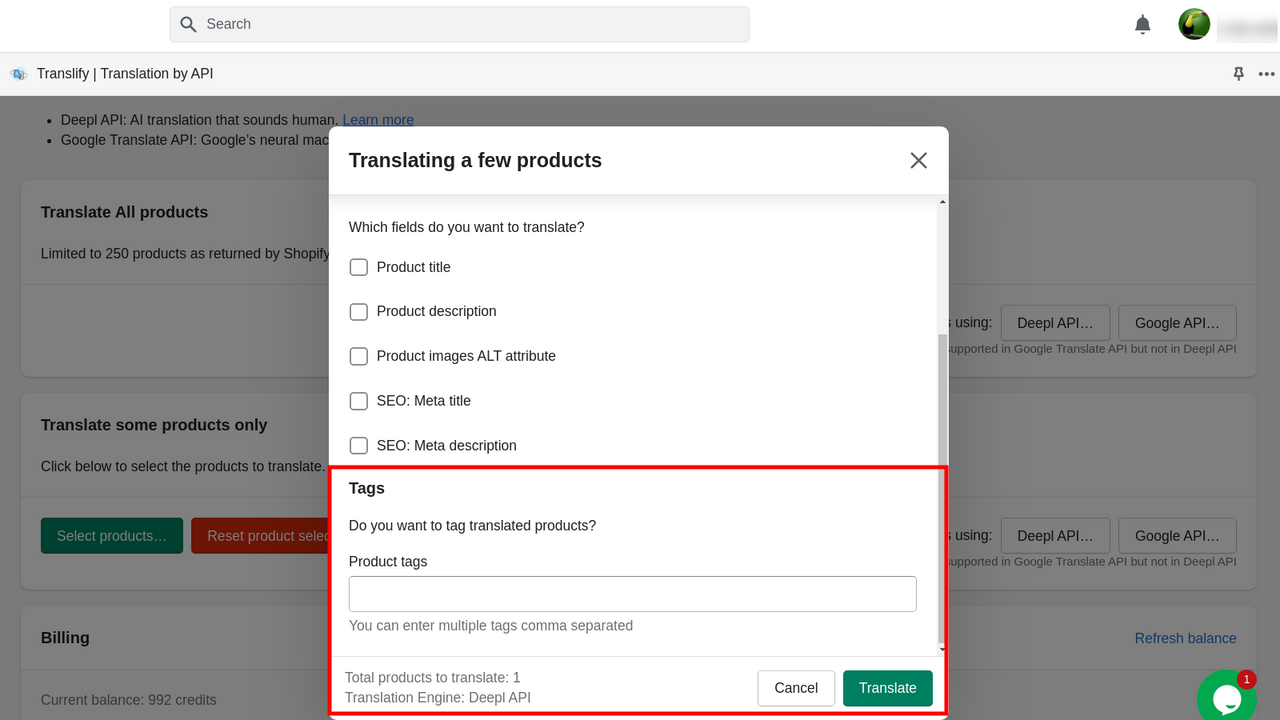


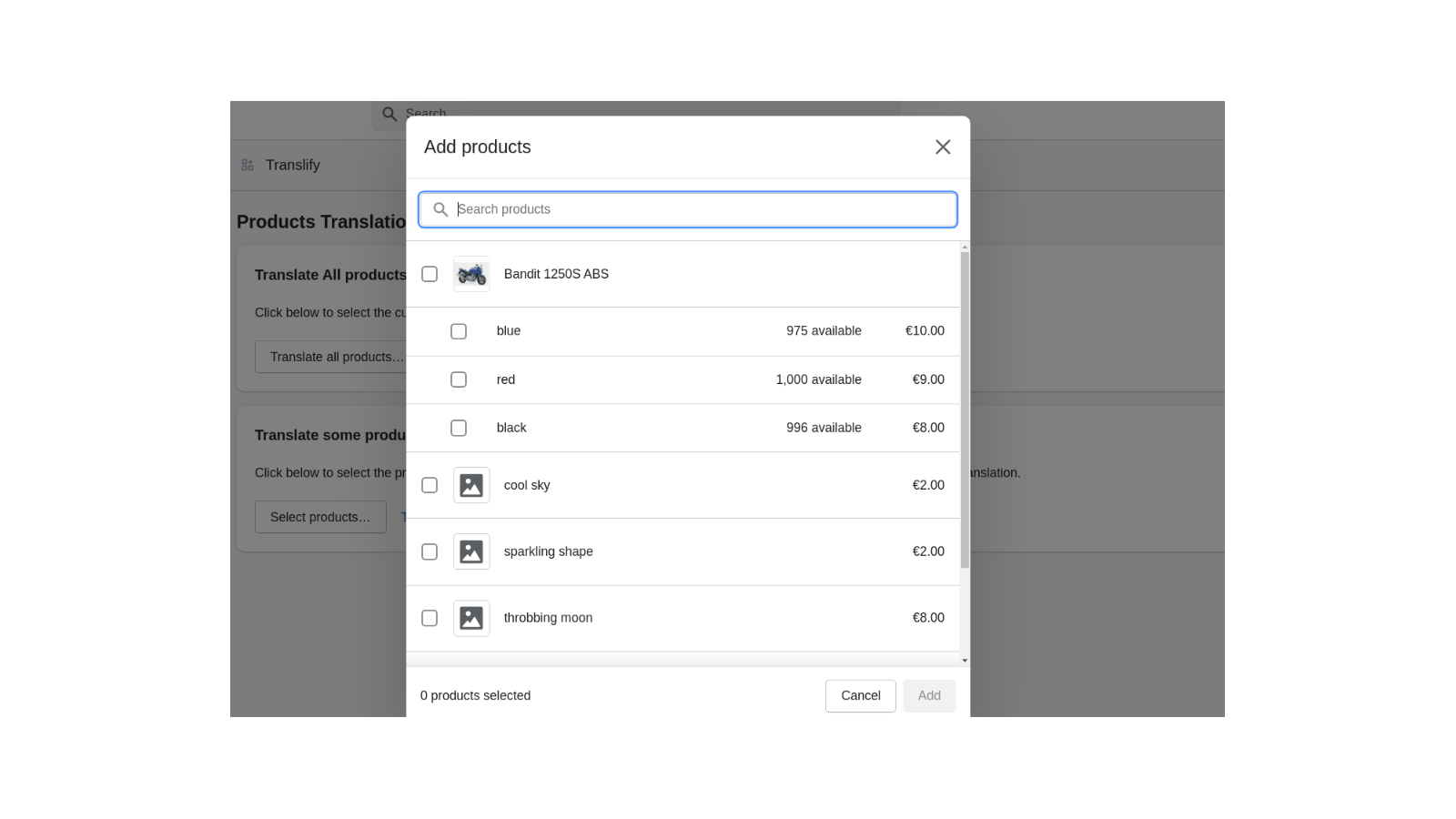
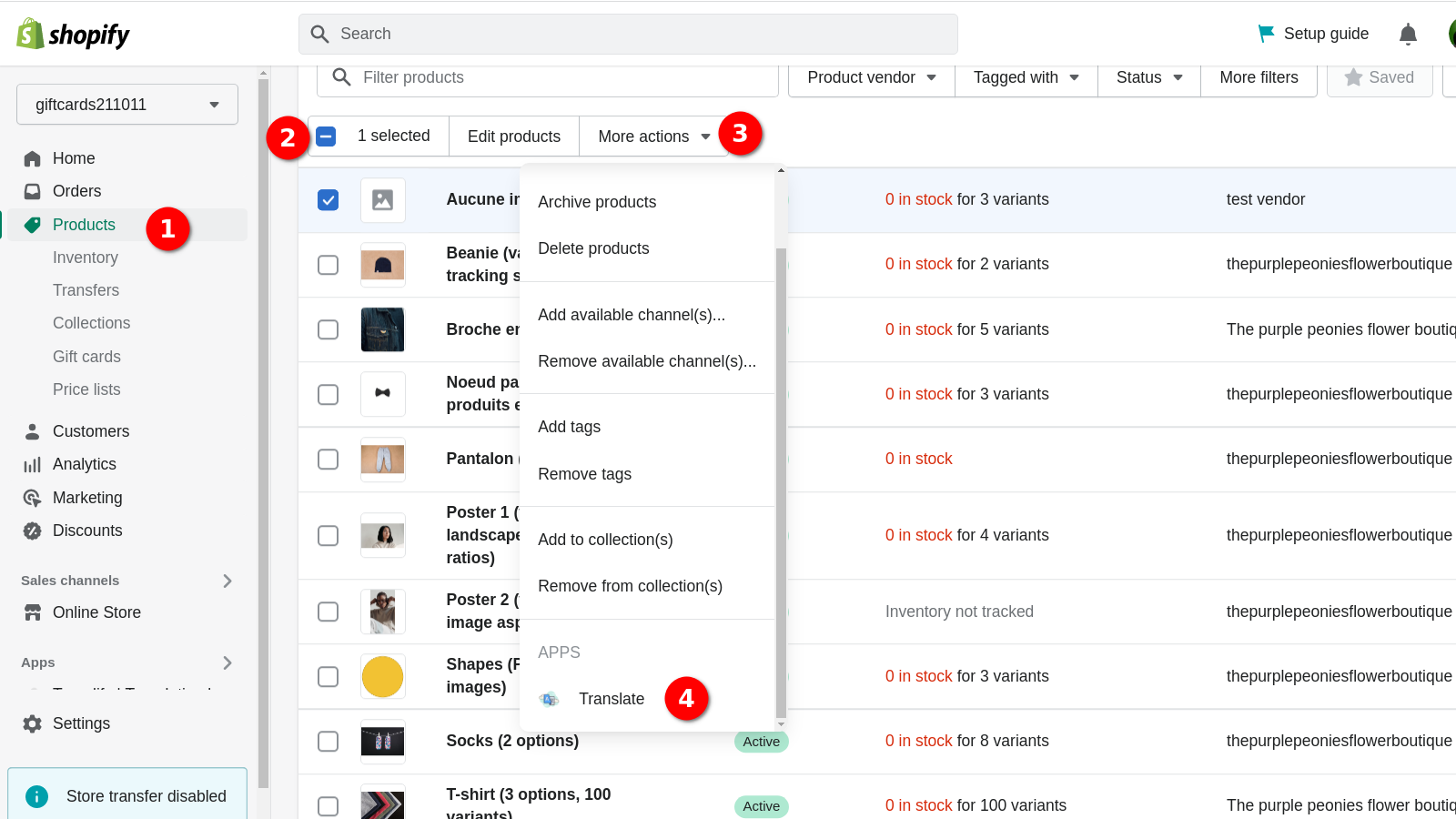


Price Plan
无月费
- Requires credits to work | Pay-as-you-go
- Purchase credits with a one-time fee
- All translation engines have the same price
- Claim 5 free credits daily
User Location & Comments
User Location
Comments
Shopify API Used
- POST /admin/api/translations.json
- PUT /admin/api/translations/{id}.json
- GET /admin/api/translations.json
Permission:write_translations,read_translations,manage_products
- POST /admin/api/translation_engines/connect.json
- PUT /admin/api/translation_engines/{engine}/config.json
- GET /admin/api/translation_engines.json
Permission:write_translations,read_translations,manage_settings
- POST /admin/api/translations/bulk.json
- GET /admin/api/products/{id}/translations.json
- GET /admin/api/pages/{id}/translations.json
Permission:write_translations,read_translations,manage_collections
- POST /admin/api/translation_engines/deepl/setup.json
- PUT /admin/api/translation_engines/chatgpt/prompt.json
- POST /admin/api/translation_terms.json
Permission:write_translations,read_translations,manage_settings