App Introduction
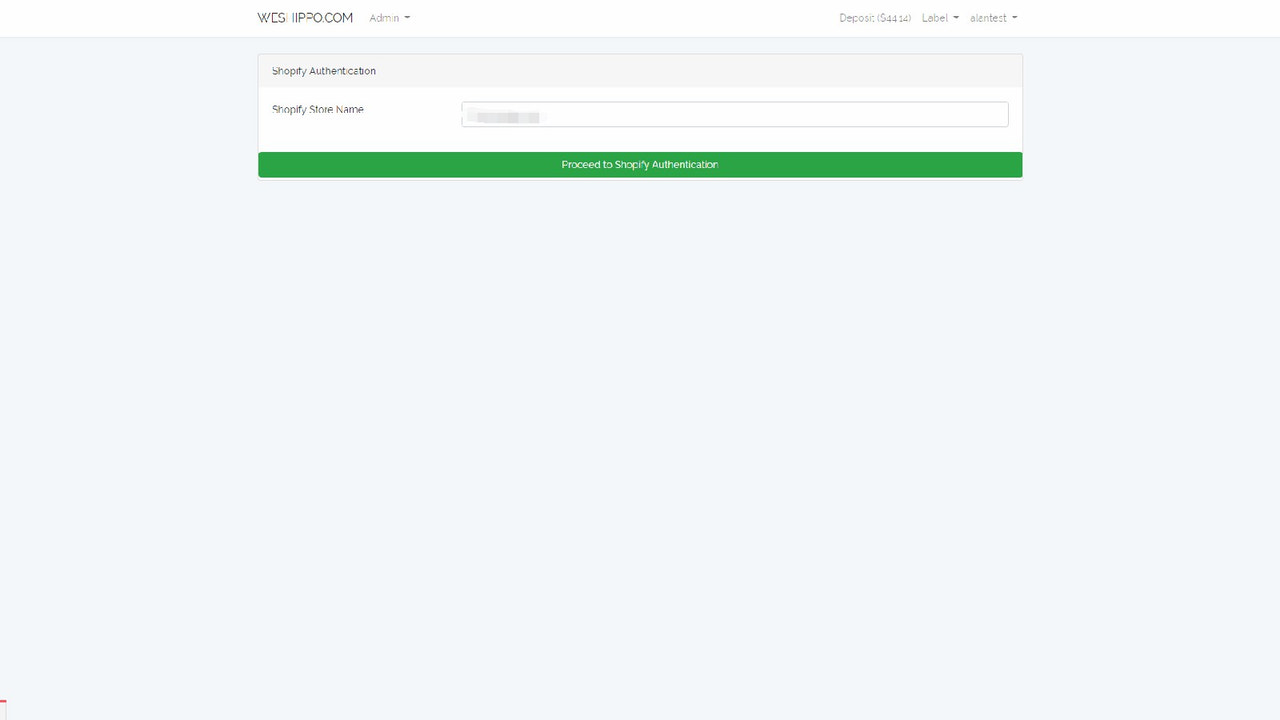
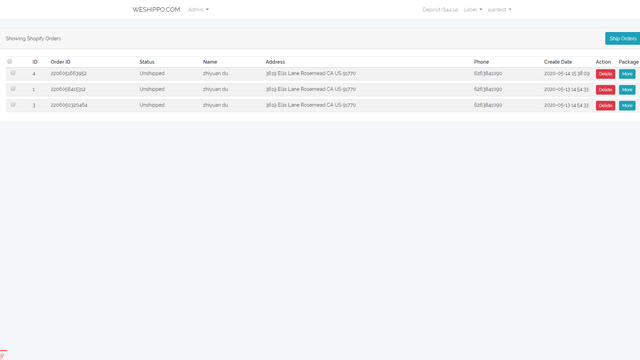
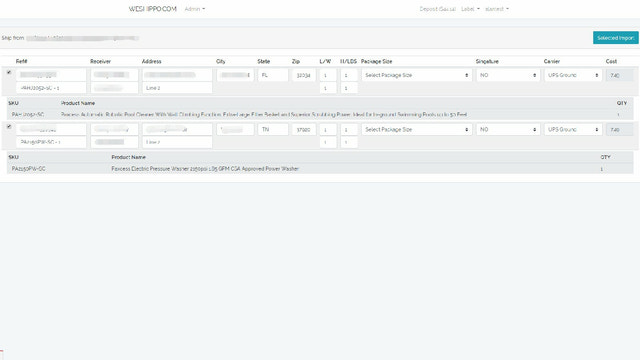
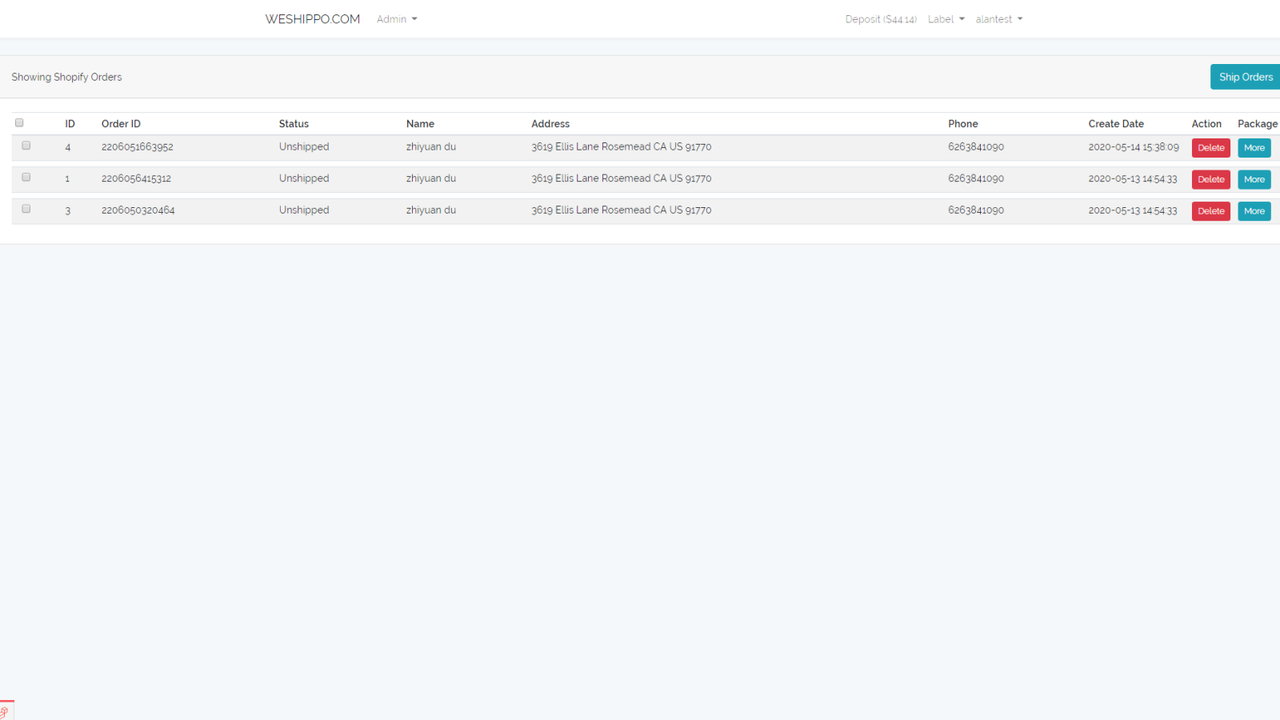
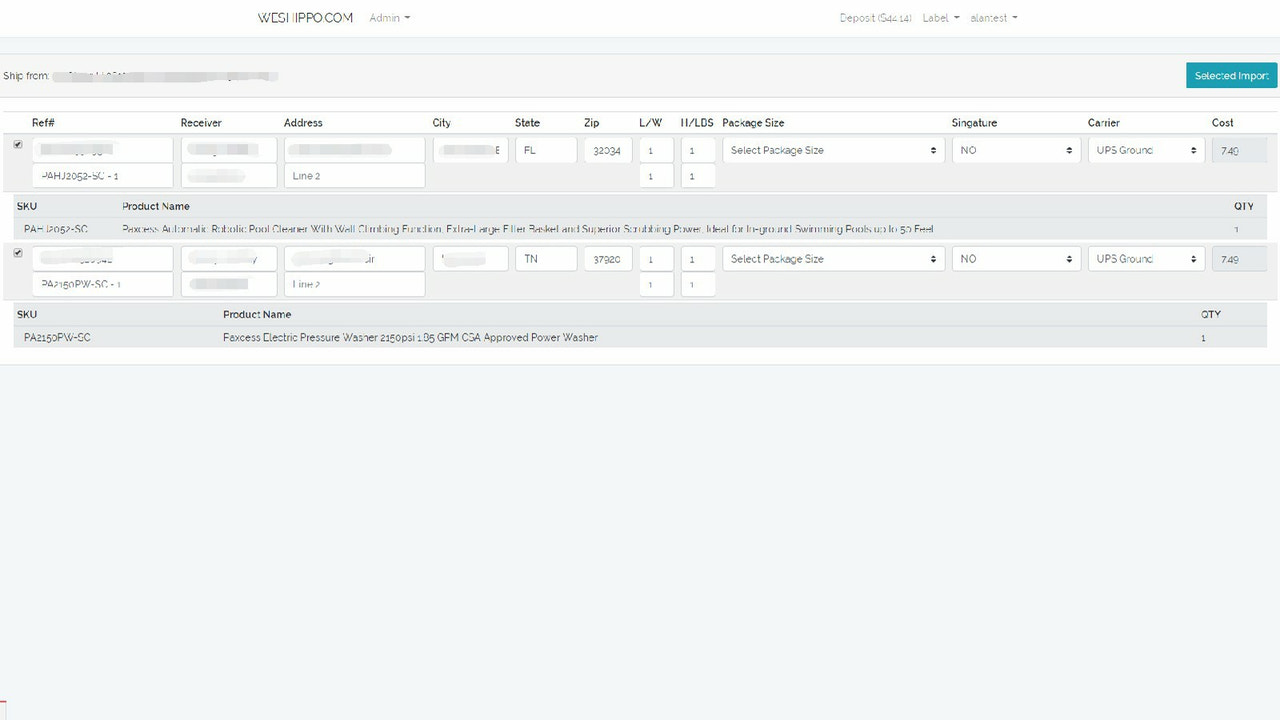
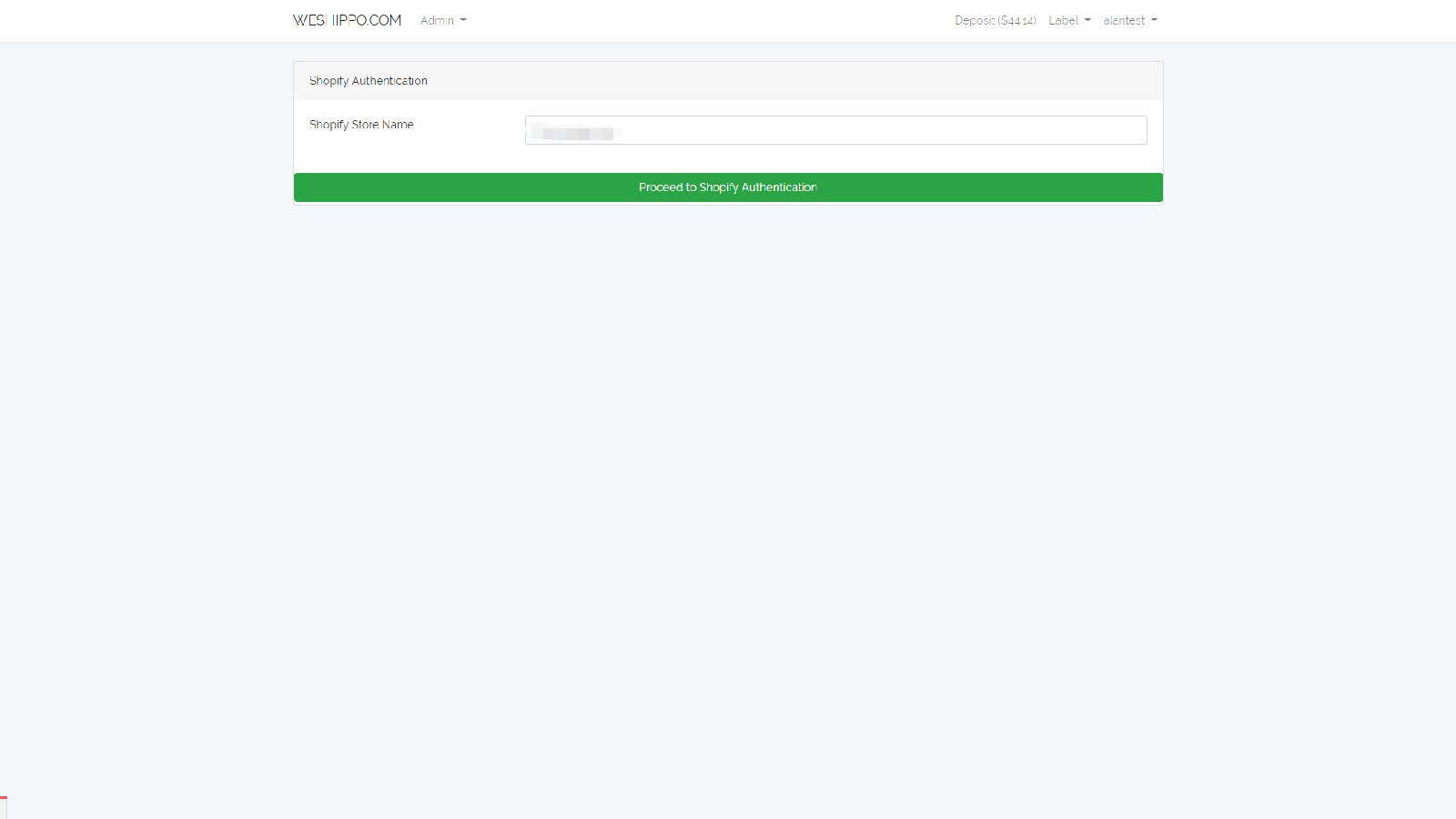
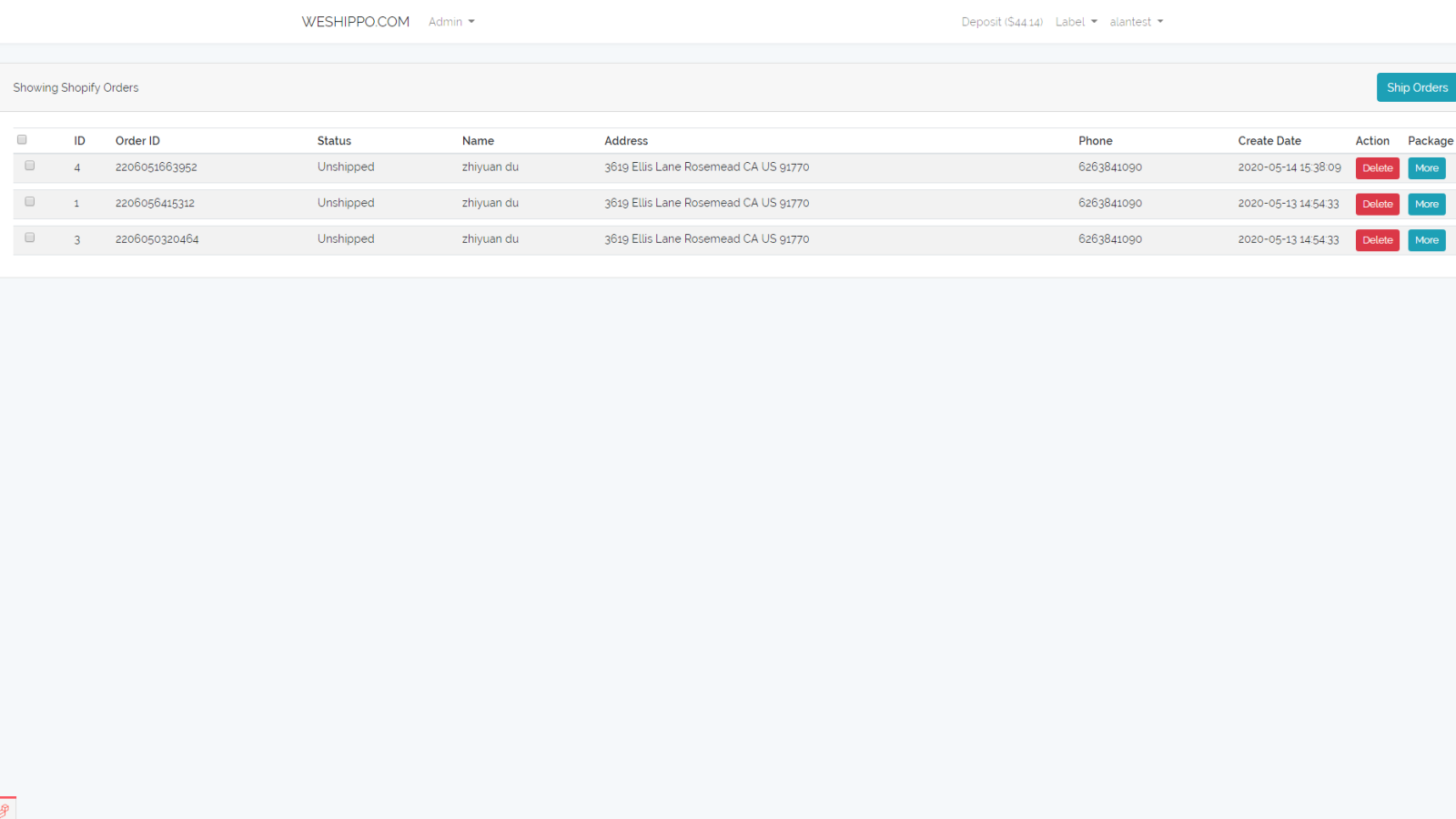
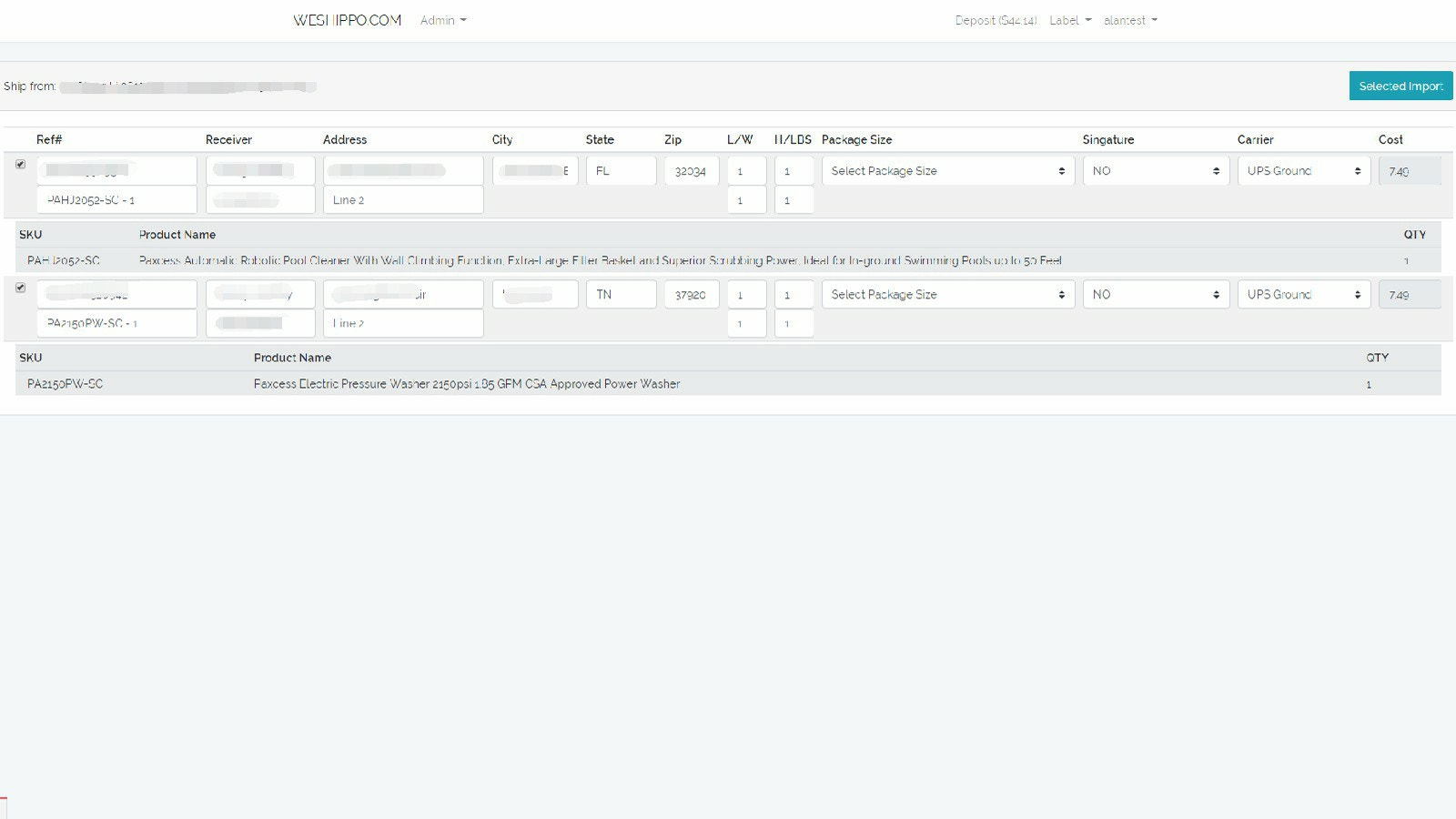
# Weshippo App ### About The Weshippo App allows users to import their Shopify store orders into our system for easy shipping. ### Shipping on Weshippo.com Using the Weshippo App #### Install from Our Website 1. Log in to our website and click the "Labels" dropdown menu. 2. Click Shopify Import. 3. Enter your Shopify store name (e.g., myshop, not myshop.myshopify.com). 4. Authorize our app to access your store orders. After authorization, orders will automatically appear in our system for you to import. 5. The system will automatically pull orders that are paid and have a shipping address. You can select the orders to store in the system and proceed. After selecting all desired orders, click "Import". 6. In the Shopify Orders tab under the "Labels" dropdown menu, you will find the orders you just imported from Shopify. 7. Select the orders to ship and click "Ship Orders". (The Ship Orders feature will be available in the future) 8. Done! #### Install from Shopify 1. Search for our app "Weshippo" on Shopify.com. 2. Click "Install". 3....
Core Functionality
- No core function information available at the moment
Merchant-Friendly
- There are currently no suitable merchants available
Basic Information
- Developer:TRANSLEAD GROUP INC
- Address:13901 Yorba Ave, CHINO, CA, 91710, US
- Price: Free / Free plan
- Rating:0 / 5
- Comment Count:0 comment
- Release Date:2020-11-27
- Supported languages:
- Compatible products:Shopify
Application Screenshot