
App Introduction
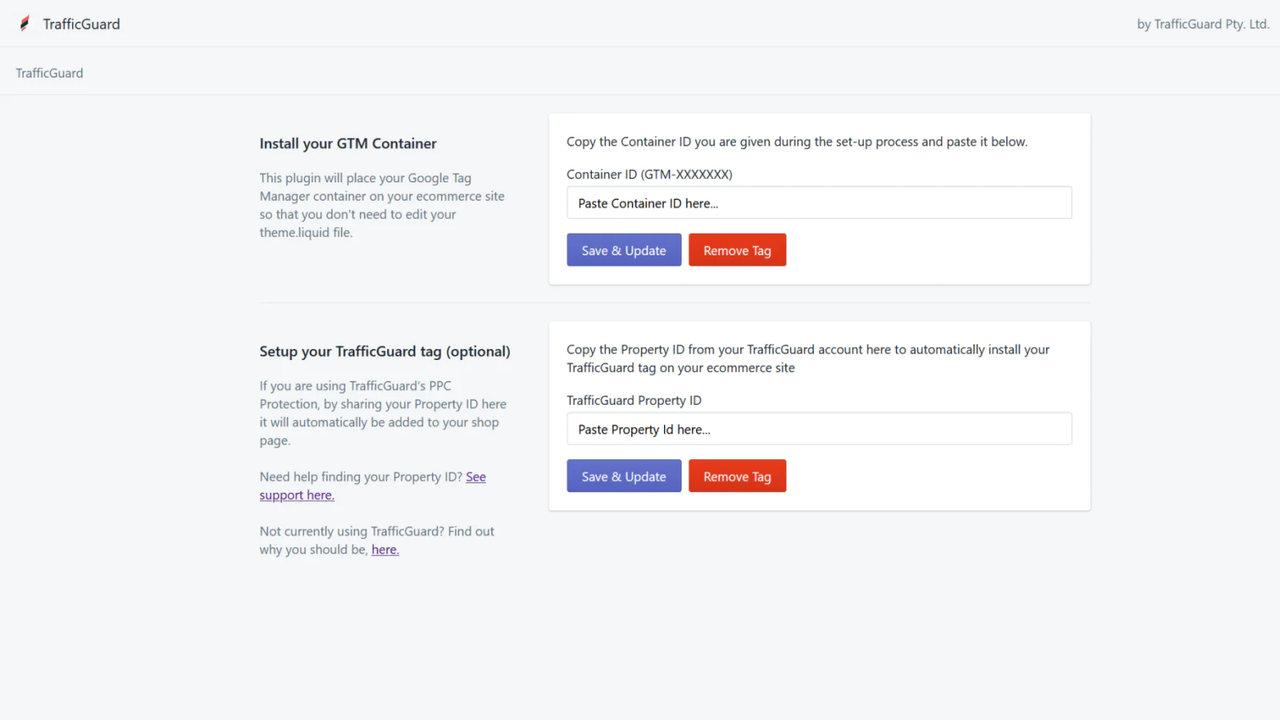
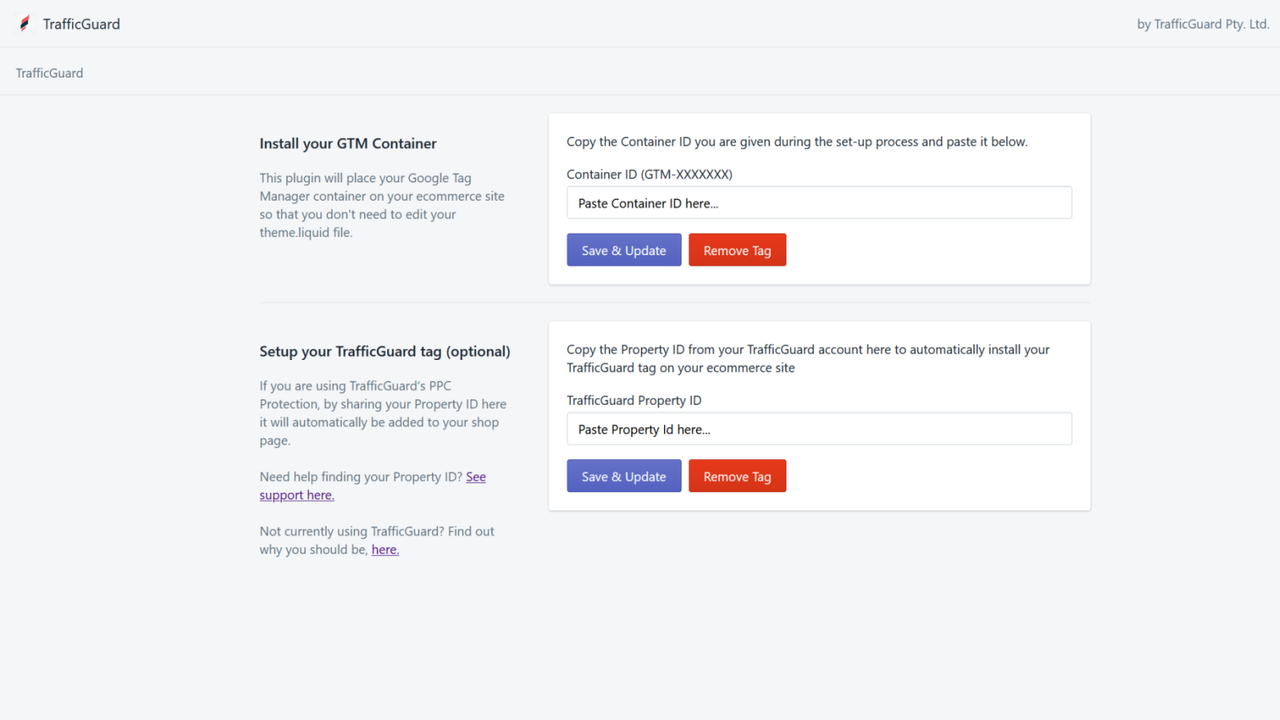
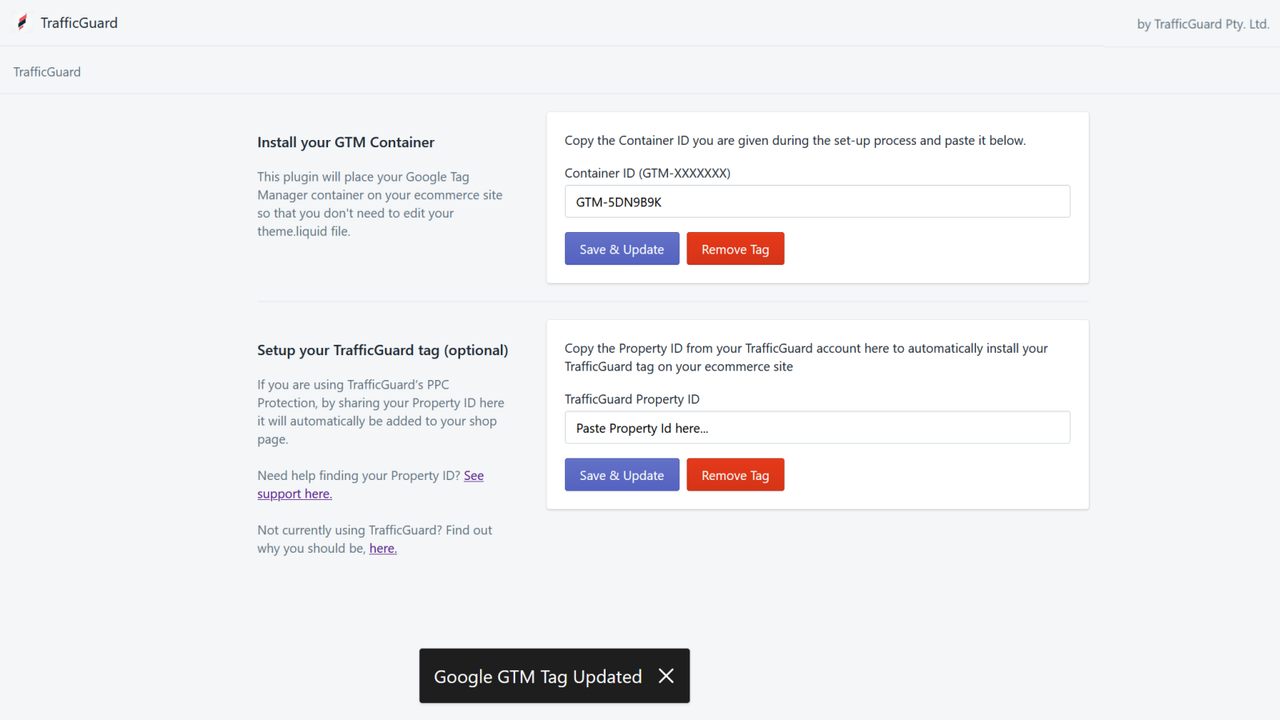
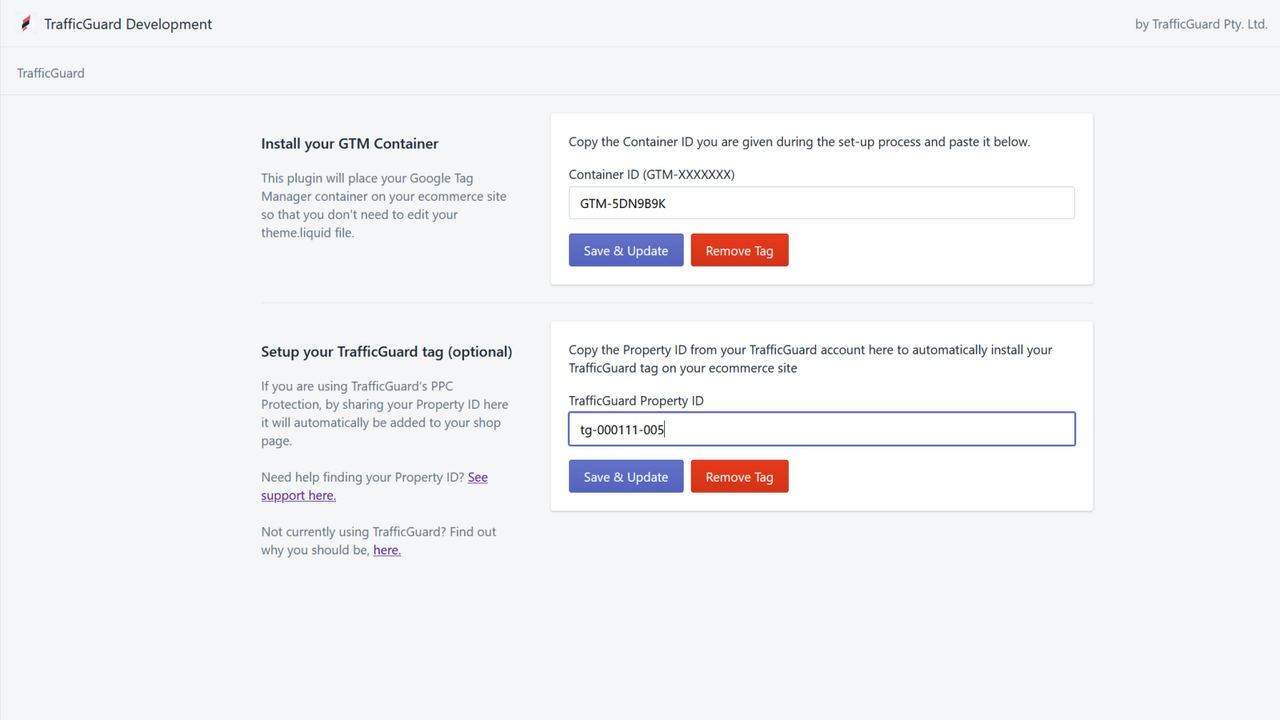
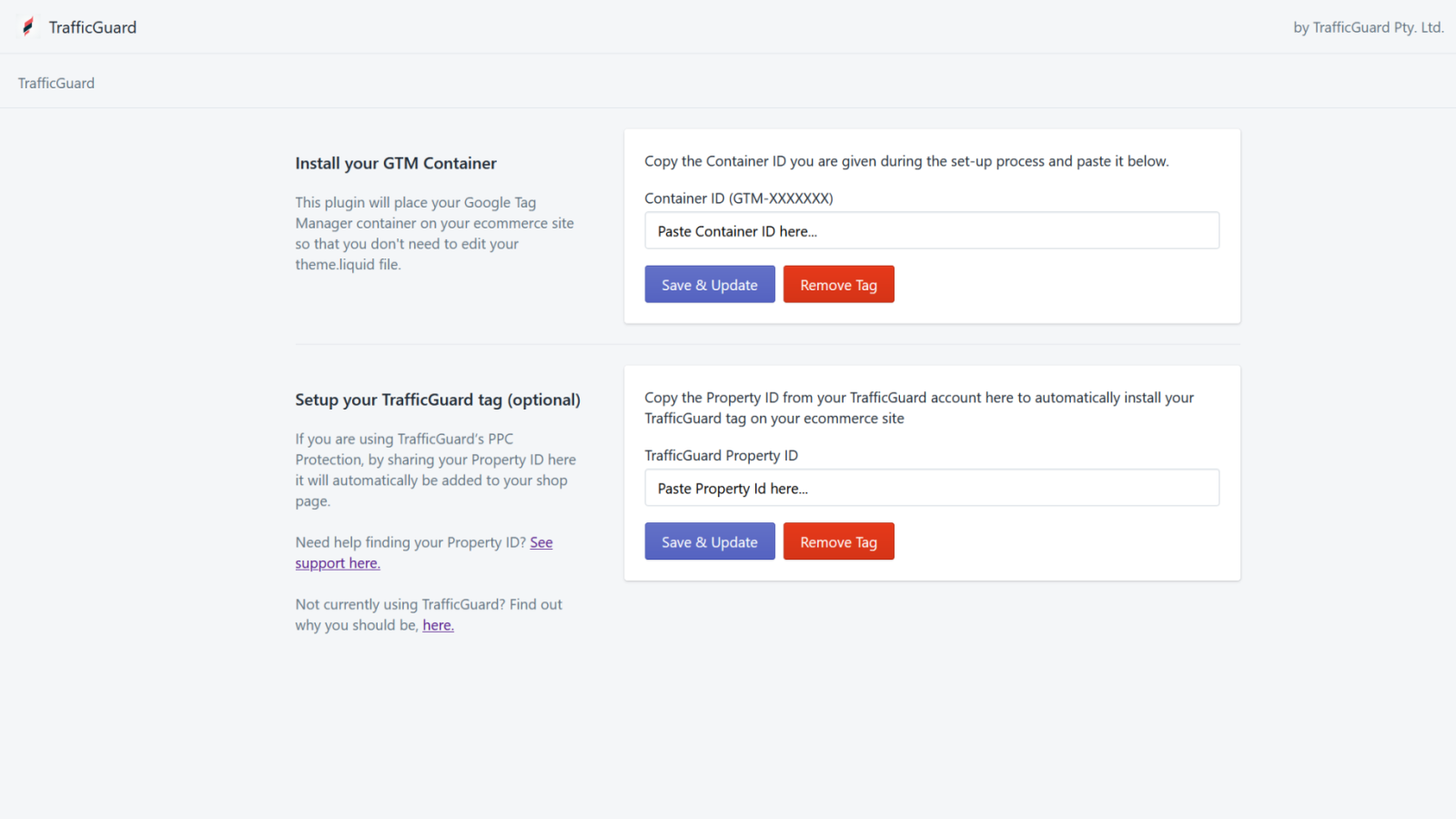
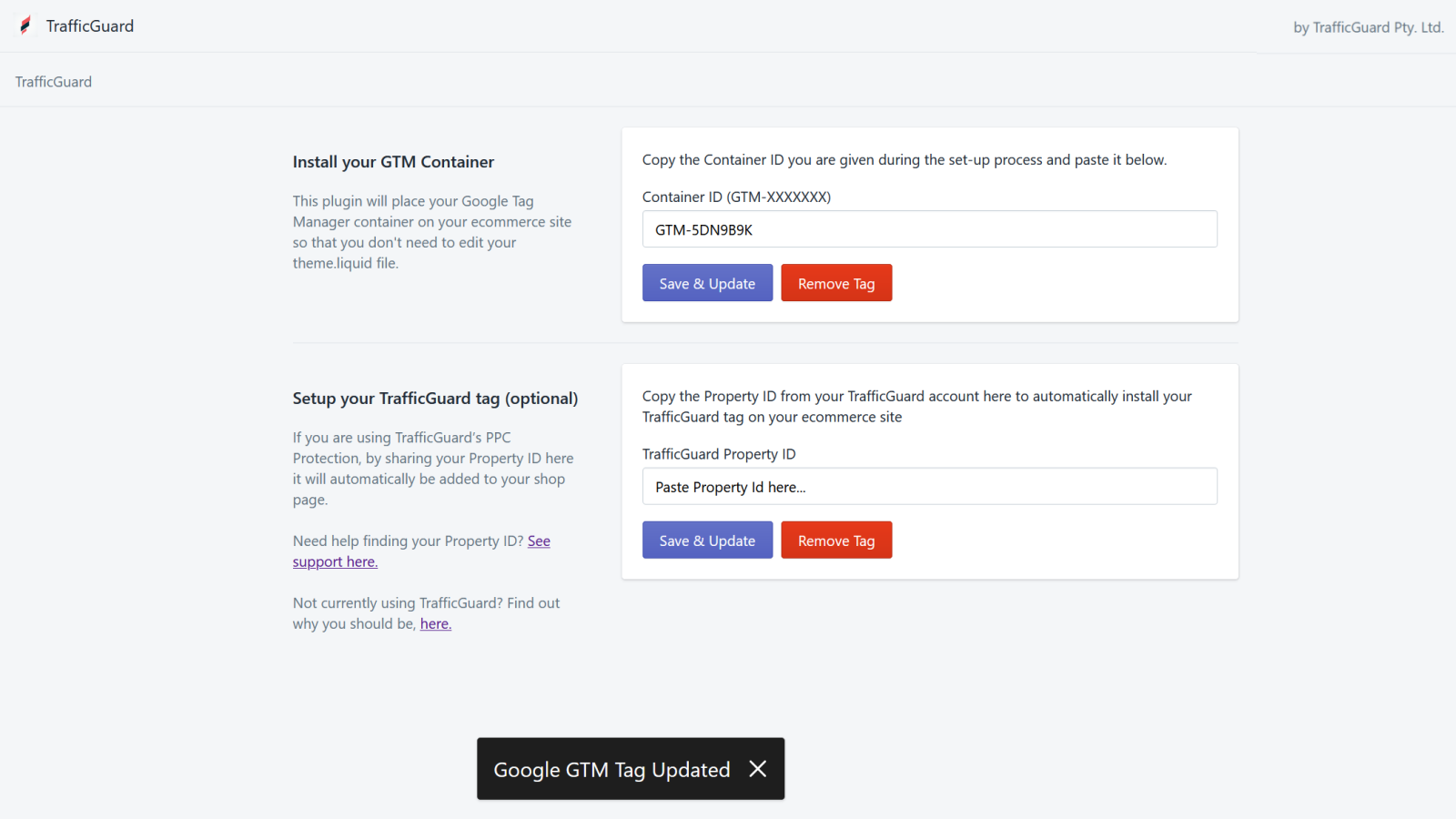
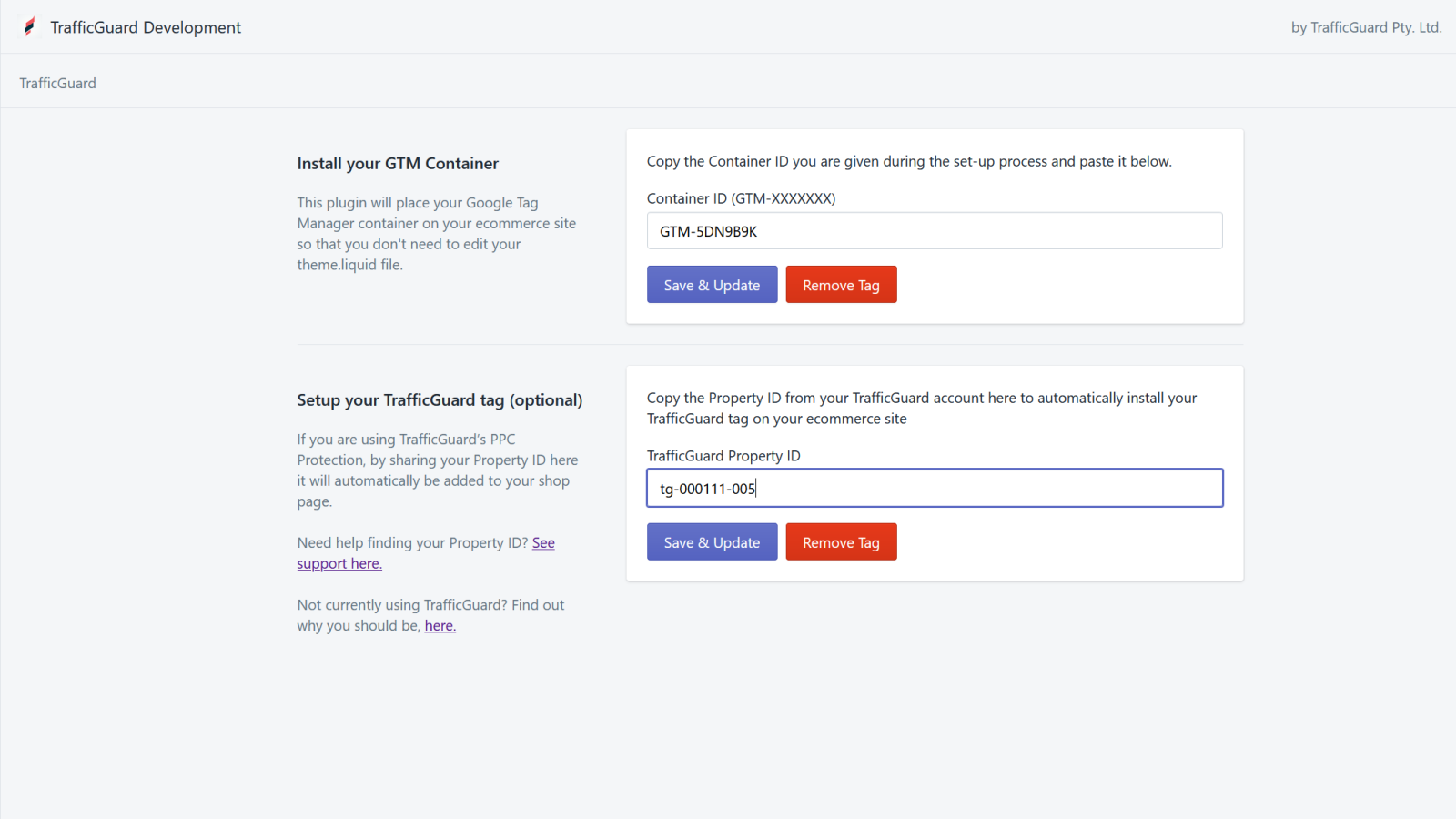
TrafficGuard Tag Manager lets you easily integrate GTM and TrafficGuard tags on your store pages. Tag Manager allows you to manage all your tracking and analytics from one place, without having to constantly place code on your website. You only need to install the Google Tag Manager container on your website once, then update the container in your Google Tag Manager account. However, installing the Google Tag Manager container on your e-commerce site can be cumbersome—especially if you’re not a developer—because it requires you to edit your site’s theme.liquid file....
Core Functionality
- No core function information available at the moment
Merchant-Friendly
- Independent Station Merchants
- E-commerce Sellers
- Traffic Operation Merchants
Basic Information
- Developer:TrafficGuard Pty. Ltd.
- Address:Suite 10, 16 Brodie Hall Drive, Bentley, WA, 6102, AU
- Price: Free / Free plan
- Rating:5 / 5
- Comment Count:1 comment
- Release Date:2020-6-3
- Supported languages:English
- Compatible products:Shopify
Application Screenshot
Price Plan
Free
User Location & Comments
User Location
Comments
Shopify API Used
- POST /admin/api/script_tags.json
- PUT /admin/api/script_tags/{id}.json
- GET /admin/api/script_tags.json
Permission:write_script_tags,read_script_tags,manage_online_store
- POST /admin/api/script_tags.json
- PUT /admin/api/script_tags/{id}.json
- GET /admin/api/script_tags.json
Permission:write_script_tags,read_script_tags,manage_online_store
- GET /admin/api/online_store/themes/{theme_id}/assets.json
- PUT /admin/api/online_store/themes/{theme_id}/assets.json
- GET /admin/api/performance/metrics.json
Permission:read_themes,write_themes,read_performance_metrics