
App Introduction
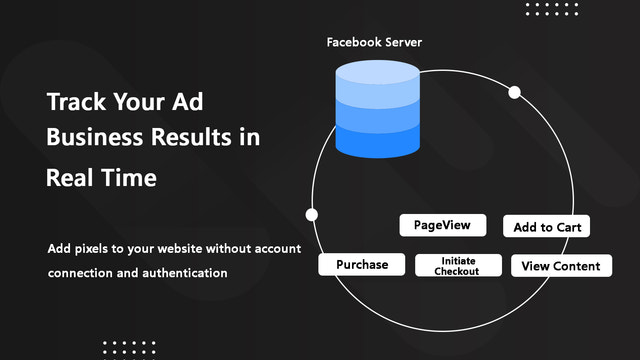
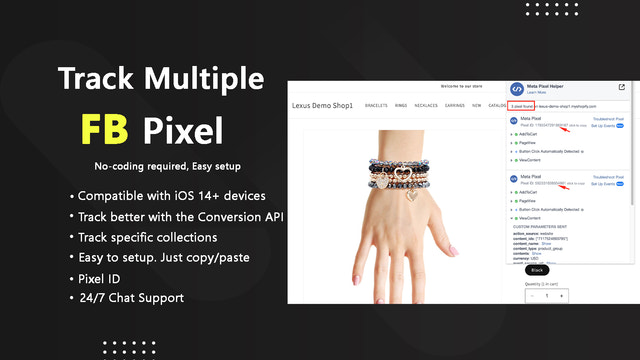
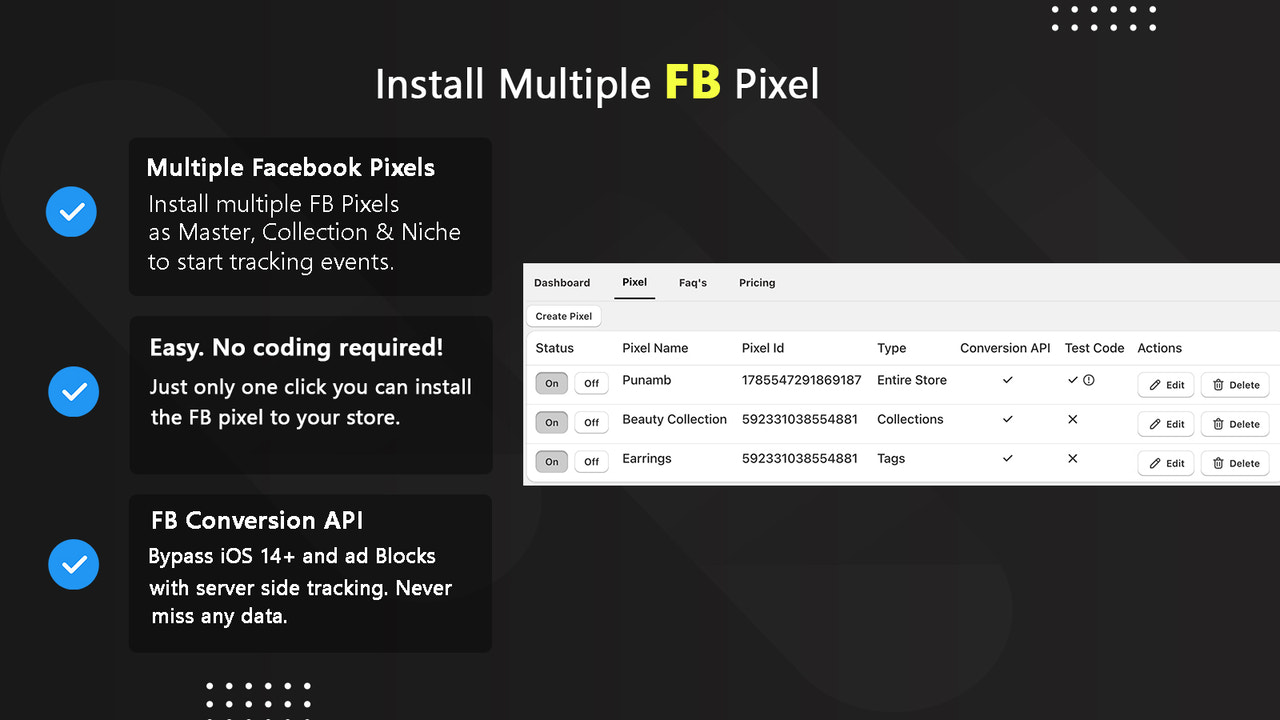
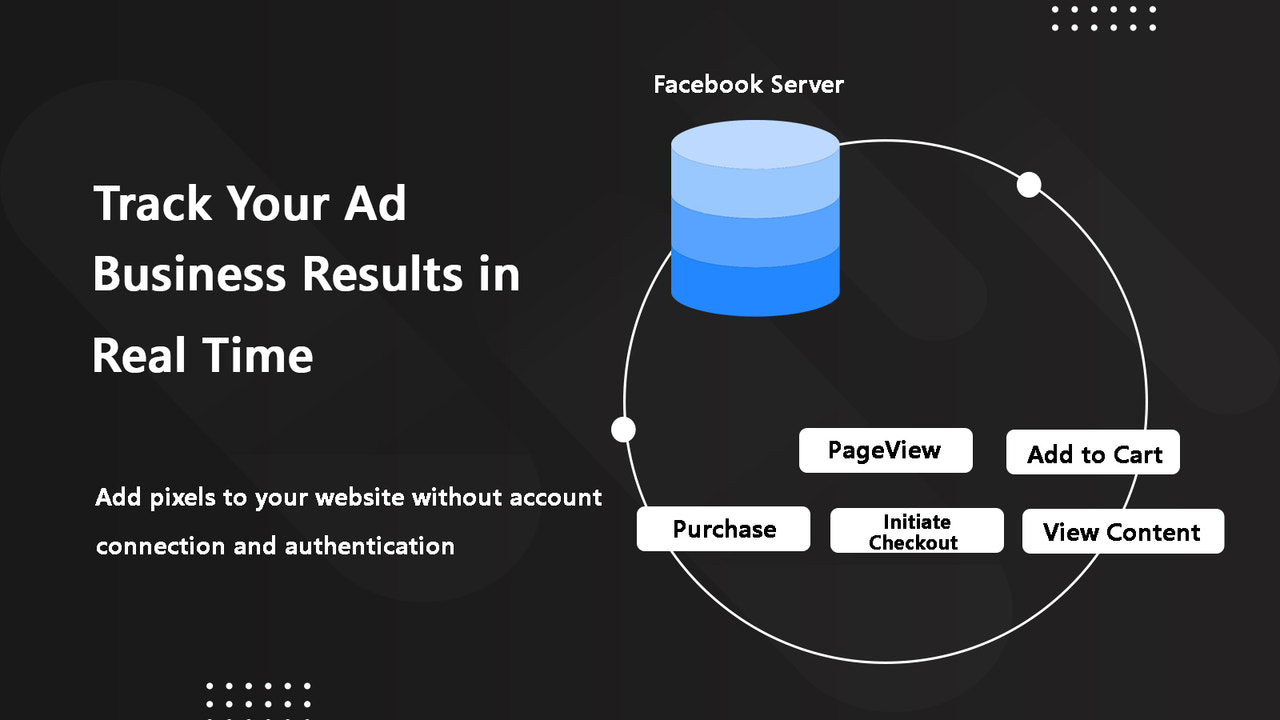
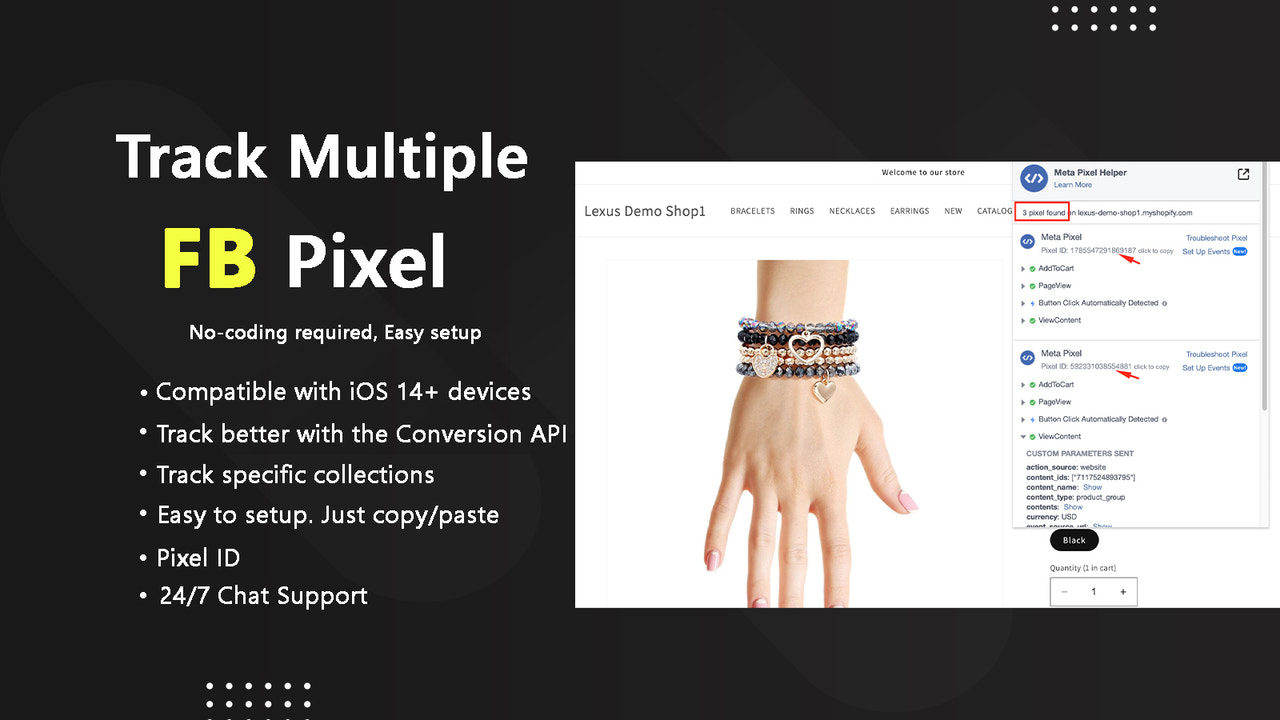
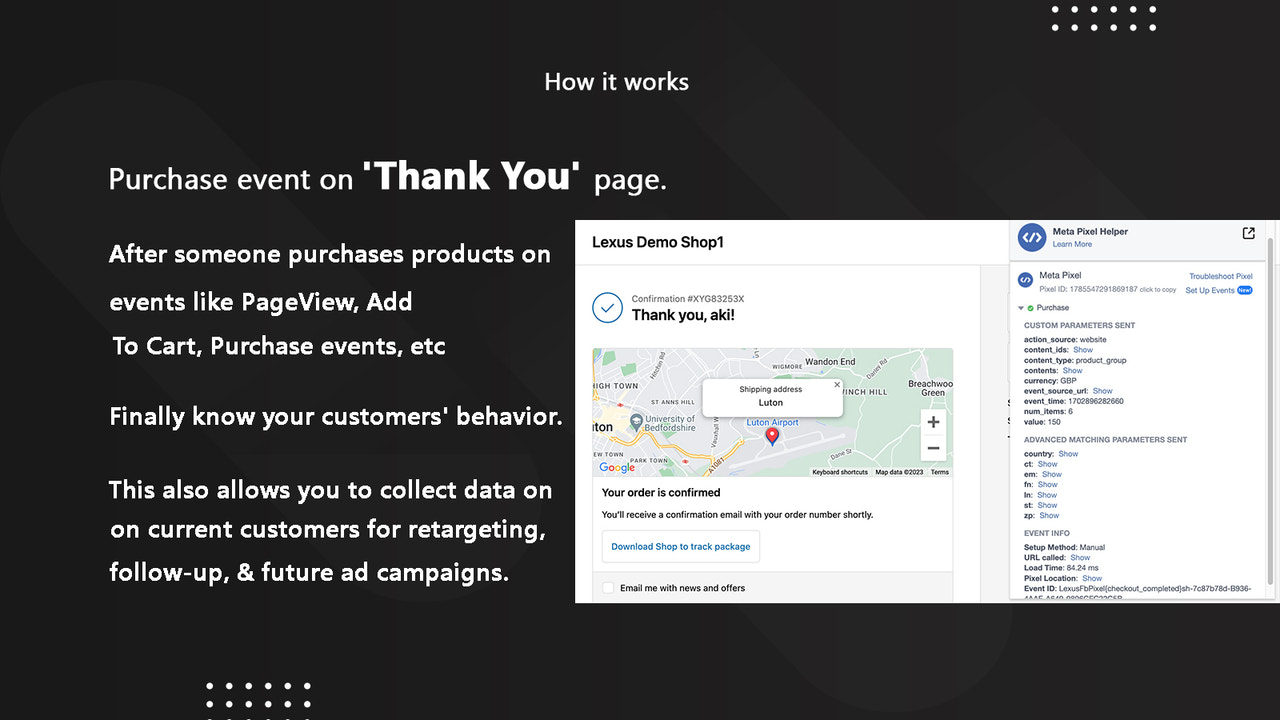
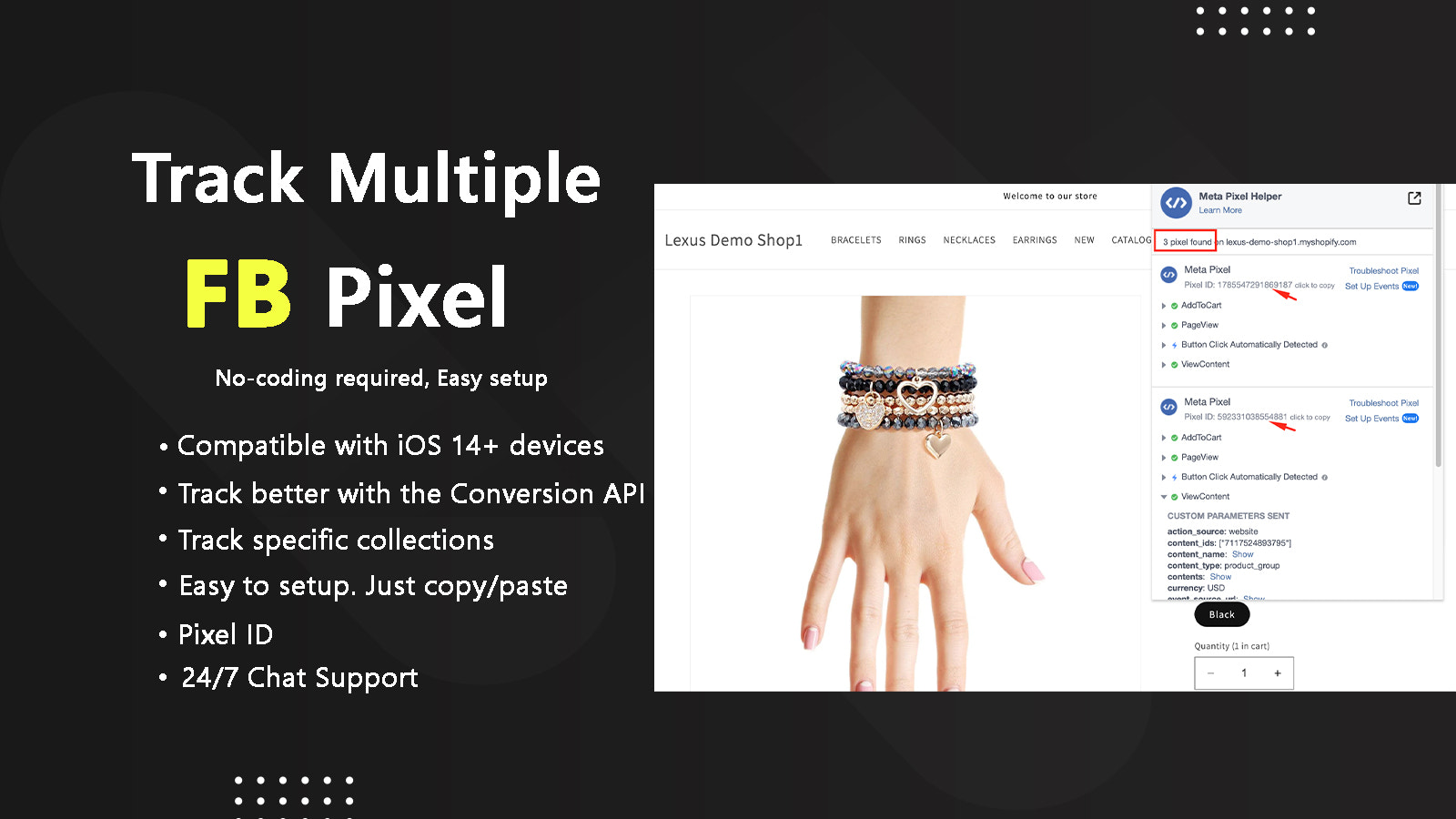
Lexus - Multiple Facebook Pixel is a must-have store app for boosting your Facebook ads. Unleash the true power of your Shopify store with Lexus - Multiple Facebook Pixel, the ultimate solution for elevating your Facebook ad campaigns. Take your marketing to new heights by integrating and managing multiple Facebook Pixels precisely and effortlessly. Revolutionize your Facebook Pixel management with ease, allowing you to seamlessly add, edit, or delete multiple Facebook Pixels via a user-friendly interface.
Core Functionality
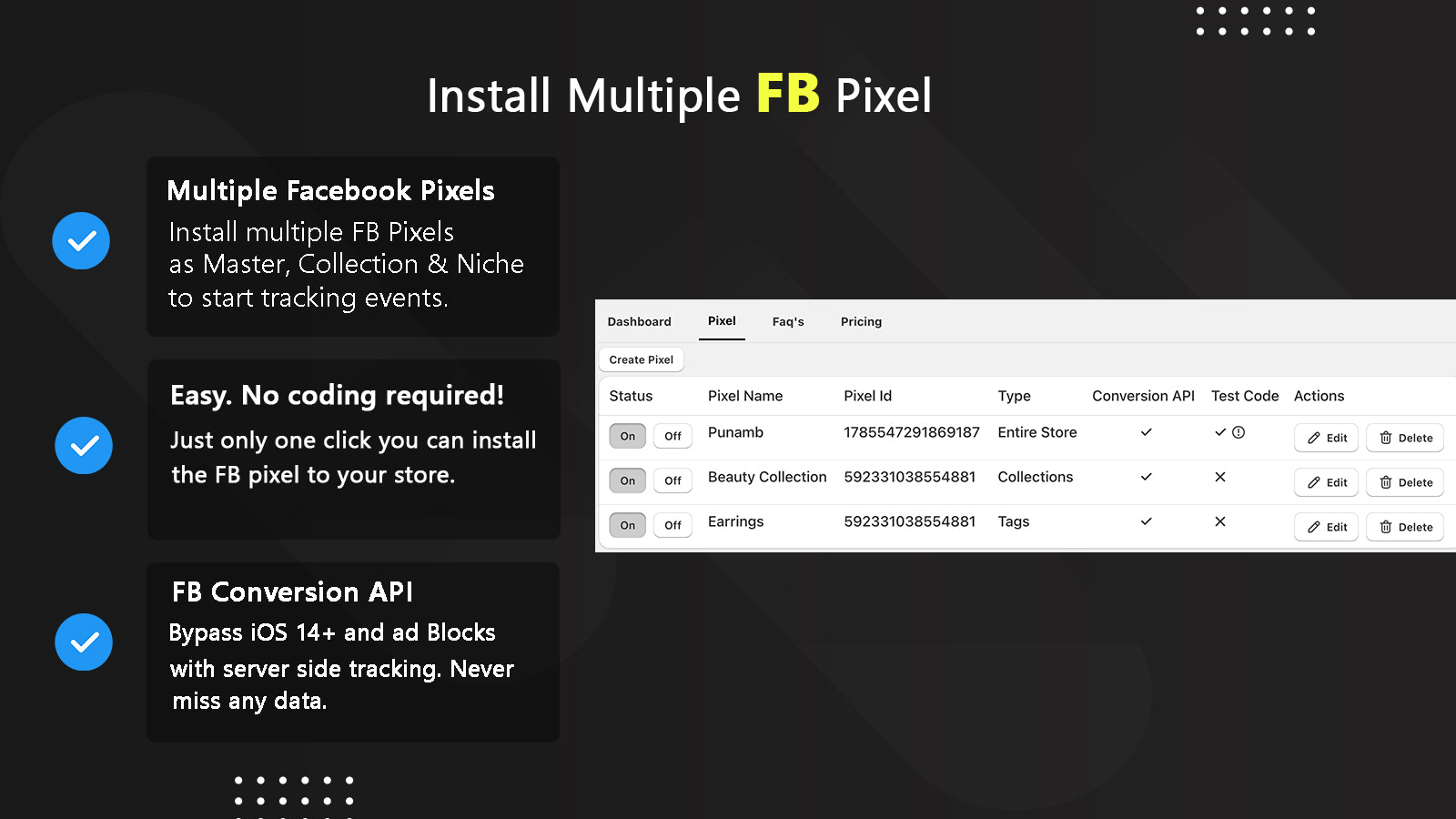
- Easily manage and organize multiple Facebook pixels from a centralized dashboard
- Customize Facebook pixel placement based on specific pages or events
- Integrate with all popular themes.
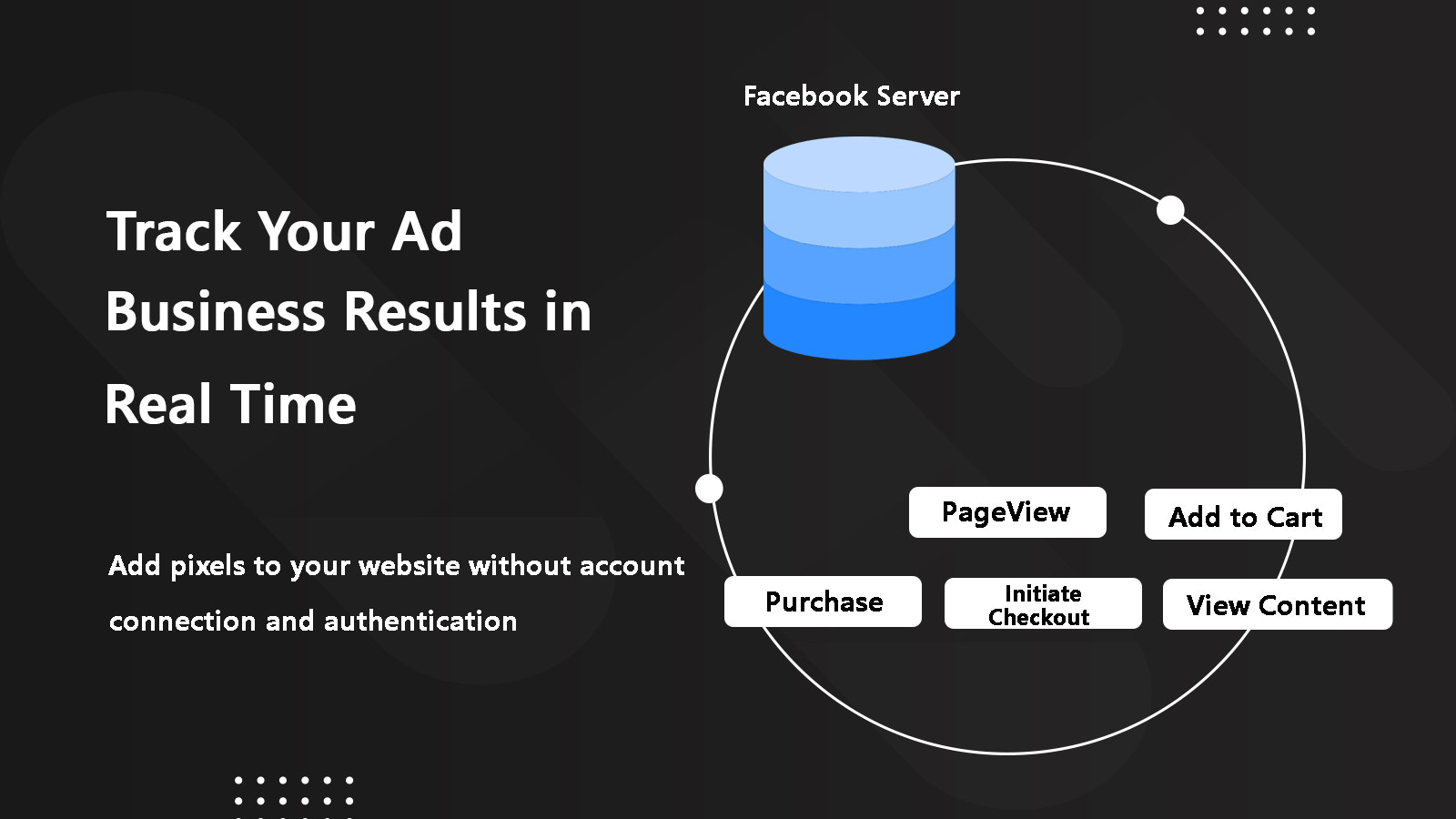
- Properly track Apple devices via iOS 14's Conversion API
Merchant-Friendly
- Social Marketing Merchants
- Independent E-commerce Stores
- Cross-border E-commerce Merchants
- Multi-channel Sellers
Basic Information
- Developer:Lexus Apps
- Address:Commerce, GA, US
- Price: Free / Free plan
- Rating:5 / 5
- Comment Count:6 comment
- Release Date:2024-2-15
- Supported languages:English
- Compatible products:Shopify
Application Screenshot


Price Plan
Free
- 1 Facebook Pixel
- Type: Entire Store
- Email Support
Unlimited Deal
- Unlimited Facebook Pixel
- Unlimited Event API Tracking
- Unlimited Server-Side Events
- Type: Entire Store
- Type: Collection Pixel
- Type: Tag Pixel
- Premium Real-Time Chat Support
Standard
- 2 Facebook Browser Pixels
- 2 Event API Tracking
- 2 Server-Side Events
- Type: Entire Store
- Live Chat Support
Premium
- Unlimited Facebook Browser Pixel
- Unlimited Event API Tracking
- Unlimited Server-Side Events
- Type: Entire Store
- Type: Collection Pixel
- Type: Tag Pixel
- Advanced Live Chat Support
User Location & Comments
User Location
Comments
Shopify API Used
- POST /admin/api/facebook_pixels.json
- GET /admin/api/facebook_pixels.json
- PUT /admin/api/facebook_pixels/{id}.json
Permission:write_facebook_pixels,read_facebook_pixels,manage_themes
- POST /admin/api/facebook_pixel_placements.json
- PUT /admin/api/facebook_pixel_placements/{id}.json
- GET /admin/api/facebook_pixel_placements/{pixel_id}.json
Permission:write_facebook_pixels,read_facebook_pixels,manage_pages
- POST /admin/api/facebook_pixel_theme_integrations.json
- GET /admin/api/facebook_pixel_theme_integrations.json
- PUT /admin/api/facebook_pixel_theme_integrations/{theme_id}.json
Permission:write_facebook_pixels,read_facebook_pixels,manage_themes
- POST /admin/api/facebook_pixel_conversion_api.json
- GET /admin/api/facebook_pixel_conversion_api/{pixel_id}.json
- PUT /admin/api/facebook_pixel_conversion_api/{id}.json
Permission:write_facebook_pixels,read_facebook_pixels,manage_conversions



