
App Introduction
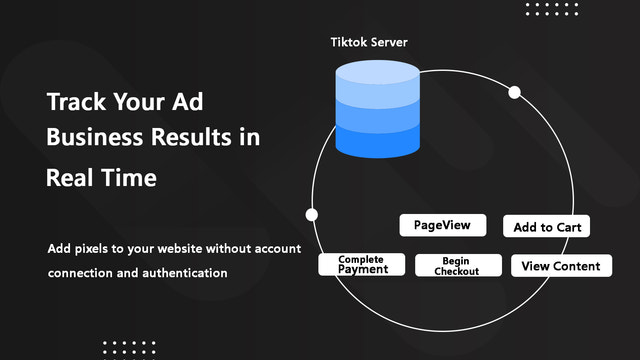
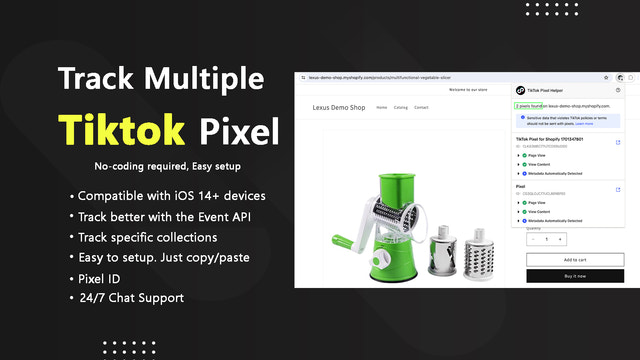
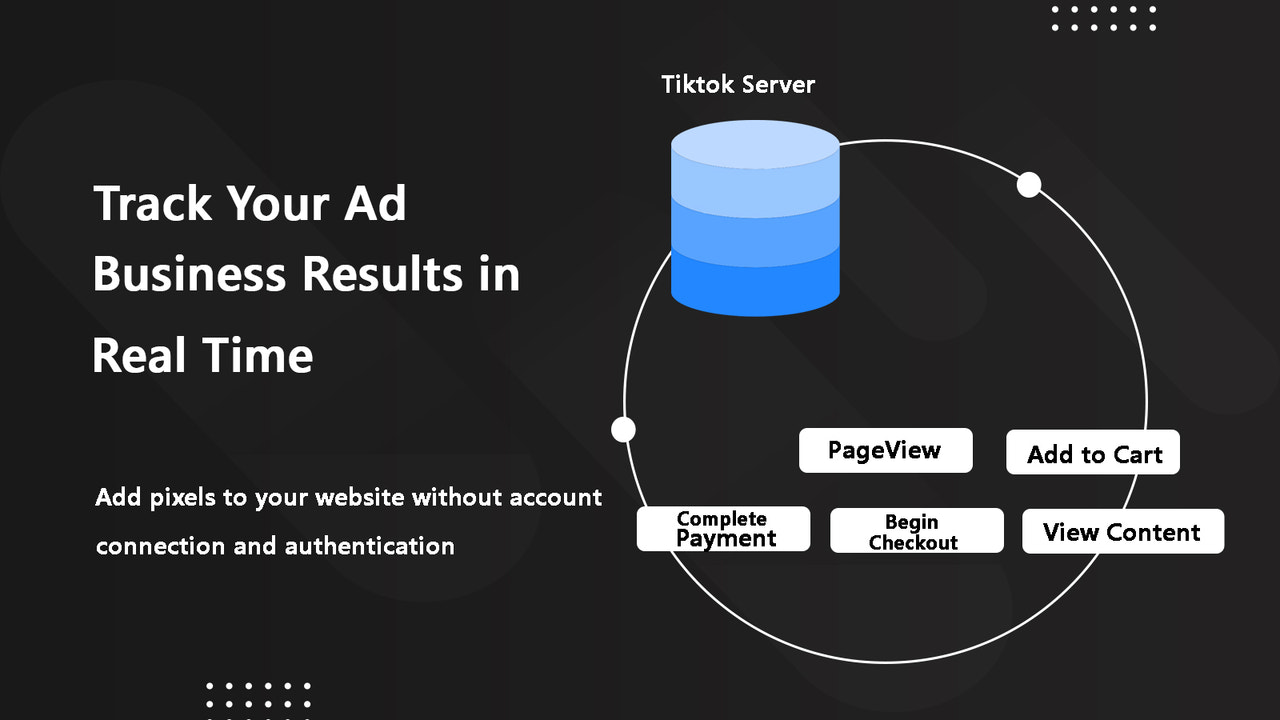
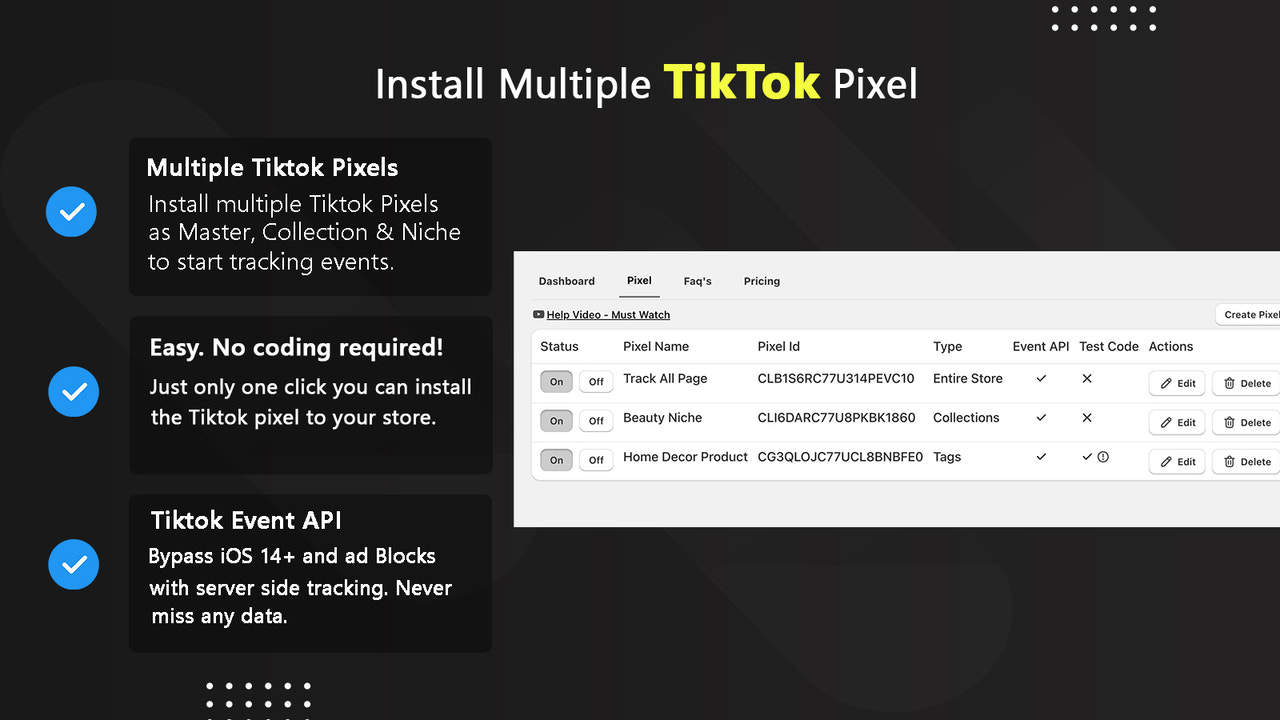
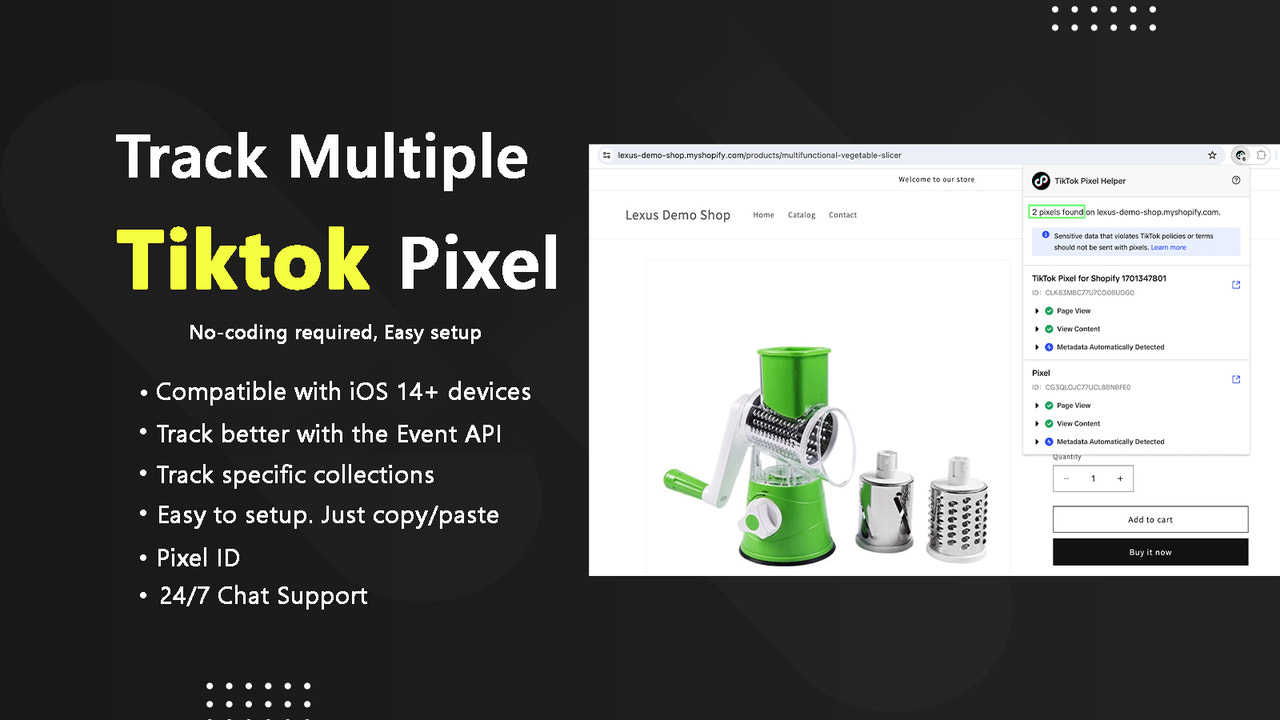
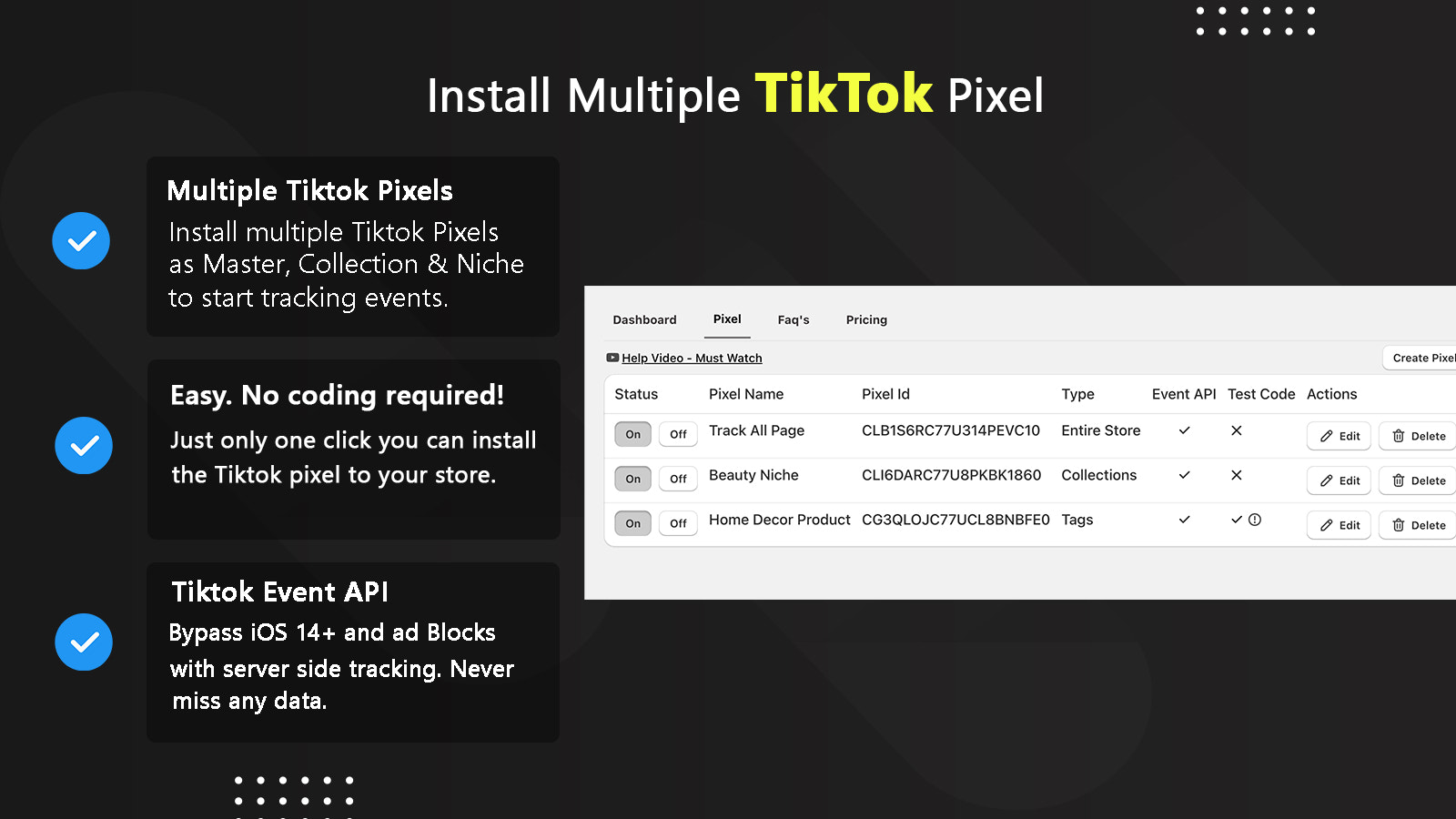
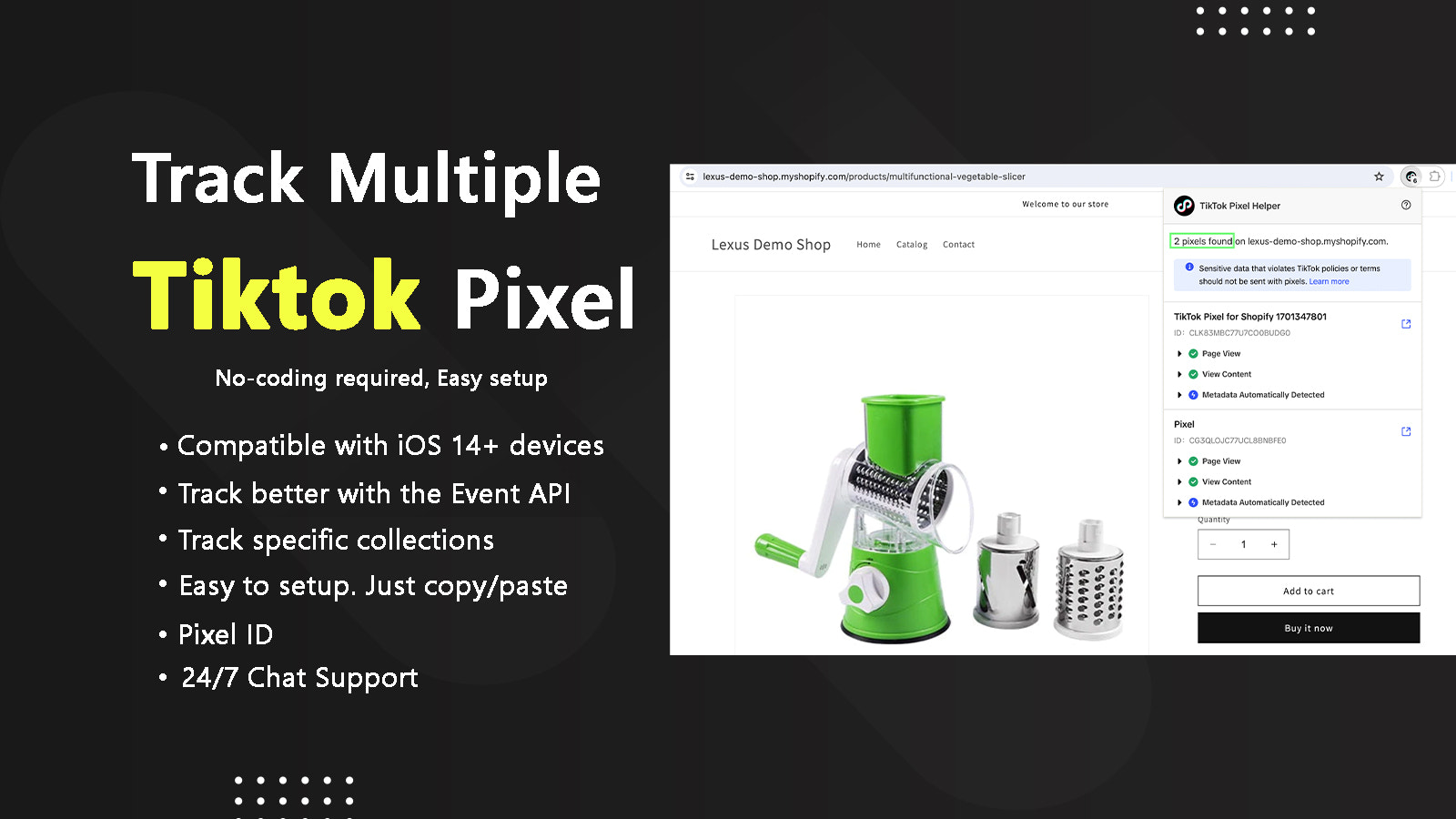
Lexus - Multiple TikTok Pixel is a must-have store app to boost your TikTok ads Unlock the full potential of your Shopify store with Lexus - Multiple TikTok Pixel, the ultimate tool to enhance your TikTok ad performance. Elevate your marketing with seamless integration and management of multiple TikTok Pixels—accurate and effortless. Simplify your TikTok Pixel management like never before. Easily add, edit, or delete multiple TikTok Pixels with a user-friendly interface. No hassle, just efficiency.
Core Functionality
- Easily manage and organize multiple TikTok pixels from a centralized dashboard.
- No coding or technical knowledge required—just copy and paste your pixel ID.
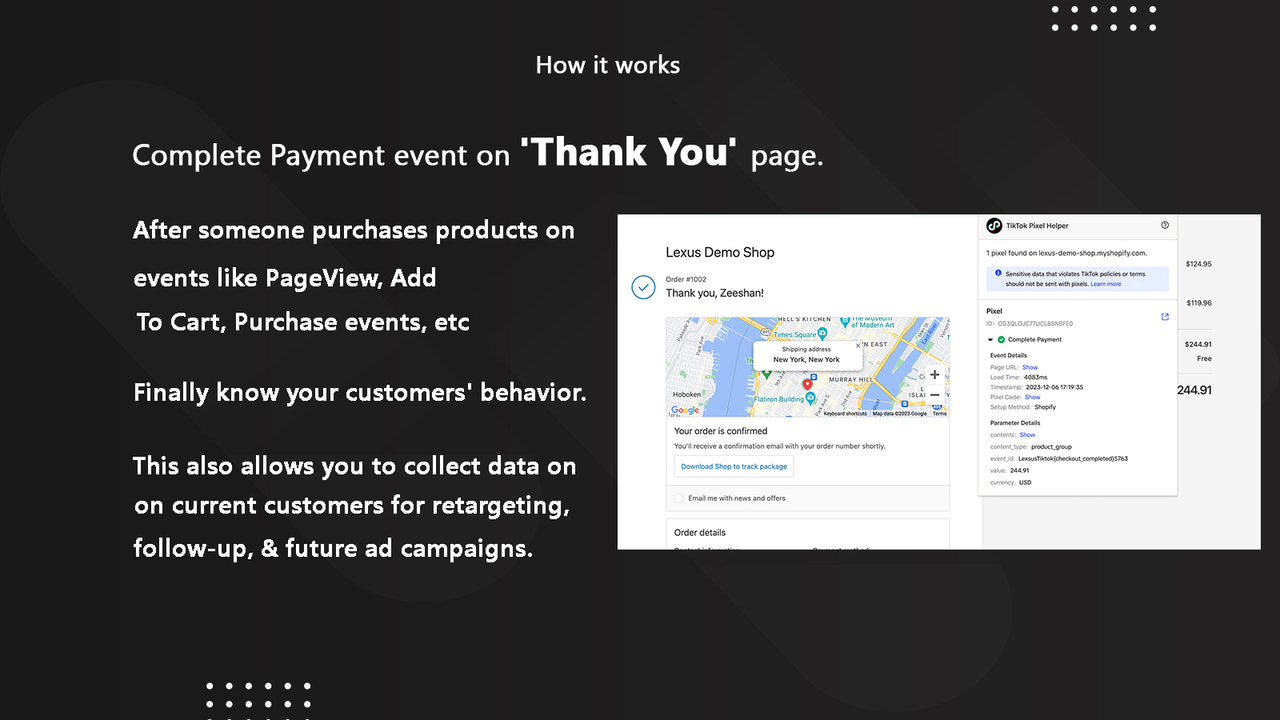
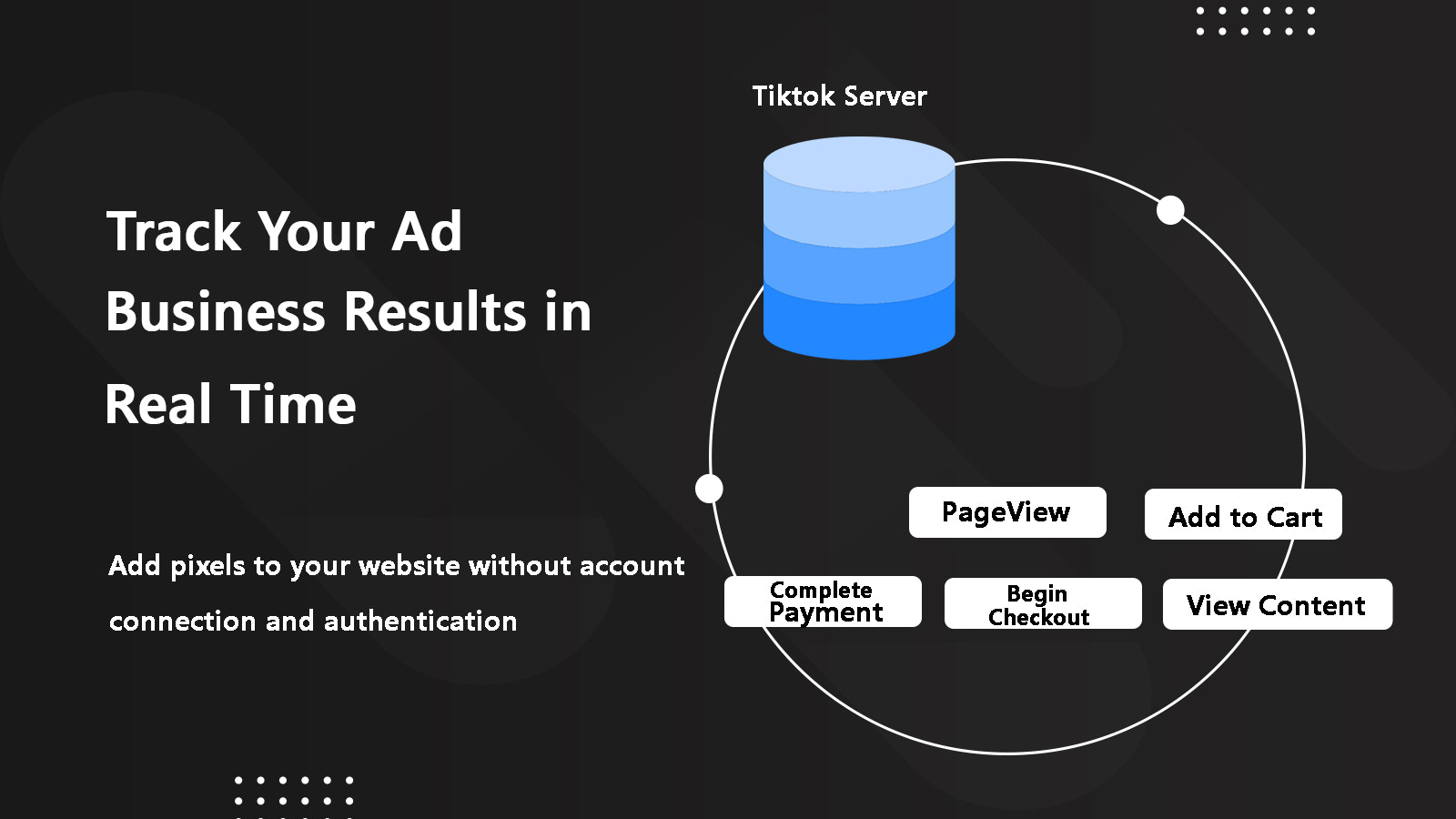
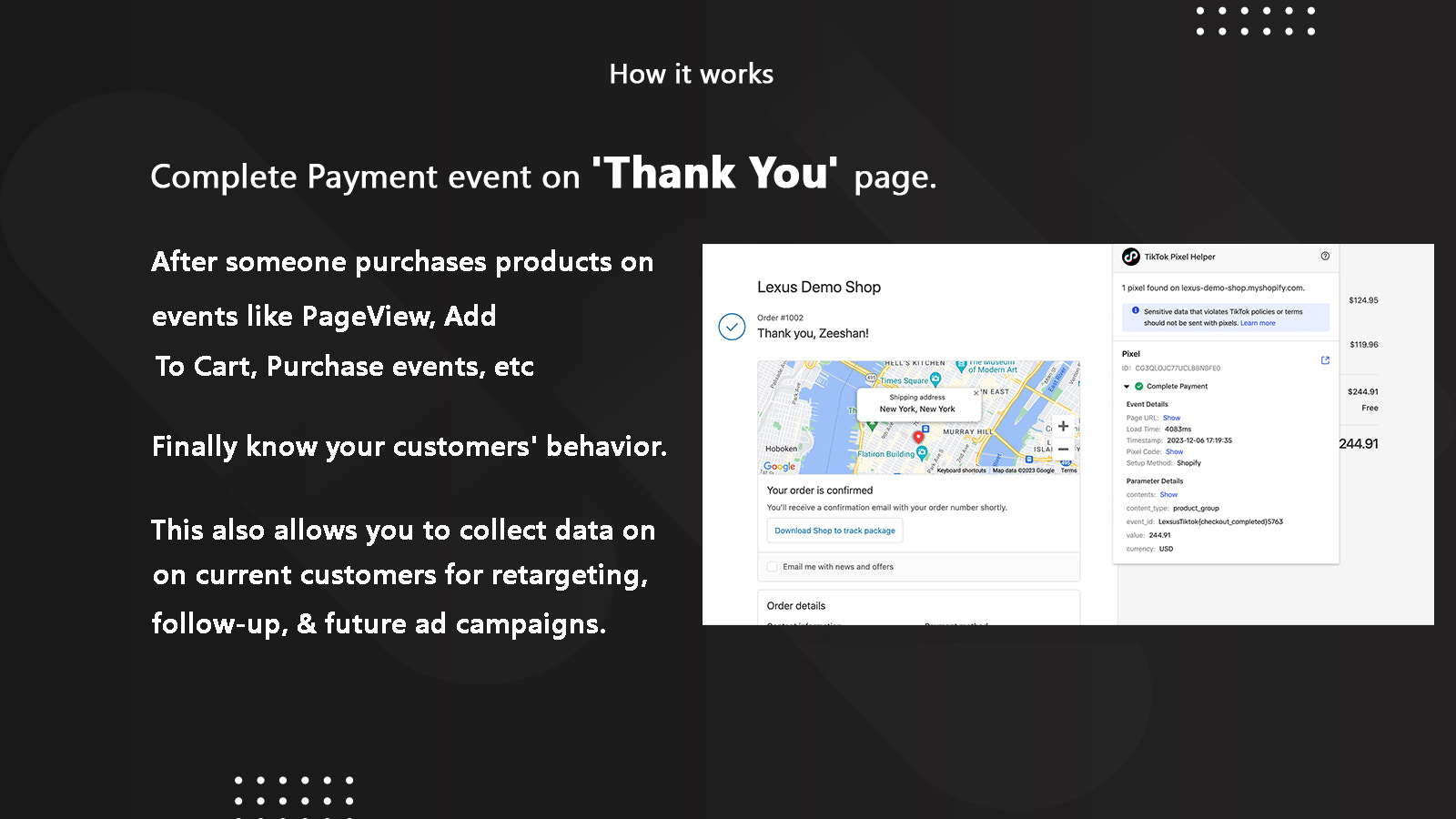
- Gain granular insights through detailed event tracking.
Merchant-Friendly
- TikTok Independent Station Merchants
- Social E-commerce Merchants
- Multi-channel E-commerce Merchants
Basic Information
- Developer:Lexus Apps
- Address:Commerce, GA, US
- Price: Free / Free plan
- Rating:5 / 5
- Comment Count:9 comment
- Release Date:2024-2-13
- Supported languages:English
- Compatible products:Shopify
Application Screenshot



Price Plan
免费
免费
- 1 TikTok Browser Pixel
- Applicable to the Entire Store
- Email Support
标准
$6.99
- 2 TikTok Browser Pixels
- 2 Event API Tracking
- 2 Server-Side Events
- Works for the Entire Store
- Real-Time Chat Support
高级
$9.99
- Unlimited TikTok Browser Pixel
- Unlimited Event API Tracking
- Unlimited Server-Side Events
- Works for Entire Store
- Works for Collection Pixels
- Works for Tag Pixels
- Advanced Live Chat Support
User Location & Comments
User Location
Comments
Shopify API Used
- POST /admin/api/tiktok_pixels.json
- PUT /admin/api/tiktok_pixels/{id}.json
- DELETE /admin/api/tiktok_pixels/{id}.json
Permission:write_tiktok_pixels,read_tiktok_pixels,manage_channels
- POST /admin/api/tiktok_pixels/setup.json
- GET /admin/api/tiktok_pixels/setup/verify.json
- PUT /admin/api/tiktok_pixels/{id}/status.json
Permission:write_tiktok_pixels,read_tiktok_pixels,manage_settings
- GET /admin/api/tiktok_pixels/{id}/events.json
- POST /admin/api/tiktok_pixels/{id}/events/settings.json
- PUT /admin/api/tiktok_pixels/{id}/events/filter.json
Permission:read_tiktok_pixels,read_analytics,manage_channels



