
App Introduction
Offer interactive PDF flipbooks and PDF viewers for your store. Convert images and PDF files into flipbooks Transform PDF files and images into interactive flipbooks and embed them anywhere in your store. There’s a Shopify wizard option to convert all existing PDF links into flipbooks. Multiple toolbar options, page-turning sounds, customization capabilities, responsiveness, a wide range of toolbar languages, and many other features make this app essential for your store. Elevate your store’s user experience and boost user engagement with TNC PDF FlipBook. Check out the live demo and overview video to learn more.
Core Functionality
- Customize your flipbook based on your brand's colors and appearance. Create it exactly the way you want
- Supports special PDFs with fillable forms, clickable links, bookmarks, and passwords
- Embed the flipbook or display it as a popup or link (new tab or fullscreen)
- In addition to flipbook, also offers vertical, horizontal, and wrap scrolling options
- Download, print, share, search, zoom, and many other toolbar options (show or hide)
Merchant-Friendly
- Brand Independent Station Merchants
- Content E-commerce Merchants
- Product Manual Merchants
- Multi-category E-commerce Merchants
Basic Information
- Developer:ThemeNcode LLC
- Address:1309 Coffeen Avenue STE 1200, Sheridan, WY, 82801, US
- Price: Free / Free plan
- Rating:5 / 5
- Comment Count:1 comment
- Release Date:2023-8-25
- Supported languages:English
- Compatible products:Shopify
Application Screenshot
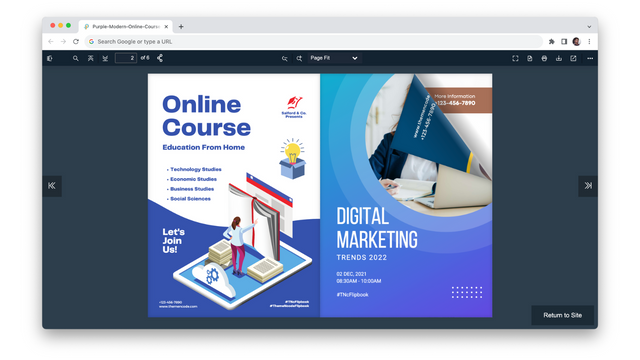
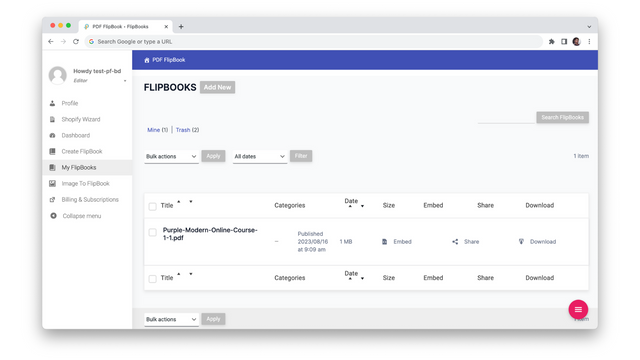
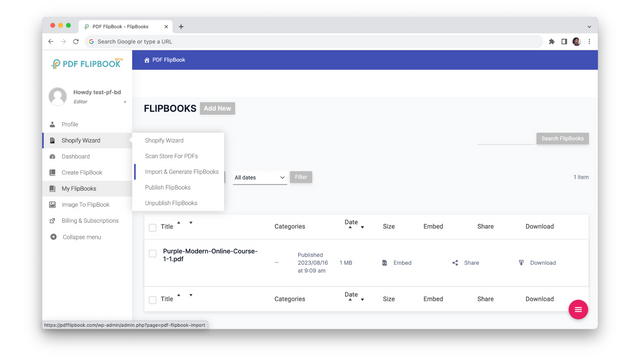
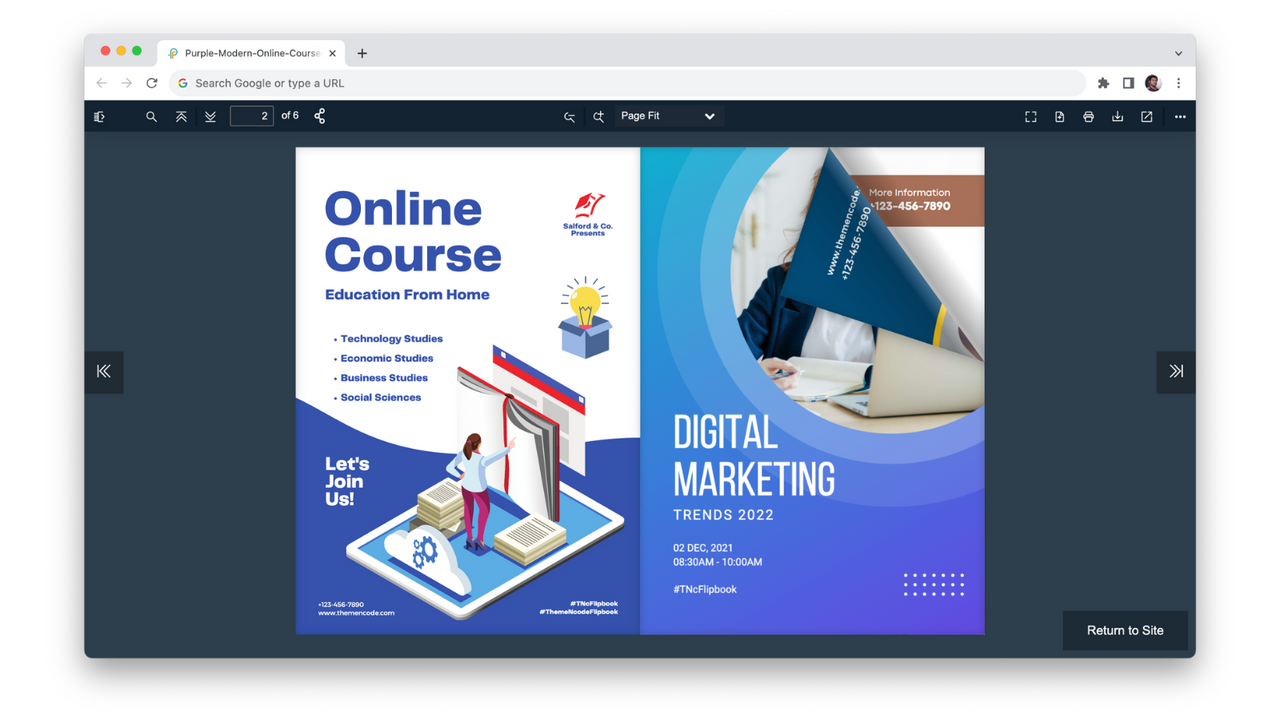
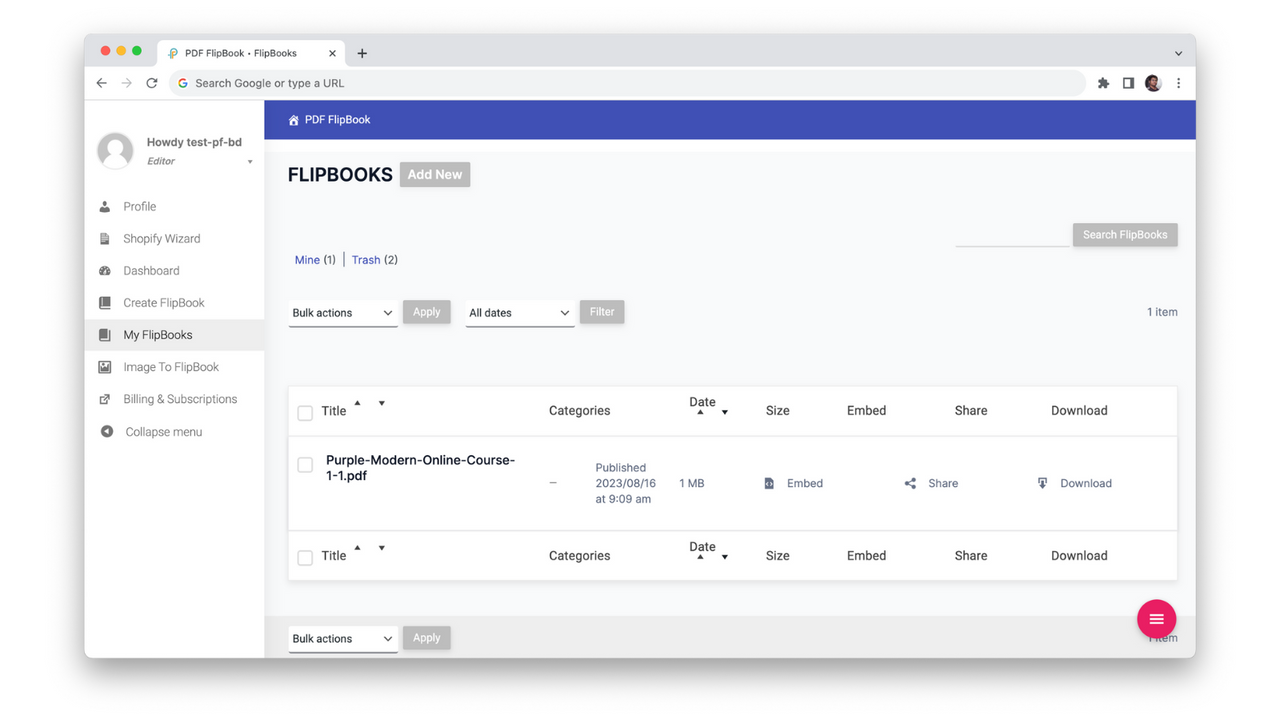
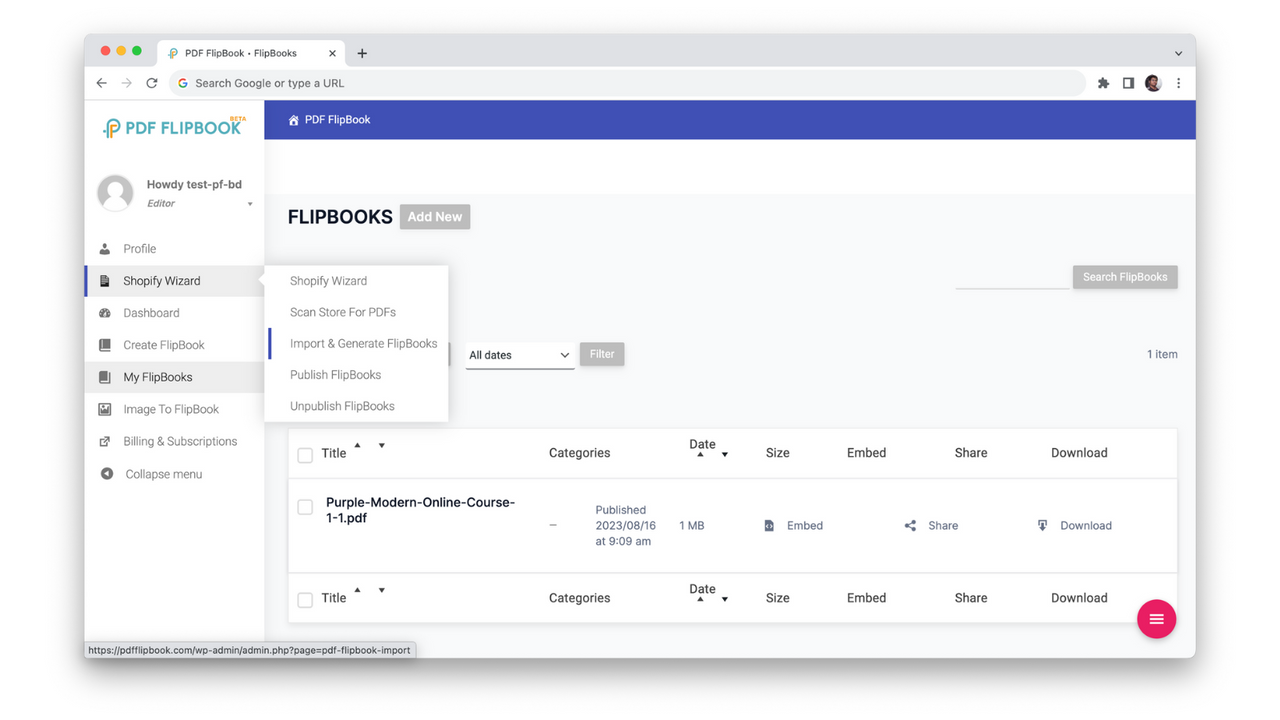
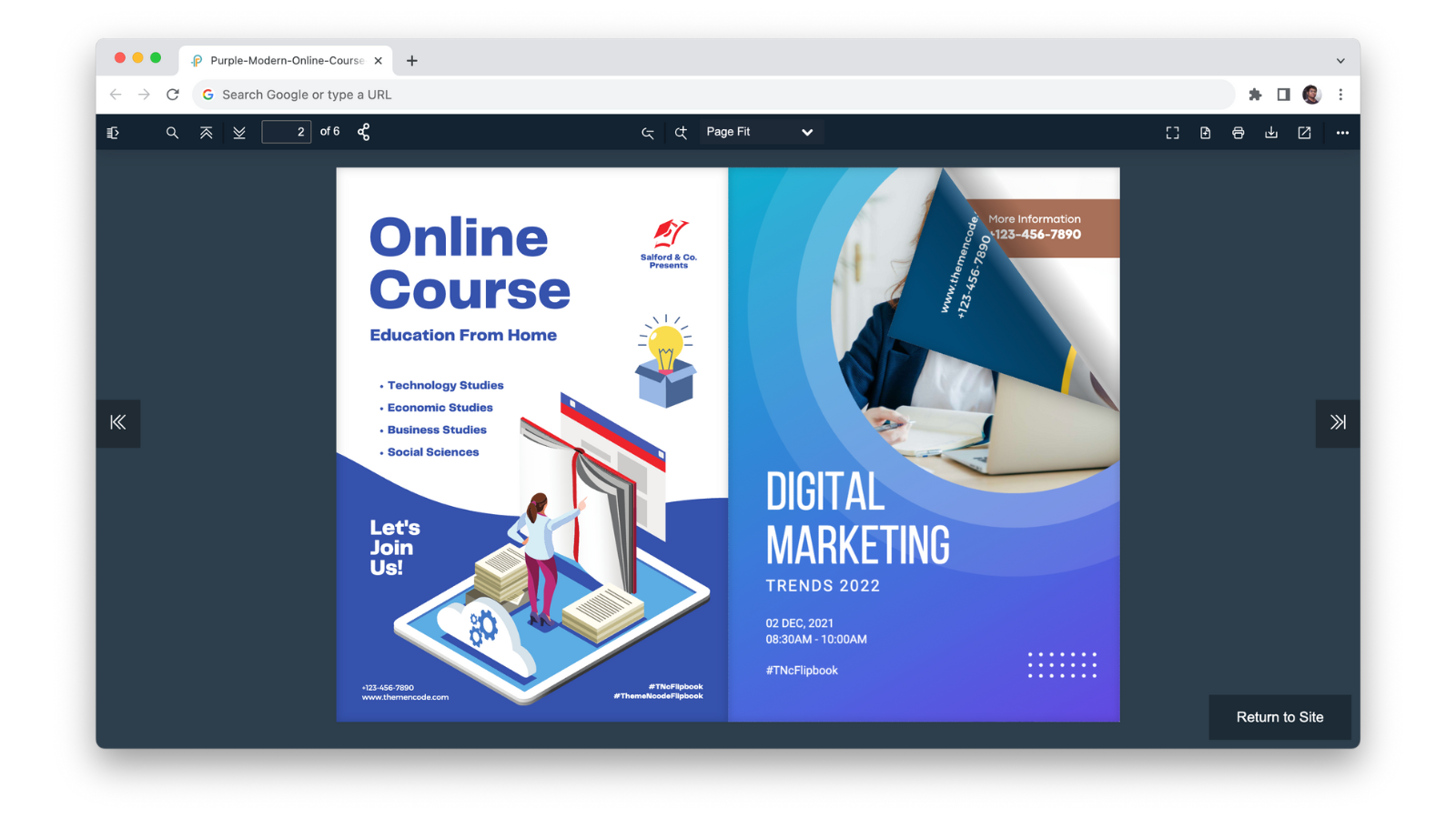
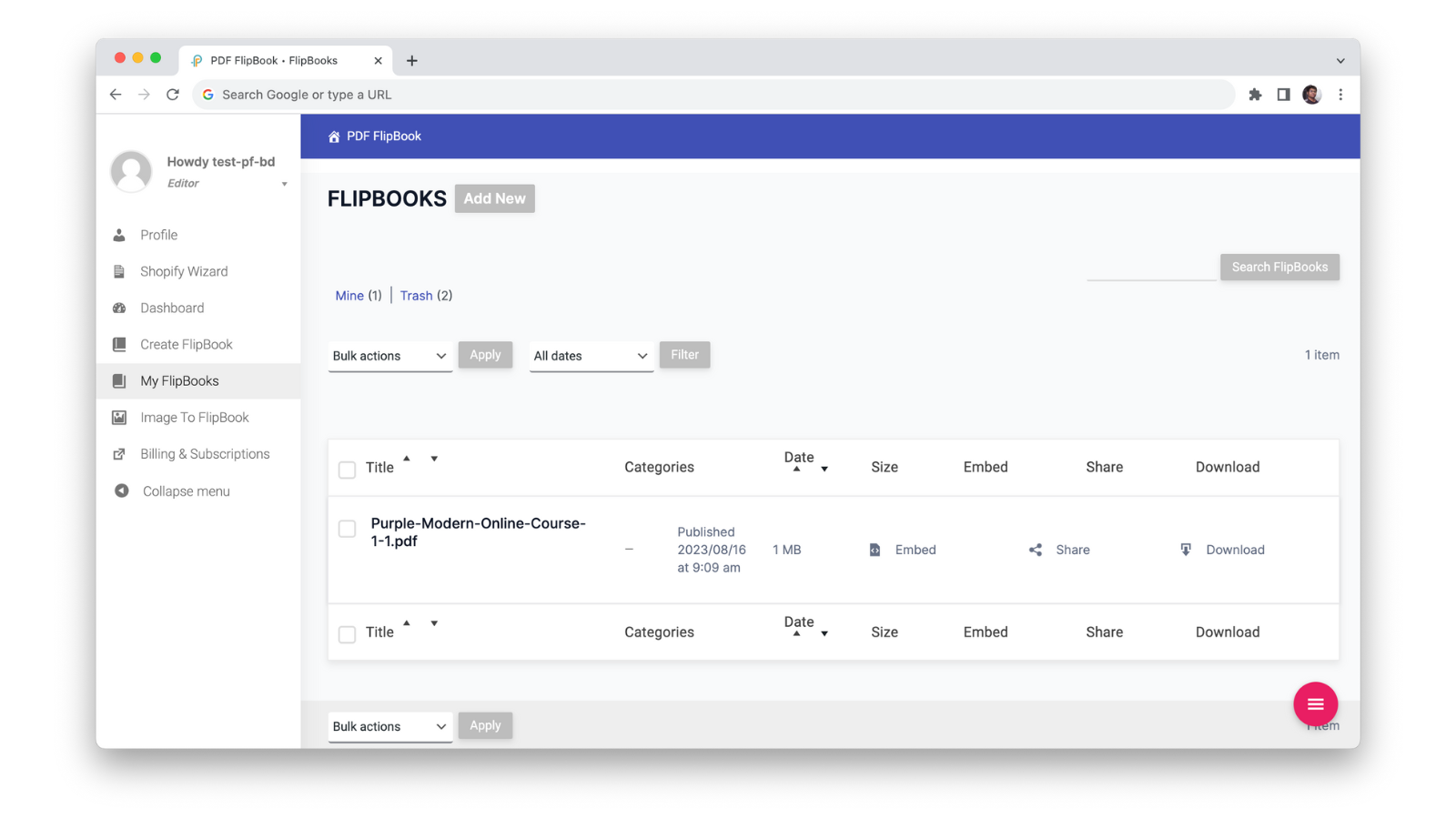
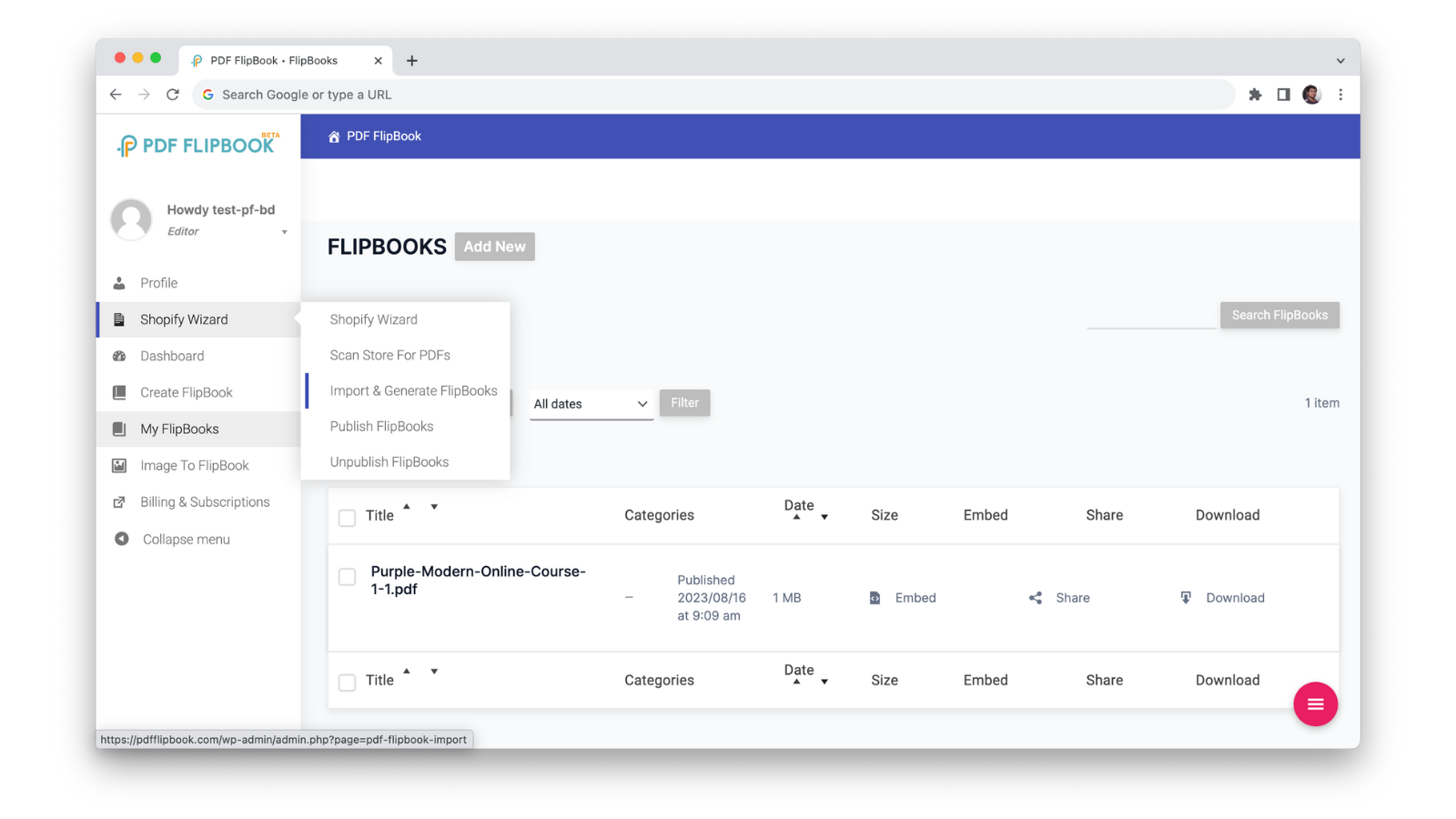
Price Plan
免费
- 1 Flipbook
- Unlimited Pages
- 1MB Total Storage
- Flipbook + PDF Viewer
- Mobile Responsive
- Customize with Your Colors
入门
- 2 Flipbooks
- 100 MB Total Storage
- Flipbook + PDF Viewer
- Mobile Responsive
- Customize with Your Colors
- Image to PDF Flipbook
基础
- 10 Flipbooks
- 600 MB Total Storage
- Flipbooks + PDF Viewer
- Mobile Responsive
- Customize with Your Colors
- Image to PDF Flipbook
商务
- 20 Flipbooks
- 1500 MB Total Storage
- Flipbook + PDF Viewer
- Mobile Responsive
- Customize with Your Colors
- Image to PDF Flipbook
User Location & Comments
User Location
Comments
Shopify API Used
- POST /admin/api/flipbook.json
- PUT /admin/api/flipbook/{id}.json
- GET /admin/api/flipbook/{id}.json
Permission:write_flipbook,read_flipbook,manage_themes
- POST /admin/api/flipbook/pdf.json
- PUT /admin/api/flipbook/{id}/pdf.json
- GET /admin/api/flipbook/{id}/pdf.json
Permission:write_flipbook,read_flipbook,manage_files
- POST /admin/api/flipbook/embed.json
- PUT /admin/api/flipbook/{id}/embed.json
- GET /admin/api/flipbook/{id}/embed.json
Permission:write_flipbook,read_flipbook,manage_content
- PUT /admin/api/flipbook/{id}/scroll.json
- GET /admin/api/flipbook/{id}/scroll.json
- POST /admin/api/flipbook/scroll/setting.json
Permission:write_flipbook,read_flipbook,manage_layout
- PUT /admin/api/flipbook/{id}/toolbar.json
- GET /admin/api/flipbook/{id}/toolbar.json
- POST /admin/api/flipbook/toolbar/option.json
Permission:write_flipbook,read_flipbook,manage_features