
App Introduction
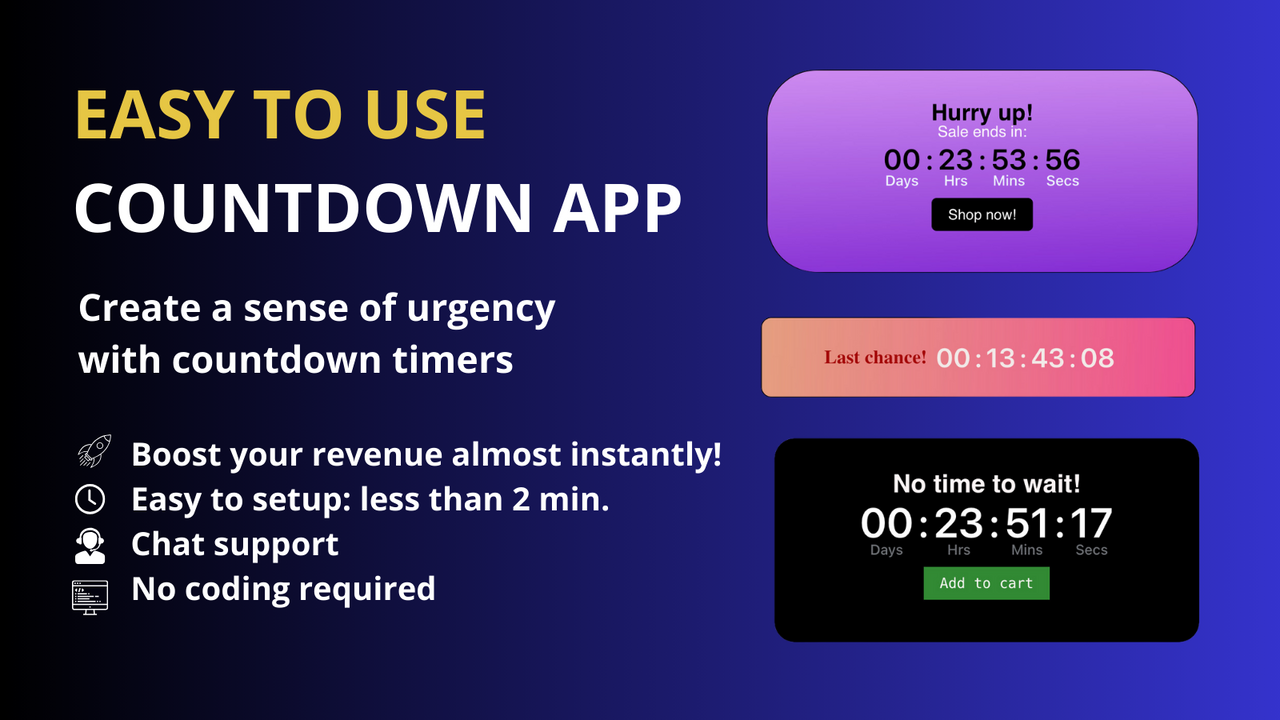
Create personalized countdown timers or use templates. Drive urgency to boost sales. Earn more sales and engagement with countdown timers. Easily create and customize timers, amplify urgency with reminders, and prompt customers to act with quick purchases. Beyond building custom countdown widgets, you can set up timers in one click by simply choosing one of our provided templates—and lift sales with various deadline countdowns, time trackers, timers, stopwatches, and deadlines. Creating event countdowns has never been simpler with our user-friendly interface.
Core Functionality
- Use between your existing countdown timer templates and many of our timer templates.
- Add countdowns in multiple locations on your website to highlight limited-time offers.
- Use real-time countdown clocks as scroll bars and alerts to create a sense of urgency.
- Customize a ticking clock for your desired intervals using a time tracker and deadline.
- Choose between date-limited, fixed-minute, or daily-repeating timers.
Merchant-Friendly
- Limited-time Promotion Merchants
- Independent Station Merchants
- Fast-moving Consumer Goods E-commerce
- Event Marketing Merchants
Basic Information
- Developer:Rapi Apps
- Address:Albuquerque, NM, US
- Price: Free / Free plan
- Rating:4.8 / 5
- Comment Count:134 comment
- Release Date:2023-10-17
- Supported languages:English
- Compatible products:Shopify
Application Screenshot


Price Plan
Starter - 免费
- First 5000 Page Views
- Multiple Locations
- Scheduled Timer
- Custom Style Options
- Repeat Timer
- 24/7 Live Chat
MVP计划
- 50,000 Page Views per Month
- Includes All Features of Starter - Free
- Unlimited Timers
- More Features
- Add Custom Links
- 24/7 Online Chat
VIP计划
- Unlimited Browsing
- Unlimited Features
- Includes All MVP Features
- Unlimited Timer Blocks
- Triggered by Product Tags
- Country Targeting
- 24/7 Live Chat
User Location & Comments
User Location
Comments
Shopify API Used
- POST /admin/api/metafields.json
- PUT /admin/api/metafields/{id}.json
- GET /admin/api/metafields.json
Permission:write_metafields,read_metafields,manage_themes
- POST /admin/api/sections.json
- PUT /admin/api/sections/{id}.json
- GET /admin/api/sections.json
Permission:write_sections,read_sections,manage_themes
- POST /admin/api/metafields.json
- PUT /admin/api/metafields/{id}.json
- GET /admin/api/metafields.json
Permission:write_metafields,read_metafields,manage_themes
- POST /admin/api/metafields.json
- PUT /admin/api/metafields/{id}.json
- GET /admin/api/metafields.json
Permission:write_metafields,read_metafields,manage_themes
- POST /admin/api/metafields.json
- PUT /admin/api/metafields/{id}.json
- GET /admin/api/metafields.json
Permission:write_metafields,read_metafields,manage_themes